
RAID capacity calculator: usable TB, TiB & spare drives
Compare equal-drive conventional RAID capacity, hot spares and an explicitly unused share.
Storage
RAID usable capacity and drive-count planner
Compare equal-drive conventional RAID capacity, hot spares and an explicitly unused share.
Example inputs · Replace these with your measurements to build your plan.
Method, example and sources
- Separate active drives from dedicated hot spares.
- Apply the selected conventional layout to equal-capacity active drives.
- Remove the entered unused reserve and convert decimal TB to TiB.
- Reverse-size the entered target without claiming performance or backup protection.
Worked example. Four equal 8 TB drives in RAID5 provide 24 TB before reserve and formatting. Keeping 20% unused leaves 19.2 TB; the hot-spare count is separate.
Your planning result
Usable capacity for the declared layout
Equal-drive conventional RAID arithmetic; spares and reserve are counted separately.
- Raw installed
- 32TB
- Active drives
- 4
- Dedicated spares
- 0
- Usable capacity
- 24TB
- Usable binary capacity
- 21.8279TiB
- Unused reserve
- 0TB
- Minimum total drives for target
- 4
- Usable24 TB
- Reserve0 TB
- Protection and spares8 TB
- TB means 10^12 bytes; TiB means 2^40 bytes.
- Formatting, filesystem overhead, mixed-drive policies, rebuild performance and backup are separate.
24 TB is usable capacity after the entered RAID reserve. Recording rates and recorder ingest still need your inputs.
Storage
Screen NAS drive additions and support
Check bays, nominal interface, form factor, workload and entered OEM support without assuming an array migration.
Example inputs · Replace these with your measurements to build your plan.
Method, example and sources
- Count free bays before adding the selected number of drives.
- Compare declared interface and carrier/form-factor requirements.
- Calculate only the new drives' raw capacity and workload allowance.
- Record exact NAS, drive, firmware and capacity-variant support before proceeding.
Worked example. Two added 8 TB drives contribute 16 TB of raw capacity. This does not say how much a running array can expand or whether its firmware supports the drives.
Planning result · confirm model details
Separate physical screening from OEM support
Added capacity is raw; existing drive capacities and array expansion behavior have not been assumed.
- Bays remaining after addition
- 0
- Added raw capacity
- 16TB
- Added raw binary capacity
- 14.5519TiB
- Workload allowance remaining
- 120TB/year
| Check | Entered result |
|---|---|
| Available bays | Within / documented |
| Same entered interface | Within / documented |
| Same entered form factor | Within / documented |
| Entered workload allowance | Within / documented |
| Exact supported configuration | Review required |
- Not listed is not proven incompatible. A matching interface/form factor does not establish NAS firmware support.
- SAS controllers, carriers/adapters, sector format, CMR/SMR policy, workload limits and array migration require exact model evidence. Use the RAID tool separately for usable capacity.
From the catalog
Hard Drives/Solid State Drives
Explore related listings, then confirm the exact model requirements against your plan. These listings are not an automatic compatibility or capacity verdict.
- BuffaloBUFFALO 4 TB Spare Replacement NAS Hard Drive for DriveStation Quad (OP-HD4.0QH) - SATA - NAS GradeOP-HD4.0QH
$383.99
$357.11
2 in stock - BuffaloBUFFALO 3 TB Spare Replacement NAS Hard Drive for DriveStation Quad (OP-HD3.0QH) - SATA - NAS GradeOP-HD3.0QH
$263.99
$245.51
12 in stock - BuffaloBUFFALO 2 TB Spare Replacement NAS Hard Drive for DriveStation Quad (OP-HD2.0QH) - SATA - NAS GradeOP-HD2.0QH
$227.99
$212.03
4 in stock - BuffaloBUFFALO 6 TB Spare Replacement NAS Hard Drive for DriveStation Quad (OP-HD6.0QH) - SATA - NAS GradeOP-HD6.0QH
$623.99
$580.31
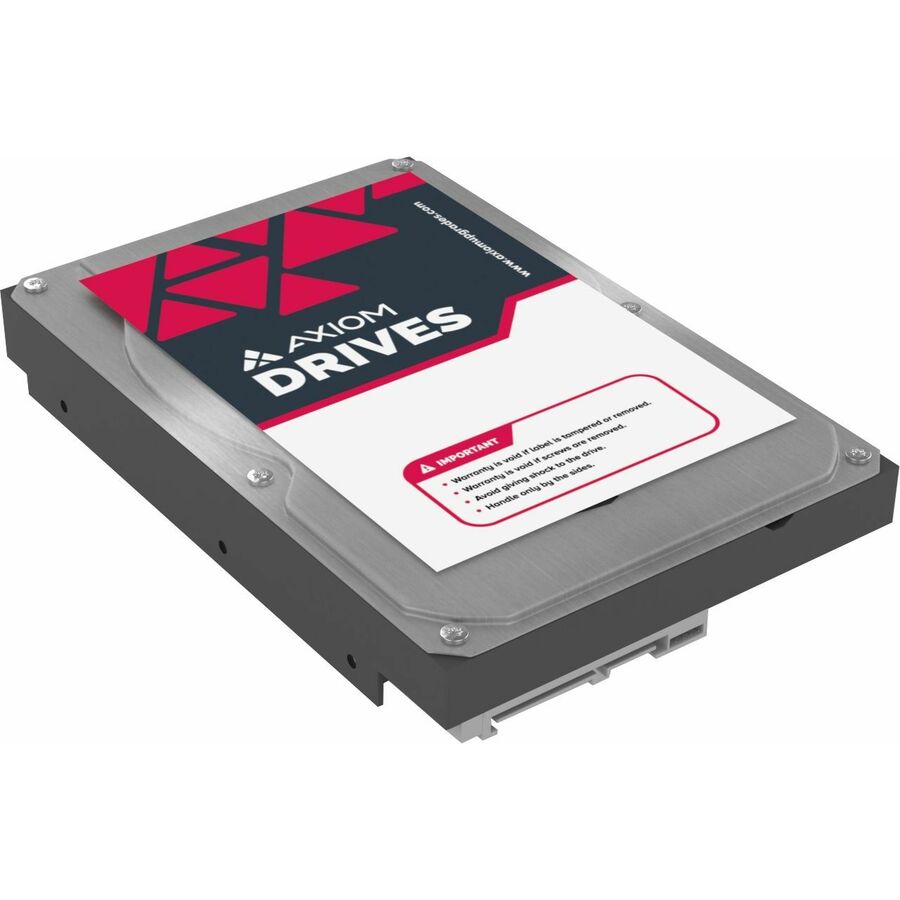
2 in stock - Axiom Memory Solutions16TB 6Gb/s SATA 7.2K LFF NAS HDD - AXHD14T7235A3N - Axiom 16TB 6Gb/s SATA 7.2K RPM LFF 3.5-inch NAS Bare Hard DriveAXHD16T7235A3N
$2,608.00
$2,241.96
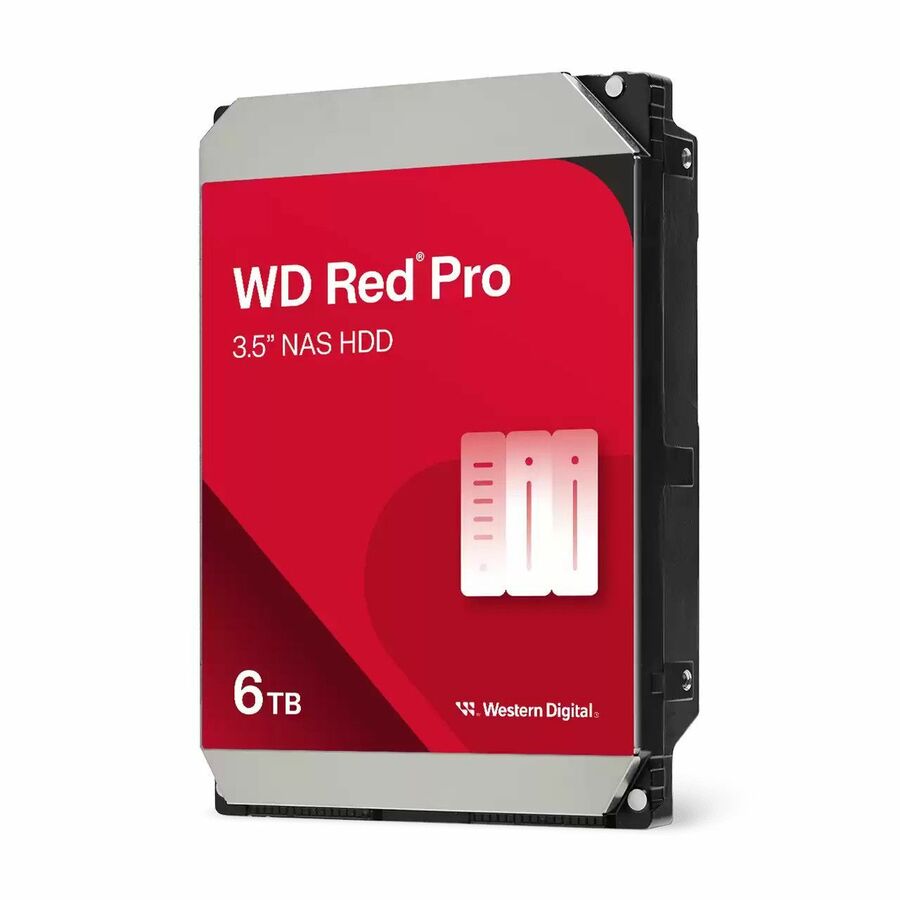
1 in stock - Western DigitalWD Red Pro 6 TB Hard Drive - NAS Device Supported - 20WD6005FFBX-20PK
$7,795.16
1 in stock



Capacity begins with the layout
Start with the capacity of one actual drive and the number of physical drives you will install. Dedicated hot spares remain installed but do not add online capacity. This worksheet models conventional equal-drive RAID, including an even mirrored-pair count for RAID10; it does not reproduce every enclosure vendor's expansion or mixed-drive policy.
Keep reserve and protection separate
The unused share is removed from the capacity available after the selected layout. It is not another parity drive. Decimal TB and binary TiB describe the same bytes with different units. Filesystem metadata, snapshots and application reserve can reduce capacity further. A calculated capacity does not establish controller support, rebuild behavior, performance or recoverability; keep a separate backup plan.
Worked example
Four equal 8 TB drives in RAID5 provide 24 TB before reserve and formatting. Keeping 20% unused leaves 19.2 TB; the hot-spare count is separate.
Physical screening is only the first step
Begin with the number of actually usable bays and those already occupied. Compare the enclosure and drive interface and physical carrier requirements, then consider the workload rating of the exact drive. A nominal mismatch is a review item, not a universal compatibility rule: an OEM may document a supported controller or carrier arrangement that requires more specific evidence.
Preserve the support-list distinction
A drive absent from a support list is not automatically proven incompatible. Exact firmware, capacity variant, sector format and enclosure policy matter, and some configurations have vendor support limits beyond physical fit. The additional capacity shown is raw; existing drive sizes and array migration were not assumed. Use a separate layout calculation and a tested backup plan before changing a populated system.
Worked example
Two added 8 TB drives contribute 16 TB of raw capacity. This does not say how much a running array can expand or whether its firmware supports the drives.