
Short answer
RAID 5 and RAID 10 protect data differently: RAID 5 distributes one drive's worth of parity across the set and keeps N-1 drives of usable capacity, while RAID 10 mirrors every drive and keeps half the raw capacity. Choose RAID 5 for read-heavy capacity on a modest number of drives; choose RAID 10 for write-heavy work and fast rebuilds. Neither is a backup.
Key facts
- RAID 5 distributes parity across every member disk and needs a minimum of three devices; usable capacity is the set minus one drive.
- RAID 10 is RAID 1 plus RAID 0, so usable capacity is half the raw total; a hardware controller wants an even drive count of at least four.
- RAID 5 survives one drive failure; RAID 10 survives one failure per mirror pair, but loses the array if both halves of one pair fail together.
- A small RAID 5 write costs about four back-end I/Os (read data, read parity, write data, write parity) against about two for a RAID 10 mirror write.
- A RAID 5 rebuild reads every surviving drive in full with no redundancy left; a RAID 10 rebuild copies from one partner drive.
- RAID 6 is the middle ground: two independent parity blocks, so it survives a second failure during a rebuild, at two drives of capacity.
Buyers rarely ask this question in the abstract — they ask it while sizing a specific array and staring at the gap between raw capacity purchased and usable capacity delivered. RAID 5 is attractive because it costs only a single drive's worth of parity across the whole set, so a large array keeps most of its raw space. RAID 10 mirrors everything, so half the raw capacity disappears before a single byte of data lands. On a spreadsheet, RAID 5 almost always looks like the better buy.
The catch is that capacity efficiency is only one axis. RAID 10's mirrored layout has no parity to compute, so random writes are fast and rebuilds are simple copies. RAID 5 pays a write penalty on every small (partial-stripe) write — read old data, read old parity, write new data, write new parity — and rebuilds by reading every remaining drive in full to recalculate the lost member, a long, I/O-heavy operation whose risk grows sharply as individual drive capacities climb into the multi-terabyte range. The decision is really a bet about your workload's write pattern and your tolerance for rebuild-window exposure, not about which number is bigger on the capacity line.
At a glance
Side by side
| Factor | RAID 5 | RAID 10 |
|---|---|---|
| Minimum drives | 3 | 4 (even number) |
| Usable capacity | (N-1) drives — one drive of parity | 50% — half lost to mirroring |
| Fault tolerance | Any 1 drive; array is exposed until rebuilt | 1 per mirror pair; can survive several if never both sides of a pair |
| Write penalty | ~4 back-end I/Os per small write (data + parity) | ~2 I/Os per write (mirror copies) |
| Read performance | Strong when healthy; drops in degraded mode (parity reconstruction) | Strong; load-balances across mirror halves, barely affected by one failure |
| Rebuild behavior | Reads all surviving drives, recomputes parity — long, I/O-intensive | Copies from the surviving mirror — fast, low-stress |
| Rebuild risk with large drives | Higher — long window plus URE exposure across the full set | Lower — only the partner drive is stressed |
| Typical fit | Capacity-oriented, read-heavy, sequential workloads | Write-heavy, latency-sensitive, transactional workloads |
Choose RAID 5 when
- Usable capacity per dollar is the priority and the workload is predominantly reads
- Access is largely sequential — file shares, backups, media libraries, archival tiers
- Drive counts are moderate and individual drives are not the largest available capacities
- The write rate is low enough that the parity write penalty won't bottleneck the array
Choose RAID 10 when
- The workload is write-heavy or latency-sensitive — databases, virtualization, transactional systems
- Fast, low-risk rebuilds matter and you're using large-capacity drives
- Consistent random I/O performance is more valuable than maximizing usable capacity
- You can absorb losing half of raw capacity in exchange for resilience and speed
Bottom line
Choose RAID 10 for write-heavy data and fast rebuilds; choose RAID 5 for read-heavy capacity on a small set — and back up either. RAID 5 wins on usable capacity and suits read-heavy, sequential, capacity-driven workloads where writes are modest. RAID 10 wins on write performance and rebuild survivability, which is why it dominates databases, virtualization, and latency-sensitive transactional systems, especially as drive capacities grow. Size the decision to your write pattern and your rebuild-window risk tolerance, not to the capacity number alone.
Products for this decision
RAID 5 capacity
Western Digital
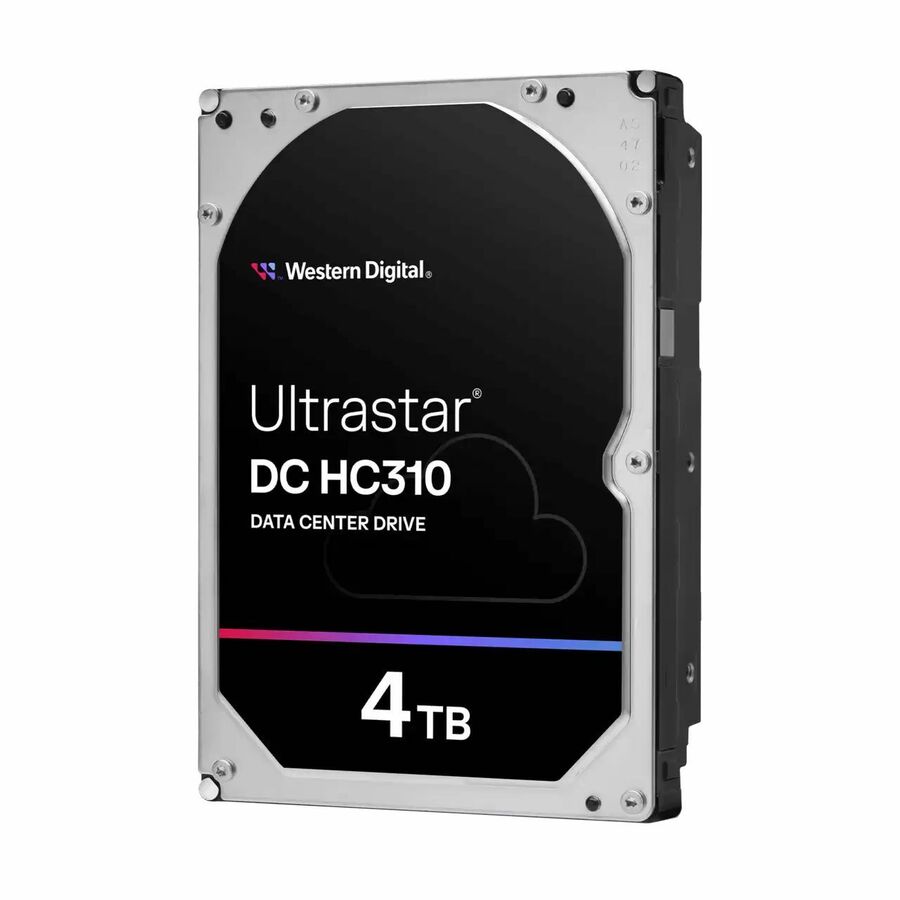
Western Digital Ultrastar 7K6 HUS726T4TALS204 4 TB Hard Drive
0B35919
A 4 TB 7200 rpm SAS 12Gb/s enterprise drive in 512e format — a moderate member size, which is the case RAID 5's rebuild window still suits.
$194.16Back-orderedWhere RAID 5 stops
Seagate Technology
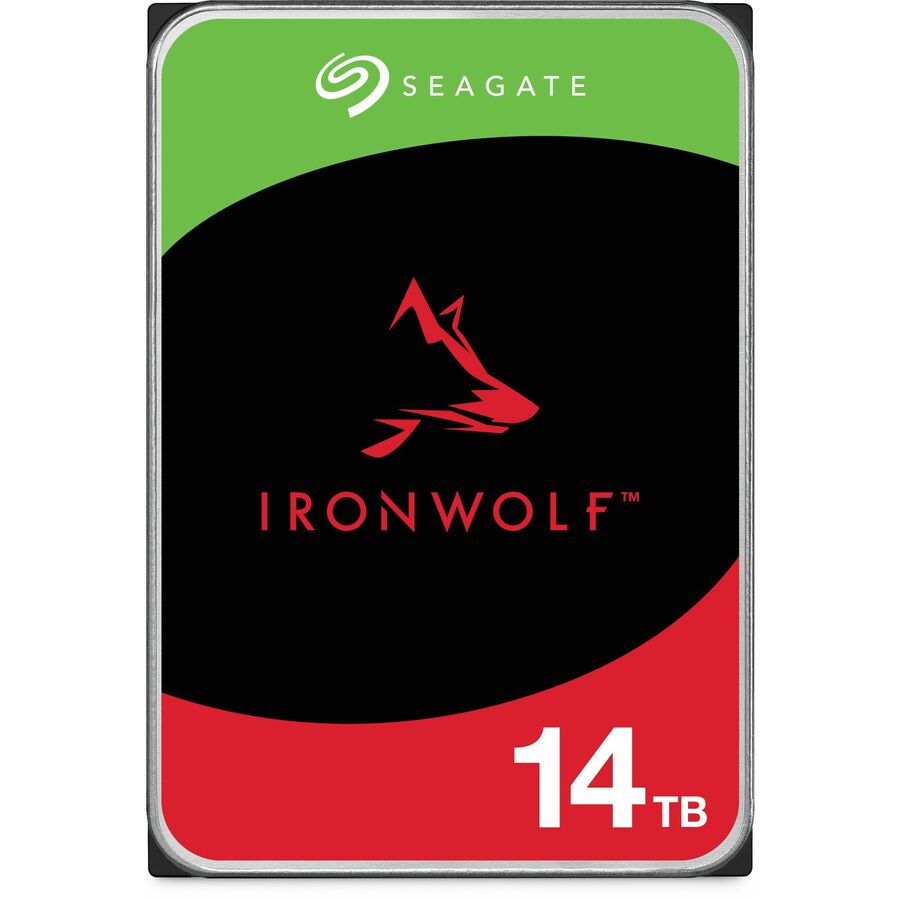
Seagate IronWolf ST14000VNA008 14 TB Hard Drive
ST14000VNA008
A 14 TB CMR NAS drive. At this member size a RAID 5 rebuild reads tens of terabytes with no redundancy left, which is the argument for RAID 6 or RAID 10.
$3,370.91Back-orderedRAID 10 members
Seagate Technology
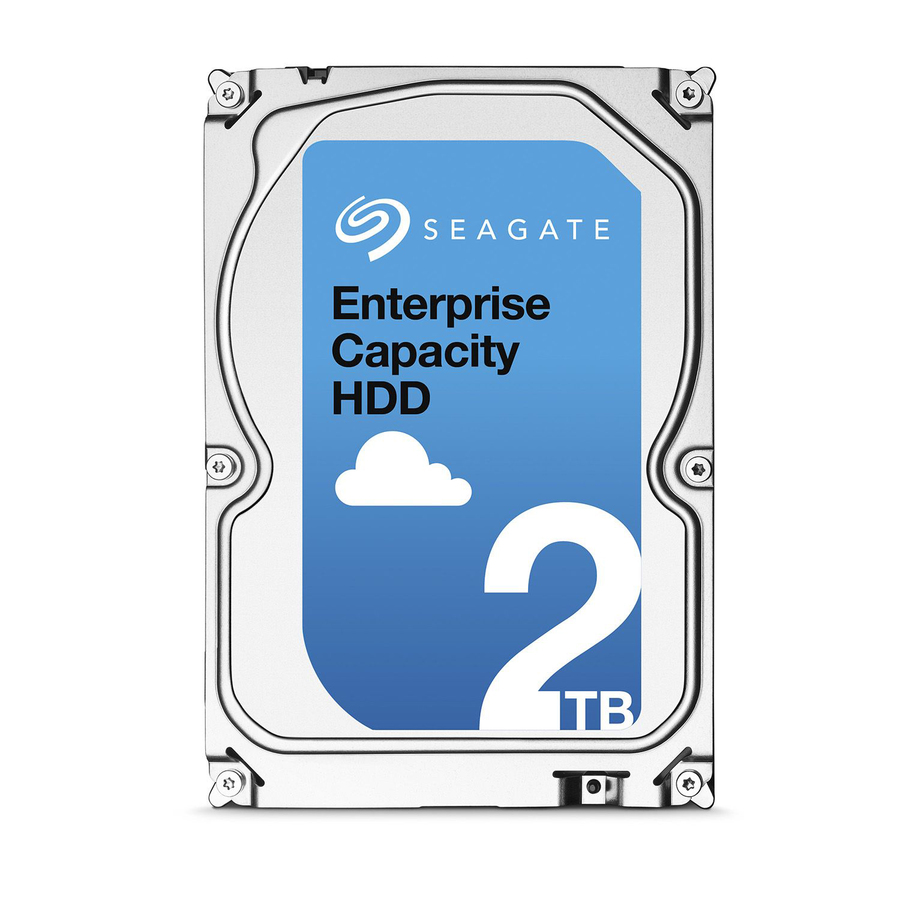
Seagate ST2000NM0045 2 TB Hard Drive
ST2000NM0045
A 2 TB 7200 rpm SAS drive — smaller members in even pairs, so a RAID 10 rebuild is a single-partner copy rather than a full-set read.
$157.84In stockWrite-heavy RAID 10

Seagate Technology
Seagate IronWolf Pro 125 ZA960NX10001 960 GB Solid State Drive
ZA960NX10001
A 960 GB SATA enterprise SSD rated 1 drive write per day, for the transactional and virtualisation work where RAID 5's parity write cost bites.
$3,215.31Back-orderedShop it at Uniqcli
FAQ
Common questions
- Why is RAID 5 discouraged for large drives?
- Rebuilds require reading every surviving drive in full to recompute the lost member. With multi-terabyte drives that read spans a huge amount of data over many hours, and the array has no redundancy until it completes. A second drive failure or an unrecoverable read error (URE) during that window causes data loss, and the probability of hitting one rises with total data read. That combination is why many engineers move to RAID 6 or RAID 10 as drive sizes grow.
- What is the RAID 5 write penalty?
- Every small (partial-stripe) write requires roughly four back-end operations: read the old data block, read the old parity, then write the new data and the newly computed parity. RAID 10 needs about two — write the block to both mirror copies. Full-stripe sequential writes avoid the read-modify-write cost, but for small random writes the difference is significant, which is why databases and busy virtualization hosts typically favor RAID 10.
- Is RAID 10 always safer than RAID 5?
- Generally yes for rebuild risk, but not absolutely. RAID 10 tolerates one drive per mirror pair and can survive multiple simultaneous failures as long as both halves of the same pair don't fail together. If both drives in one mirror fail, that data is lost. RAID 5 tolerates exactly one drive failure. RAID 10's rebuilds are faster and far less stressful, which lowers real-world exposure — but no RAID level is a substitute for backups.
- What about RAID 6 as a middle ground?
- RAID 6 uses two independent parity blocks instead of one, so it survives two simultaneous drive failures and stays protected during a rebuild — directly addressing RAID 5's biggest weakness with large drives. It costs two drives of capacity rather than one and carries a heavier write penalty than RAID 5 (roughly six back-end I/Os per small write). It's a common capacity-oriented compromise, though it still trails RAID 10 on random write latency and rebuild speed.
- Why should RAID 5 no longer be used?
- The objection is the rebuild window, not the level itself. A RAID 5 rebuild must read every surviving drive in full while the array has no redundancy left, so a second failure or an unrecoverable read error in that window loses the array — and the window grows with drive size. RAID 5 also tolerates only one failure and pays about four back-end I/Os per small write. On modest drives with read-heavy work it is still a reasonable choice; on multi-terabyte members most engineers move to RAID 6 or RAID 10.
- What are the disadvantages of RAID 10?
- It gives up half of raw capacity to mirroring, which is the largest capacity cost of any common level. On a hardware controller it wants an even number of drives and at least four, so a fifth drive sits as a hot spare rather than joining the set; Linux md's RAID10 driver is the exception and accepts odd counts. And it still loses data if both halves of one mirror pair fail together, which is why RAID 10 is not a substitute for a backup.
- What are the differences between RAID 0, 1, 5, 6, and 10?
- They trade capacity against failures survived. RAID 0 stripes with no redundancy and survives nothing. RAID 1 mirrors and keeps half the capacity. RAID 5 spends one drive on distributed parity, keeps N-1 and survives one failure. RAID 6 spends two, keeps N-2 and survives two. RAID 10 mirrors then stripes, keeps half, and survives one failure per mirror pair with the fastest rebuild of the set.
- Is RAID 5 faster than RAID 10?
- No, not on small random writes. Each of those costs RAID 5 about four back-end I/Os for the read-modify-write of data and parity, against about two for a RAID 10 mirror write, and RAID 10 computes no parity at all. Large sequential writes that fill a whole stripe avoid the read-modify-write cost and narrow the gap, and healthy reads are strong on both — so the split is really write pattern, not raw speed.