
Short answer
Where the video is encoded separates an NVR from a DVR: a DVR takes analogue video over coax and encodes it at the recorder, while an NVR takes an already-encoded stream from an IP camera over Ethernet and usually powers that camera on the same cable. Choose an NVR for new cabling; keep a DVR where coax and working analogue cameras are already in place.
Key facts
- A DVR encodes video at the recorder; an IP camera encodes in the camera and the NVR records the stream it receives.
- ONVIF Profile T is the interoperability profile for IP video and covers H.264 and H.265 streaming, imaging settings and motion or tamper events.
- H.265, High Efficiency Video Coding, is ITU-T Recommendation H.265; the current edition is dated January 2026.
- IEEE 802.3bt standardises Power over Ethernet across all four pairs, which is how a PoE NVR or switch feeds the cameras it records.
- Ethernet over balanced twisted pair is engineered to a 100 m channel, so camera positions past that need a switch, an extender or fiber.
- Storage is bit rate times time: one camera at 4 Mbit/s writes about 1.8 GB an hour, or roughly 43 GB a day.
The recorder is downstream of a decision you may have made years ago. A DVR — a digital video recorder — accepts analogue video over coaxial cable, digitises and encodes it at the recorder, and writes it to disk. An NVR — a network video recorder — accepts a stream that the camera has already encoded, over ordinary Ethernet, and writes it. The camera type sets the recorder type, not the other way round.
That difference decides almost everything else. Because the NVR receives an encoded stream, it does not care where the camera physically is, only that it is reachable on the network; because it is on Ethernet, the same cable that carries the video can carry the camera's power. A DVR has one coaxial run per camera, and power has to be delivered separately. The encoding also moves: on an IP system it happens in the camera, so the recorder's workload is largely writing and retrieving, not compressing.
For a new installation the question is rarely open, because balanced twisted-pair cabling is already in the building and the camera market has moved. The live decision is for a site with existing coaxial runs and working analogue cameras, where the honest options are to keep the DVR, to put HD-over-coax cameras on the existing coax, or to reuse the coax with media converters and move to IP. That is a cabling budget question wearing a recorder's clothes.
At a glance
Side by side
| Factor | DVR | NVR |
|---|---|---|
| Camera type | Analogue cameras | IP cameras |
| Cabling per camera | Coaxial, plus a separate power run | Balanced twisted pair carrying video, control and power |
| Where encoding happens | At the recorder | In the camera |
| Powering the camera | Separate low-voltage supply or midspan | Power over Ethernet from the recorder or a switch |
| Cable reach | Long coax runs, no network services on the cable | 100 m per twisted-pair channel; extend with a switch or fiber |
| Interoperability | Vendor-specific analogue formats | ONVIF profiles let conformant cameras and recorders work together |
| Codecs in common use | H.264 | H.264 and H.265 |
| Adding a camera | New coax run back to the recorder | Patch into the nearest switch |
| Where a hybrid fits | Analogue inputs plus some IP channels | IP only, unless encoders are added at the edge |
Choose a DVR when
- The site already has coaxial home runs and working analogue cameras you are not replacing yet
- Pulling new twisted-pair to every camera position is impractical — historic fabric, conduit that is full, exterior runs
- The system is small, static and the retention requirement is modest
- The budget covers a recorder refresh this year and the cameras in a later one
Choose an NVR when
- You are cabling new positions, or the building already has structured cabling to reach them
- You want a single cable per camera carrying video, configuration and power
- Resolution above analogue limits matters, or you need H.265 to hold the storage budget down
- You want camera and recorder to come from different vendors and still work together
Bottom line
Let the cable plant decide, then let retention set the disk. For any new position, an NVR with Power over Ethernet is the simpler build: one cable per camera, the camera does the encoding, and ONVIF-conformant hardware from more than one vendor can be mixed if a model goes end of life. A DVR is the right answer when the coax is already in the walls, the cameras still work, and re-cabling the site would cost more than the recorder ever will. What neither choice changes is the storage arithmetic — bit rate multiplied by camera count multiplied by retention days — so size the disks against the actual stream rate rather than the channel count printed on the box, and specify surveillance-rated drives that are built for continuous writing.
Products for this decision
Eight channels with PoE built in
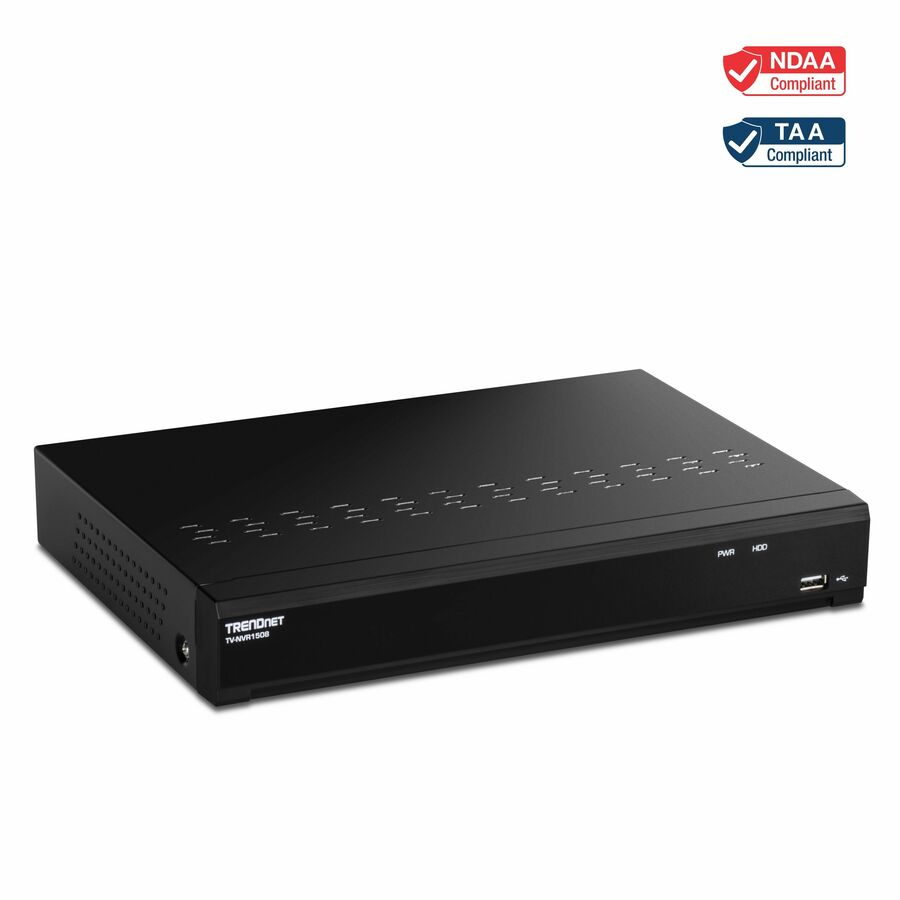
TRENDnet
TRENDnet 8-Channel UHD PoE NVR, H.264/H.265 4K (8MP), Up to 12TB…
TV-NVR1508
A rackmount 8-channel NVR with eight PoE ports and an 80 W power budget, recording H.264 or H.265 to disks you supply.
Drives are not included; budget them from your own bit rate and retention figures.
$150.77Back-orderedStandalone eight-channel
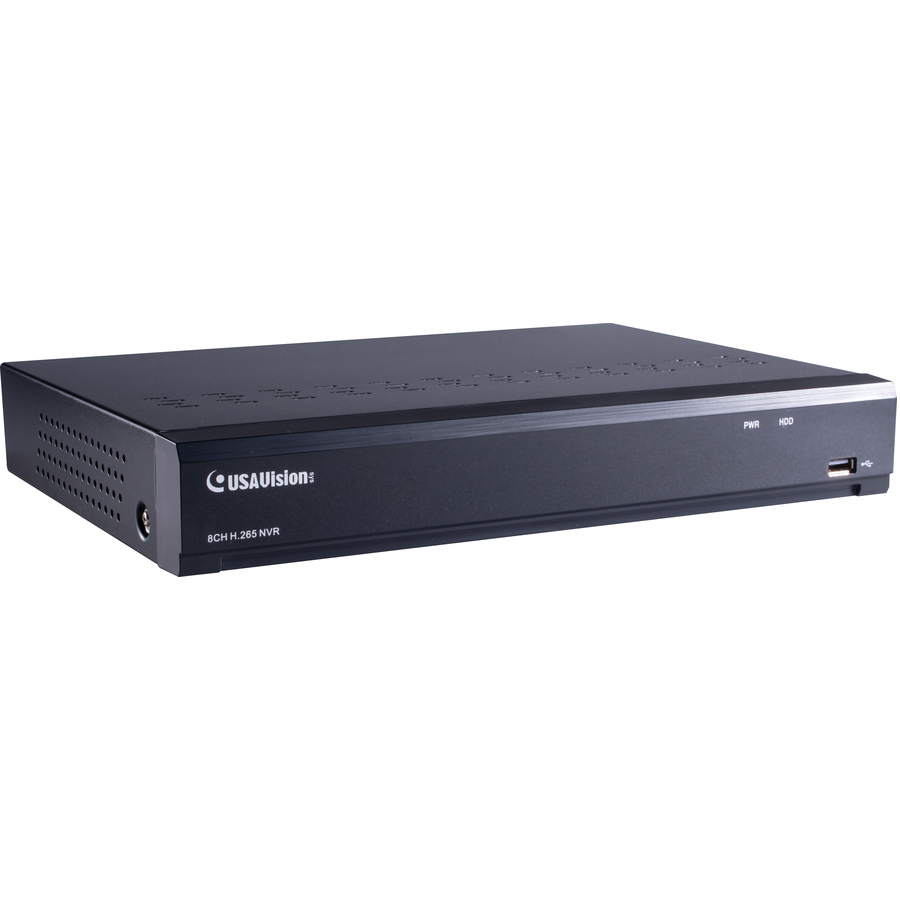
GeoVision
GeoVision 8 Channel H.265 / H.264 4K PoE 1-Bay Standalone NVR
UA-SNVRL810-P
A single-bay 8-channel PoE NVR handling H.265 and H.264 at 4K, for a small site that wants one appliance rather than a server build.
$242.45Back-orderedSixteen channels
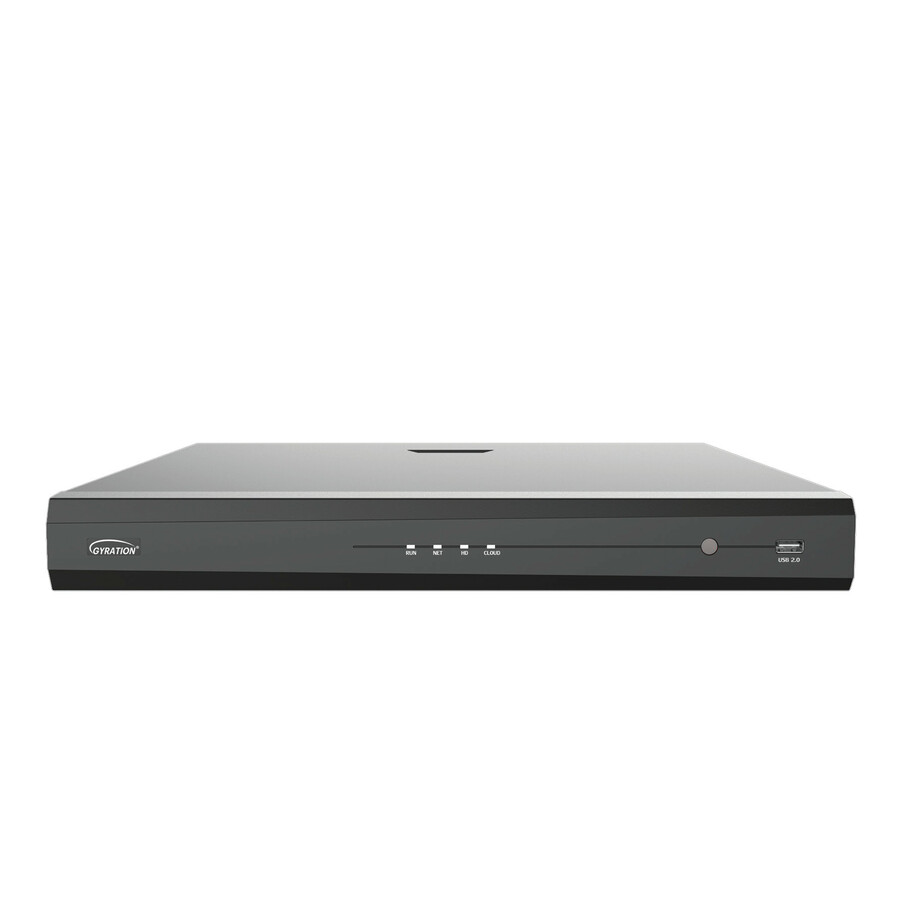
Adesso
Gyration 16-Channel Network Video Recorder With PoE
CYBERVIEW N16
A 16-channel NVR with PoE for a site that has outgrown an eight-channel appliance but does not need a rack full of storage.
$346.82In stockFor a UniFi network
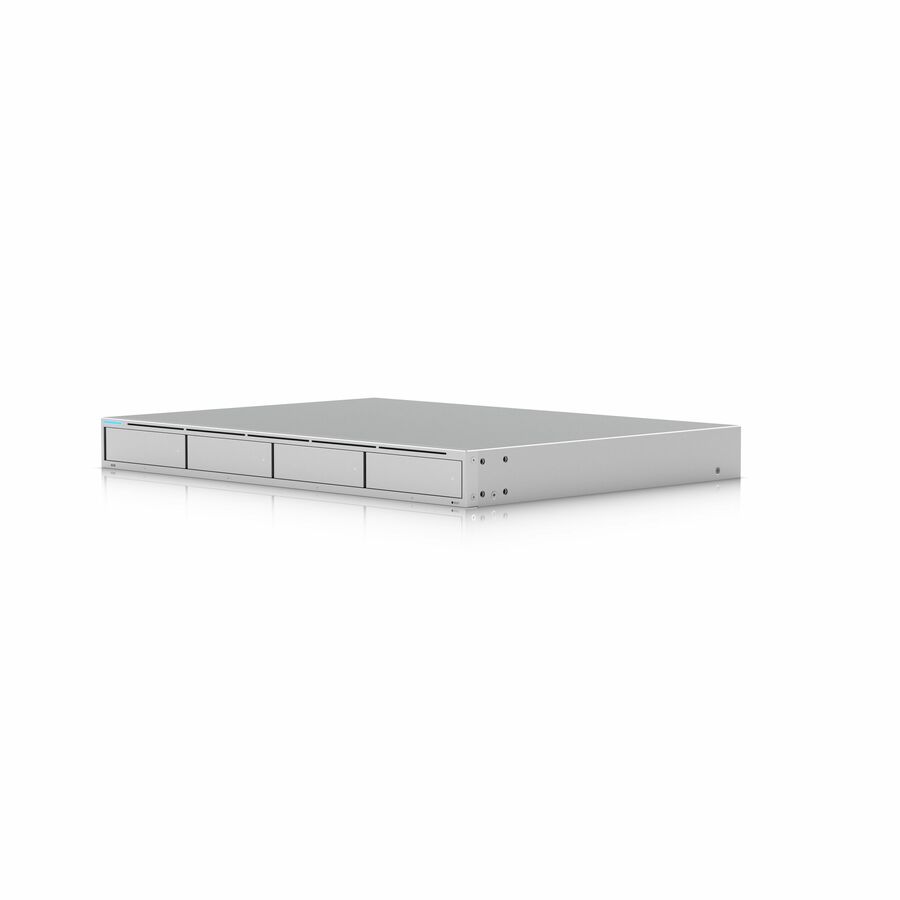
Ubiquiti
Ubiquiti UniFi Protect Network Video Recorder
UNVR
A network video recorder that pairs with a UniFi Protect deployment, so cameras, switching and recording share one management interface.
$411.67In stockFAQ
Common questions
- Which is best, DVR or NVR?
- For a new installation, an NVR — it takes one Ethernet cable per camera, carries power on that same cable, and lets ONVIF-conformant cameras and recorders from different vendors work together. A DVR is the better answer only when a site already has coaxial runs and working analogue cameras, where re-cabling would cost far more than the recorder.
- Does NVR work without internet?
- Yes. An NVR records over the local network, so cameras, switch and recorder keep working with no internet connection at all. What you lose without one is remote viewing, off-site alerting and cloud backup of footage. Many sites deliberately run the camera network with no route to the internet for exactly that reason.
- How do I know if I have NVR or DVR?
- Look at the cable coming out of the back of the camera. A coaxial cable with a BNC screw connector, plus a separate power lead, means an analogue camera on a DVR. A single Ethernet cable with an eight-position modular plug means an IP camera on an NVR. On the recorder itself, rows of BNC sockets mean a DVR; rows of RJ45 ports mean an NVR.
- What are the downsides of using an NVR system?
- Every camera position needs twisted-pair cabling within about 100 m of a switch, which is a real cost in a building that only has coax. The recorder also depends on the network being healthy, so switch failures and misconfigured VLANs become video failures. And because cameras carry more resolution, streams are larger, so storage has to be sized against the actual bit rate rather than the channel count.
- How much storage does an NVR need?
- Multiply bit rate by time. One camera at 4 Mbit/s writes 14,400 megabits an hour, which is about 1.8 GB an hour or roughly 43 GB a day; eight of those for 30 days is about 10.4 TB before any overhead. Take the bit rate from the camera's own configuration, not from its resolution, and specify surveillance-rated drives rated for continuous writing.
Sources
- 1.ONVIF — Profile T for IP-based video systemsonvif.org
- 2.ITU-T Recommendation H.265 — High efficiency video codingitu.int
- 3.IEEE 802.3bt-2018 — Power over Ethernet over 4 pairsstandards.ieee.org
- 4.IEEE 802.3-2022 — IEEE Standard for Ethernetstandards.ieee.org