AI Server Rack Bill of Materials: From GPU Nodes to Acceptance Test
An AI server rack is not a stack of GPU servers. It is an integrated system whose compute, fabric, storage, management, power, cooling, cabling, firmware and support must work together at the destination site. A complete bill of materials makes those dependencies visible before award. A rack elevation, port map, power schedule and acceptance plan turn the BOM into something engineers can install and a receiving team can verify.
By Uniqcli Team · · 6 min read
Key takeaways
- Define the rack boundary and workload before selecting part numbers.
- Include network, storage, management, PDUs, cooling interfaces, optics, cables, spares and services—not only compute.
- Every BOM line needs quantity, revision, support, origin/evidence fields where applicable and an interface owner.
- Pair the BOM with a rack elevation, cable matrix, power schedule and firmware/software manifest.
- Freeze an approved baseline before factory testing; handle substitutions through change control.
- Acceptance should test the rack as a system under representative load.
On this page
The checklist below is intentionally vendor-neutral. Use exact OEM part numbers only after the workload and site interfaces are defined.
Define the rack boundary
Write what the rack must do: number and type of workloads, target performance, availability, security domain and growth unit. State what is inside the rack and what remains external. A rack may include compute and top-of-rack switches while using shared storage and spine switches elsewhere. Another may be a self-contained scalable unit with storage, management and a CDU.
Capture destination constraints: rack dimensions, door and loading path, floor loading, seismic needs, feed voltage and capacity, redundancy, cooling technology, facility-water conditions, data-center network handoff, approved transceivers, management services and fire/safety requirements.
Set a configuration-control point. Before detailed design, the BOM is a planning model. Before factory acceptance, it becomes the approved as-built baseline. Every substitution after that point needs technical, security, compliance, schedule and price review.
Create interface owners. The integrator may own server-to-switch cabling; facilities may own the branch circuit and facility-water supply; the agency network team may own spine ports. A line between boxes on a diagram is a deliverable boundary, not proof that someone accepted responsibility.
Compute and host components
For every compute-node type, list:
- Manufacturer, model, chassis revision and quantity.
- GPU platform, accelerator count and usable memory.
- CPUs and system-memory population.
- Boot, local scratch and checkpoint drives, including endurance.
- Compute-fabric NICs or DPUs and port configuration.
- Storage and data-center network adapters.
- Out-of-band management interface.
- Power supplies, rail kit and service-clearance requirements.
- Firmware bundle, operating baseline and support entitlement.
Add dedicated management, login, orchestration or service nodes if the architecture requires them. Do not assume the GPU servers should host every control-plane service. Separate roles can improve availability and maintenance.
Include configuration-level part numbers, not just a chassis family. Memory DIMMs, drives, NICs and risers affect availability, country-of-origin evidence, power and software support. Record approved alternates in a controlled equivalency table rather than allowing an open “or better” substitution.
Network, storage and management
List each network plane separately:
- Scale-out compute fabric.
- Storage/data fabric.
- Cluster or service network.
- In-band management.
- Out-of-band management.
For each switch, record model, airflow, port license, speed, breakout, power supplies, rail kit, firmware, management license and support. List NIC/DPU-to-switch port mapping and spine/uplink handoffs. Include optics and cables as their own BOM lines.
Storage lines should identify performance tier, usable capacity after protection, media type, metadata services, interface ports, software license, snapshots/replication, support and expansion. Match it to the workload pattern in the AI storage architecture guide. If external storage is outside the rack, include the required NICs, switches, optics and acceptance dependency inside the rack BOM.
Management components may include console/KVM, serial access, environmental sensors, management switches, secure time source, log collection or a rack controller. Define how they connect to the agency's management domain and what must operate during a compute-fabric outage.
Rack, power and cooling
The physical rack line should include manufacturer/model, height, width, depth, load rating, doors/panels, grounding, casters/leveling, seismic kit where needed and blanking panels. Record total static and rolling weight plus center-of-gravity or installation sequence for heavy systems.
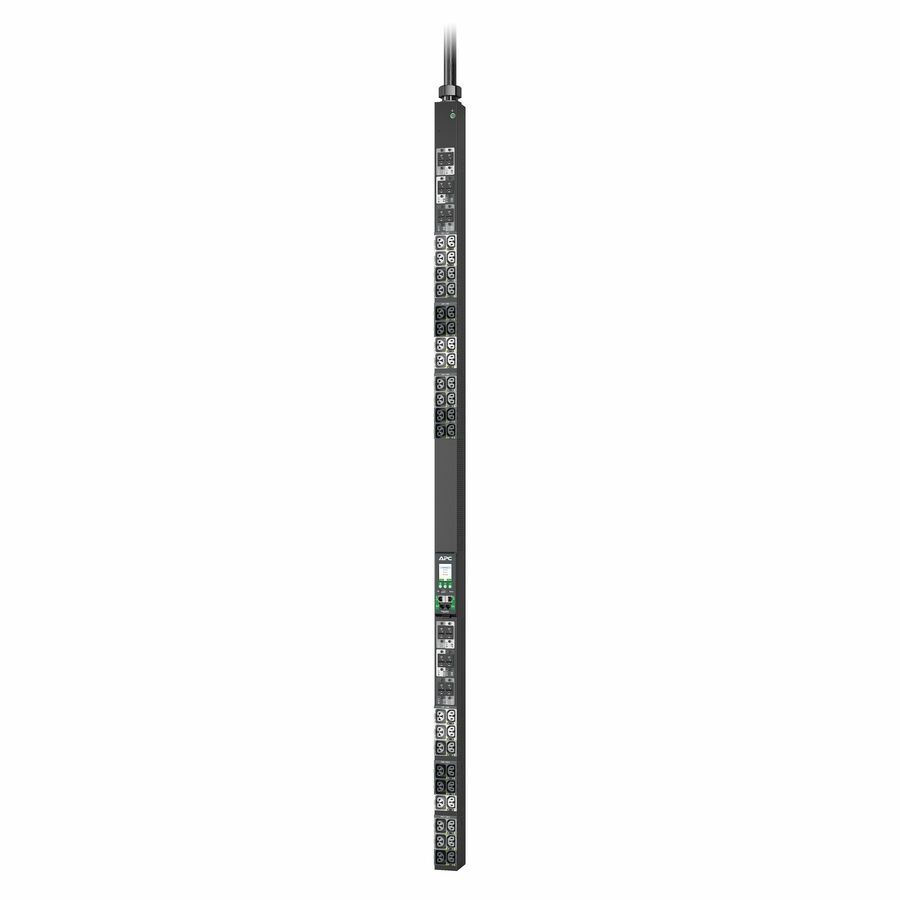
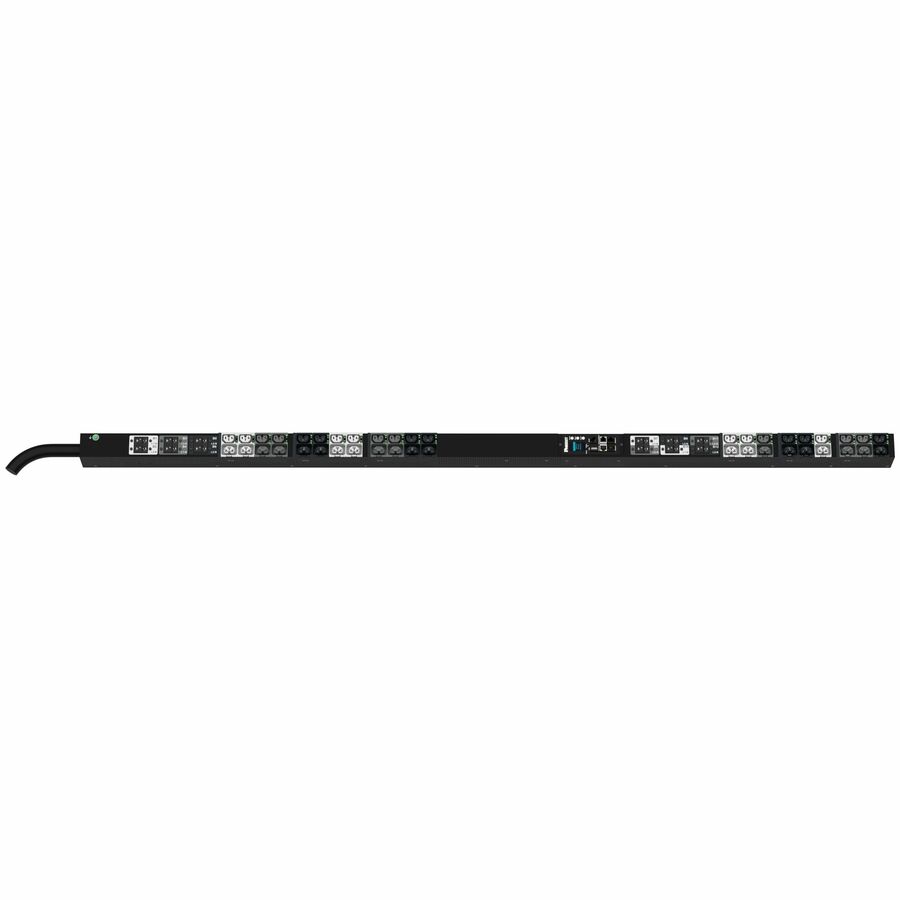
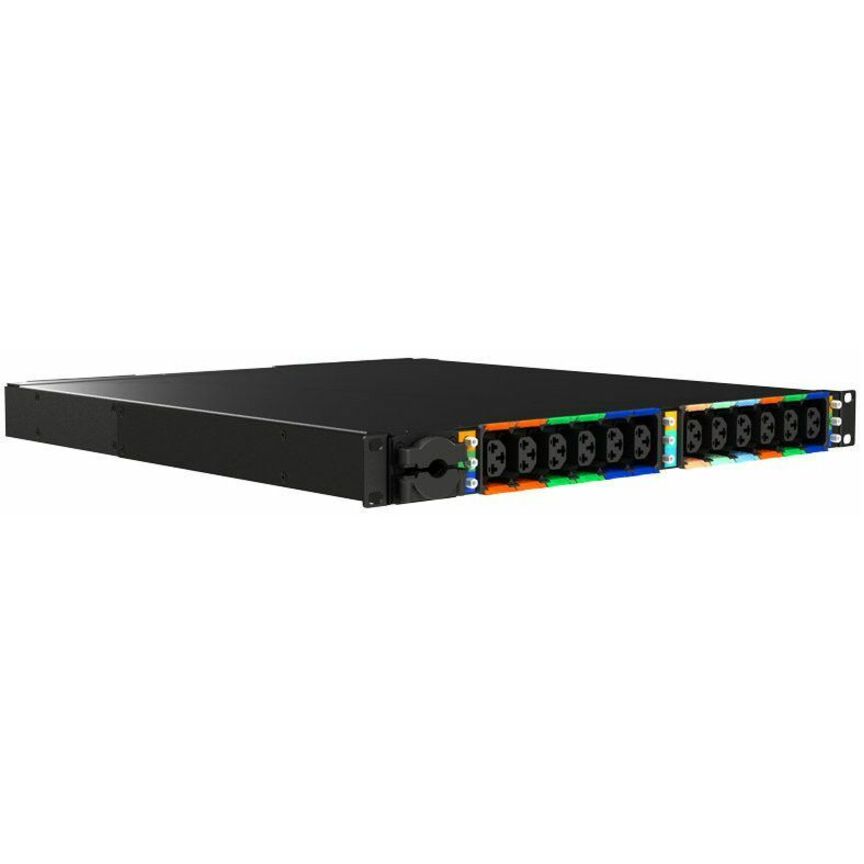
Power BOM lines include intelligent or basic rack PDUs, feed/branch rating, plug and receptacle types, metering, network management, whips/cords, redundancy and spare outlets. Produce a power schedule showing every device, feed A/B connection, typical draw, maximum draw and branch margin. Avoid powering redundant supplies from the same upstream failure domain.
For air cooling, include containment parts, baffles, blanking panels, rear-door heat exchanger if used, sensors and airflow verification. For liquid cooling, include CDU, rack manifold, hoses, quick disconnects, dripless requirements, leak detection, filters, sensors and control integration. Define whether facility water, heat rejection and pipework are inside or outside the acquisition.
The GPU rack power and cooling guide contains the site data required before approving those lines. The BOM should reference the final mechanical/electrical interface-control document.
Cables, optics, spares and logistics
High-speed cables are architecture components. Record endpoints, connector/media, length, part number, supported speed, bend radius, labeling and quantity. Account for route length through vertical/horizontal managers, not straight-line distance. Include cleaning tools, inspection scope and dust caps for fiber operations.
Create an optics compatibility matrix for NIC/switch and switch/spine links. Confirm firmware and forward-error-correction requirements. The existing server NIC and transceiver compatibility guide explains why matching form factors alone is not enough.
Define spares through failure and response targets. Candidates include optics, DAC/AOC cables, fans, power supplies, boot drives, NICs, CDU filters, hoses and leak-detection parts. A spare that requires vendor-only replacement may not reduce recovery time; document install authority and procedure.
Logistics lines may include shock-rated rack shipping, tilt/shock indicators, secure storage, inside delivery, lift-gate/rigging, asset tagging, serialized packing list, chain of custody, unpacking, debris removal and packaging retention. Verify whether the destination accepts fully populated racks or requires on-site component installation.
BOM data fields
Use these columns for a controlled rack BOM:
Field — Purpose
Line ID / parent assembly
Trace hierarchy and changes
Manufacturer / exact part number / revision
Identify the delivered item
Description / quantity / unit
Support pricing and receiving
Rack U / location / weight
Build the elevation and load plan
Typical and maximum watts / feed
Build the power schedule
Cooling/airflow interface
Build the mechanical plan
Ports / media / cable endpoints
Build the connectivity matrix
Firmware/software baseline
Reproduce the accepted state
Warranty/support term
Define lifecycle responsibility
Lead time / approved alternate
Manage schedule risk
Origin/supplier evidence field
Support clause-specific screening
Asset tag / serial number
Support receiving and inventory
Test ID / acceptance status
Connect item to verification
Owner / notes / change record
Preserve accountability
Not every solicitation requires every origin field. Include only the evidence required by the acquisition and risk plan, but preserve enough traceability to evaluate a substitution.
Factory and site acceptance
Factory acceptance should confirm the as-built BOM, physical inspection, firmware/software baseline, management access, burn-in, GPU health, multi-node fabric, storage path, power redundancy, sensors and error-free representative workload. Record test versions, duration, thresholds and results.
Site acceptance adds shipping inspection, rack placement, feeds, cooling, uplinks, identity, logging, security configuration, failover, performance and documentation transfer. Define the difference between a correctable punch-list item and a failed acceptance criterion.
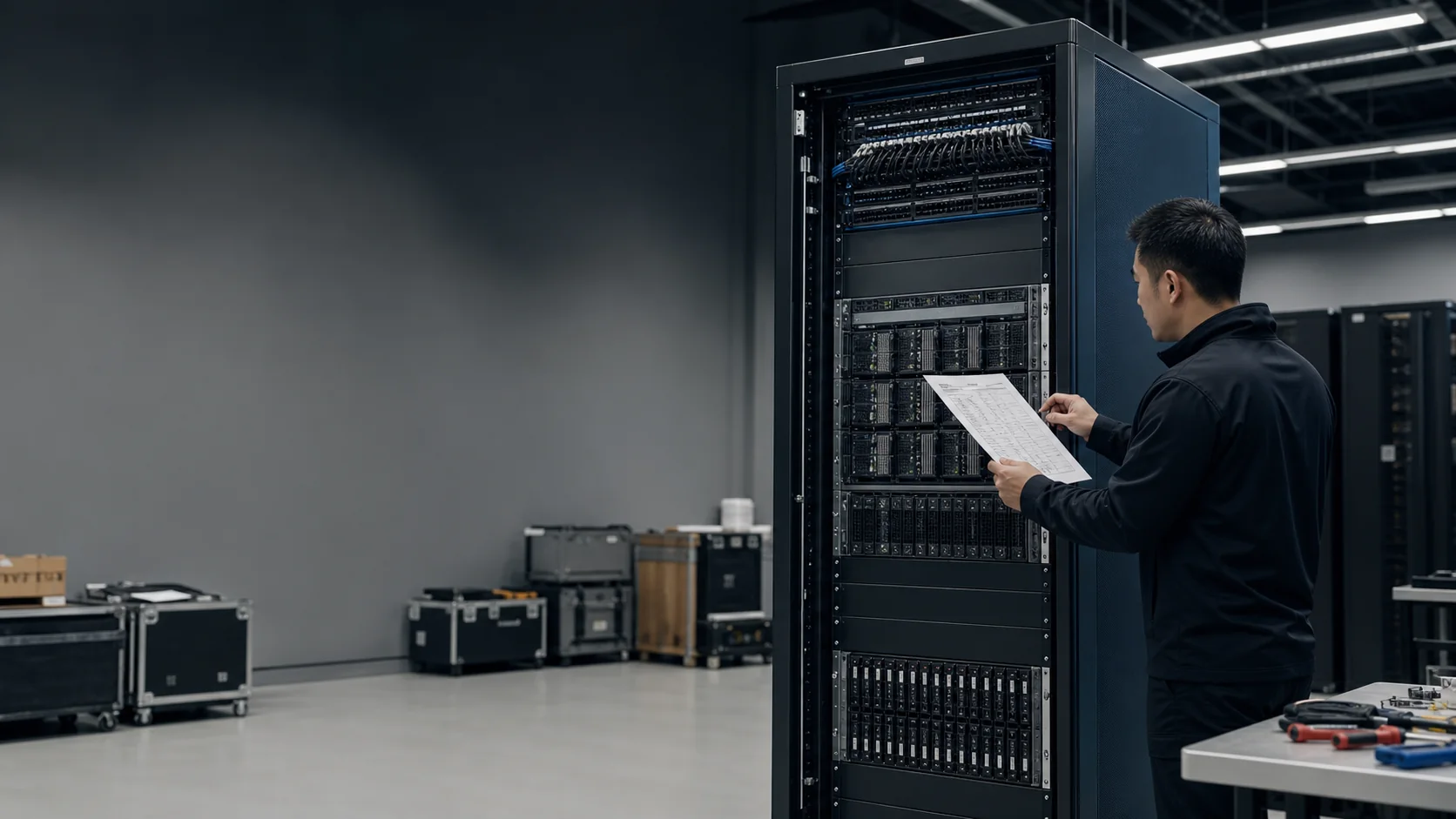
Deliver the as-built package: BOM, rack elevation, one-line power diagram, cable matrix, port map, firmware/software manifest, serial/asset list, licenses, test results, manuals, recovery procedure, support contacts and approved deviations. Store it in the agency's configuration-management system.
Acceptance is where integration value becomes measurable. A supplier that delivers boxes may satisfy individual line items while leaving the agency to discover system incompatibilities. A rack integrator should be accountable for the interfaces it designed.
Should services appear in the rack BOM?
Keep product and service lines financially distinct, but connect services to the assemblies and acceptance milestones they enable. Rack design, cable fabrication, staging, burn-in, delivery, installation, training and documentation are not physical components, yet omitting them makes the deployed boundary ambiguous. Use a work-breakdown or parent line that associates each service with a rack/BOM revision, responsible party, completion evidence and price. That structure also helps acquisition staff verify vehicle scope and prevents the same integration task from being charged twice.
How Uniqcli can integrate the rack
Uniqcli supports AI server rack integration, OEM integration, prototyping and staging. Request a rack BOM completeness review with the workload, preferred OEMs, rack/site constraints, network handoffs, acquisition requirements and acceptance target.
The deliverable should be more than a quote: a configuration-controlled BOM and interface package that can be engineered, competed, staged, delivered and accepted.
Engineering note: Final electrical, structural, mechanical and life-safety designs require qualified site professionals and the selected manufacturers' current documentation.
Three-phase rack PDUs this catalog carries
Schneider Electric
APC NetShelter Rack PDU Advanced, Switched Metered Outlet, 3Phase…
$8,076.75*Back-orderedPANDUIT
Panduit G6 42-Outlets PDU
$7,164.79Back-orderedLenovo
Lenovo 18-Outlets PDU
$14,115.66Back-ordered