
Server NIC, Transceiver and DAC Compatibility: What Actually Fits
Speed is the easy part of a network card order. Whether the link comes up depends on what the switch reads out of the module's EEPROM, how many PCIe lanes the slot is really wired for, and whether the bracket in the box fits the riser.
By Uniqcli Team · · 9 min read

Key takeaways
- Pluggable optics carry identity data in an EEPROM, so a third-party module is compatible with a platform rather than with a speed — order by the coding target, not the gigabits.
- Passive direct-attach copper is the lowest-power, lowest-latency and cheapest option, but its reach shortens sharply as the signalling rate rises.
- A PCIe 3.0 x8 slot supplies roughly 63Gb/s and a 4.0 x8 slot roughly 126Gb/s, so dual-port 25G fits an older slot while a 200G port needs PCIe 4.0 x16 to reach line rate.
- A physically x16 slot is often wired for fewer lanes — the server's riser diagram, not the connector, is the authority on electrical width and slot generation.
- Breakout needs both a switch port group that supports the split and the breakout cable assembly itself; the host side sees ordinary ports and needs no special configuration.
On this page
Networking
A 25G port is not a compatibility statement
Most failed network-card orders are not failures of speed. The card is the right speed, the switch is the right speed, and the link still does not come up — because the optic is coded for a different platform, or the slot the card went into is wired for half the lanes its label suggests, or the module needed to reach 40 metres and the cable in the box tops out at three. Every one of those is knowable before the purchase order goes out, and none of them appear on a line that reads '25GbE dual-port adapter'. This guide covers the four things that actually decide fit: how optics identify themselves and why that makes them platform-specific, how to choose between direct-attach copper, active optical and discrete transceivers, how to budget PCIe lanes against line rate, and the mechanical and driver traps that cost a delivery a week.
Optics are coded, and the code is the compatibility question
Every pluggable module carries an EEPROM that describes itself: vendor name, part number, serial number, supported media and reach, plus vendor-specific bytes. Switches and some network cards read that data at insertion and decide what to do with it. This is why 'a 10G SFP+ short-reach module' is not a specification. The same physical optic, programmed with different identity data, is a different part number and behaves differently depending on what it is plugged into.
Third-party modules solve this by being programmed to match a target platform's expected identity — which is why a compatible module's part number names the platform it was coded for, not just the speed. Our catalog rows say so explicitly: a cable described as compatible with a specific Juniper part is coded for Juniper, and one described as compatible with a specific Mellanox part is coded for that. Read the target, not just the number of gigabits. If you order optics without naming the switch and the card, you are ordering a coin flip.
Platform behaviour varies. Some switches refuse an unrecognised module outright and leave the port down. Some raise a log message and pass traffic anyway. Some have a documented override — the widely-known example is a hidden command on certain Cisco platforms that enables unsupported transceivers — which works, is unsupported, and can complicate a support case if the port later misbehaves. Whether your organisation is willing to run in that state is a policy decision that should be made before the modules arrive, not by an engineer at a maintenance window.
As a rule the switch side is stricter than the host side, but OEM-branded server adapters do sometimes enforce their own lists too. When a design spans a switch from one vendor and a card from another, state both on the request so the coding decision is made once, deliberately.
Four ways to connect the same port
Reach shrinks as speed rises, and power per port moves in the opposite direction. Work out the distance and the power budget, then let price decide between whatever is still on the list.
Passive direct-attach copper
No electronics in the cable: the lowest power draw, the lowest latency and the lowest cost. Reach falls as the signalling rate rises — several metres at 10G, commonly around three at 25G and 100G, and shorter still at 400G. Inside a rack this is usually the correct answer.
Active copper
Signal conditioning built into the connector ends buys a few extra metres over passive at the same speed, at a small power cost. Useful for the awkward diagonal run that passive cannot quite make, and for the higher rates where passive reach gets very short.
Active optical cable
Fibre with the transceiver ends permanently attached — tens of metres of reach, no field connectors to clean, one part number to order. The trade is that a failure at either end replaces the whole assembly, and it cannot be re-terminated or re-purposed.
Transceivers and structured fibre
Discrete modules on your own fibre plant: short-reach multimode measured in hundreds of metres at 10G and about a hundred at 25G and 100G, long-reach single-mode to kilometres. The highest cost and power per port, and the only option once you leave the row — and the only one where a single failed end is a single replaced part.
The copper RJ-45 question, and an availability note worth having
10GBASE-T deserves its own paragraph because it is the option that keeps the cabling you already own. A hundred metres over Cat6A, in the same RJ-45 patch fields as the rest of the plant, with no module to code and no fibre to clean. That is a genuine advantage in a wiring closet, and it is why quad-port 10GBASE-T cards remain a common answer for access-layer aggregation and for connecting servers that live outside the data centre.
The costs are power and latency. A 10GBASE-T PHY draws materially more power per port than an SFP+ direct-attach connection — the difference is watts per port against fractions of a watt — and the line coding adds latency measured in microseconds where direct-attach adds a fraction of one. In a dense rack, multiplied across every port, that power is a real thermal line. For latency-sensitive east-west traffic it is a real design constraint. For a four-port aggregation card in a closet, neither matters much.
One honest word about supply, because it changes the right answer more often than any specification does. The pluggable inventory we hold in depth is direct-attach and active optical assemblies; discrete transceivers are a much thinner pool and a large share of them quote as back-ordered. Where the distance genuinely allows a direct-attach or active optical cable, it is usually also the faster path to a delivery date. Where it does not, plan the lead time deliberately rather than discovering it after the switch is racked — and check the live availability on the product page rather than assuming, because it moves.
25G pick
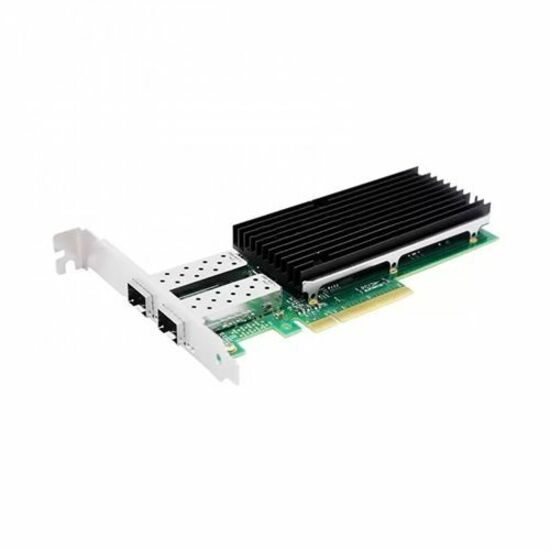
Axiom Memory Solutions
Axiom 25Gbs Dual Port SFP28 PCIe 4.0 x8 NIC Card
AXG101255
A dual-port 25Gb SFP28 adapter on PCIe 4.0 x8 — the sensible server-side answer once the top-of-rack switch has 25G ports free, and listed by the manufacturer as TAA compliant.
Dual 25G is 50Gb/s of line rate. A PCIe 3.0 x8 slot supplies roughly 63Gb/s of usable bandwidth, so this card is not starved in an older slot — but confirm the slot is wired x8 electrically, not merely x8 physically.
$962.60*In stockCopper 10G pick
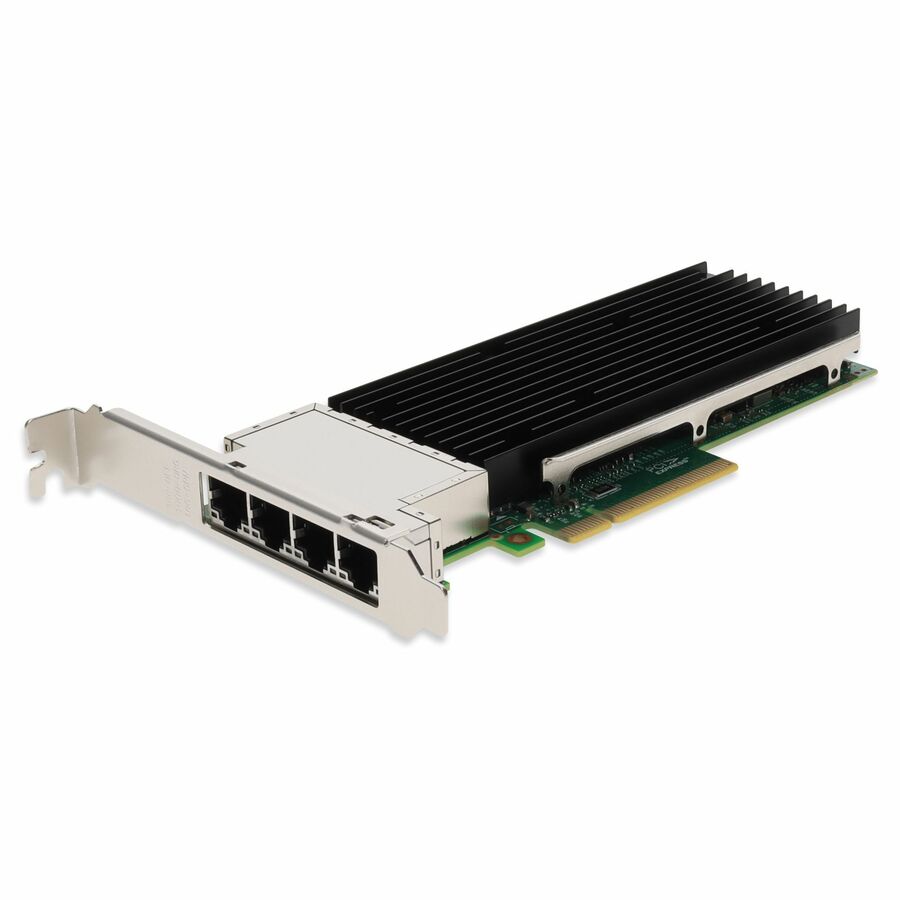
AddOn
AddOn 10Gbs Quad RJ-45 Port 100m PCIe 3.0 x8 Network Interface Card
ADD-PCIE3-4RJ45-10G
Four ports of 10GBASE-T on PCIe 3.0 x8, built on a widely-supported Intel controller, reaching 100 metres over the Cat6A plant you already have — no module coding to get wrong.
Four 10G ports is 40Gb/s, comfortably inside a PCIe 3.0 x8 slot. Budget the extra power per port against an SFP+ direct-attach design if the rack's thermal envelope is already tight.
$1,271.44In stockPCIe lanes: the second half of the compatibility question
A network card cannot move more traffic than its slot can carry, and the arithmetic is simple enough to do on the quote. A PCIe 3.0 lane carries roughly 985 MB/s after encoding overhead, so an x8 slot delivers about 63Gb/s in each direction; PCIe 4.0 doubles it to roughly 126Gb/s at x8. Set that against line rate: a dual-port 25G card needs 50Gb/s and fits a 3.0 x8 slot with headroom. Four ports of 10G needs 40Gb/s and fits the same slot. A single 200G port needs more than a 3.0 x16 slot can supply and only reaches line rate on PCIe 4.0 x16 — which is exactly why high-rate adapters specify a generation as well as a width.
Then there is the trap that catches experienced people: physical width is not electrical width. A slot that is physically x16 may be wired for x8 or x4, and in 1U and 2U servers the riser card determines what each slot actually gets. The owner's manual riser diagram is the authority — not the look of the connector, and not the slot number. Putting a card that needs eight lanes into a physically-x16, electrically-x4 riser slot produces a card that works, benchmarks badly, and generates a support ticket blaming the driver.
Slot generation matters the same way. A PCIe 4.0 card in a 3.0 slot negotiates down to 3.0 rates. For a dual 25G card that is invisible. For anything at 100G or above it is the difference between line rate and a permanent ceiling. When a design mixes new adapters into an older chassis, check the generation of the specific slot, because on many servers not every slot is the same generation.
Direct-attach and active optical assemblies
Axiom Memory Solutions
Axiom 40GBASE-CR4 QSFP+ Active DAC Cable Cisco Compatible 10m
$675.67In stockAddOn
AddOn Mellanox® MCA7J50-H003R Compatible TAA 200GBase-CU QSFP56…
$1,380.00*In stockAddOn
AddOn Juniper Networks JNP-100G-AOC-1M Compatible TAA Compliant…
$1,380.00*In stock
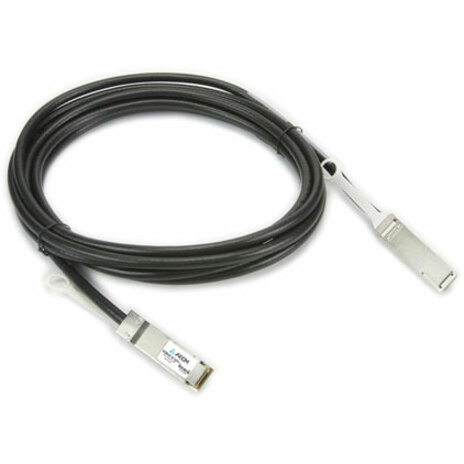
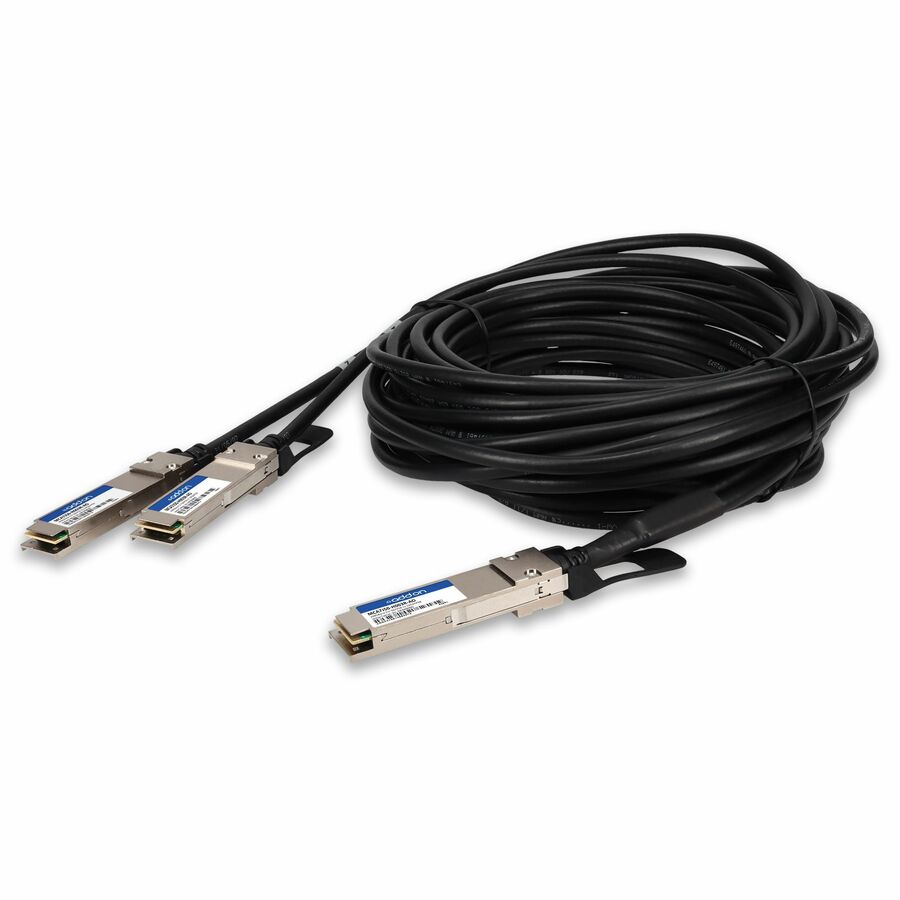
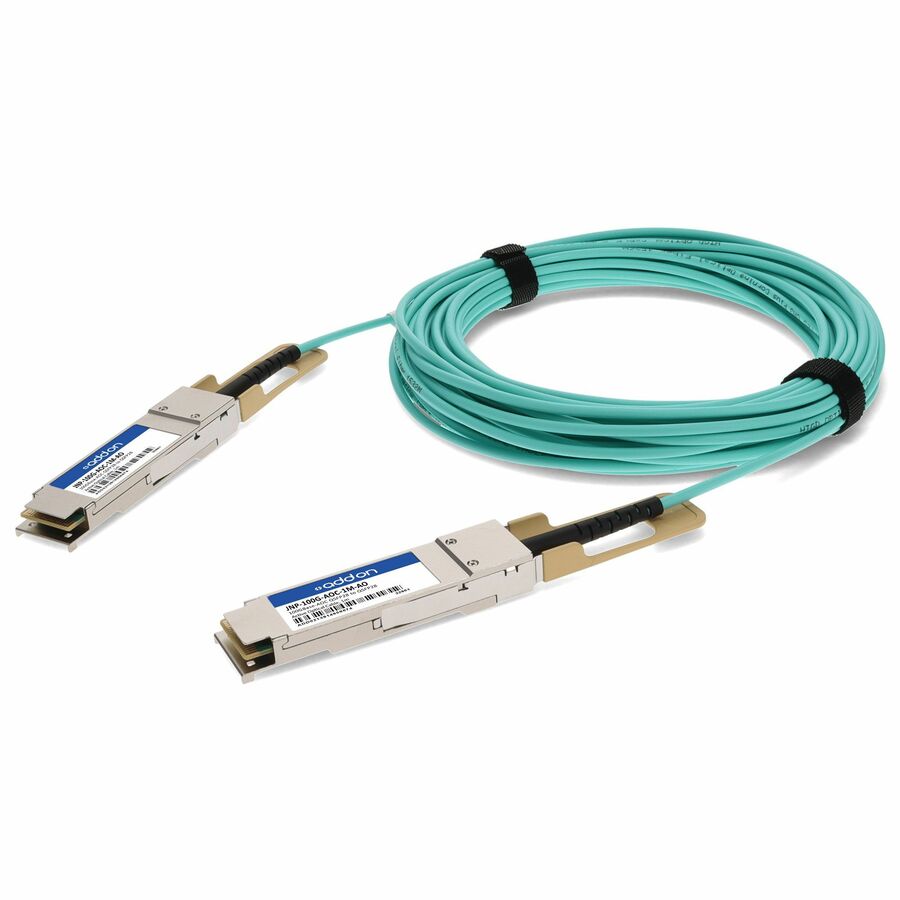
Note what these part numbers say: each one names the platform it is coded to be compatible with, and the QSFP56-to-2×QSFP56 row is a breakout assembly — one high-rate end fanning out to two. That naming is the compatibility decision, not the speed.
Breakout, brackets and the traps that cost a week
Breakout is the cheapest capacity you will ever buy and the easiest to order incorrectly. A high-rate switch port can often be split — a 200G port into two 100G, a 100G port into four 25G — using a cable with one connector at one end and two or four at the other. Two conditions apply. The switch has to support the split on that specific port, which is usually a port-group setting affecting neighbouring ports as well as the one you are configuring, and the cable has to be the breakout part rather than the straight one. The host side sees ordinary ports and needs no special configuration, which is why the mistake is nearly always made on the switch or the purchase order rather than on the server.
Brackets are the most boring cause of a failed installation. Cards ship with a full-height bracket fitted and a low-profile one in the box, or the reverse, or only one of the two. A 1U server needs low profile. If the listing does not say which brackets are included, ask before the card is racked, because the alternative is a card that is physically correct and cannot be secured.
Firmware and driver are a matched pair on high-rate adapters, not two independent updates. A card that links, passes a ping and then falls over under sustained load is far more often a firmware-and-driver mismatch than a cable fault. Update through the server vendor's own update utility where one exists, so the adapter firmware and the operating-system driver move together, and record the versions with the build. This is also the first thing to check when one host in an otherwise identical cluster is the slow one.
Finally, measure the cable path rather than the straight line. Direct-attach lengths are fixed at manufacture, so the run has to be right the first time: up the rack, through the vertical manager, along the tray and back down, plus service loop. A three-metre cable specified from a floor plan is regularly a four-metre cable in the rack. Where the run is genuinely marginal, an active copper or active optical assembly buys the margin that a passive cable cannot.
Recommended configuration — 25G server uplink into a leaf switch
- Adapter
- Dual-port 25G SFP28 in an electrically x8 slot, PCIe 3.0 or better, with the bracket height matched to the chassis
- Cabling, in rack
- Passive direct-attach copper, coded for the switch platform, length measured along the real path with a service loop
- Cabling, rack to rack
- Active optical assembly, or discrete short-reach optics on structured multimode where the ends need to be separately replaceable
- Redundancy
- One port to each of two leaf switches, bonded at the host — not both ports into one switch
- Coding policy
- One decision recorded for the estate: OEM-coded modules everywhere, or a documented acceptance of third-party coding with the support implications understood
- Firmware
- Adapter firmware and OS driver updated as a pair through the server vendor's utility, versions recorded with the build
A configuration we would quote against a stated topology, not a manufacturer specification. Port counts and cable types move with the actual rack layout and distances. Specifications and licensing figures in this guide are checked against manufacturer documentation and live catalog data.
Nine checks on a NIC and optics order
All nine are answerable from documents you already have: the switch model, the server's riser diagram and a tape measure.
- Switch model and adapter model both named on the request, so optics coding is decided once rather than guessed.
- Module coding target confirmed on every pluggable part number, not just the speed and reach.
- Distance measured along the real cable path, including vertical managers, trays and a service loop.
- Reach checked against the media type — passive copper shortens sharply as the rate rises.
- Slot width confirmed electrically from the riser diagram, not from the physical connector.
- Slot PCIe generation confirmed for the specific slot, since not every slot in a server is the same generation.
- Bracket height confirmed as included for the chassis in question, full height or low profile.
- Breakout support confirmed on the switch port group before ordering a breakout cable.
- Adapter firmware and driver versions planned as a matched pair, updated through the vendor utility.
Frequently asked
Will a third-party transceiver work in my switch?
It depends on how the module is coded and how the platform reacts. Modules carry identity data in an EEPROM, and third-party parts are programmed to match a specific target platform — which is why a compatible module's part number names a platform rather than just a speed. Some switches refuse unrecognised modules, some warn and pass traffic, and some have an unsupported override command. Name the switch and the adapter when you order, and decide the coding policy for the estate rather than per port.
DAC, AOC or optics — how do I choose?
By distance first, then power, then price. Passive direct-attach copper is the cheapest and lowest-power option and is normally right inside a rack, though its reach shortens as the signalling rate rises. Active copper adds a few metres. Active optical cables reach tens of metres with no field connectors but replace as a whole assembly. Discrete transceivers on structured fibre cost the most per port and are the only choice once you leave the row — and the only one where a single failed end is a single replacement.
How many PCIe lanes does a 25G or 100G card need?
A PCIe 3.0 lane carries about 985 MB/s after encoding, so a 3.0 x8 slot supplies roughly 63Gb/s and a 4.0 x8 slot about 126Gb/s. Dual-port 25G needs 50Gb/s and fits a 3.0 x8 slot. Four ports of 10G needs 40Gb/s and fits the same slot. A 200G port needs PCIe 4.0 x16 to reach line rate. Always confirm the slot's electrical width and generation from the riser diagram, because a physically x16 slot is often wired for fewer lanes.
Is 10GBASE-T a reasonable choice for servers?
Often, yes — it reaches 100 metres on Cat6A, reuses the RJ-45 plant, and removes module coding from the equation entirely. The trade is power and latency: a 10GBASE-T port draws watts where an SFP+ direct-attach connection draws a fraction of one, and adds microseconds of latency. In a closet or an aggregation role that rarely matters. In a dense, thermally-tight rack carrying latency-sensitive traffic, it does.
What do I need for a breakout cable to work?
Two things beyond the cable itself. The switch port has to support the split, which is usually a port-group setting that affects neighbouring ports as well as the one being configured — check the platform's documentation for which ports can be split and in what groups. And the cable has to be the breakout assembly, with one connector at the switch end and two or four at the host end. The server side needs nothing special; it sees ordinary ports.
Keep reading
Related on network hardware
Send the switch model and the distances
Give us the switch, the server model and the real cable runs, and we will come back with a priced, availability-checked list of adapters, cables and optics coded for the platforms you actually own — brackets and breakout support confirmed before anything ships.