
Short answer
802.1X is the IEEE standard for port-based network access control: a supplicant on the device, an authenticator on the switch port or access point, and an authentication server — normally RADIUS — behind them. Until authentication succeeds the port carries EAP frames and nothing else. 802.1X is the protocol; network access control is the programme built around it.
Key facts
- The current revision is IEEE 802.1X-2020, Port-Based Network Access Control.
- It restricts the use of LAN service access points to secure communication between authenticated and authorized devices.
- Three roles: the supplicant on the device, the authenticator on the switch port or access point, and the authentication server behind it.
- EAP, the framework carried over the port before authorisation, is defined in RFC 3748: the authenticator sends Requests and the peer answers.
- A pass-through authenticator forwards EAP between the peer and a backend server, so a switch need not implement every EAP method itself.
- RADIUS Change-of-Authorization, RFC 5176, moves or ends a live session — CoA-Request and Disconnect-Request, both on UDP port 3799.
By Uniqcli Team
IEEE 802.1X is the standard that turns a network port into something a device has to prove it is entitled to use. Before authentication succeeds, the port passes only the frames needed to conduct the authentication itself and nothing else — no address assignment, no name resolution, no traffic of any kind. When it succeeds, the port opens, and the reply that opened it can also carry instructions about which segment the device belongs in. The same standard governs a wired switch port and a wireless association, which is why an enterprise Wi-Fi login and a wired port authentication are the same mechanism wearing different clothes.
It is deliberately narrow. 802.1X does not decide what a valid credential is, does not store accounts, does not check whether a laptop is patched, and does not maintain the policy. It defines the roles, the frame exchange between them, and the state of the port at each stage. Everything about who is allowed and under what conditions lives on an authentication server behind it, which is what allows one protocol to carry certificate authentication, password authentication and everything in between without changing.
The current version is IEEE Std 802.1X-2020, a revision of the 2010 edition that incorporated the two amendments published in the intervening decade. This page covers the protocol: how the exchange works, what the credential options really cost, the modes that decide how many devices one port may admit, and what a port does when authentication fails or the authentication server cannot be reached. The wider program built on top of it — endpoint posture checks, device profiling, and quarantining a session already in progress — is network access control, and it has its own page.
Three roles, and the controlled port
The standard defines three participants. The supplicant is software on the endpoint that holds the credential and speaks the protocol; on a laptop it is part of the operating system, on a phone or camera it may not exist at all. The authenticator is the switch port or wireless access point the device attaches to, and its job is to police the port and relay the conversation — it never evaluates the credential itself. The authentication server holds the policy and makes the decision, and in practice is always a RADIUS server, because RADIUS is what every authenticator implements to reach one.
The mechanism inside the authenticator is the part worth understanding, because it explains the security property. Each physical port is modelled as two logical ports. The uncontrolled port passes only authentication frames and is always open. The controlled port carries everything else and is closed until the authentication server says otherwise. A device that has not authenticated is therefore not filtered or rate-limited — it is on a port that will forward nothing except the conversation about whether it may be there, which is why 802.1X is admission control rather than monitoring.
The exchange itself is short. The endpoint announces itself with an EAPOL-Start, or the switch prompts with an EAP-Request for identity when it sees a link come up. The identity response is packaged by the authenticator into a RADIUS Access-Request and sent to the server. The server and the supplicant then run whichever authentication method they have agreed on, with the authenticator passing messages between two different transports without inspecting them. The server finally returns an Access-Accept or Access-Reject, and the controlled port opens or stays shut. An EAPOL-Logoff, or simply the link going down, closes it again. The 2020 revision also carries MACsec Key Agreement, so the same authentication can establish the keys for 802.1AE link-layer encryption where both ends support it.
EAP methods: what the credential actually is
EAP, the Extensible Authentication Protocol defined in RFC 3748, is a container rather than an authentication scheme. The method chosen inside it determines everything about how strong the deployment is, and it is the single decision with the largest consequences — larger than the choice of switch, the choice of policy platform, or anything else in the project.
EAP-TLS is mutual certificate authentication: the server proves itself to the client and the client proves itself to the server, both with certificates, and no password is involved at any point. There is nothing to phish, nothing to reuse across services, and nothing a user can share. It is specified in RFC 5216, with a profile for TLS 1.3 published as RFC 9190 in February 2022 that always provides forward secrecy, never exposes the peer identity in the clear, and mandates revocation checking. The cost is not the protocol; it is the certificate lifecycle — issuing certificates to every device, renewing them before they expire, and revoking them when a device leaves. Organizations that already run a certificate authority and a device-management platform generally find that cost modest, and organizations that do not generally discover it is the project.
The password-based tunnelled methods — PEAP with MSCHAPv2, and EAP-TTLS — establish a TLS tunnel using a server certificate only, then carry a username and password inside it. They are much faster to deploy because there is no client certificate to issue, and they inherit every weakness of the passwords behind them. The specific deployment hazard is server-certificate validation: if clients are not configured to verify which certificate authority signed the server's certificate and which server name it names, a rogue access point can present its own certificate, and the credentials go into the tunnel it built. That setting must be enforced by policy on every managed device, because leaving it to a user prompt means it will be accepted. EAP-TEAP, specified in RFC 7170, is worth knowing about because it can chain a machine and a user authentication into one exchange, which answers the common requirement to admit a device only when both the computer and the person are approved. EAP-MD5 offers no server authentication and no encryption and should not be used.
Wired and wireless: one protocol, two enforcement points
On a wired network the switch port is the authenticator, and the outcome is binary at the port level: the controlled port opens or it does not. On wireless, the access point or its controller is the authenticator, and 802.1X is what the Enterprise modes of WPA2 and WPA3 use — the difference between a Personal network, where every device shares one passphrase, and an Enterprise network, where every device authenticates individually against the same RADIUS server the wired ports use.
Wireless does one extra thing with the result. The EAP exchange produces key material as a by-product, and that material is used to derive the keys protecting the individual wireless session. This is why an Enterprise wireless network gives each client its own encryption keys, and why removing one user's access does not require changing anything for anyone else — a property a shared passphrase can never have. WPA3-Enterprise adds an optional higher-assurance mode with a consistent 192-bit security suite for environments that require it.
The design goal in a mixed estate is one policy source for both. A laptop that authenticates with the same certificate whether it is on a dock or on Wi-Fi, evaluated by the same server against the same rules, is far easier to reason about than two parallel systems that drift. It also makes the segmentation consistent: the RADIUS reply can return a VLAN assignment or an access-list name, so the same identity lands in the same segment regardless of how it connected. That capability is what turns authentication into segmentation, and it depends on the switches and access points supporting dynamic assignment from RADIUS attributes — worth confirming per model rather than assuming.
Host modes: how many devices may one port admit?
A port is a physical thing and the devices behind it are not always one. The standard modes handle that differently and the choice has real security consequences. Single-host mode authenticates exactly one device and drops traffic from any other address on the port — the strictest and the right default for a desk. Multi-host mode authenticates the first device and then forwards traffic from every other device on the port without asking, which is convenient and means one authenticated laptop can open a port for an entire unmanaged switch plugged in behind it. Multi-authentication mode requires each device on the port to authenticate independently, which is the safe way to handle a port with several endpoints.
Multi-domain mode is the specific answer to IP telephony, where a phone and a computer share one cable and belong in different segments. It admits one device in a voice domain and one in a data domain, each authenticated separately and each placed in its own VLAN. This is the configuration most offices actually run, and it is worth verifying explicitly on a switch model rather than assuming, because support and terminology vary. Some phones will also signal the switch when the attached computer disconnects, so the data session is cleared rather than left open for whatever is plugged in next — a useful behavior where it exists.
The structural weakness in all of this is equipment that cannot be an authenticator. An unmanaged switch under a desk turns one authenticated port into an unknown number of unauthenticated devices, and nothing in the protocol can see past it. Multi-authentication mode limits the damage by making each device prove itself, but it cannot control what an unmanaged switch does internally, and any device on it that cannot authenticate will fall through to a weaker method. The durable answer is to remove unmanaged switches from the access layer, and any scoping exercise should start with an honest inventory of where they are.
What happens when authentication fails or times out
Three outcomes need a defined behavior and each is configured separately. A device that never responds to the identity request — because it has no supplicant at all, which describes most printers, cameras, badge readers and industrial equipment — is a timeout, not a failure, and the usual handling is to fall through after a set number of attempts to MAC Authentication Bypass, where the switch presents the device's hardware address to the server, or to place the port in an unauthenticated segment. A device that responds and is rejected is a failure, and typically lands in a restricted or remediation segment rather than being cut off entirely. And a device that cannot be evaluated because the RADIUS server is unreachable needs an explicit decision: admit it to a defined segment, or admit nothing.
That third case is the one to decide before it happens rather than during an outage. Failing open means an authentication-server failure does not become a site outage, at the cost of admitting whatever is plugged in during the window. Failing closed means the opposite. Neither answer is universally correct, it should differ between a data-center port and a lobby port, and the worst version is discovering during an incident that the default was the wrong one. Redundant authentication servers reduce how often the question is asked and do not remove the need to answer it.
The timers behind the first case cause more support tickets than anything else in an 802.1X deployment. The interval between identity requests and the number of attempts before fallback together determine how long a silent device waits before it is offered a weaker method, and the default is often tens of seconds. That is long enough to break PXE boot and network imaging, which need an address before an operating system with a supplicant exists; long enough to make a conference-room port look dead to a visitor; and long enough that a slow-booting device may miss the exchange entirely. Deployments that touch imaging need those timers tuned, an ordering rule that lets MAC authentication run first for known build devices, or a dedicated provisioning segment — planned in advance, not discovered on the first imaging day.
Rolling it out without locking anyone out
The sequence that works is always the same. Begin in a monitoring mode where the switch authenticates and logs but enforces nothing, and stay there long enough to see a complete business cycle — month-end processes, seasonal equipment, the machine that only runs during an audit. Move next to a low-impact stage where a failure lands in a restricted segment rather than being denied, so the consequence of a mistake is degraded access rather than none. Only then move to closed enforcement, one building or one closet at a time. Compressing the monitoring phase to meet a date is the most commonly regretted decision in this kind of project, because that phase is where the undocumented devices appear.
The endpoint side is where the effort actually is. On Windows the wired supplicant is a service that is not running by default and must be started and configured by policy; macOS, Linux, mobile platforms and embedded systems each have their own configuration model and their own certificate-trust behavior. Every printer, camera, scanner, lab instrument and building controller needs a decision recorded against it: certificate, password, hardware-address fallback, or a dedicated segment. Certificate distribution and renewal need automating before the first site goes closed, because a certificate that expires with no renewal path is an outage with a date on it.
The reason to do any of this is usually written into a control requirement. NIST SP 800-53's device identification and authentication control, and the corresponding requirement in NIST SP 800-171, both call for identifying and authenticating devices before they connect, and both treat hardware and network addresses as identification rather than proof — with 802.1X and EAP named as an authentication mechanism. That distinction is the whole argument for the project: address filtering says which device claims to be attaching, and 802.1X establishes that the claim is true. What it does not establish is whether the device is healthy, patched or behaving, and adding those checks — along with device profiling and the ability to quarantine a session already in progress — is the step from port authentication to a full network access control program.
Key takeaways
- IEEE 802.1X defines three roles — a supplicant on the endpoint, the switch or access point as authenticator, and a RADIUS authentication server — with the authenticator relaying rather than deciding.
- Each port is modelled as an uncontrolled port that passes only authentication frames and a controlled port that stays closed until the server returns an accept, which is what makes it admission control.
- The EAP method is the decision that matters: EAP-TLS uses mutual certificates and has no password to steal (RFC 5216, with a TLS 1.3 profile in RFC 9190), while PEAP and EAP-TTLS trade that for password convenience and depend on clients validating the server certificate.
- WPA2-Enterprise and WPA3-Enterprise are 802.1X on wireless, with the same RADIUS server and the added property that the exchange derives per-session encryption keys — something a shared passphrase cannot do.
- Host mode decides how many devices one port may admit: single-host is strictest, multi-host opens the port for everything behind the first device, multi-auth authenticates each one, and multi-domain is the phone-plus-PC case.
- Define in advance what a port does on timeout, on rejection and when the RADIUS server is unreachable — and tune the fallback timers before the first imaging day, because the defaults break PXE boot.
Shop it at Uniqcli
Parts for this job
24-port, Layer 2+
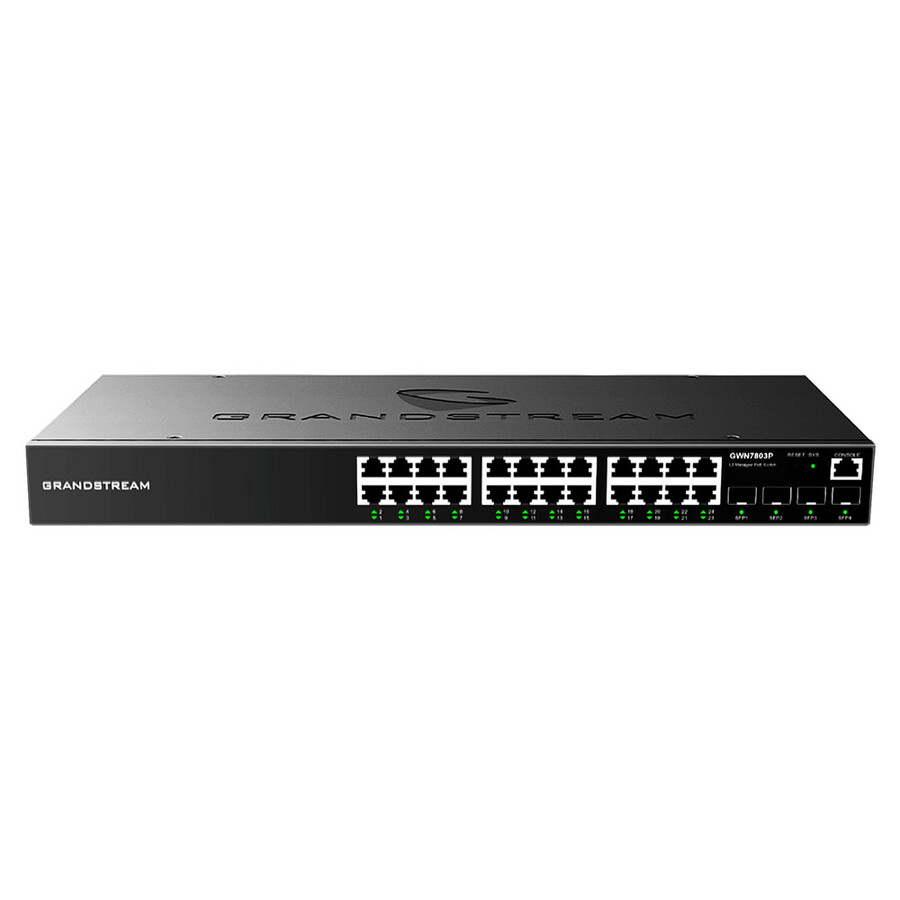
Grandstream Networks
Grandstream Enterprise Layer 2+ Managed Network Switch
GWN7803
A 24-port Layer 2+ managed switch with four SFP slots and a low 30 W draw, rack- or wall-mountable — the access-layer box for a closet that has to authenticate ports.
$164.09Back-orderedEight ports
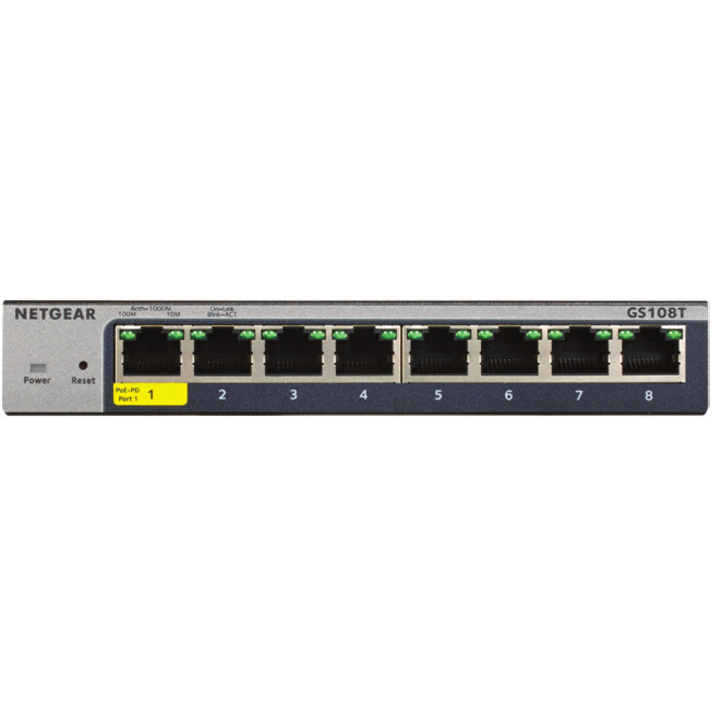
Netgear
Netgear 8-Port Gigabit Ethernet Smart Managed Pro Switches with Cloud…
GS108T-300NAS
An eight-port smart-managed switch with cloud management, for a satellite room or a small site that still has to follow the same port policy as the main building.
$105.21Back-ordered24 ports plus fibre
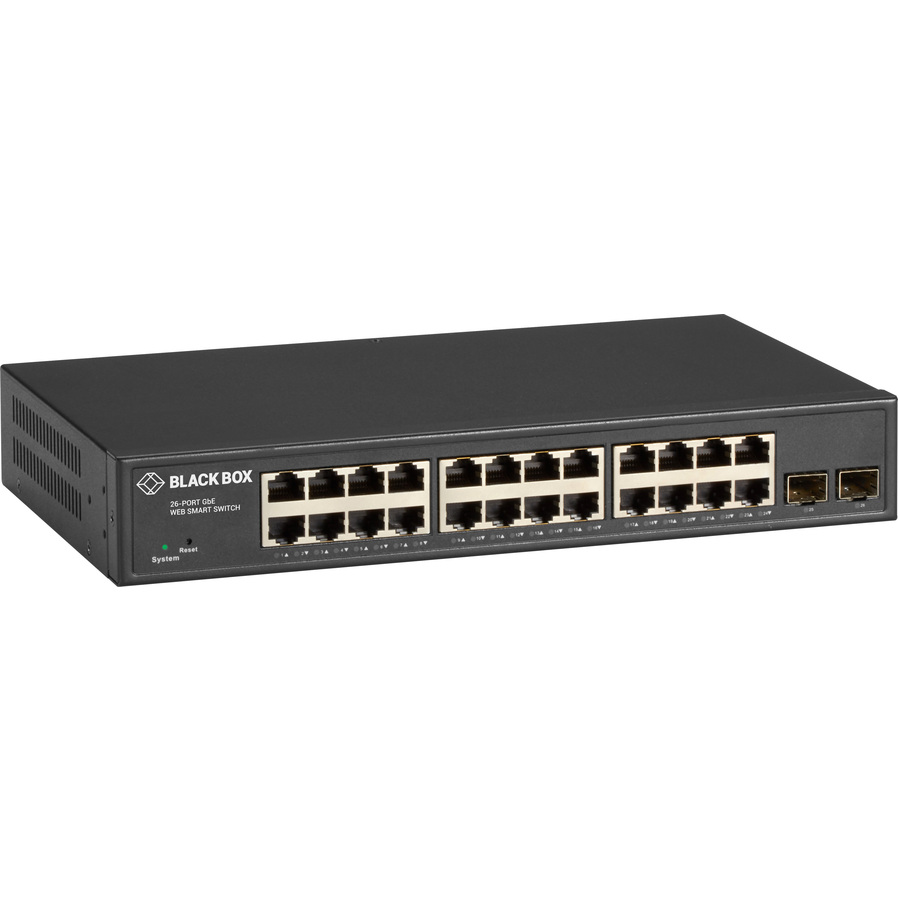
Black Box
Black Box Gigabit Ethernet Managed Switch
LGB2126A
A 1U 24-port managed gigabit switch with two SFP slots, desktop or rack, for a closet whose uplink is fibre.
Confirm 802.1X authenticator, MAC Authentication Bypass and RADIUS CoA support per model on the vendor's datasheet — feature sets differ inside one product line.
$327.98*Back-orderedFrequently asked
- Is 802.1X the same as NAC?
- No — 802.1X is the protocol, network access control is the program built around it. 802.1X defines the roles, the frame exchange and the port states that let a switch or access point authenticate a device before admitting it. A NAC deployment uses that as its enforcement mechanism and adds the things the protocol has no opinion about: checking whether an endpoint is patched and encrypted before granting access, fingerprinting devices that cannot authenticate, and pushing a new decision into a session already in progress so a compromised host can be quarantined without unplugging it. You can run 802.1X without any of that, and many organizations do.
- How is 802.1X different from MAC address filtering?
- One is identification, the other is authentication, and the difference is not academic. MAC filtering compares the hardware address a device announces against a list. That address is transmitted in the clear in every frame and can be changed in software in seconds, so the check proves only that something claimed the right address. 802.1X requires the device to complete a cryptographic exchange with an authentication server using a certificate or a credential inside an encrypted tunnel, which copying an address does not help with. NIST guidance reflects the distinction directly, treating hardware and network addresses as identification and naming 802.1X with EAP as an authentication mechanism.
- Do I need certificates to use 802.1X?
- Not strictly, but the strongest option depends on them. EAP-TLS uses mutual certificate authentication and removes passwords from the equation entirely, and its real cost is the lifecycle — issuing certificates to every device, renewing them automatically, and revoking them on departure. The tunnelled password methods, PEAP and EAP-TTLS, need only a server certificate and are much quicker to deploy, at the price of inheriting your password risk and depending on every client being configured to validate the server certificate properly. Organizations with an existing certificate authority and device management usually standardize on EAP-TLS for managed endpoints and confine password methods to the cases they cannot avoid.
- What happens to printers and cameras that cannot authenticate?
- They never respond to the identity request, so the port times out and falls through to whatever fallback is configured — usually MAC Authentication Bypass, where the switch presents the device's hardware address to the authentication server and access is granted on that basis. It works and it is a weak credential, since a hardware address is broadcast in the clear and easy to copy. The mitigations are to segment those devices tightly so a spoofed address reaches only what that device type needs, to profile their behavior so a device that stops acting like a printer is flagged, and to record every such device as a named exception with an owner rather than as normal onboarding.
- What happens if the RADIUS server goes down?
- Whatever you configured, which is why it needs deciding in advance. A switch that cannot reach an authentication server can be set to admit devices to a defined fallback segment — failing open, so a server outage does not become a site outage — or to admit nothing, failing closed. The right answer differs by location: a lobby or conference-room port and a data-center port should not behave the same way. Run redundant authentication servers so the question is asked rarely, place at least one where a single network failure cannot isolate it, and test the behavior deliberately, because finding out during an outage is how a security control becomes the incident.
- Will 802.1X break PXE boot and network imaging?
- It can, and this is one of the most common rollout problems. A machine being imaged has no operating system and therefore no supplicant, so it cannot authenticate; it needs an address from the network before the software that would authenticate exists. Left at defaults, the port waits through several identity request cycles before offering a fallback, which is often longer than the boot process will tolerate. The workable approaches are to tune the request interval and retry count, to configure hardware-address authentication to be attempted first for known build devices, or to provision a dedicated imaging segment with a different policy. Plan it before the rollout rather than after the first failed build day.
Sources
- 1.IEEE 802.1X-2020 — Port-Based Network Access Controlstandards.ieee.org
- 2.RFC 3748 — Extensible Authentication Protocol (EAP)rfc-editor.org
- 3.RFC 5176 — Dynamic Authorization Extensions to RADIUSrfc-editor.org
Keep reading