
16GB or 32GB RAM for business laptops? A role-based guide
Use measured workloads to decide between 16GB and 32GB business laptops, then account for upgrade options and expected service life.
By Uniqcli Team · · 3 min read
On this page
Memory is easy to compare on a quote and harder to size well. A 32GB laptop offers more capacity, but the extra spend should have a purpose. Compare 16GB and 32GB against the applications people run at the same time, including the security and management software that belongs on the finished device.
16GB office candidate
Lenovo
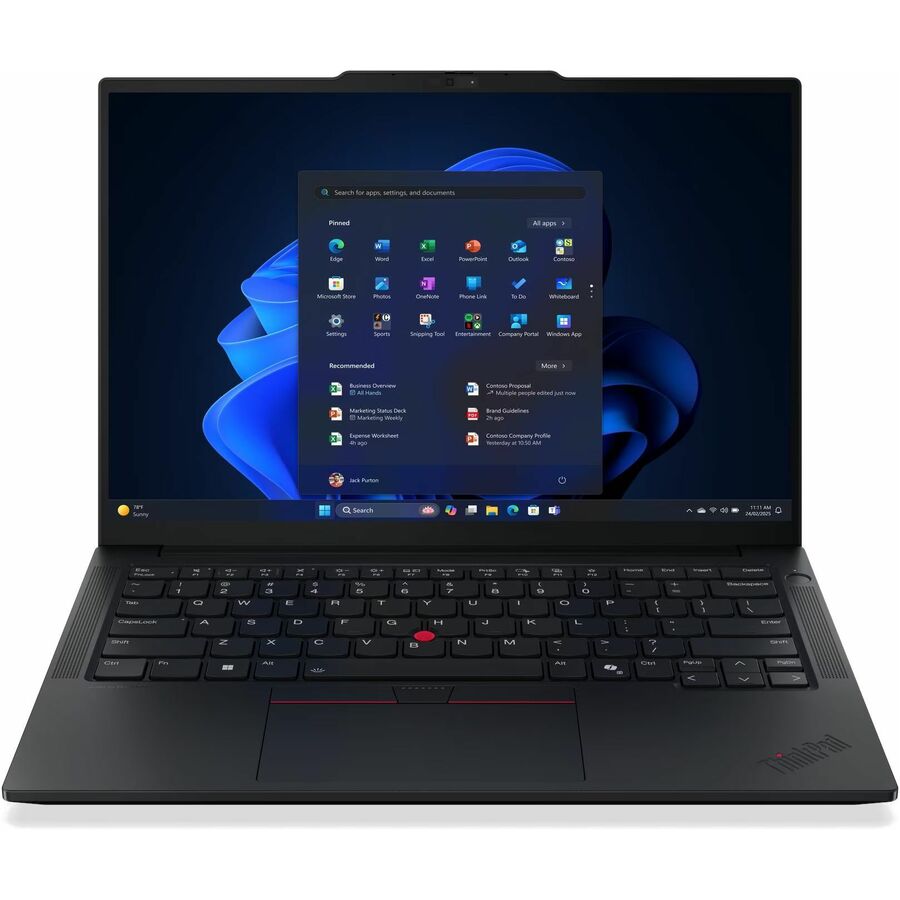
Lenovo ThinkPad E14 Gen 7 21T9002FUS 14" Notebook
21T9002FUS
The E14 Gen 7 listing provides a 16GB configuration with a 256GB SSD for a concrete office workload pilot.
It differs from the 32GB option in more than memory. Do not attribute every performance difference to RAM.
$1,233.48In stock32GB compact candidate

Lenovo
ThinkPad L13 2-in-1 Gen 6 (AMD) 3.30 GHz W11P64 32.0GB 512GB PCIe 13.3
21RD000WUS
The L13 2-in-1 listing combines 32GB memory and 512GB storage in a compact convertible, making the higher-capacity option explicit.
Verify the exact memory architecture and supported service options before planning an upgrade. Convertible features also affect the purchase comparison.
$2,558.58In stockSpecialist 32GB configuration
Lenovo
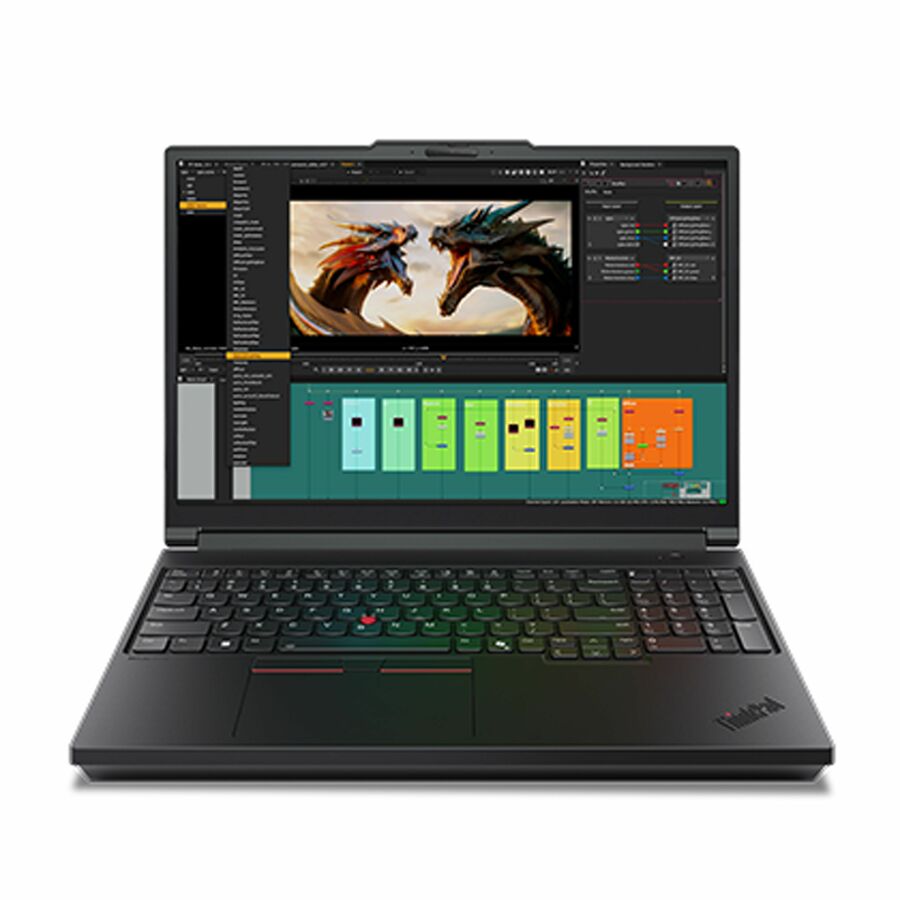
Lenovo ThinkPad P16 Gen 3 21RQ000WUS 16" Mobile Workstation
21RQ000WUS
The P16 workstation listing has 32GB memory with professional graphics and a 1TB SSD for an application-specific engineering pilot.
Its workstation configuration serves a different role from an ordinary office notebook. Memory capacity alone does not make the products interchangeable.
$5,796.02In stockRun a representative memory trial
Start with the demanding part of an ordinary day: browser tabs, collaboration software, documents, line-of-business applications and any local development tools. Record responsiveness and memory use over the session. A single reading immediately after login misses the workload that may create pressure later.
Ask users to identify actual interruptions: delayed switching, a large file that will not open or a virtual machine that cannot run comfortably. Memory may be the explanation, but storage, network access or application behavior can cause similar symptoms. Compare the same task on a candidate configuration before treating more RAM as a universal repair.
Recommended configuration
- Ordinary office workload
- Prioritize: Pilot 16GB · Check before ordering: Apps running concurrently
- Heavy multitasking
- Prioritize: Compare 32GB · Check before ordering: Measured pressure and responsiveness
- Specialist projects
- Prioritize: Size to application and files · Check before ordering: Memory upgrade path and other limits
Compare complete configurations and upgrade paths
If two laptops differ in processor, memory and storage, the comparison cannot isolate RAM alone. Make those differences visible. Where practical, evaluate otherwise comparable configurations; where that is impossible, frame the decision around the complete package and the workload it supports.
Check whether memory is soldered, socketed or configurable at order time for the exact model. Do not assume every laptop in a familiar family can be upgraded later. A machine that cannot practically be upgraded may justify more capacity at purchase when a known future workload requires it. An upgradeable device still needs supported modules, labor and downtime in the cost comparison.
Set a role-based memory policy
Define a standard candidate for everyday office roles and an exception rule for larger workloads. The exception should name the application or measured constraint, not simply seniority. Development, analysis and engineering users can provide sample workloads that make the request easier to evaluate.
Revisit the policy as applications change. Keep evidence from the pilot and review support cases rather than relying on a fixed replacement interval to catch problems. More memory also does not guarantee that a machine has the graphics, ports or processor capability needed for a new role. Use the memory decision within the broader laptop standard.
Write the memory exception in measurable terms
A useful exception request states the application, representative file or virtual machine, the concurrent workload and the observed limitation. It should also identify the proposed capacity and any other configuration changes. That makes an approval explainable and lets IT check whether the chosen machine solved the problem.
For purchasing, compare the cost of the required configuration with any supported later upgrade, including labor and downtime. Confirm the exact model’s memory architecture before relying on the upgrade route. Keep the decision with the employee role rather than the individual’s job title. The result is a repeatable capacity policy that can change when applications or project sizes change.
Questions before you order
Is 16GB enough for business work?
It can be for a tested workload. Evaluate the fully managed device with the user’s normal applications open, then allow for known changes during the intended service period.
Does 32GB make every task faster?
No. Extra capacity helps when memory is a constraint. A task limited by network latency, software behavior or another hardware component may not improve from memory alone.
Build the right equipment list
Send your quantities, required configurations and delivery needs for a quote.
Sources
- 1.Lenovo Group Limited 21T9002FUS — catalog specificationsgetuniqcli.com
- 2.Lenovo Group Limited 21RD000WUS — catalog specificationsgetuniqcli.com
- 3.Lenovo Group Limited 21RQ000WUS — catalog specificationsgetuniqcli.com
Manufacturer catalog image · 21T9002FUS