
Best Tablet and iPad Charging Carts and Cabinets for Schools
Mobile carts and stationary cabinets that store, secure and charge a class set of tablets, iPads and laptops — read by the bay count, the power type, and whether the unit rolls or stays put.
Tablet and device charging carts and cabinets in stock at Uniqcli
How to choose →A curated selection with live pricing — in-stock lines first, then back-ordered lines with a typical lead time. Every line is sourced through US distribution and screened for NDAA §889 status before checkout, with TAA verified on request.





USB-C cabinet
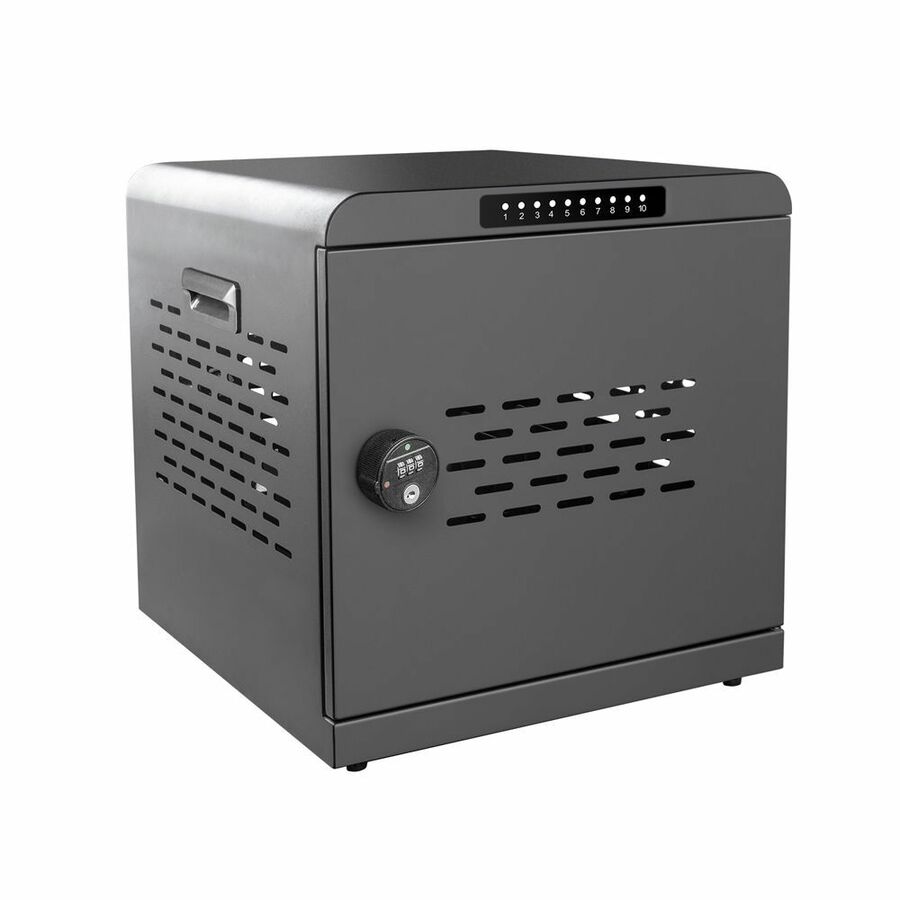
4XEM
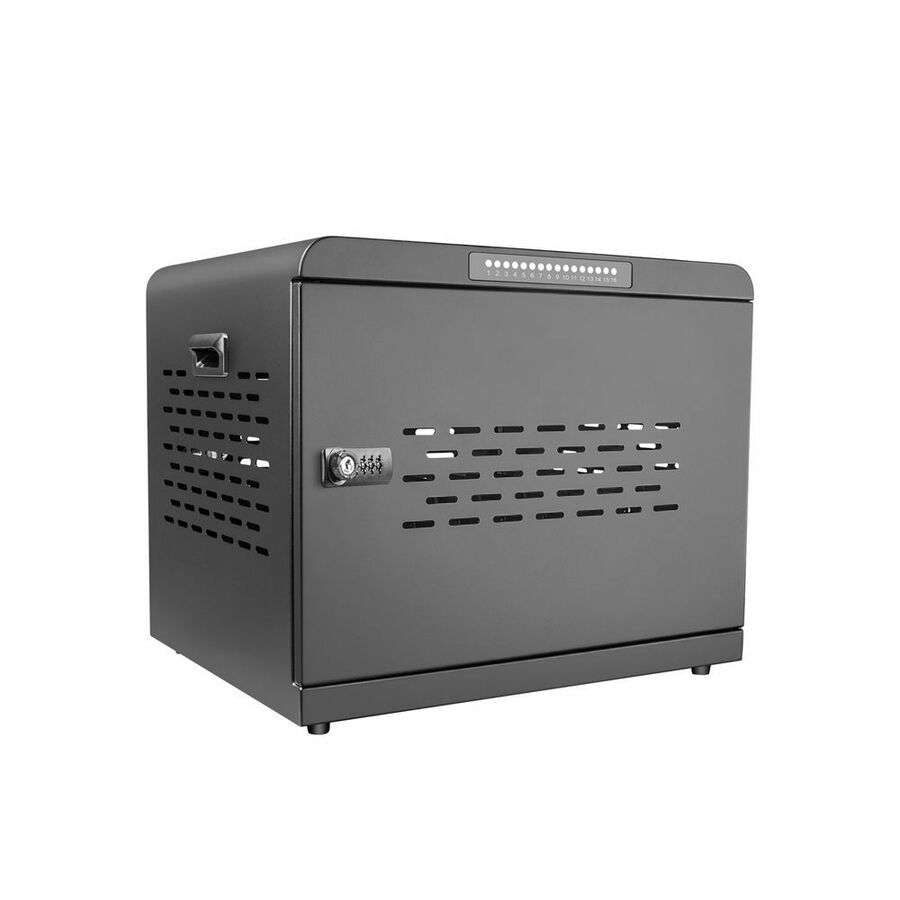
4XEM 10-Port USB-C 800W Charging Cabinet
4XMCA10S800
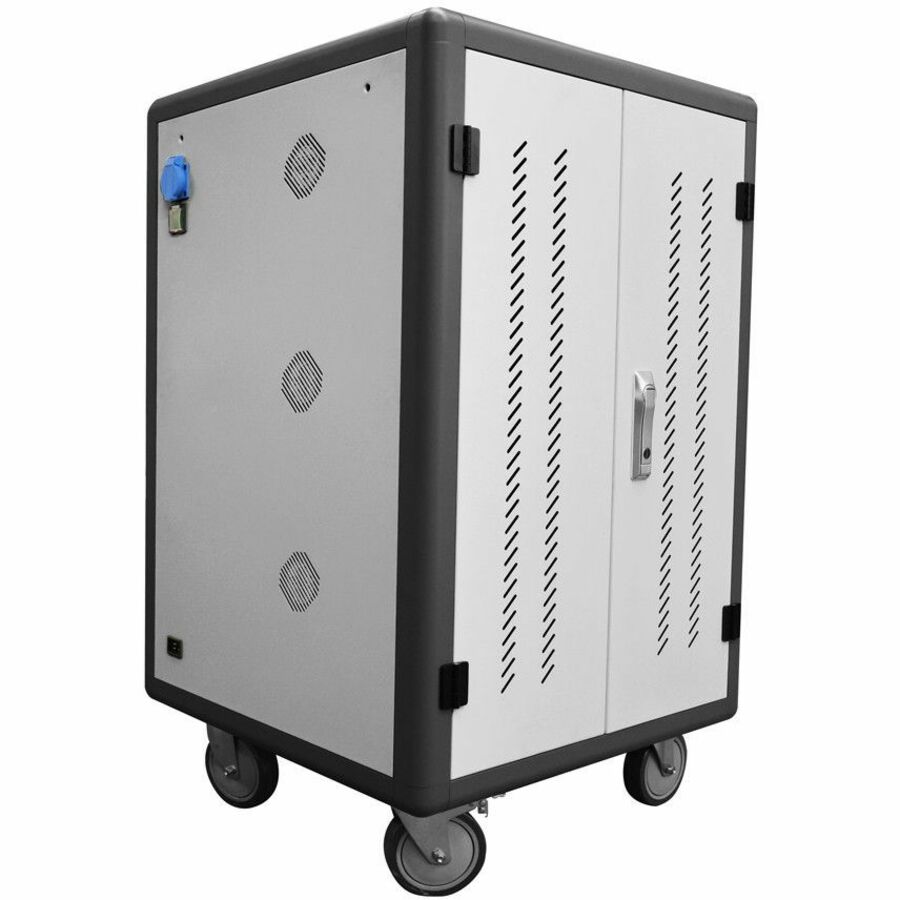
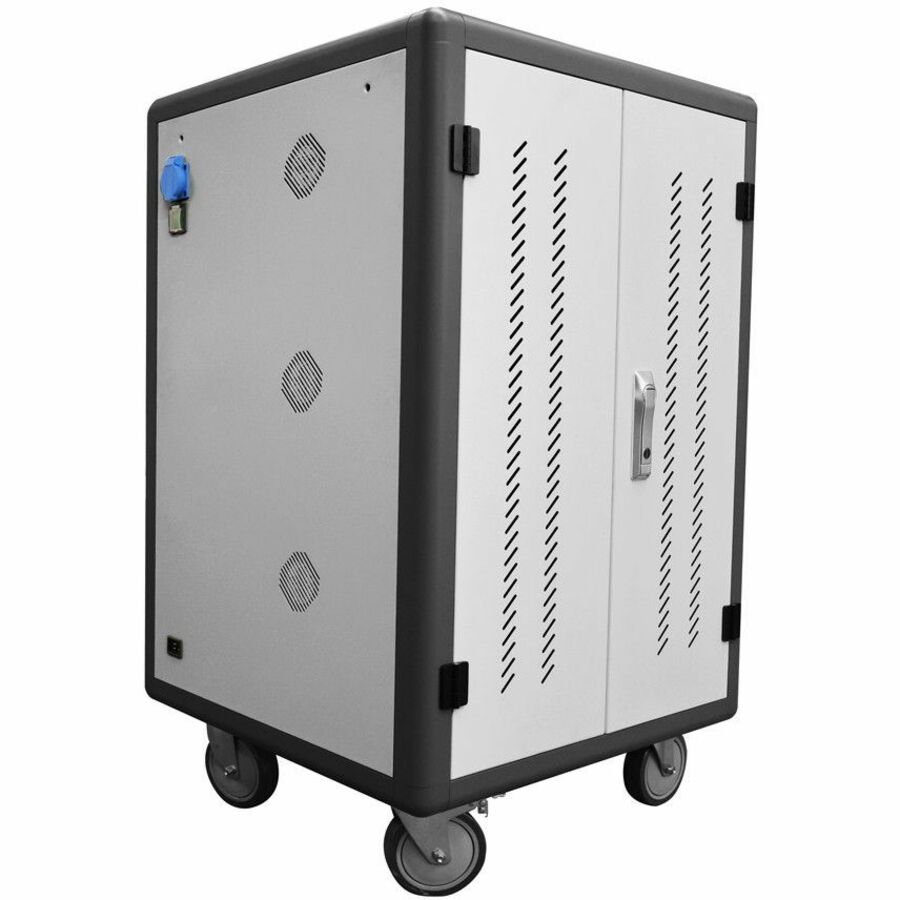
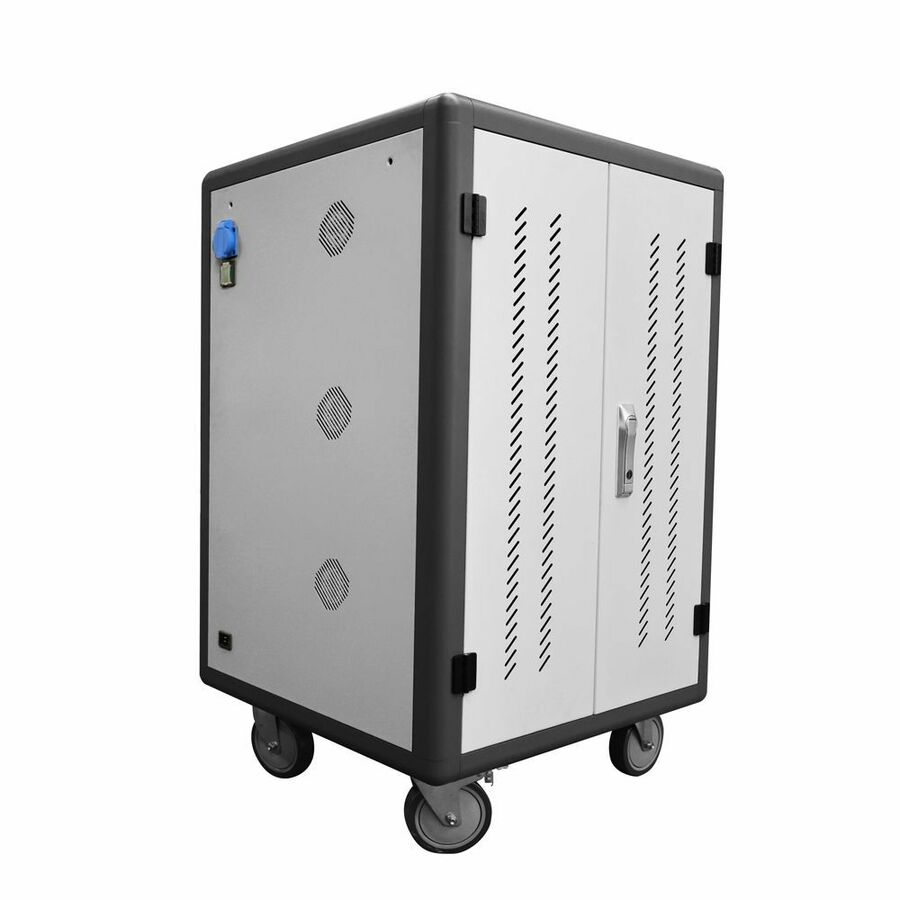
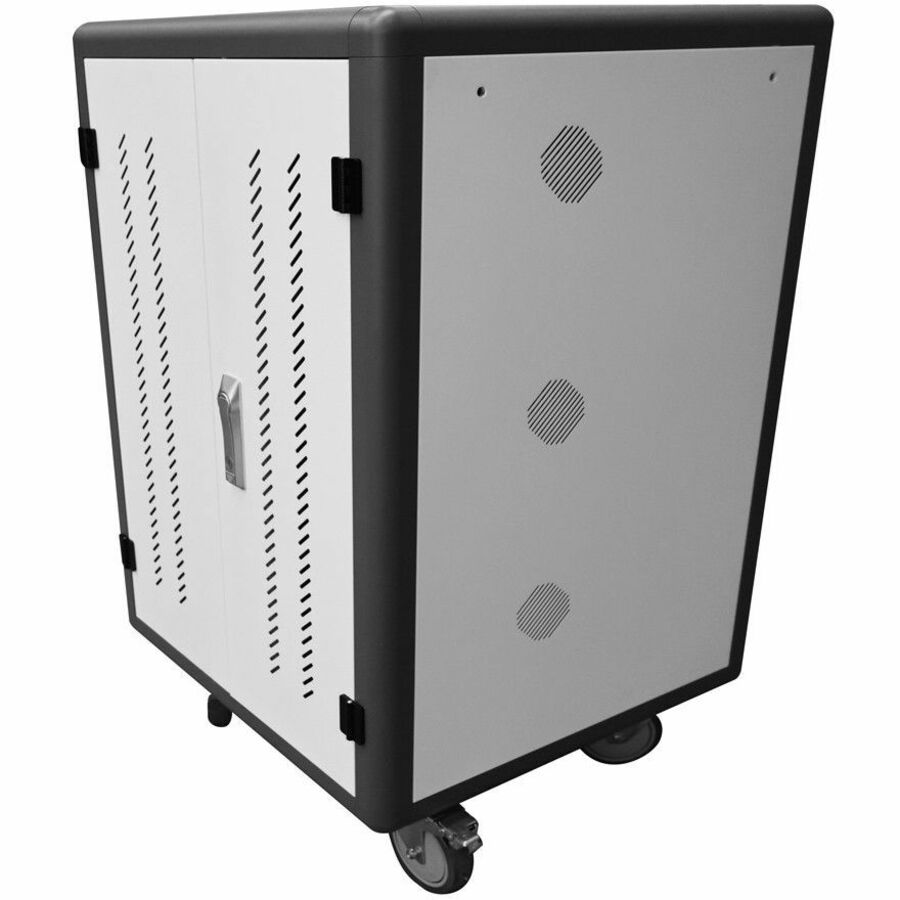
A 4XEM 10-port USB-C 800W charging cabinet — a lockable, stationary enclosure that charges a small set of USB-C tablets or laptops directly, with no bricks to tangle, for a single classroom or office.
$903.67Back-orderedIntelligent station
Rocstor
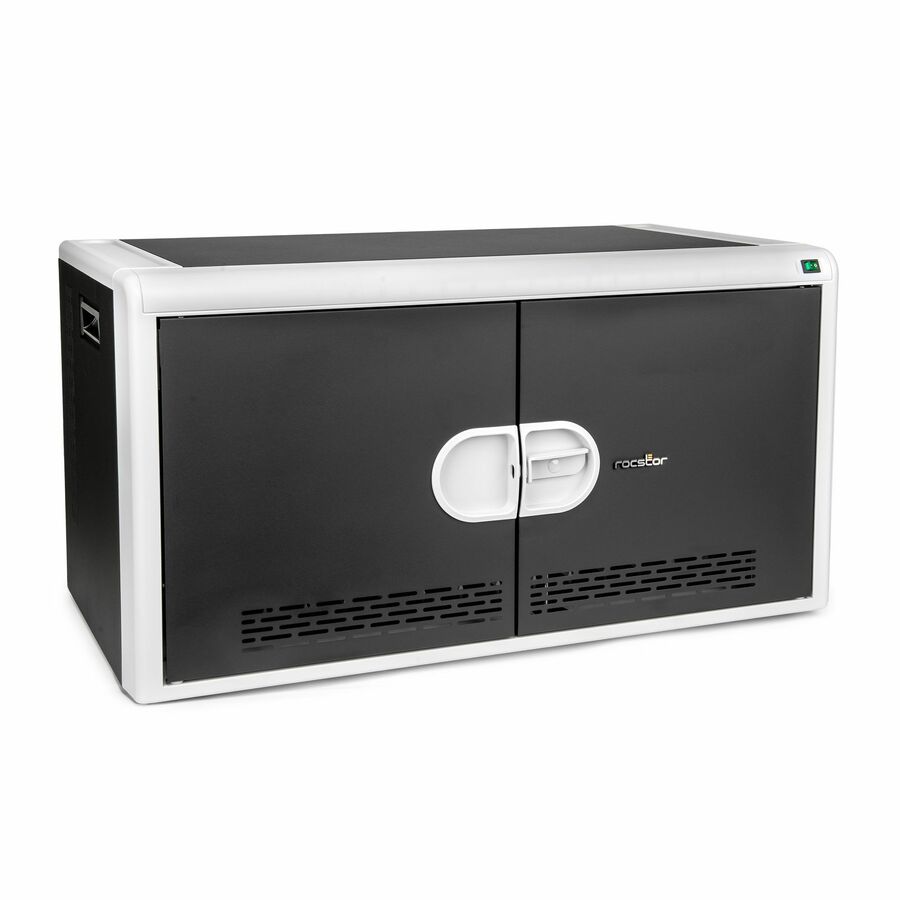
Rocstor Volt C14 Pre Wired Intelligent Charging Station 65W
VT0022-S1
The Rocstor Volt C14 is a pre-wired intelligent charging station with 65W-per-port power management — a stationary unit for a small set of USB-C devices where staged power keeps the whole load from drawing at once.
$811.07*In stock8-device tower cart
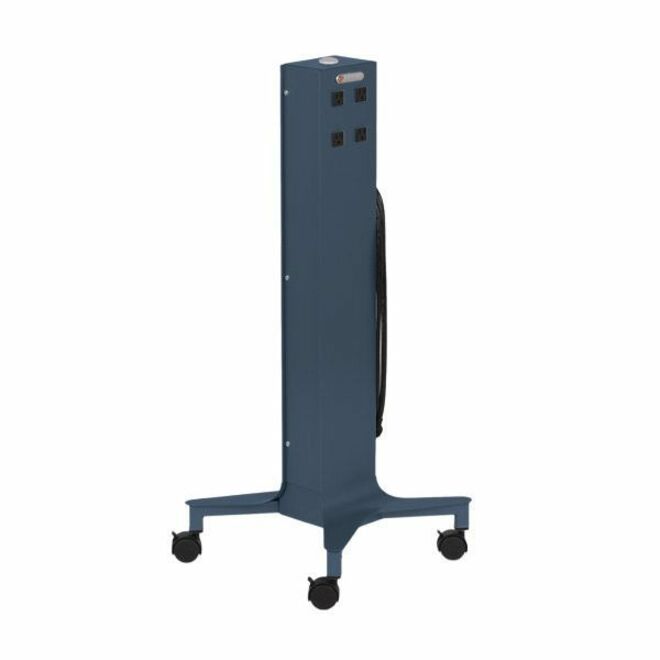
Bretford Manufacturing
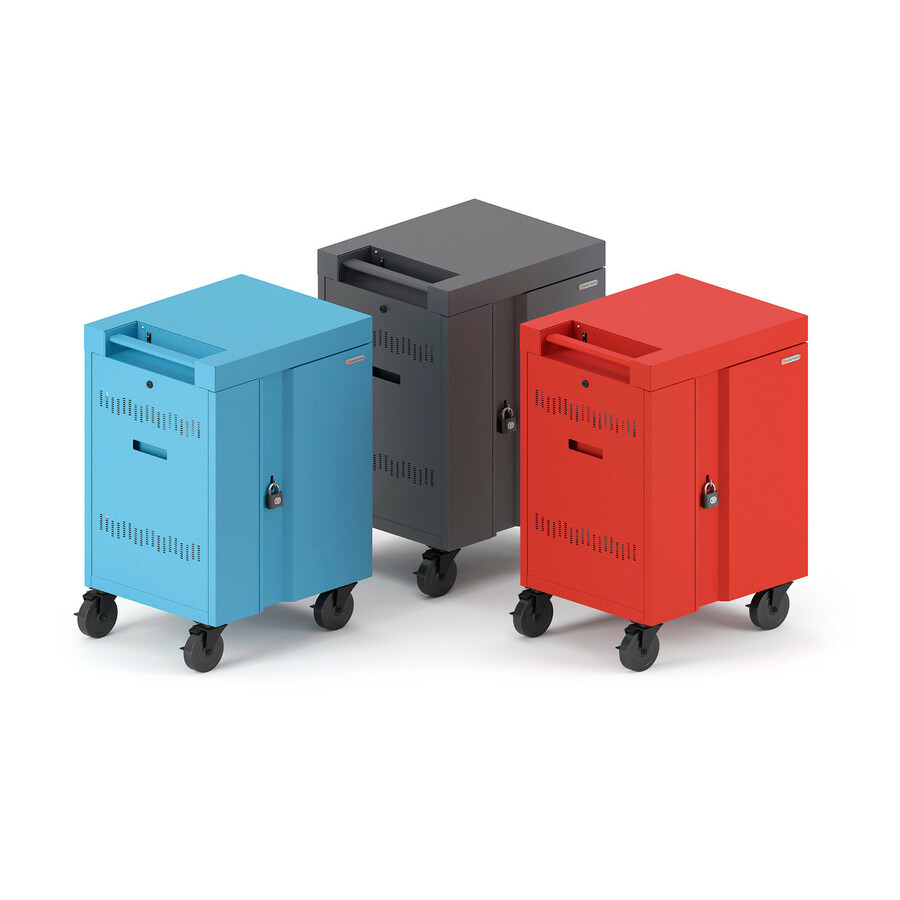
Bretford CUBE Tower Charging Cart
CTWR800EXT-TZ
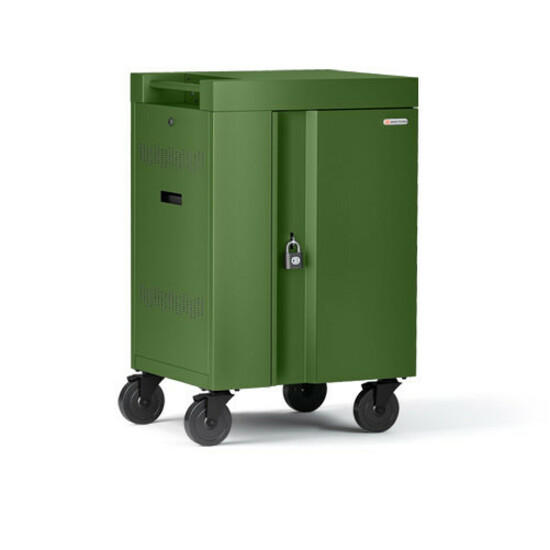
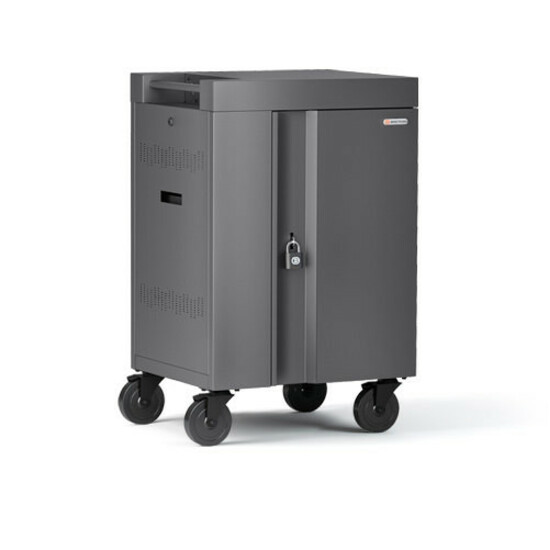
A Bretford CUBE Tower charging cart for eight devices — a compact rolling tower for a small group set or a specialist room, sized to move easily between spaces on casters.
$949.33Back-ordered12-bay security
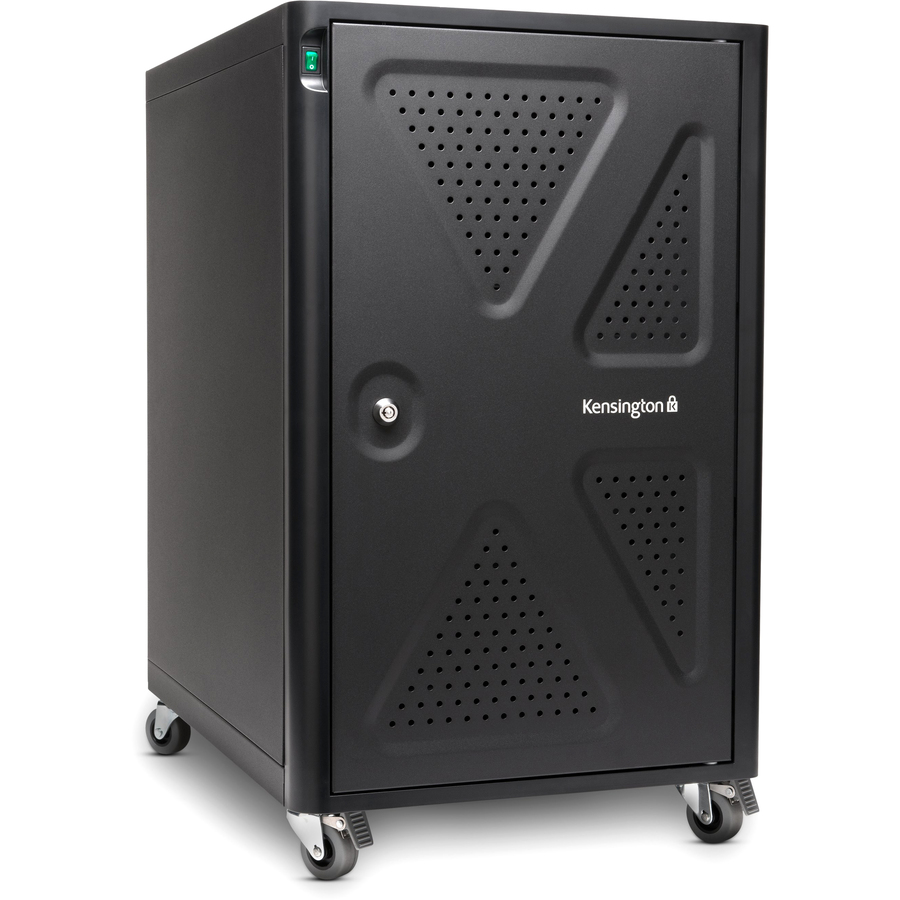
Kensington Computer Products
Kensington AC12 12-Bay Security Charging Cabinet
K64415NA
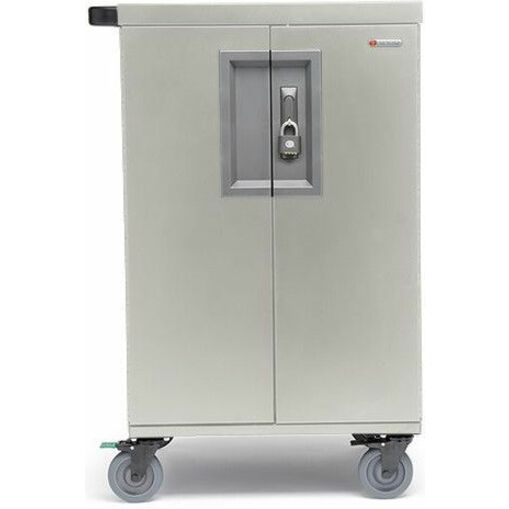
The Kensington AC12 is a 12-bay security charging cabinet — a lockable steel enclosure that stores and charges a small set of devices in a classroom or office, built around the theft-deterrent a set of tablets demands.
$1,254.83Back-ordered24-device cart
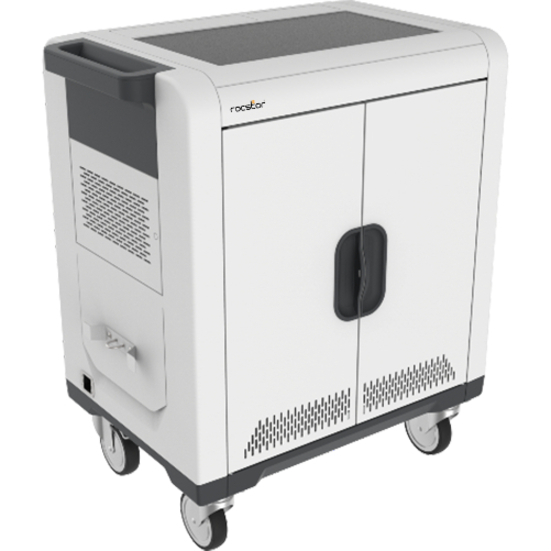
Rocstor
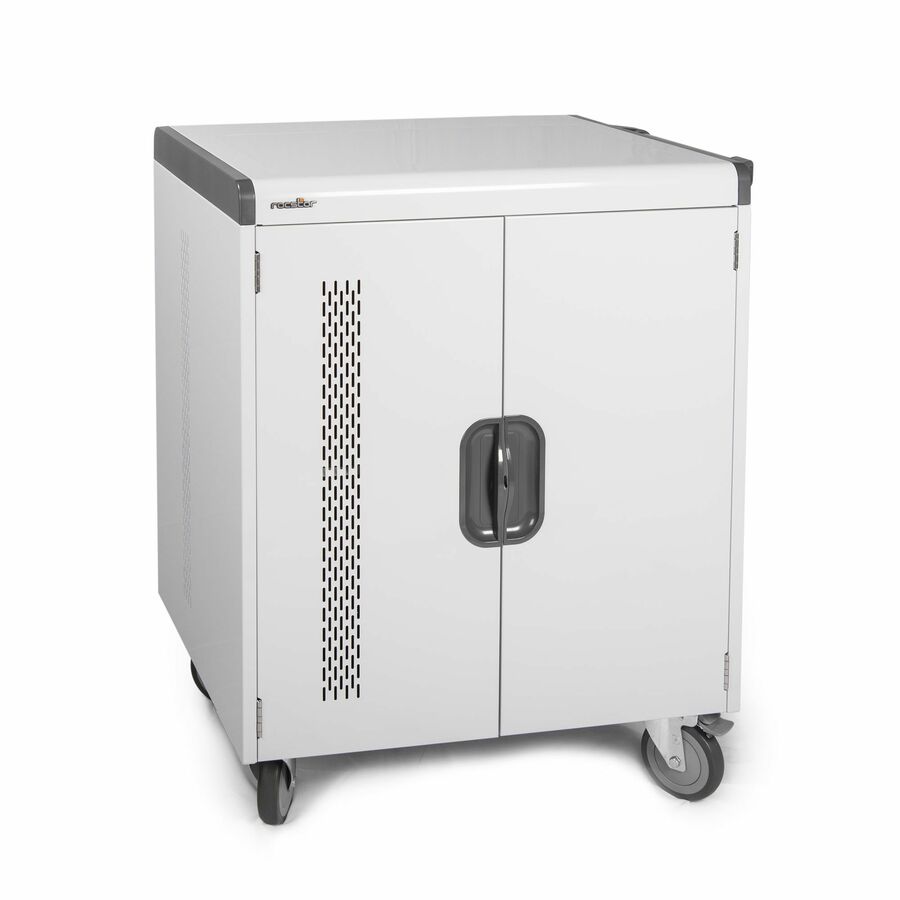
Rocstor Volt® C24 Charging Cart with Intelligent Power Charging
VT0C24-01
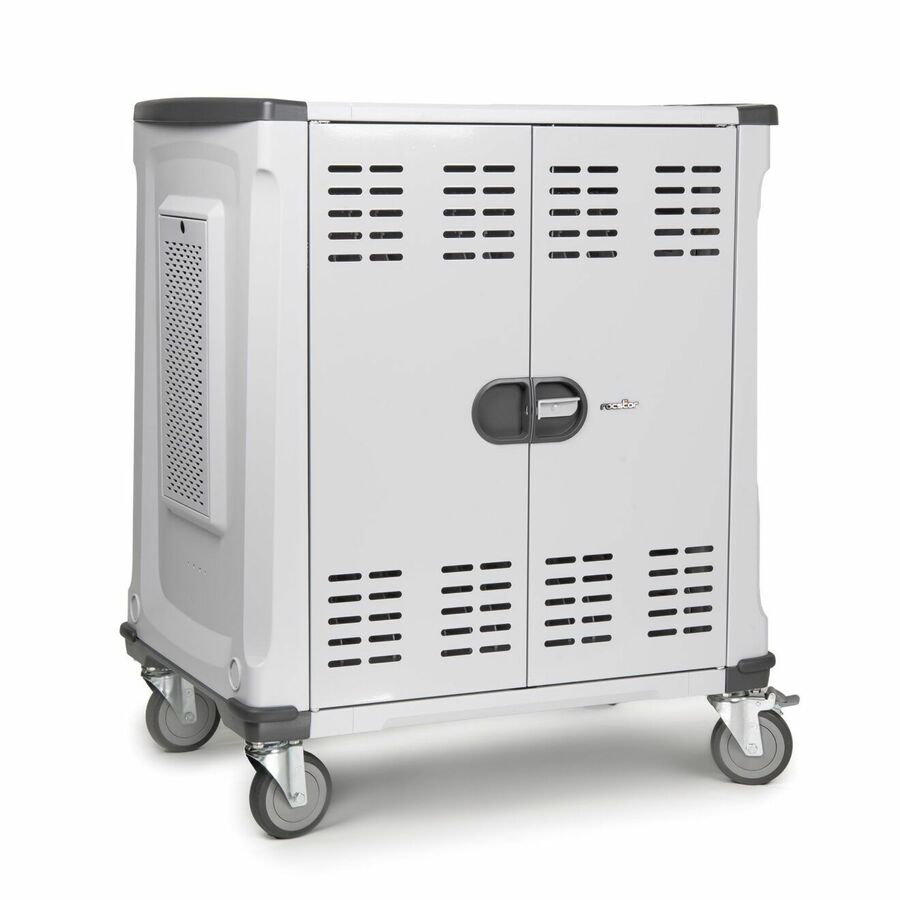
The Rocstor Volt C24 is a rolling cart with intelligent power charging for up to 24 devices — staged charging on casters so a mid-size set moves between rooms and comes up safely on plug-in.
$1,199.63Back-ordered30-device cart
AVer Information
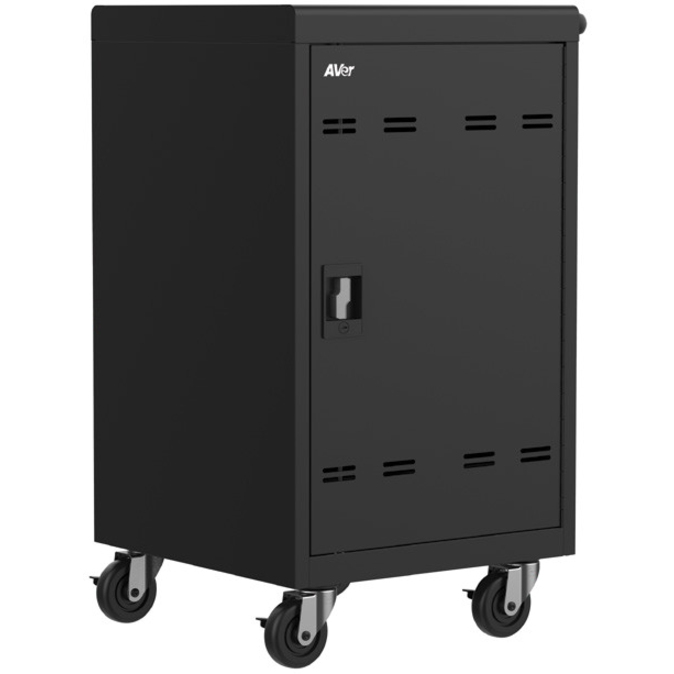
AVer AVerCharge B30 30 Device Charging Cart
CHRGEB030
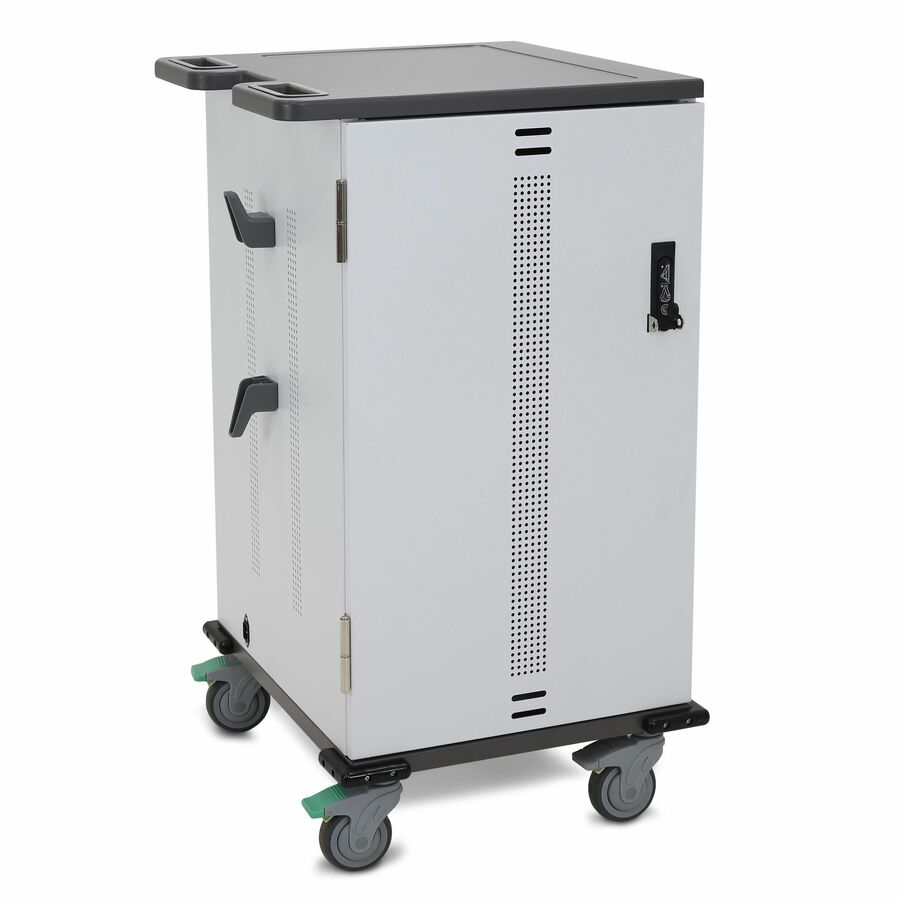
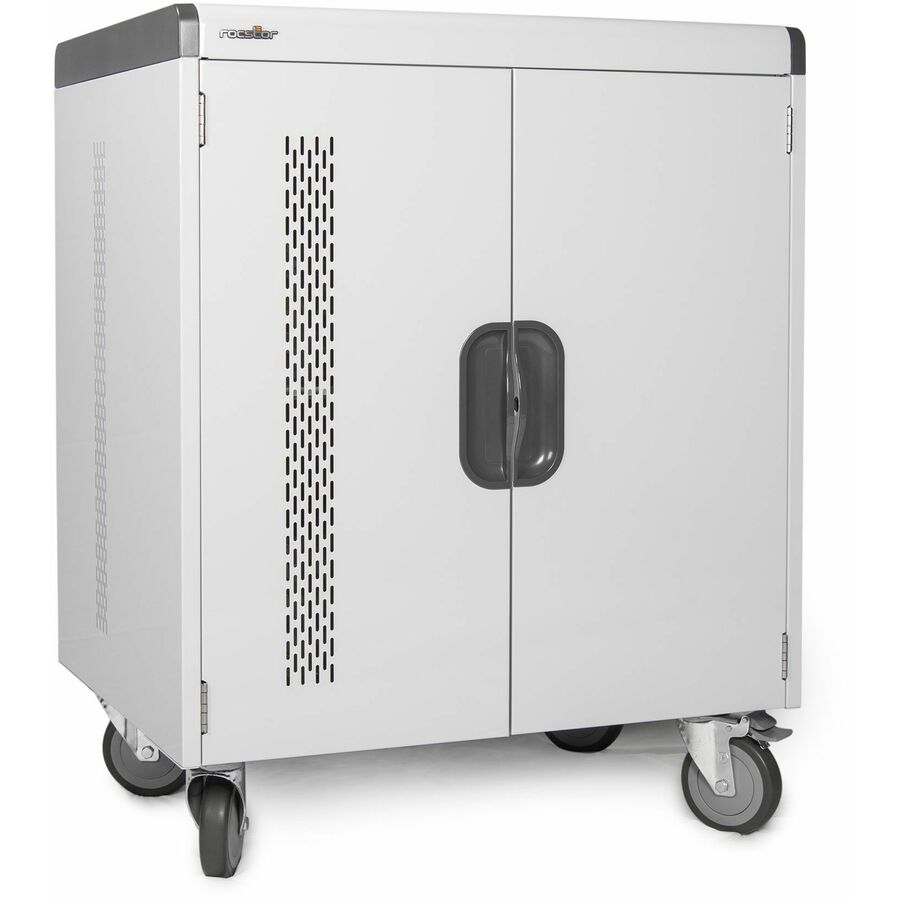
An AVer AVerCharge B30 30-device charging cart on casters — a full class-set cart that rolls between classrooms so one set of tablets or laptops serves several rooms across a timetable.
$1,074.16Back-ordered20-device mini cart
Bretford Manufacturing
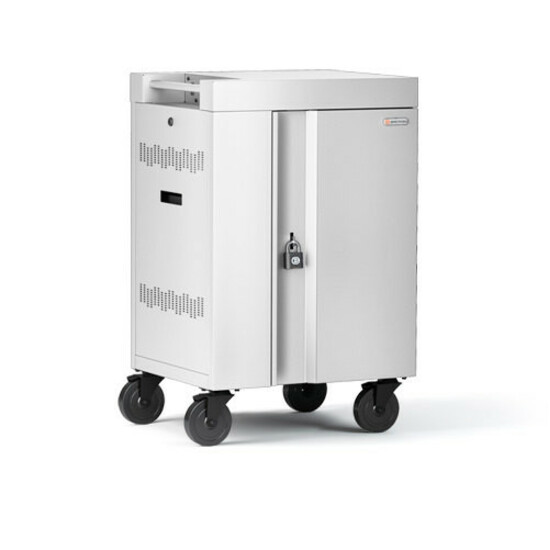
Bretford CUBE Cart Mini Charging Cart
TVCM20PAC-AW
The Bretford CUBE Cart Mini is a compact 20-device AC charging cart on casters — a smaller class-set cart for a room or a group that does not need a full 30-plus enclosure.
$1,150.19Back-ordered32-device cart
Bretford Manufacturing
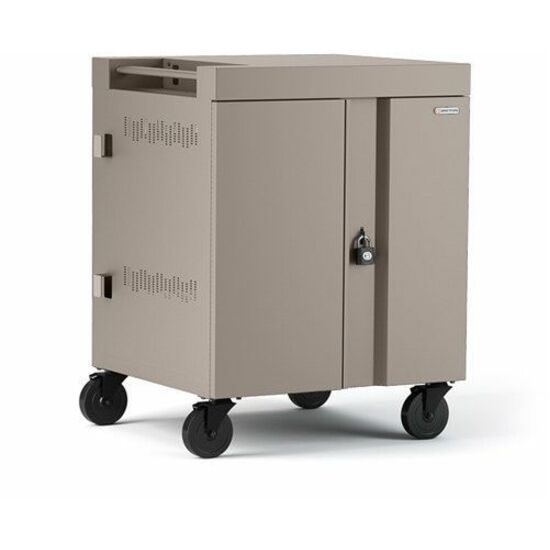
Bretford CUBE Cart Charging Cart
TVC32PAC-45WCH
The Bretford CUBE Cart is a 32-device AC charging cart on casters — a full class-set rolling cart that moves one device set between classrooms across a timetable.
$1,201.83Back-orderedMini-laptop cart
Ergotron
Ergotron YES Basic Charging Cart
YESBASGMPW4
The Ergotron YES Basic is a charging cart sized for mini-laptops with a 180 lb load capacity — a rolling cart for a class set of small notebooks where the bay depth suits a thin device.
$1,476.56*In stock30-bay security
Kensington Computer Products
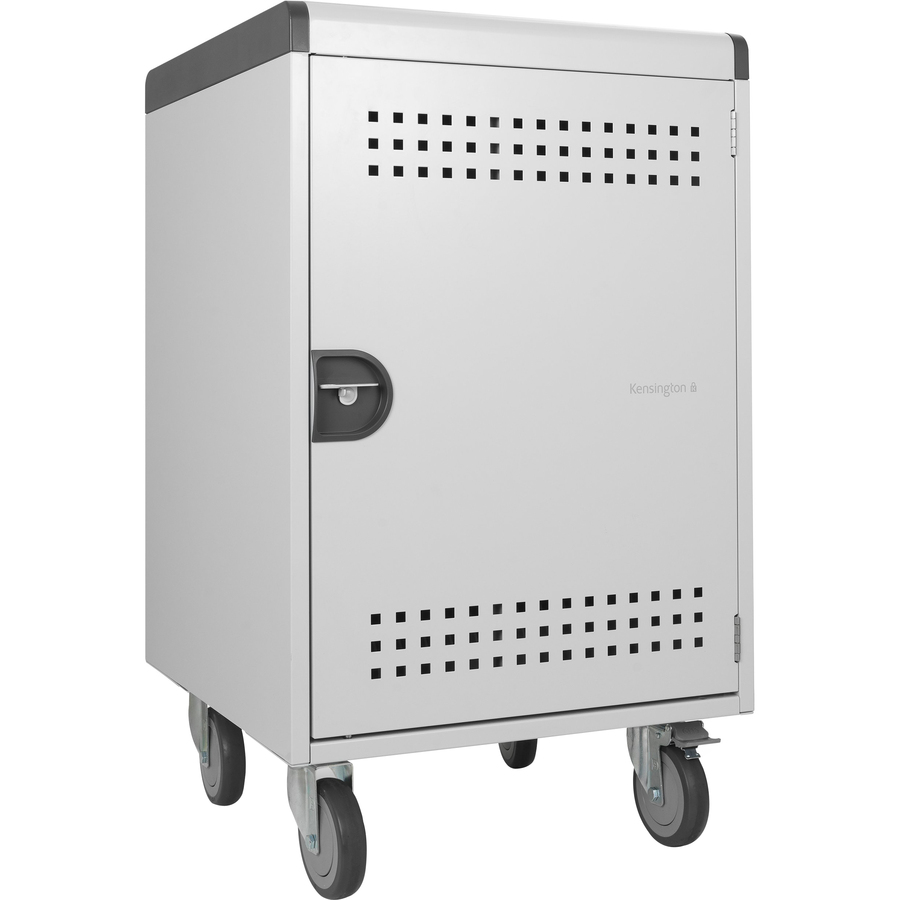
Kensington AC30 30-Bay Security Charging Cabinet
K62323NA
The Kensington AC30 is a 30-bay security charging cabinet with a push handle and casters — a lockable full class-set enclosure that can also be moved, joining a cabinet's security to a cart's mobility.
$1,657.31Back-orderedAC charging cart
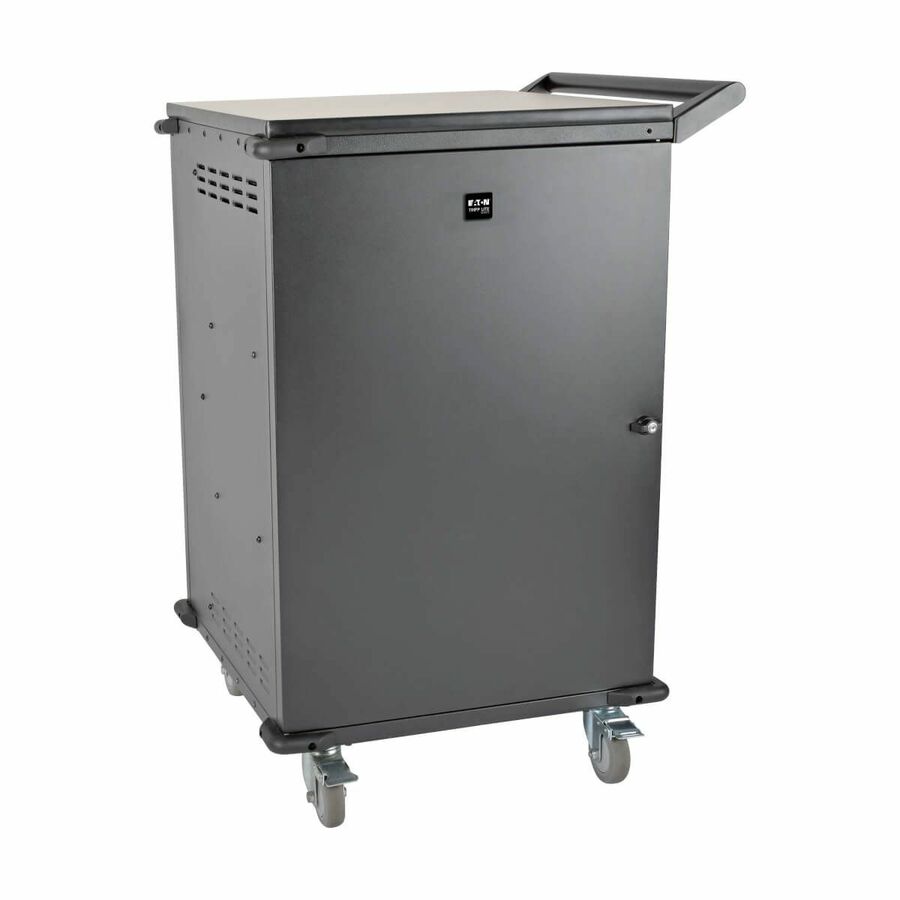
Eaton
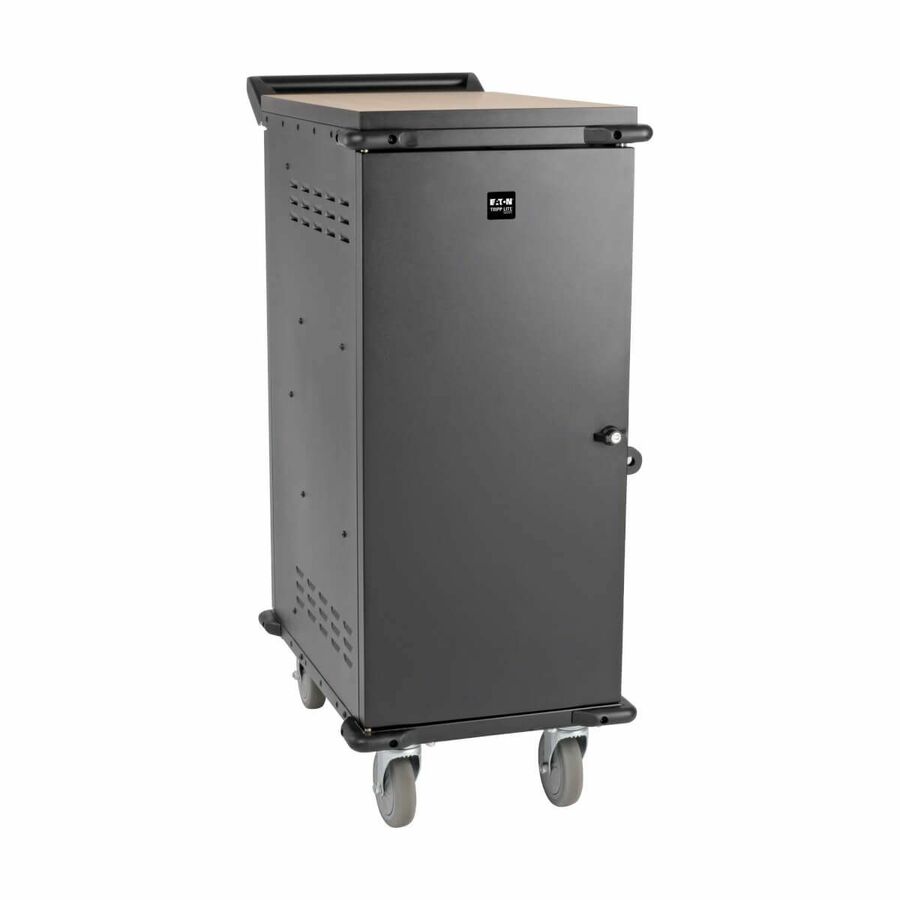
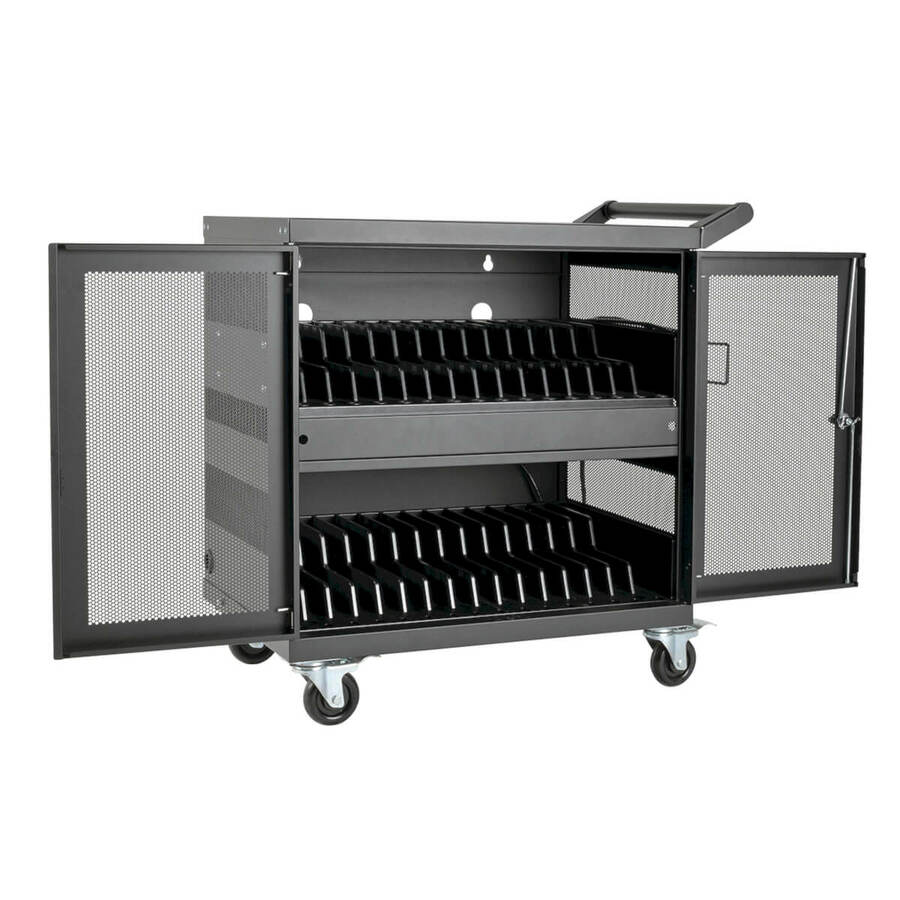
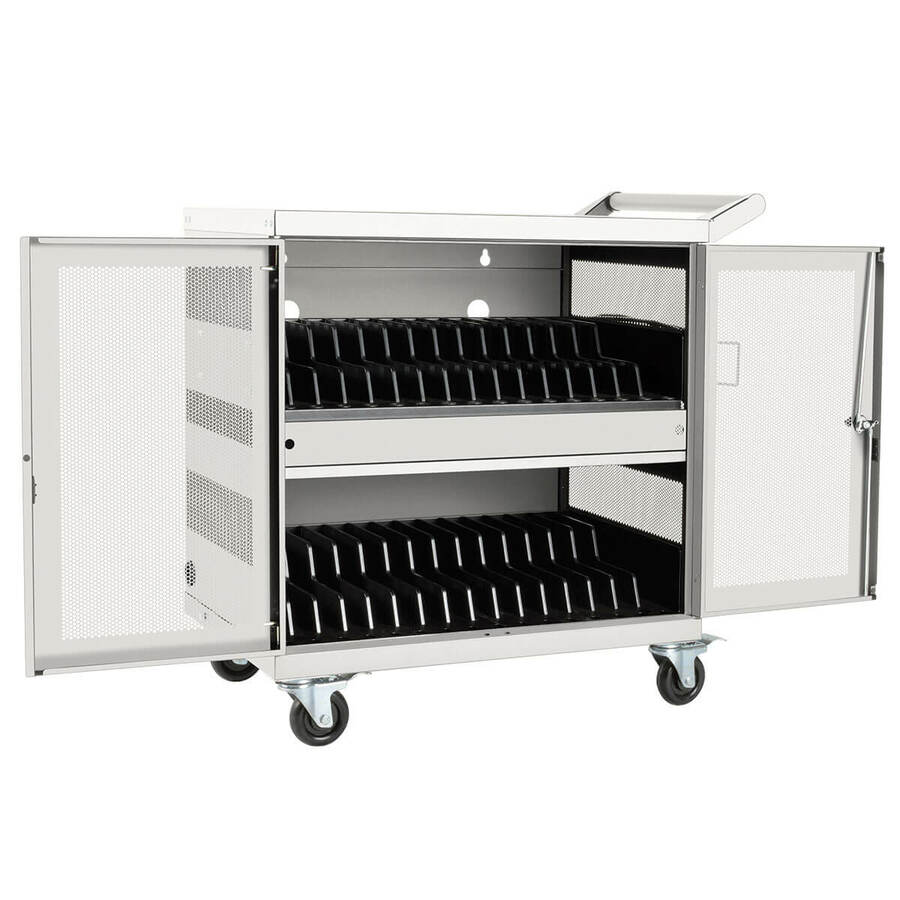
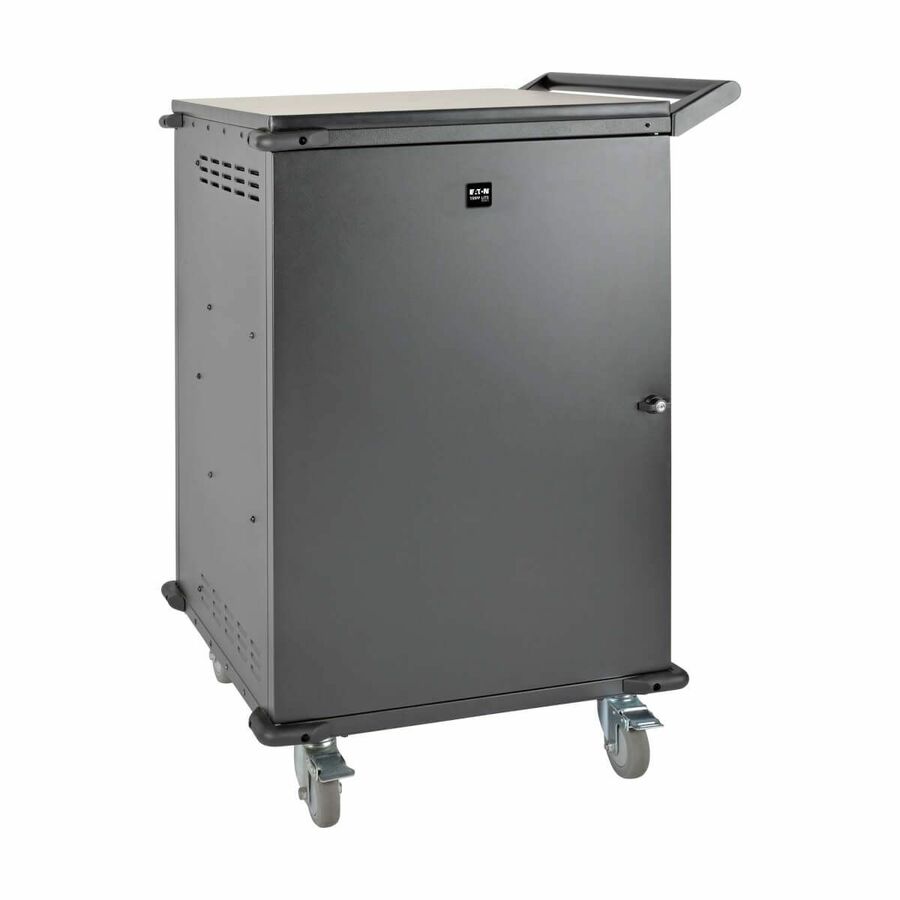
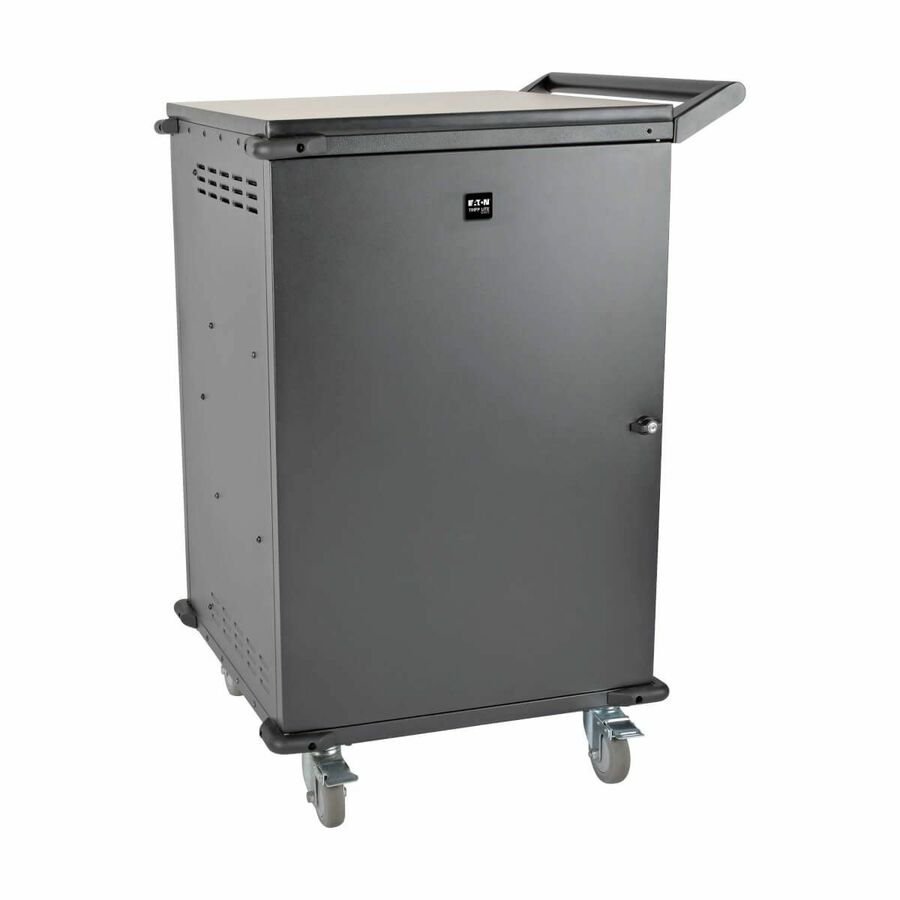
Tripp Lite by Eaton Multi-Device Charging Cart 36 AC Outlets…
CSC36AC
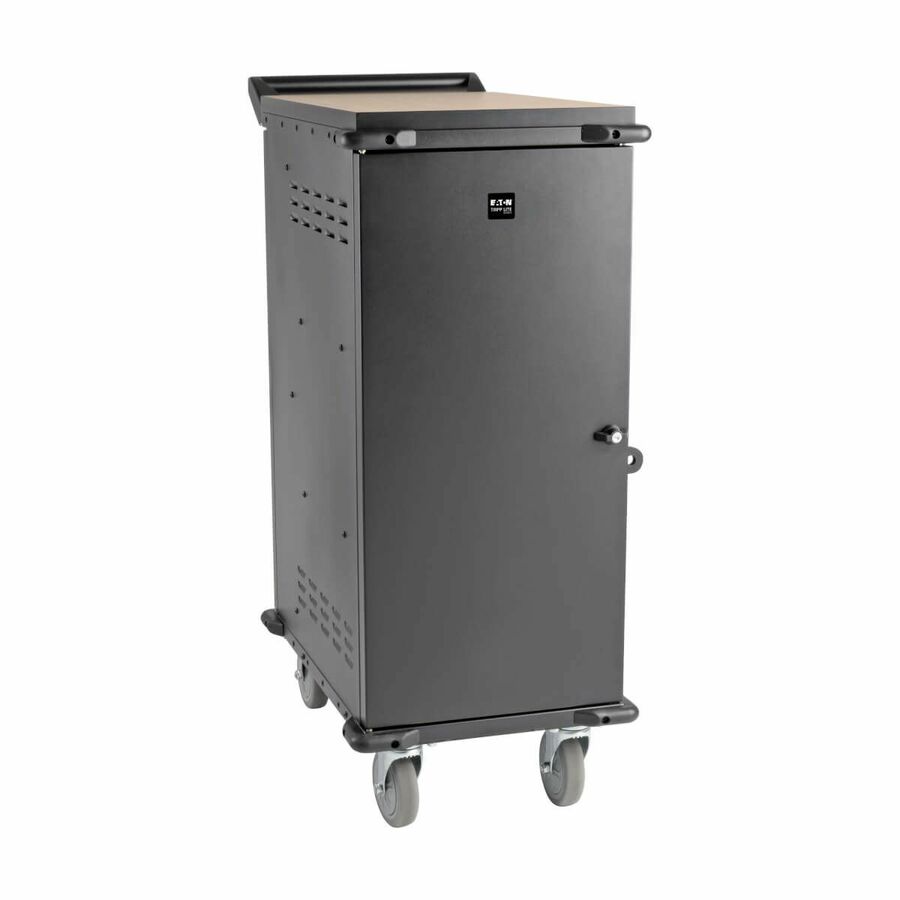
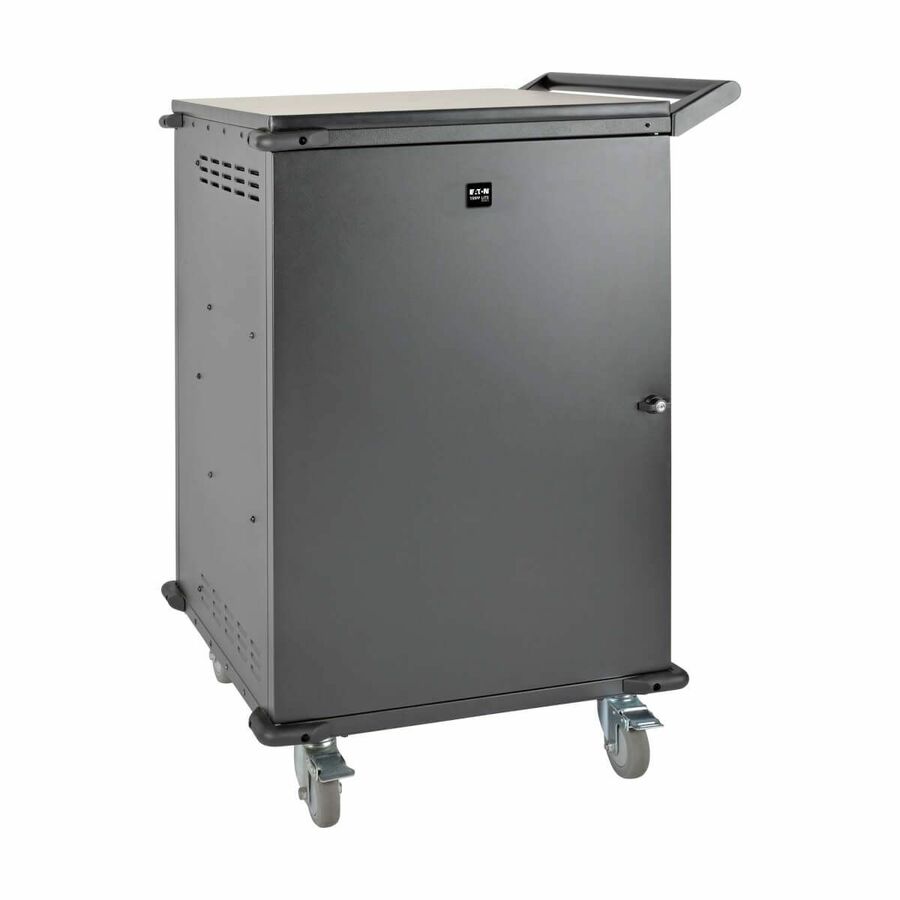
A Tripp Lite by Eaton 36-device AC charging cart — a bank of standard outlets that charges a mixed fleet of laptops and tablets by their own adapters, the device-agnostic choice for a changing fleet.
Confirm bay depth suits your device with its case on before trusting the count.
$1,964.43In stock40-tablet cart
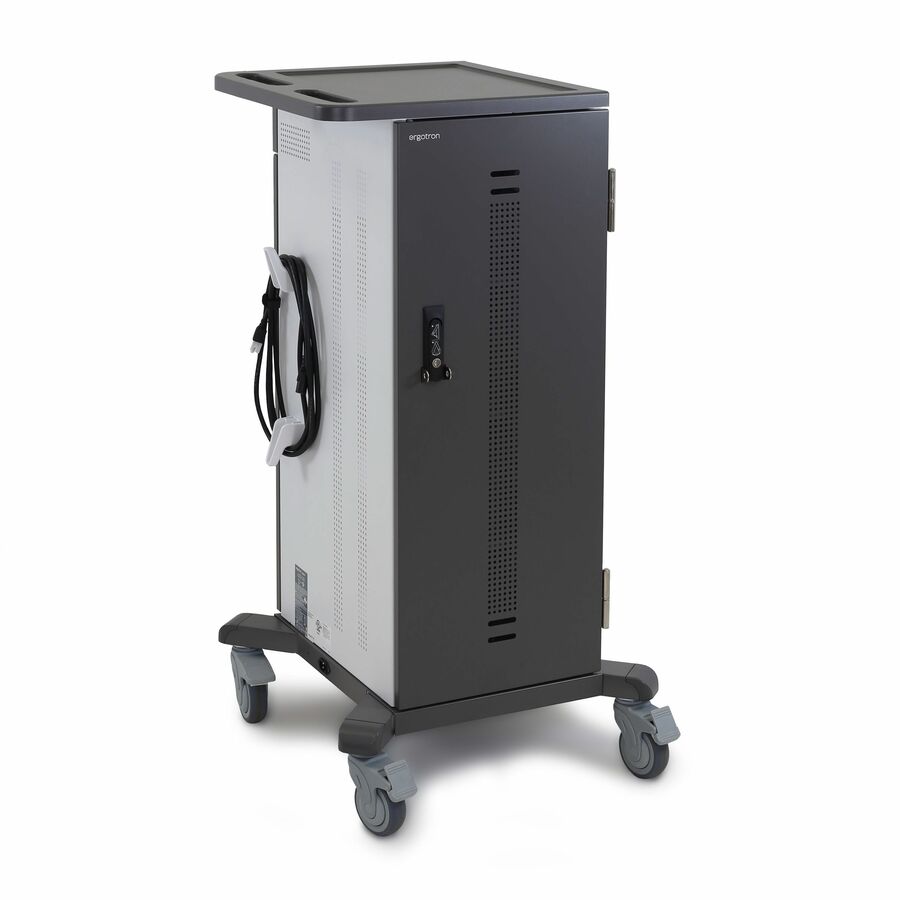
Ergotron
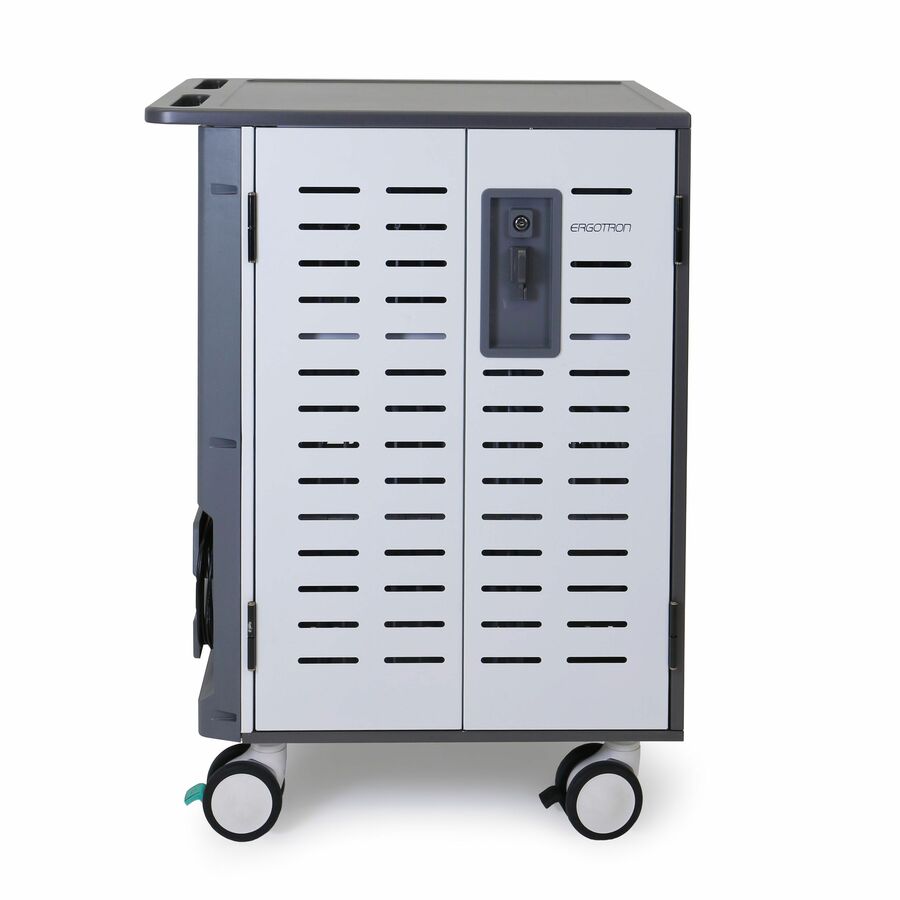
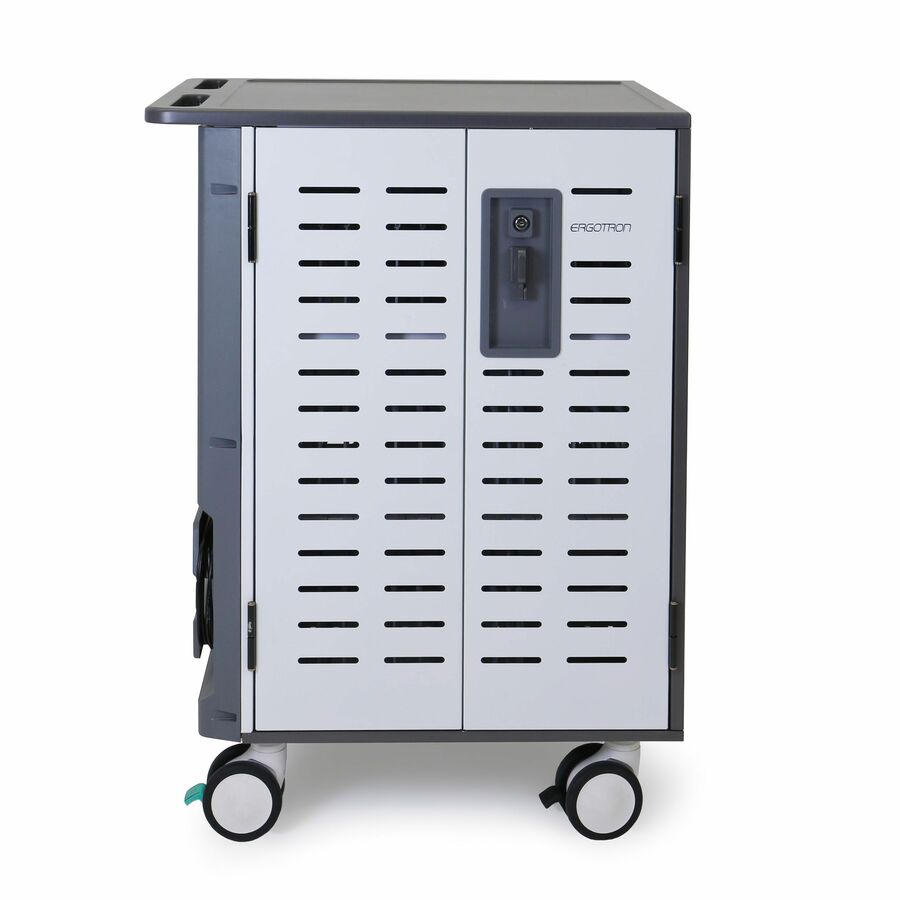
Ergotron YES40 Charging Cart
YES40-TAB-1
The Ergotron YES40 is a charging cart built for tablets with a 112 lb load capacity — a rolling cart whose bays are sized for a class set of slates rather than heavier laptops.
$1,925.55In stockZip40 heavy cart

Ergotron
Ergotron Zip40 Charging Cart
DM40-1009-2
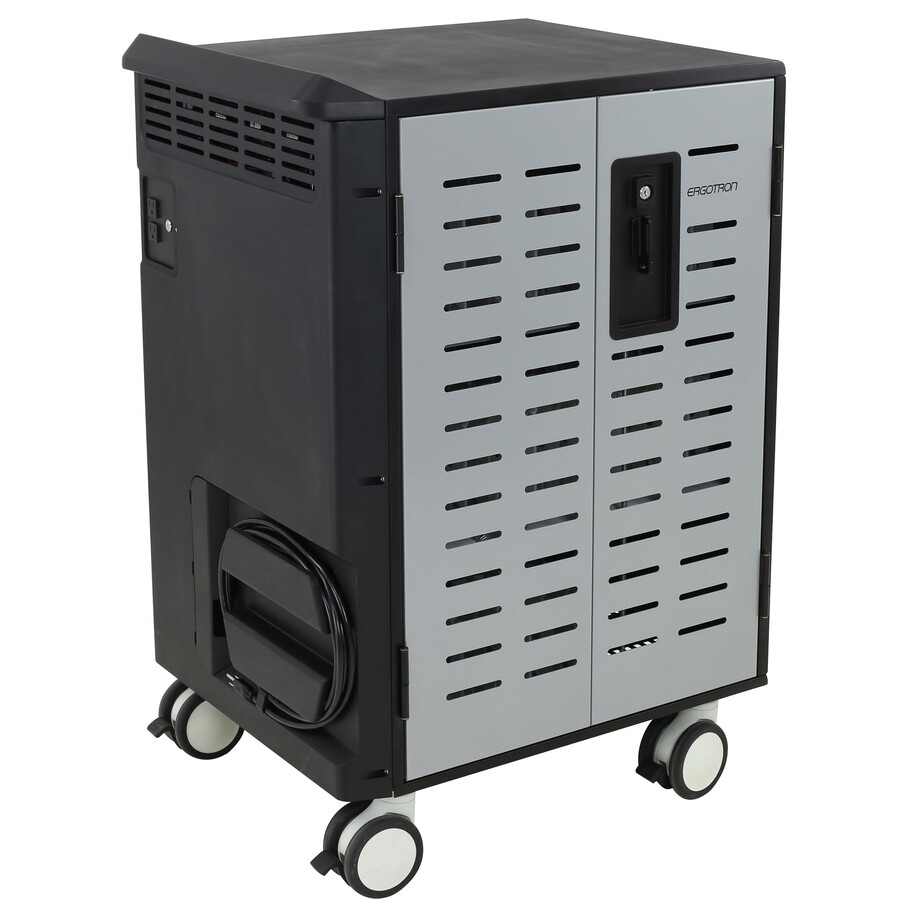
The Ergotron Zip40 is a charging cart with a 255 lb load capacity on 5-inch casters — the heavy-duty rolling cart for a full set of larger or cased devices that outweigh a light tablet cart.
$2,137.48Back-ordered42-device intelligent
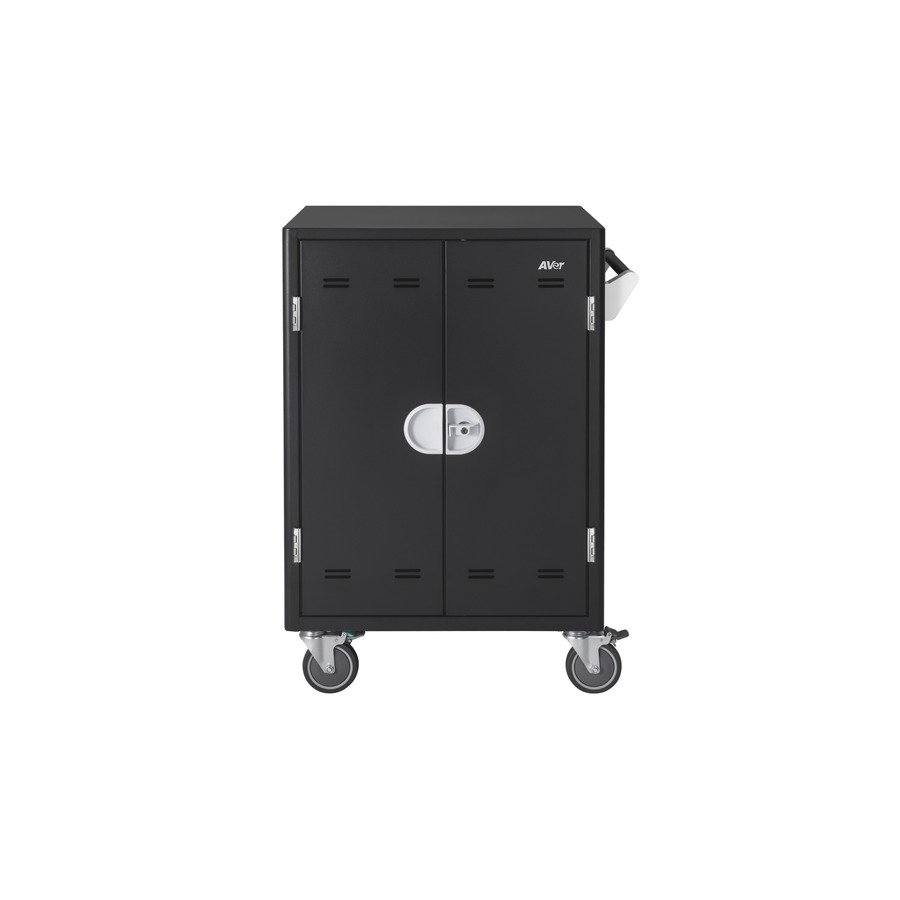
AVer Information
AVer AVerCharge X42i 42 Device Intelligent Charging Cart
CHRGEX42I
The AVer AVerCharge X42i is a 42-device intelligent charging cart on casters — a high-capacity rolling cart with managed power for the largest class or lab set, staged so a full load never slams the circuit.
$2,019.60Back-orderedMore carts and trolleys in the Uniqcli catalog
See all 1,688 carts and trolleysMore from across this category. In-stock lines lead, and a back-ordered line carries the same estimated availability its product page does — with live pricing throughout, NDAA §889 screening before checkout and TAA verified on request.
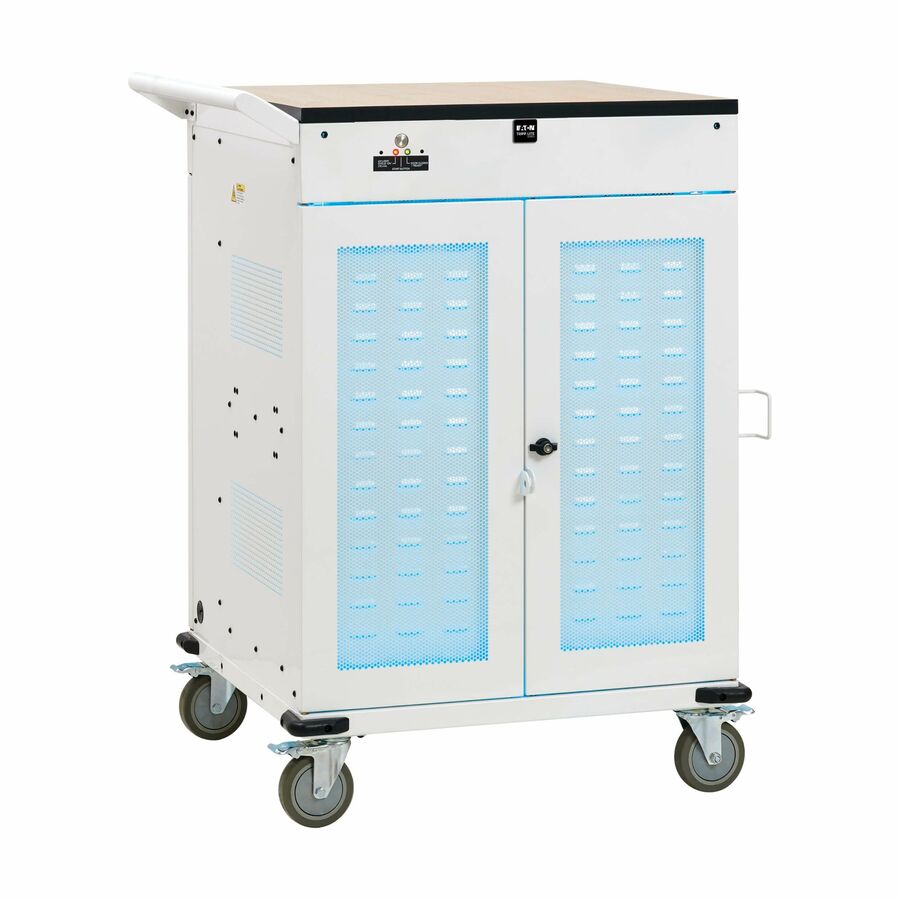
- EatonEaton Tripp Lite Series Safe-IT 36-Device UV Mobile Charging Cart for Laptops and Chromebooks - 120V, NEMA 5-15P, 10 ft. (3.1 m) Cord, Antimicrobial, Wood-Grain Top, White - 2 Shelf - 4 Casters - Steel, Wood Grain - 30.50? Width x 37.80? Depth x 46.40? Height - WhiteCSC36VACUVC
$6,683.00
$6,148.36
1 in stock - ErgotronErgotron Zip40 Charging and Management Cart, CN - 225 lb Load Capacity - 4 Casters - 5" Caster Size - 30.30" Width x 26.10" Depth x 45.40" Height - Steel Frame - Black, Silver - For 40 DevicesDM40-1008-5
$3,835.00
$2,320.61
Back-orderedBack-ordered — estimated OEM lead time 3–8 weeks (Nov 13 – Dec 18 if ordered today).
- EatonTripp Lite by Eaton 45-Device AC Mobile Charging Cart - Laptops and Chromebooks 120V NEMA 5-15P 10 ft. (3.05 m) Cord Black - 3 Shelf - 26" Width x 28.8" Depth x 43.1" Height - Steel Frame - Black - For 45 DevicesCSC45AC
$2,486.75
$2,287.81
Back-orderedBack-ordered — estimated OEM lead time 3–8 weeks (Nov 13 – Dec 18 if ordered today).
Back-ordered — estimated OEM lead time 3–8 weeks (Nov 13 – Dec 18 if ordered today).
Back-ordered — we expect to receive stock the week of Oct 26 – Nov 1 and will process your delivery right after.
Need pricing on tablet and device charging carts and cabinets?
Tell us where to reach you and a Uniqcli specialist will follow up by email with current pricing, availability and lead time for the quantities you need — including parts that aren’t shown on this page.
Buying for an organization or for yourself — both work. No payment up front.
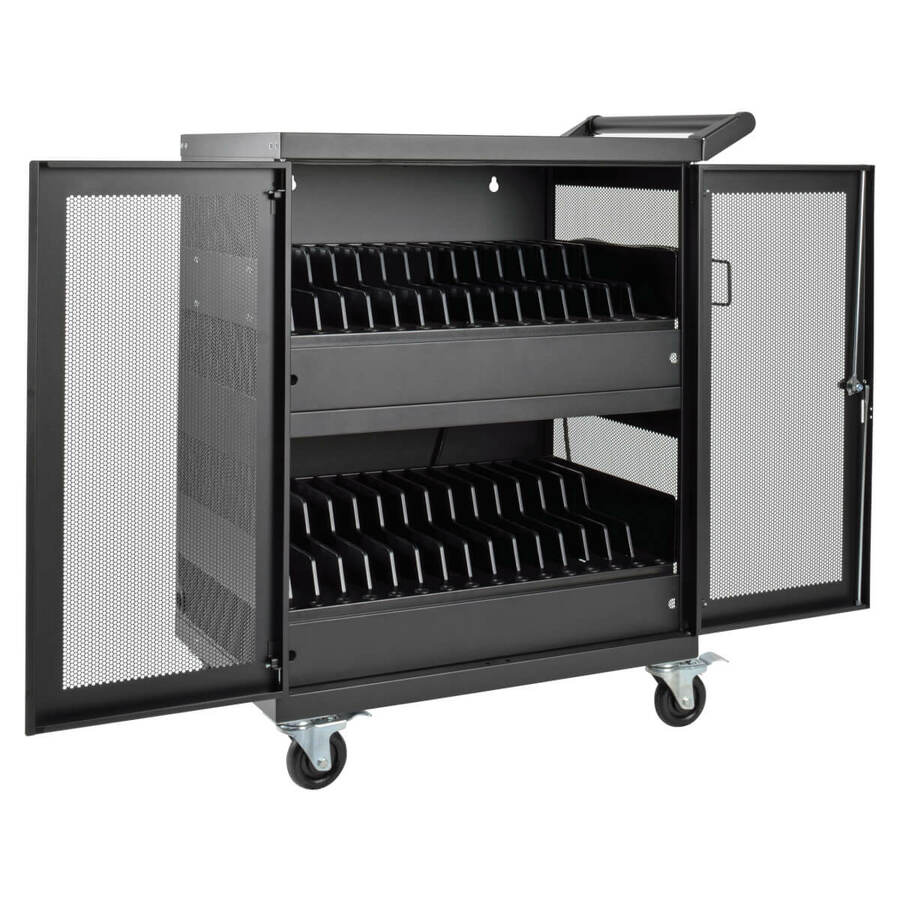
A charging cart or cabinet is the answer to the question every one-to-one and shared-device programme runs into: where do a class set of tablets or laptops live overnight, and how are they all charged and ready by first period. Both shapes solve it — a cart rolls between classrooms so one set of devices serves several rooms across a day, and a cabinet stays put in a media centre or a classroom and stores a set for that room. Every row in this grid carries 'Charging' in its own title, and each names the two facts that decide fit: how many devices it holds, and how it powers them.
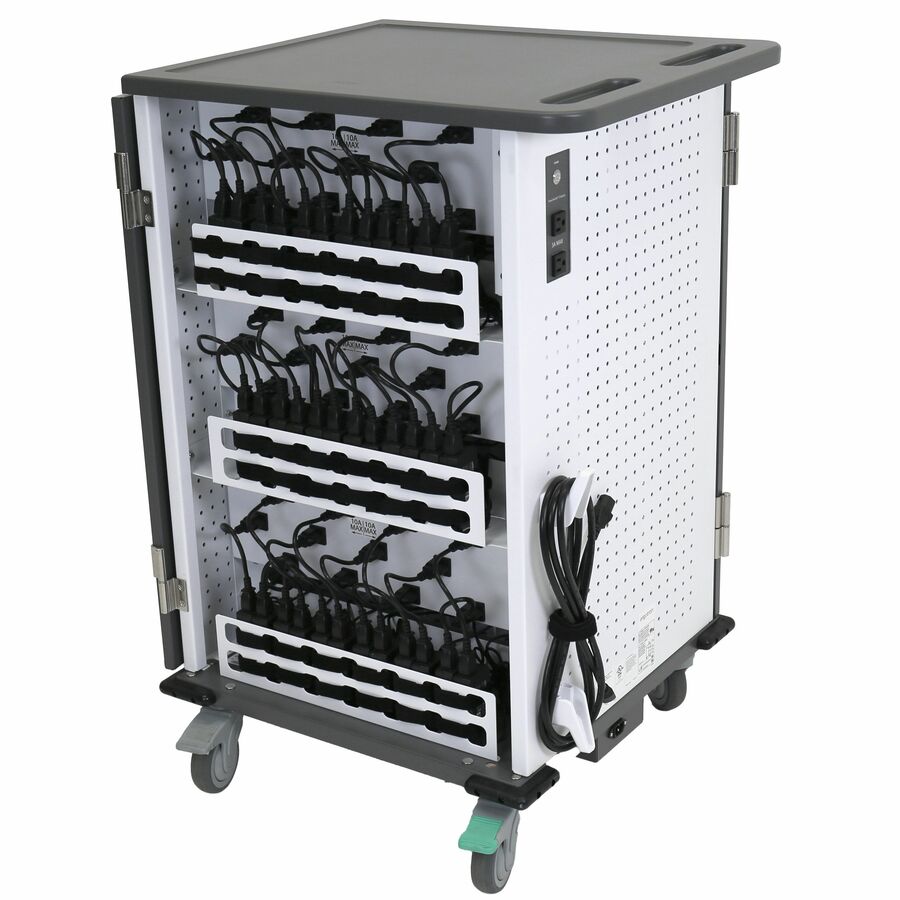
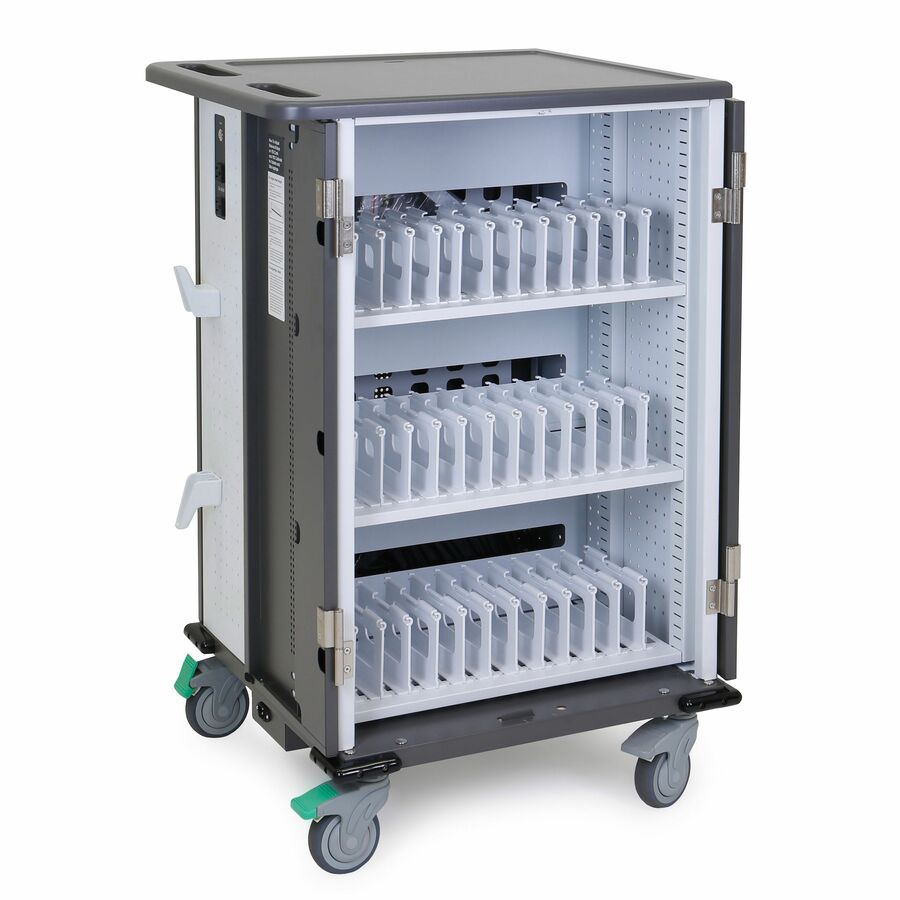
Read the bay count against the device, not the headline. A cart rated for a number of devices assumes a device thickness and cable, and a set of thin tablets fits differently from a set of rugged-cased laptops — so confirm the bay depth and cable management suit the exact device, cases included, before trusting the count. Then read the power. The older and simpler design is a bank of AC outlets: reliable, device-agnostic, and it charges anything with its own brick, at the cost of a tangle of adapters inside. The newer design charges over USB-C directly, which removes the bricks and, on the intelligent units, manages the current so a full cart does not trip a breaker on plug-in — but it ties the cart to USB-C devices. Match the power to the fleet you actually own.
For a school the details that matter most are security, safety and how the unit moves. These carts and cabinets lock, because a cart of thirty tablets is a theft target and a lockable steel enclosure is the deterrent — check the lock type and whether it suits the way the building is secured overnight. Intelligent power management and timed or sequenced charging keep a full unit from drawing its whole load at once, which protects the circuit and, on some units, the devices. Casters, a footprint and a weight decide whether a cart turns in a corridor and clears a doorway and a ramp, and whether staff can actually move it loaded. Uniqcli quotes these alongside the tablets or laptops themselves, the cases, and the rollout and asset-tagging services a district fleet needs. This grid is drawn from the charging carts and cabinets Uniqcli currently stocks, with live availability on each card.
Buyer's checklist
How to choose a school charging cart or cabinet
- Decide cart or cabinet first: a cart that rolls between classrooms so one device set serves several rooms, or a stationary cabinet that stores and charges a set for one room or a media centre.
- Match the bay count to the device with its case on — confirm the bay depth and cable management fit the exact tablet or laptop, because a device rating assumes a thickness and a cable that a rugged case can exceed.
- Choose the power type for the fleet you own: an AC-outlet unit charges anything with its own adapter but hides a tangle of bricks, while a USB-C unit removes the adapters and manages current but ties the cart to USB-C devices.
- Prefer intelligent or sequenced charging on a full unit — timed or staged power keeps the whole load from drawing at once, which protects the circuit and keeps a cart of thirty from tripping a breaker on plug-in.
- Check the lock and the enclosure: a class set of tablets is a theft target, so a lockable steel cabinet or cart that suits how the building is secured overnight is part of the specification, not an extra.
- Size the casters, footprint and loaded weight to the building — a cart has to turn in a corridor, clear a doorway and a ramp, and be movable by staff when it is full, not just when it is empty.
AC outlets or USB-C, cart or cabinet
Two choices set the shape of the unit. The first is power. An AC-outlet cart is the device-agnostic workhorse: a bank of standard outlets charges any device that has its own adapter, which is why it suits a mixed fleet or a district that changes devices every few years — the trade is a nest of power bricks inside and no per-device power intelligence. A USB-C cart charges the devices directly and, on the intelligent models, meters the current so a full cart comes up safely rather than slamming the circuit — cleaner and smarter, but it commits you to USB-C devices. The second choice is mobility: a cart rolls, so one device set serves several classrooms across a timetable and the cart itself is the thing being shared; a cabinet stays put and stores a set for a fixed room, which is simpler and often cheaper where the devices do not need to travel. Tell us the device and whether it moves between rooms, and we point you at the right shape.
Securing and rolling a district fleet
Across a school or a district the cart is only part of the project, and the parts around it are what determine whether a one-to-one programme runs smoothly. Security is first: these units lock because a loaded cart is a high-value, mobile target, and the lock type wants to match how the building is secured — a keyed cabinet in a supervised room is a different risk profile from a cart left in a corridor. Then the devices themselves, the cases that protect them and, at scale, the asset tagging and imaging that turn a pallet of tablets into a managed, trackable fleet. And then the physical reality of moving a loaded cart: casters that survive a tiled floor and a threshold, a footprint that turns in a real corridor, and a weight staff can actually push. Send the device, the counts and the rooms, and we will quote the carts or cabinets, the tablets or laptops, the cases and the rollout, tagging and lifecycle services on one order, with lead times on the same document.
FAQ
Common questions
- What is the difference between a charging cart and a charging cabinet for schools?
- Both store, secure and charge a set of devices; the difference is whether the unit moves. A charging cart rolls on casters, so one set of tablets or laptops can serve several classrooms across a timetable and the cart itself is what is being shared between rooms. A charging cabinet stays put — it stores and charges a set for a single classroom or a media centre — which is usually simpler and cheaper where the devices do not need to travel. Choose the cart when devices move between rooms and the cabinet when they live in one place; the power and security features are similar across both, so the deciding question is mobility.
- Should we buy AC or USB-C charging carts?
- Match the power to the fleet you own. An AC-outlet cart charges anything with its own adapter, which makes it the safe choice for a mixed fleet or a district that swaps devices every few years — the cost is a tangle of power bricks inside and no per-device power intelligence. A USB-C cart charges the devices directly and, on the intelligent models, manages the current so a full cart comes up without slamming the circuit — it is cleaner and smarter, but it ties you to USB-C devices. If your fleet is uniformly USB-C and likely to stay that way, the USB-C cart is the better long-term buy; if it is mixed or changes often, the AC cart's device-agnostic outlets are the more durable choice.
- How many devices should one cart hold?
- Read the bay count against the exact device with its case on, not just the headline number. A cart rated for a class set assumes a device thickness and a cable, and a set of thin tablets fits very differently from a set of rugged-cased laptops — so confirm the bay depth and the cable management suit the specific device before trusting the rating. A common approach is one cart per class set so the cart travels with the timetable, but a smaller cabinet per room can be cheaper where devices stay put. Tell us the device, the case and the class size and we will confirm the fit and the count before anything ships.
- Can schools, districts and education buyers order these?
- Every line Uniqcli quotes is sourced through US distribution and screened for TAA country-of-origin and NDAA §889 status before checkout — with documentation tied to the specific part number, not a product family.
Need tablet and device charging carts and cabinets pricing?
Send a bill of materials or part numbers — we confirm stock and a below-market total, with TAA verified on request. No payment up front.