
Best 4XEM Charging Carts for Tablet and Laptop Classrooms
Sliding-shelf, fixed-shelf and USB-C charging carts for 10 to 36 devices, with the shelf, screen-size and power trade-offs named up front.
4XEM charging carts in stock at Uniqcli
How to choose →A curated selection with live pricing — in-stock lines first, then back-ordered lines with a typical lead time. Every line is sourced through US distribution and screened for NDAA §889 status before checkout, with TAA verified on request.
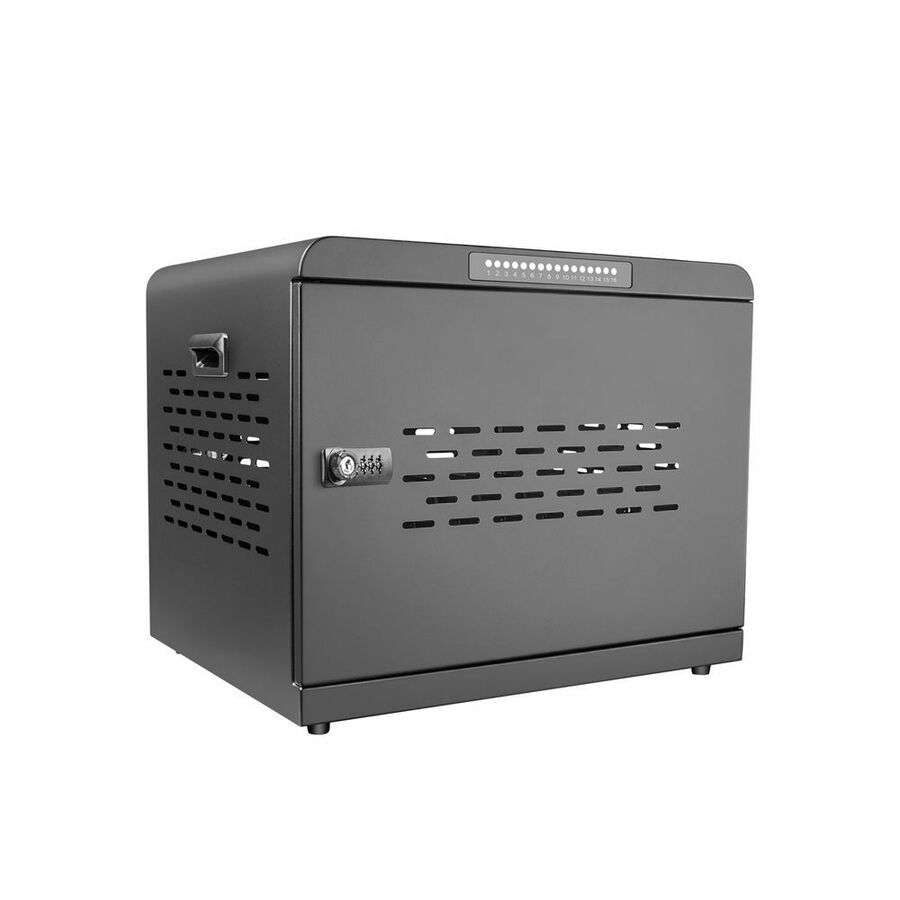
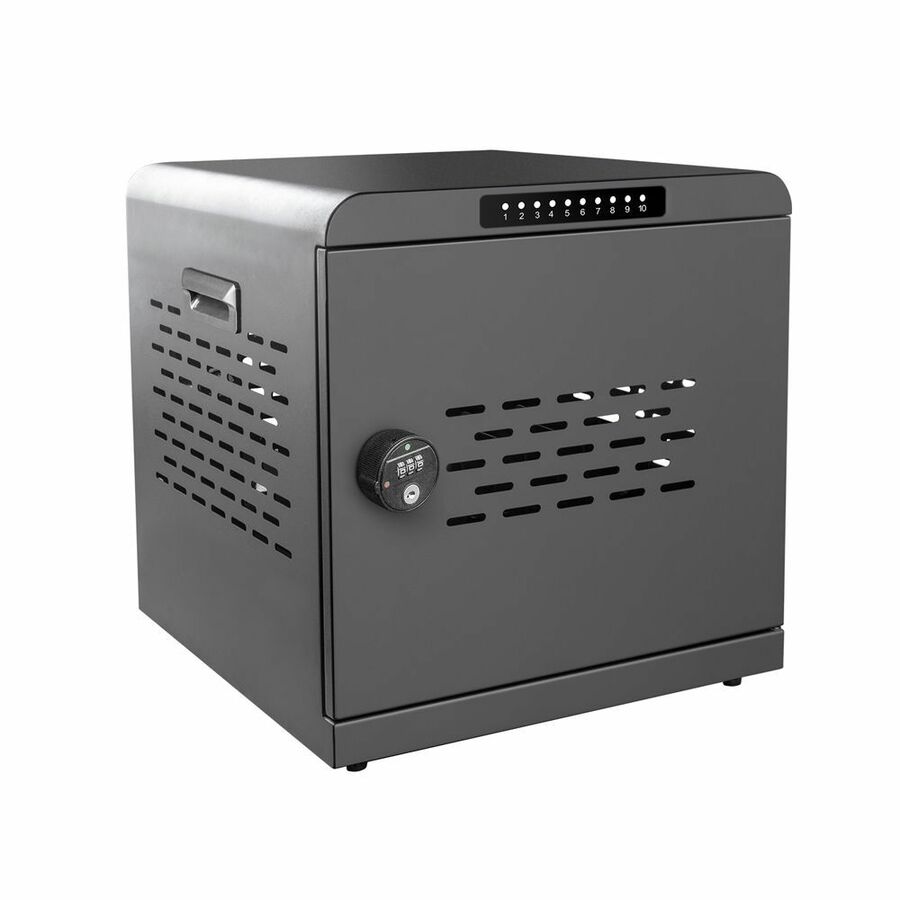
- 4XEM4XEM 10-Port USB-C 800W Charging Cabinet - 1 Shelf - 176 lb Load Capacity - 4 Casters - Plastic, Metal - 15.59" Length x 15.94" Width x 16.61" Height - Metal Frame - Black - For 10 Devices - 12" to 15.6" Screen Supported - 14XMCA10S800
$903.67
Back-orderedBack-ordered — we expect to receive stock the week of Oct 26 – Nov 1 and will process your delivery right after.
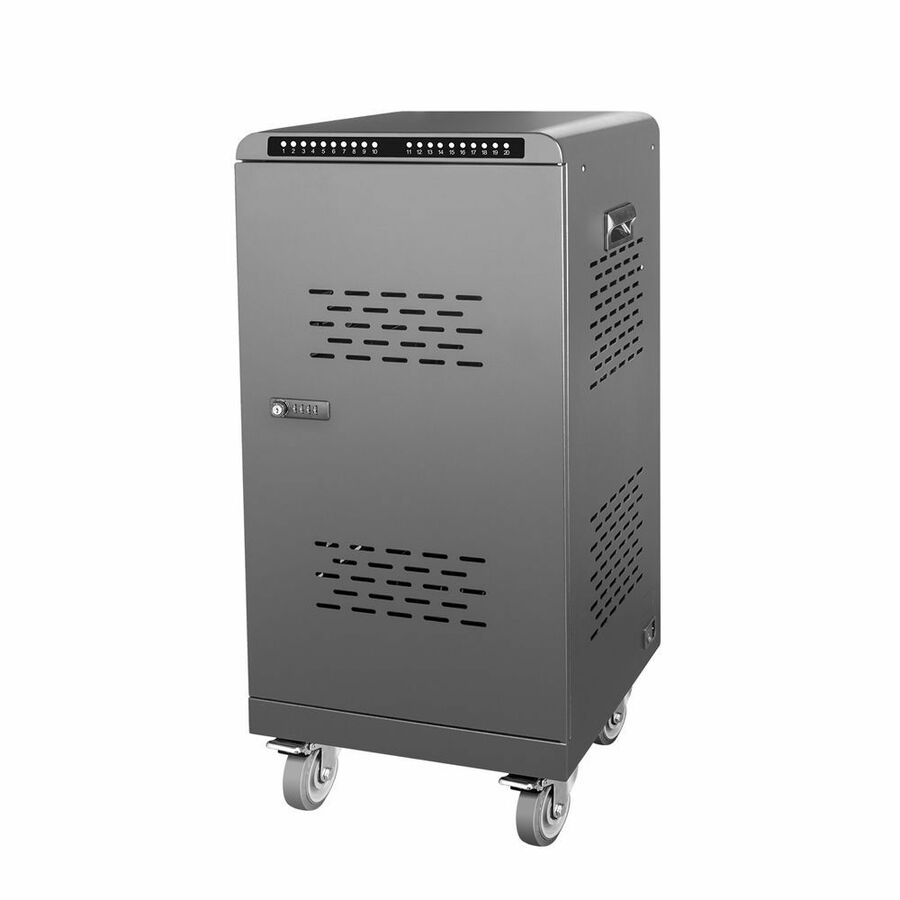
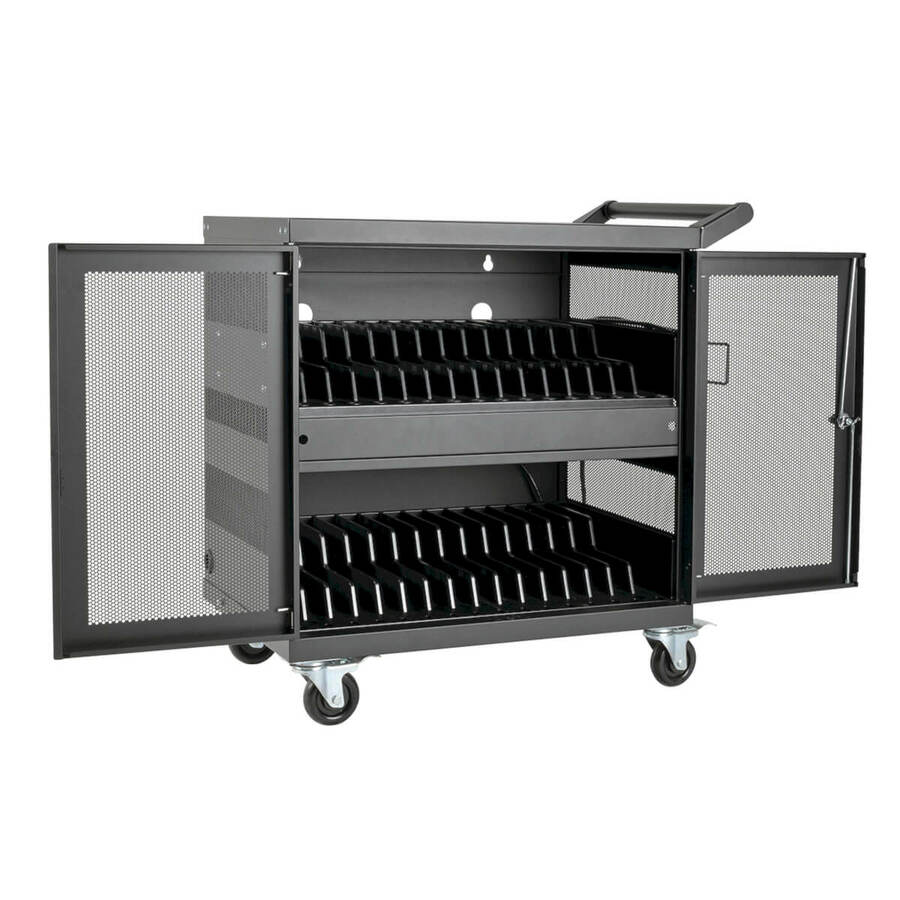
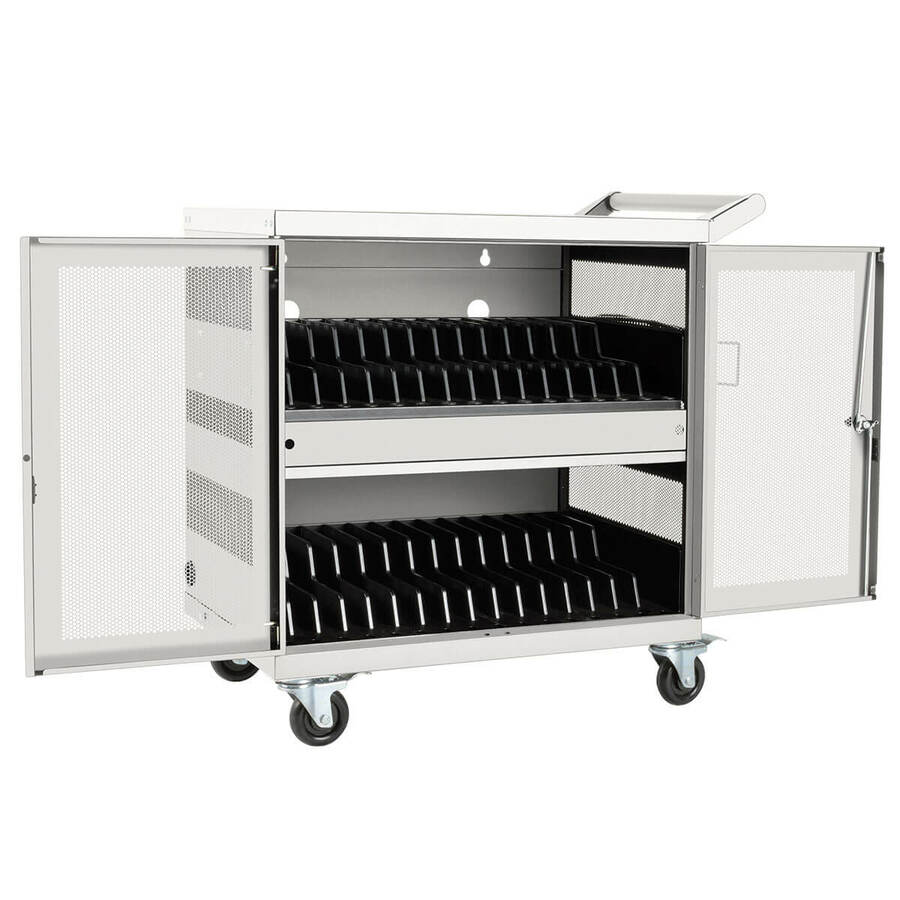
- 4XEM4XEM 32-Port USB-C 2000W Charging Cart - 2 Shelf - 176 lb Load Capacity - 4 Casters - Plastic, Metal - 20.07" Length x 16.53" Width x 34.68" Height - Metal Frame - Black - For 32 Devices - 12" to 15.6" Screen Supported - 14XMCA32T2000
$2,820.91
Back-orderedBack-ordered — estimated OEM lead time 3–8 weeks (Nov 12 – Dec 17 if ordered today).
Top pick
4XEM
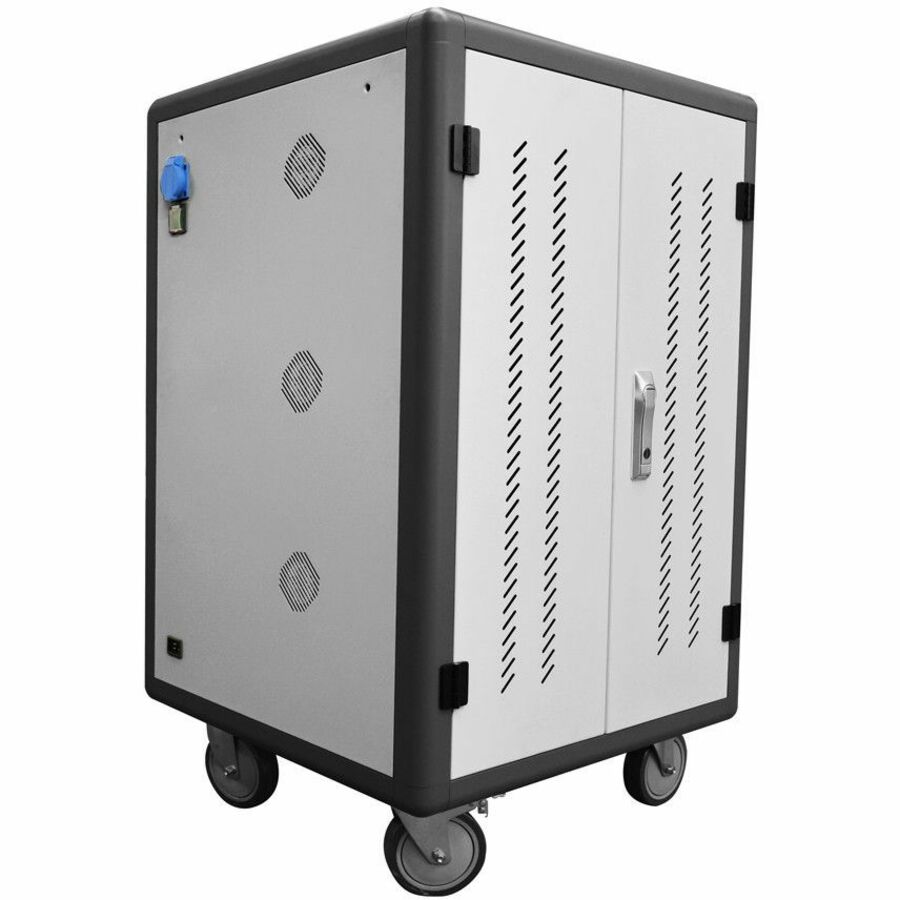
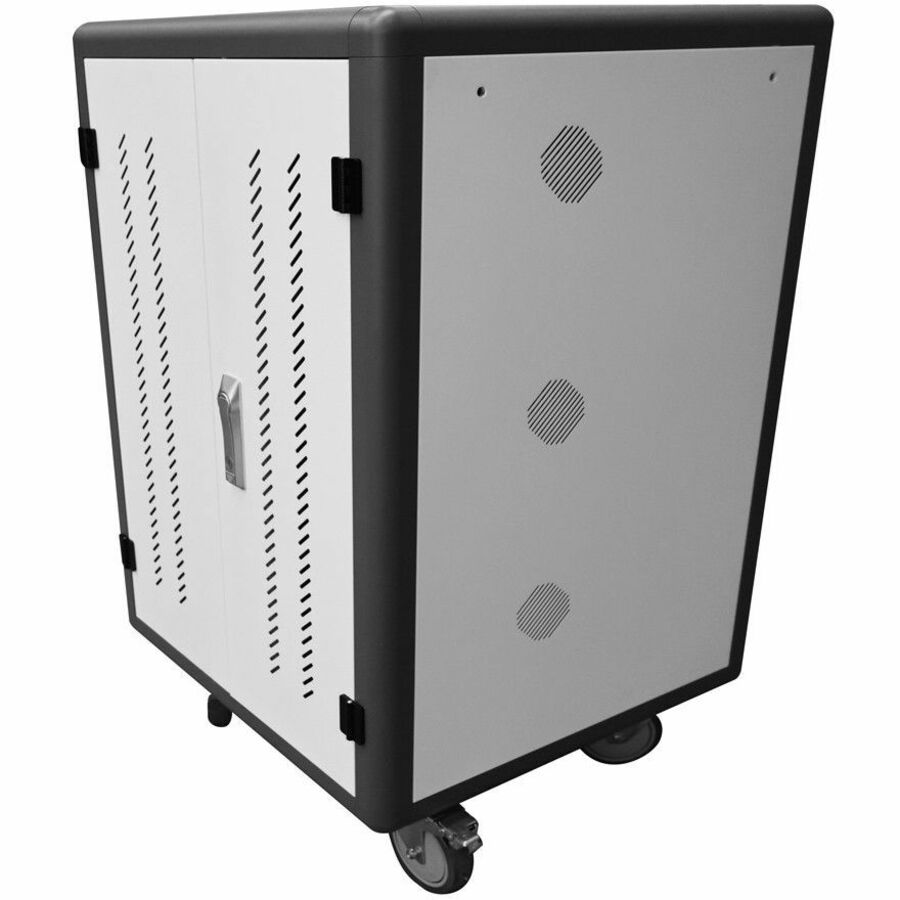
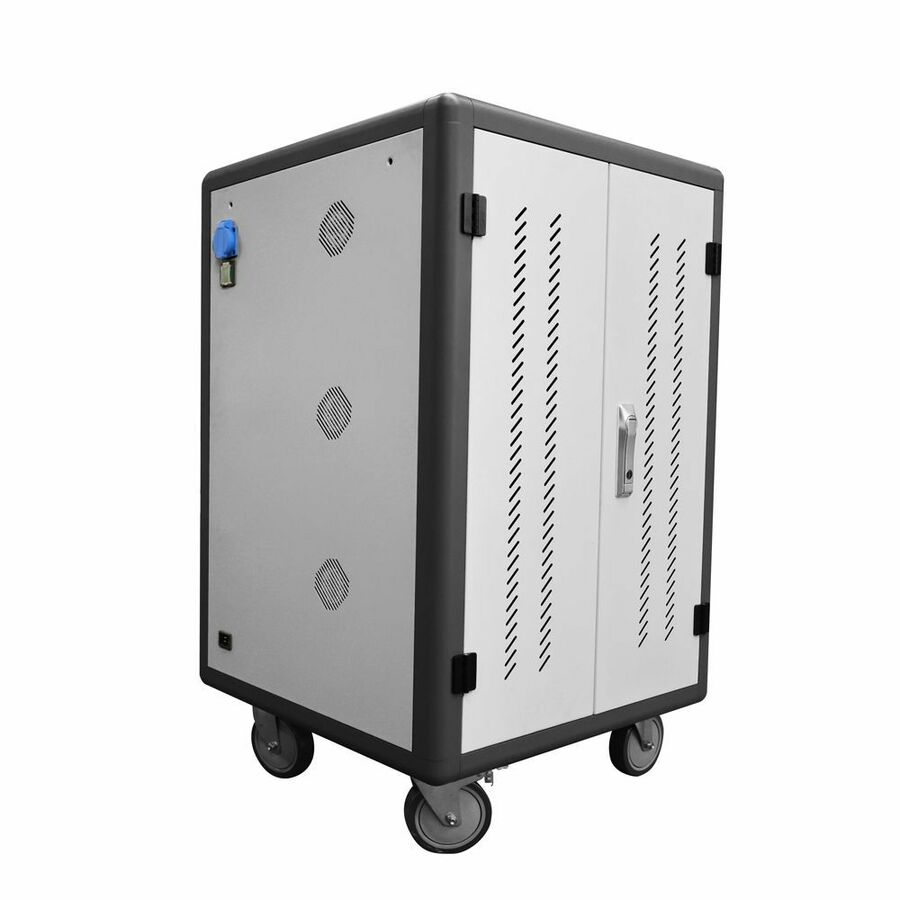
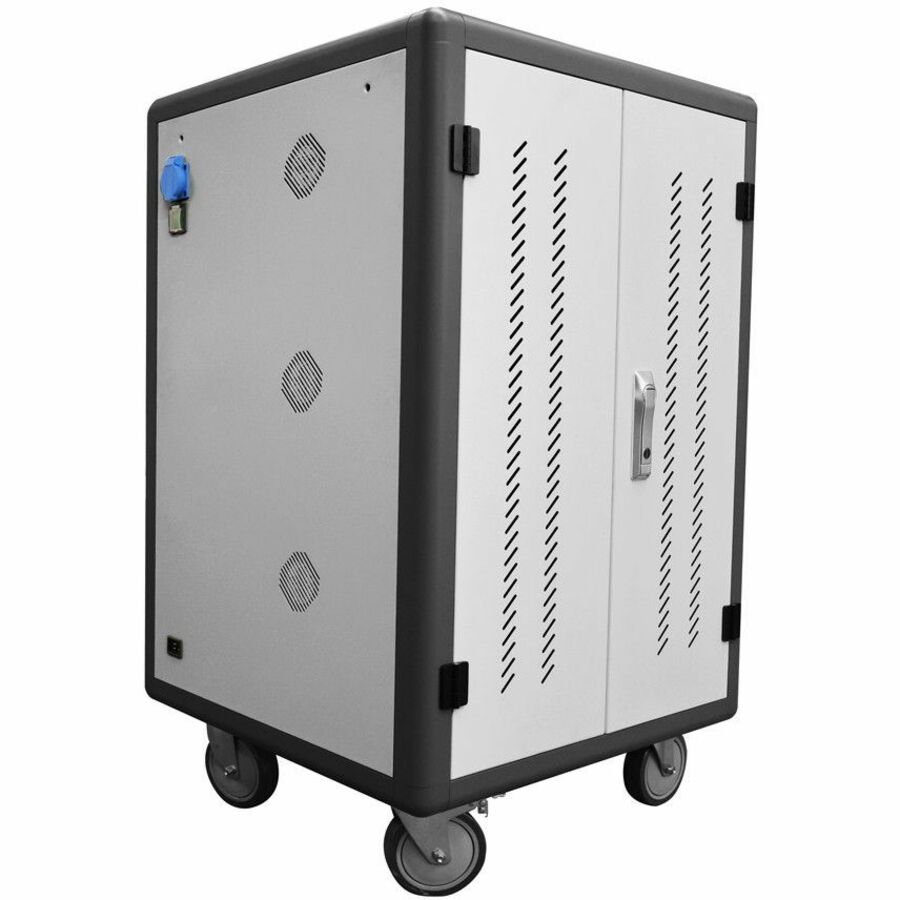
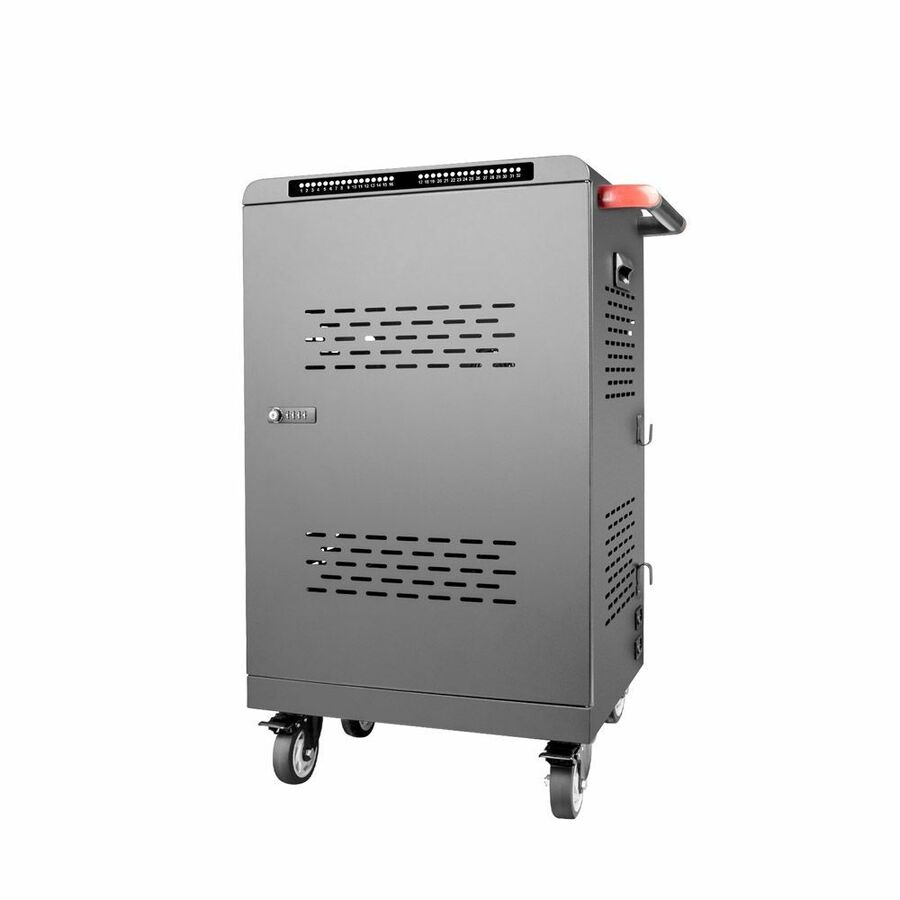
4XEM 36-Port Fixed Shelf Tablet & Laptop PDU Charging Cart
4XSC0136AF
Thirty-six bays covers the largest class in most buildings with spares left over, and the fixed-shelf PDU build keeps the moving parts down — each device charges on its own OEM adapter inside the cabinet rather than on a shared standard.
This row is specified for 14-inch screens. Measure the device with its case fitted, and step to the sliding-shelf version if students will be seating devices themselves.
$2,132.97In stockMore carts and trolleys in the Uniqcli catalog
See all 1,688 carts and trolleysMore 4XEM first — closest to what you were just looking at; “See all carts and trolleys” above opens every other brand in the category. In-stock lines lead, and a back-ordered line carries the same estimated availability its product page does — with live pricing throughout, NDAA §889 screening before checkout and TAA verified on request.
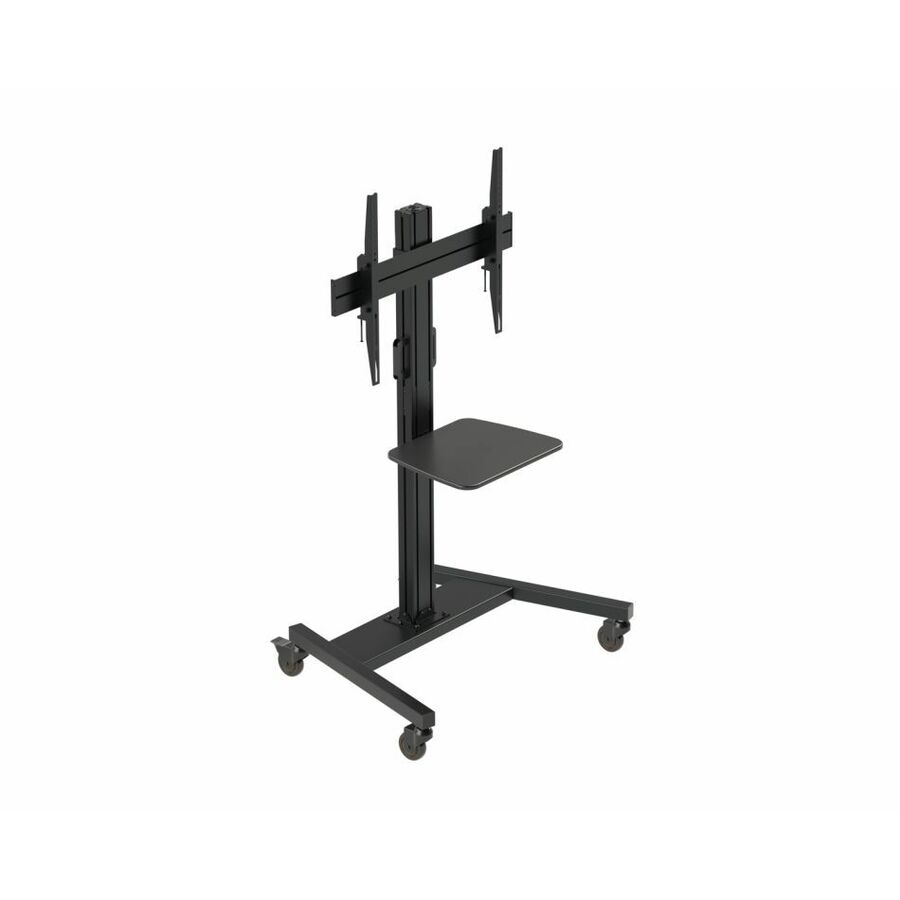
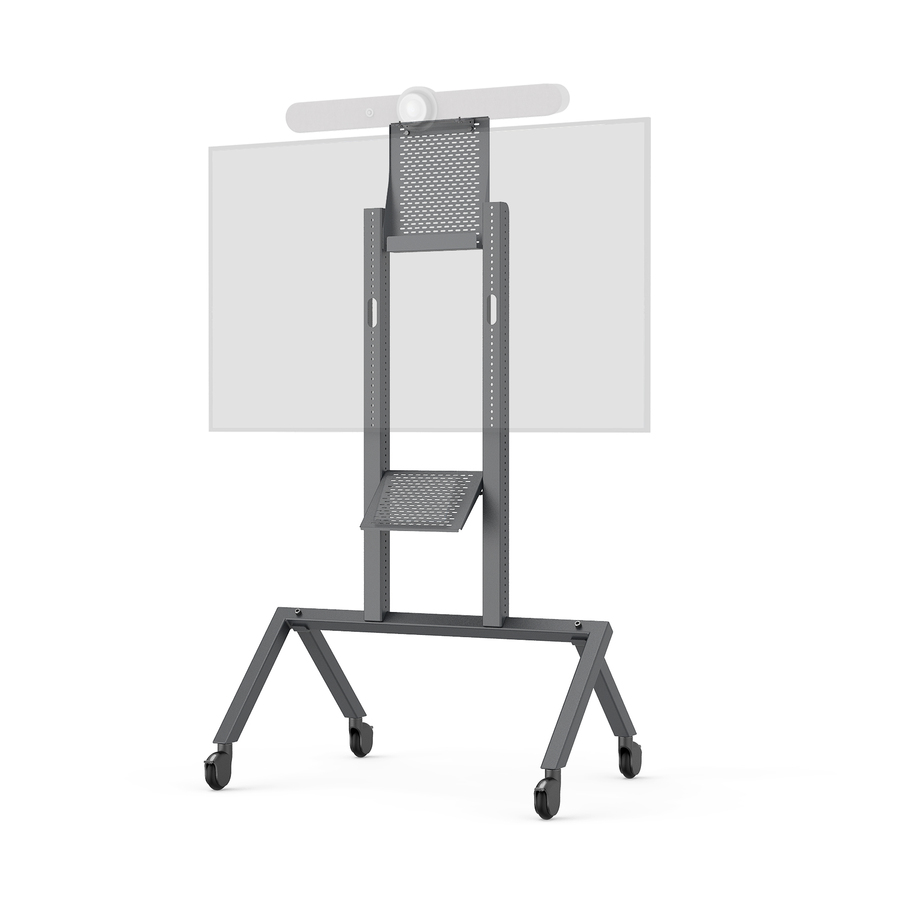
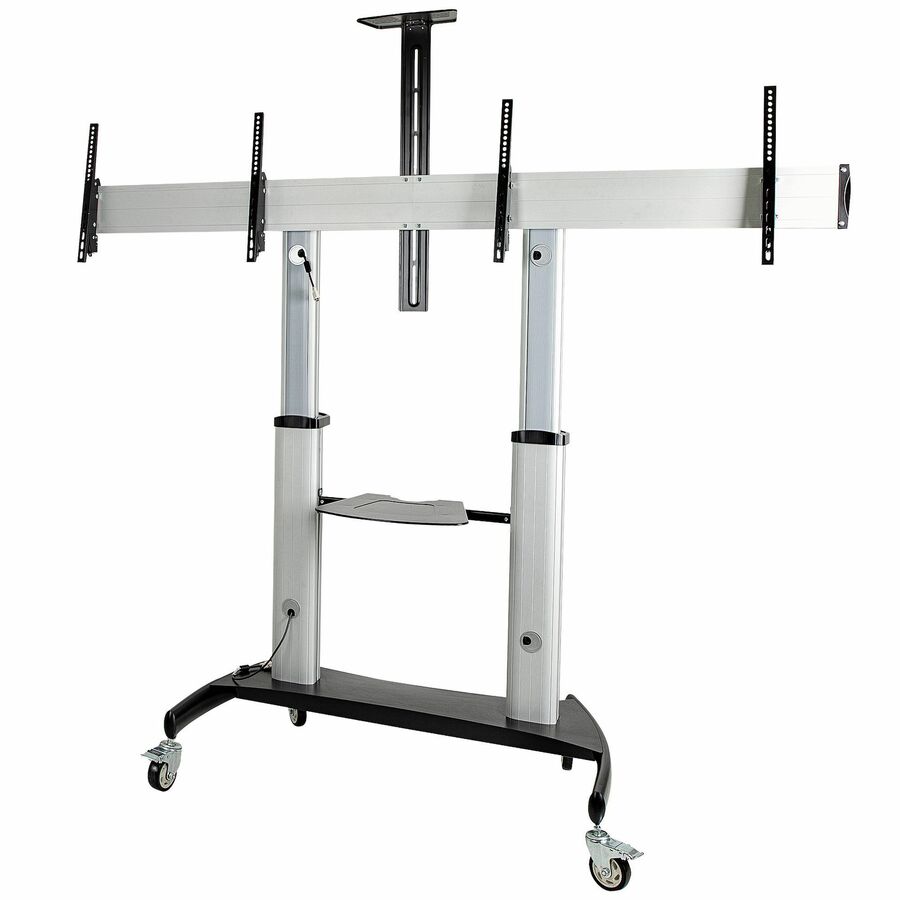
- ViewSonicViewSonic BalanceBox VB-BLM-004 Display Cart - BalanceBox VB-BLM-004 Display CartVB-BLM-004
$6,819.00
$4,644.99
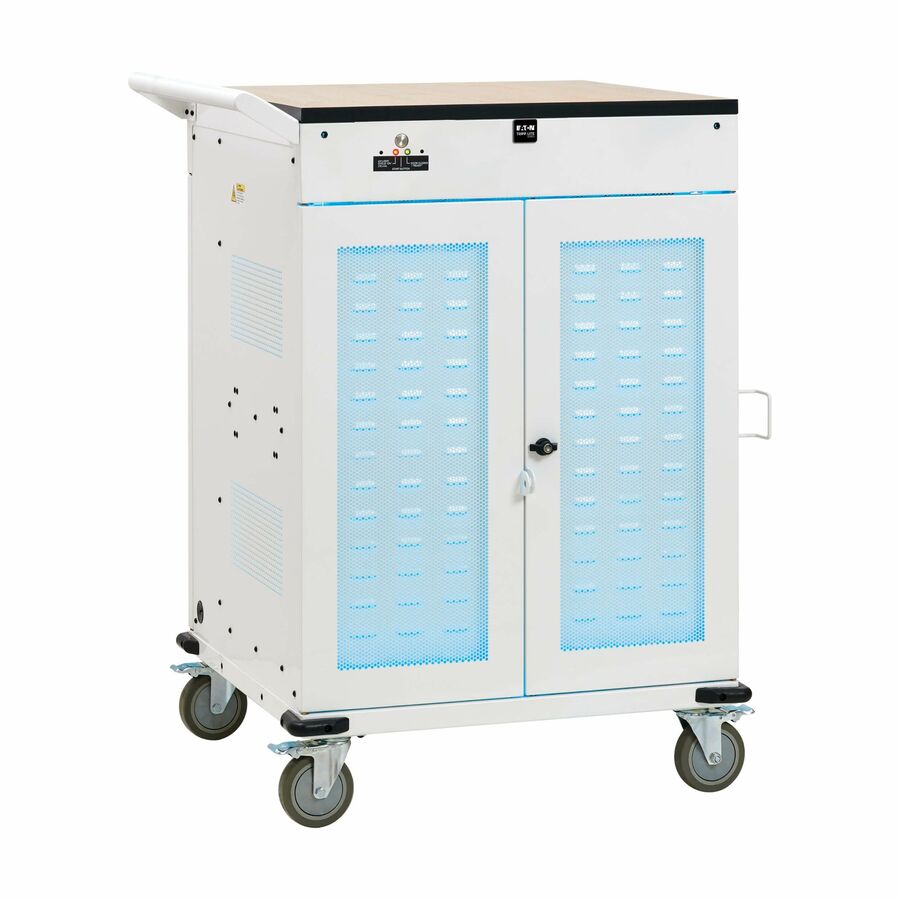
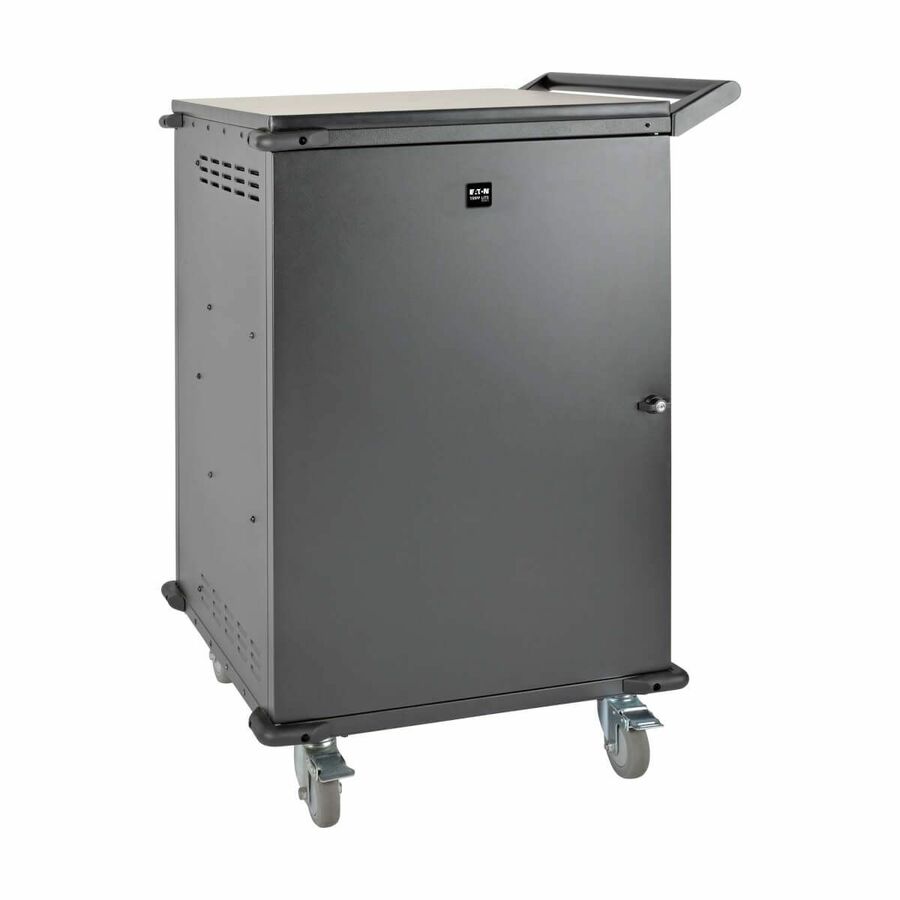
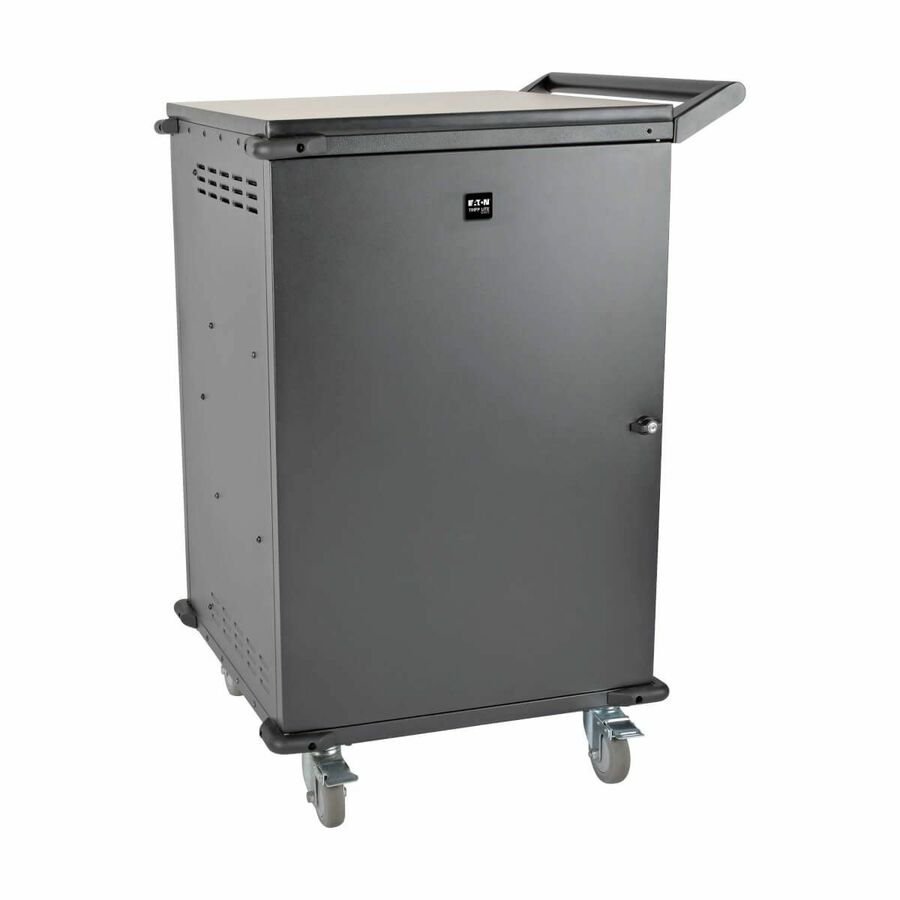
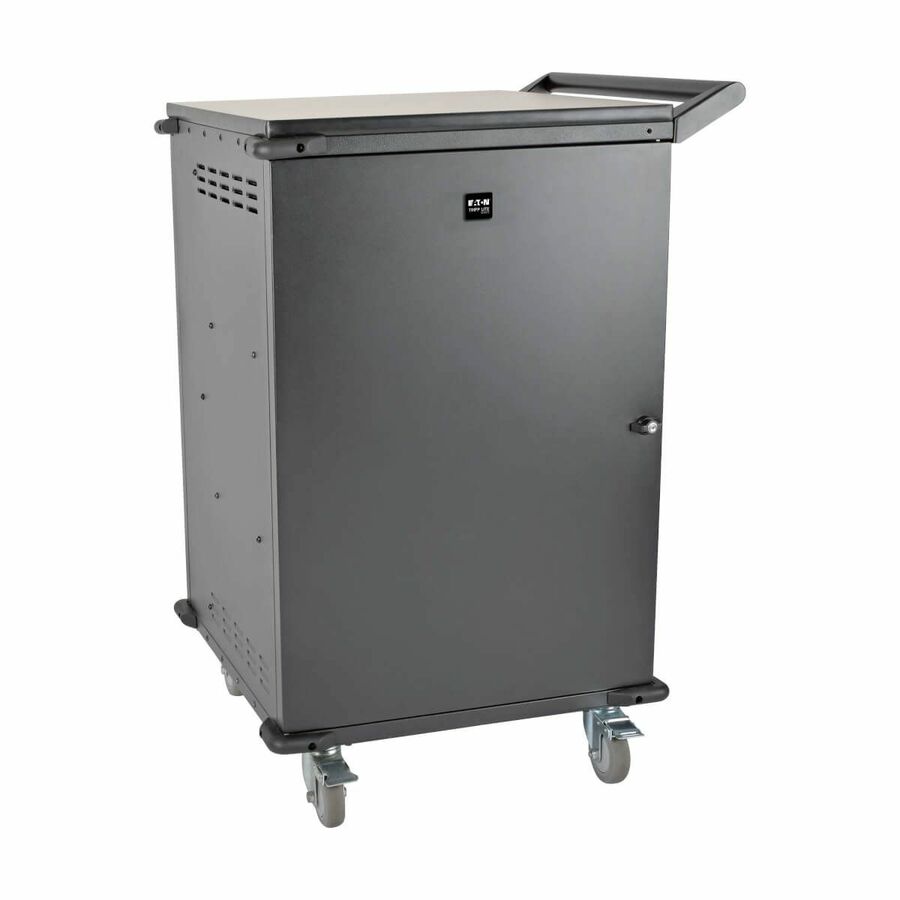
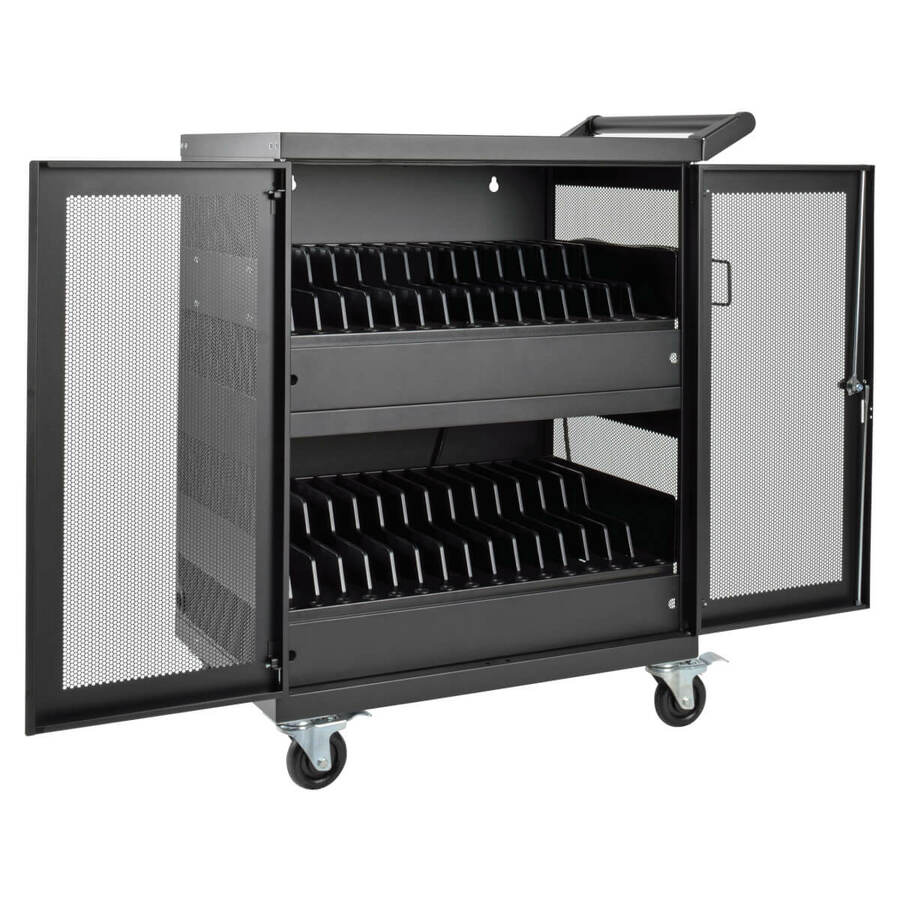
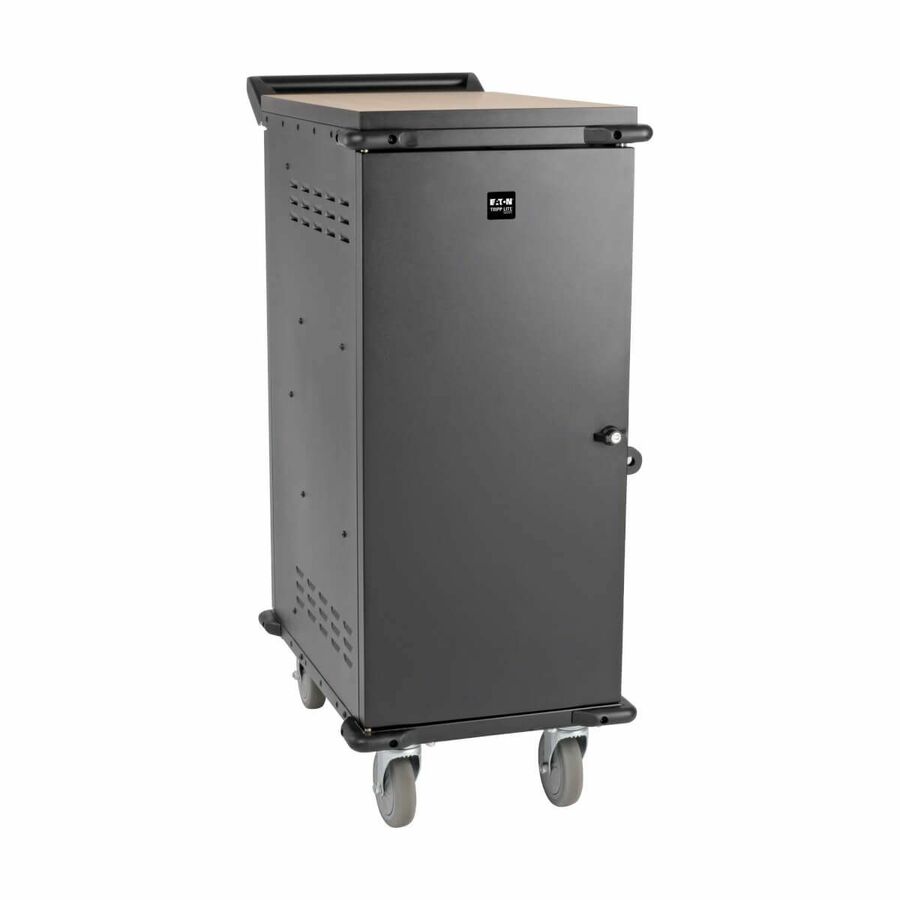
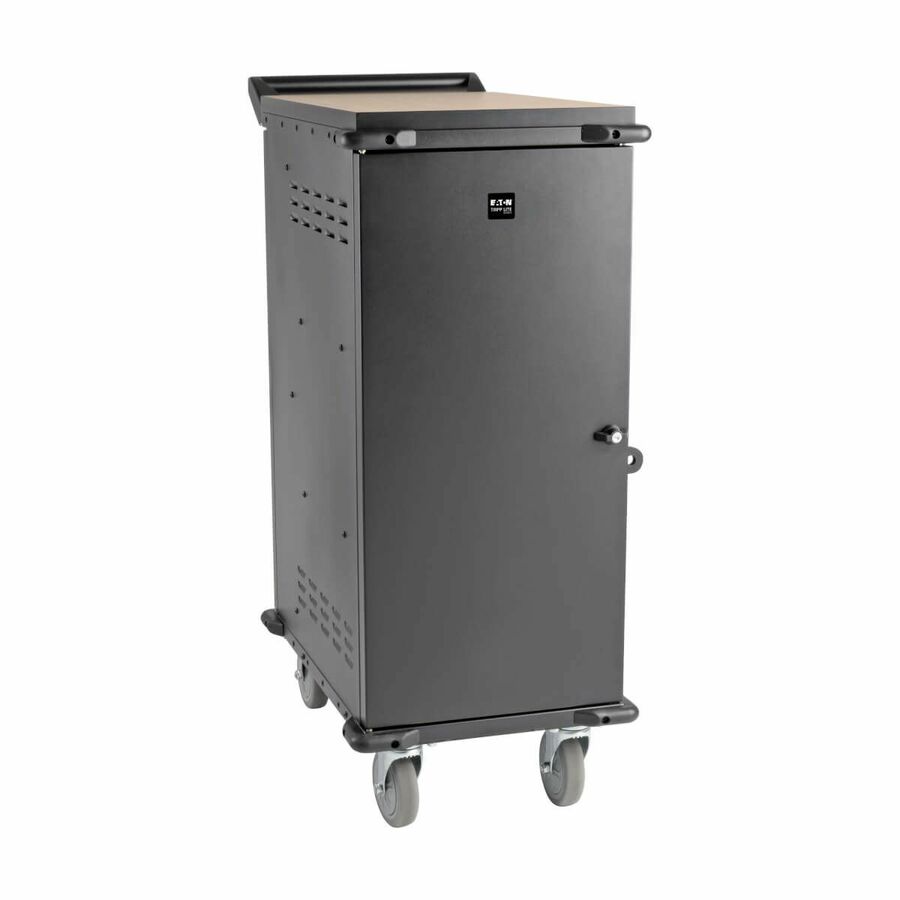
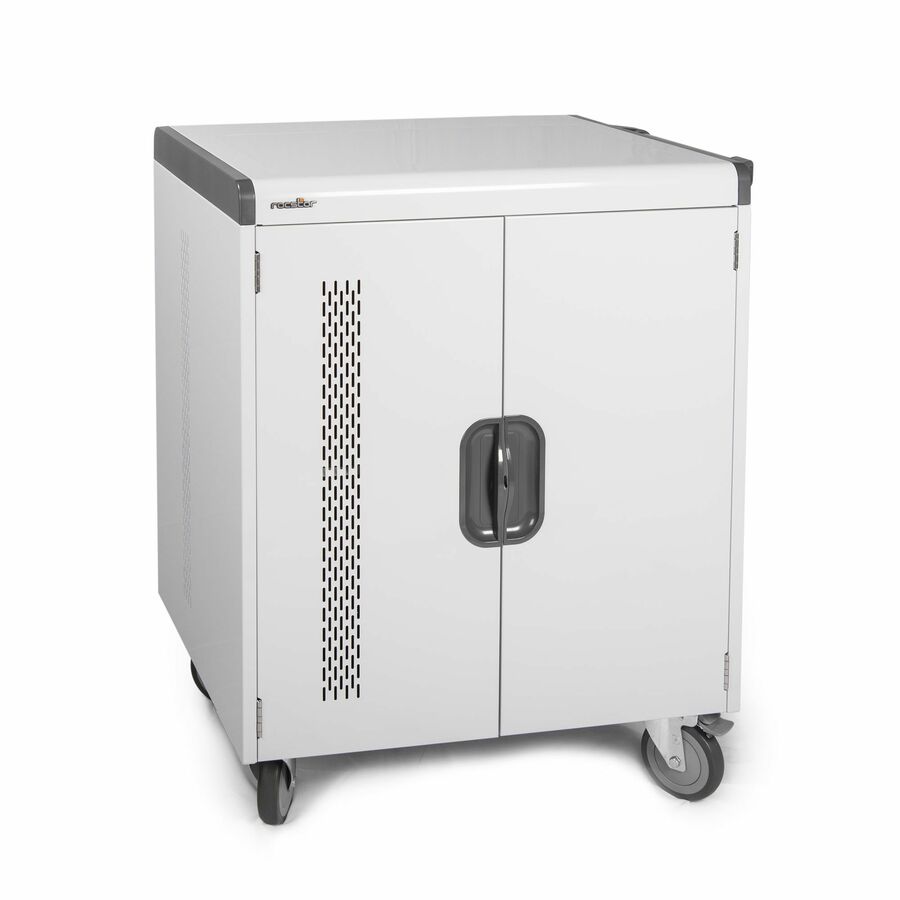
3 in stock - EatonEaton Tripp Lite Series Safe-IT 36-Device UV Mobile Charging Cart for Laptops and Chromebooks - 120V, NEMA 5-15P, 10 ft. (3.1 m) Cord, Antimicrobial, Wood-Grain Top, White - 2 Shelf - 4 Casters - Steel, Wood Grain - 30.50? Width x 37.80? Depth x 46.40? Height - WhiteCSC36VACUVC
$6,683.00
$6,148.36
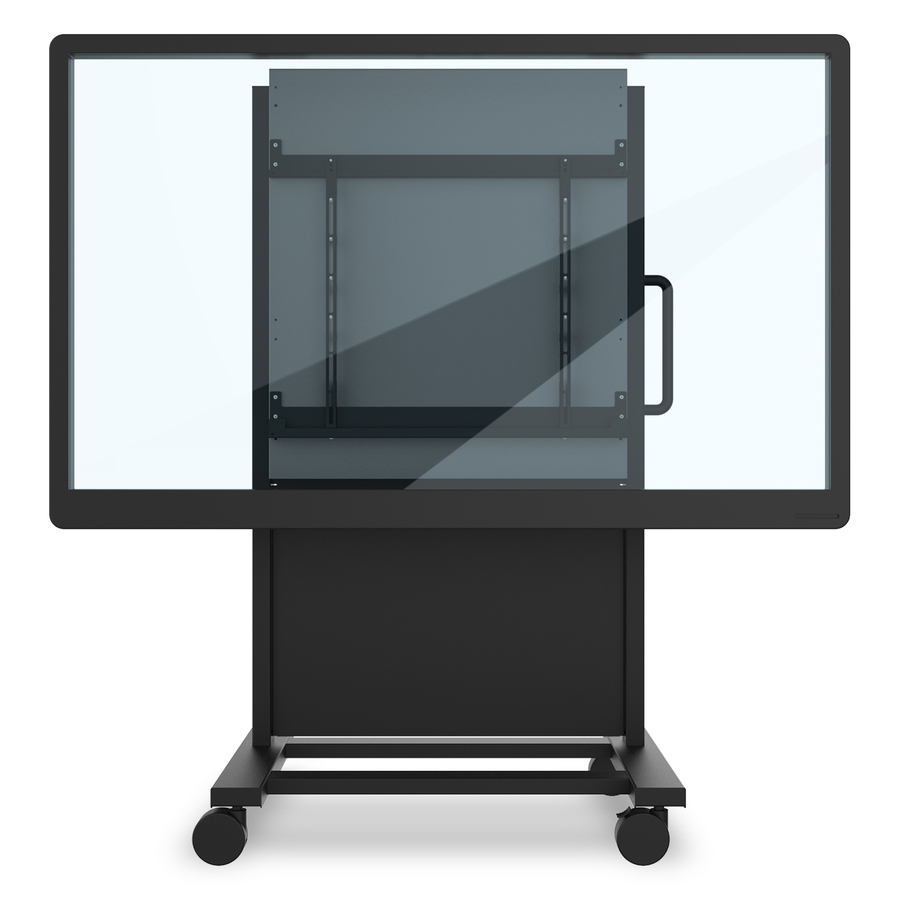
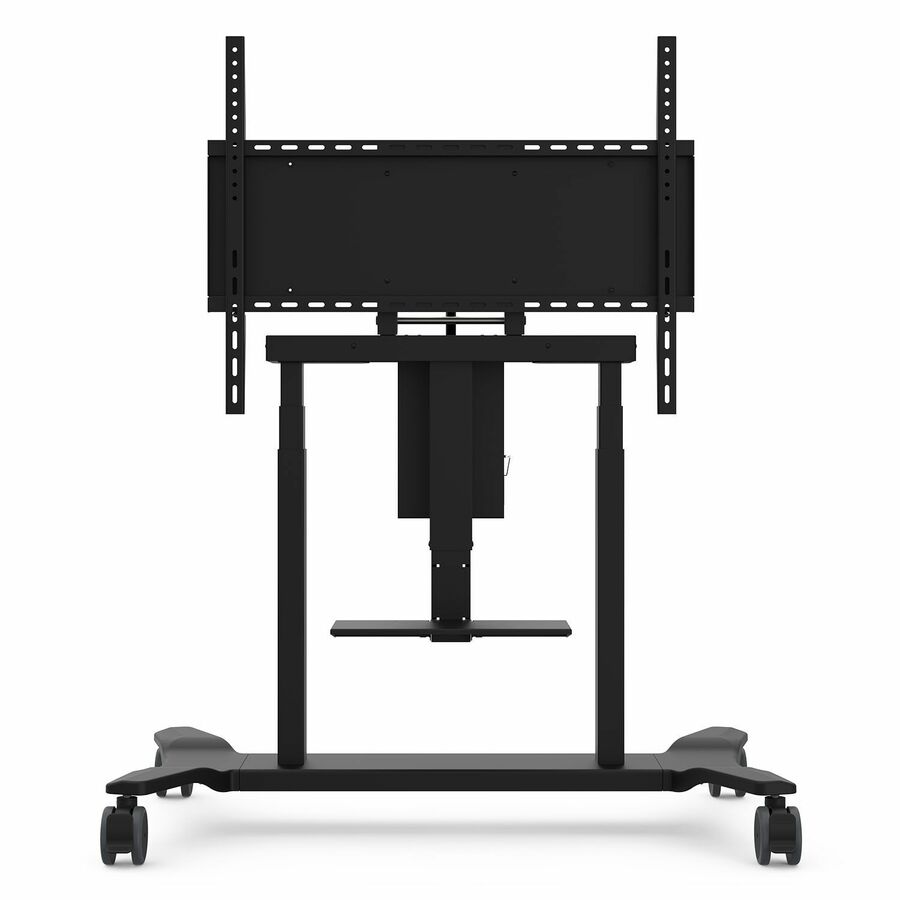
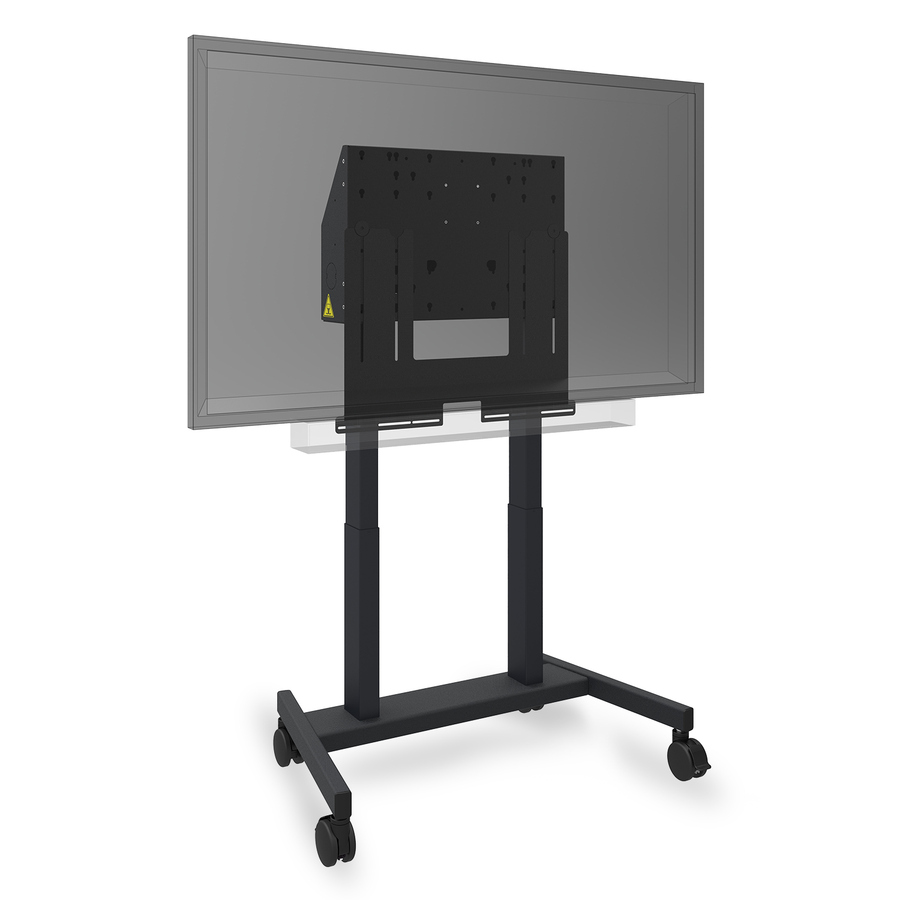
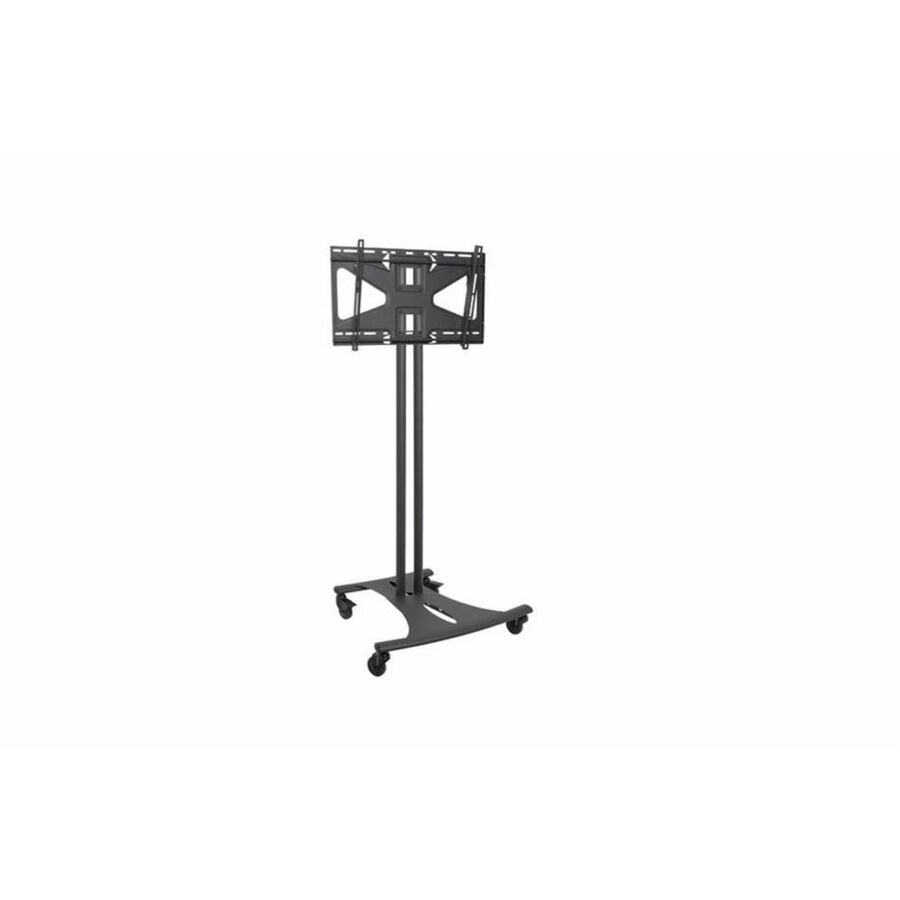
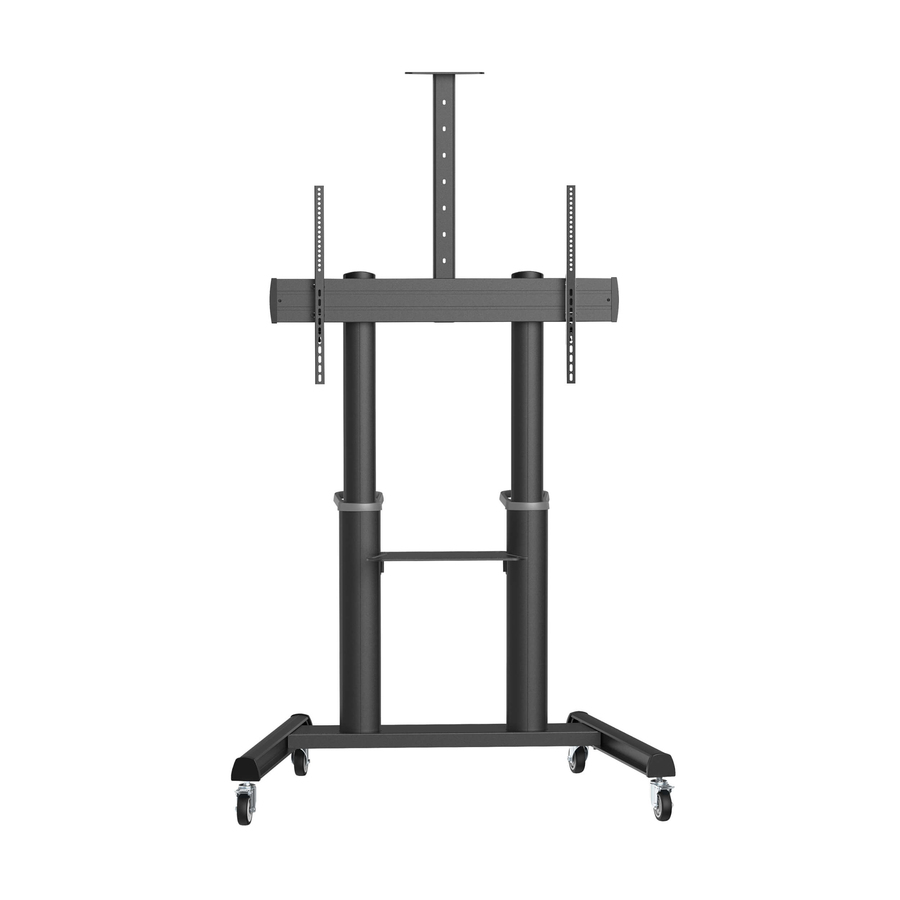
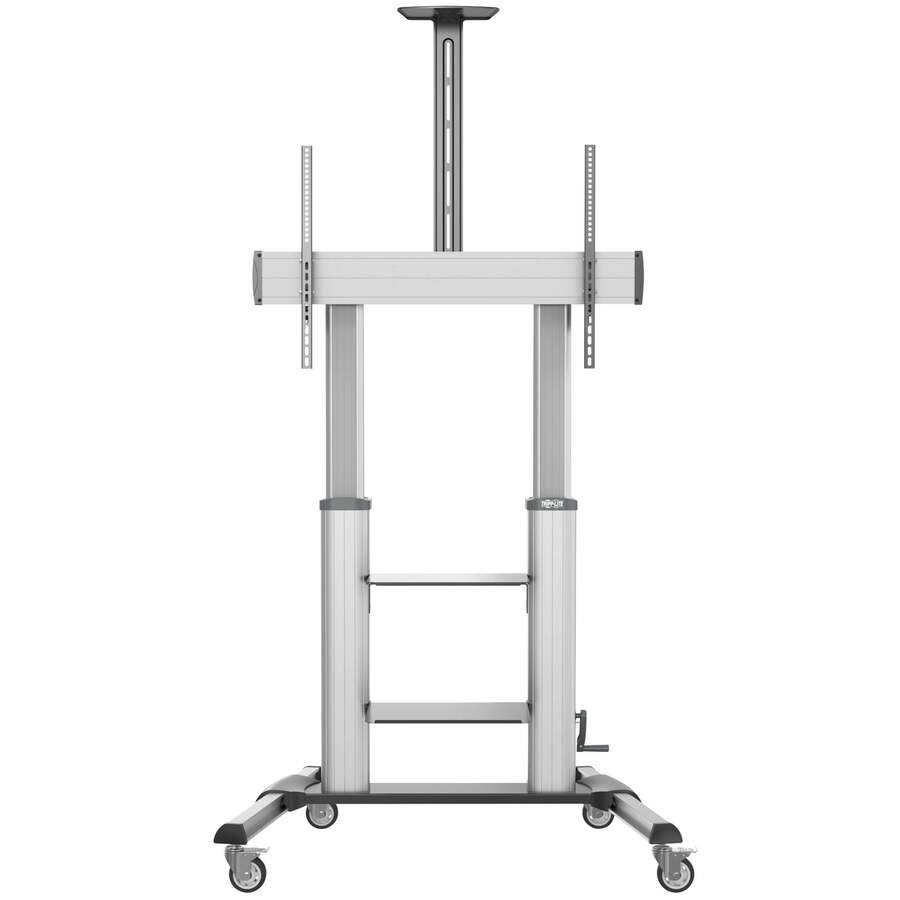
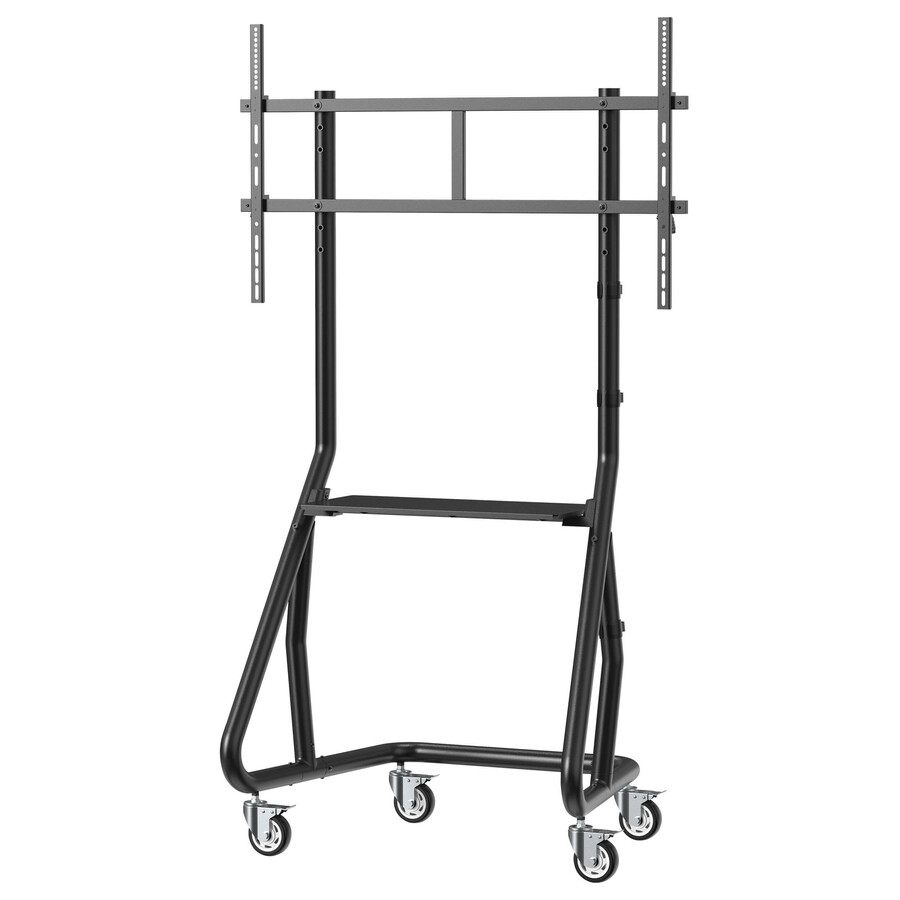
1 in stock - EatonTripp Lite by Eaton Safe-IT Heavy-Duty Rolling TV Cart with Height-Adjusting Crank Handle for 60 to 100-inch Displays - Crank Handle - 220 lb Capacity - 4 Casters - 4" Caster Size - Aluminum, Steel - 44.8" Width x 27.6" Depth x 93.1" Height - Steel Frame - Black, SilverDMCS60100XXCK
$1,781.57
$1,639.04
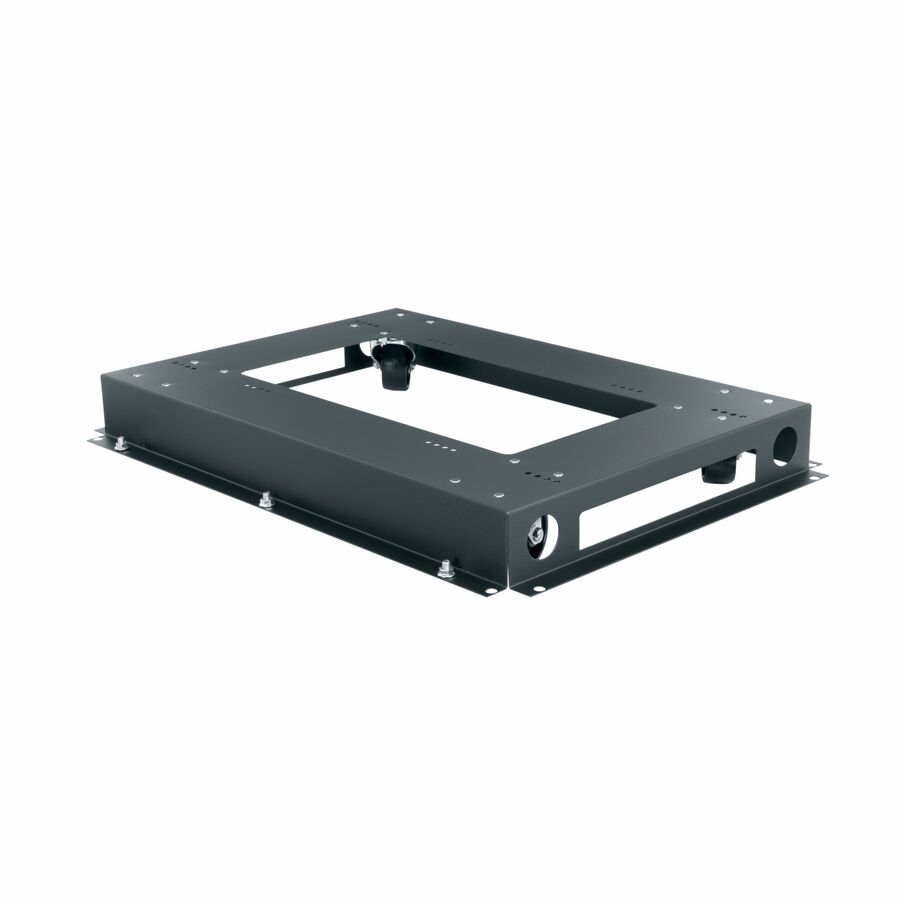
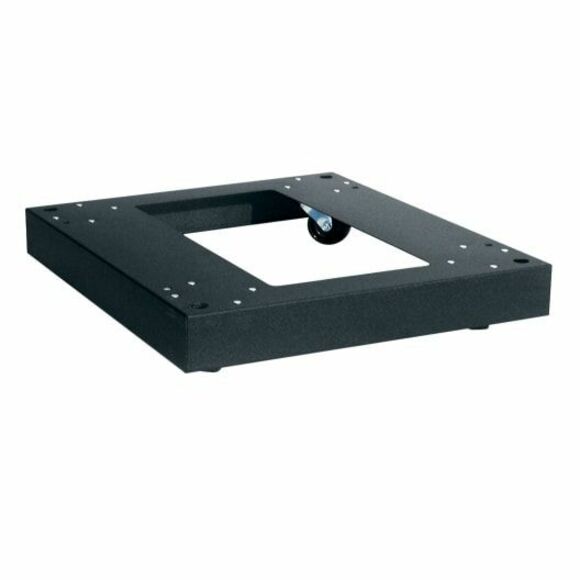
62 in stock - LegrandMiddle Atlantic Caster Base for 26in Deep Slim 5 Series Racks - 4 Casters - SteelCBS526
$360.00
$302.85
53 in stock







Need pricing on 4XEM charging carts?
Tell us where to reach you and a Uniqcli specialist will follow up by email with current pricing, availability and lead time for the quantities you need — including parts that aren’t shown on this page.
Buying for an organization or for yourself — both work. No payment up front.
The bay, not the bay count, decides a charging cart. Read the screen-size ceiling first, since the 4XSC PDU carts are specified for 14-inch devices and the USB-C 4XMC carts for 12-inch to 15.6-inch, and measure the device with its case fitted. Then match the power type: a PDU cart distributes AC outlets, while a USB-C cart only serves devices that charge over USB-C Power Delivery.
A charging cart is bought once and then lived with for the better part of a decade, which is why the specification mistakes are structural rather than cosmetic. The bay is a centimeter too shallow once cases go on. The cart is rated for 14-inch devices and the school standardized on 15.6-inch staff laptops. The order was placed in June and the cart shipped in October. None of those are fixable after the purchase order clears.
4XEM's range is small enough to compare end to end, which is unusual in this category and useful when one cart has to come out of a single-year allocation. It splits cleanly into two families. The 4XSC carts are described as PDU carts — three shelves, an aluminum frame, a stated 220.4 lb load capacity, 30 or 36 bays, specified for 14-inch devices, sold in sliding-shelf and fixed-shelf versions at different prices. The 4XMC line charges over USB-C instead, in 10, 16, 20 and 32-port units with stated cart outputs from 800 W to 2,000 W and support for 12-inch to 15.6-inch screens.
The reason this brand is worth a page of its own is availability rather than positioning. Across the photographed, priced charging carts in our catalog, the overwhelming majority sit backordered at any given moment — the steel-cabinet lines in particular. As this guide is written, seven of the eight 4XEM carts we list are in stock. The grid above is live, so trust it over this sentence, but the pattern has held long enough to be worth planning around when a cart has to be in a classroom by the first week of term.
Buyer's checklist
How to choose a charging cart for a classroom fleet
- Count bays against the largest class that will use the cart, then add spares. A 30-bay cart in a 32-seat room turns into a daily negotiation, and the two students left out are always the same two.
- Read the screen-size ceiling, not only the device count. The 4XSC PDU carts are specified for 14-inch devices; the USB-C carts state 12-inch to 15.6-inch. A 15.6-inch staff laptop does not belong in a 14-inch bay regardless of how the numbers look on paper.
- Measure the device with its case fitted. A rugged shell adds several millimeters per side, and a bay sized around a bare Chromebook can quietly lose a row once thirty cased devices go in at once.
- Decide sliding versus fixed shelves before you compare prices. Sliding shelves pull forward so a student seats the device without reaching into the cabinet; fixed shelves cost less and have fewer moving parts to break in a corridor.
- Match the power type to the fleet you actually own. A PDU cart distributes AC outlets, so every device charges on its own OEM adapter and you store thirty power bricks inside the cart. A USB-C cart removes the bricks but only serves devices that charge over USB-C Power Delivery.
- Check the cart's total stated output against the device count rather than assuming a per-bay figure. A 2,000 W cart feeding 32 ports is not the same thing as 32 dedicated 65 W supplies, and how that budget is allocated is a question to put in writing before ordering.
- Look at where the cart lives between lessons. The 10- and 16-device 4XEM units are cabinets on casters with roughly the footprint of a small filing cabinet — sensible for a storeroom or a single fixed classroom, wrong for pushing between floors all day.
- Treat the electrical circuit as part of the specification. Thirty devices drawing at once is a facilities conversation, not an IT one, and it is much easier to have before the cart is delivered than after a breaker trips mid-lesson.
- Get the lead time in writing on the quote. Charging carts are among the most consistently backordered categories we carry, and a cart that ships in eleven weeks is a different purchase from one that ships in five days.
Sliding shelf or fixed shelf
4XEM sells the same bay counts both ways, which makes the trade-off unusually easy to price. At 36 bays, the sliding-shelf cart lists above the fixed-shelf version by roughly a hundred and seventy-five dollars; at 30 bays the gap narrows to around a hundred and forty. Both sit on a three-shelf aluminum frame with the same stated 220.4 lb load capacity, so what the money buys is access, not strength.
The sliding shelves are worth paying for where students, rather than a teacher or an aide, do the loading and unloading. Reaching into a fixed cabinet to seat a device at the back of a shelf is how cables get pulled out of ports and how devices get dropped on the return trip. Where a single adult manages the cart — a cart parked in a lab, a media center cart, a device closet used by staff only — the fixed-shelf version is the more sensible purchase, and the savings across a multi-cart order are real.
The two formats also differ in footprint. The 36-bay sliding cart is listed at 25.9 inches wide, 25.2 inches deep and 41.3 inches high; the fixed-shelf equivalent is 22.2 by 23.6 inches and 34 inches high. That seven-inch height difference matters for lines of sight in a small room, and the near four-inch width difference matters for doorways and lift cars. Measure the route the cart will take, not just the space it will park in.
USB-C carts versus AC (PDU) carts
The 4XSC carts are PDU carts: they distribute mains power to outlets, and each device charges on the adapter it shipped with. That is the conservative choice. It works with any device in the building regardless of charging standard, it survives a fleet refresh to a different vendor, and it fails gracefully — a dead adapter is a five-dollar problem affecting one bay. The cost is storage. Thirty adapters and thirty cables live inside the cart permanently, they tangle, and they go missing.
The 4XMC line charges over USB-C directly, in 10-port (800 W), 16-port (1,000 W), 20-port (1,600 W) and 32-port (2,000 W) configurations. No bricks, no adapter inventory, and a much tidier cart at the end of the day. The constraint is that the whole fleet has to charge over USB-C Power Delivery, and that the cart's total output is shared. Before ordering, ask what each port is allocated under full load and compare it against what your devices actually need — a Chromebook that negotiates 45 W and a staff laptop that wants 65 W behave differently on a shared budget.
Practically, the split falls the same way in most buildings: PDU carts for mixed or older fleets, USB-C carts where a recent one-to-one refresh standardized on a single USB-C device. If your fleet is mid-transition, the PDU cart is the one that will still be useful in five years.
Where 4XEM sits, honestly
This is a value line and it should be evaluated as one. The PDU carts use an aluminum frame rather than the welded steel cabinets that the long-established education cart brands build, and the USB-C cabinets are rated at 176 lb load capacity against the 220.4 lb of the PDU carts. For a cart that lives in one room and moves down a corridor twice a day, that is not a meaningful distinction. For a cart that gets pushed between buildings over thresholds and curb cuts by two hundred different people a week, the heavier build is worth the money and we would say so on a quote.
The listing data for these carts does not state warranty length, and we will not invent one. If warranty depth is part of your evaluation matrix — and in a ten-year asset it reasonably should be — ask for the manufacturer's current warranty statement in writing as part of the quote and score it alongside the price. The same applies to any certification requirement your facilities team imposes on powered equipment in classrooms.
The screen ceilings are the specification most often missed. The 14-inch limit on the 4XSC PDU carts covers the classroom Chromebook and tablet fleet comfortably and excludes most staff laptops. If a single cart has to serve both, the USB-C carts with their 12-inch to 15.6-inch range are the family to look at, and the shelf-depth measurement with cases fitted becomes the deciding number.
Buying one cart out of a single-year allocation
Small districts and charter schools frequently fund carts one at a time, from whatever is left in a building allocation at the end of a fiscal year. That pattern rewards a different approach from a district-wide standardization project. Buy the cart you can put in the room that has the worst problem, not the cart that would be ideal if you could buy twelve.
Standardize on the family rather than the exact model. A district running 4XSC fixed-shelf carts can add a sliding-shelf unit next year without retraining anyone or restocking a different set of spares. Mixing PDU and USB-C carts across the same building is where it gets expensive, because the storage habits, the cable inventory and the failure modes all diverge.
Finally, order the cart before the devices where you can. Devices arrive on a schedule set by a vendor allocation; carts arrive on a schedule set by whatever is in a distribution center. Of those two, the cart is the one that will strand a deployment. Send us a device count, the exact device model, whether cases are fitted, and the room the cart has to live in, and we will come back with what is genuinely available and when it ships.
FAQ
Common questions
- How many bays should a classroom cart have?
- Size to the largest class that will use the cart, then add roughly ten percent for spare and loaner devices. In practice that puts most secondary classrooms on a 30- or 36-bay cart and most primary rooms on 20 to 30. Buying a 30-bay cart for a 32-seat room saves a few hundred dollars once and creates a daily problem for the life of the asset.
- Will Chromebooks in rugged cases still fit?
- Sometimes, and it is worth checking rather than assuming. A slide-on shell or a rugged TPU case adds several millimeters per side, which is enough to change how many devices seat comfortably on a shelf. Measure a cased device at its thickest point and compare it against the bay dimension before ordering, particularly if the cart is being bought for a fleet that already has cases on it.
- What is the difference between a PDU charging cart and a USB-C charging cart?
- A PDU cart distributes mains outlets, so every device charges on its own manufacturer adapter — flexible across any fleet, at the cost of storing thirty adapters and cables inside the cart. A USB-C cart supplies power directly over USB-C Power Delivery with no adapters at all, which is tidier and faster to load, but only works for devices that charge over USB-C and shares a fixed total output across all ports.
- Can one cart serve two classrooms?
- It can, and it is a common way to stretch a budget, but plan the logistics first. A shared cart needs a charging window that fits between the two rooms' timetables, a route that does not involve stairs or a lift the cart will not fit in, and one named owner who is responsible for it. Shared carts fail on ownership far more often than on capacity.
- What should we confirm before issuing a purchase order?
- Four things: the exact device model and whether cases will be fitted, so the bay dimension and screen ceiling can be checked; the charging standard, so the PDU-versus-USB-C decision is made on facts; the current manufacturer warranty statement in writing; and a firm lead time. Send those to us with a bill of materials or a room count and we will quote against real availability rather than a catalog page.
Need 4XEM charging carts pricing?
Send a bill of materials or part numbers — we confirm stock and a below-market total, with TAA verified on request. No payment up front.