
Best Rocstor Volt Charging Carts for 1:1 Device Programs
Pre-wired USB-C and AC charging carts from 14 to 42 bays for Chromebook, laptop and MacBook fleets.
Rocstor charging carts in stock at Uniqcli
How to choose →A curated selection with live pricing — in-stock lines first, then back-ordered lines with a typical lead time. Every line is sourced through US distribution and screened for NDAA §889 status before checkout, with TAA verified on request.
Back-ordered — estimated OEM lead time 3–8 weeks (Nov 12 – Dec 17 if ordered today).
Back-ordered — estimated OEM lead time 3–8 weeks (Nov 12 – Dec 17 if ordered today).
Back-ordered — estimated OEM lead time 3–8 weeks (Nov 12 – Dec 17 if ordered today).
Back-ordered — we expect to receive stock the week of Oct 26 – Nov 1 and will process your delivery right after.

Top pick
Rocstor
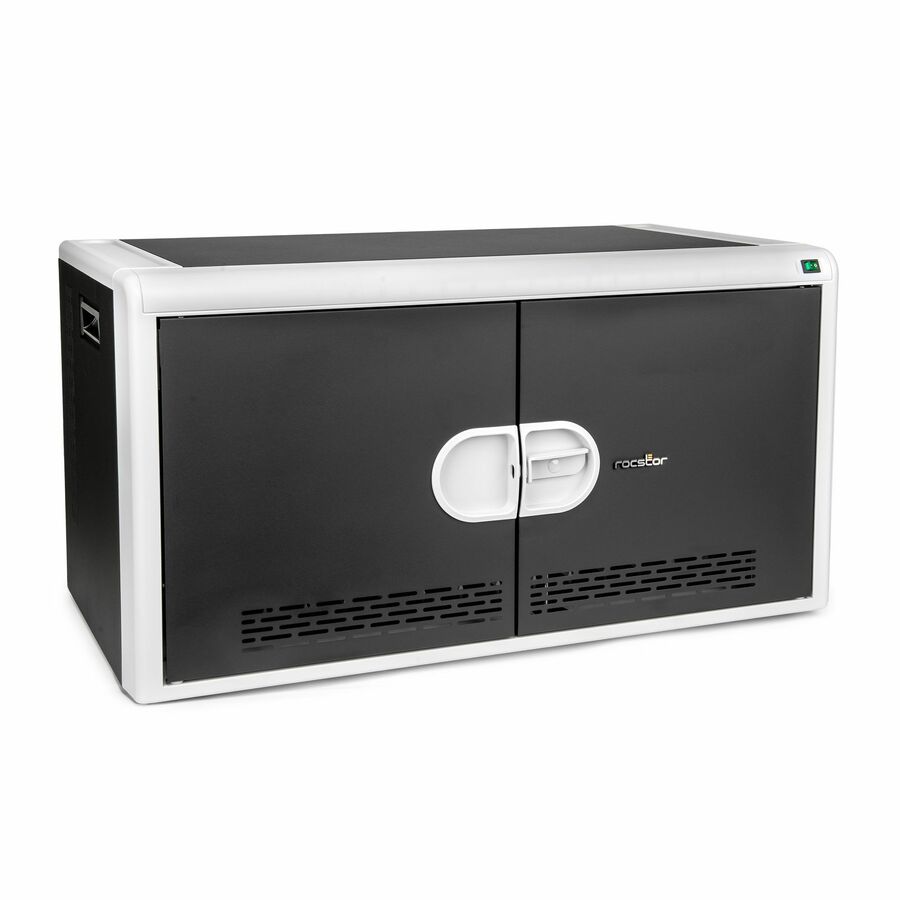
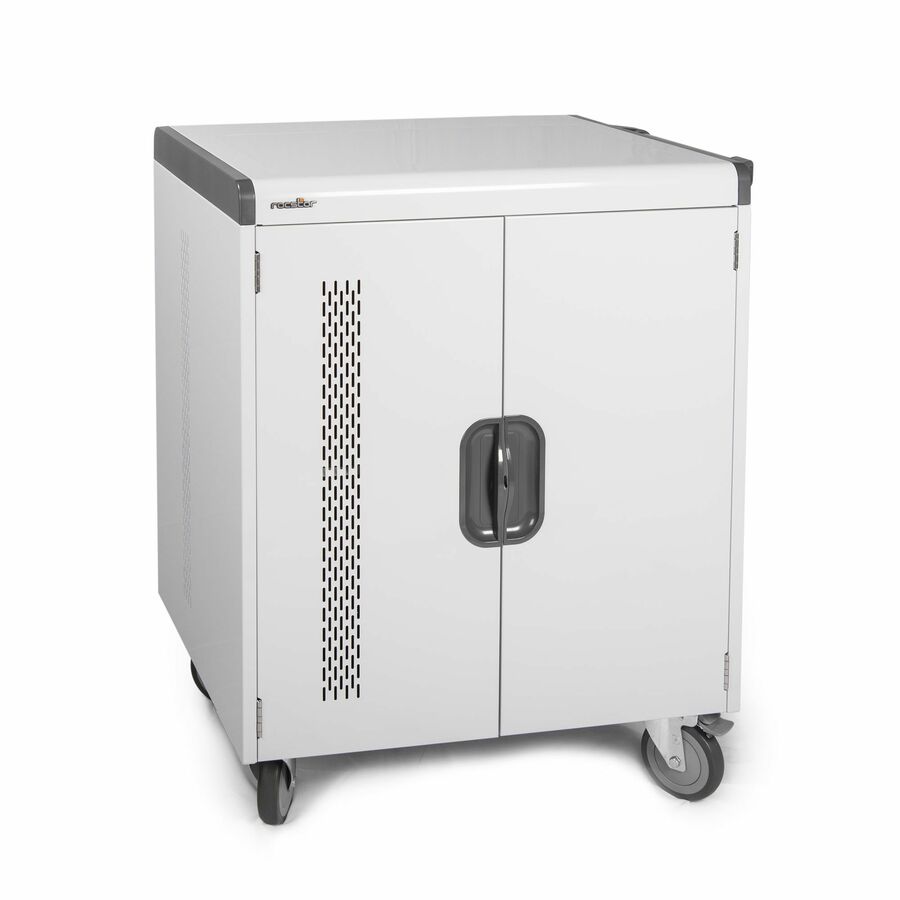
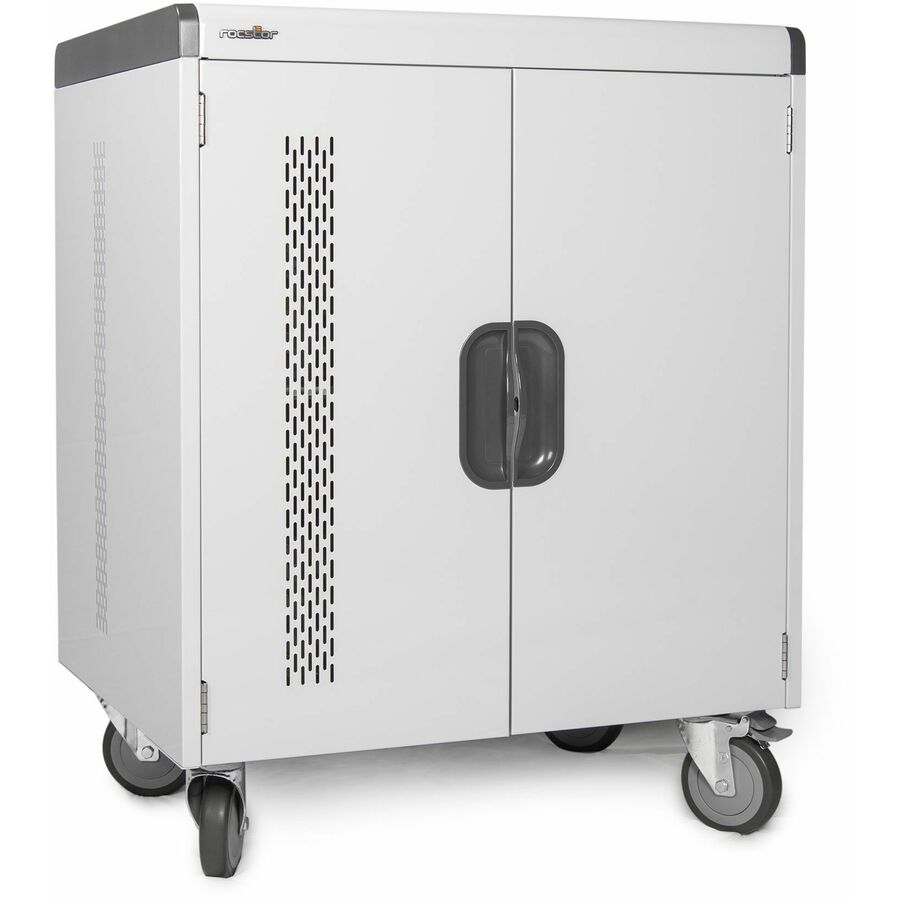
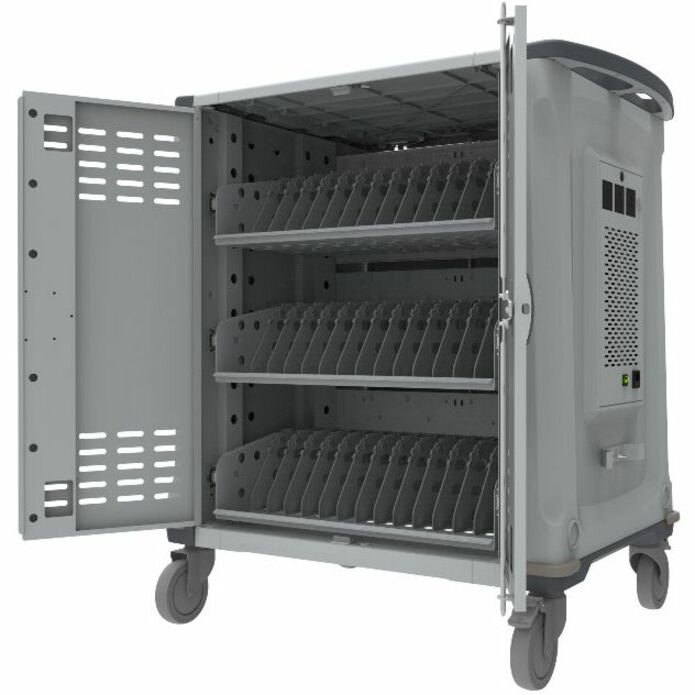
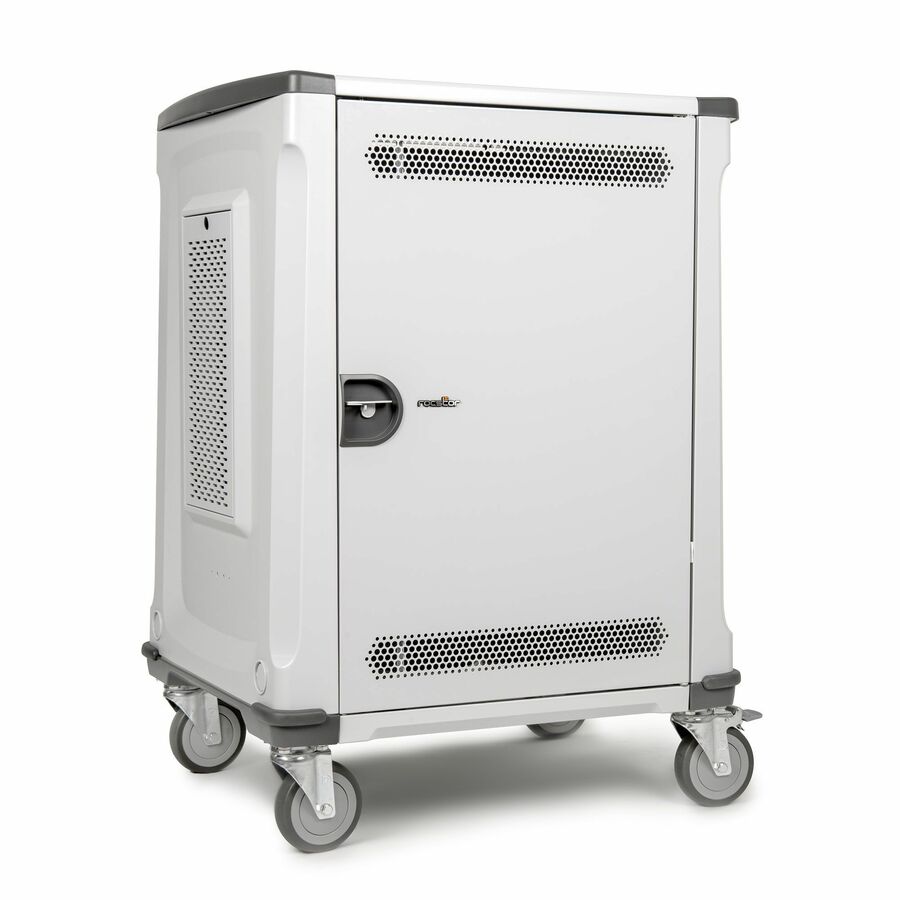
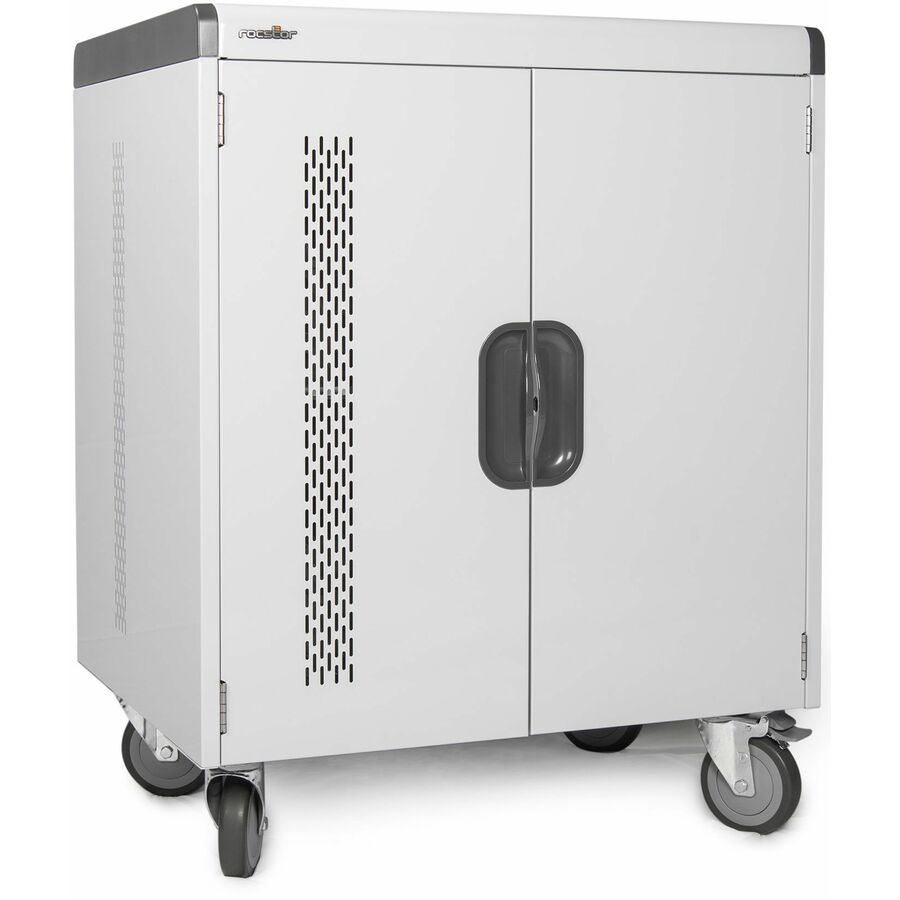
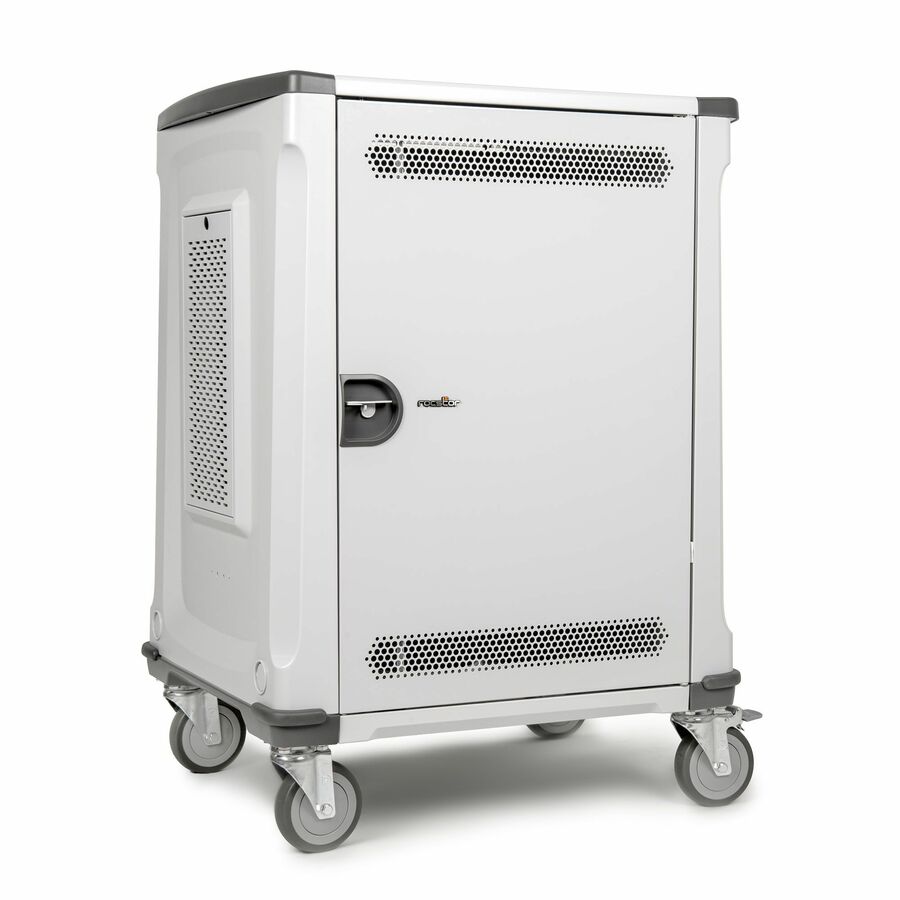
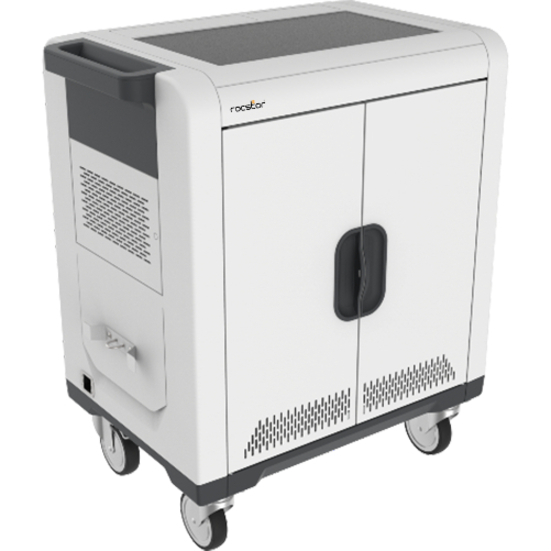
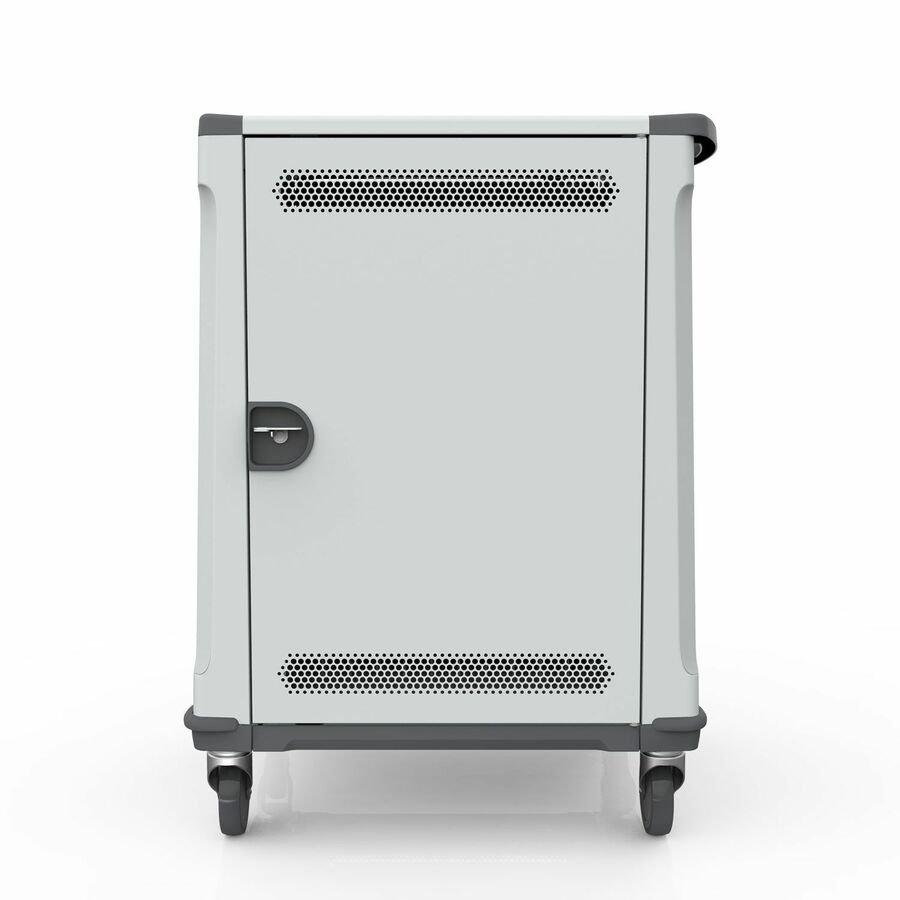
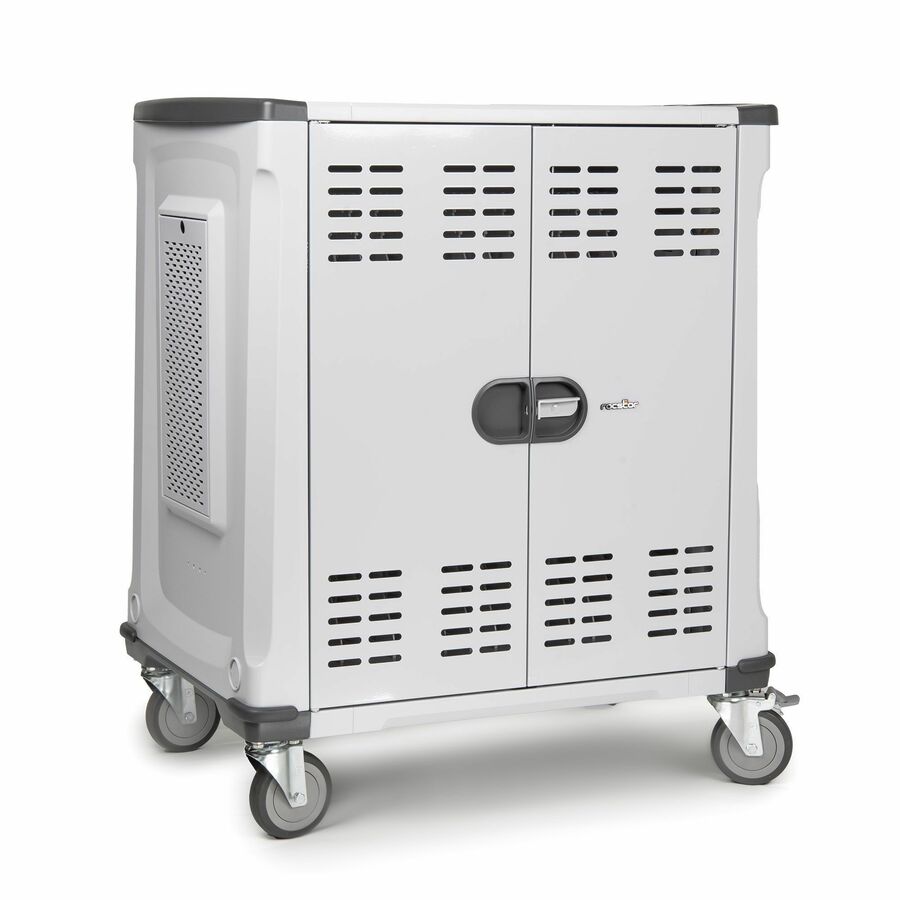
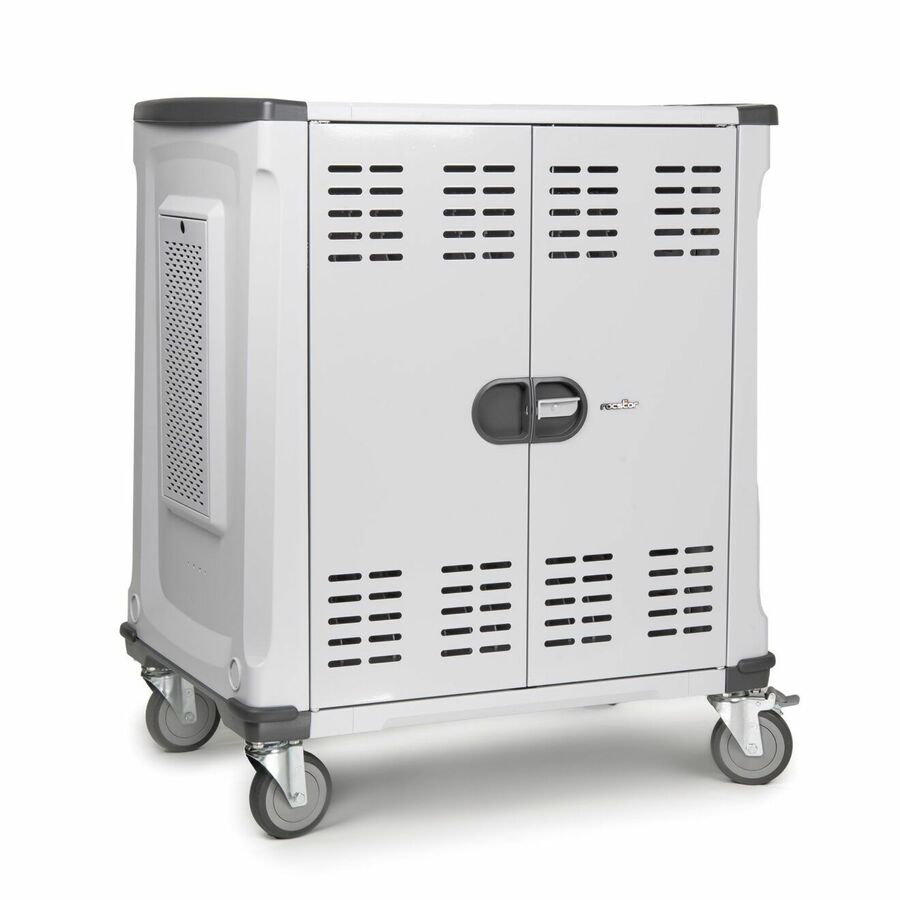
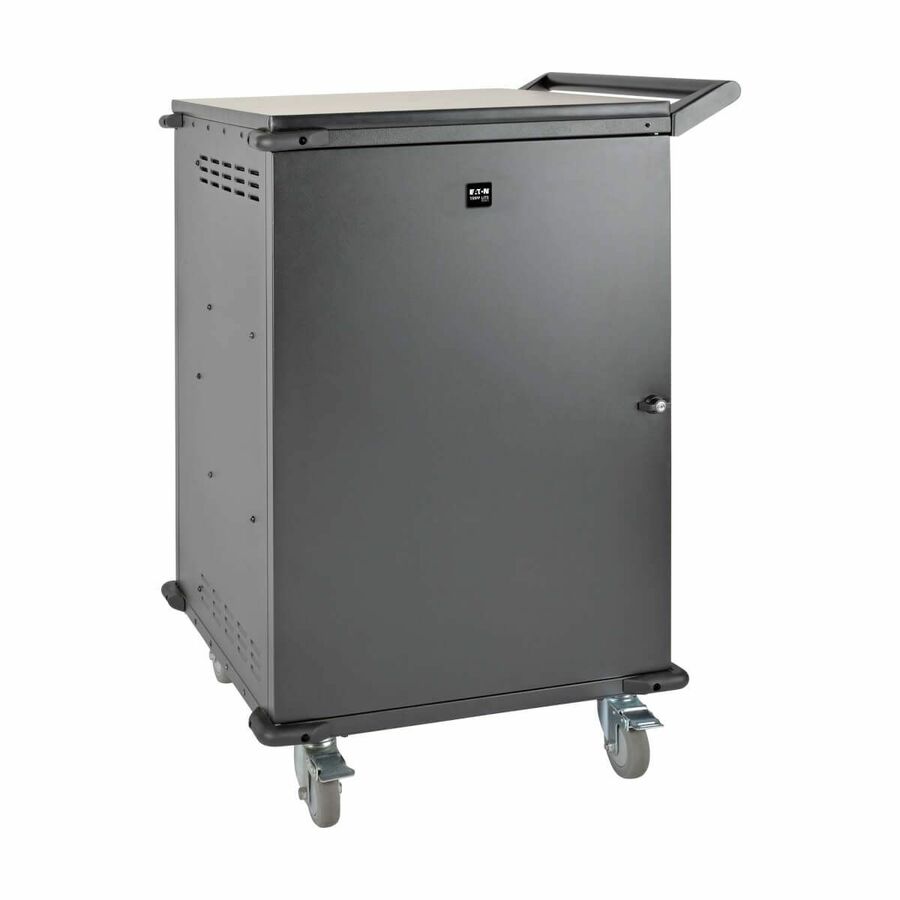
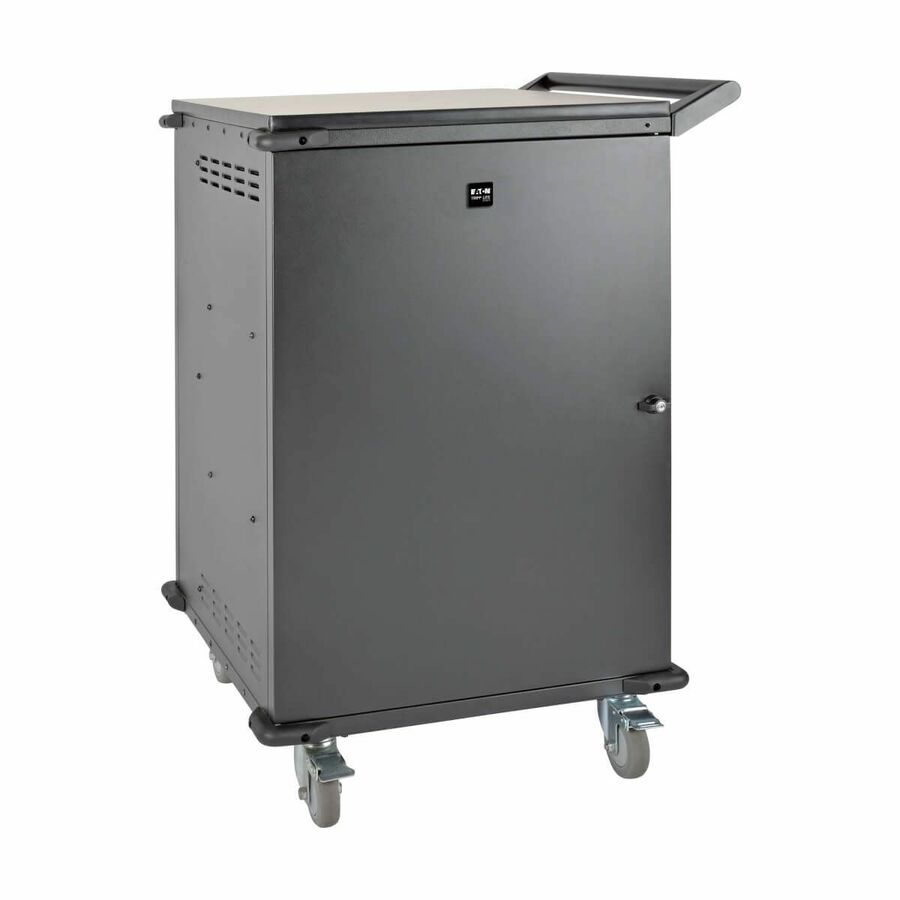
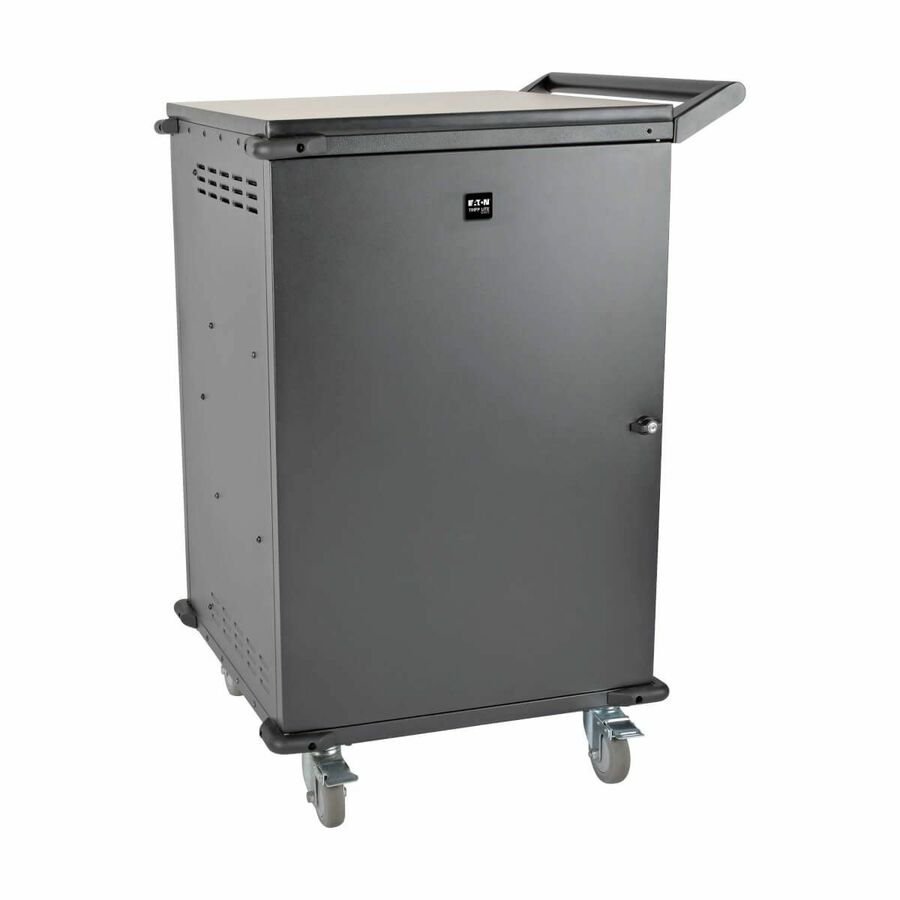
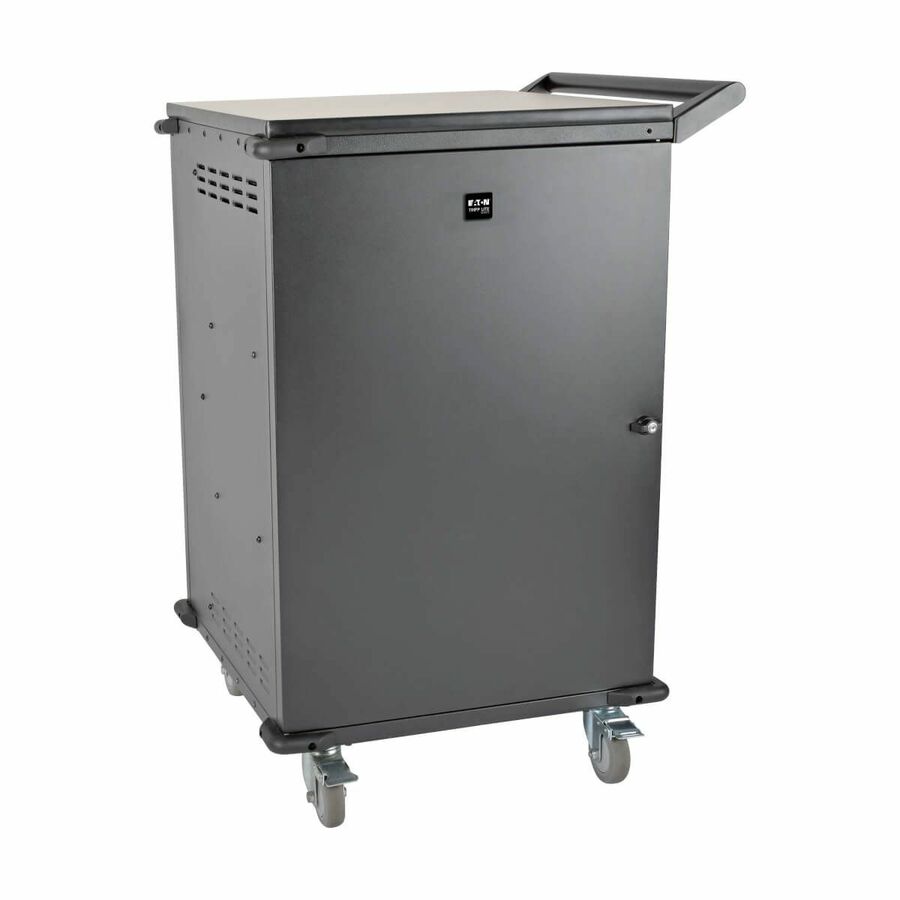
Rocstor Volt C32 PRE-WIRED Charge Cart
VT0018-S1
Thirty-two bays pre-wired with USB-C adapters at a stated 65 W — the configuration that takes thirty-two loose power bricks out of the room permanently, and the one to buy if the fleet has already moved off barrel connectors.
Buy the wattage of your heaviest device, not your lightest: the VT0019-S1 is the 80 W sibling if a staff laptop expects more than 65 W. This row lists support for devices up to 16 inches.
$2,367.92*In stockMore carts and trolleys in the Uniqcli catalog
See all 1,688 carts and trolleysMore Rocstor first — closest to what you were just looking at; “See all carts and trolleys” above opens every other brand in the category. In-stock lines lead, and a back-ordered line carries the same estimated availability its product page does — with live pricing throughout, NDAA §889 screening before checkout and TAA verified on request.
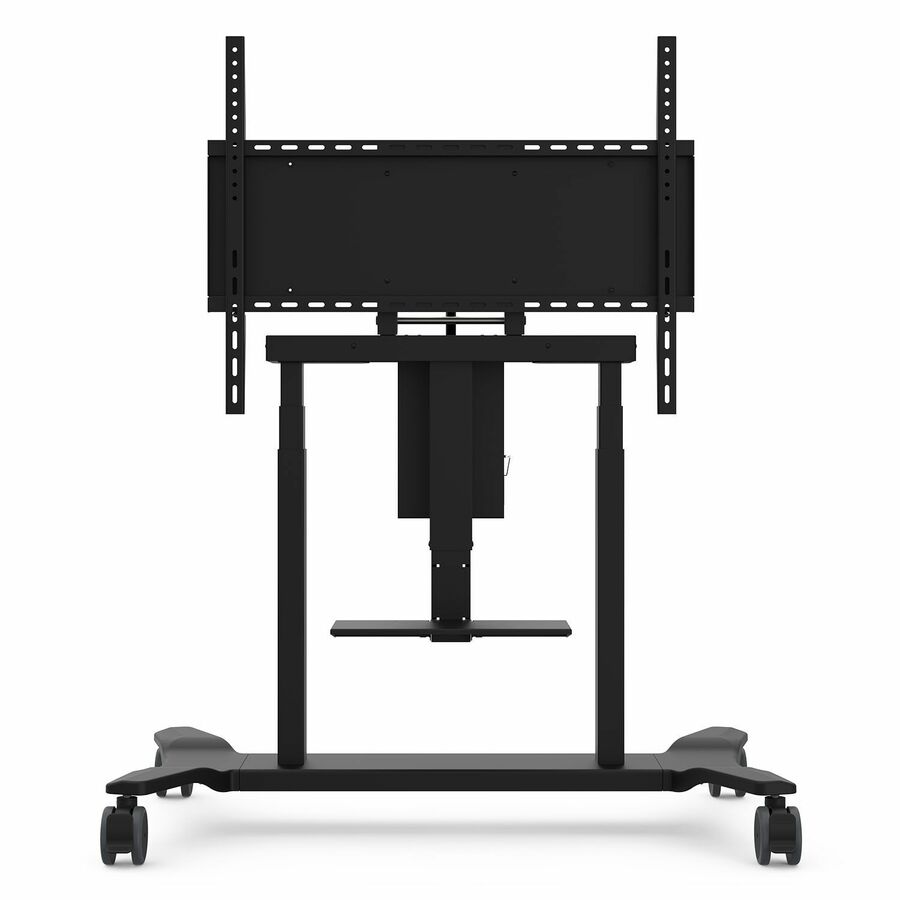
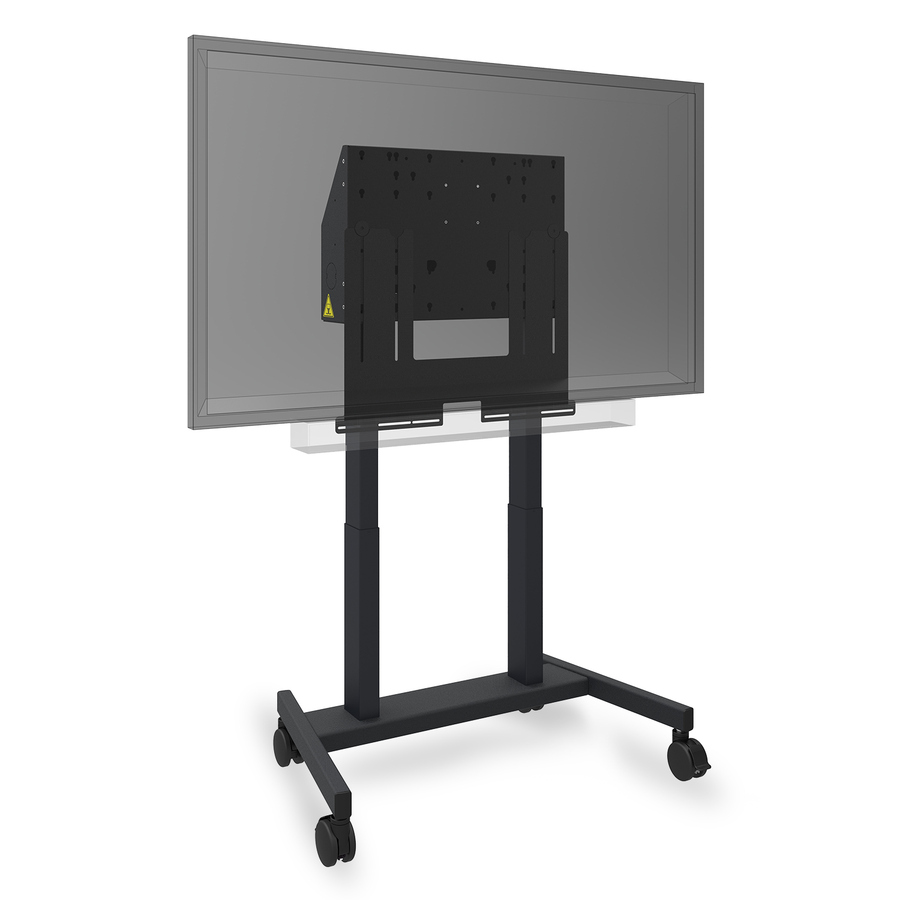
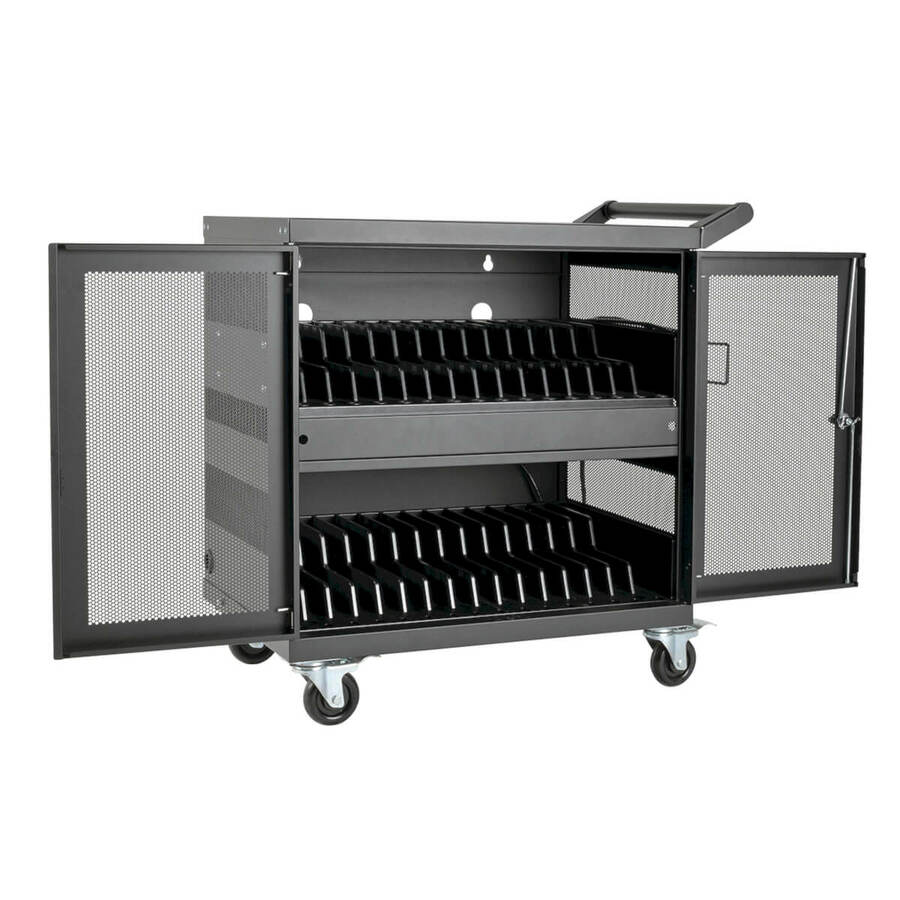
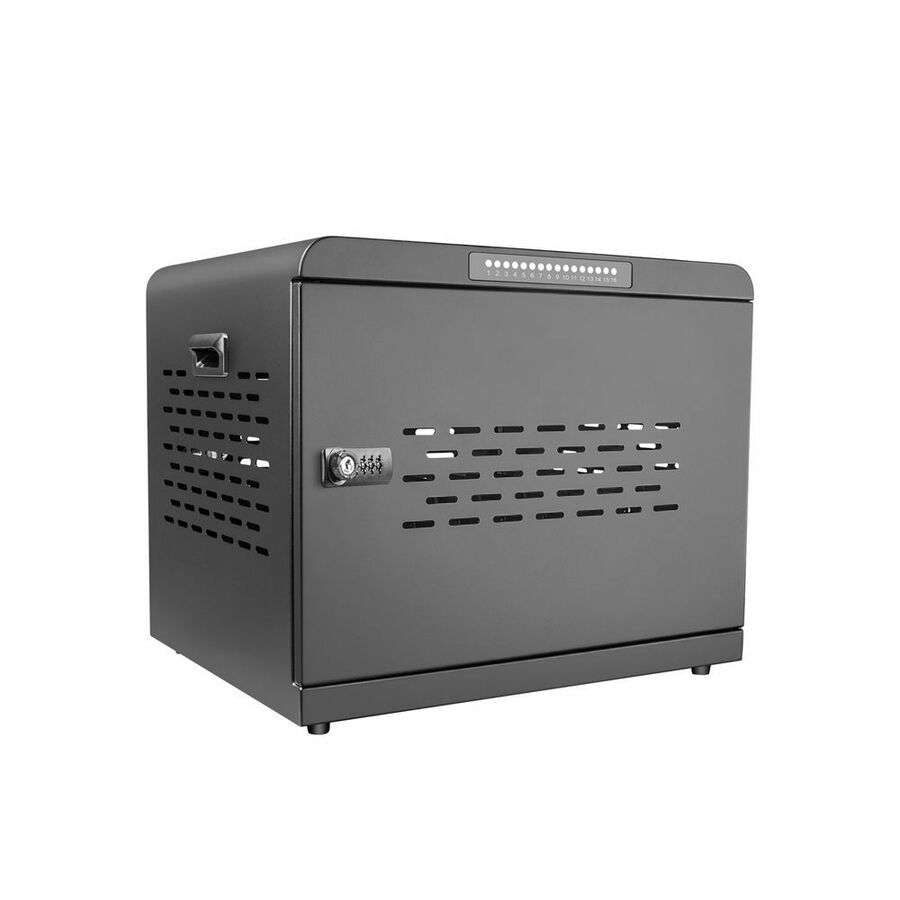
- ViewSonicViewSonic BalanceBox VB-BLM-004 Display Cart - BalanceBox VB-BLM-004 Display CartVB-BLM-004
$6,819.00
$4,644.99
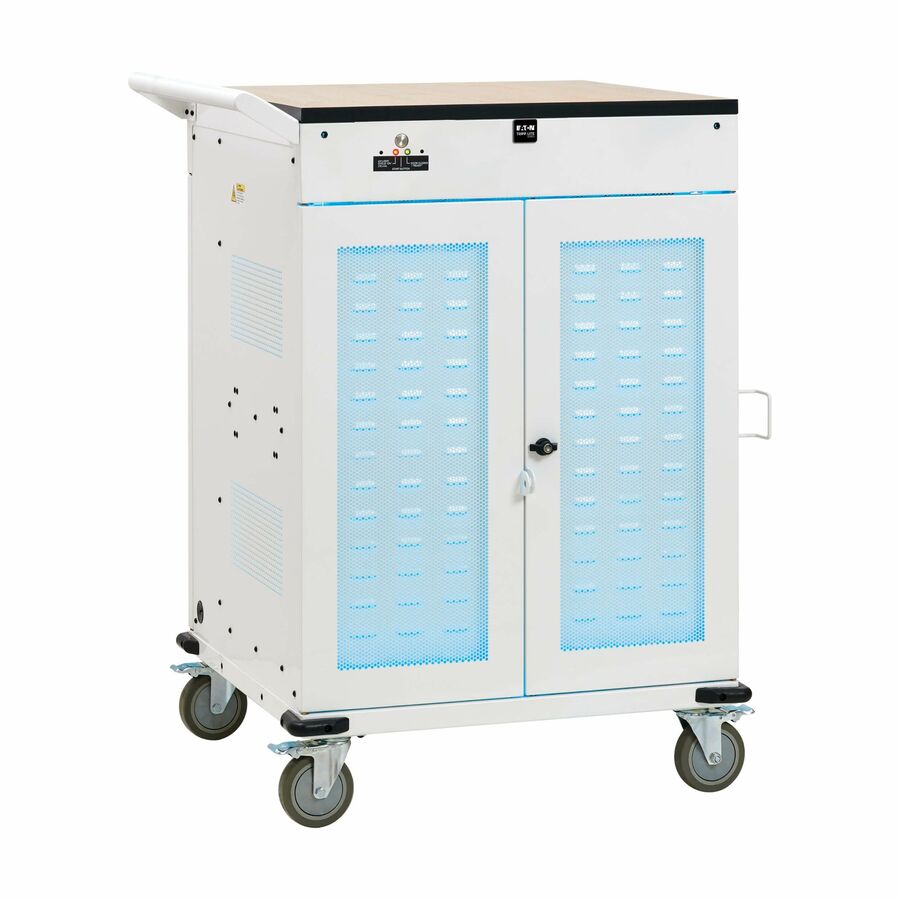
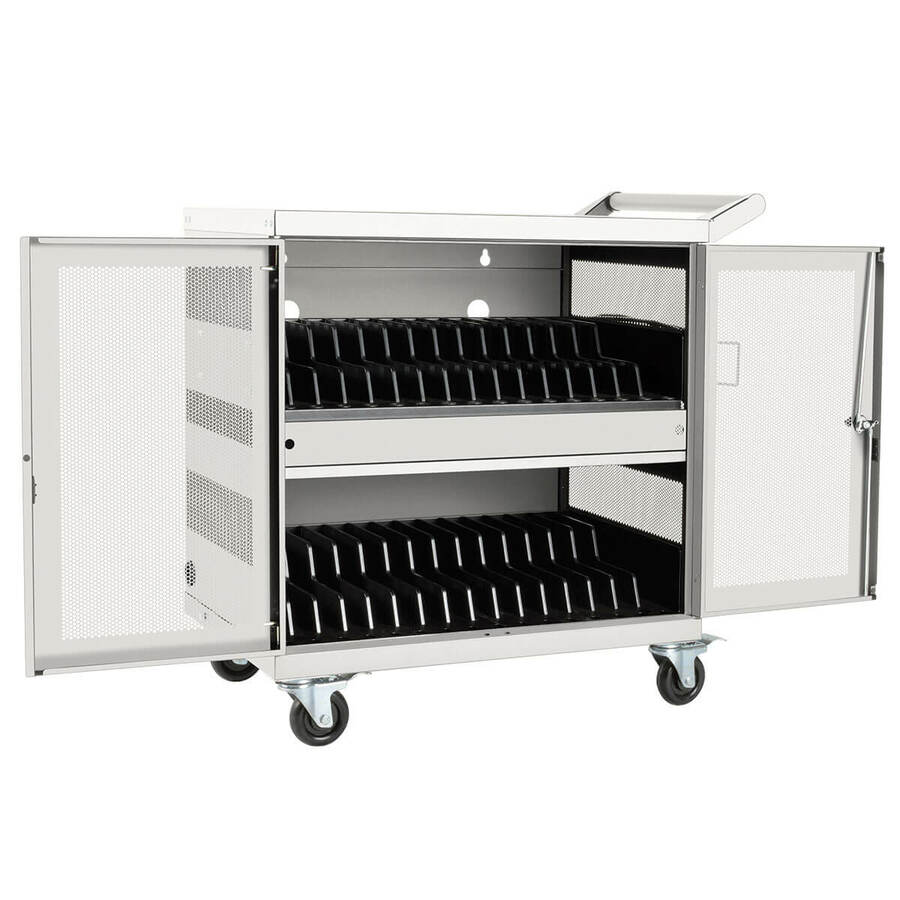
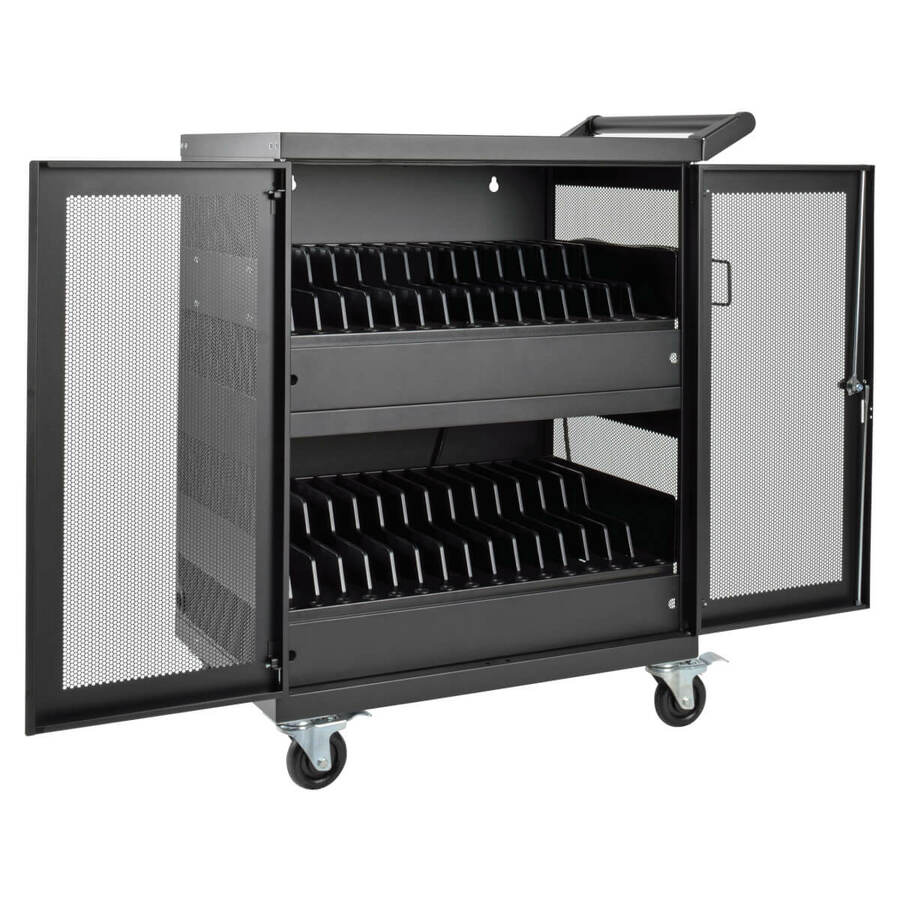
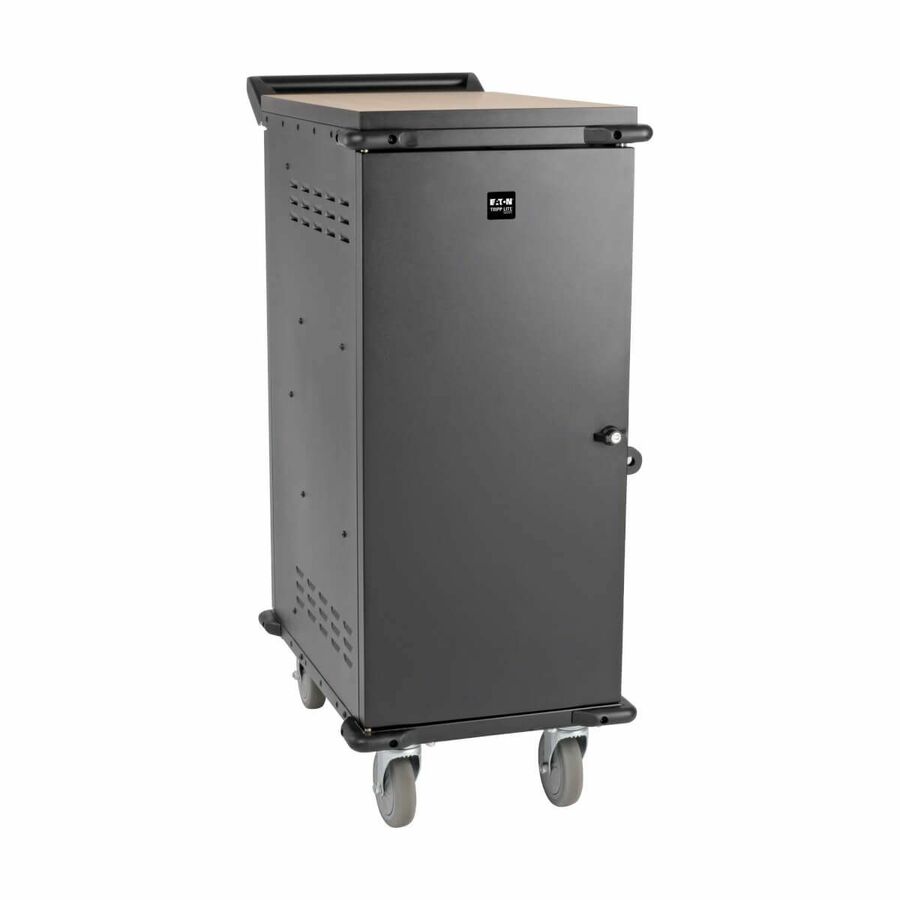
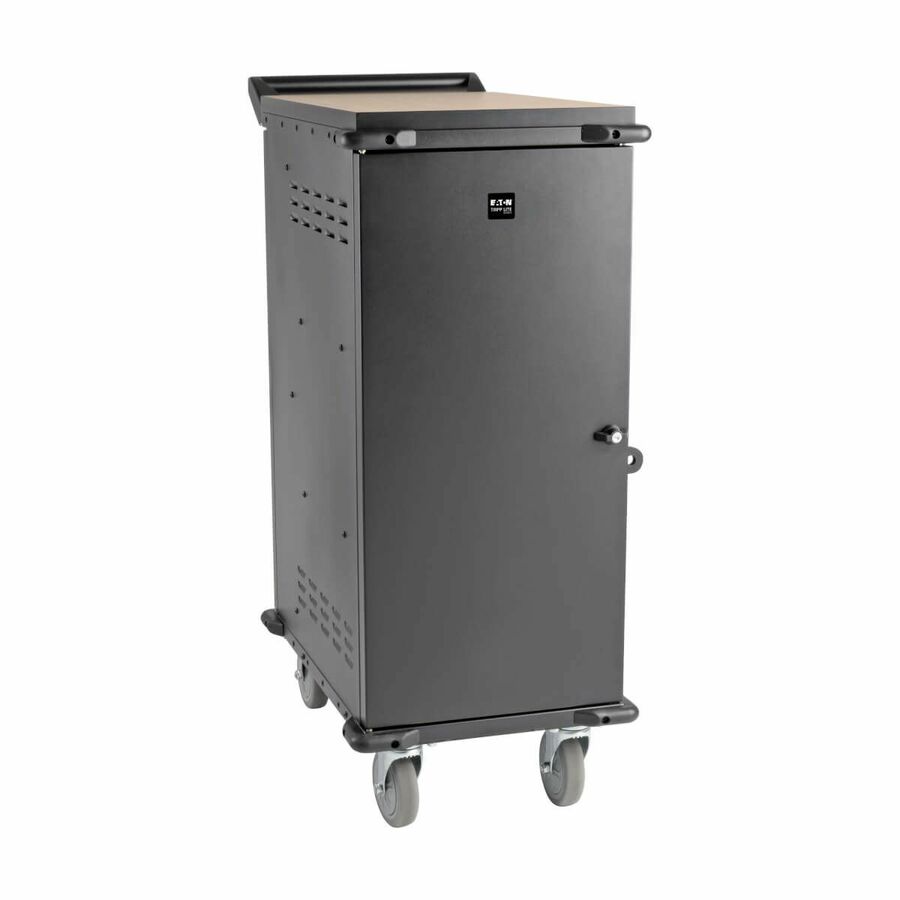
3 in stock - EatonEaton Tripp Lite Series Safe-IT 36-Device UV Mobile Charging Cart for Laptops and Chromebooks - 120V, NEMA 5-15P, 10 ft. (3.1 m) Cord, Antimicrobial, Wood-Grain Top, White - 2 Shelf - 4 Casters - Steel, Wood Grain - 30.50? Width x 37.80? Depth x 46.40? Height - WhiteCSC36VACUVC
$6,683.00
$6,148.36
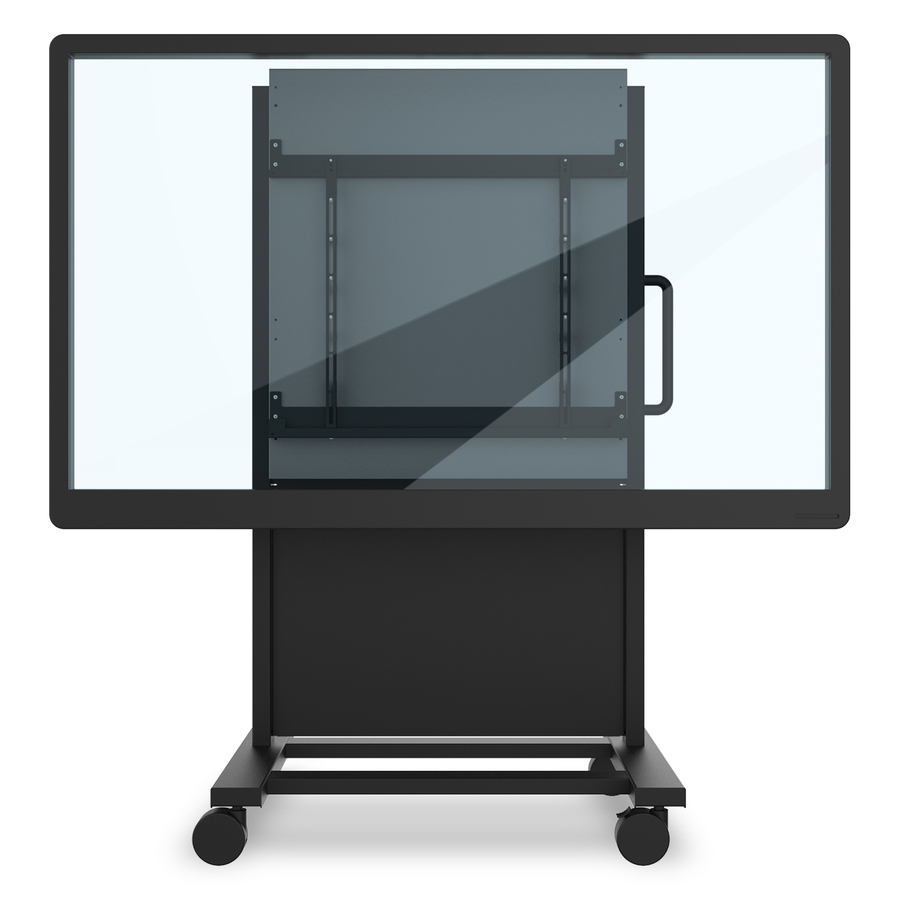
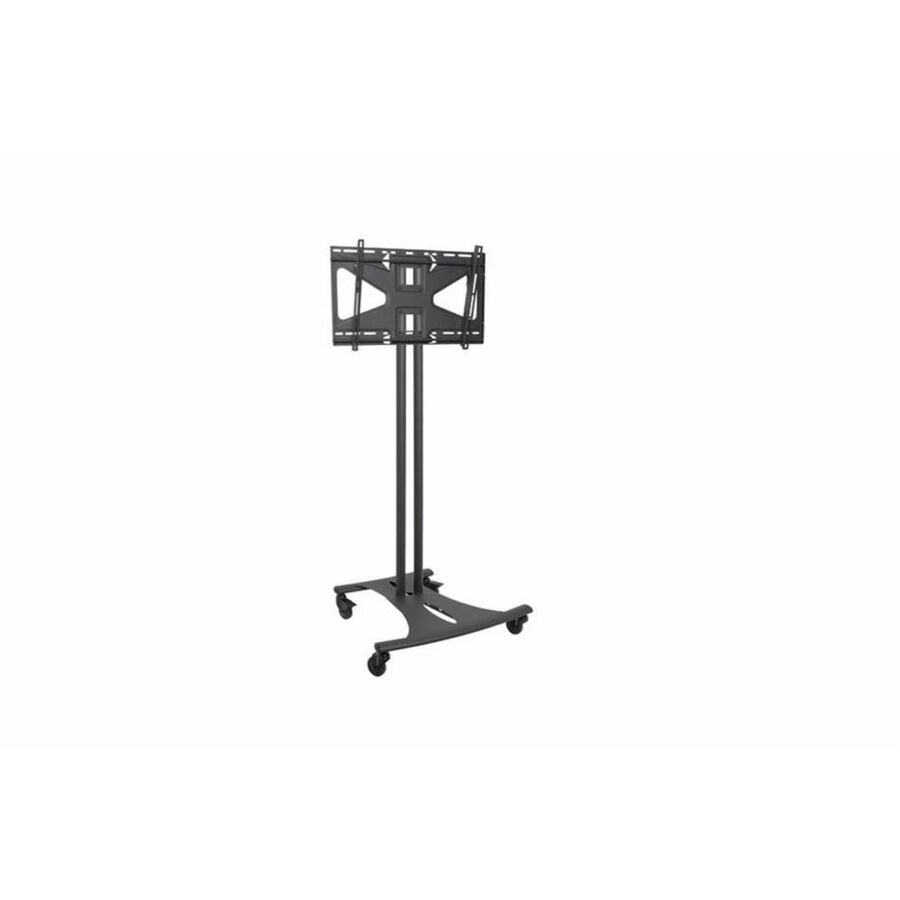
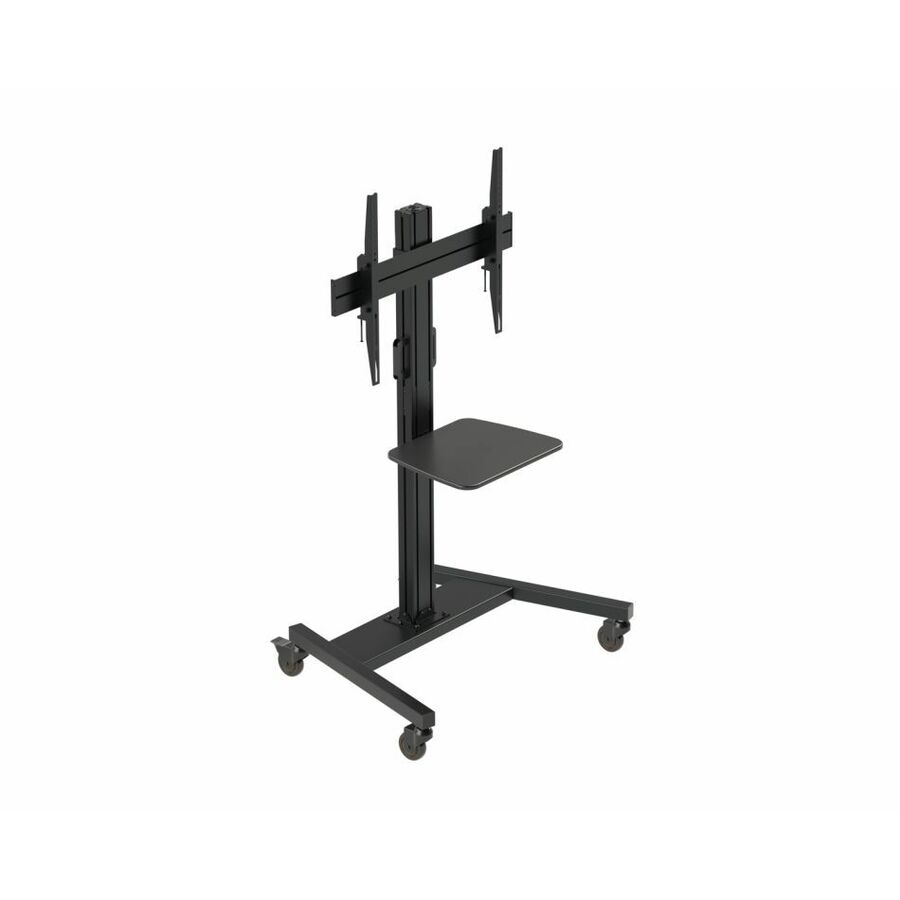
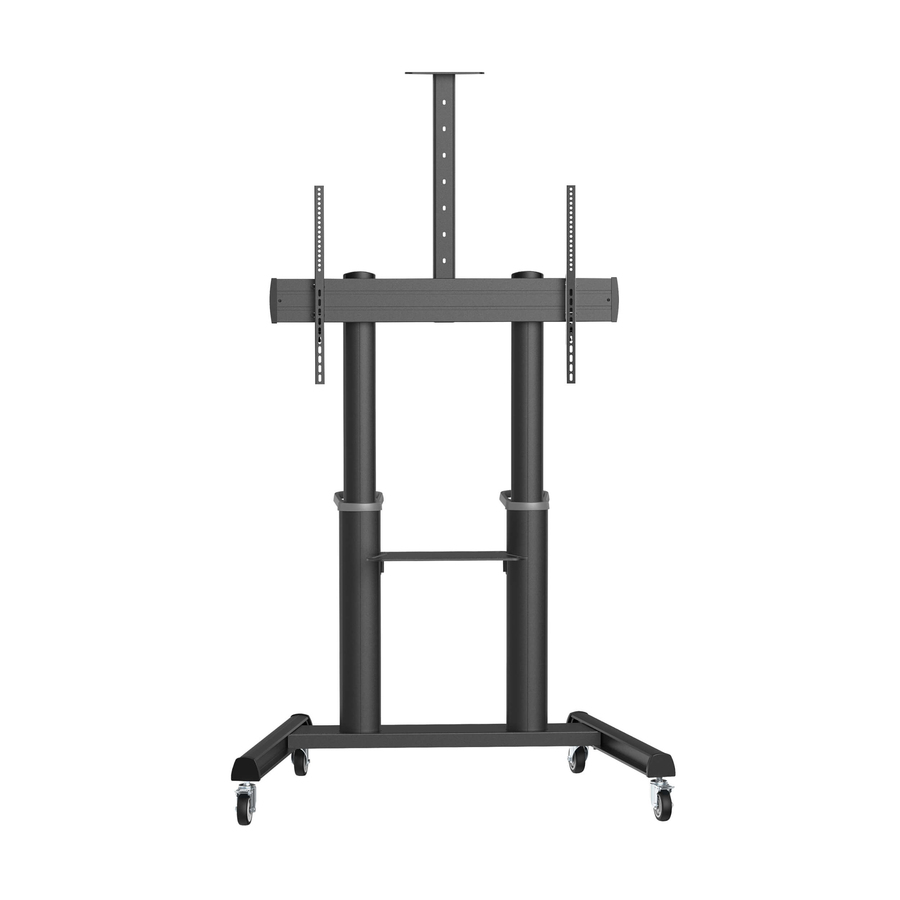
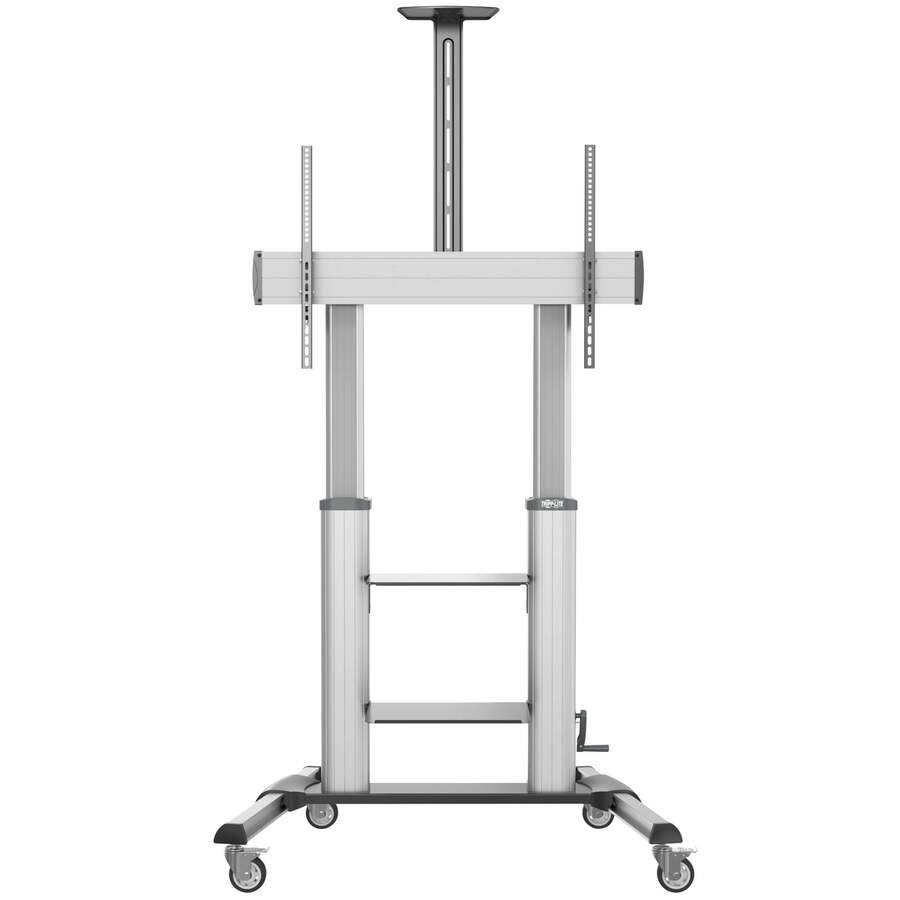
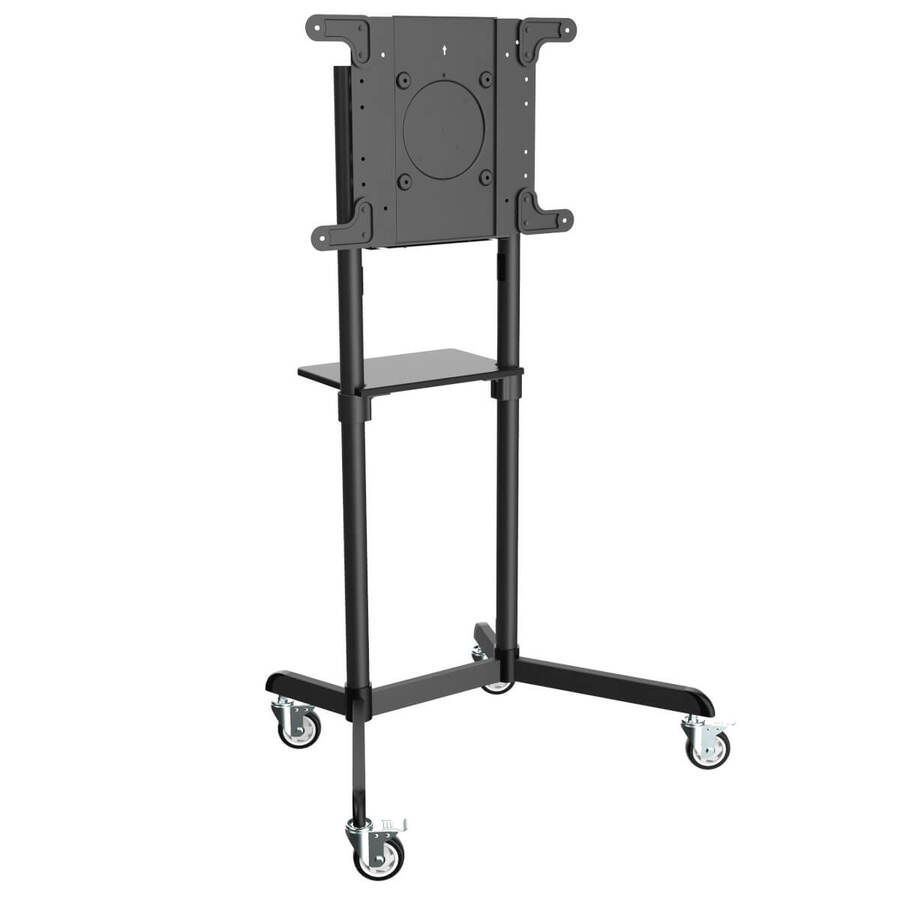
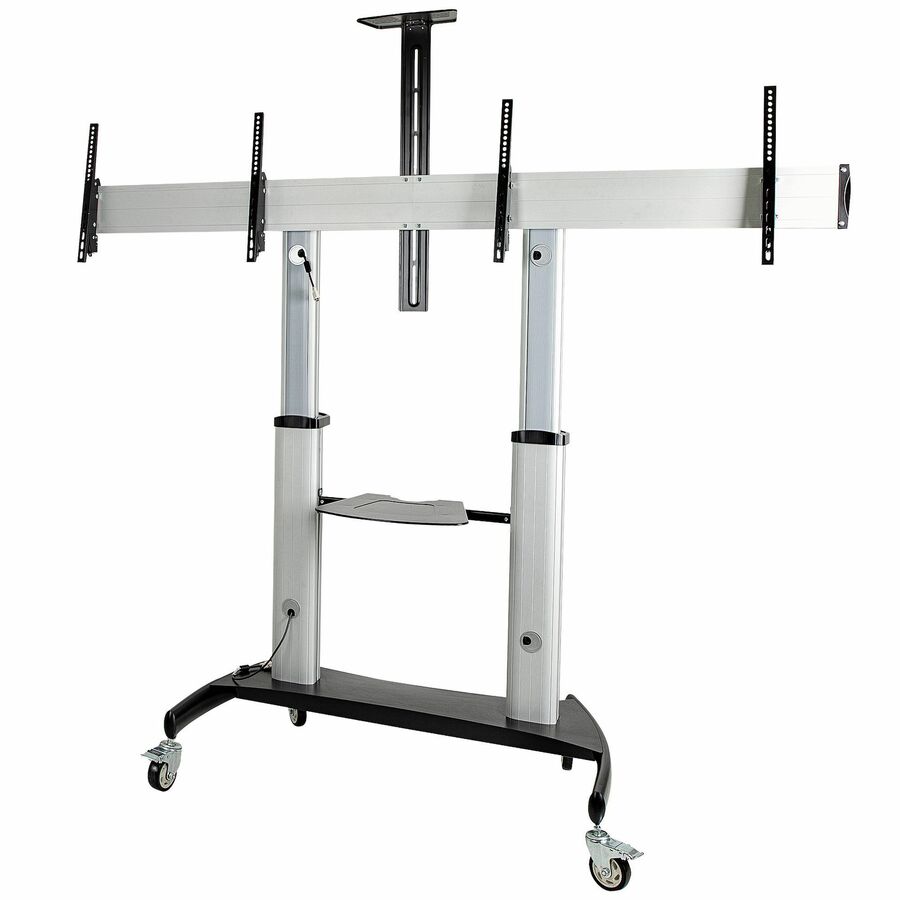
1 in stock - EatonTripp Lite by Eaton Safe-IT Heavy-Duty Rolling TV Cart with Height-Adjusting Crank Handle for 60 to 100-inch Displays - Crank Handle - 220 lb Capacity - 4 Casters - 4" Caster Size - Aluminum, Steel - 44.8" Width x 27.6" Depth x 93.1" Height - Steel Frame - Black, SilverDMCS60100XXCK
$1,781.57
$1,639.04
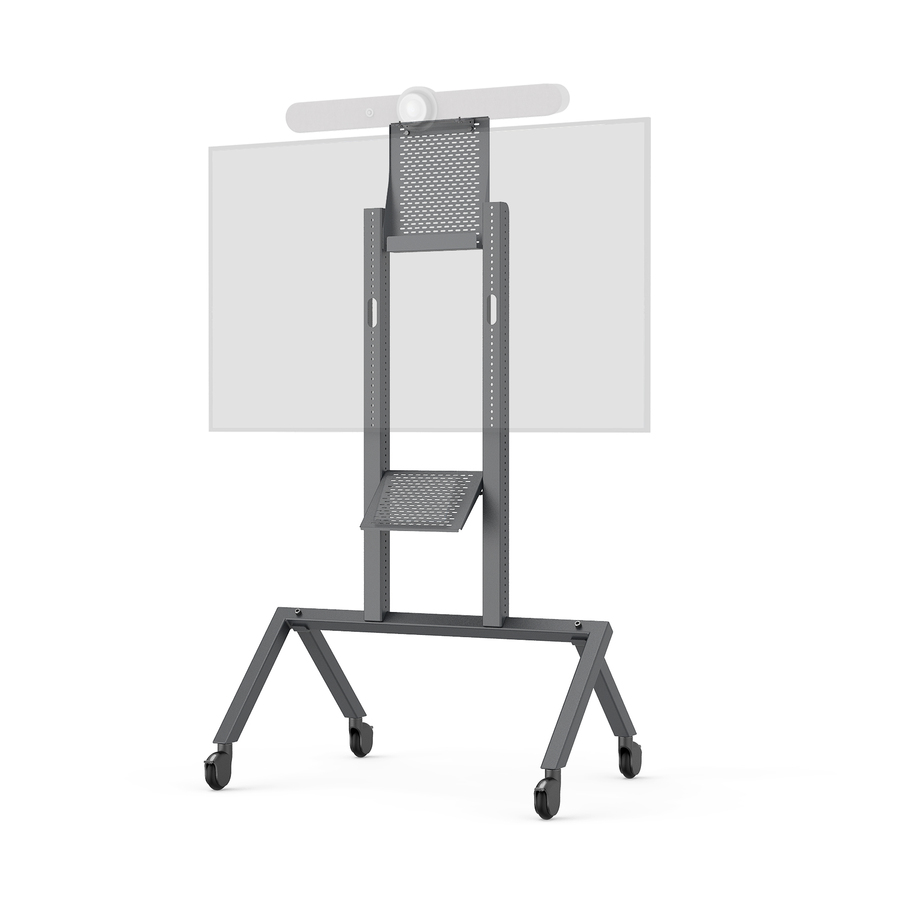
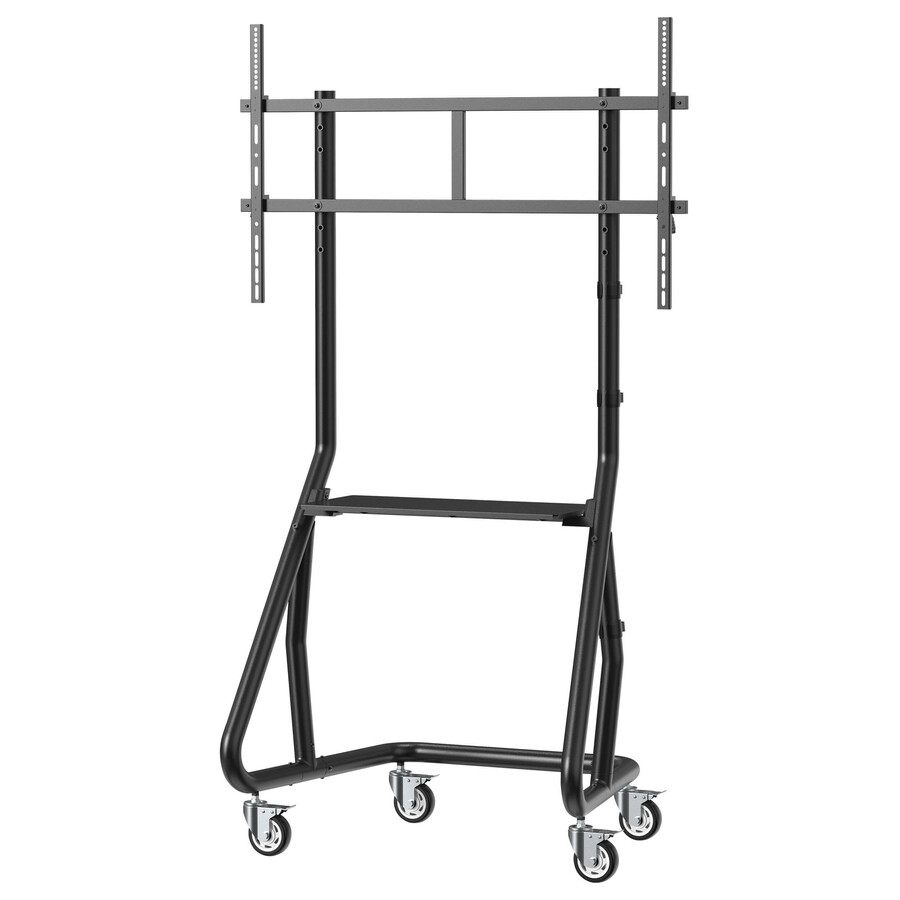
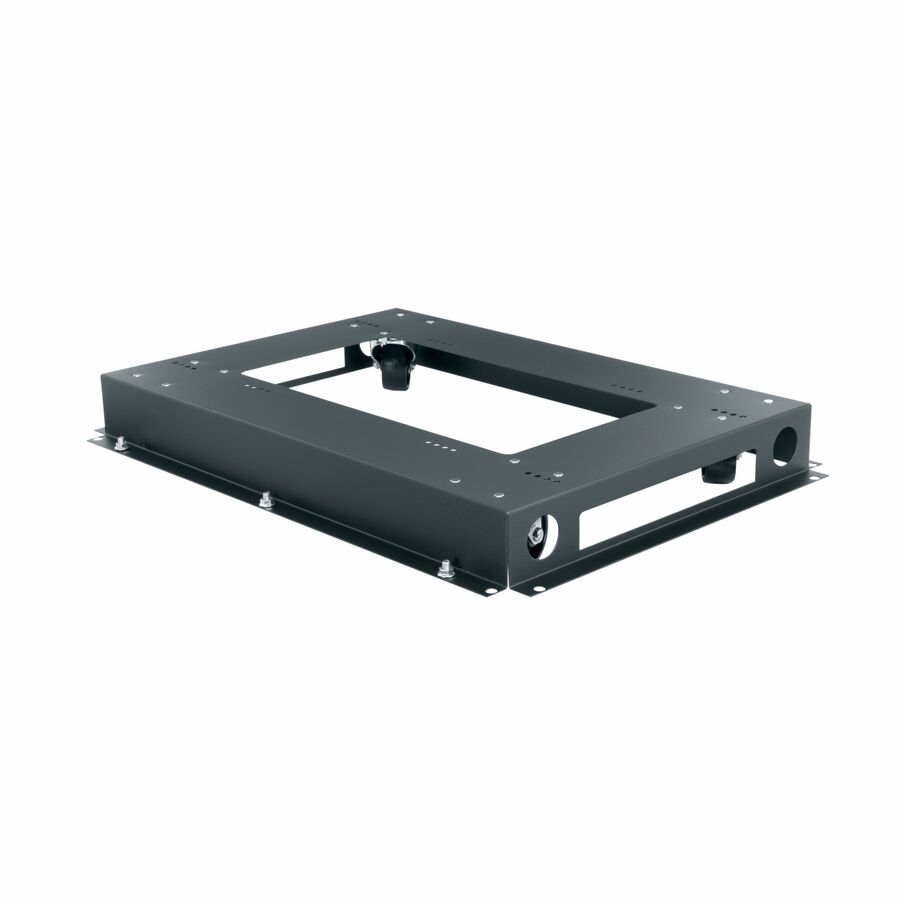
62 in stock - LegrandMiddle Atlantic Caster Base for 26in Deep Slim 5 Series Racks - 4 Casters - SteelCBS526
$360.00
$302.85
53 in stock







Need pricing on Rocstor charging carts?
Tell us where to reach you and a Uniqcli specialist will follow up by email with current pricing, availability and lead time for the quantities you need — including parts that aren’t shown on this page.
Buying for an organization or for yourself — both work. No payment up front.
A charging cart outlives the devices in it. Districts refresh Chromebooks and laptops on roughly a four to five-year cycle; a steel cart bought this year will still be in the room for two or three of those cycles. That makes the connector a strategic decision rather than a detail — the cart you buy in 2026 has to still work with whatever the fleet charges on in 2032.
That is the case for looking hard at Rocstor's Volt line. Two of the rows here are pre-wired with USB-C adapters at a stated wattage — 32 bays at 80W on the VT0019-S1 and 32 bays at 65W on the VT0018-S1 — which is a direct answer to a fleet that has moved off barrel connectors. The rest of the line covers AC and intelligent-power configurations from 14 to 42 bays, so a district can standardize on one manufacturer across mixed rooms.
The other reason to look is availability: most of this line is in stock rather than on lead time, which is not something that can be said of the cart category generally in July and August. Every card shows the live price and the current stock chip, and the sections below explain what actually separates the rows so you can shortlist in a few minutes.
Buyer's checklist
How to choose a Volt cart for a device program
- Start from how the fleet charges, not from the bay count. If your devices charge over USB-C, a pre-wired USB-C cart removes thirty-two loose power bricks from the room permanently. If the fleet still uses barrel chargers, an AC-bay cart is the right pick and keeps you flexible.
- Buy the wattage of your heaviest device, not your lightest. The pre-wired rows here are specified at 65W (VT0018-S1, VT0022-S1, VT0016-S1, VT0020-S1), 80W (VT0019-S1) and 90W (VT0021-S1). A typical Chromebook charges at full rate on any of them; a larger laptop that expects 90W or more will charge more slowly on a 65W bay, which matters when a cart has one overnight window to bring a whole set back up.
- Check the device size limit. The C-series rows describe support for notebooks, Chromebooks, MacBook and MacBook Pro up to 15.6 in, and the V32 rows list up to 16 in. A 17 in device will not seat, and finding that out on delivery day is an expensive lesson.
- Size the bays to the class set plus spares: this line steps at 14, 24, 32 and 42, so a 32-bay cart covers a standard class set with room for loaners, and the 14-bay C14 covers a half set or a small intervention room.
- Decide between drawers and slide-out shelves by how the room actually hands devices back, and read the configuration per part number rather than per series. VT0018-S1 and VT0019-S1 list three drawers and no shelf; VT0020-S1 and VT0021-S1 list three shelves and three drawers; VT0016-S1 is a two-shelf build, VT0017-S1 a three-shelf build, and VT0022-S1 a compact station with neither. The VT0C rows list three slide-out shelves. One protects devices better in transit, the other is faster for a thirty-second passback at the end of a lesson.
- Measure before you order. These carts run roughly 30 to 34.9 in wide, 21.7 to 25.1 in deep and 36.5 to 40.7 in high, on 5 in casters — check the doorway, the lift and the storage spot, because a cart that will not turn a corner is a cart that lives in a corridor.
- Confirm the warranty terms and the connector type on the quote for the exact part number. The manufacturer description on several Volt rows lists a five-year full warranty, and only some rows state the bundled adapter type — both are worth pinning down in writing before a large order.
Why USB-C changes the cart decision
For most of the history of school device programs, a charging cart was a box of outlets. Every device came with its own barrel-connector brick, the brick lived in the bay, and the cart's job was simply to provide power and a shelf. That model still works, and it is connector-agnostic, which is its real virtue. Its cost is that you are storing, tracking and replacing one power supply per bay, and power supplies are the single most frequently lost accessory in any device program.
USB-C changed the math. Modern Chromebooks, most business laptops and current tablets charge over USB-C Power Delivery, which means a cart can supply power directly and the bay contains nothing but a captive cable. Nothing to lose, nothing to walk off, nothing for a student to unplug and take home by accident. For a one-to-one program that is a meaningful reduction in the annual accessory replacement line.
The catch is wattage. USB-C Power Delivery negotiates power between the charger and the device, so a bay rated at 65W will charge a device that asks for 45W at full rate and will charge a device that wants 90W more slowly. That is fine for a Chromebook fleet and it is a real constraint for a set of larger laptops that must be fully charged by first period. Buy the tier that matches the most demanding device you will put in the cart over its life, not the average one — the cart will outlast the current fleet.
One point of precision on this line: the two rows that explicitly state bundled USB-C adapters are VT0019-S1, described as including 32 USB-C 80W power adapters, and VT0018-S1, described as including 32 USB-C 65W power adapters. The other Volt rows describe intelligent power charging and the device types supported without naming a connector. If USB-C is the reason you are buying, confirm the connector and adapter count for the exact part number on the quote rather than inferring it from the model name.
Reading the Volt line
The pre-wired S1 rows are the ones that arrive ready to charge. VT0019-S1 and VT0018-S1 are 32-bay carts in a three-drawer configuration on 5 in casters, differing in the wattage of their bundled USB-C adapters — 80W and 65W respectively. VT0020-S1 and VT0021-S1 are the 42-bay equivalents at 65W and 90W, both in a three-shelf, three-drawer configuration. VT0022-S1 is the small one: a 14-device pre-wired unit at 65W in a compact 16.1 in by 30 in by 16.2 in body, which is really a desktop station rather than a cart and suits a small group room, an intervention space or a technology office bench.
The AC and intelligent-power rows cover the rest of the range. VT0016-S1 is a 32-device pre-wired intelligent AC charging cart at 65W in a two-shelf configuration, 30 in wide by 25.1 in deep by 40.7 in high, supporting devices up to 16 in. VT0017-S1 is the three-shelf version in the same footprint and to the same device support. Both of those rows carry a TAA-compliant designation in the manufacturer's own product description, which is worth noting if country-of-origin documentation is part of your procurement package — we confirm it per part number regardless.
The VT0C and VT0V rows are the intelligent-power carts sold by capacity: VT0C24-01 for up to 24 devices, VT0C32-01 and VT0V32-01 for up to 32, and VT0C42-01 for up to 42. The C-series rows describe three slide-out shelves and support for notebooks, Chromebooks, MacBook and MacBook Pro up to 15.6 in; the V32 lists three shelves, medical-grade casters and support up to 16 in, in a slightly smaller 31.8 in by 23.1 in by 37 in body. The manufacturer description on these rows lists a five-year full warranty — longer than many buyers expect in this category, and worth confirming in writing on the quote so the terms are attached to the purchase order.
Sizing and fitting the cart to the building
Capacity should follow the class set plus a small spares allowance, not the roster exactly. A 32-bay cart for a 30-student class leaves bays for two loaners, and loaners are what keep a lesson running when a device fails at 9am. The 24-bay row suits a half set or a smaller elective; the 42-bay rows are grade-level or shared-lab carts; and the 14-bay C14 is the right answer for an intervention room, a small group space or a technology bench where a full cart would be absurd.
Then measure the building, not the cart. These units run roughly 30 to 34.9 in wide, 21.7 to 25.1 in deep and 36.5 to 40.7 in high on 5 in casters. Larger casters roll better over the thresholds, expansion joints and worn carpet that older schools are full of, but the width is what decides whether a cart makes it through a classroom door and into the storeroom. Walk the actual route — door, corridor, lift, storage — before ordering thirty of them, because that is the mistake that cannot be fixed after delivery.
Be honest about mobility too. A fully loaded 42-bay cart is heavy, and heavy carts do not really travel; they get parked and become fixed stations. If a set genuinely needs to move between rooms every period, two 24 or 32-bay carts move far better than one 42, and the cost difference is smaller than the daily friction of pushing a cart nobody wants to move.
Finally, the power side. A cart is a sustained load on a classroom branch circuit, so involve facilities before a room gets a second one, and never run a cart from an extension cord or a daisy-chained power strip — that is a fire-code issue and it will be flagged on the first safety walkthrough. Where a room or a media center needs several carts, that is a dedicated-circuit conversation that is much cheaper scheduled into summer maintenance than raised in September.
Planning carts against the device refresh
The most useful way to budget carts is to decouple them from the device cycle deliberately. Devices are a four to five-year line; carts are a ten-year asset if you buy steel and treat them properly. That asymmetry is exactly why the connector decision matters more than the price difference between two rows — a cart that cannot charge the next fleet is a cart you buy twice.
It also argues for standardizing. A district running three cart brands and five bay configurations has a spare-parts and training problem it never needed. Pick one or two configurations per room type, order them with the devices on the same requisition, and keep a small stock of the wear items — casters, cables and adapters — because those are what fail, not the frame.
When a specific part number is on lead time in the middle of the back-to-school window, ask before you substitute blindly. This line steps closely enough that a neighboring capacity or wattage usually does the same job, and we carry more than one cart manufacturer, so an equivalent is generally available. Send the device models, the room count and the target install date and we will quote the carts against the fleet you are actually deploying rather than against a generic bay count.
FAQ
Common questions
- Should we buy a USB-C charging cart or an AC charging cart?
- It depends on how your devices charge and how long you expect the cart to last. A USB-C cart supplies power directly, so each bay holds only a cable — no power brick to lose, replace or take home by accident, which is a real reduction in the annual accessory line for a one-to-one program. An AC cart gives every bay a standard outlet, works with any device on its own adapter and survives a change of connector type at the next refresh. Because a cart typically outlives two device generations, buy USB-C if your fleet is already there and AC if it is mixed or about to change.
- How many watts per bay does a Chromebook cart need?
- For a typical Chromebook fleet, 65W per bay is comfortable — the device negotiates the power it needs and charges at full rate. Larger laptops that expect 90W or more will still charge on a 65W bay, but more slowly, which matters when the cart has a single overnight window to bring a whole class set back to full. The pre-wired rows here are specified at 65W (VT0018-S1, VT0022-S1, VT0016-S1, VT0020-S1), 80W (VT0019-S1) and 90W (VT0021-S1). Specify for the most demanding device you expect to put in the cart across its life, not the one you are buying today.
- Do these carts charge every device at once?
- The Volt rows are described as using intelligent power charging, which generally means the cart manages how power is distributed across the bays rather than drawing everything simultaneously at full rate. That is what keeps a full cart within the limits of an ordinary classroom circuit. Because the exact sequencing behavior is not spelled out for every part number, confirm it on the quote for the model you are buying — it is the specification that determines what facilities has to provide, and it is worth having in writing before a multi-cart order.
- Are Rocstor Volt carts TAA compliant?
- Two rows in this line — VT0016-S1 and VT0017-S1 — carry a TAA-compliant designation in the manufacturer's own product description. Rather than extending that to the whole line, we verify country of origin per part number: every line Uniqcli quotes is sourced through US distribution and screened for TAA country-of-origin and NDAA section 889 status before checkout, with documentation tied to the specific part number rather than a product family. If your requisition needs that documentation attached, say so on the quote request and we will include it.
- Can we use E-rate money for charging carts?
- No, and it is worth knowing why before it reaches a budget. E-rate Category Two funds the internal connections that distribute broadband inside a building; a charging cart is device-support equipment, so it is funded from local, state, bond, grant or device-program money instead. Our E-Rate explainer, linked in the related reading below, sets out the Category One and Category Two boundary and where the Eligible Services List for a given funding year fits.
Need Rocstor charging carts pricing?
Send a bill of materials or part numbers — we confirm stock and a below-market total, with TAA verified on request. No payment up front.