
Best Eaton Tripp Lite Charging Carts for Classroom Device Fleets
AC and USB charging carts from 21 to 48 bays for Chromebook, laptop and tablet sets.
Eaton Tripp Lite charging carts in stock at Uniqcli
How to choose →A curated selection with live pricing — in-stock lines first, then back-ordered lines with a typical lead time. Every line is sourced through US distribution and screened for NDAA §889 status before checkout, with TAA verified on request.
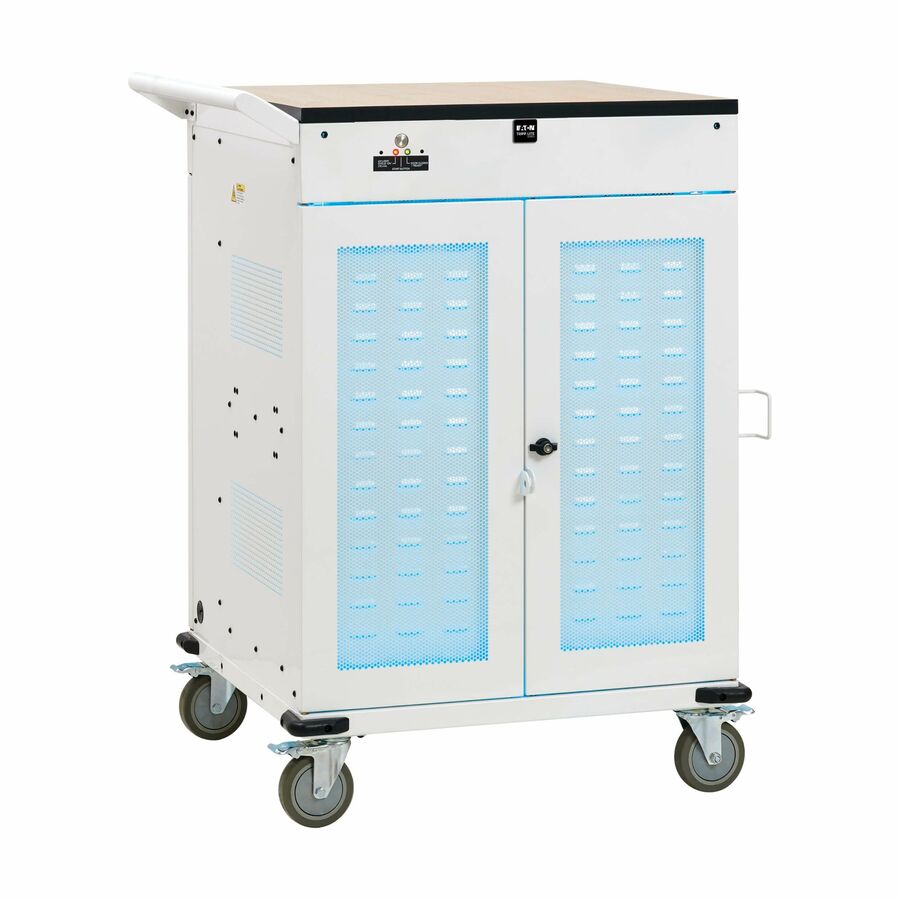
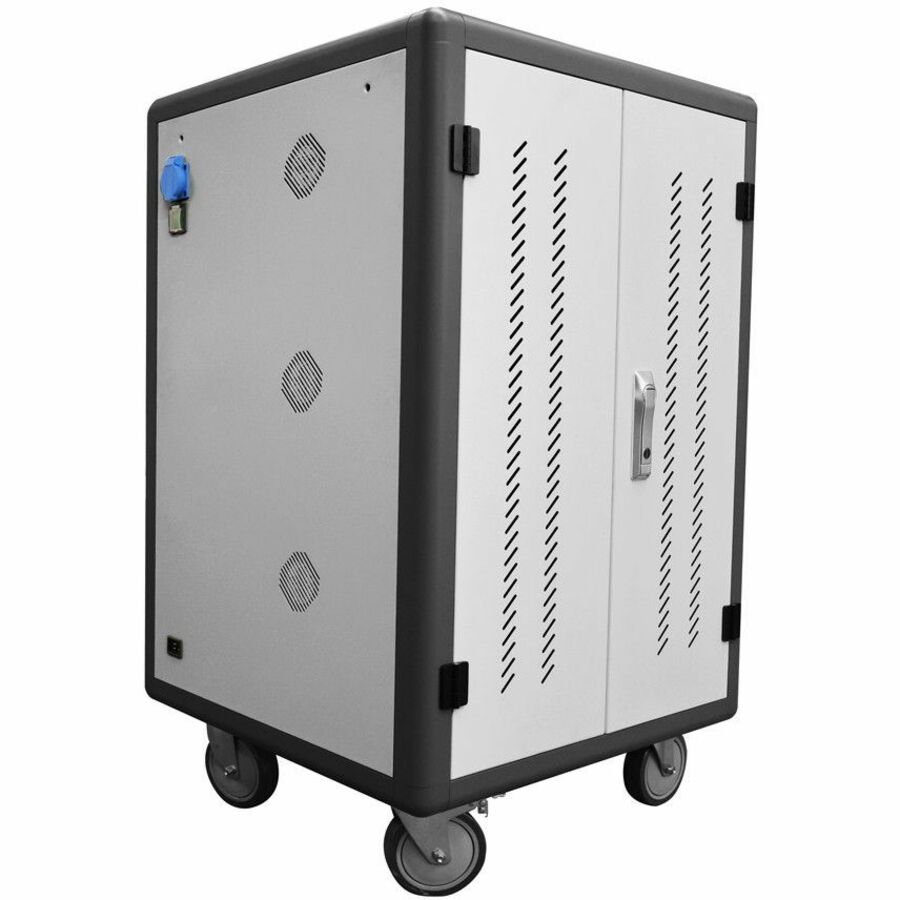
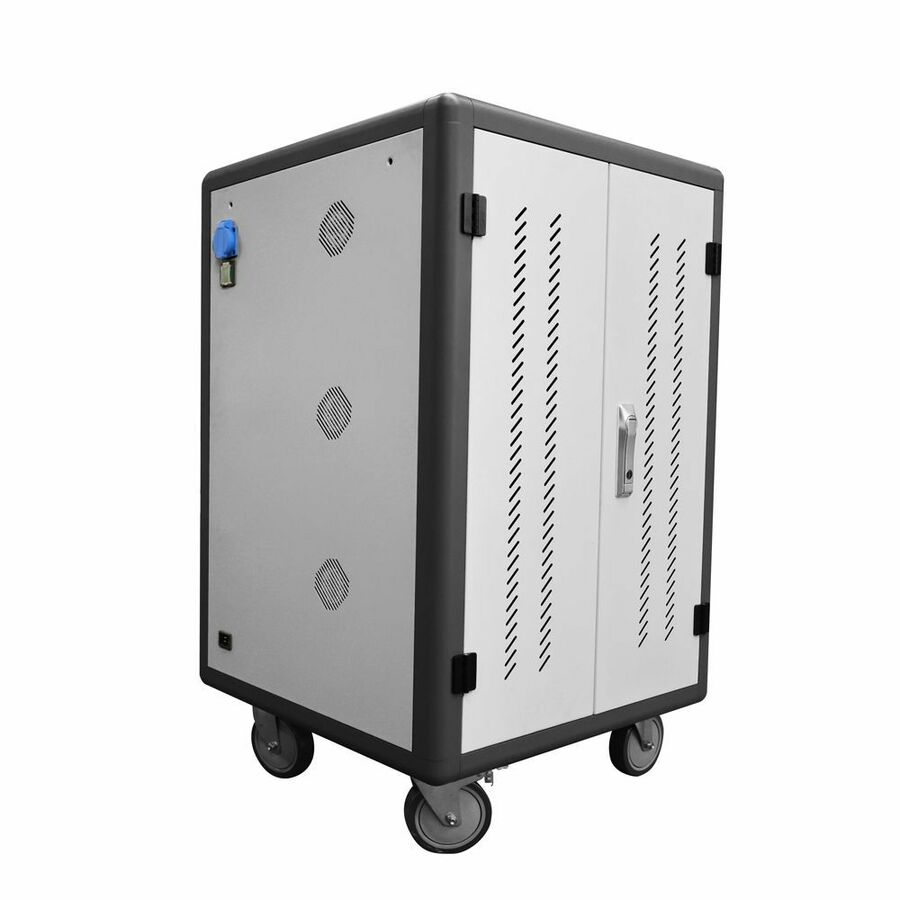
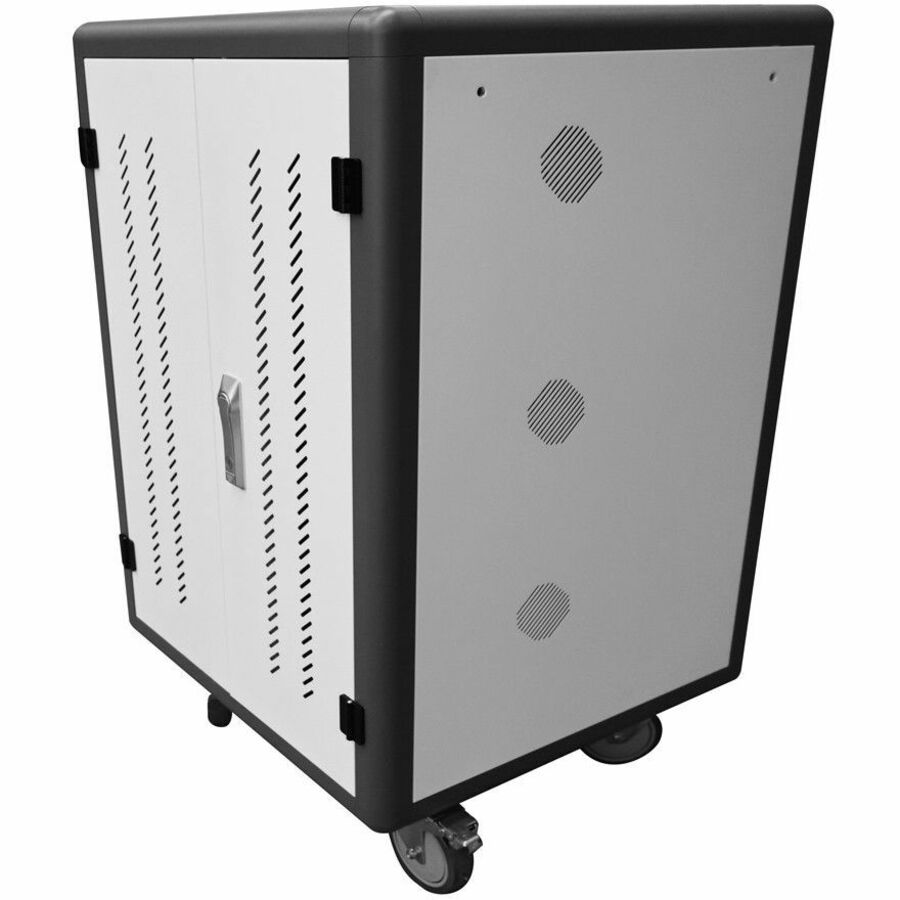
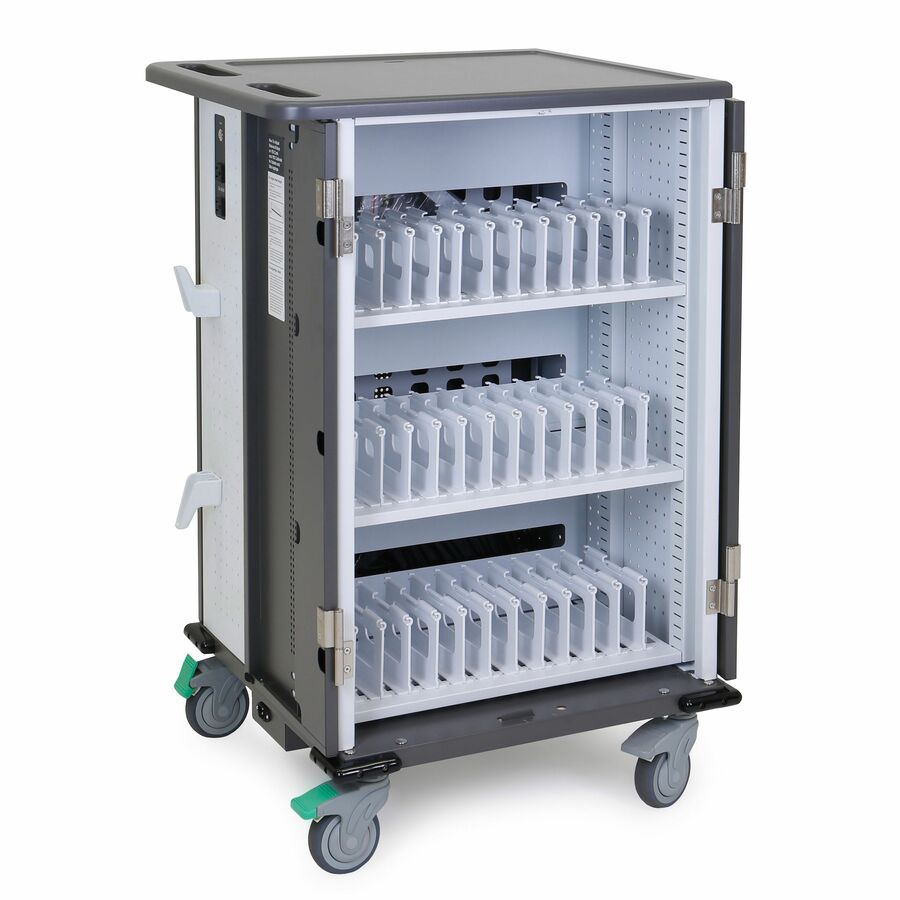
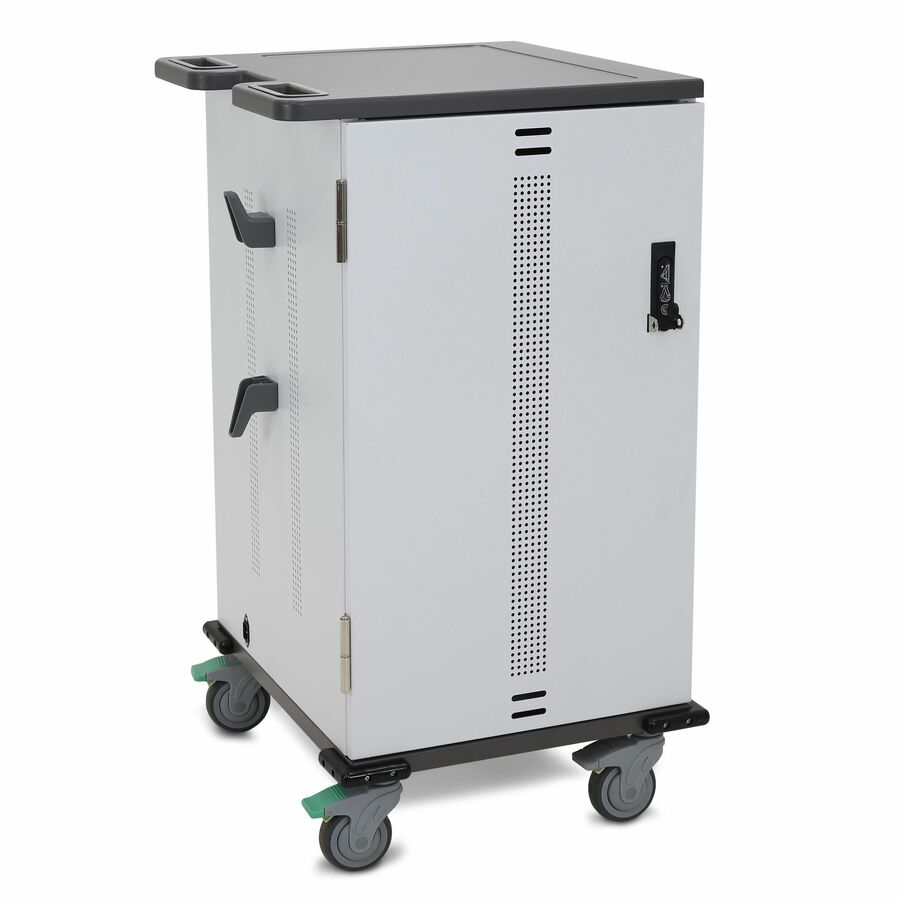
- EatonEaton Tripp Lite Series Safe-IT 36-Device UV Mobile Charging Cart for Laptops and Chromebooks - 120V, NEMA 5-15P, 10 ft. (3.1 m) Cord, Antimicrobial, Wood-Grain Top, White - 2 Shelf - 4 Casters - Steel, Wood Grain - 30.50? Width x 37.80? Depth x 46.40? Height - WhiteCSC36VACUVC
$6,683.00
$6,148.36
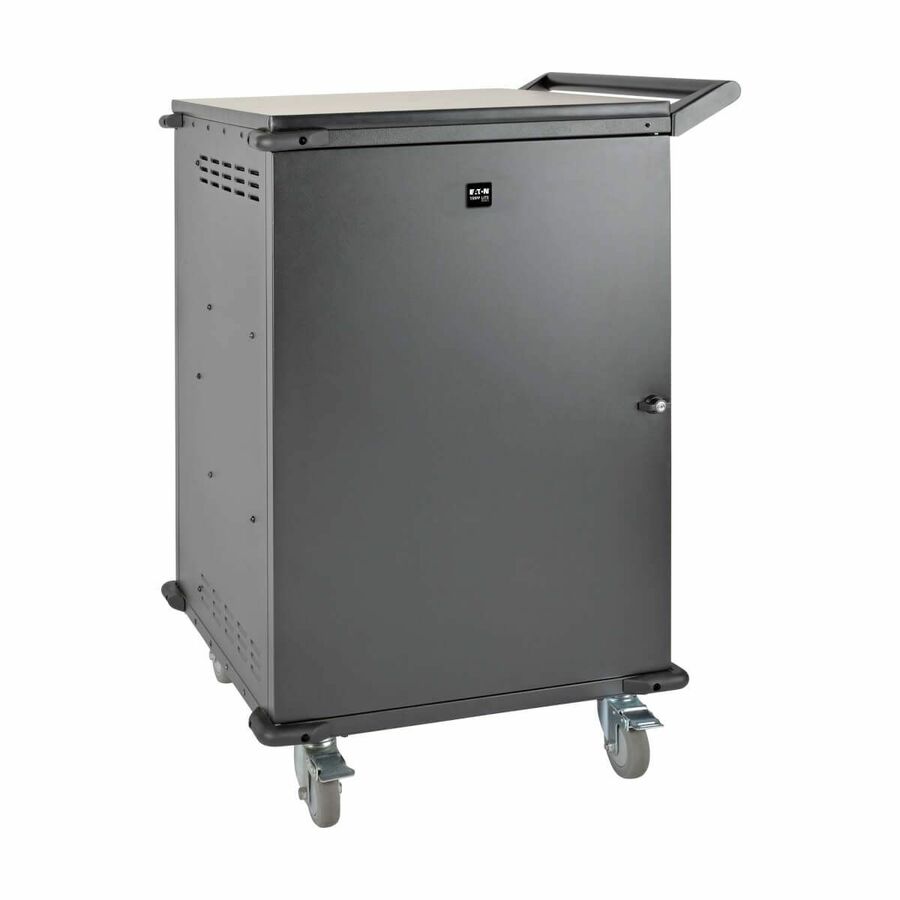
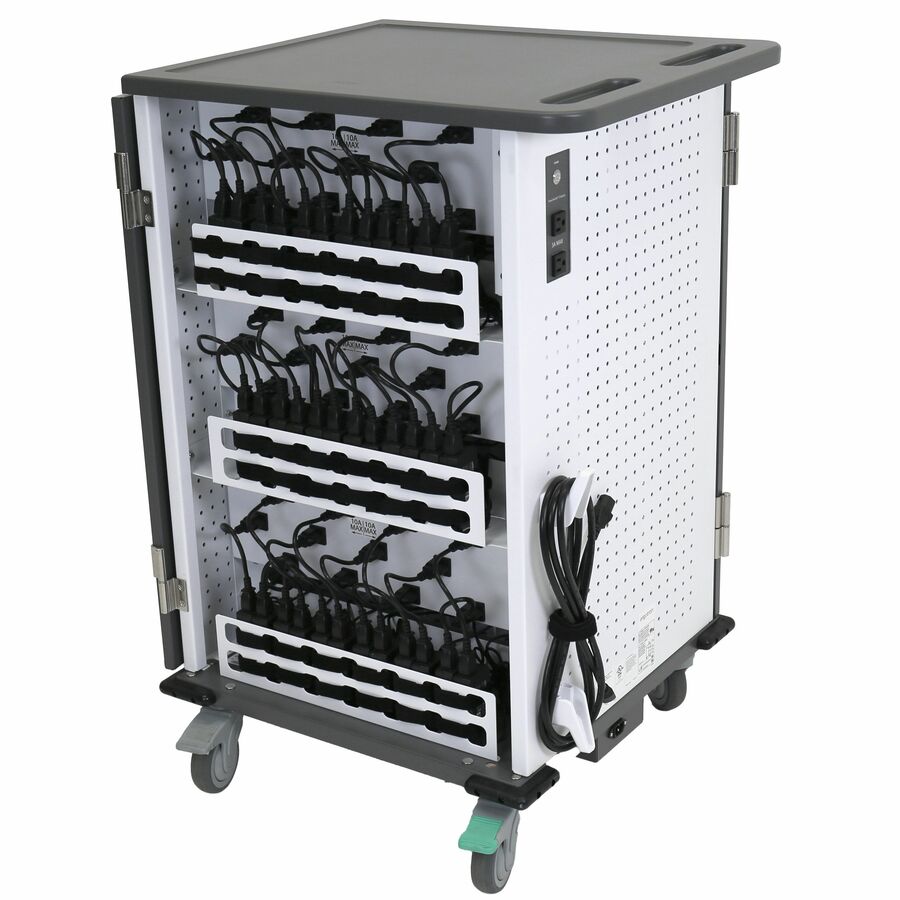
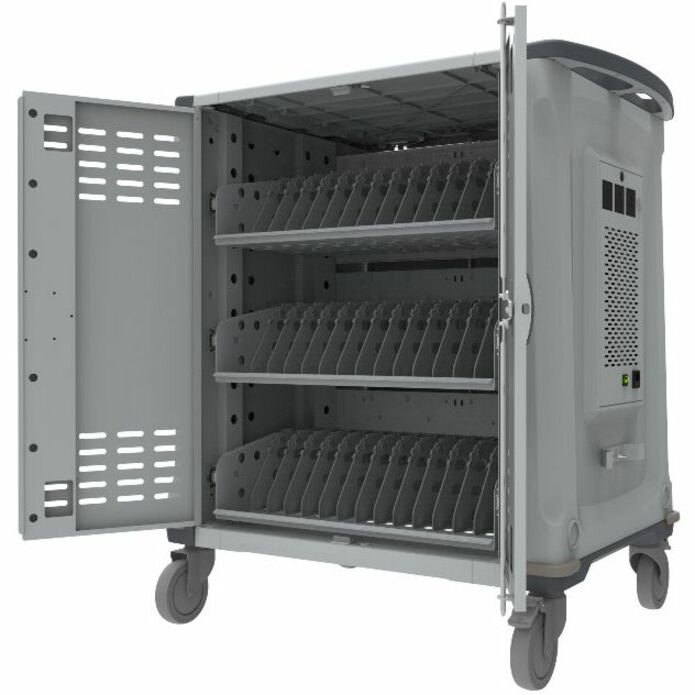
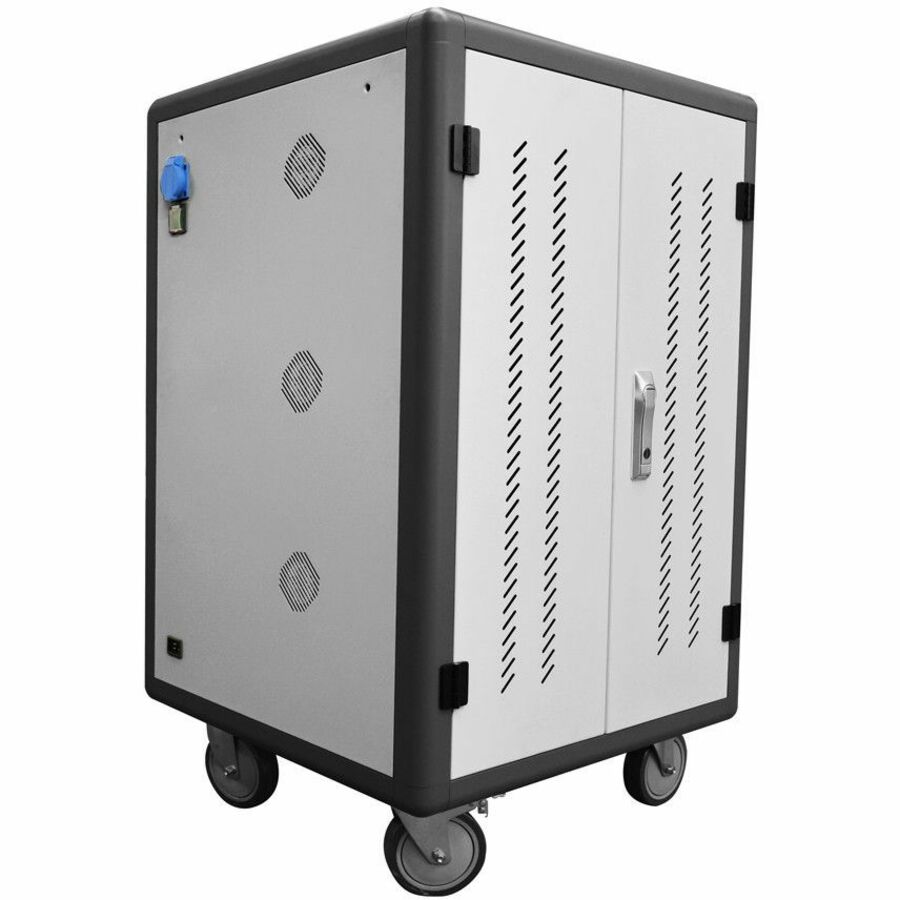
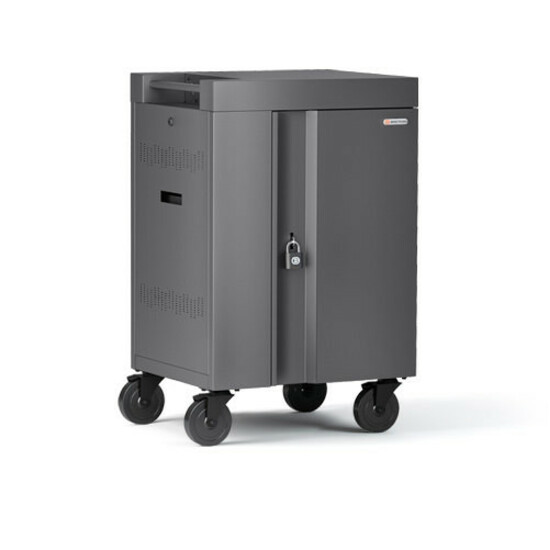
1 in stock - EatonTripp Lite by Eaton 45-Device AC Mobile Charging Cart - Laptops and Chromebooks 120V NEMA 5-15P 10 ft. (3.05 m) Cord Black - 3 Shelf - 26" Width x 28.8" Depth x 43.1" Height - Steel Frame - Black - For 45 DevicesCSC45AC
$2,486.75
$2,287.81
Back-orderedBack-ordered — estimated OEM lead time 3–8 weeks (Nov 12 – Dec 17 if ordered today).

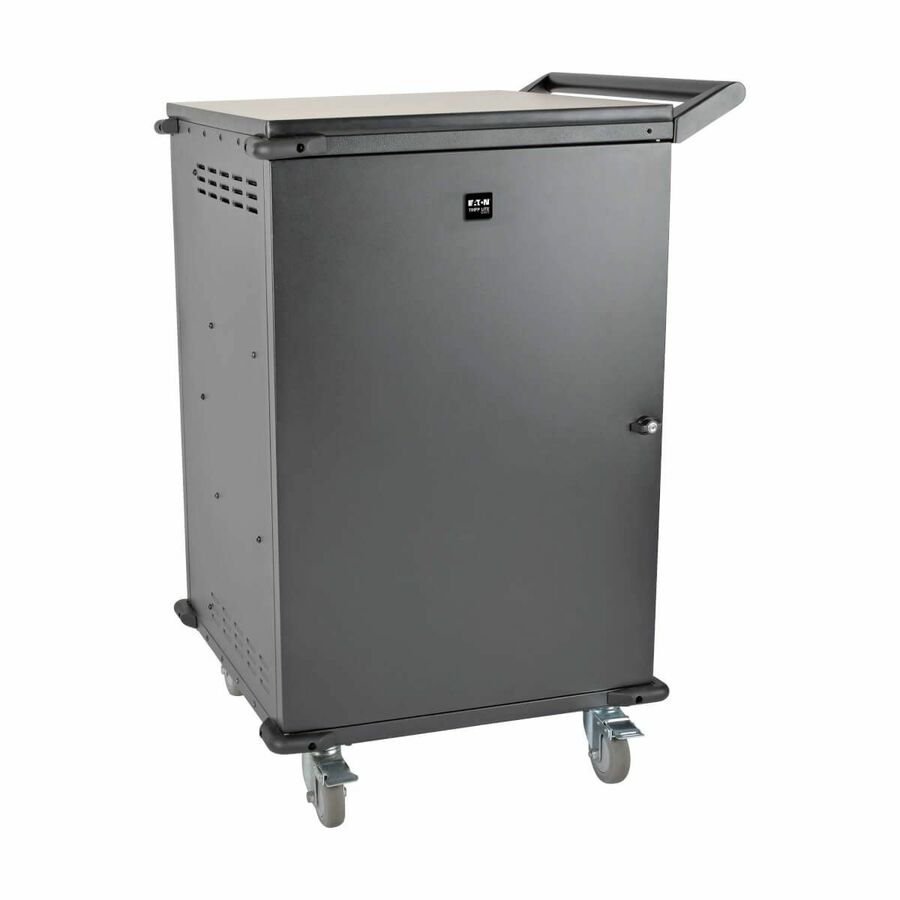
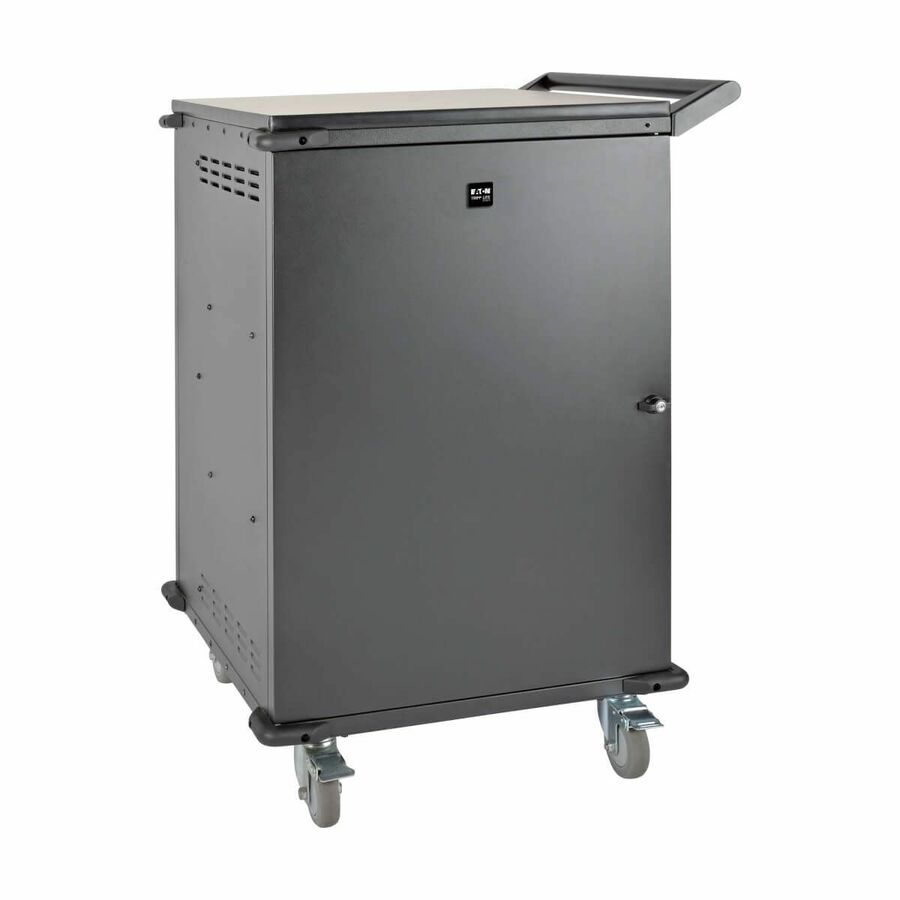
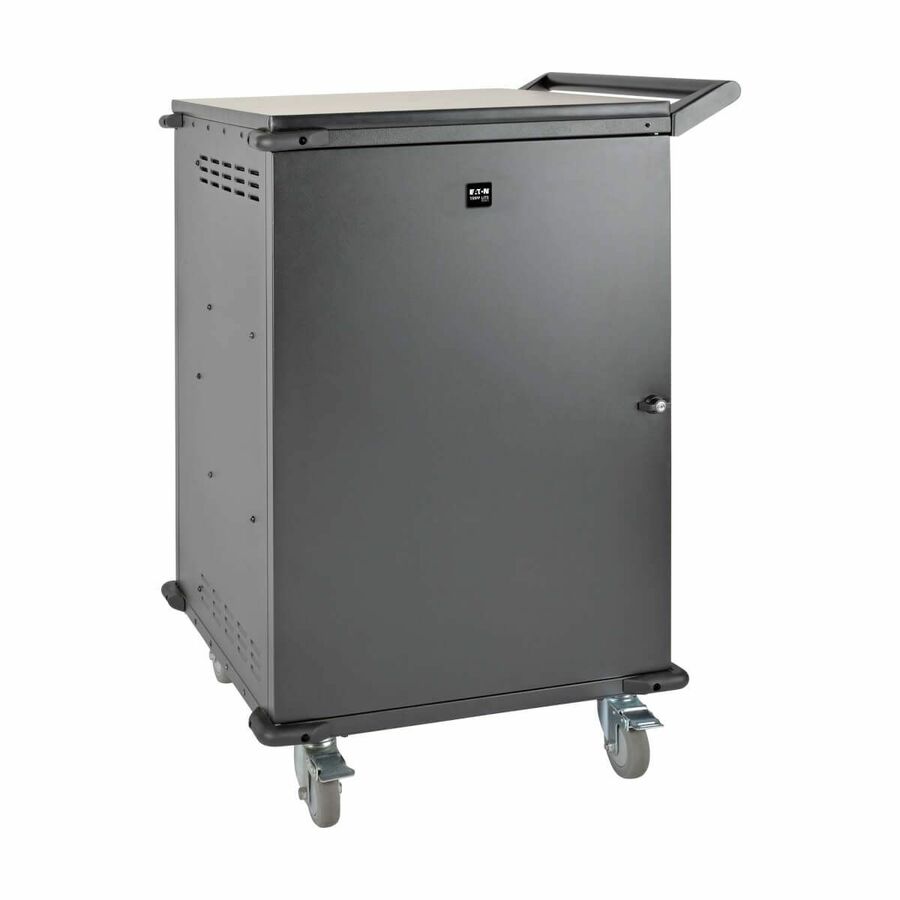
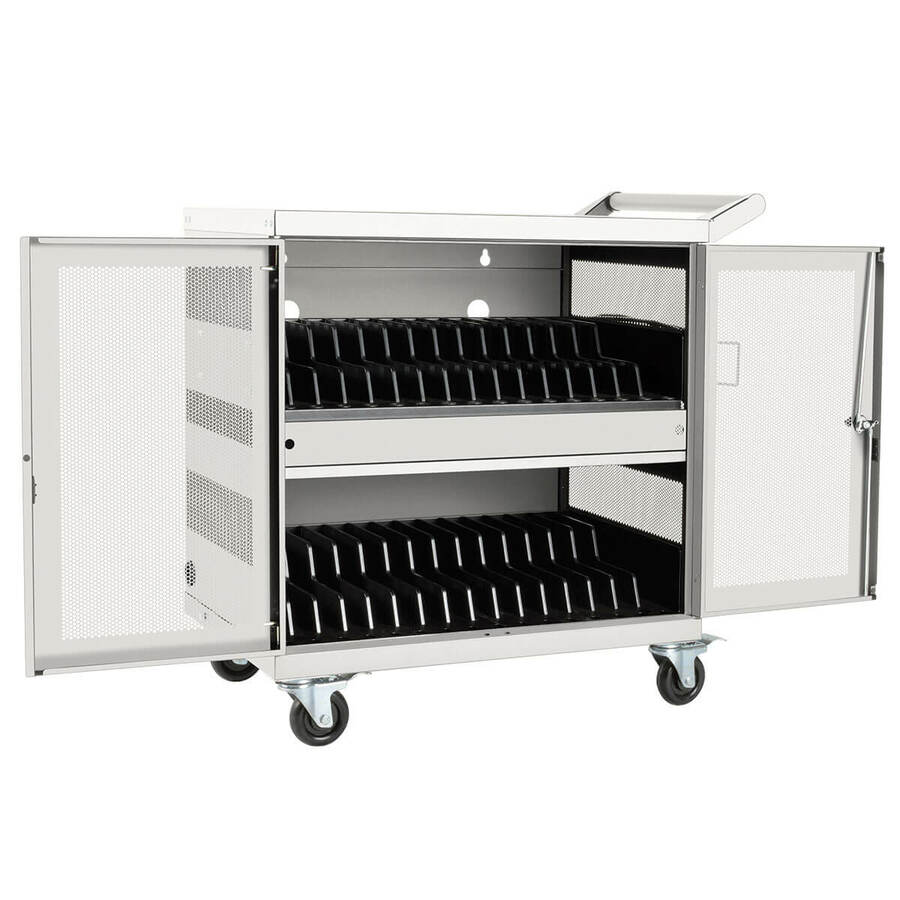
Top pick
Eaton
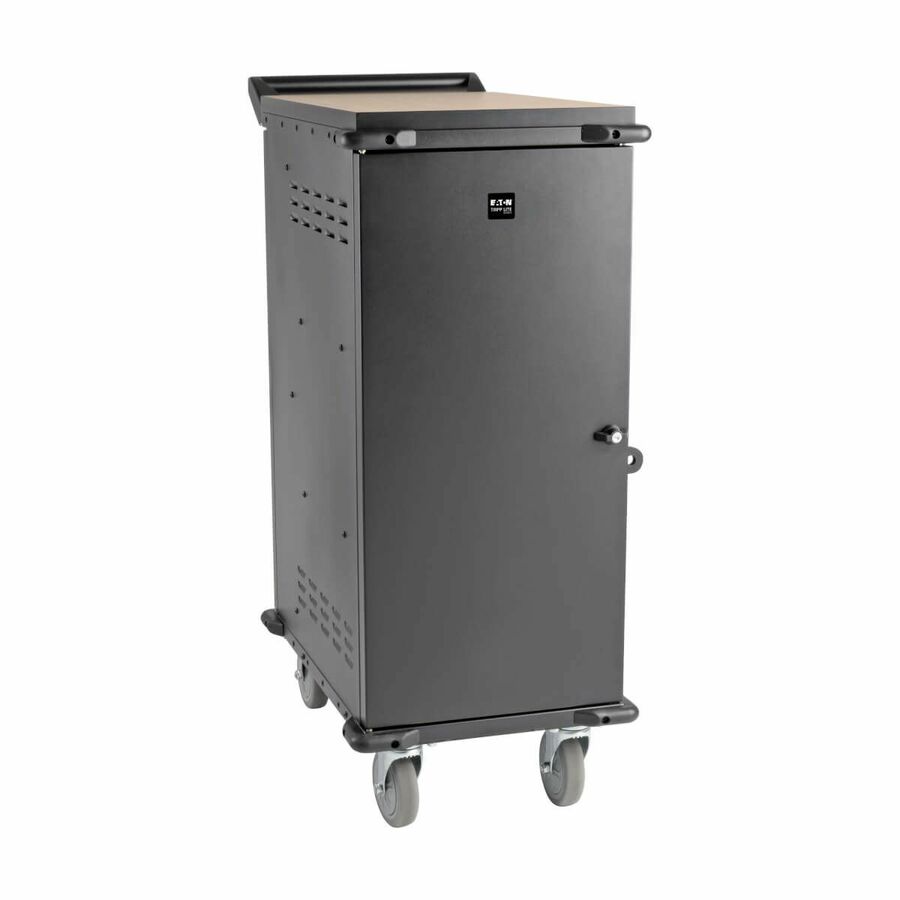
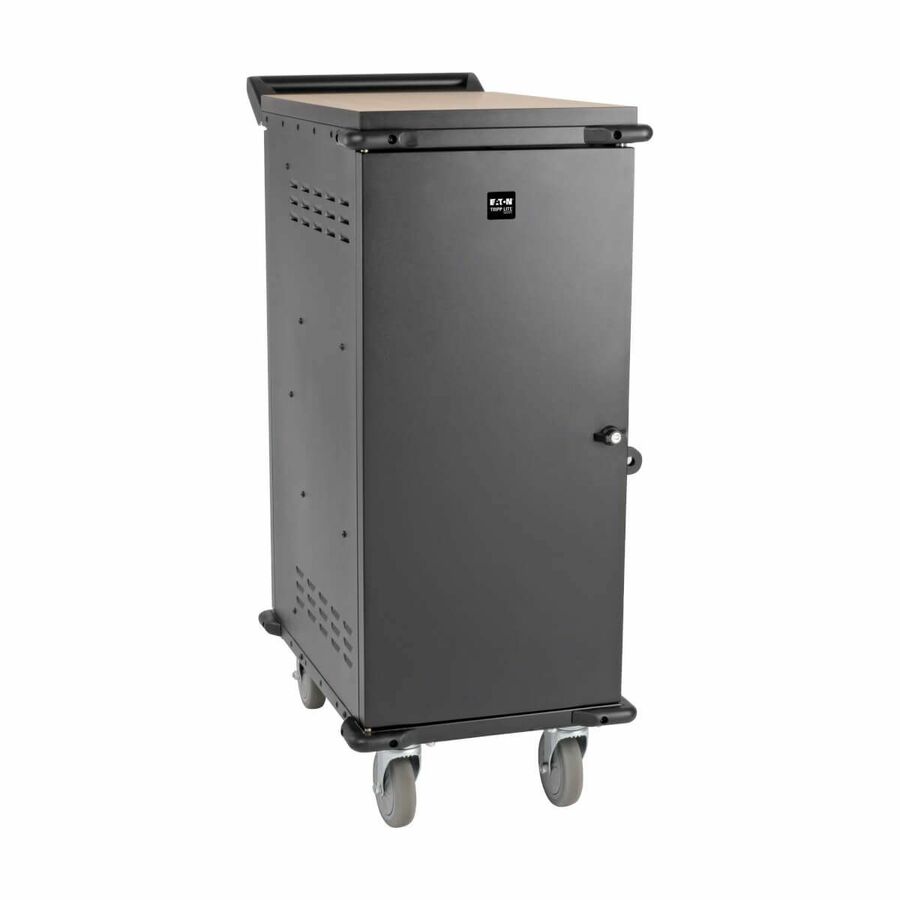
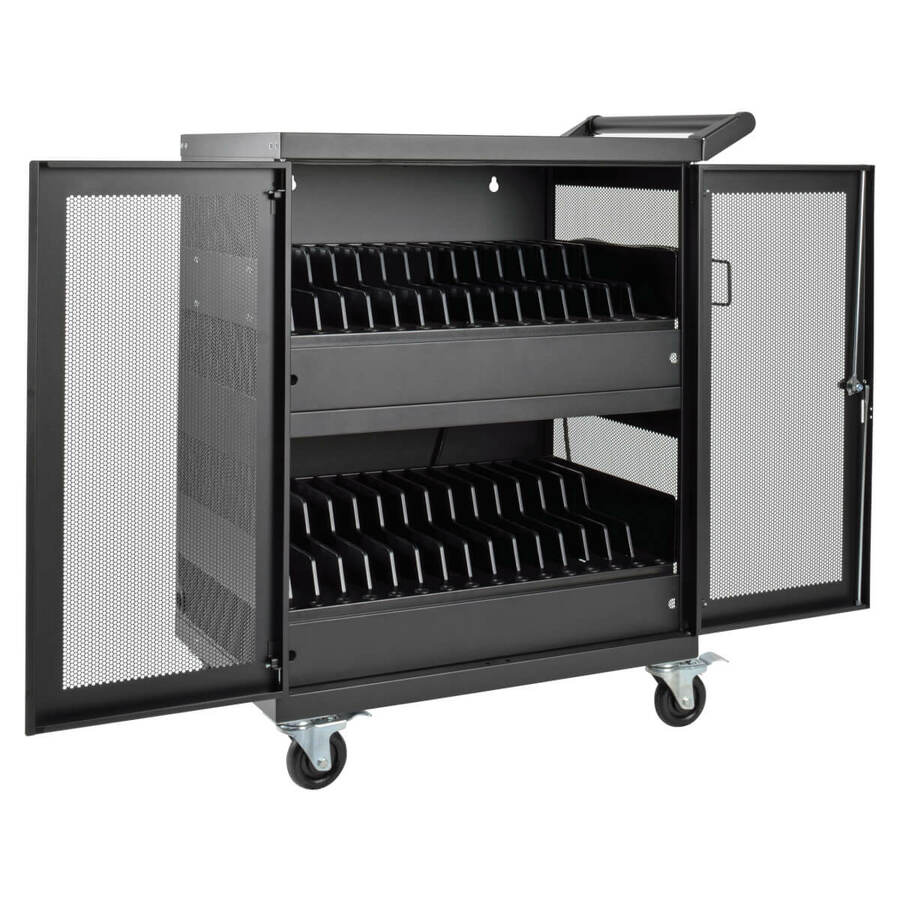
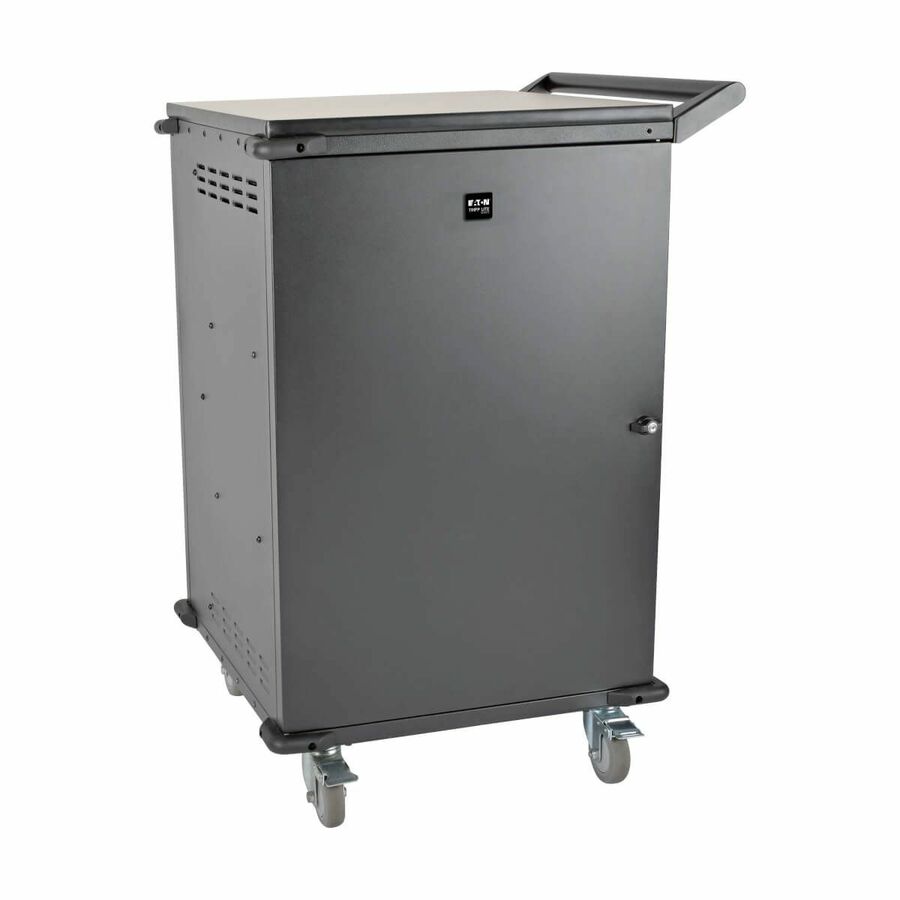
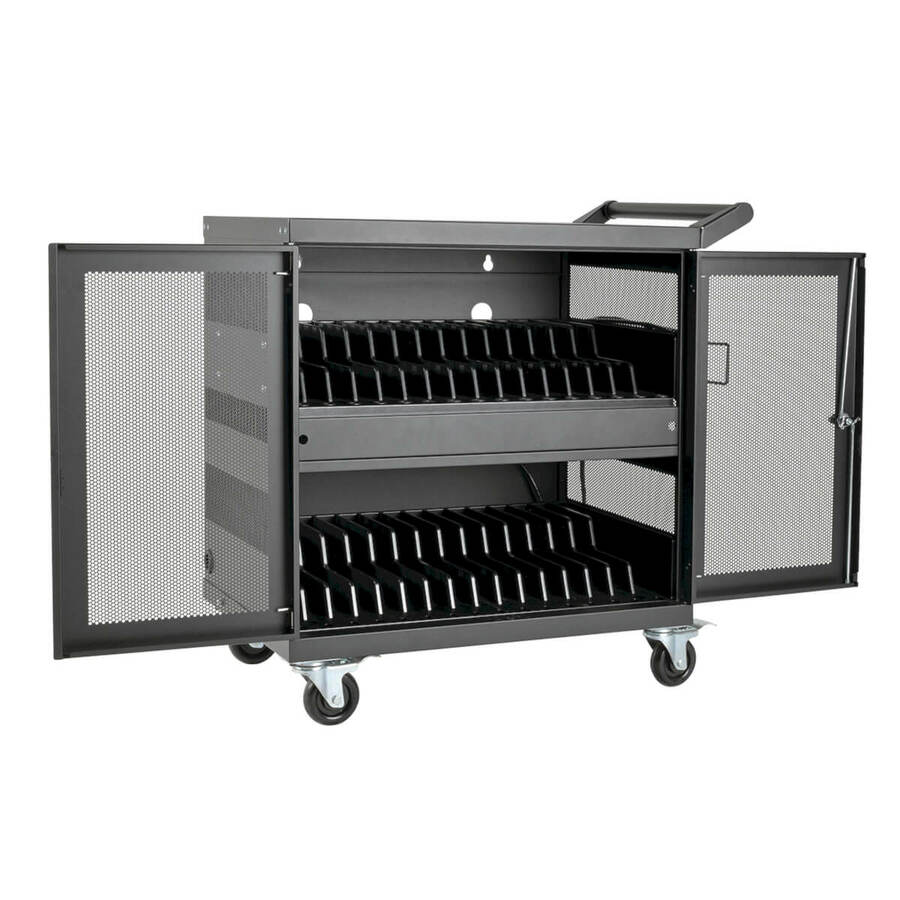
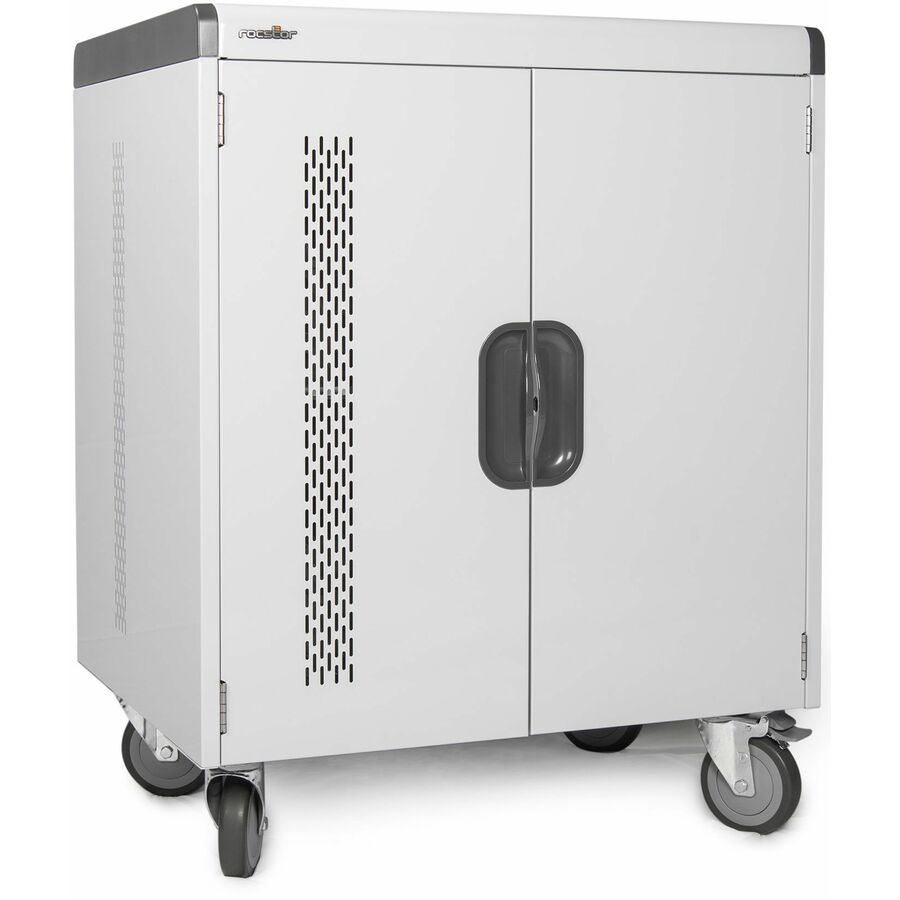
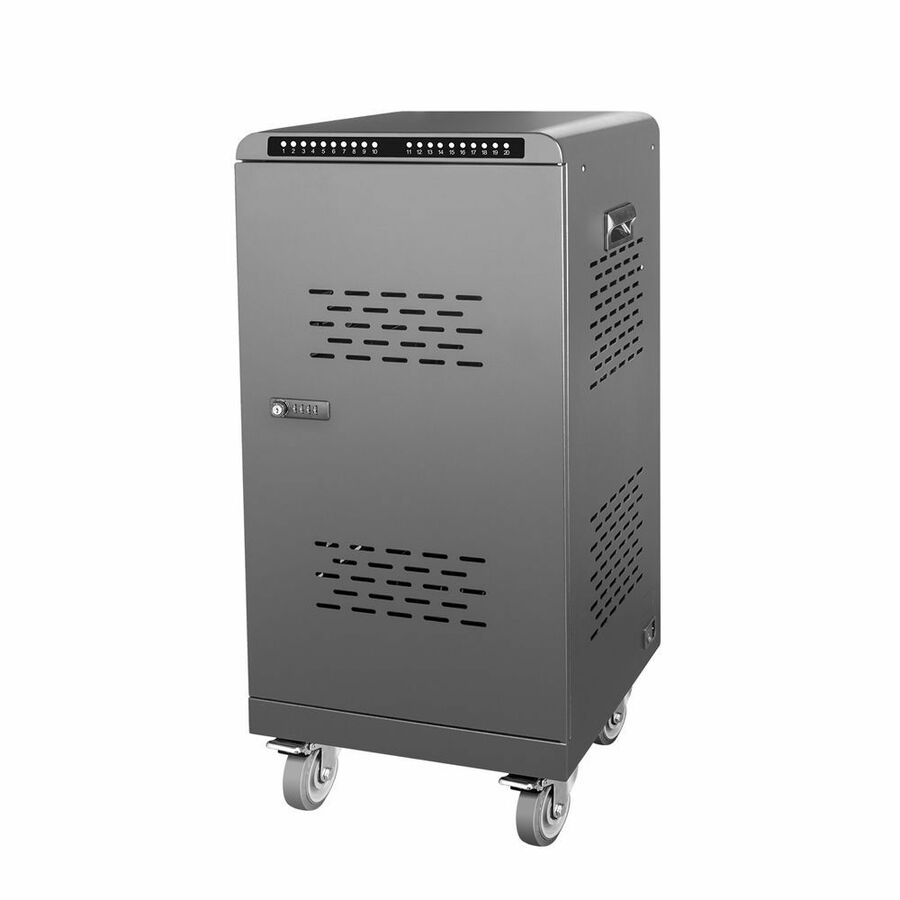
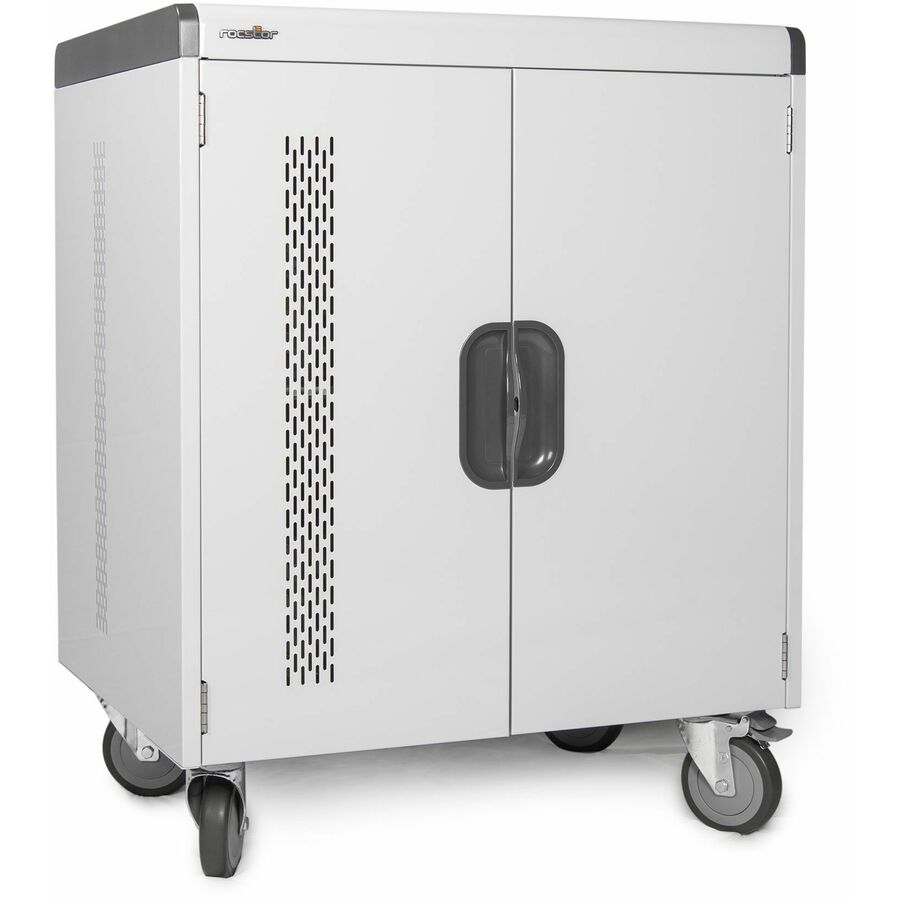
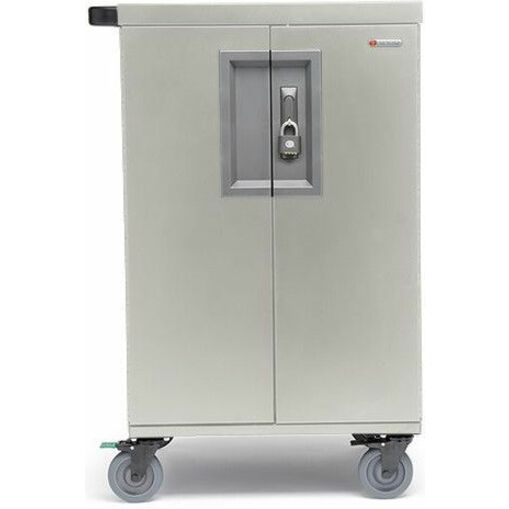
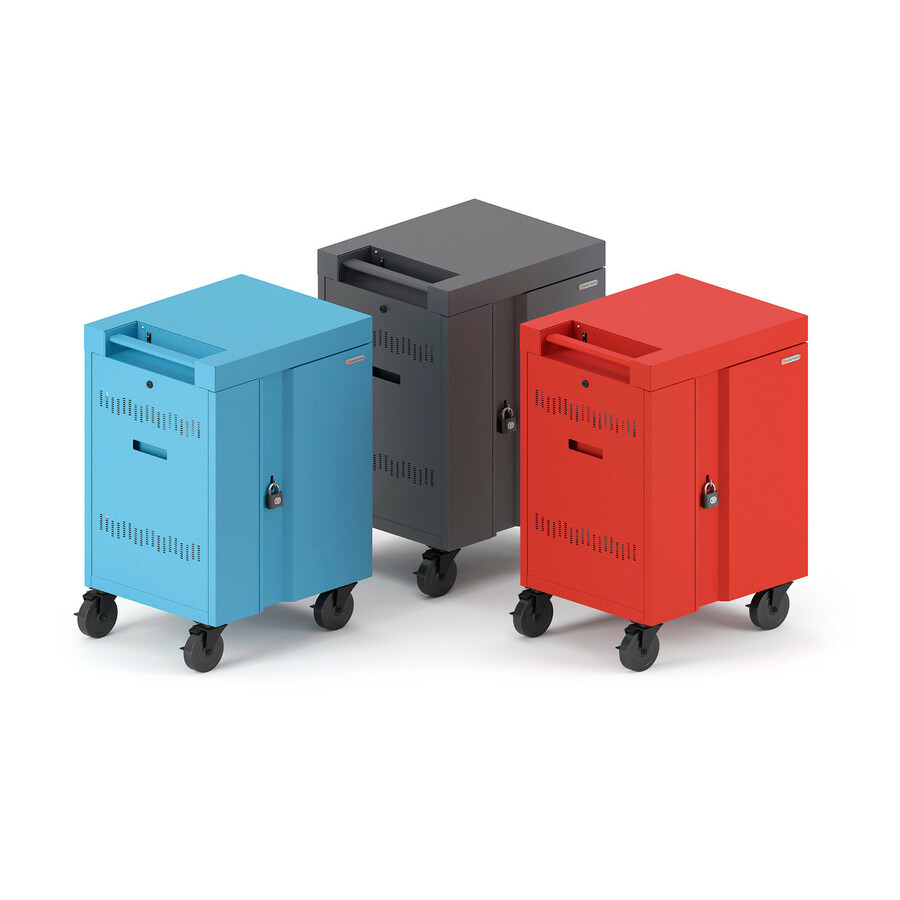
Tripp Lite by Eaton Multi-Device Charging Cart 32 AC Outlets…
CSC32AC
Thirty-two AC bays is the size that covers a standard class set with room for the two loaner devices that keep a lesson running, and AC bays charge each Chromebook or laptop on its own adapter — no connector standard to bet a decade of cart life on.
This is a US 120V row. Measure the door and the storeroom first: the 32-bay carts are wider and shallower than the 42- to 48-bay rows, and a cart that will not turn into the storeroom lives in a corridor forever.
$1,915.07In stockMore carts and trolleys in the Uniqcli catalog
See all 1,688 carts and trolleysMore Eaton Tripp Lite first — closest to what you were just looking at; “See all carts and trolleys” above opens every other brand in the category. In-stock lines lead, and a back-ordered line carries the same estimated availability its product page does — with live pricing throughout, NDAA §889 screening before checkout and TAA verified on request.
Back-ordered — estimated OEM lead time 3–8 weeks (Nov 12 – Dec 17 if ordered today).
Back-ordered — we expect to receive stock the week of Oct 26 – Nov 1 and will process your delivery right after.
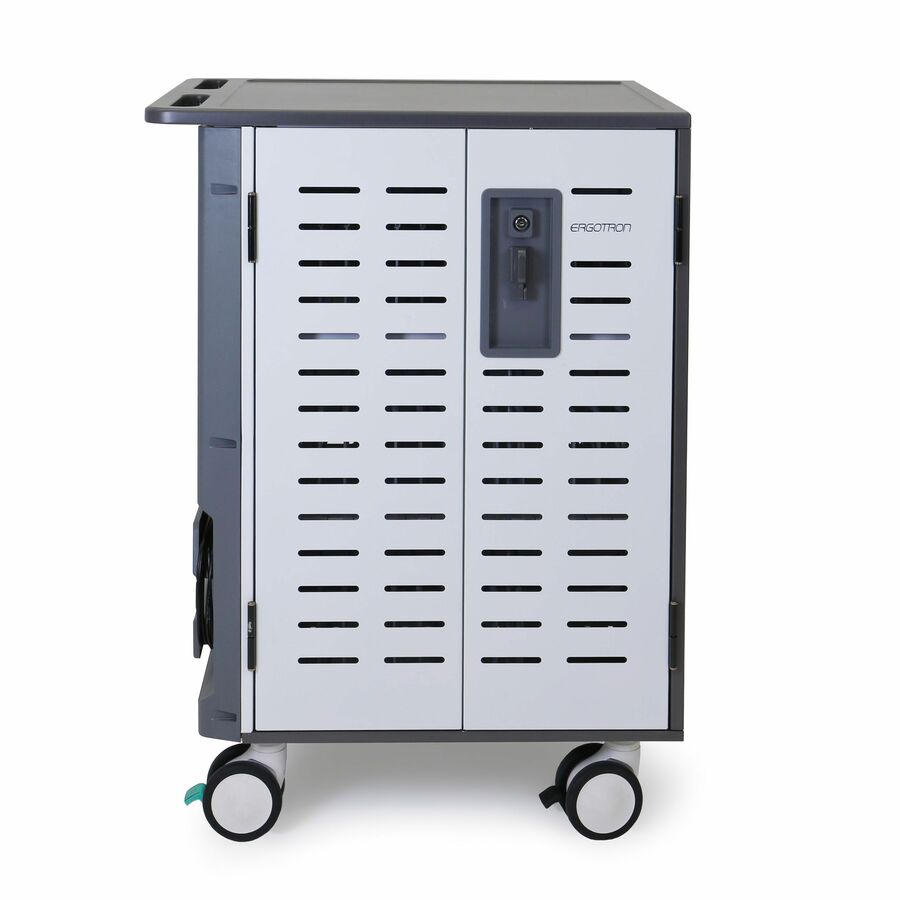
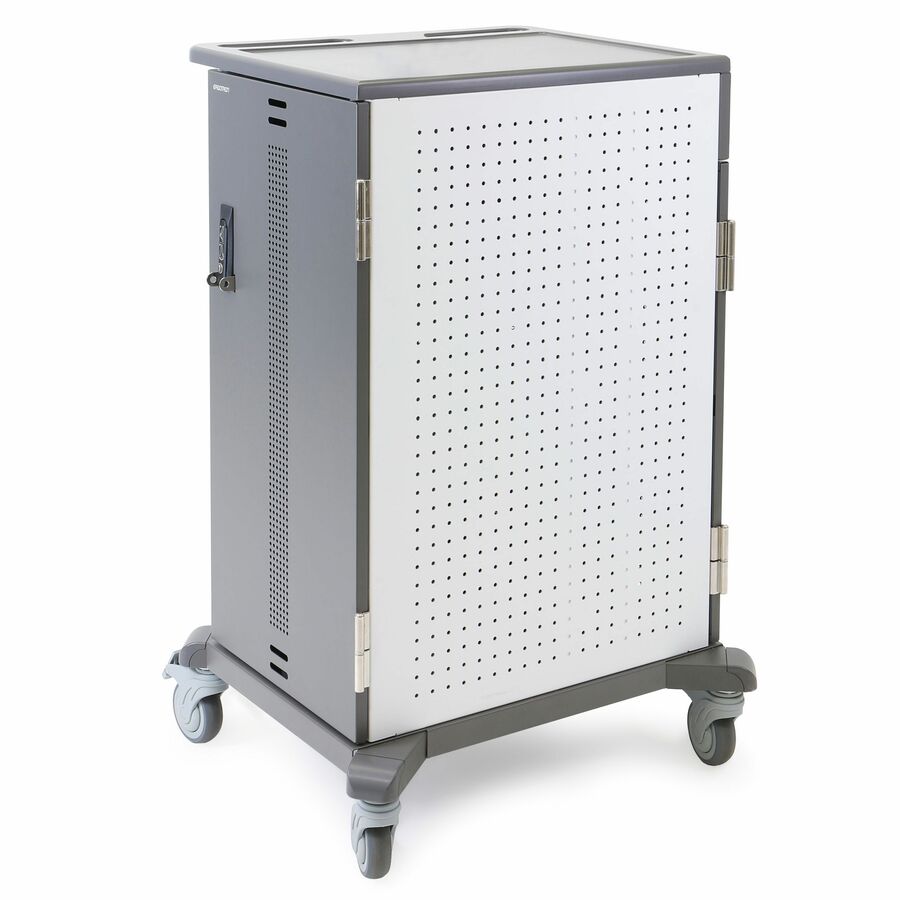
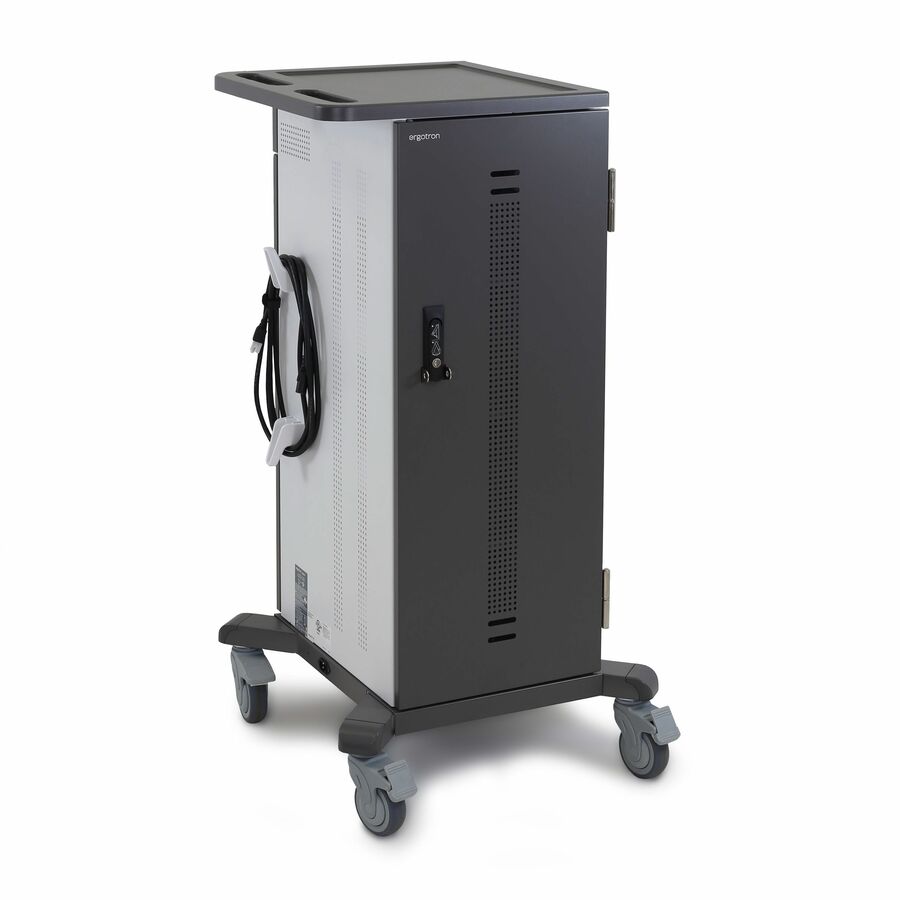
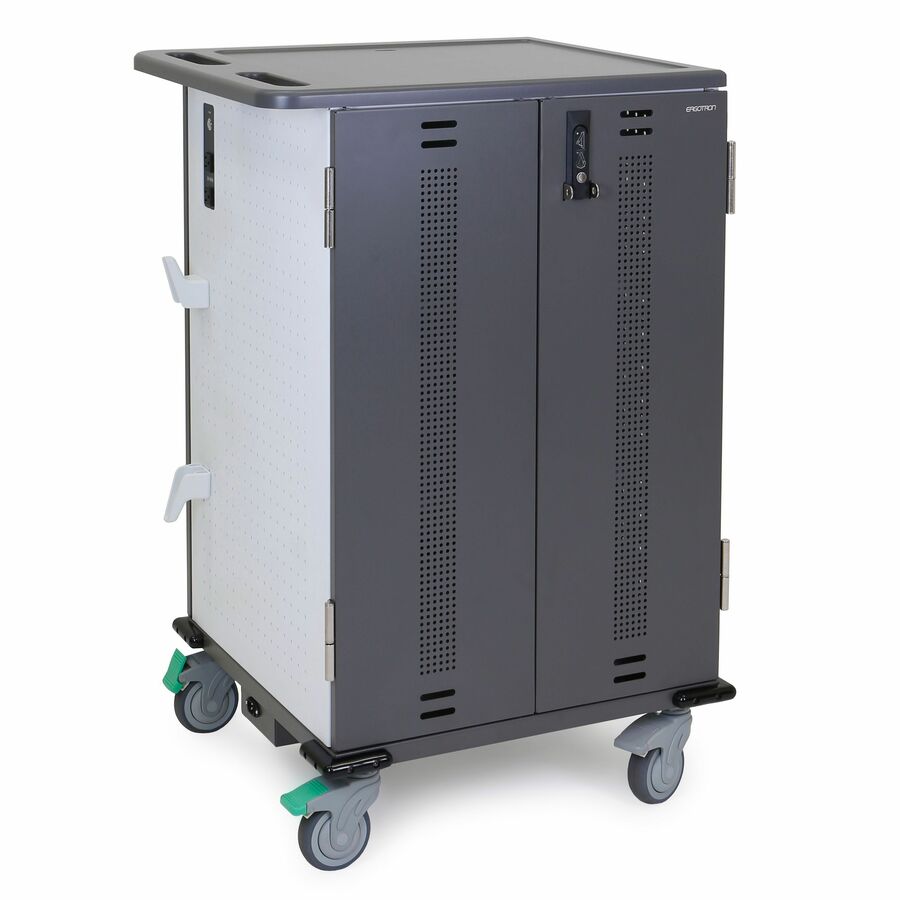
- ErgotronErgotron Zip40 Charging Cart, EU for Laptops - 255 lb Load Capacity - 4 Casters - 5" Caster Size - 26.10" Width x 32.30" Depth x 44.20" Height - Gray, White - For 40 Devices - 15.6" Screen SupportedDM40-2009-2
$3,514.56
Back-orderedBack-ordered — estimated OEM lead time 3–8 weeks (Nov 12 – Dec 17 if ordered today).
Back-ordered — estimated OEM lead time 3–8 weeks (Nov 12 – Dec 17 if ordered today).
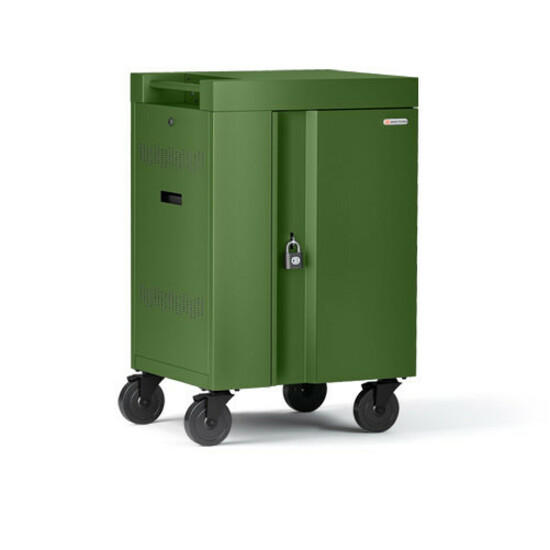
- ErgotronErgotron YES30 Adjusta Charging Cart, Pre-Wired - 180 lb Load Capacity - 4 Casters - 4" Caster Size - For 30 Devices - 13.3" to 14" Screen SupportedYES30-CHR-1-65
$3,017.04
Back-orderedBack-ordered — estimated OEM lead time 3–8 weeks (Nov 12 – Dec 17 if ordered today).





Need pricing on Eaton Tripp Lite charging carts?
Tell us where to reach you and a Uniqcli specialist will follow up by email with current pricing, availability and lead time for the quantities you need — including parts that aren’t shown on this page.
Buying for an organization or for yourself — both work. No payment up front.
A charging cart is one of the least glamorous line items in a device program and one of the most load-bearing. It is the thing that decides whether a class set is charged and ready at 8:15 or whether a teacher spends the first ten minutes of a lesson hunting for a working device. Get the capacity, the plug and the circuit right and nobody ever thinks about it again; get them wrong and it becomes a permanent helpdesk topic.
Eaton's Tripp Lite carts are the deepest in-stock cart position we hold, and the AC range steps in useful increments — 21, 27, 32, 36, 42, 45 and 48 devices — which means you can size to a class set rather than rounding up to a capacity you do not need. Alongside those there are 32-port USB carts built specifically for iPad and Android tablet fleets, and a UV and antimicrobial variant for districts with an infection-control policy.
This page is written for the person who has to answer facilities' questions before the requisition moves: what does it draw, what does it plug into, will it fit through the door, and how many will one classroom take. The checklist and sections below cover those, and every card shows a live sell price and current availability.
Buyer's checklist
How to choose a classroom charging cart
- Size to the class set plus spares, not to the exact headcount. A 32-bay cart for a 30-student class leaves room for the two loaner devices that keep a lesson running when something fails — and this range steps at 21, 27, 32, 36, 42, 45 and 48 so you can pick the right one rather than the nearest one.
- Match the bay type to the device. The AC rows (CSC21AC, CSC27AC, CSC32AC, CSC36AC, CSC42AC, CSC45AC, CSC48AC) charge Chromebooks and laptops using each device's own power adapter; the USB rows (CSC32USB, CSC32USBW) are built for iPad and Android tablets and drop the pile of loose bricks entirely.
- Check voltage and plug type before you order. The US rows are 120V with a NEMA 5-15P plug and a 10 ft cord. CSCXB36AC is a 230V BS 1363 build — a British-standard cart that does not belong in a US classroom.
- Measure the door, the lift and the storage spot. The 42, 45 and 48-bay rows are 26 in wide, 28.8 in deep and 43.1 in tall; the 32-bay AC and USB carts are wider and shallower at 34.8 in by 21.6 in. A cart that will not turn into the storeroom lives in a corridor forever.
- Decide mobile or fixed at the start. CSC32AC and CSC32USB list a wall-mount option, which turns the same unit into a fixed station for a room whose devices never travel — worth knowing before you buy casters you will never use.
- Ask facilities about the branch circuit before you put a second cart in a room. A 15-amp classroom circuit already carrying a projector, displays and a teacher workstation has limits, and the answer is a circuit survey rather than a power strip.
- Confirm the security hardware on the exact part number at quote time. Lock type and key control vary by row, and district key policy — keyed-alike per building versus unique per cart — is far easier to set before delivery than after.
Sizing the cart to the class set
The most common sizing mistake is buying a cart that exactly matches the roster. A 30-device cart for a 30-student class means every failed battery, cracked screen or device left in a locker is a student without a machine, because there is nowhere in the cart for the spare. Buy the next step up: the 32-bay CSC32AC or the 36-bay CSC36AC for a standard class set, and keep two or three loaners in the empty bays.
The 21 and 27-bay rows (CSC21AC and CSC27AC) are the ones people forget to consider. One caveat on the CSC27AC: the row is titled as a 27-device cart but its structured device-count field reads 21, so confirm the bay count on the quote before you size a room around it. They are the right answer for a half set shared between two rooms, a small special-education or intervention room, a language lab, or a middle-school elective that never runs at full roster. Buying a 45-bay cart for a room that will never hold more than twenty devices wastes both money and floor space.
At the top of the range the 42, 45 and 48-bay rows (CSC42AC, CSC45AC, CSC48AC) are grade-level or shared-lab carts. Be realistic about what happens to them in practice: a 48-bay cart with a full set of devices in it is heavy, and heavy carts stop being mobile. They tend to settle permanently in one room and get used as a station. If that is what you actually want, fine — but if the set genuinely needs to travel between rooms every period, two 24 to 32-bay carts move far better than one large one.
Power: the question facilities will ask first
Every US row here is listed as 120V with a NEMA 5-15P plug and a 10 ft cord, which is to say it plugs into an ordinary classroom wall outlet on a standard 15-amp branch circuit. That is convenient and it is also the constraint. A classroom circuit is usually shared with everything else in the room, and a cart full of charging devices is a real and sustained load, not a brief one.
The practical guidance is to treat one cart per classroom circuit as the default and to involve facilities before you exceed it. If a room is getting two carts, or a media center is getting four, that is an electrical conversation about dedicated circuits and outlet placement, and it needs to happen while there is still time to schedule an electrician. Never solve it with a power strip or a daisy chain of extension cords — that is a fire-code problem, and in most districts it is also a policy violation that will be written up on the first walkthrough.
Many charging carts stagger or sequence charging across banks specifically to keep the draw manageable, which changes the practical load considerably. That behavior is not stated in every product description, so confirm it for the exact part number on a quote rather than assuming it — it is one of the few specifications where the difference genuinely affects what facilities has to do.
One row needs calling out separately. CSCXB36AC appears in this grid because it is a Tripp Lite charging cart, but it is a 230V build with a BS 1363 plug — the British three-pin standard. It is not a US classroom cart. If you are buying for a US district, order one of the 120V NEMA 5-15P rows instead.
AC bays, USB bays and where USB-C fits
AC-outlet carts and USB carts solve the same problem in different ways, and picking the wrong one creates work for years. An AC cart gives each bay a standard outlet, so every device charges on its own manufacturer power supply. That works with anything, tolerates a mixed fleet, and survives a device refresh that changes connector types — but it also means storing and managing a power brick per bay, and bricks walk off.
A USB cart removes the bricks entirely: the cart supplies power directly and the only thing in the bay is a cable. That is a materially better experience for a tablet program, which is why the CSC32USB and its white twin CSC32USBW are described specifically for iPad and Android tablets. The limitation is that the device has to charge over the cart's port type at the wattage the cart delivers, so a USB cart is a commitment to a fleet profile rather than a general-purpose purchase.
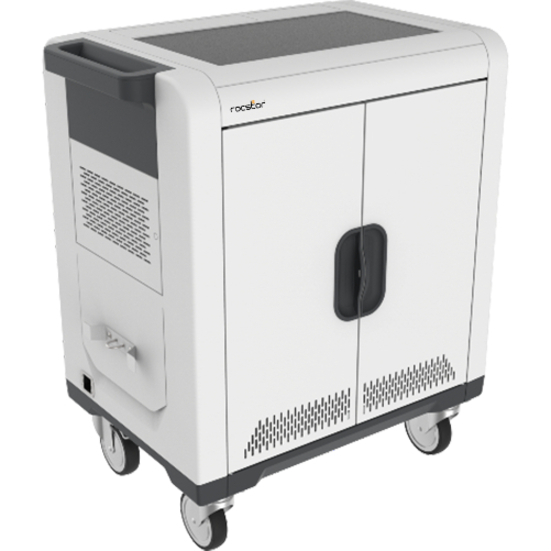
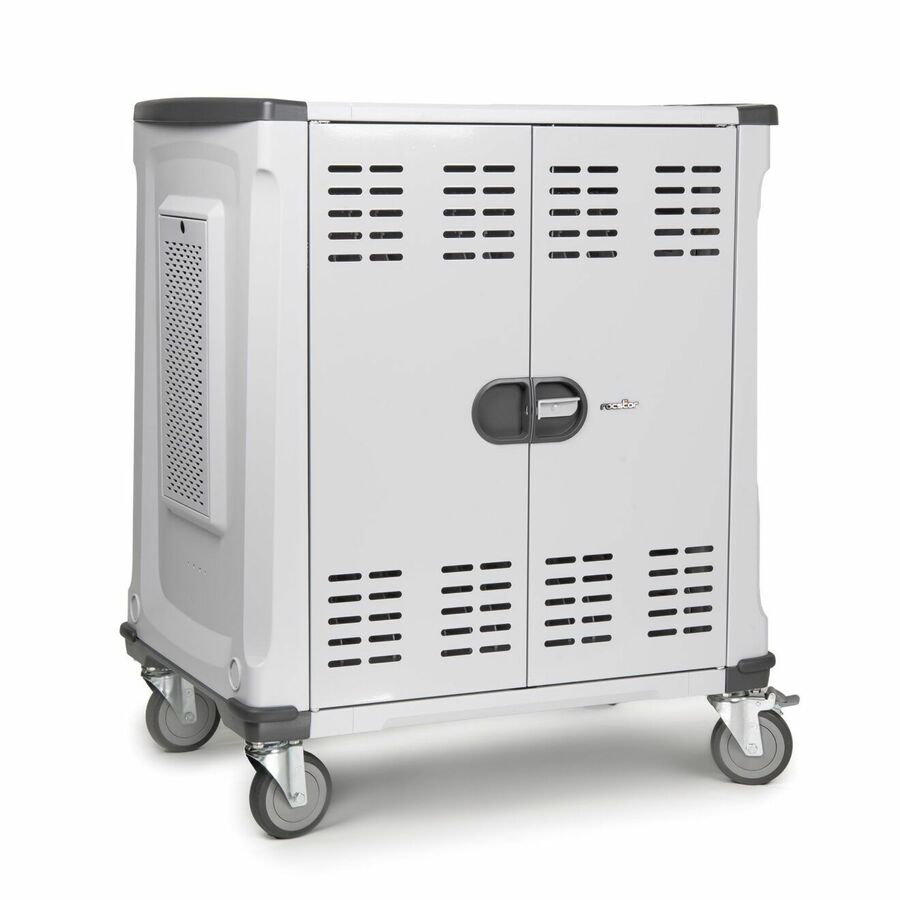
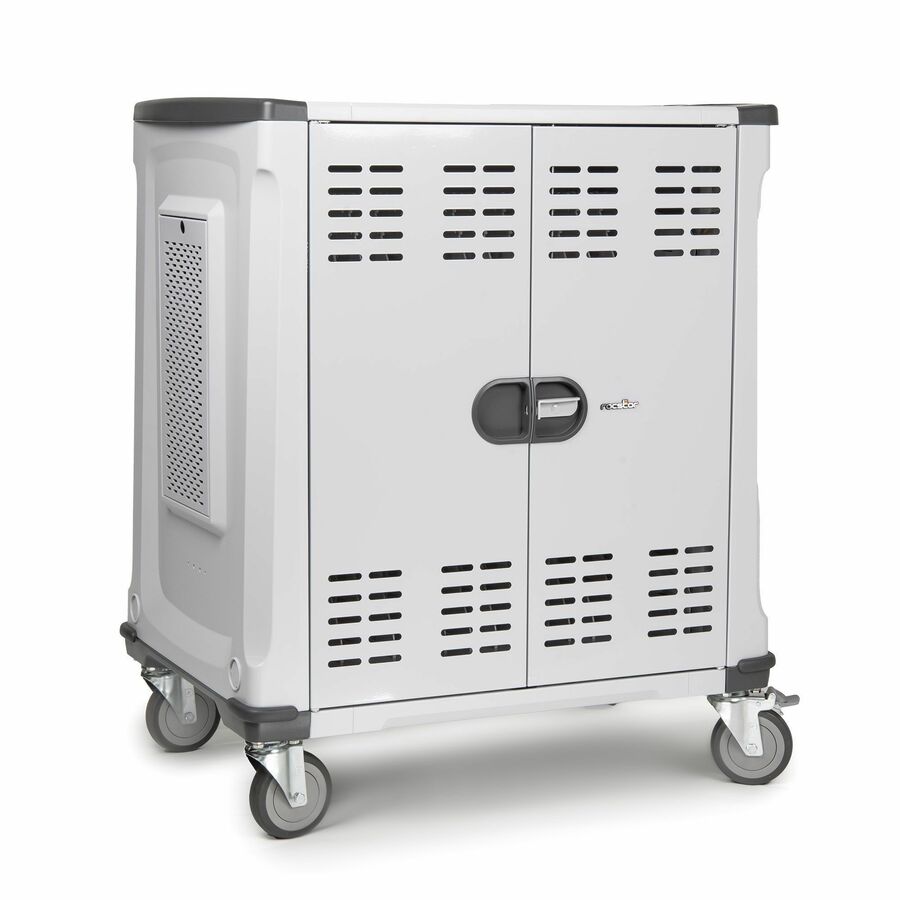
This matters more every refresh cycle, because laptops and Chromebooks have moved steadily to USB-C charging. A cart bought today will typically outlive two device generations, so if your next refresh is USB-C, an AC cart keeps you flexible while a USB-C-native cart removes the brick problem for good. We list USB-C-native carts from other manufacturers alongside these — Rocstor's Volt line is the obvious comparison, with pre-wired USB-C bays at defined wattages. Ask and we will quote the two side by side against the specific devices you are deploying.
Buying in the back-to-school window
Charging carts have the sharpest seasonality of anything in a device program. Demand concentrates hard into July and August, which is exactly when a district discovers that the room count went up or that last year's carts did not survive the summer move. The result is predictable: the most popular capacities go on lead time at the worst possible moment.
Two practical moves help. First, order carts on the same requisition as the devices rather than as a follow-up — the cart is not an accessory, it is the thing that makes the device set usable on day one. Second, if a specific capacity is on lead time when you need it, ask rather than substituting blindly. The AC range here steps closely enough that a 42-bay row often does the job of a 45, and we carry more than one cart manufacturer, so an equivalent from another line is usually available when a particular part number is not.
The rows that most often sit on lead time in this range are the specialty and largest configurations — the UV and antimicrobial CSC36VACUVC, the white USB CSC32USBW and the 48-bay CSC48AC. The mainstream AC capacities are typically the ones we can ship. Availability on each card is live, so trust the chip rather than this paragraph, and ask for a dated commitment on anything that has to be in a building by a specific date.
FAQ
Common questions
- How many devices should a classroom charging cart hold?
- Buy the class set plus a few spares. For a standard 28 to 30-student classroom that means a 32 or 36-bay cart, which leaves bays for loaner devices so a failure does not put a student without a machine. Use the 21 or 27-bay rows for half sets, intervention rooms and small electives, and reserve the 42, 45 and 48-bay rows for grade-level or shared-lab sets. Remember that a fully loaded large cart is heavy — if the set has to move between rooms every period, two smaller carts move better than one big one.
- What is the difference between an AC charging cart and a USB charging cart?
- An AC cart provides a standard outlet in each bay, so every device charges on its own manufacturer power adapter. It handles a mixed fleet and survives a change of connector type at the next refresh, at the cost of storing and managing a power brick per bay. A USB cart supplies power directly, so the bay holds only a cable — cleaner and much better for a tablet program, which is why CSC32USB and CSC32USBW are described for iPad and Android tablets. Choose AC for mixed or changing fleets, USB for a standardized tablet deployment.
- Will a charging cart overload a classroom electrical circuit?
- It can, and it is worth asking before you order. The US rows here are 120V with a NEMA 5-15P plug, meaning an ordinary wall outlet on a standard 15-amp branch circuit that is usually already carrying the room's other equipment. Treat one cart per classroom circuit as the default, and bring facilities into the conversation before putting a second cart in a room or several in a media center — that is a dedicated-circuit discussion, not a power-strip one. Never run a cart from an extension cord or daisy chain. Also confirm on the quote whether the model sequences charging across banks, because that changes the sustained draw significantly.
- Will E-rate fund a charging cart?
- No. A charging cart is device-support equipment, and E-rate Category Two covers the internal connections that distribute broadband inside a building. Districts fund carts from local, state, bond, grant or device-program budgets. For the Category One and Category Two boundary, and what the per-funding-year Eligible Services List does to it, see our E-Rate explainer in the related reading below.
- Can we buy these on a district purchase order?
- Every line Uniqcli quotes is sourced through US distribution and screened for TAA country-of-origin and NDAA §889 status before checkout — with documentation tied to the specific part number, not a product family. Send the cart models and quantities, or the whole device-program bill of materials, and we will return a quote you can attach to a requisition — with a live price per part number, current availability and a dated lead time on anything not in stock.
Need Eaton Tripp Lite charging carts pricing?
Send a bill of materials or part numbers — we confirm stock and a below-market total, with TAA verified on request. No payment up front.