
Best Eaton Tripp Lite Charging Stations and Cabinets for Schools
Wall-mount, desktop and locking charging cabinets for rooms where the devices stay put — 16-bay tablet and laptop stations and 32-bay handheld lockers.
Eaton Tripp Lite charging stations in stock at Uniqcli
How to choose →A curated selection with live pricing — in-stock lines first, then back-ordered lines with a typical lead time. Every line is sourced through US distribution and screened for NDAA §889 status before checkout, with TAA verified on request.

Top pick
Eaton
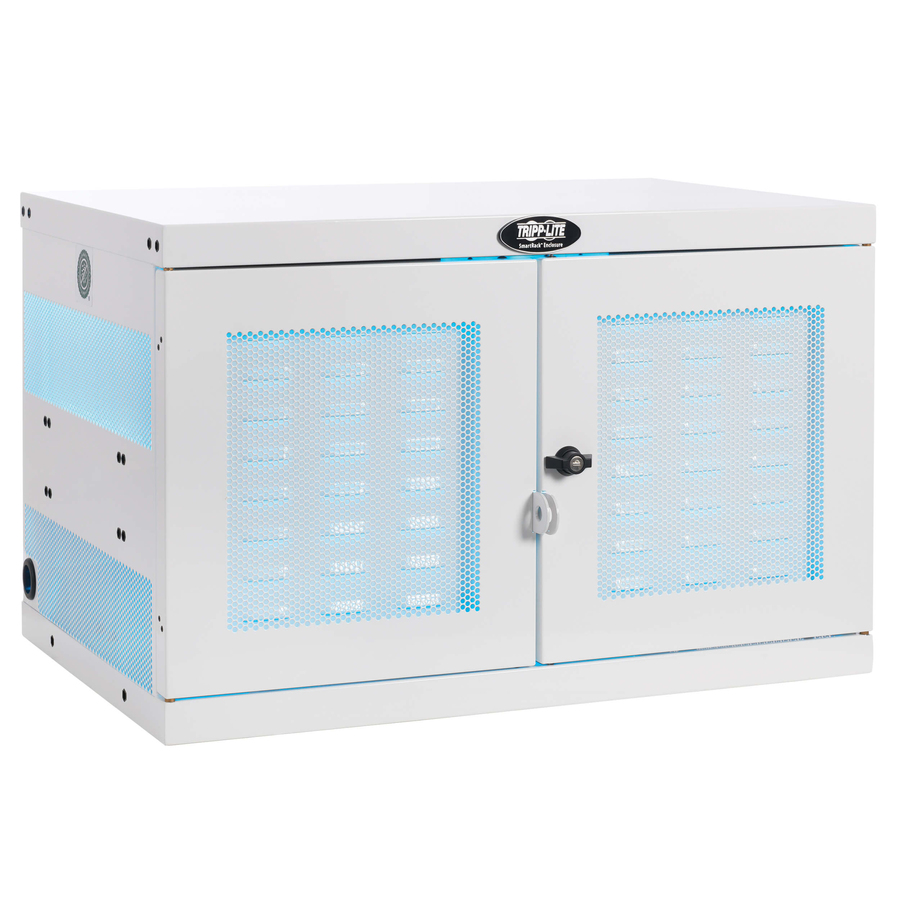
Tripp Lite by Eaton Multi-Device Charging Station 16 AC Outlets…
CSC16AC
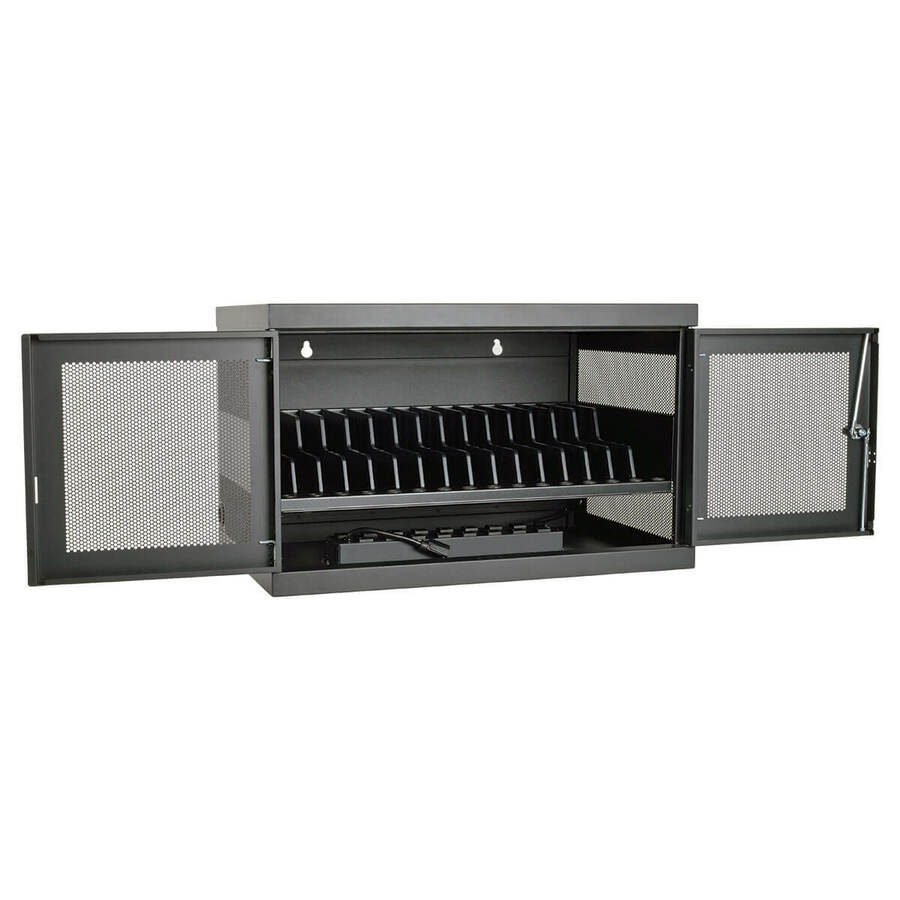
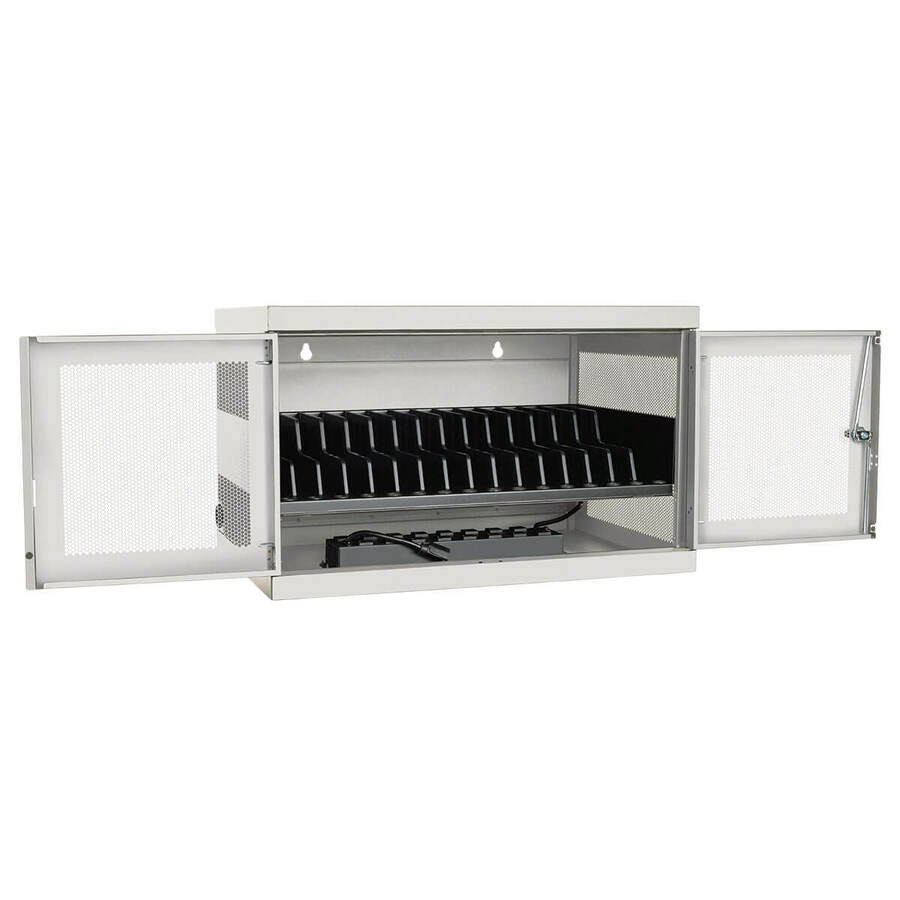
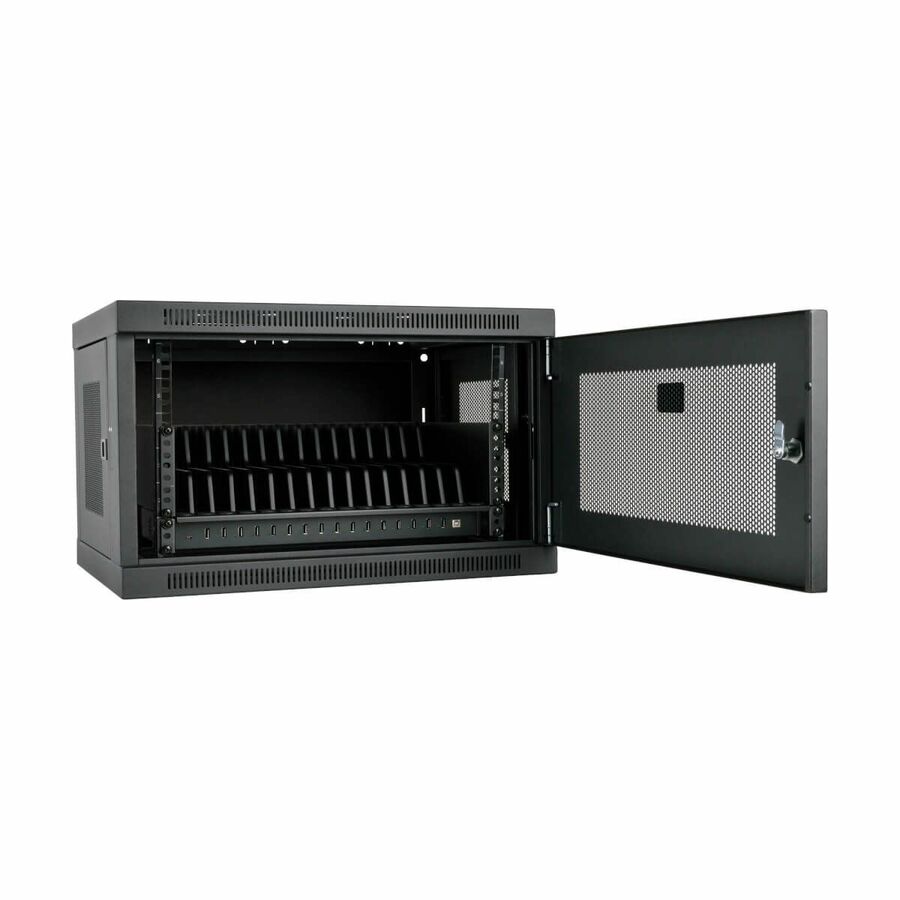
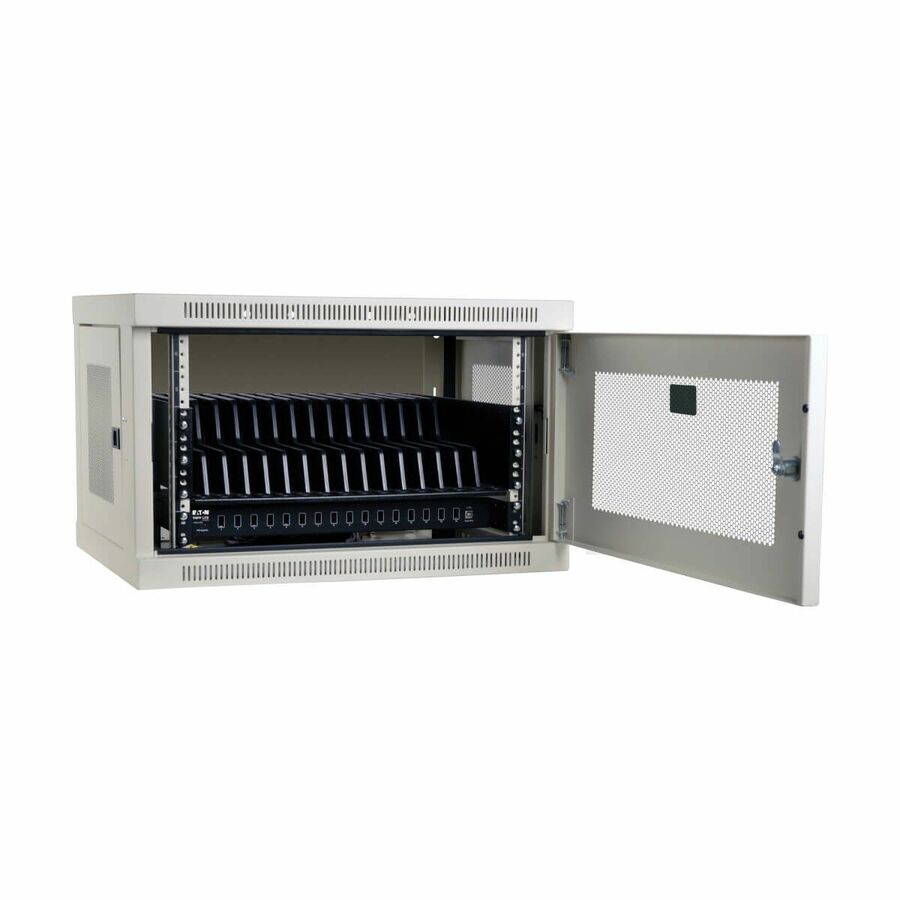
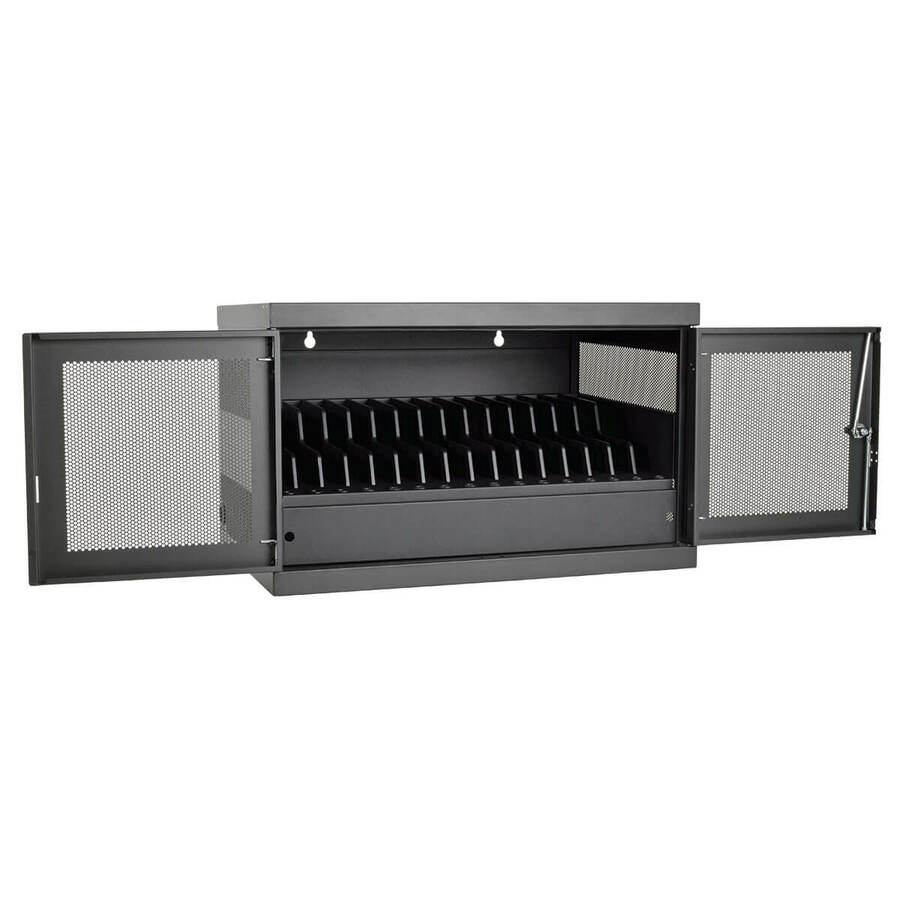
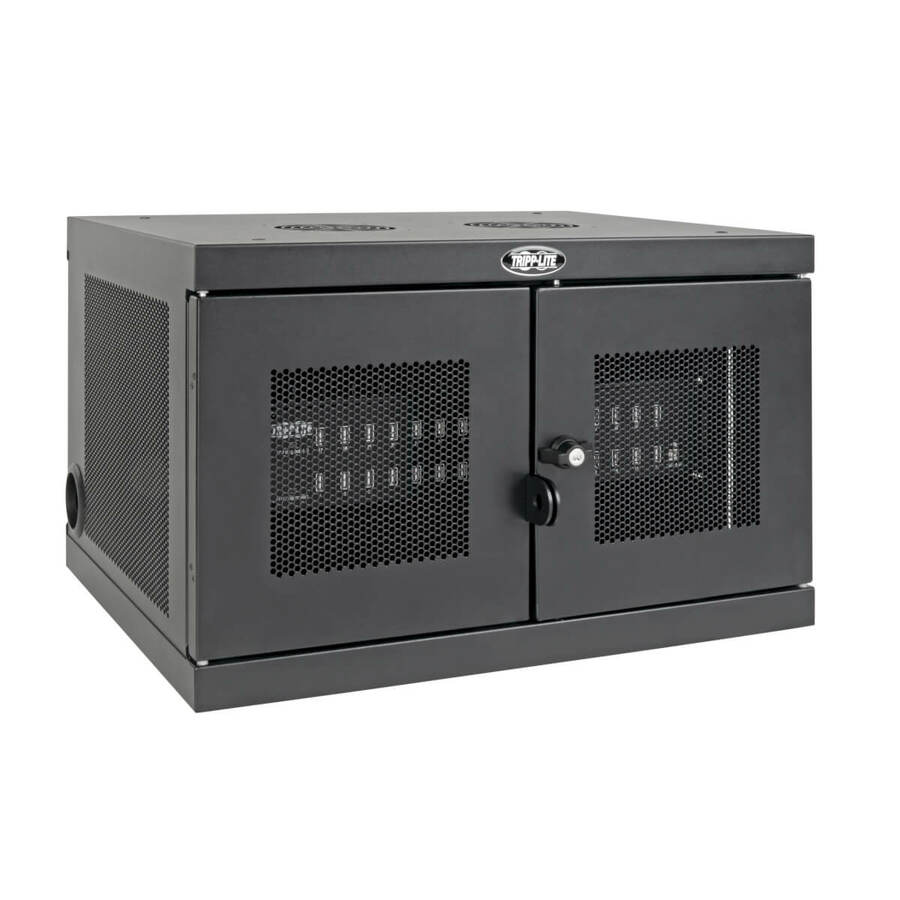
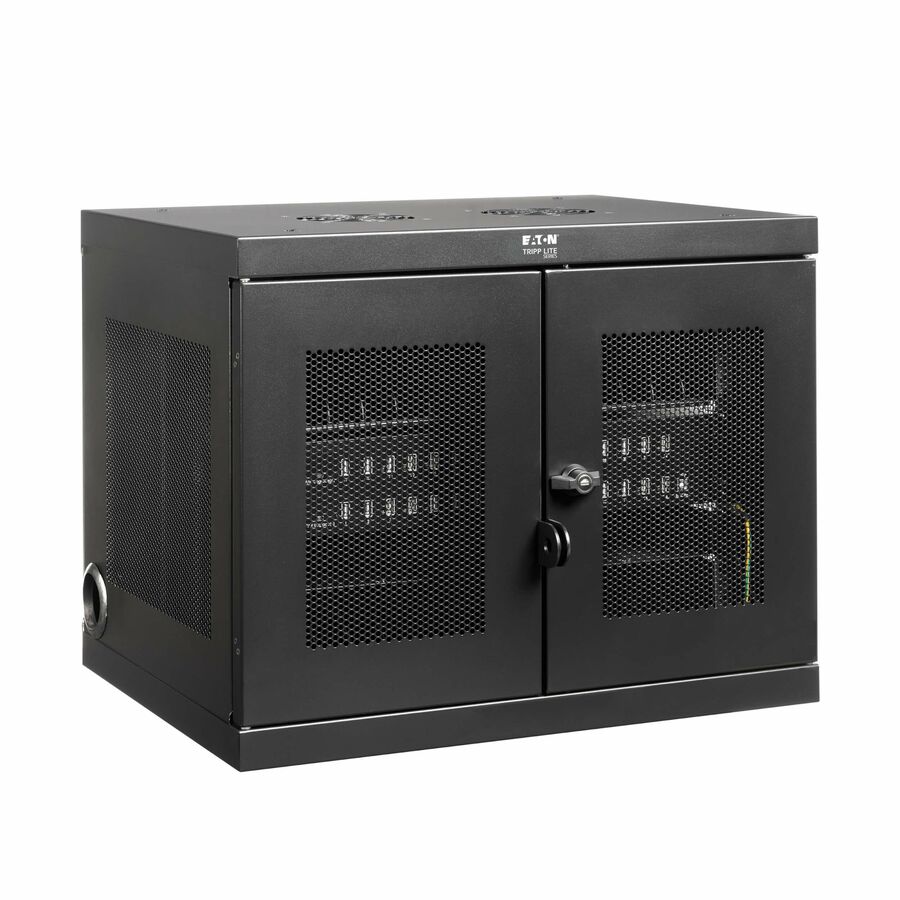
Sixteen AC outlets in a fixed steel cabinet is the right answer for a library, a lab or a testing room where the devices never leave — every Chromebook or laptop charges on its own adapter, and you keep the floor space a wheeled cart would take.
Confirm the mounting surface with facilities before you order. On a loaded steel cabinet the wall construction, not the bracket, is usually the limiting factor.
$1,283.43In stockMore stands and equipment cabinets in the Uniqcli catalog
See all 1,401 stands and equipment cabinetsMore Eaton Tripp Lite first — closest to what you were just looking at; “See all stands and equipment cabinets” above opens every other brand in the category. In-stock lines lead, and a back-ordered line carries the same estimated availability its product page does — with live pricing throughout, NDAA §889 screening before checkout and TAA verified on request.
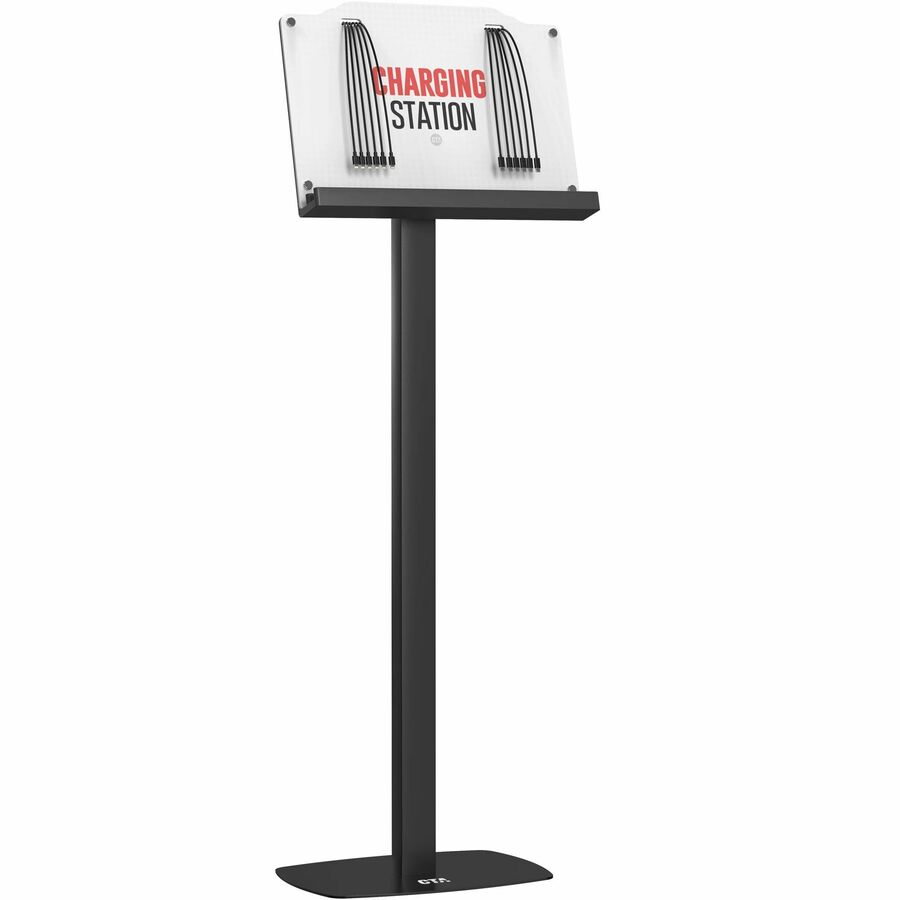
- CTA DigitalCTA Digital Charging Station Floor Stand for 12 Devices - 6 Lightning Ports and 6 USB-C Port - 12 Devices Supported - 54.40" Height x 18.90" Width x 16.50" Depth - Floor - Powder Coated - Metal, Steel - Black - For Smartphone, Tablet - Adjustable Tilt, USB Hub, Cable Management, Durable, Sturdy, Compact, USB Charging PortPAD-VCHARGE12
$374.00
$359.22
Back-orderedBack-ordered — estimated OEM lead time 3–8 weeks (Nov 12 – Dec 17 if ordered today).
Back-ordered — estimated OEM lead time 3–8 weeks (Nov 12 – Dec 17 if ordered today).
Back-ordered — estimated OEM lead time 3–8 weeks (Nov 12 – Dec 17 if ordered today).
Back-ordered — estimated OEM lead time 3–8 weeks (Nov 12 – Dec 17 if ordered today).
Back-ordered — estimated OEM lead time 3–8 weeks (Nov 12 – Dec 17 if ordered today).
Back-ordered — estimated OEM lead time 3–8 weeks (Nov 12 – Dec 17 if ordered today).
Back-ordered — estimated OEM lead time 3–8 weeks (Nov 12 – Dec 17 if ordered today).
Back-ordered — estimated OEM lead time 3–8 weeks (Nov 12 – Dec 17 if ordered today).
Back-ordered — estimated OEM lead time 3–8 weeks (Nov 12 – Dec 17 if ordered today).
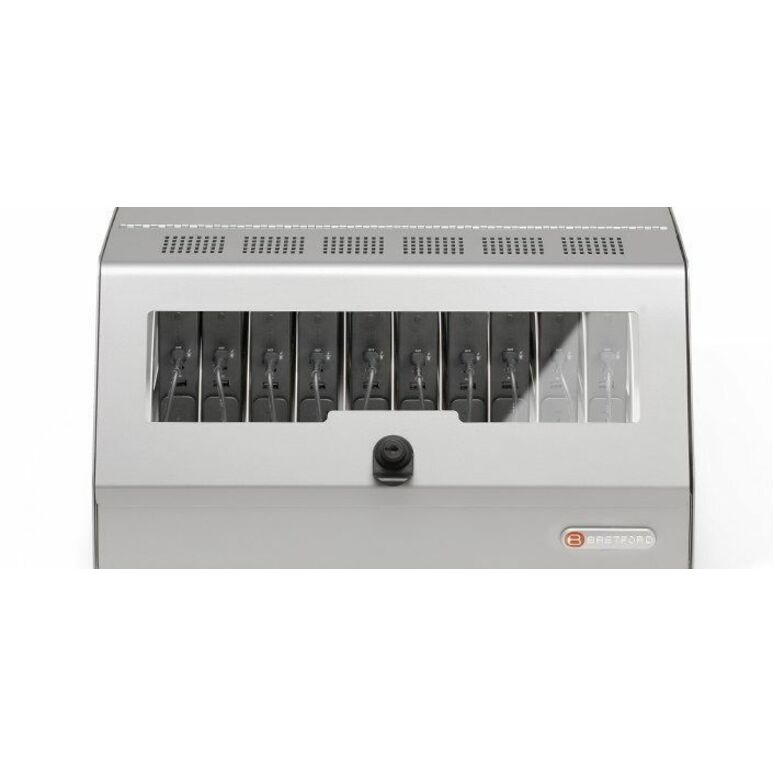
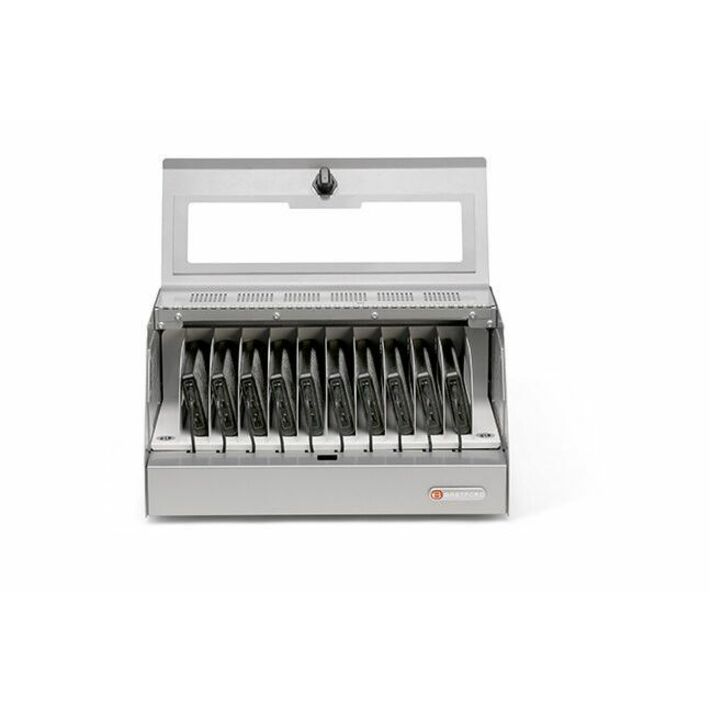
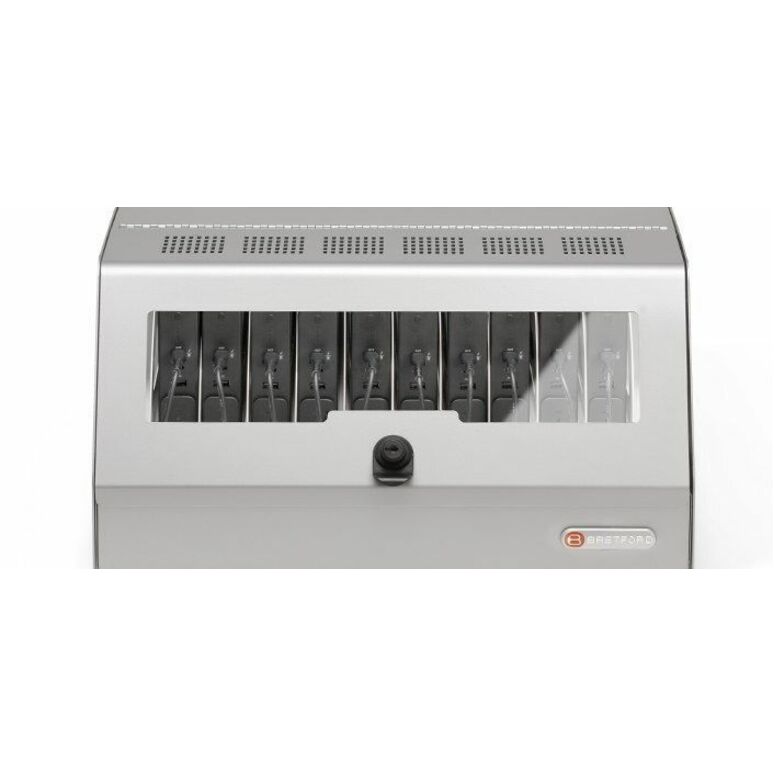
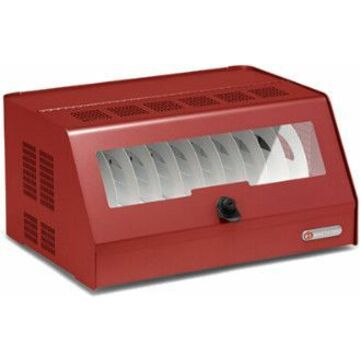
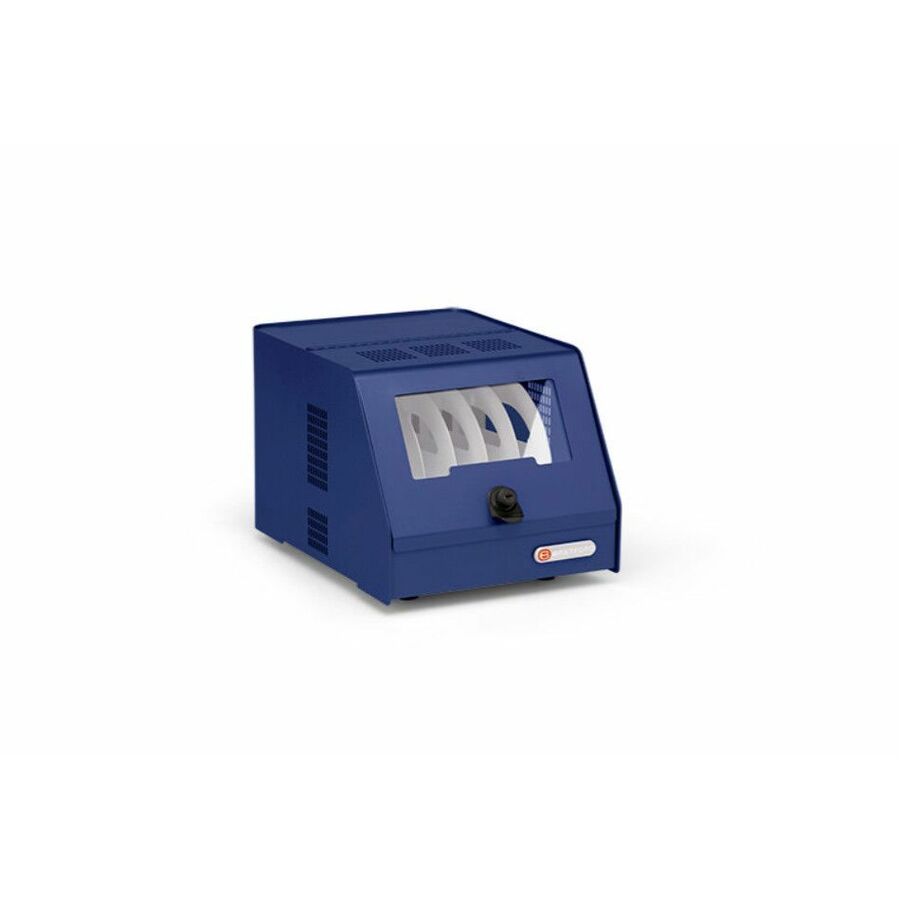
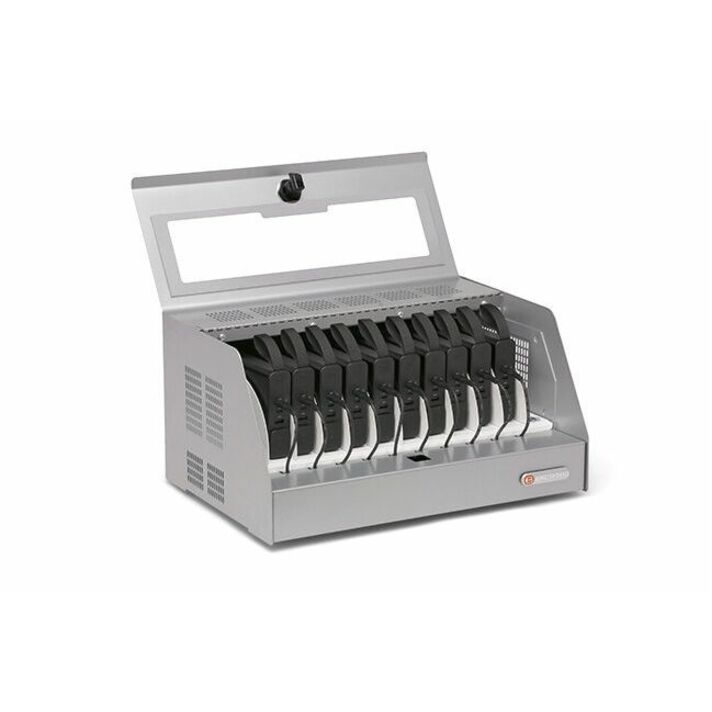
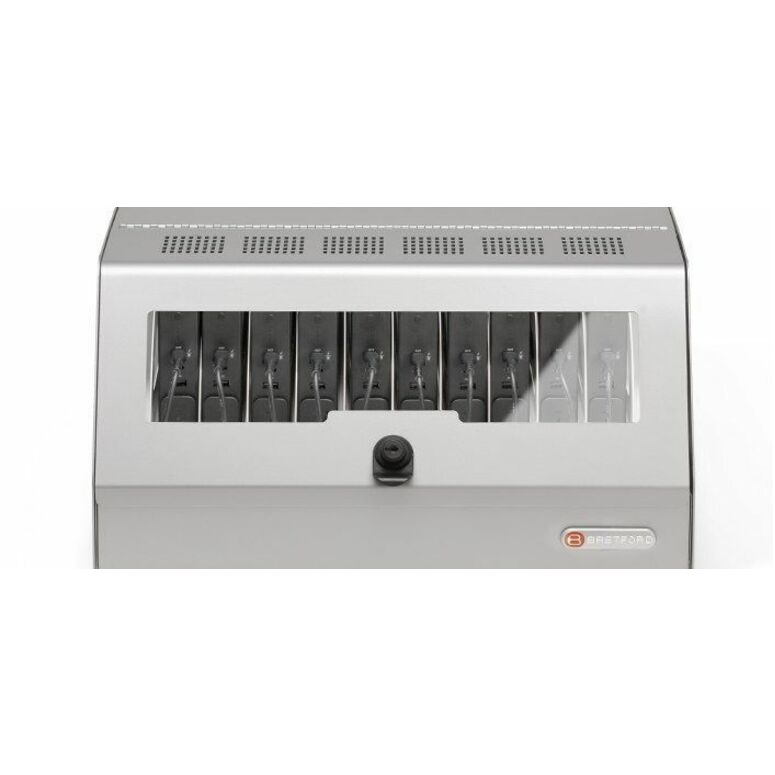
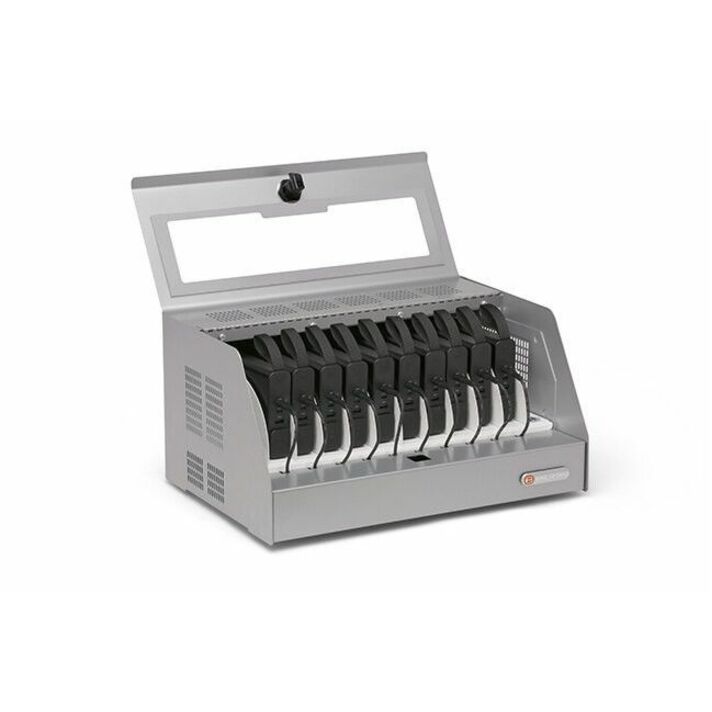
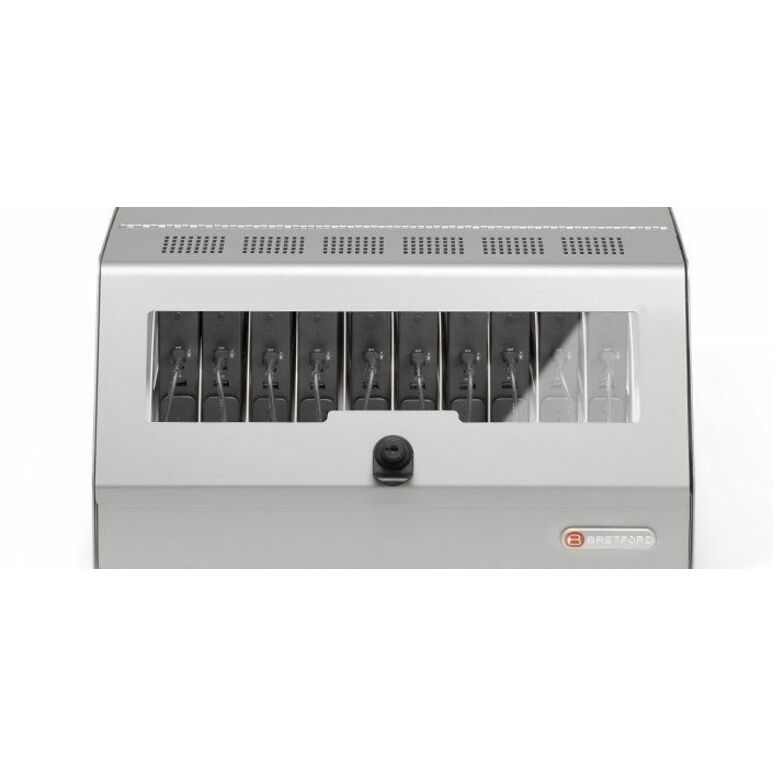
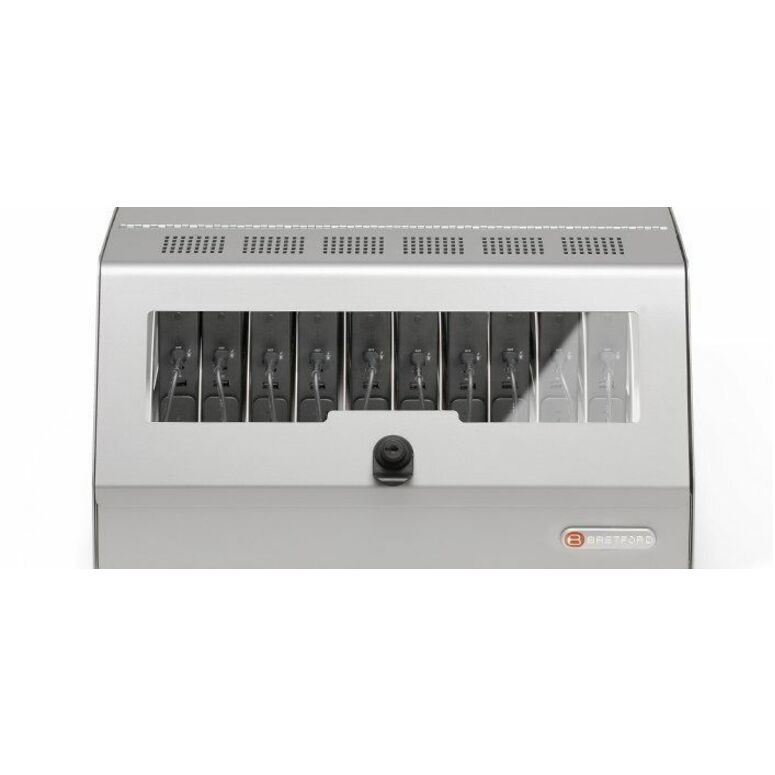
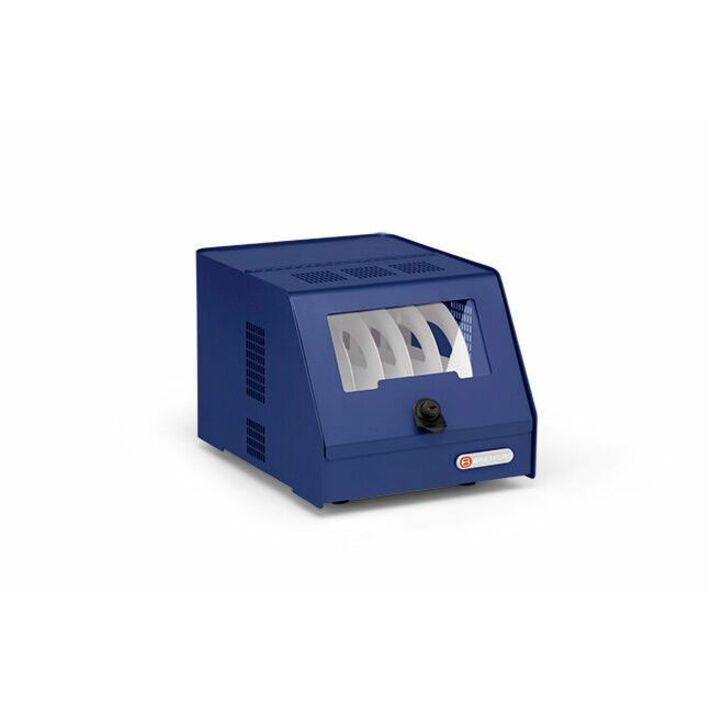
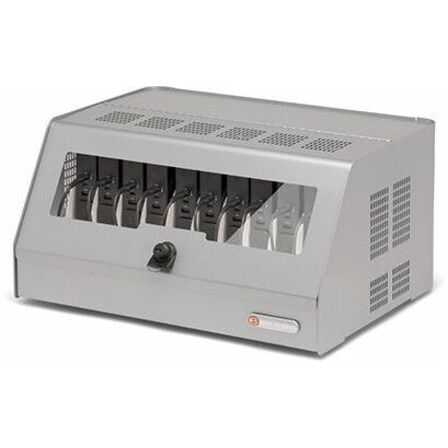
- Bretford ManufacturingBretford CUBE Battery Charging Station - 10 Devices Supported - 12.30" Height x 20.20" Width x 17" Depth - Steel - Sky - For Classroom, Commercial, Smartphone, Tablet, Chromebook, Notebook, MacBook, Education - USB Charging Port, Key Lock, Portable, Electrical Outlet, Durable, Charge FunctionCBSUSBC10AC-SKY
$3,408.39
Back-orderedBack-ordered — estimated OEM lead time 3–8 weeks (Nov 12 – Dec 17 if ordered today).
Back-ordered — estimated OEM lead time 3–8 weeks (Nov 12 – Dec 17 if ordered today).
Back-ordered — estimated OEM lead time 3–8 weeks (Nov 12 – Dec 17 if ordered today).
Back-ordered — estimated OEM lead time 3–8 weeks (Nov 12 – Dec 17 if ordered today).
Back-ordered — estimated OEM lead time 3–8 weeks (Nov 12 – Dec 17 if ordered today).
Back-ordered — estimated OEM lead time 3–8 weeks (Nov 12 – Dec 17 if ordered today).
Back-ordered — estimated OEM lead time 3–8 weeks (Nov 12 – Dec 17 if ordered today).
Back-ordered — estimated OEM lead time 3–8 weeks (Nov 12 – Dec 17 if ordered today).
Back-ordered — estimated OEM lead time 3–8 weeks (Nov 12 – Dec 17 if ordered today).
Back-ordered — estimated OEM lead time 3–8 weeks (Nov 12 – Dec 17 if ordered today).
Back-ordered — estimated OEM lead time 3–8 weeks (Nov 12 – Dec 17 if ordered today).




Need pricing on Eaton Tripp Lite charging stations?
Tell us where to reach you and a Uniqcli specialist will follow up by email with current pricing, availability and lead time for the quantities you need — including parts that aren’t shown on this page.
Buying for an organization or for yourself — both work. No payment up front.
Not every device set needs wheels. A library, a media center, a computer lab, a front office, a testing room, a makerspace — these are rooms where the devices live, get used and go back into the same cabinet every day. Buying a wheeled cart for a room like that means paying for casters you never use and giving up wall space you could have reclaimed.
That is what a charging station is for. Eaton's Tripp Lite stations are the fixed-location half of the same product family as their carts: the same steel cabinets and charging electronics, mounted to a wall, a desktop or a countertop instead of a rolling frame. The range here splits cleanly into 16-bay units for tablets and laptops and 32-bay locking cabinets built for smartphones and industrial handhelds.
As this guide is written, every row on this page is in stock — one of the few pages on the site where that is true. Availability moves, so confirm it against the part number before the requisition is written. If your requirement is a fixed charging point in a specific room before a specific date, that is the reason to look here first — and the checklist below covers the mounting, ventilation and key-control questions that decide whether a station gets installed properly or ends up sitting on the floor of a storeroom.
Buyer's checklist
How to choose a charging station for a school
- Choose a station over a cart when the devices stay in the room. If a set genuinely travels between classrooms every period, buy a cart; if it lives in a library, lab, office or testing room, a station is cheaper, takes less floor space and cannot be wheeled away.
- Match the bay type to the device. The USB rows (CS16USB, CS16USBW, CSC16USB) are described for iPad and Android tablets; the AC rows (CSC16AC, CSC16ACW) provide 16 standard outlets for Chromebooks and laptops, and the CSC16ACW row lists support for devices up to a 15 in screen.
- Decide whether you need sync as well as charge. Rows described as USB with sync — CSC16USB, CSD32USB, CSD32USBIND and CSDO32USBIND — pass data as well as power, which is what a wired imaging, restore or update bench needs. Charge-only rows do not.
- Check the mounting surface with facilities before ordering. These rows list wall-mount, desktop, countertop and floor placement, and a loaded steel cabinet on a wall is a fixing question — the wall construction, not the bracket, is usually the limiting factor.
- Measure the footprint against the surface you actually have. The 16-bay cabinets run about 18.8 in high, 30.3 in wide and 20 to 21.6 in deep; the smaller CS16USBW is about 14.6 in high, 23.6 in wide and 17.7 in deep. A countertop station that overhangs the counter is a station nobody uses.
- Take ventilation seriously if the unit goes inside a cupboard or a closet. The industrial locking rows list flow-through ventilation for a reason — enclosing dozens of charging devices in an unventilated space is a heat problem.
- Set key control at the order, not after delivery. The locking rows list a key lock; decide district-wide whether cabinets are keyed alike per building or unique per room while it is still a purchasing decision.
- Consider the antimicrobial and UV variant (CS16USBWHG) where devices are shared constantly or the setting is a health office — it is a specific answer to a specific district policy, not a general upgrade.
Station or cart? The room decides
The honest test is whether the set moves. A one-to-one program where a class carries devices to different rooms every period needs carts. A library with a bank of loaner tablets, a lab with fixed workstations plus a set of Chromebooks, a testing room that runs state assessments for two weeks a year, a nurse's office, a front counter with check-out devices — those need a station.
Stations win on three practical grounds. They cost less than the equivalent cart because there is no rolling chassis. They take up wall or counter space rather than floor space, which matters in a crowded media center. And a wall-mounted cabinet cannot be wheeled off to another building and forgotten, which is a real inventory problem in districts with sharing arrangements between schools.
The line is not absolute. CSC16USB and CSC16AC both list cart options as well as wall mounting, meaning the same cabinet can be mounted now and moved onto a cart later if the room's use changes. If you are genuinely unsure which way a room will go, those two rows are the hedge.
The 16-bay tablet and laptop stations
For tablets, the CS16USB and its white twin CS16USBW provide 16 USB ports and are described specifically for iPad and Android tablets, with a wall-mount option and placement on a desktop, countertop or floor. CS16USBW is the more compact of the two at roughly 14.6 in high by 23.6 in wide by 17.7 in deep, which is the one to look at when counter depth is tight. Neither carries a sync capability, so they are charge points rather than imaging benches.
CSC16USB is the tablet station to buy when you also need data. It is a 16-device USB charging station cabinet described with sync for iPad and Android tablets, in a larger cabinet of about 18.8 in high by 30.3 in wide by 21.6 in deep, with wall-mount and cart options. In a district that re-images or restores tablets in-house, having one sync-capable cabinet in the technology office is worth considerably more than the price difference — it turns a one-at-a-time job into a batch.
For Chromebooks and laptops the equivalents are CSC16AC in black and CSC16ACW in white, each providing 16 standard AC outlets and describing support for devices up to a 15 in screen. Because each bay is an ordinary outlet, these handle a mixed fleet without any compatibility question — every device charges on its own power adapter. The trade is the same as with carts: you are storing sixteen power bricks, and bricks disappear. Label them to the bay and the device number on day one.
CS16USBWHG is the specialty row: a Safe-IT UV charging station described as hospital-grade with an antimicrobial housing, 16 USB ports for iPad and Android tablets, in a white cabinet of about 18.8 in high by 30.3 in wide by 21.6 in deep. Districts buy this one for health offices, special-education settings and any shared-device program where an infection-control policy applies. If you do not have such a policy, the standard CS16USBW does the same charging job for less.
The 32-bay lockers are for phones and handhelds, not tablets
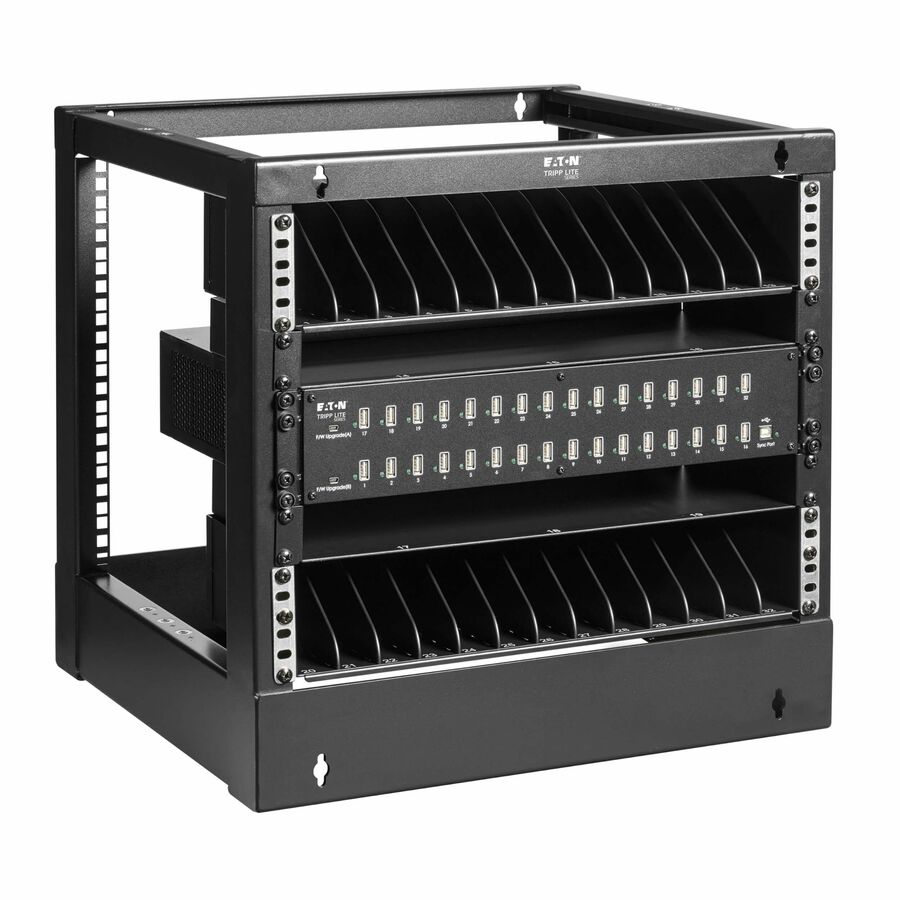
Three rows in this grid are a different product for a different user, and it is worth being clear about it rather than letting a buyer assume a bigger number is a better tablet cabinet. CSD32USB is a locking cell-phone charging station for 32 devices, described as USB with sync for smartphones, mountable on a desktop or a wall. CSD32USBIND is the industrial version — a locking cabinet for 32 Zebra smartphones or industrial handhelds, with two shelves, a key lock, cord management and flow-through ventilation, at roughly 18.56 in high by 23.63 in wide by 18.19 in deep. CSDO32USBIND is the same idea in an open-frame form with a key lock, flow-through ventilation and overcurrent protection listed.
These are not classroom tablet cabinets. Where they earn their place in a district is the operational side of the organization: transportation staff with handheld devices, nutrition services with point-of-sale terminals, facilities and maintenance teams with rugged handhelds, warehouse and receiving with barcode scanners, and any district that issues phones to staff. In those settings a 32-bay locking cabinet with sync is exactly right, because the devices are pooled, they need overnight charging in one place, and they need to be locked.
The open-frame CSDO32USBIND versus the enclosed CSD32USBIND is a genuine choice rather than a cost tier. The enclosed cabinet is more secure and tidier; the open frame is faster for a shift of staff grabbing devices at 6am and gives better airflow. Pick based on whether the risk you are managing is theft or throughput.
Installing a station so it survives the school year
Start with the wall. A steel cabinet holding sixteen charging tablets is a meaningful load, and school walls vary enormously — masonry, steel stud, wood stud, older plaster and hollow tile all need different fixings. Get facilities to specify the fixing rather than leaving it to whoever is unboxing, and agree a mounting height that works for the students who will actually use it, which in an elementary building is lower than an adult would choose.
Then the power. A station is a fixed load on a specific outlet, so confirm which circuit that outlet is on before you install several in one room. As with carts, the wrong answer is an extension cord or a power strip, and in most districts that will be flagged on the first safety walkthrough. If the room needs a new dedicated outlet, that work is far cheaper scheduled with the summer maintenance program than as an emergency in September.
Finally, plan the small operational details that determine whether a station stays usable. Number every bay and match the numbers to the device asset tags, so a missing device is visible at a glance rather than at the next audit. Route and secure the cables the day it is installed, because loose cables get pulled and pulled cables become the reason a bay stops working. Decide who holds the key and where the spare lives. And if the cabinet is going inside a closet or a cupboard, check the airflow — enclosing dozens of charging devices in a sealed space is the one mistake that shortens the life of everything inside.
FAQ
Common questions
- Should we buy a charging station or a charging cart?
- Buy a station when the devices stay in one room and a cart when the set travels between rooms. Stations cost less than the equivalent cart because there is no rolling chassis, they use wall or counter space instead of floor space, and a wall-mounted cabinet cannot be wheeled off to another building. Libraries, labs, testing rooms, front offices and makerspaces are typical station rooms. If you are genuinely unsure, CSC16USB and CSC16AC list both wall-mount and cart options, so the same cabinet can change form later.
- What does 'USB with sync' mean, and do we need it?
- A sync-capable station passes data as well as power, so a device connected to it can be imaged, restored, updated or backed up over the same cable that charges it. The rows described with sync here are CSC16USB for tablets and the three 32-bay handheld lockers. If your technology team re-images or restores devices in-house, one sync-capable cabinet in the tech office turns a one-at-a-time job into a batch and is worth the difference. For a station whose only job is overnight charging in a classroom, charge-only is fine.
- Can these charging stations be wall-mounted?
- All seven of CS16USB, CS16USBW, CSC16USB, CSC16AC, CSC16ACW, CS16USBWHG and CSD32USB list a wall-mount option; desktop, countertop and floor placement vary row by row, so read the placement field on the specific part number rather than assuming the family. The limiting factor is almost never the bracket, it is the wall: a loaded steel cabinet is a real load, and school buildings mix masonry, steel stud, wood stud, plaster and hollow tile. Have facilities specify the fixing and agree the mounting height before installation, and set it low enough for the students who will actually use it in elementary buildings.
- Which of these units are locking?
- The three 32-bay handheld rows are the locking models: CSD32USB is described as a locking cell-phone charging station, CSD32USBIND as an industrial locking cabinet with a key lock and flow-through ventilation, and CSDO32USBIND as an open-frame unit that also lists a key lock. Security hardware varies across the 16-bay tablet and laptop rows, so confirm it for the exact part number on the quote. Whichever you choose, agree your key policy — keyed alike per building or unique per cabinet — before delivery rather than after.
- Can E-rate pay for a charging station?
- No. Charging stations are device-support equipment, and E-rate Category Two funds the internal connections that distribute broadband inside a building — not the things plugged into the far end of it. Fund stations from local, state, bond or device-program money. The full structure, and how the Eligible Services List changes by funding year, is in our E-Rate explainer, linked in the related reading below.
Need Eaton Tripp Lite charging stations pricing?
Send a bill of materials or part numbers — we confirm stock and a below-market total, with TAA verified on request. No payment up front.