
Best Lenovo Drives and SSDs for Server and Storage Teams
SATA and SAS SSDs, U.2/U.3 PCIe NVMe read-intensive flash, and 10K SAS and 7.2K NL-SAS hard drives for server and storage tiers.
Lenovo drives in stock at Uniqcli
How to choose →A curated selection with live pricing — in-stock lines first, then back-ordered lines with a typical lead time. Every line is sourced through US distribution and screened for NDAA §889 status before checkout, with TAA verified on request.
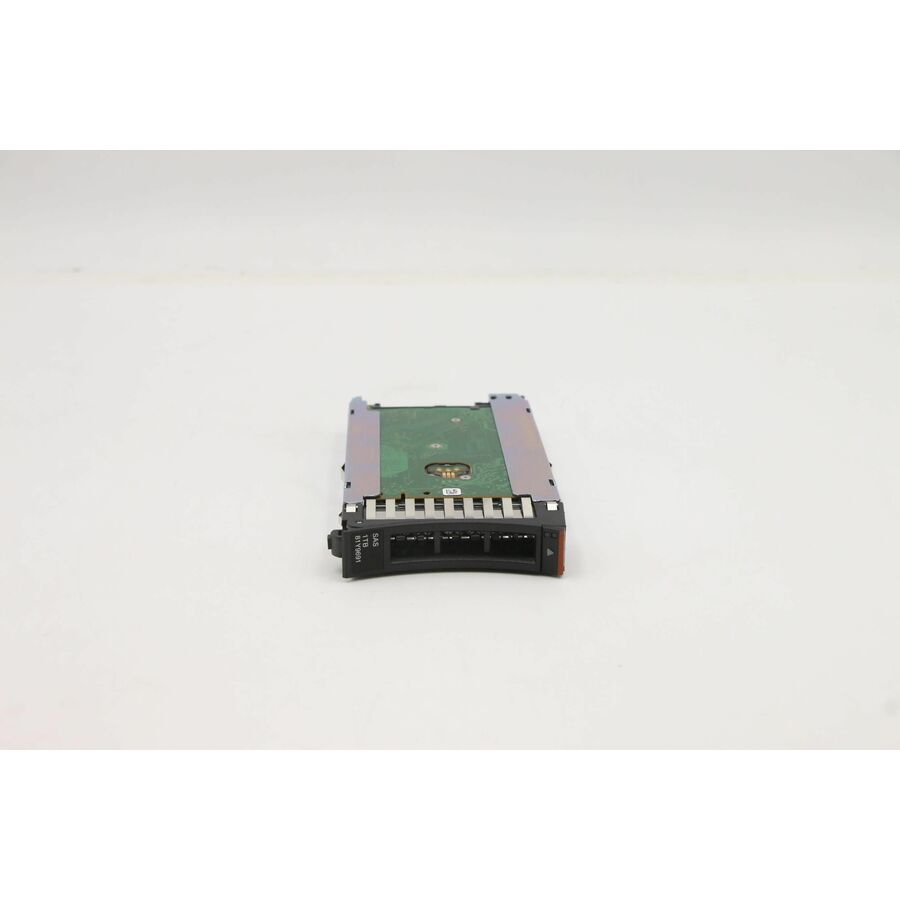
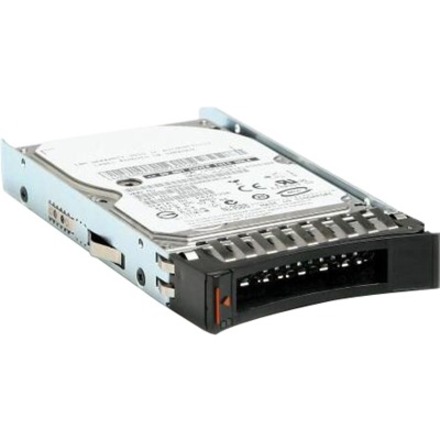
- LenovoLenovo 1 TB Hard Drive - 2.5" Internal - Near Line SAS (NL-SAS) (6Gb/s SAS) - 7200rpm - Hot Swappable81Y9691-RF
$232.52
$223.58
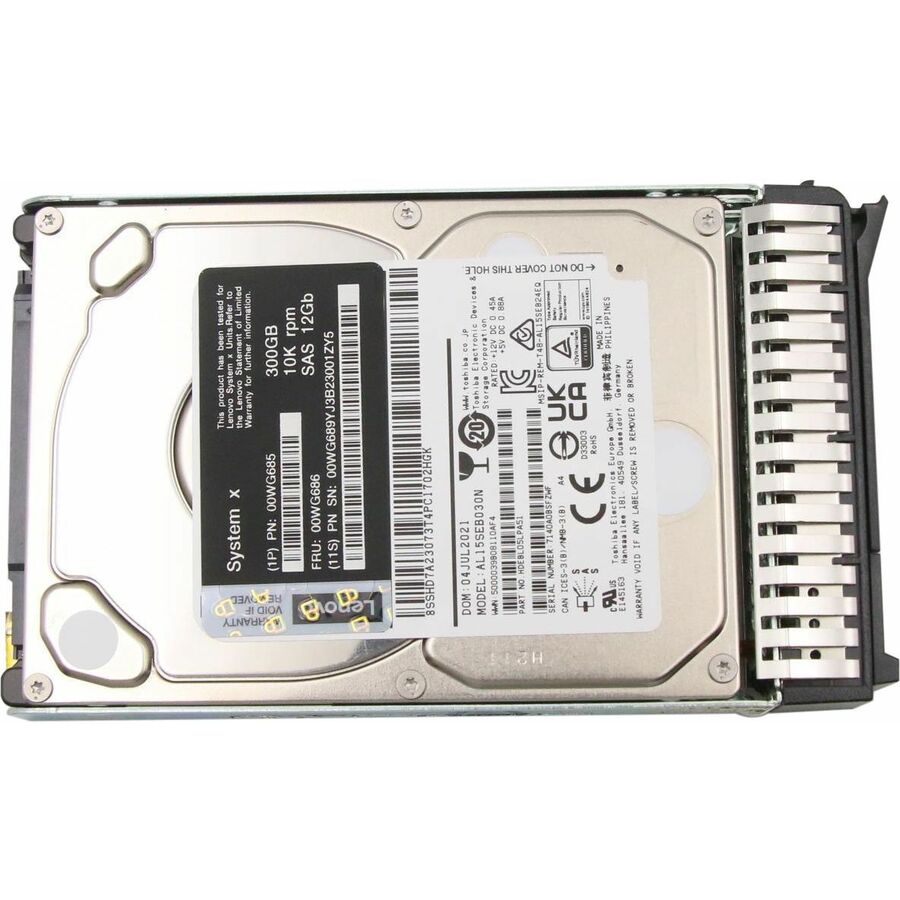
5 in stock - LenovoLenovo 300 GB Hard Drive - 2.5" Internal - SAS (12Gb/s SAS) - Server Device Supported - 10000rpm - Hot Swappable00WG686-RF
$355.51
$341.82
1 in stock - LenovoLenovo 2.40 TB Hard Drive - 2.5" Internal - SAS (12Gb/s SAS) - 10000rpm - Hot Swappable7XB7A00069
$1,840.69
10 in stock Back-ordered — estimated OEM lead time 3–8 weeks (Nov 14 – Dec 19 if ordered today).
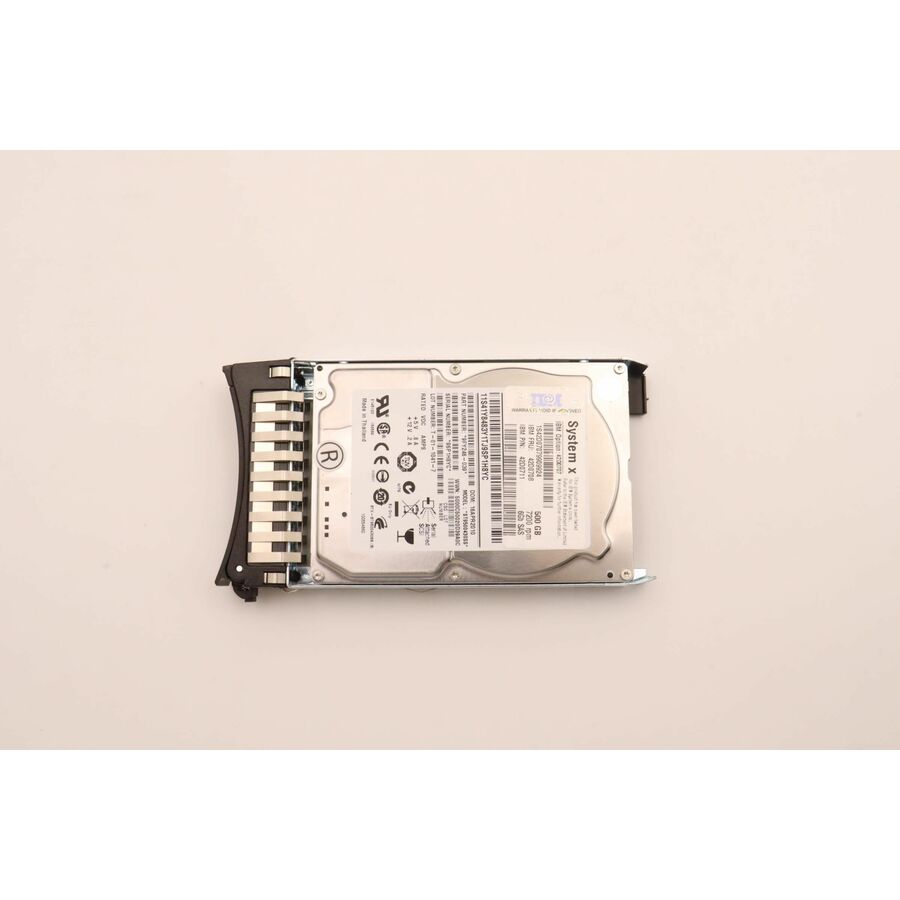
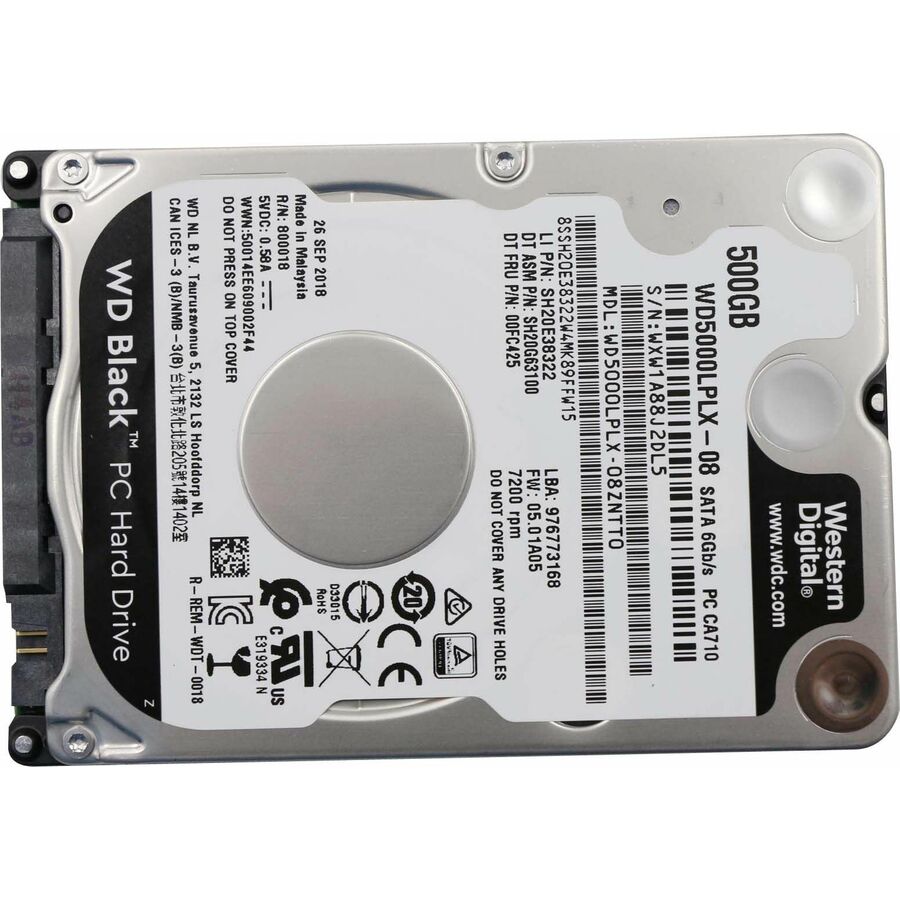
- LenovoLenovo 500 GB Hard Drive - 2.5" Internal - SATA (SATA/600) - Desktop PC, All-in-One PC Device Supported - 7200rpm00FC425-RF
$103.16
$99.19
Back-orderedBack-ordered — estimated OEM lead time 3–8 weeks (Nov 14 – Dec 19 if ordered today).
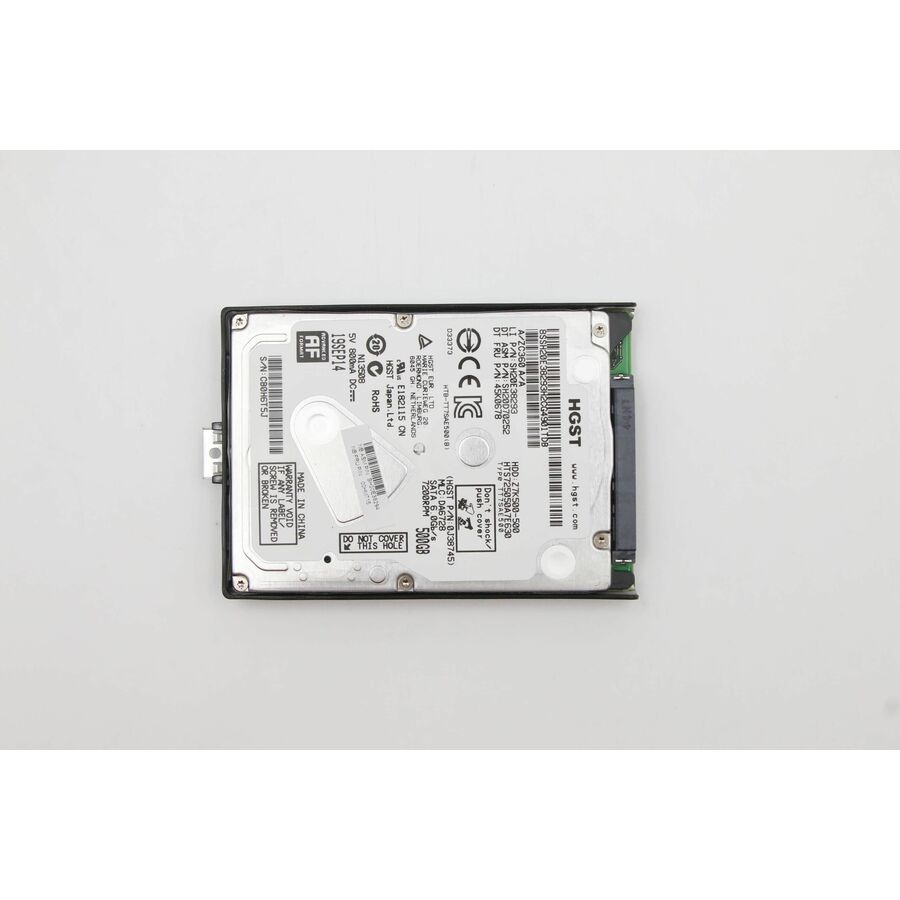
- LenovoLenovo 500 GB Hard Drive - 2.5" Internal - SATA (SATA/600) - 7200rpm00HM715-RF
$119.30
$114.71
Back-orderedBack-ordered — estimated OEM lead time 3–8 weeks (Nov 14 – Dec 19 if ordered today).
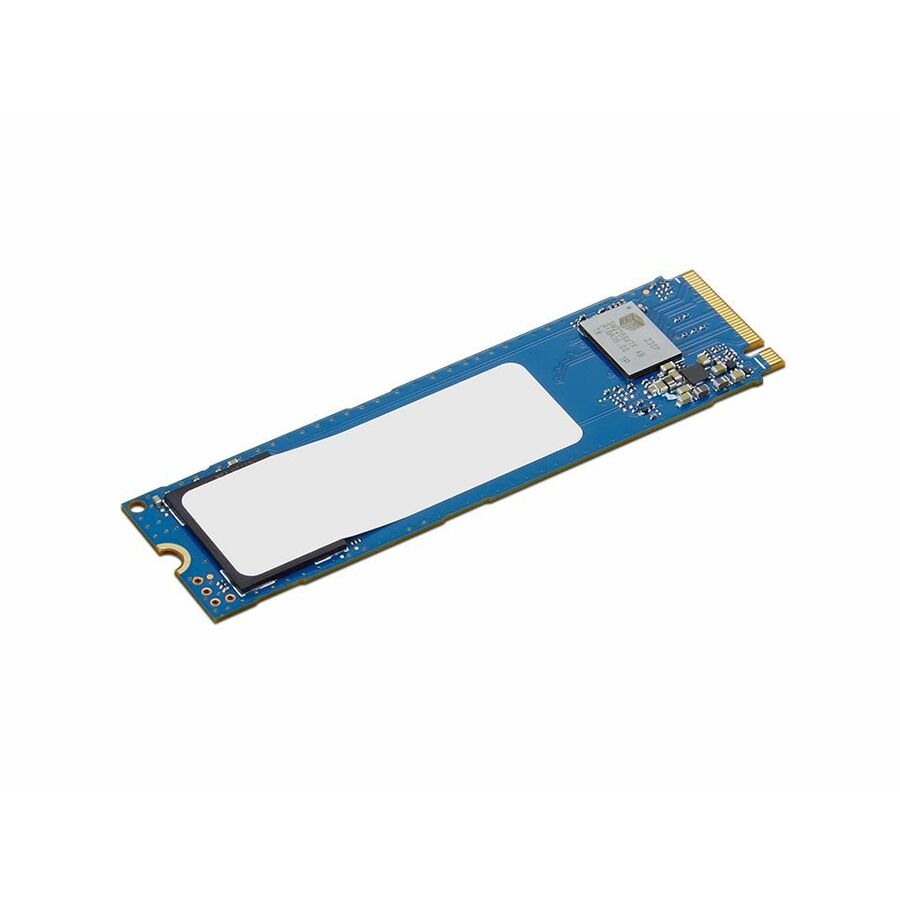
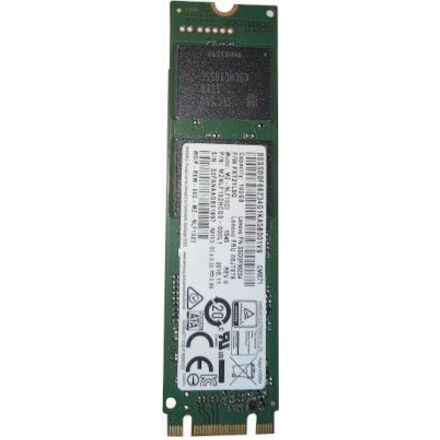
- LenovoLenovo 192 GB Solid State Drive - M.2 2280 Internal - SATA (SATA/600)00JT078-RF
$130.99
$125.95
Back-orderedBack-ordered — estimated OEM lead time 3–8 weeks (Nov 14 – Dec 19 if ordered today).
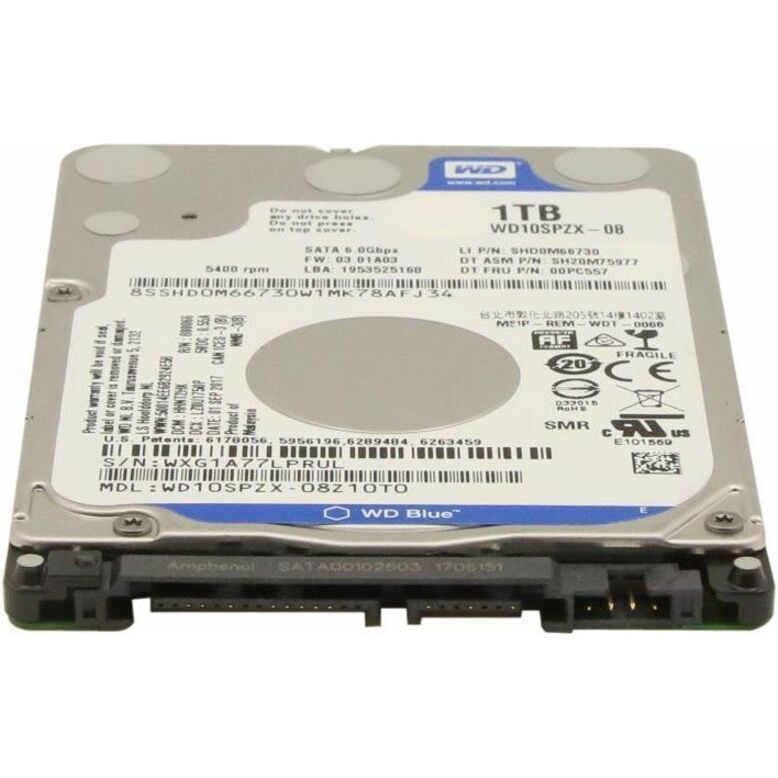
- LenovoLenovo 1 TB Hard Drive - 2.5" Internal - SATA (SATA/600) - 5400rpm00PC557-RF
$180.45
$173.50
Back-orderedBack-ordered — estimated OEM lead time 3–8 weeks (Nov 14 – Dec 19 if ordered today).

More drives and SSDs in the Uniqcli catalog
See all 9,677 drives and SSDsMore Lenovo first — closest to what you were just looking at; “See all drives and SSDs” above opens every other brand in the category. In-stock lines lead, and a back-ordered line carries the same estimated availability its product page does — with live pricing throughout, NDAA §889 screening before checkout and TAA verified on request.
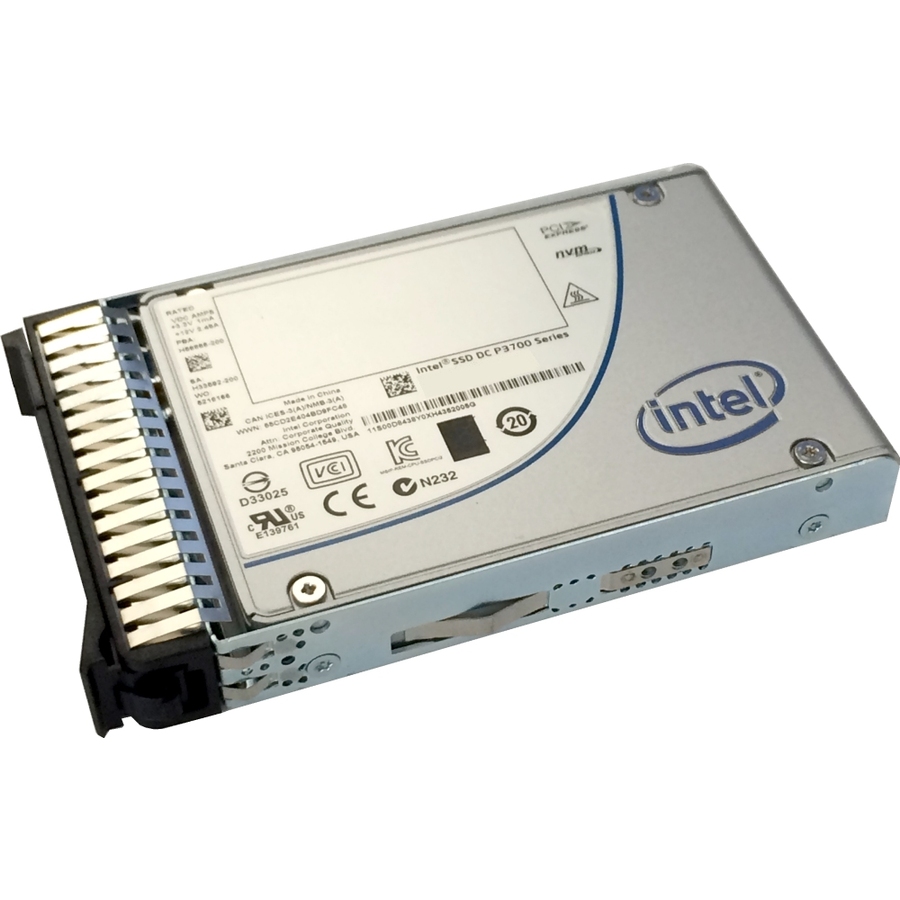
- LenovoLenovo P3700 2 TB Solid State Drive - 2.5" Internal - PCI Express (PCI Express 3.0 x4) - 2867.20 MB/s Maximum Read Transfer Rate - Hot Swappable00YA827
$11,999.00
$7,836.08
Back-orderedBack-ordered — estimated OEM lead time 3–8 weeks (Nov 14 – Dec 19 if ordered today).
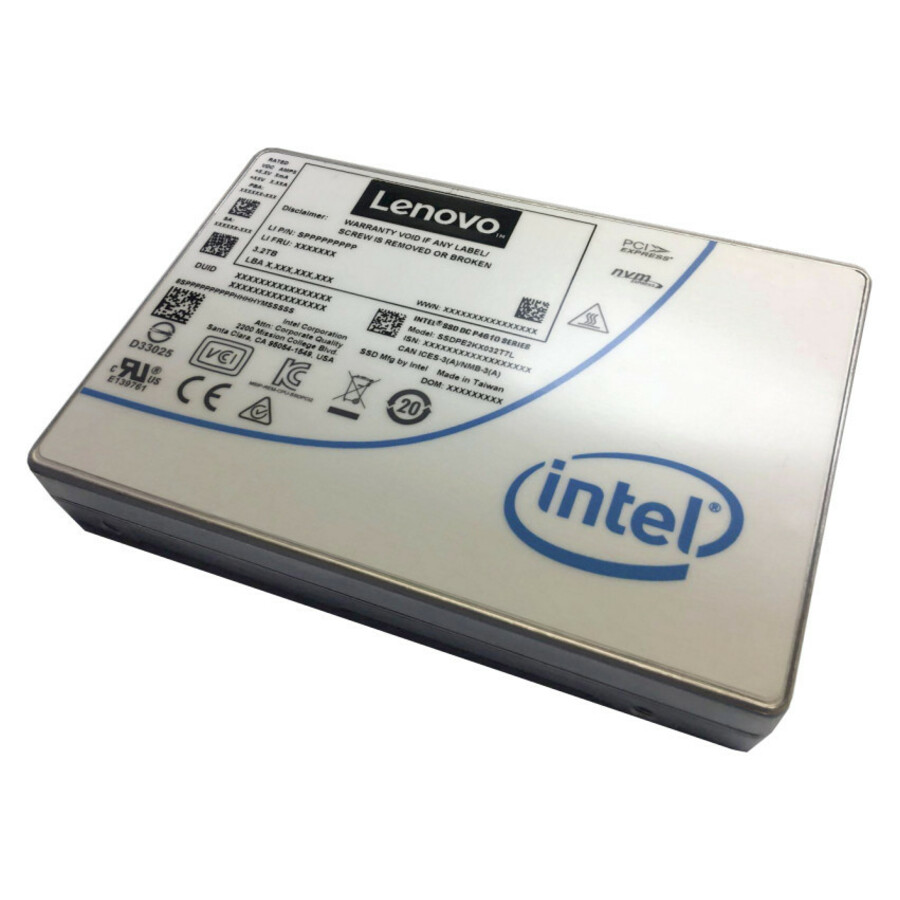
- LenovoLenovo DC P4610 6.40 TB Solid State Drive - 3.5" Internal - PCI Express (PCI Express 3.0 x4) - Mixed Use - Server Device Supported - 3.1 DWPD - 37416.96 TB TBW - 3276.80 MB/s Maximum Read Transfer Rate - Hot Swappable - 1 Year Warranty - 14XB7A13946
$12,999.00
$10,186.97
Back-orderedBack-ordered — estimated OEM lead time 3–8 weeks (Nov 14 – Dec 19 if ordered today).
- LenovoLenovo 6.40 TB Solid State Drive - 2.5" Internal - U.2 (SFF-8639) NVMe (PCI Express 3.0 x4) - 3.5" Carrier - Mixed Use - Server Device Supported - 3 DWPD - 35040 TB TBW - 3200 MB/s Maximum Read Transfer Rate - Hot Swappable - 1 Year Warranty - 14XB7A08535
$12,829.00
$10,891.56
Back-orderedBack-ordered — estimated OEM lead time 3–8 weeks (Nov 14 – Dec 19 if ordered today).
- LenovoLenovo 6.40 TB Solid State Drive - 2.5" Internal - U.2 (SFF-8639) NVMe (PCI Express 3.0 x4) - Mixed Use - Server Device Supported - 3 DWPD - 35040 TB TBW - 3200 MB/s Maximum Read Transfer Rate - Hot Swappable - 1 Year Warranty - 14XB7A08519
$12,829.00
$10,891.56
Back-orderedBack-ordered — estimated OEM lead time 3–8 weeks (Nov 14 – Dec 19 if ordered today).
- LenovoLenovo 3 TB Solid State Drive - 2.5" Internal - U.2 (SFF-8639) NVMe (PCI Express 3.0 x4) - Mixed Use - Server Device Supported - 3 DWPD - 17520 TB TBW - 3200 MB/s Maximum Read Transfer Rate - Hot Swappable - 1 Year Warranty - 14XB7A08518
$6,999.00
$5,484.93
Back-orderedBack-ordered — estimated OEM lead time 3–8 weeks (Nov 14 – Dec 19 if ordered today).
- LenovoLenovo 3.20 TB Solid State Drive - 2.5" Internal - U.2 (SFF-8639) NVMe (PCI Express 3.0 x4) - 3.5" Carrier - Mixed Use - Server Device Supported - 3 DWPD - 17520 TB TBW - 3200 MB/s Maximum Read Transfer Rate - Hot Swappable - 1 Year Warranty - 14XB7A08534
$6,999.00
$5,484.93
Back-orderedBack-ordered — estimated OEM lead time 3–8 weeks (Nov 14 – Dec 19 if ordered today).
- LenovoLenovo 1.60 TB Solid State Drive - 2.5" Internal - SAS (12Gb/s SAS) - 1076 MB/s Maximum Read Transfer Rate - Hot Swappable - 1 Year Warranty - 17SD7A05752
$7,899.00
$7,015.60
Back-orderedBack-ordered — estimated OEM lead time 3–8 weeks (Nov 14 – Dec 19 if ordered today).
- LenovoLenovo 1.60 TB Solid State Drive - 2.5" Internal - U.2 (SFF-8639) NVMe (PCI Express 3.0 x4) - 3.5" Carrier - Mixed Use - Server Device Supported - 3 DWPD - 8760 TB TBW - 3100 MB/s Maximum Read Transfer Rate - Hot Swappable - 1 Year Warranty - 14XB7A08533
$3,449.00
$2,928.13
Back-orderedBack-ordered — estimated OEM lead time 3–8 weeks (Nov 14 – Dec 19 if ordered today).
- LenovoLenovo 1.60 TB Solid State Drive - 2.5" Internal - U.2 (SFF-8639) NVMe (PCI Express 3.0 x4) - Mixed Use - Server Device Supported - 3 DWPD - 8760 TB TBW - 3100 MB/s Maximum Read Transfer Rate - Hot Swappable - 1 Year Warranty - 14XB7A08517
$3,449.00
$2,928.13
Back-orderedBack-ordered — estimated OEM lead time 3–8 weeks (Nov 14 – Dec 19 if ordered today).
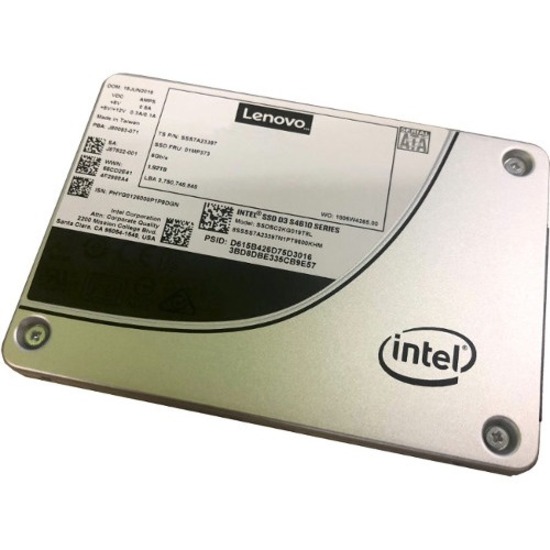
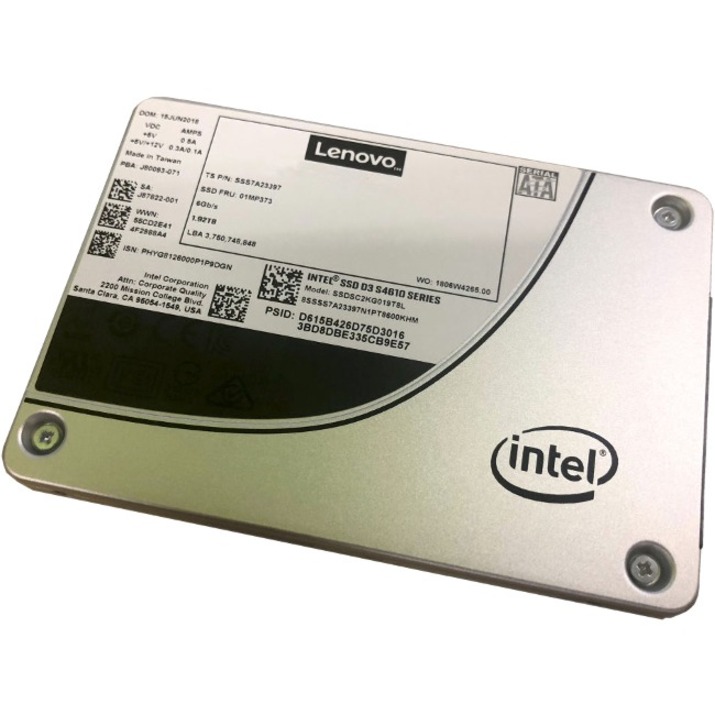
- LenovoLenovo D3-S4610 1.92 TB Solid State Drive - 2.5" Internal - SATA (SATA/600) - Mixed Use - Server Device Supported - 3 DWPD - 10752 TB TBW - 560 MB/s Maximum Read Transfer Rate - Hot Swappable - 256-bit Encryption Standard - 1 Year Warranty4XB7A13935
$3,199.00
$2,841.23
Back-orderedBack-ordered — estimated OEM lead time 3–8 weeks (Nov 14 – Dec 19 if ordered today).
- LenovoLenovo Optane DC P4800X 375 GB Solid State Drive - Internal - U.2 (SFF-8639) NVMe (PCI Express 3.0 x4) - Hot Swappable7N47A00081
$3,899.00
$3,564.80
Back-orderedBack-ordered — estimated OEM lead time 3–8 weeks (Nov 14 – Dec 19 if ordered today).
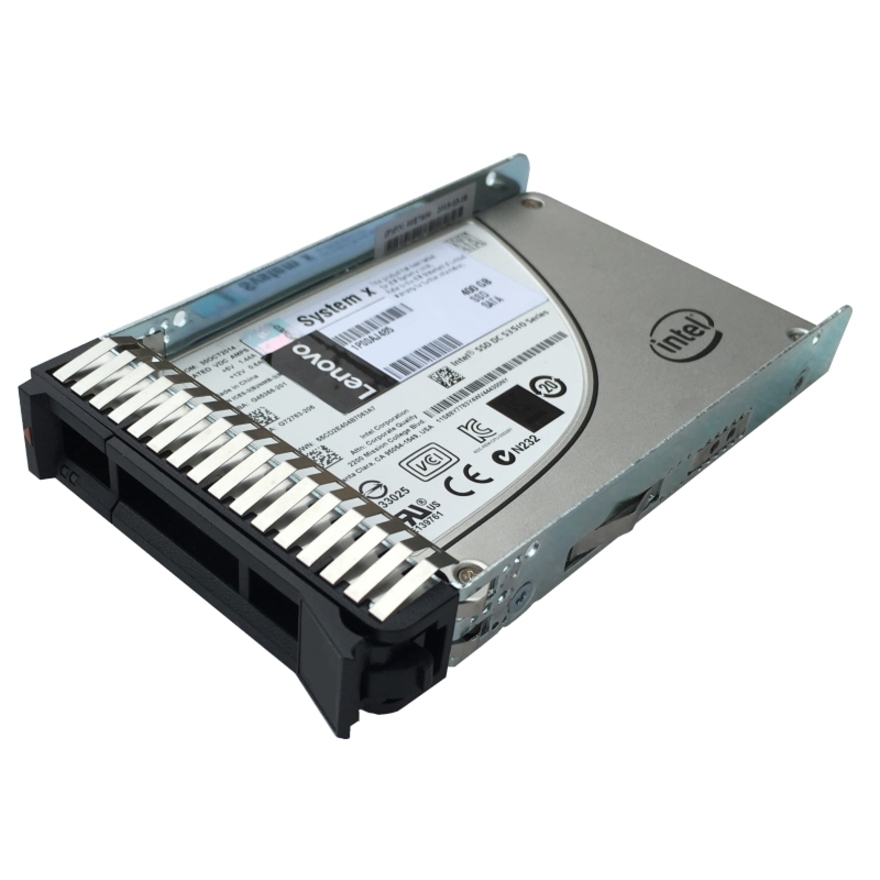
- LenovoLenovo DC S4600 960 GB Solid State Drive - 2.5" Internal - SATA (SATA/600) - Mixed Use - Server Device Supported - 3 DWPD - 5376 TB TBW - 500 MB/s Maximum Read Transfer Rate - Hot Swappable - 256-bit Encryption Standard - 1 Year Warranty4XB0N68521
$1,499.00
$1,186.84
Back-orderedBack-ordered — estimated OEM lead time 3–8 weeks (Nov 14 – Dec 19 if ordered today).
- LenovoLenovo D3-S4610 960 GB Solid State Drive - 2.5" Internal - SATA (SATA/600) - Mixed Use - Server Device Supported - 3.4 DWPD - 6144 TB TBW - 560 MB/s Maximum Read Transfer Rate - Hot Swappable - 256-bit Encryption Standard - 1 Year Warranty4XB7A13934
$1,499.00
$1,272.61
Back-orderedBack-ordered — estimated OEM lead time 3–8 weeks (Nov 14 – Dec 19 if ordered today).
- LenovoLenovo S3510 480 GB Solid State Drive - 2.5" Internal - SATA (SATA/600) - 500 MB/s Maximum Read Transfer Rate - Hot Swappable - 256-bit Encryption Standard00WG630
$899.00
$678.35
Back-orderedBack-ordered — estimated OEM lead time 3–8 weeks (Nov 14 – Dec 19 if ordered today).
- LenovoLenovo DC S4500 480 GB Solid State Drive - 2.5" Internal - SATA (SATA/600) - 500 MB/s Maximum Read Transfer Rate - Hot Swappable - 256-bit Encryption Standard - 1 Year Warranty4XB0N68511
$649.00
$500.12
Back-orderedBack-ordered — estimated OEM lead time 3–8 weeks (Nov 14 – Dec 19 if ordered today).
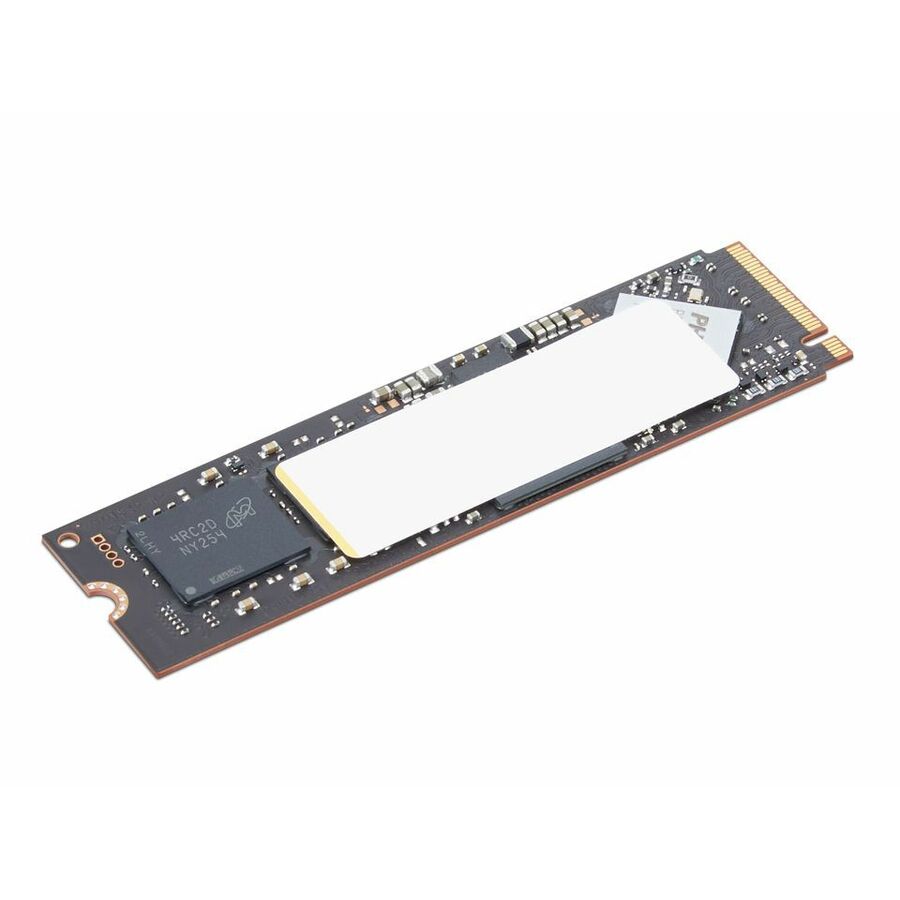
- LenovoLenovo Performance 4 TB Solid State Drive - M.2 2280 Internal - PCI Express NVMe (PCI Express NVMe 4.0 x4) - Notebook Device Supported4XB1Q31359
$1,198.99
$1,064.06
Back-orderedBack-ordered — estimated OEM lead time 3–8 weeks (Nov 14 – Dec 19 if ordered today).
- LenovoLenovo 800 GB Solid State Drive - 2.5" Internal - SAS (12Gb/s SAS) - 1076 MB/s Maximum Read Transfer Rate - Hot Swappable - 1 Year Warranty - 17SD7A05753
$3,999.00
$3,865.15
Back-orderedBack-ordered — estimated OEM lead time 3–8 weeks (Nov 14 – Dec 19 if ordered today).
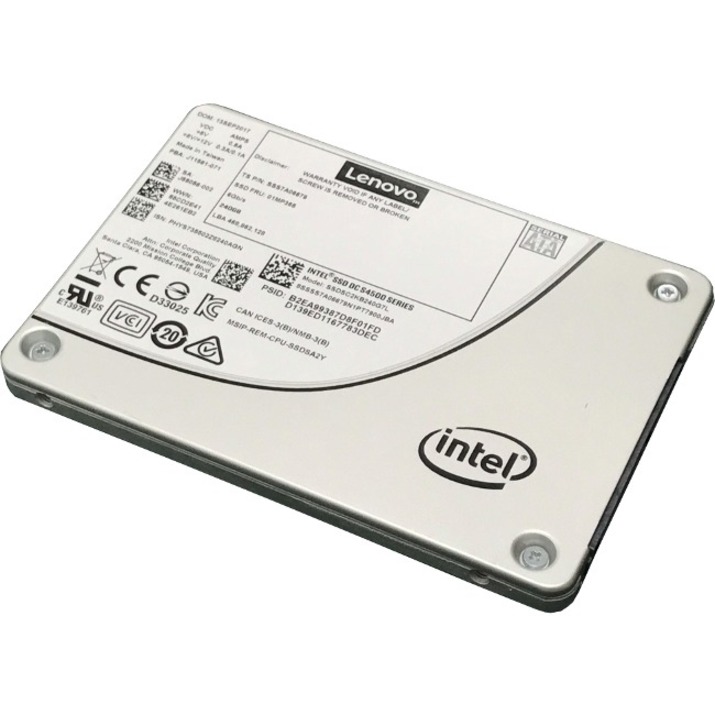
- LenovoLenovo DC S4500 240 GB Solid State Drive - 2.5" Internal - SATA (SATA/600) - Silver - 500 MB/s Maximum Read Transfer Rate - Hot Swappable - 256-bit Encryption Standard - 1 Year Warranty7SD7A05732
$399.00
$287.10
Back-orderedBack-ordered — estimated OEM lead time 3–8 weeks (Nov 14 – Dec 19 if ordered today).
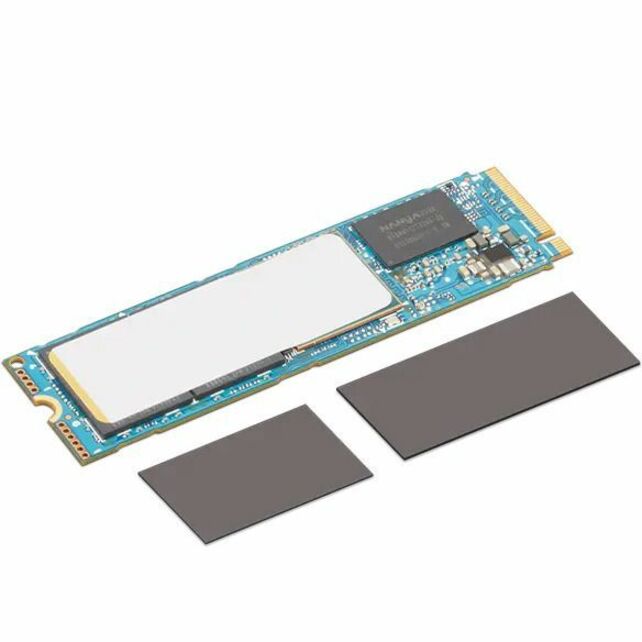
- LenovoLenovo 2 TB Solid State Drive - M.2 2280 Internal - PCI Express NVMe (PCI Express NVMe 4.0 x4) - Black - Notebook Device Supported - 7000 MB/s Maximum Read Transfer Rate - 14XB1D04758
$1,714.99
$1,639.07
Back-orderedBack-ordered — estimated OEM lead time 3–8 weeks (Nov 14 – Dec 19 if ordered today).
Back-ordered — estimated OEM lead time 3–8 weeks (Nov 14 – Dec 19 if ordered today).
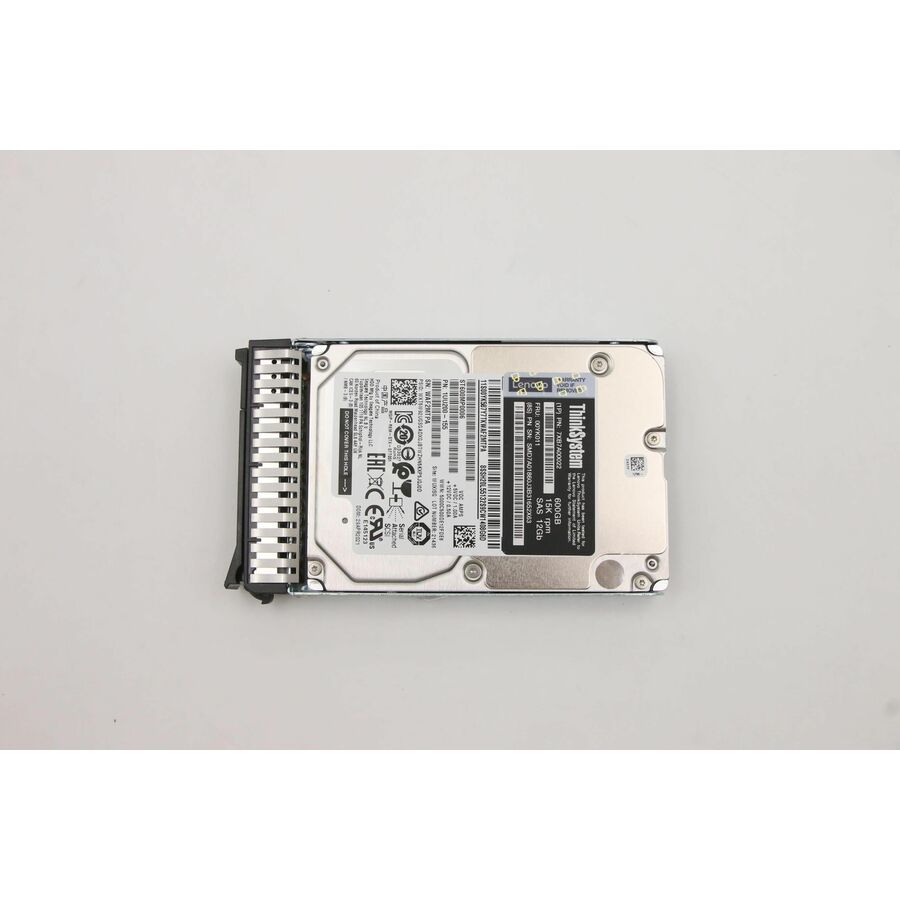
- LenovoLenovo 600 GB Hard Drive - 2.5" Internal - SAS (12Gb/s SAS) - Server Device Supported - 15000rpm00YK011-RF
$1,690.93
$1,625.87
Back-orderedBack-ordered — estimated OEM lead time 3–8 weeks (Nov 14 – Dec 19 if ordered today).
- LenovoLenovo D3-S4610 240 GB Solid State Drive - 2.5" Internal - SATA (SATA/600) - Mixed Use - Server Device Supported - 3.2 DWPD - 1433.60 TB TBW - 560 MB/s Maximum Read Transfer Rate - Hot Swappable - 256-bit Encryption Standard - 1 Year Warranty4XB7A13670
$499.00
$456.23
Back-orderedBack-ordered — estimated OEM lead time 3–8 weeks (Nov 14 – Dec 19 if ordered today).
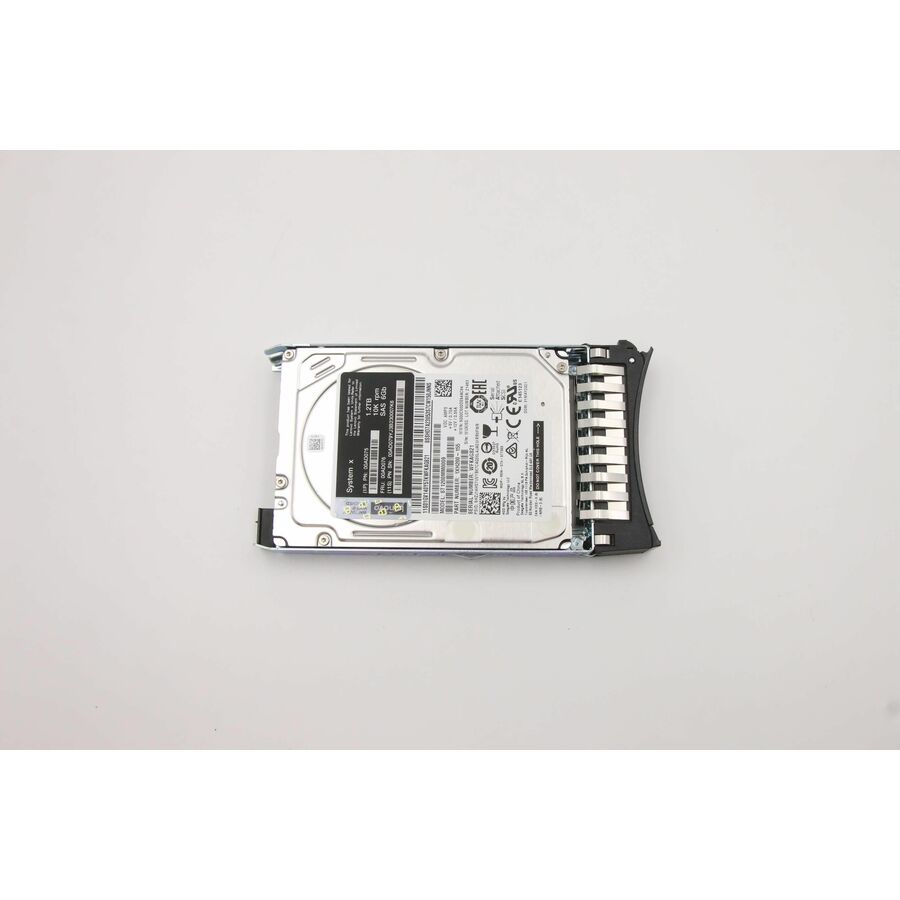
- LenovoLenovo 1.20 TB Hard Drive - 2.5" Internal - SAS (6Gb/s SAS) - Server Device Supported - 10000rpm - Hot Swappable00AD076-RF
$958.79
$921.89
Back-orderedBack-ordered — estimated OEM lead time 3–8 weeks (Nov 14 – Dec 19 if ordered today).
Back-ordered — we expect to receive stock the week of Nov 9–15 and will process your delivery right after.
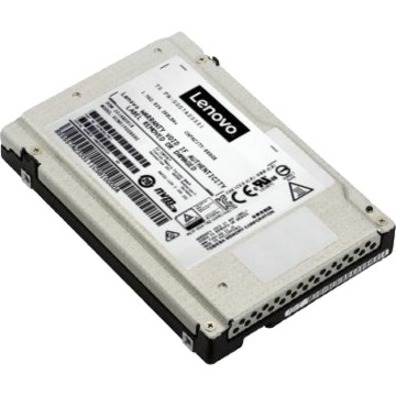
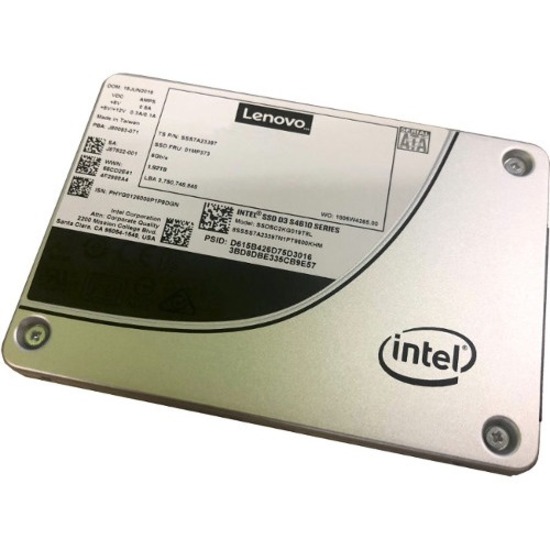
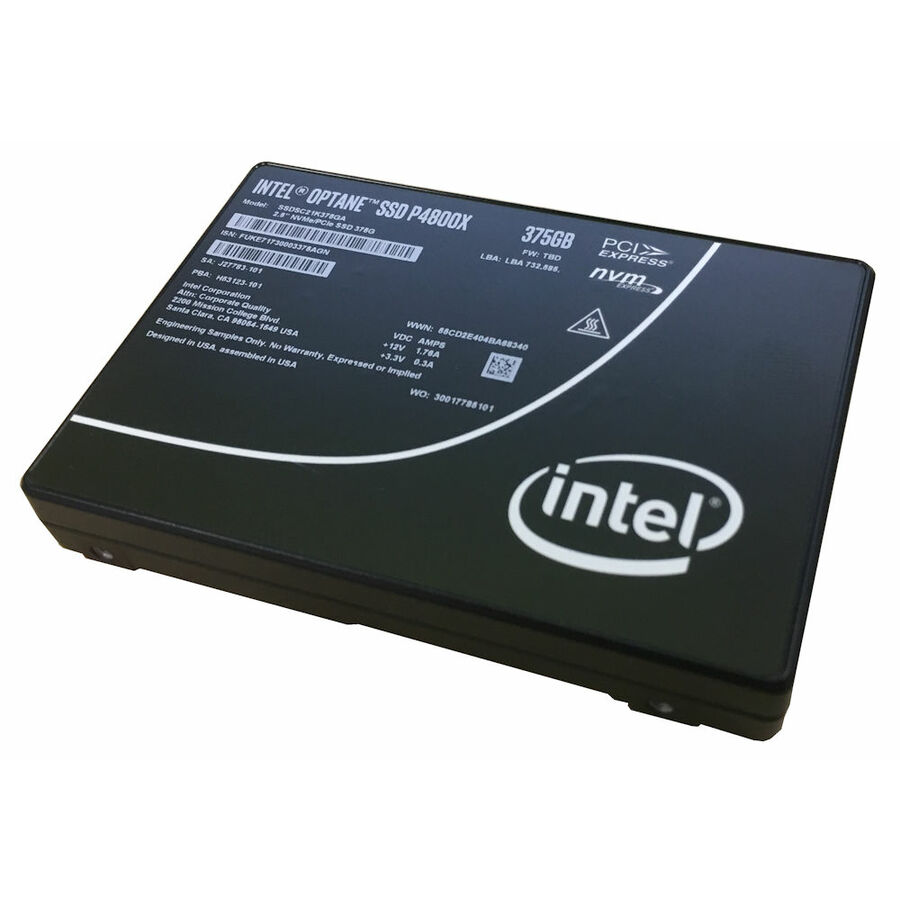
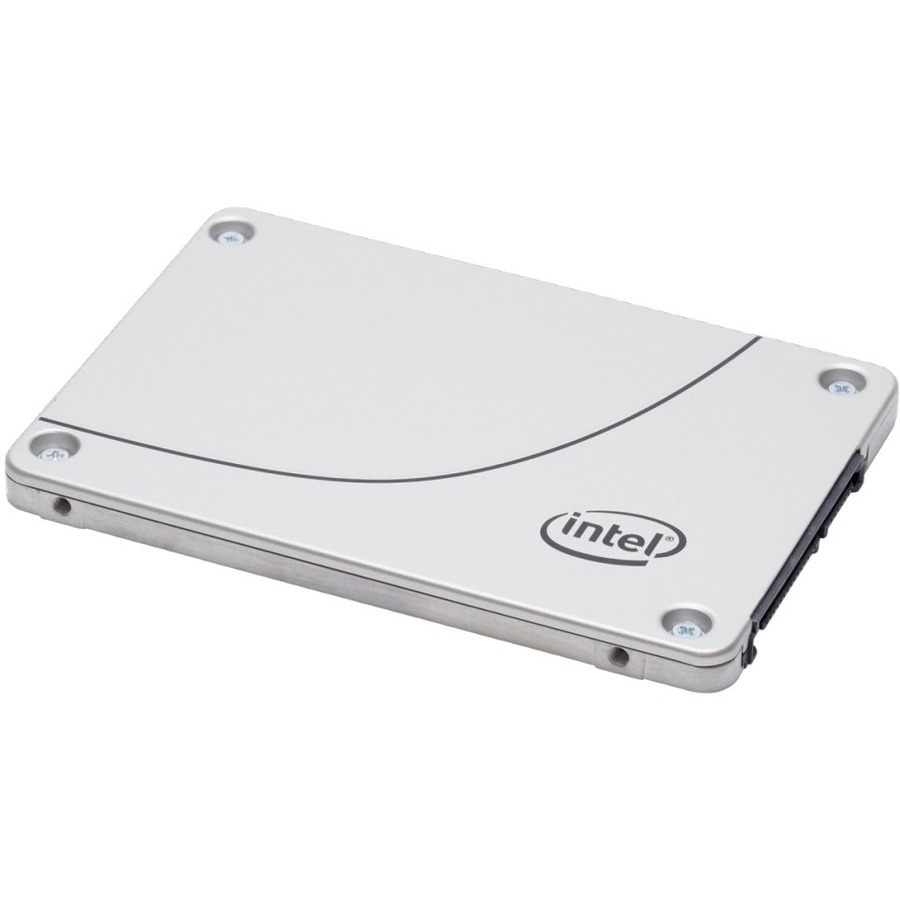
Need pricing on Lenovo drives?
Tell us where to reach you and a Uniqcli specialist will follow up by email with current pricing, availability and lead time for the quantities you need — including parts that aren’t shown on this page.
Buying for an organization or for yourself — both work. No payment up front.
Match a Lenovo ThinkSystem drive to the backplane you already run: SATA and 12Gb or 24Gb SAS for controller-attached bays, U.2 and U.3 PCIe NVMe for direct-attach flash. A drive that does not match the backplane will not enumerate. Then size endurance by DWPD against the real write pattern and check the part against the server's qualified options list.
Lenovo's drive line covers two very different jobs. On one side are the read-intensive enterprise SSDs and performance and near-line hard drives that populate ThinkSystem servers and storage arrays; on the other are the SATA M.2 and 2.5-inch drives that back boot volumes and capacity tiers. Choosing well is less about headline capacity than about matching interface, endurance, and form factor to the controller and chassis you already run.
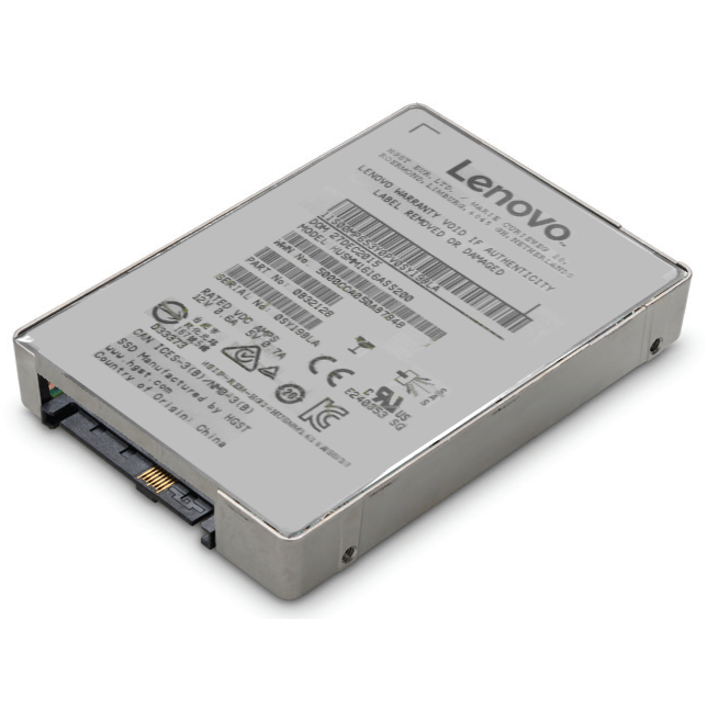
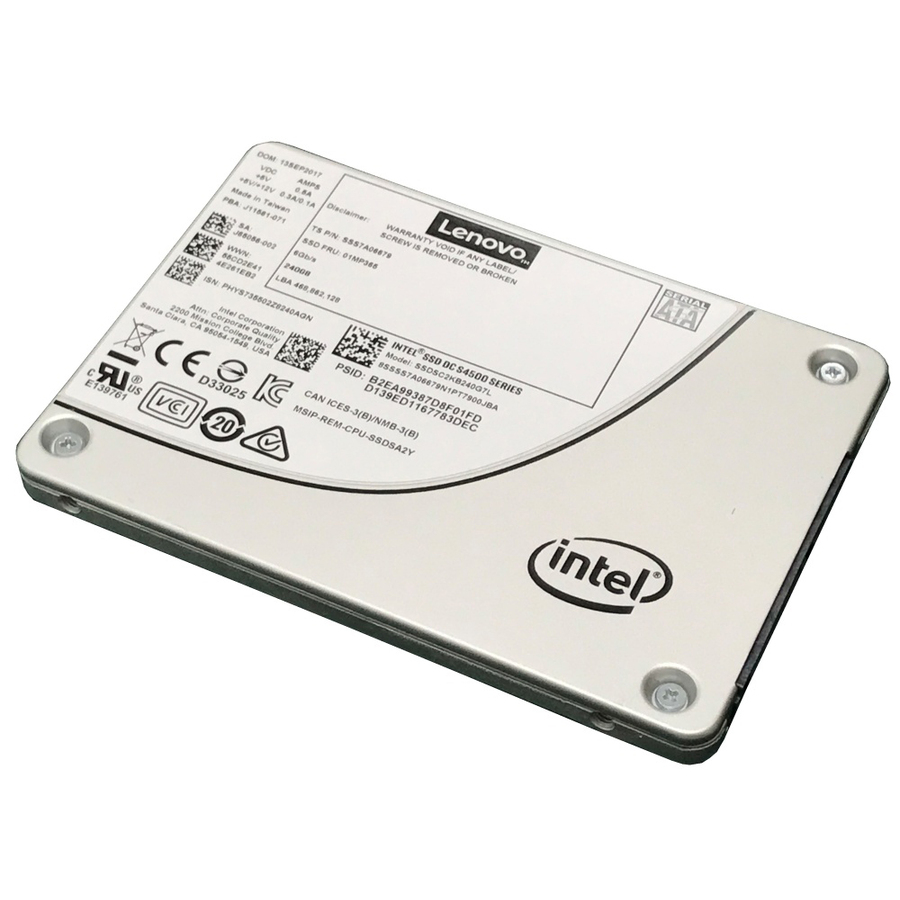
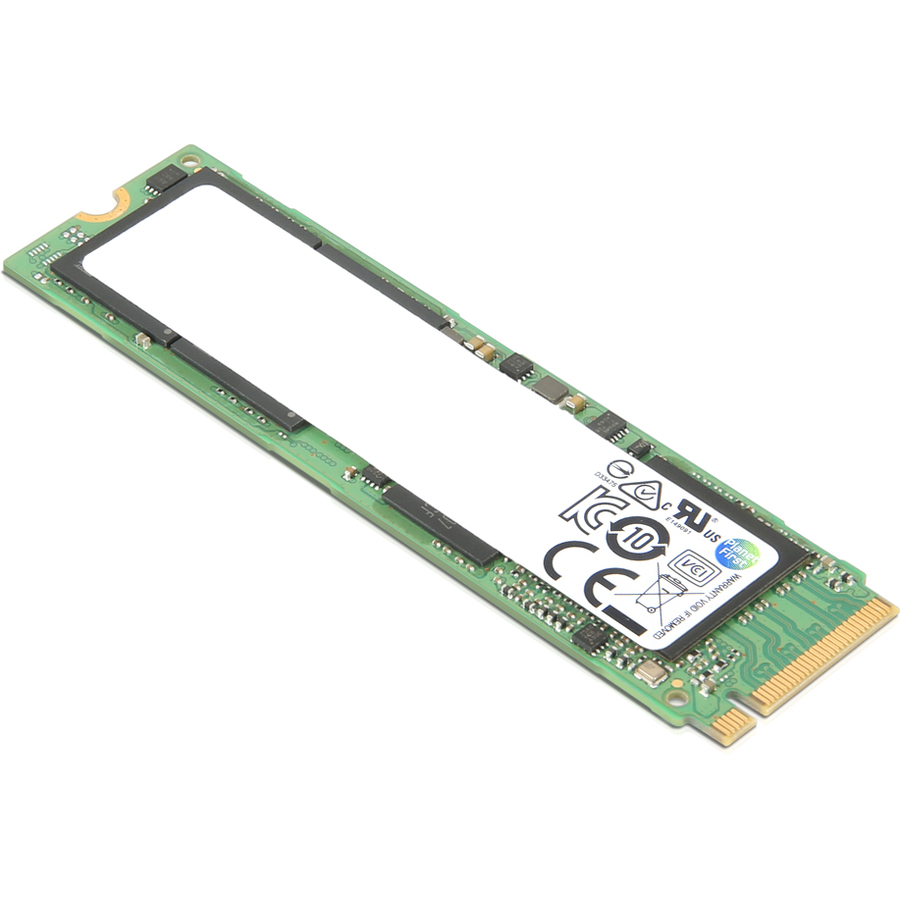
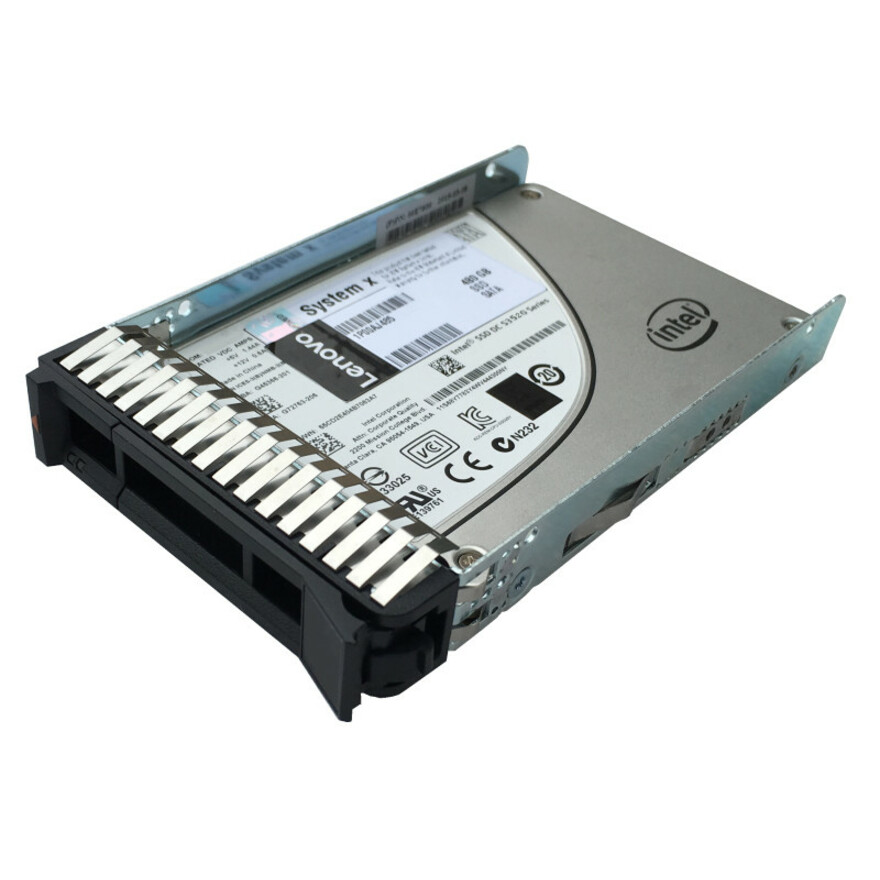
The models below are the Lenovo drives Uniqcli currently stocks in this category, shown with live in-stock status so you can separate what ships now from what is back-ordered before you commit to a build. The range spans SATA and 12Gb/24Gb SAS SSDs, U.2 and U.3 PCIe NVMe read-intensive drives, and 10K SAS and 7.2K NL-SAS hard drives for capacity tiers, so most refresh and expansion scenarios have a matching part.
For business and government buyers, every part is sourced through US distribution and screened for TAA country-of-origin and NDAA 889 status before checkout, with documentation tied to the specific part number. Because server-class drives are qualified per platform, confirm the drive's carrier, firmware, and DWPD rating against your server model's tested options list before ordering.
Buyer's checklist
How to choose Lenovo drives
- Match the interface to your backplane: SATA and 12Gb/24Gb SAS for controller-attached bays, U.2/U.3 PCIe NVMe for direct-attach flash. A drive that does not match the backplane will not enumerate.
- Size endurance by workload using the DWPD and TBW ratings: read-intensive class (around 1 DWPD) suits boot, media, and read-heavy databases, while write-heavy tiers justify higher-endurance drives.
- Confirm the 2.5-inch or M.2 2280 form factor and hot-swap carrier fit your chassis, since ThinkSystem drives ship in platform-specific trays.
- Check each drive against your server model's tested or qualified options list, as server-class drives carry platform-matched firmware and are supported per system.
- For capacity HDD tiers, use 10K SAS for active data and 7.2K NL-SAS for bulk near-line storage, and keep rotational class consistent within an array.
- Verify in-stock status before committing a build, and use the TAA/NDAA screening documentation tied to the part number when your program requires country-of-origin records.
Where these drives fit in a storage tier
Deciding which tier a workload belongs to should come before the part number. A latency-sensitive transactional database, a hypervisor's scratch volume, and a cold archive have little in common except that they all live on "a drive." Profile each service by its read/write ratio and how much data it rewrites daily, then let that profile — not a capacity target — steer you toward flash or rotational media and toward the right endurance grade.
U.2 and U.3 NVMe change the calculus where a workload is latency-bound rather than capacity-bound: direct PCIe attach removes the SAS controller from the path and suits all-flash arrays, analytics nodes, and hosts running dense VM counts. In a chassis that mixes NVMe bays with a SAS backplane, populate deliberately — latency-sensitive services on the NVMe tier, steady capacity on SAS — and keep each tier's flash or rotational class internally consistent so rebuilds stay predictable.
Total cost of ownership beyond capacity
Sticker price rarely decides the long-run cost of a server drive. Endurance headroom is the bigger lever: a read-intensive drive pushed into a write-heavy tier wears out early and pulls a technician back for an unplanned rebuild, so matching DWPD to real write volume avoids mid-lifecycle swaps. A large near-line HDD tier also carries steady power and cooling draw per spindle worth modeling over a multi-year life, and pooling a few matched spares shortens rebuild windows while keeping every array inside its qualified drive set.
Planning a rollout across identical servers
Populating a fleet of identical servers rewards discipline on the build sheet: lock the exact part number so carrier, firmware level, and endurance grade stay uniform, since mixed drives in one array complicate support and lengthen rebuilds. Order matched sets rather than blending capacities or rotational classes, decide up front whether to fully populate or leave bays for later growth, and stage a qualification check on one server before the wide push. Confirm live stock so a partial shipment doesn't strand a rack mid-build.
Related reading
FAQ
Common questions
- What is the difference between read-intensive and mixed-use Lenovo SSDs?
- The difference is endurance. Read-intensive drives are rated for lighter write cycles (roughly 1 DWPD) and fit boot volumes, media, and read-heavy databases, while mixed-use drives carry higher DWPD ratings for write-heavy tiers. Choose by your write workload; the catalog lists endurance figures where the manufacturer publishes them.
- Will these drives work in any ThinkSystem server?
- Not universally. Server-class Lenovo drives are qualified per platform, with matched carriers and firmware, and are supported against each system's tested options list. Uniqcli lists the manufacturer specification for each part; confirm interface, form factor, and qualification against your specific server model before ordering.
- How do I tell what ships now versus what is back-ordered?
- Each listing shows live in-stock status pulled from US distribution. Priced, in-stock drives are orderable immediately; back-ordered items are labeled so you can plan lead time before committing them to a build.
- Can business, government, and education buyers purchase these?
- Yes. These Lenovo drives are available to business, government, and education buyers. Each part is sourced through US distribution and screened for TAA country-of-origin and NDAA 889 status before checkout, with compliance documentation tied to the specific part number so it can be matched to your program's sourcing requirements. Share your account or program details and the team can confirm availability and pricing for the exact models you need.
Need Lenovo drives pricing?
Send a bill of materials or part numbers — we confirm stock and a below-market total, with TAA verified on request. No payment up front.