
Best Chromebooks for 1:1 Student Device Programs
Durable clamshells and convertible 2-in-1s for K-12 and higher-ed — 11.6" to 15.6" ChromeOS devices built for spill and drop resistance, all-day battery and fleet management.
Chromebooks in stock at Uniqcli
How to choose →A curated selection with live pricing — in-stock lines first, then back-ordered lines with a typical lead time. Every line is sourced through US distribution and screened for NDAA §889 status before checkout, with TAA verified on request.
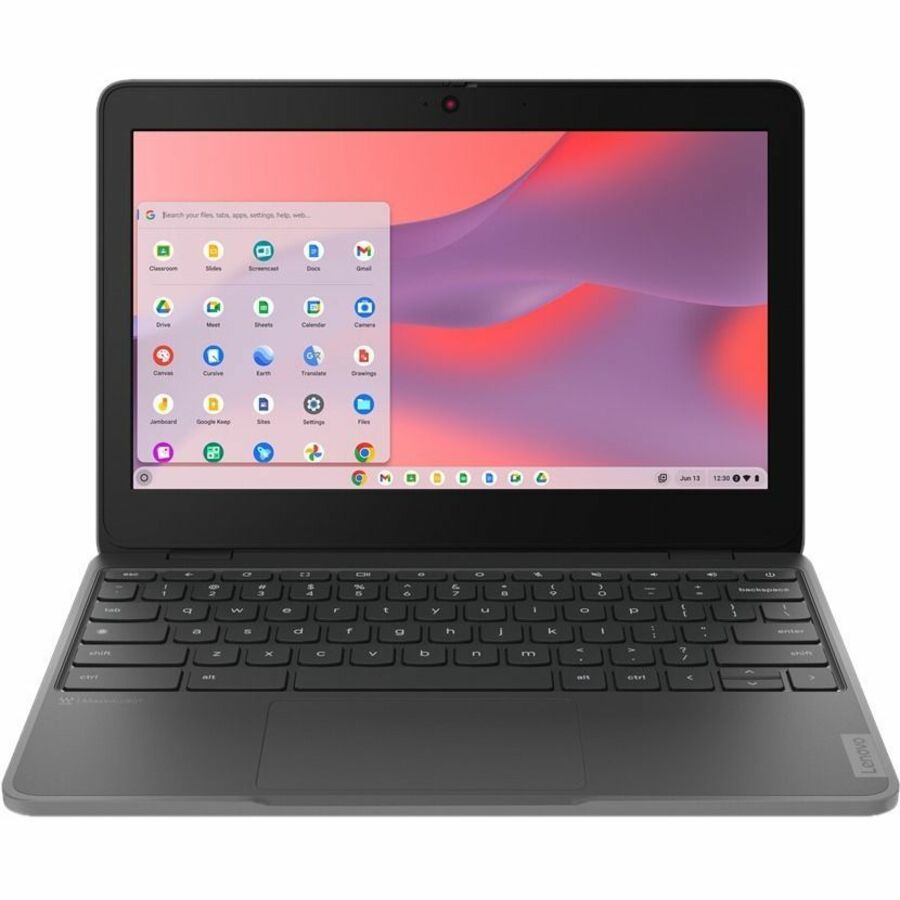
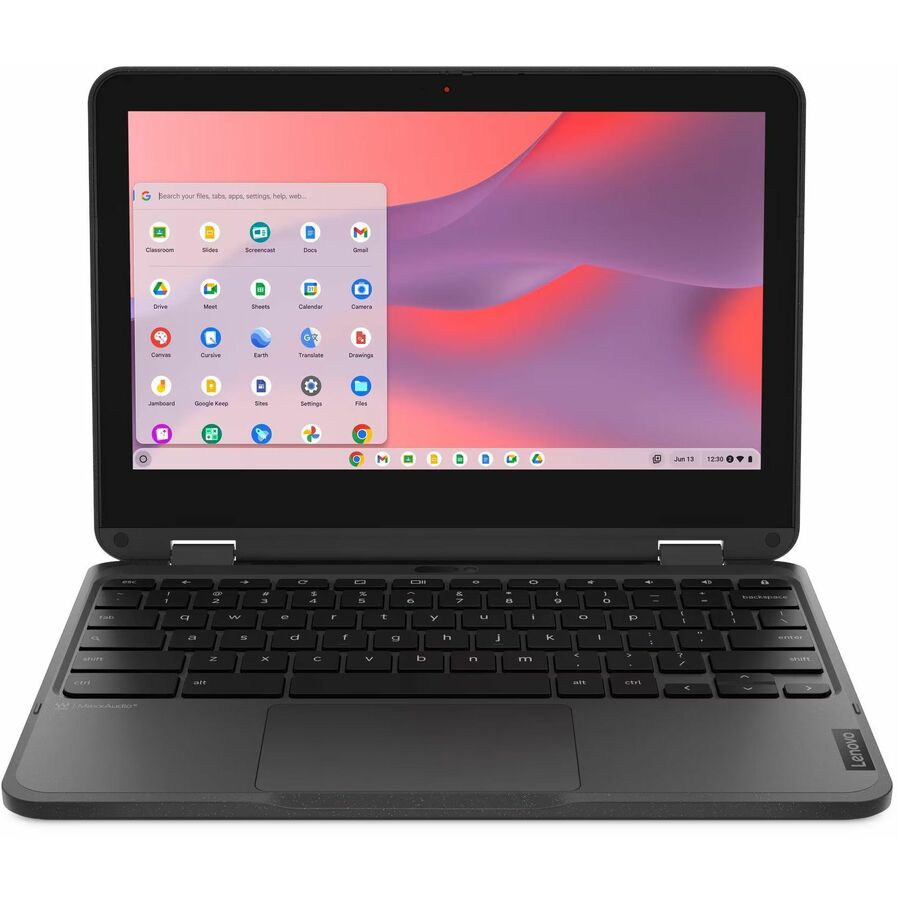
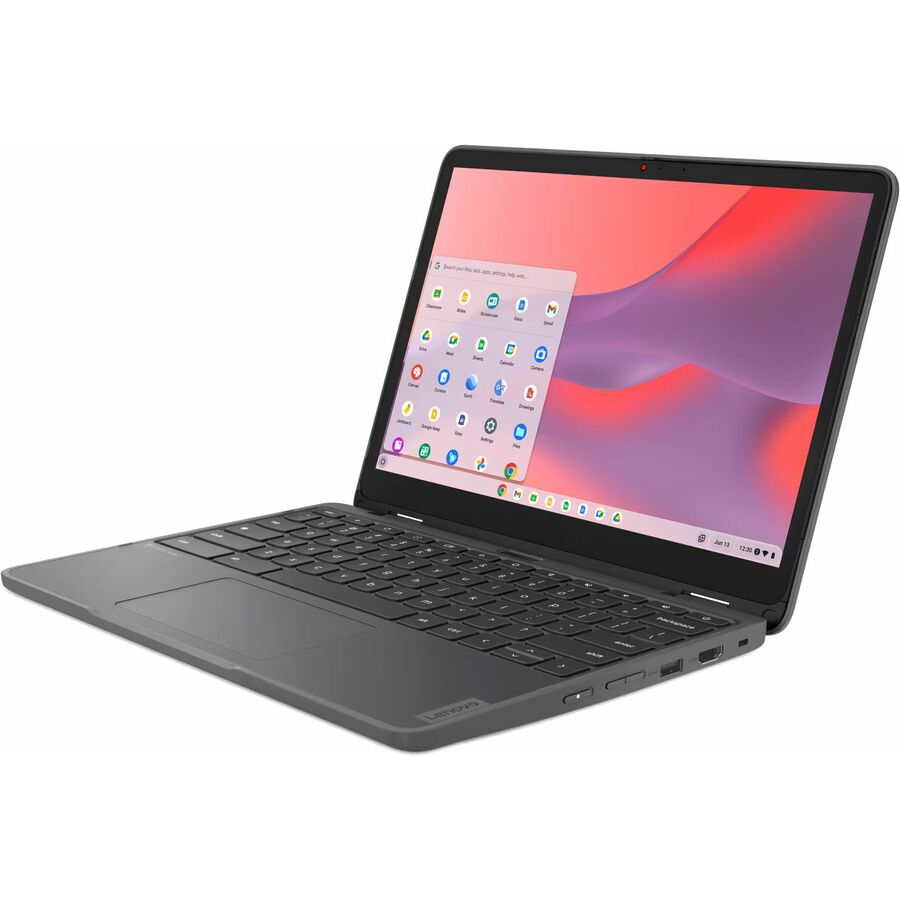
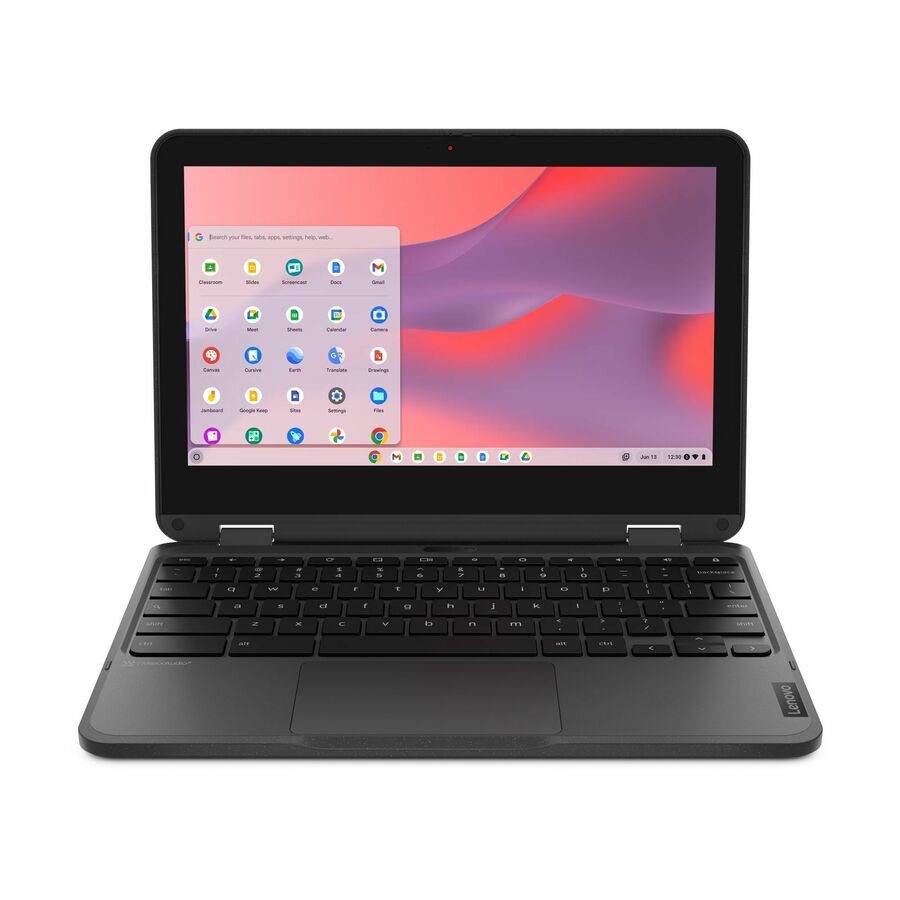
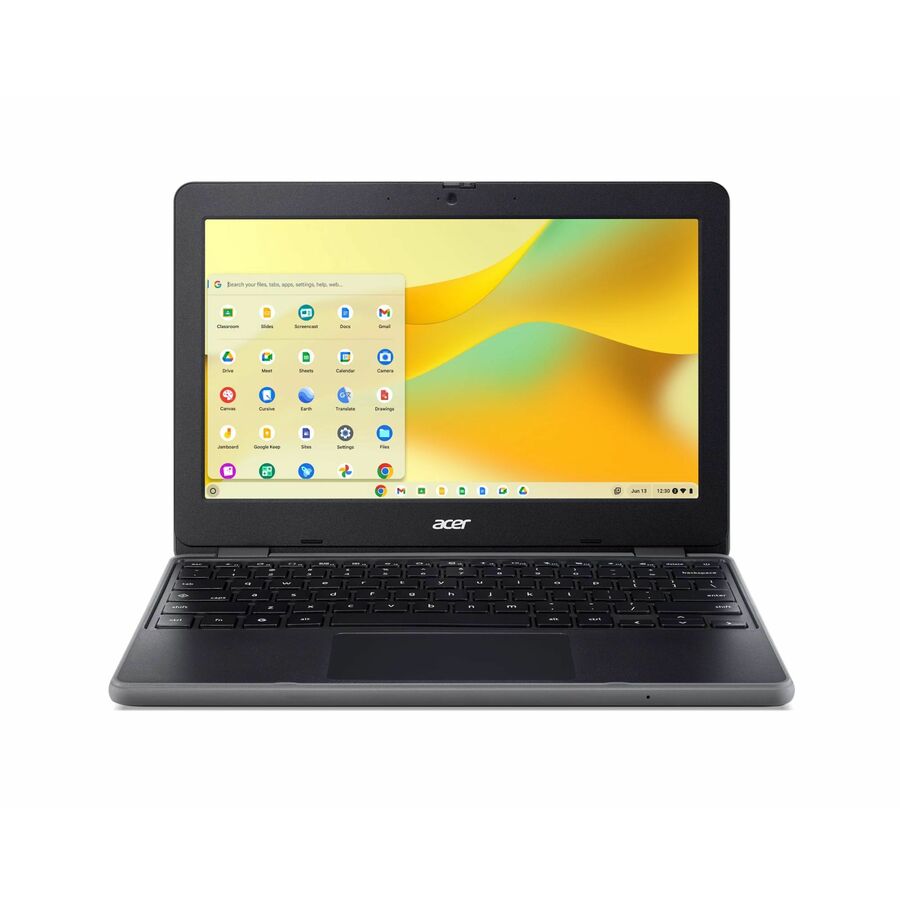
- LenovoLenovo 500e Chromebook Gen 4s 83N8000GUS 11.6" Touchscreen Chromebook - HD - 60 Hz - Intel N-Series N150 - 8 GB - 64 GB Flash Memory - English Keyboard - Gray - Intel Chip - 1366 x 768 - ChromeOS - Intel - In-plane Switching (IPS) Technology - Front Camera/Webcam - IEEE 802.11ax Wireless LAN Standard - Wi-Fi 6E83N8000GUS
$494.00
$463.52
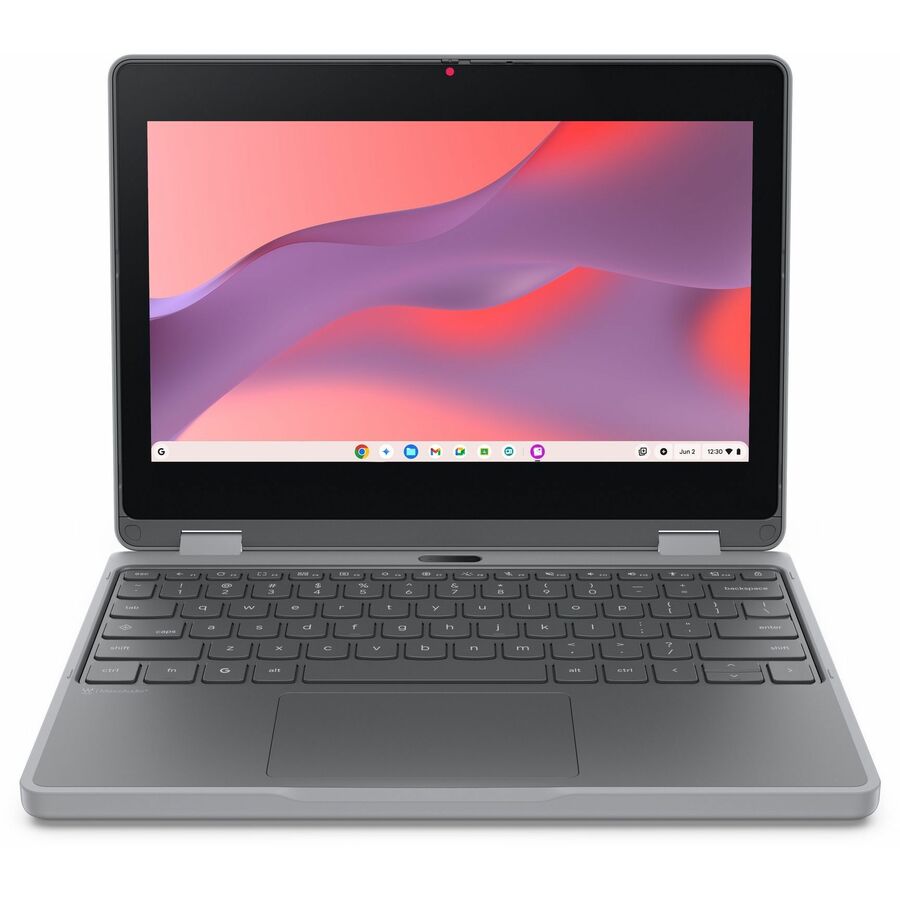
783 in stock - LenovoLenovo Chromebook 100e Gen 5 M89 83T60009US 11.6" Chromebook - HD - 60 Hz - MediaTek - 8 GB - 64 GB Flash Memory - English (US) Keyboard - Luna Gray - MediaTek Kompanio 540 Chip - 1366 x 768 - ChromeOS - ARM - In-plane Switching (IPS) Technology - Front Camera/Webcam - IEEE 802.11ax Wireless LAN Standard83T60009US
$529.00
$497.51
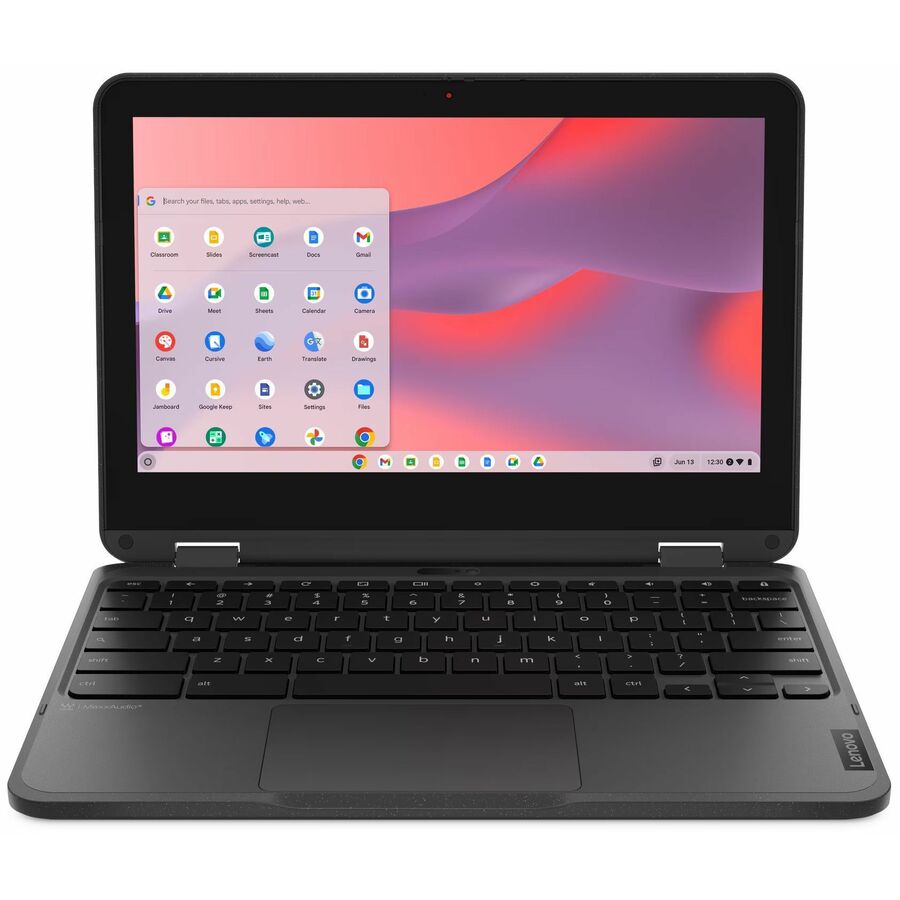
6,021 in stock - LenovoLenovo 500e Chromebook Gen 4s 83N8000JUS 11.6" Convertible 2 in 1 Chromebook - HD - Intel N-Series N150 - 8 GB - 64 GB Flash Memory - English (US) Keyboard - Black - Intel Chip - 1366 x 768 - ChromeOS - Intel - Front Camera/Webcam - IEEE 802.11ax Wireless LAN Standard - Wi-Fi 6E83N8000JUS
$574.00
$540.67
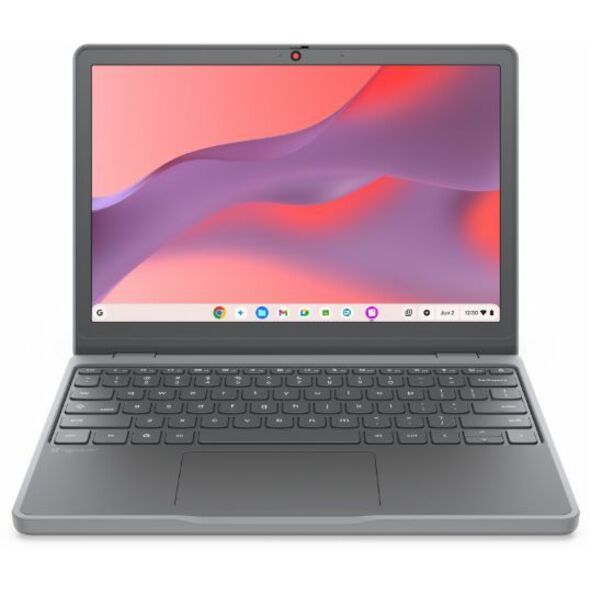
2,498 in stock - LenovoLenovo Chromebook 100e Gen 5 M89 83T60008US 11.6" Touchscreen Chromebook - HD - MediaTek - 8 GB - 64 GB Flash Memory - English (US) Keyboard - Luna Gray - MediaTek Kompanio 540 Chip - 1366 x 768 - ChromeOS - ARM - Front Camera/Webcam - IEEE 802.11ax Wireless LAN Standard83T60008US
$579.00
$543.60
1,353 in stock

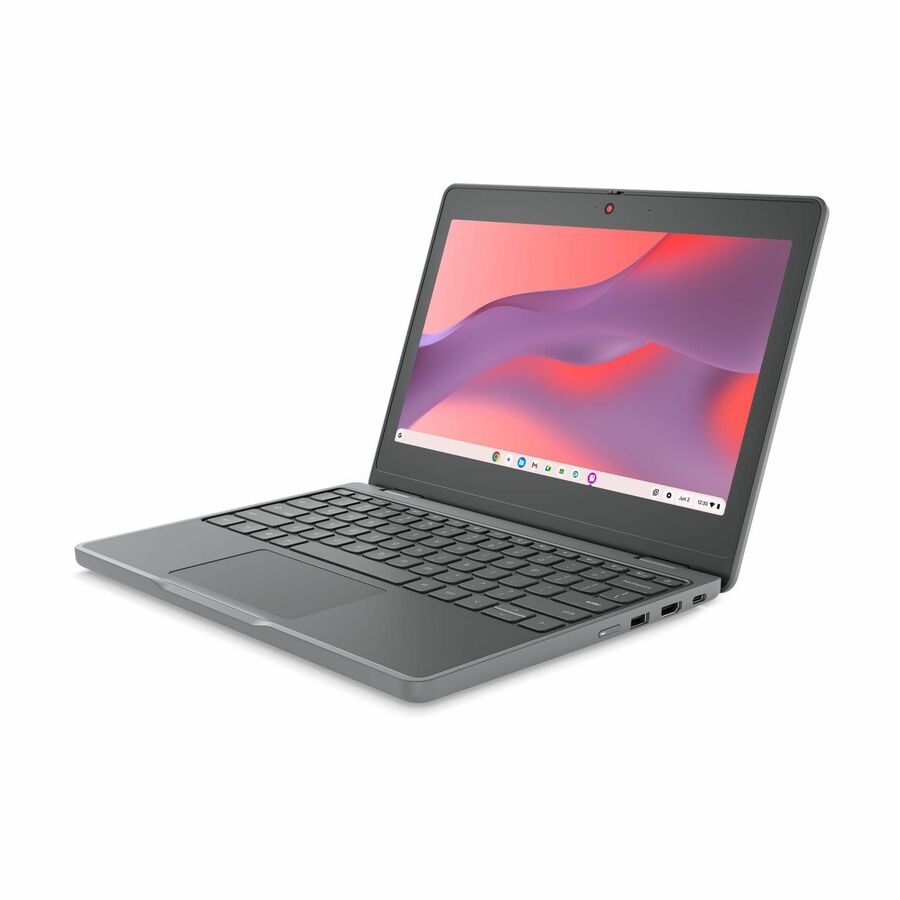
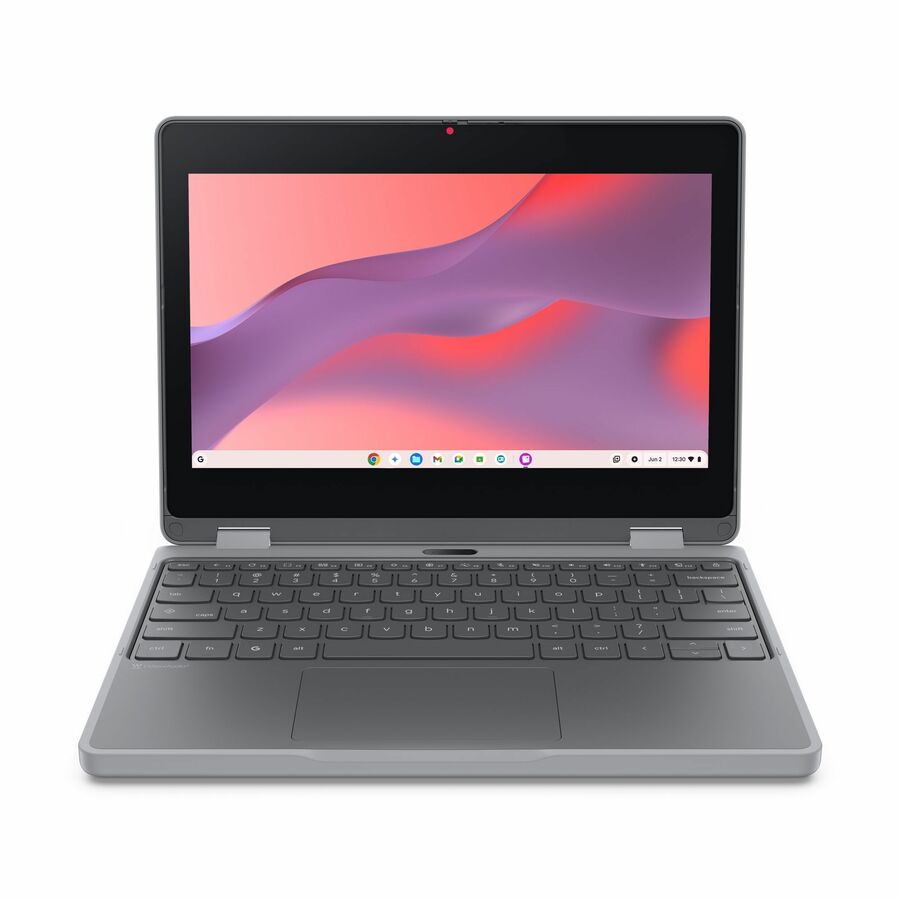
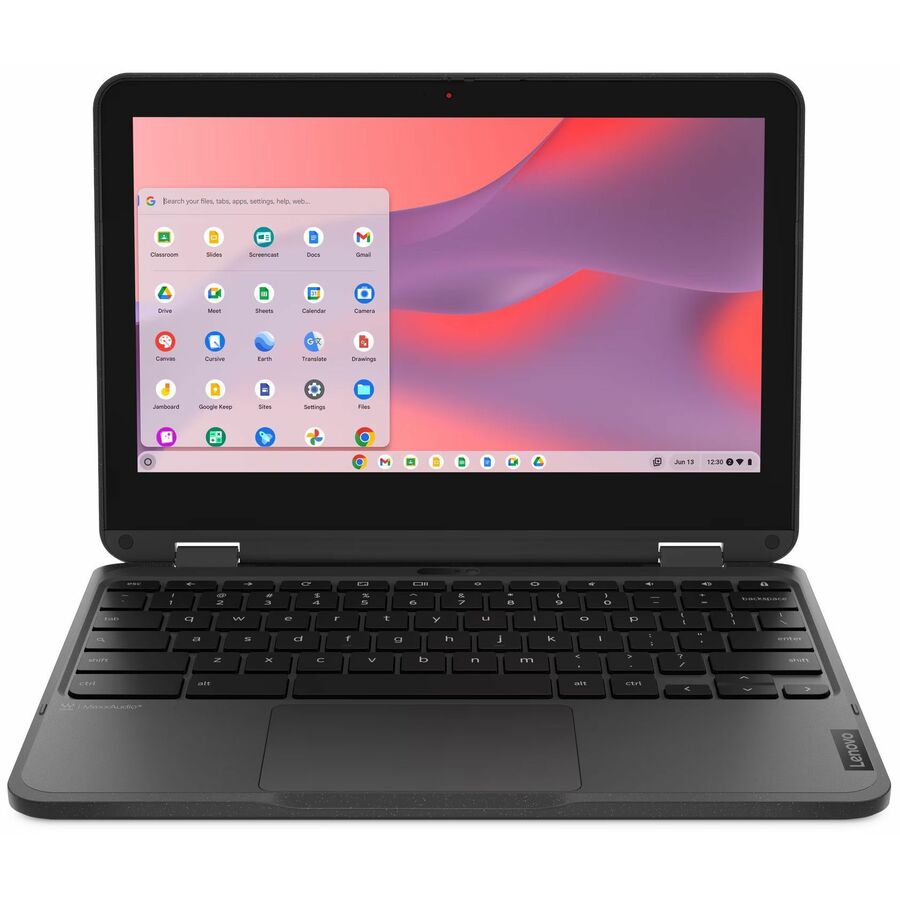
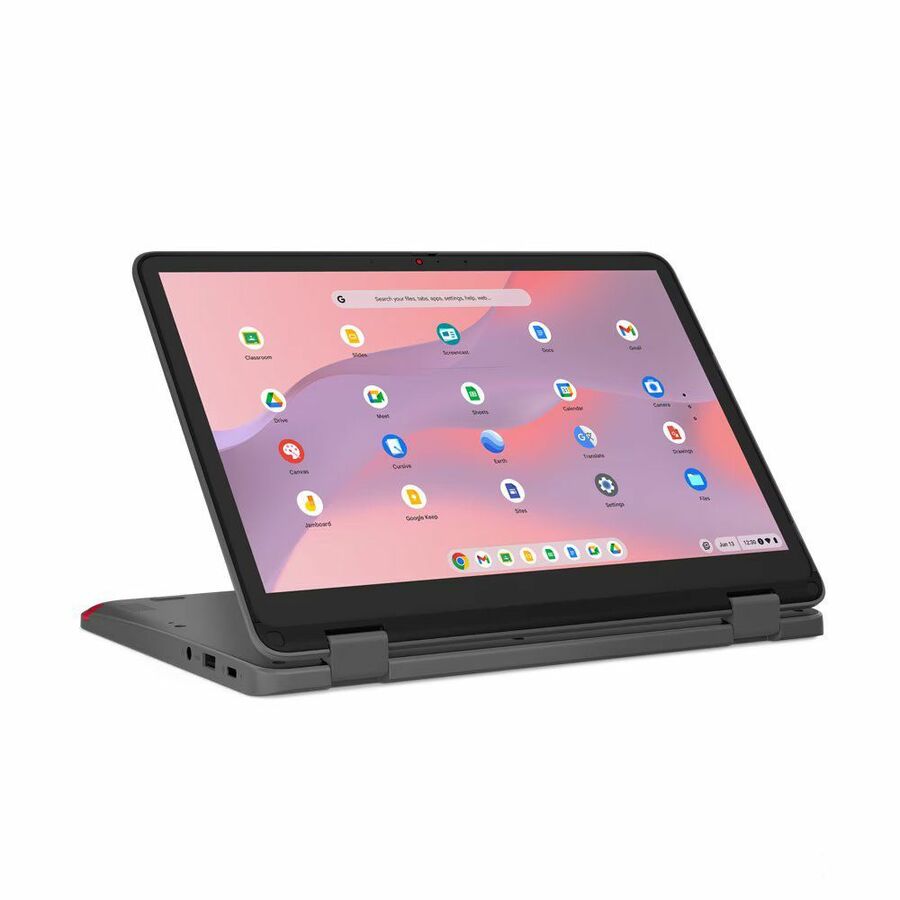
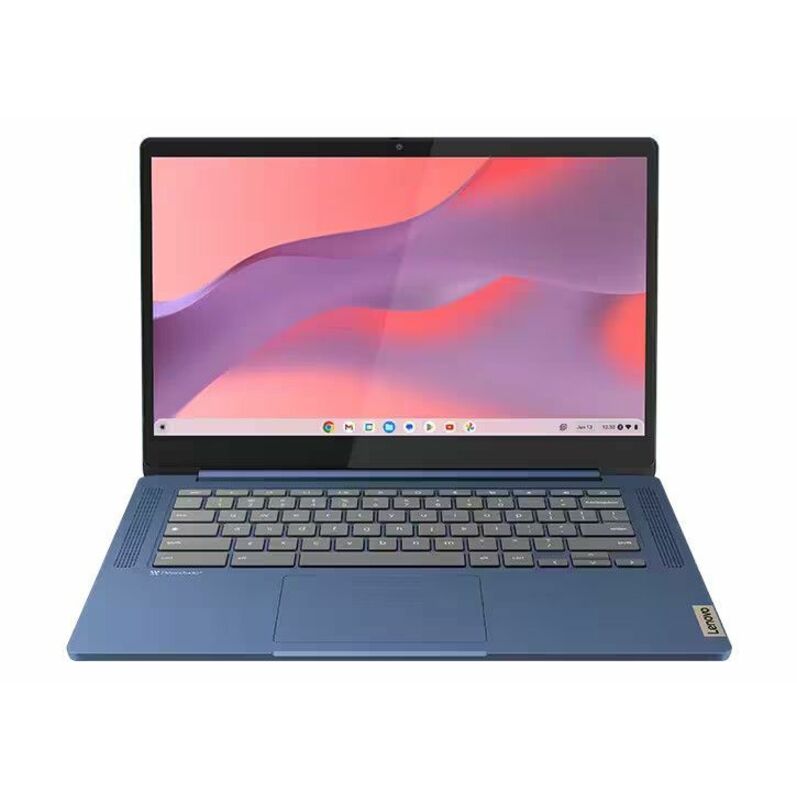
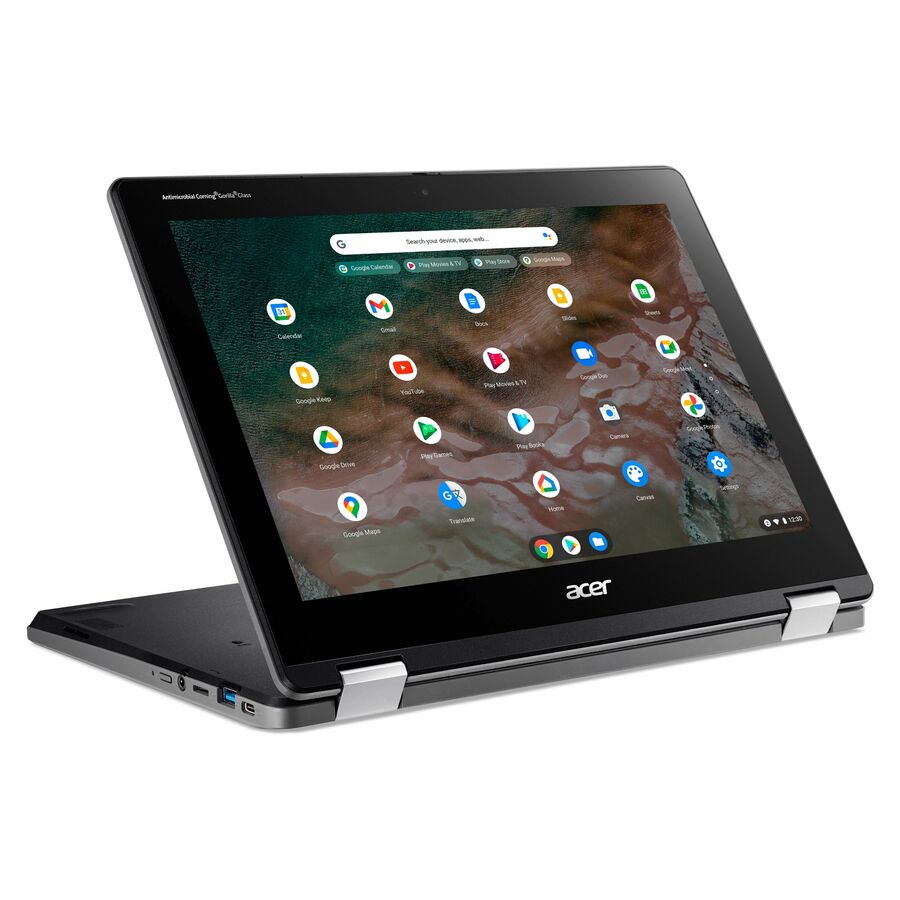
Acer Spin 512
Acer
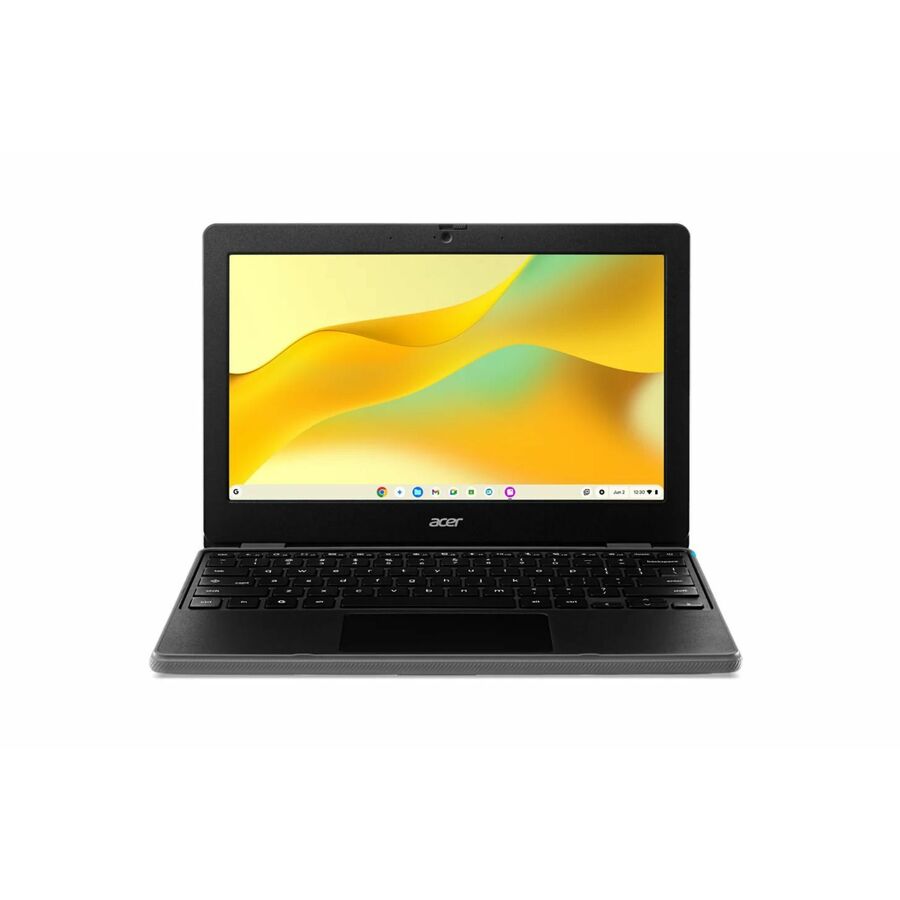
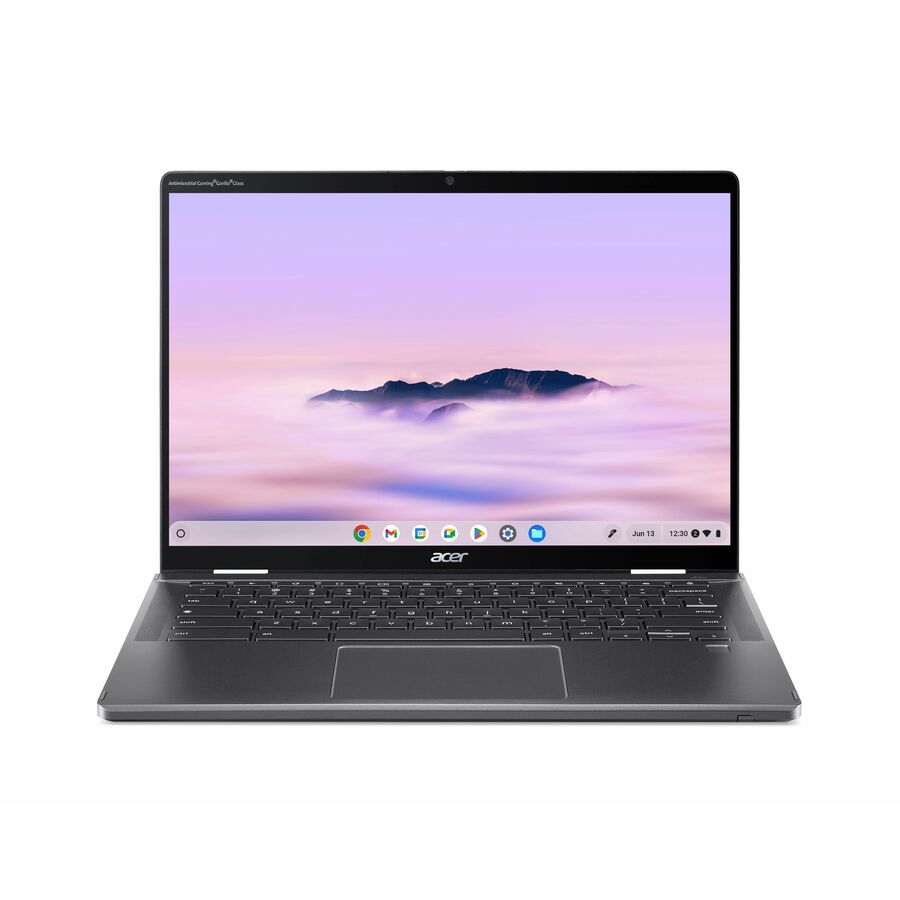
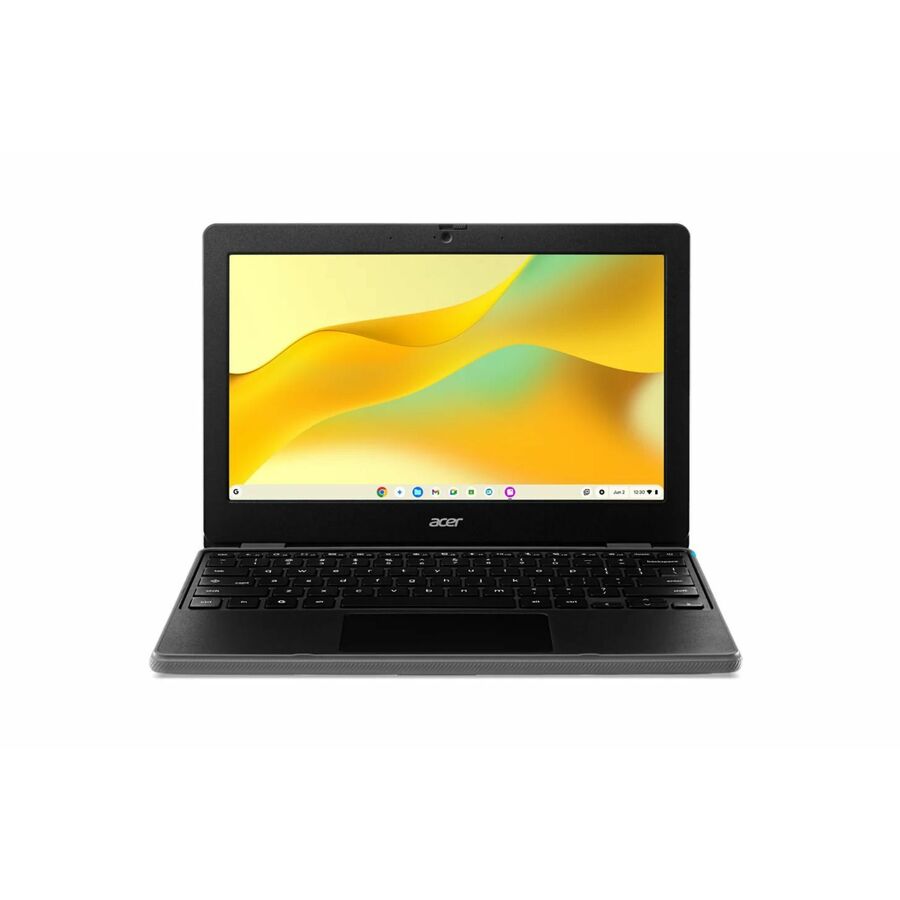
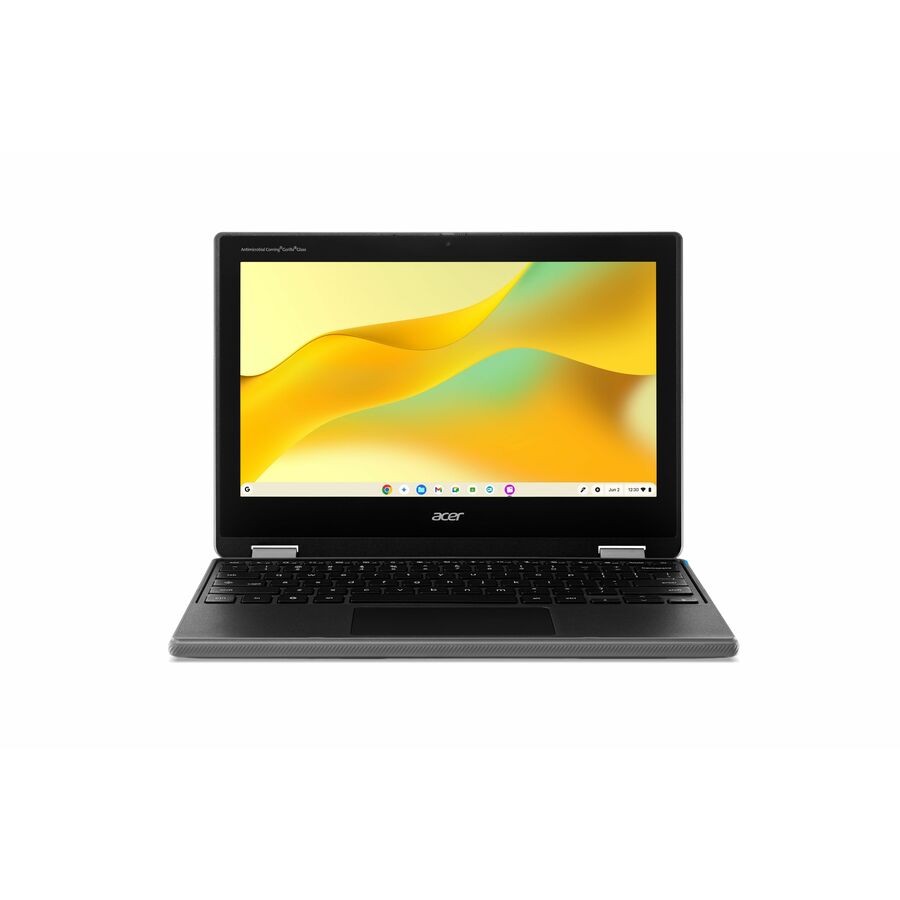
Acer Chromebook Spin 512 R853TA R853TA-C7KT 12" Touchscreen Convertible…
NX.A91AA.001
The Acer Chromebook Spin 512 is a 12" convertible 2-in-1 that folds into a tablet — an education-line touch device for early grades, drawing and touch assessment, at the low end of a class-set budget.
$274.82Back-ordered11.6" workhorse
Lenovo
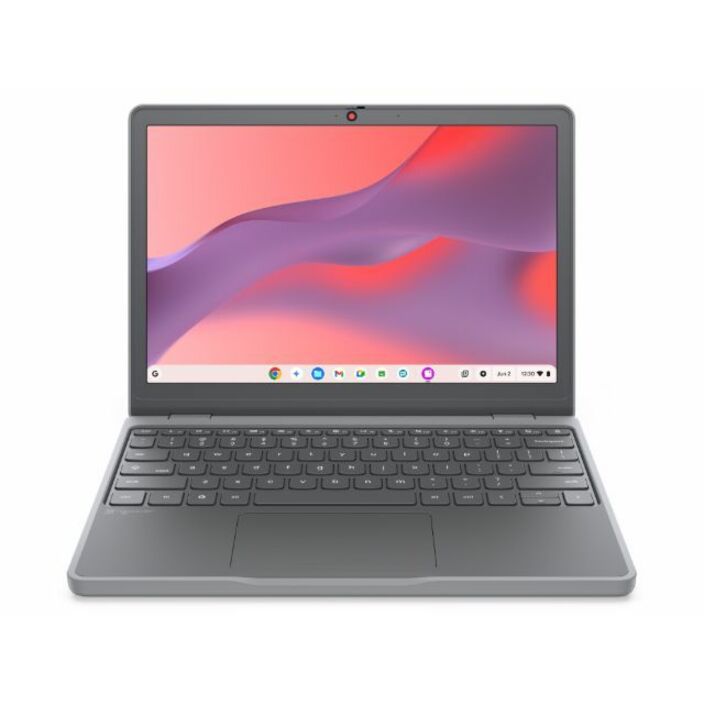
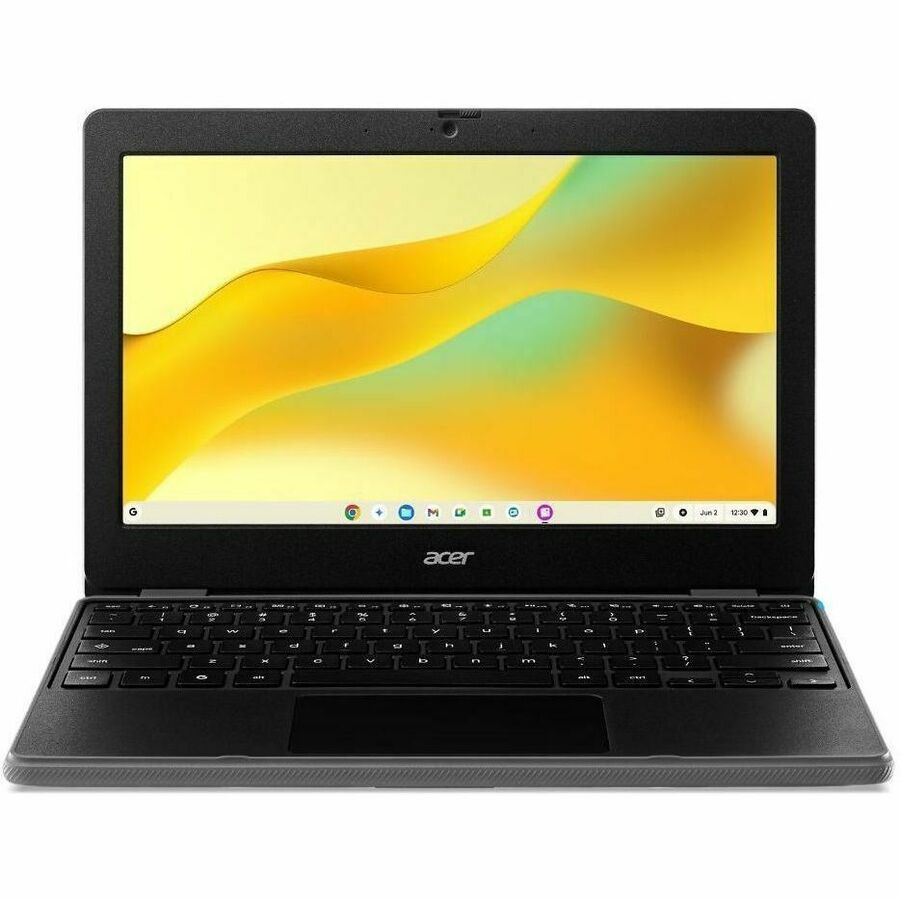
Lenovo Chromebook 100e Gen 5 M89 83T60006US 11.6" Chromebook
83T60006US
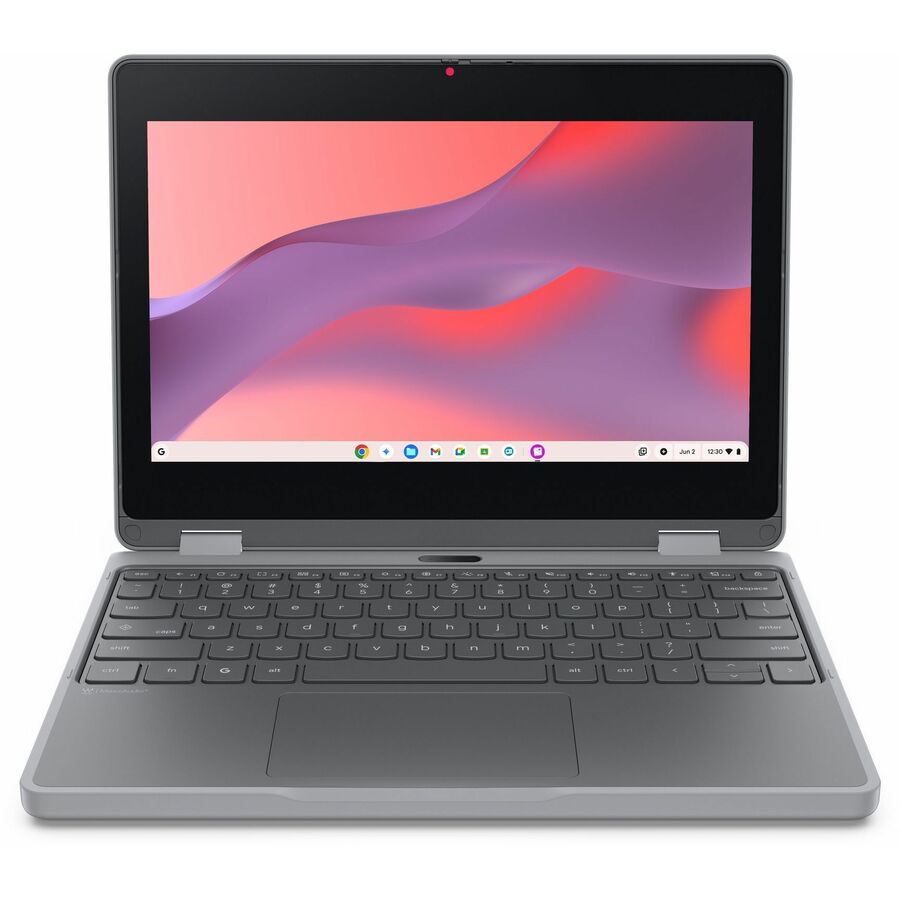
The Lenovo 100e Chromebook Gen 5 is the durable 11.6" clamshell built for a class set — reinforced for the drops of an elementary or middle-school program, light in a young student's bag, and priced for buying by the cart. The default 1:1 workhorse.
$410.09Back-ordered15.6" screen
Acer
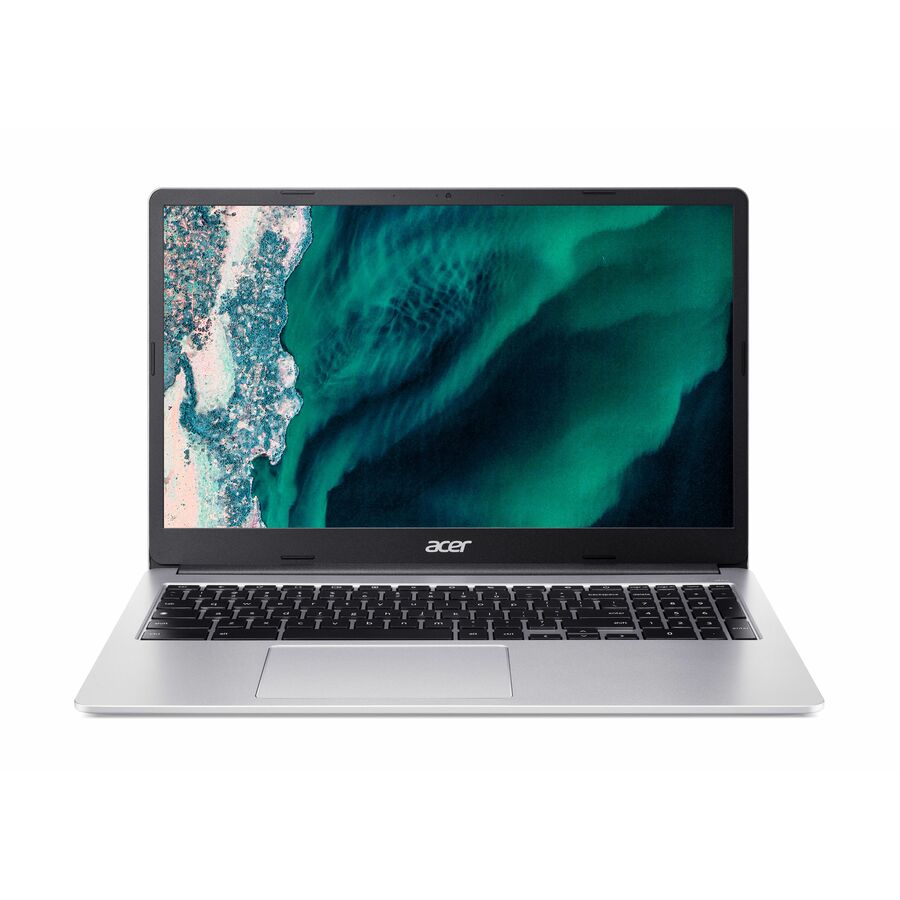
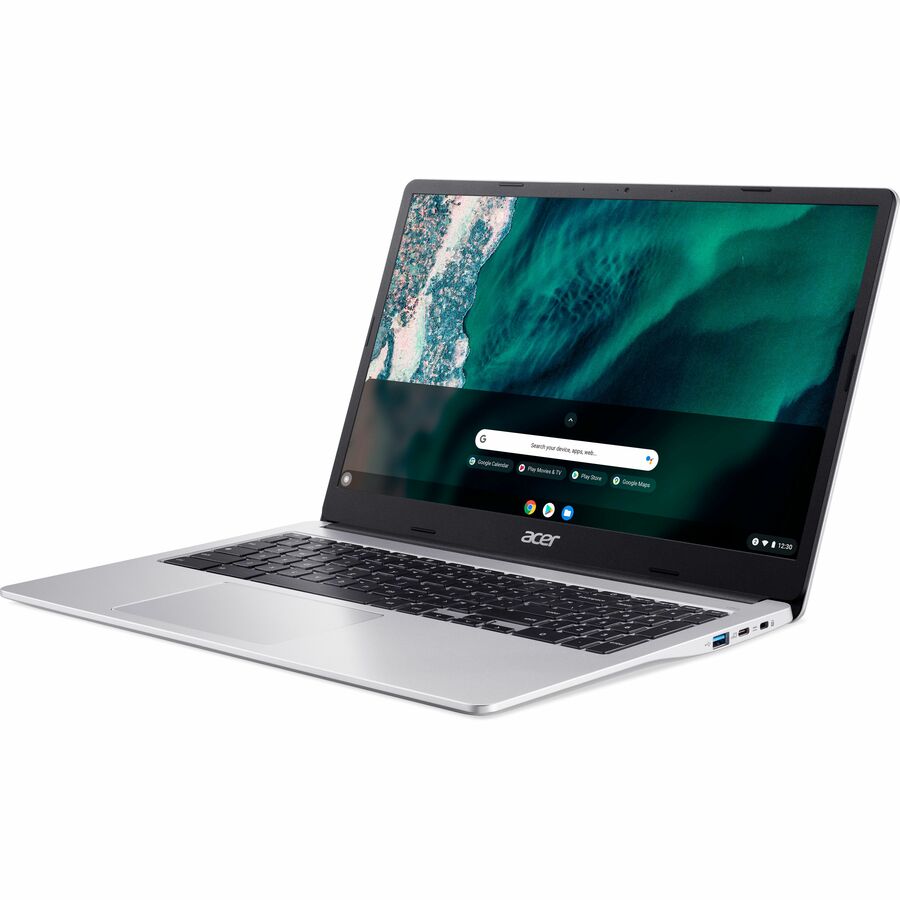
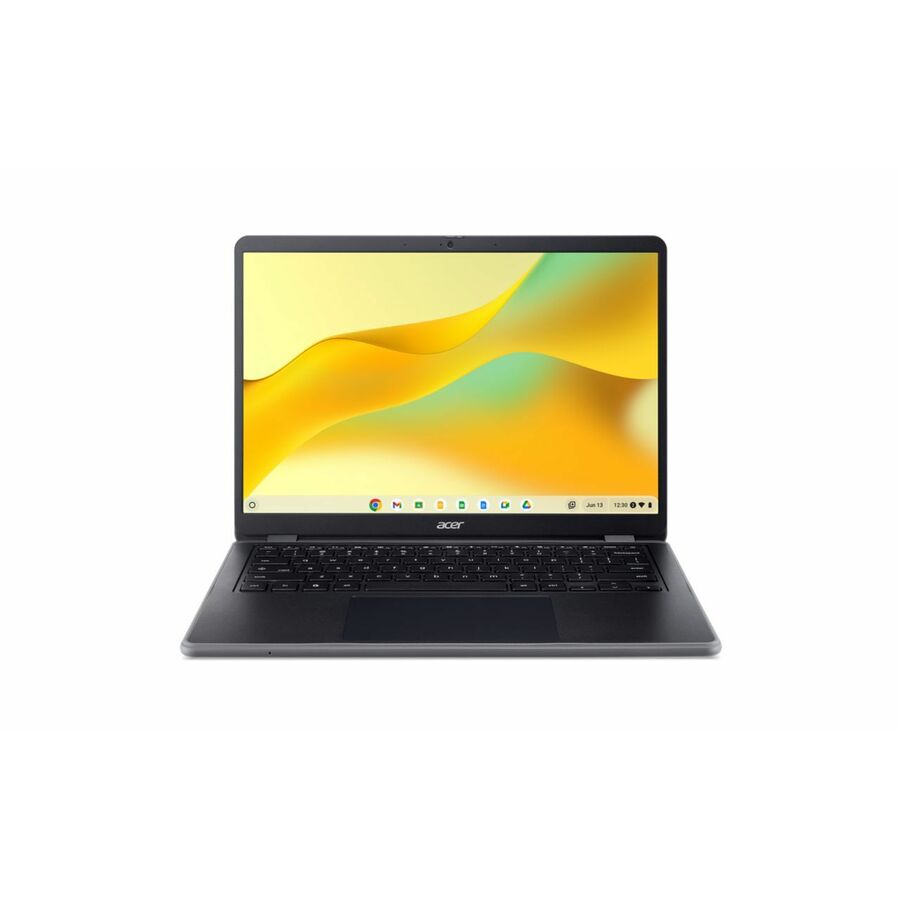
Acer Chromebook 315 CB315-4H CB315-4H-C48W 15.6" Chromebook
NX.JHRAA.001
The Acer Chromebook 315 is a 15.6" Full HD clamshell — the large-screen choice for upper grades and staff who do real writing and research, where an 11.6" panel is too small for the task.
$515.76Back-ordered14" upper grades
Lenovo
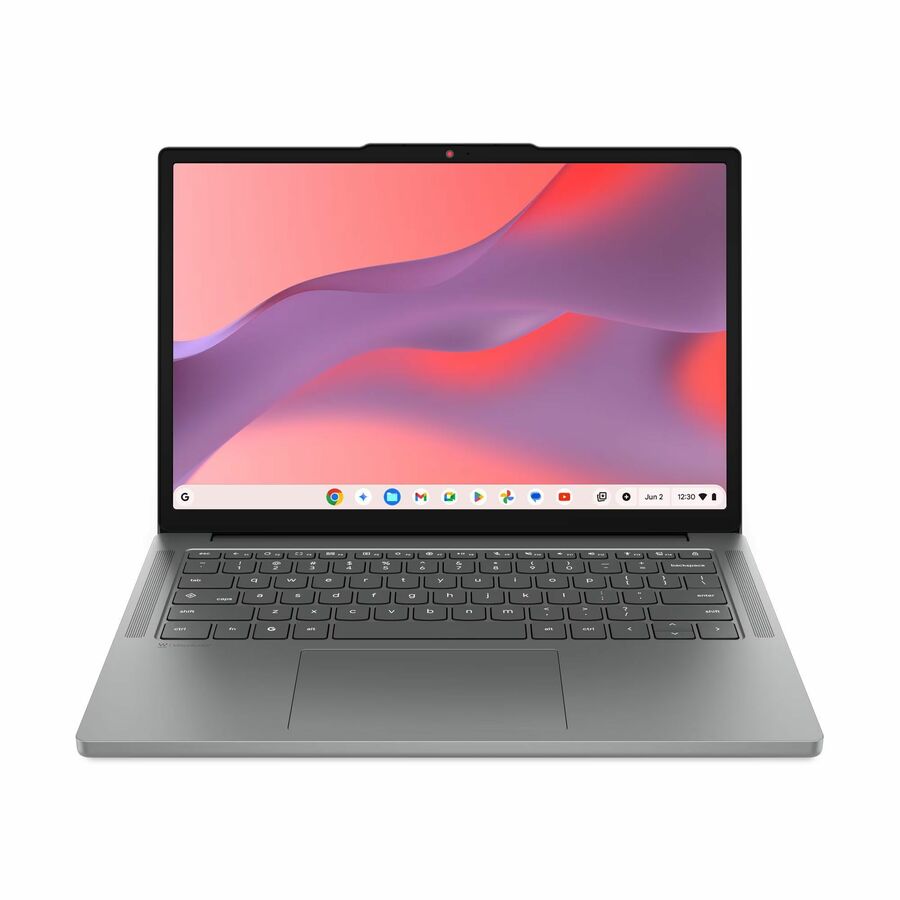
Lenovo Chromebook 14M8911 83SY0003US 14" Chromebook
83SY0003US
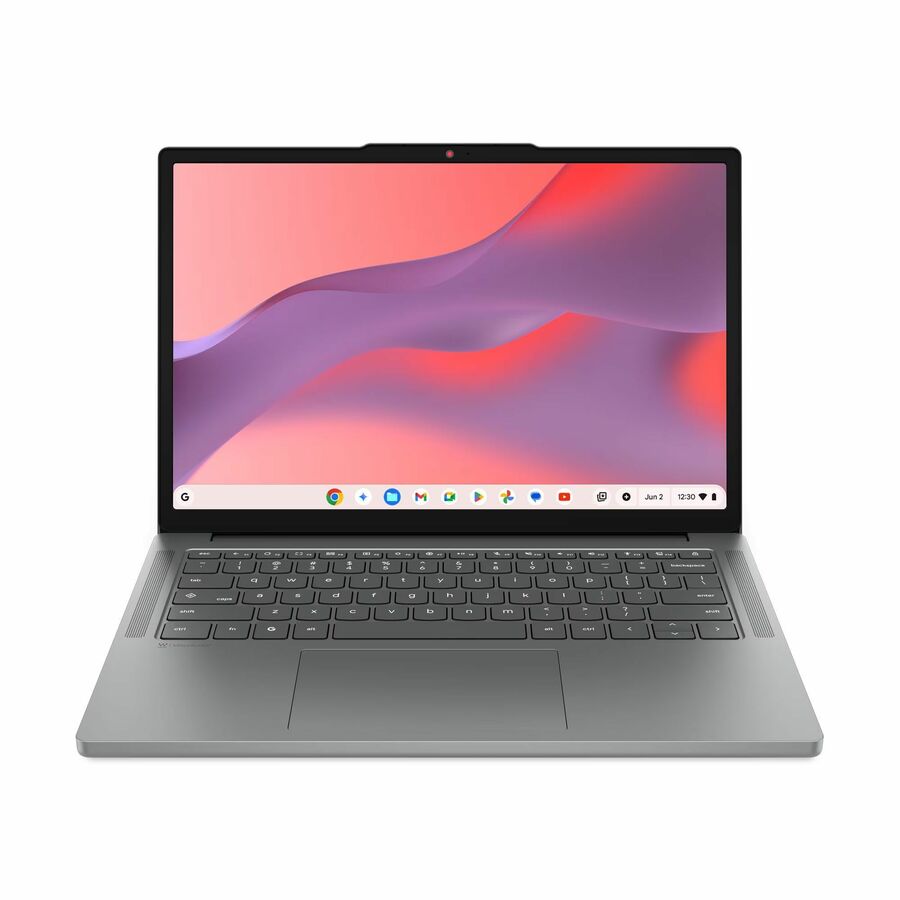
The Lenovo Chromebook 14M8911 is a 14" WUXGA clamshell — the middle-ground screen for upper grades and staff, larger than an 11.6" without the weight and cost of a 15.6" device.
$452.17In stockConvertible touch
Lenovo
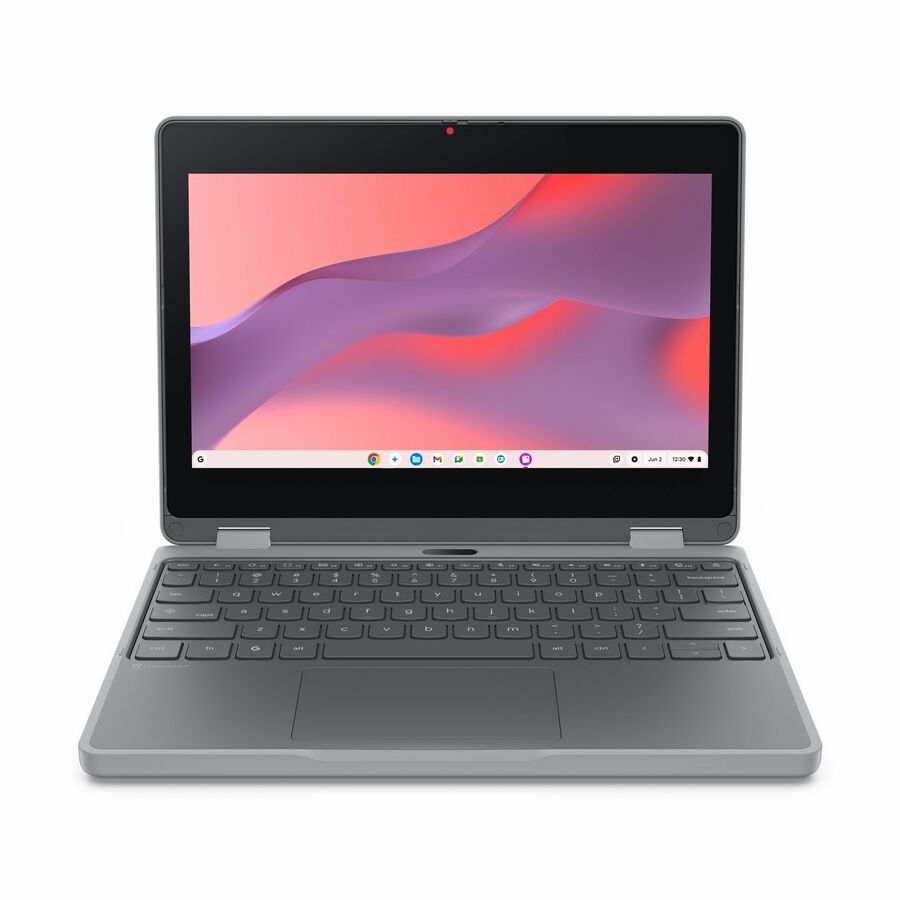
Lenovo Chromebook 500e Gen 5 M89 83TA0002US 11.6" Touchscreen…
83TA0002US
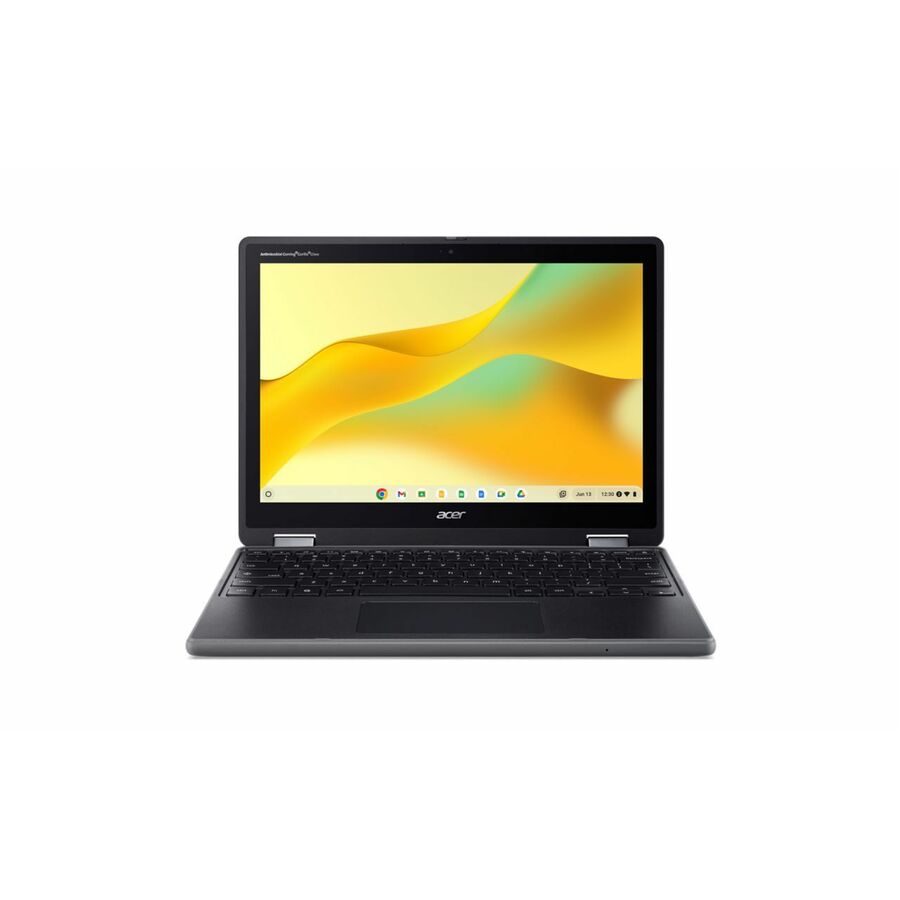
The Lenovo 500e Chromebook Gen 5 is an 11.6" convertible 2-in-1 with a touchscreen that folds into a tablet — for early-grade drawing, touch assessments and the flexible-seating classroom, with the education-line durability a 1:1 fleet needs.
$479.38Back-orderedAcer 511 touch
Acer
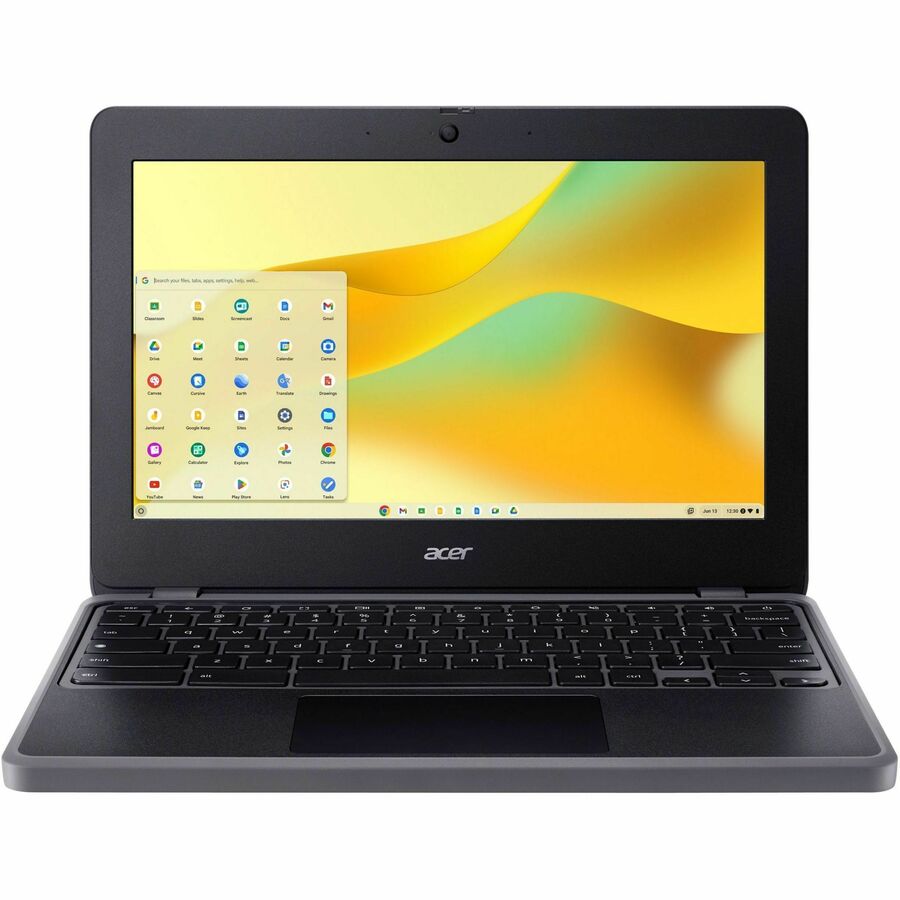
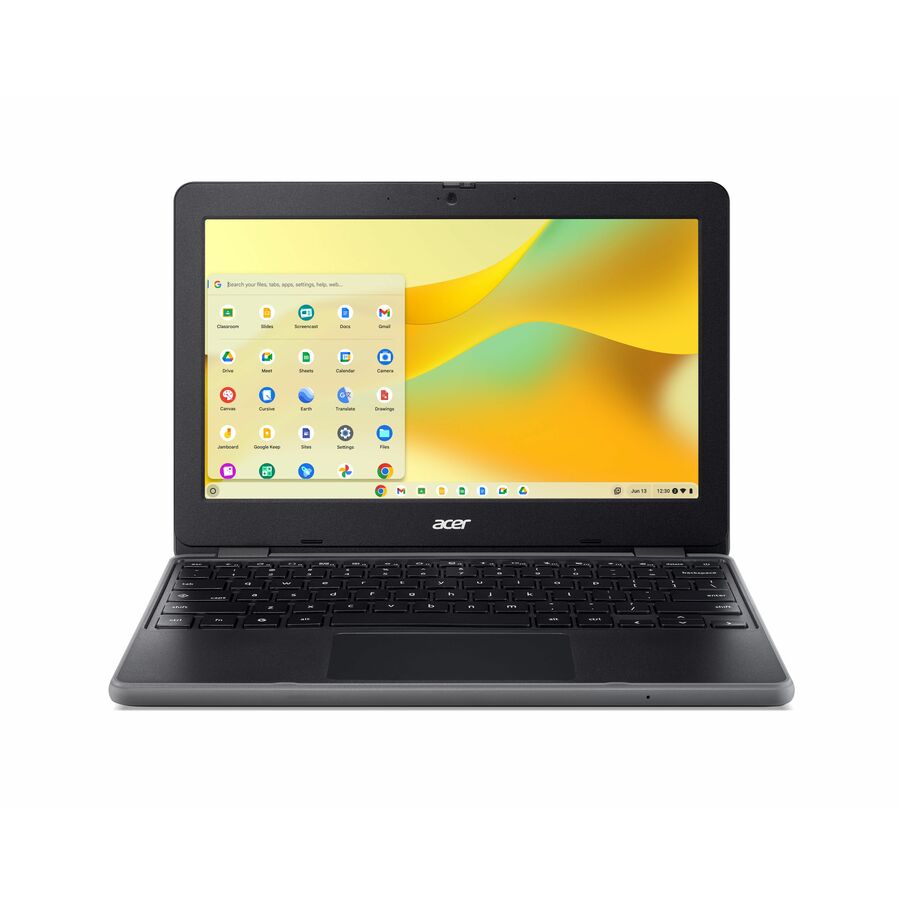
Acer Chromebook 511 C736T C736T-C2PB 11.6" Touchscreen Chromebook
NX.JJ3AA.001
The Acer Chromebook 511 is an 11.6" touchscreen clamshell from Acer's education 511 line, with 8 GB of RAM — a durable class-set device built for the drops and spills of a 1:1 program.
$499.09Back-orderedRugged clamshell
Acer
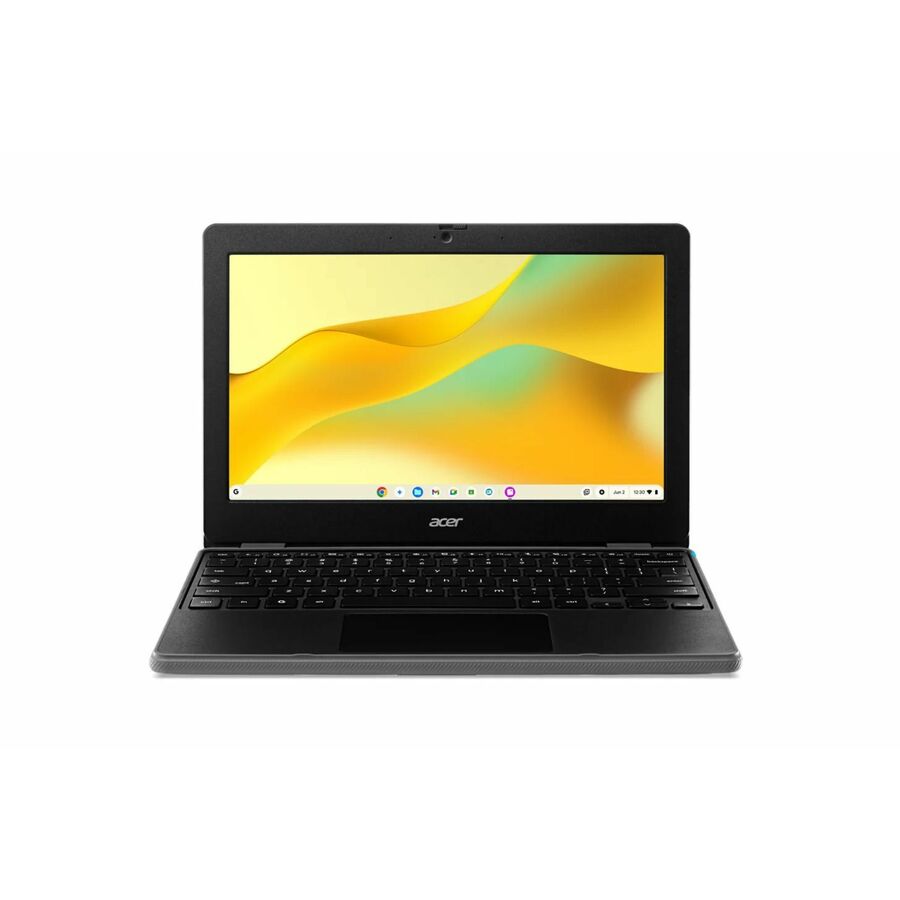
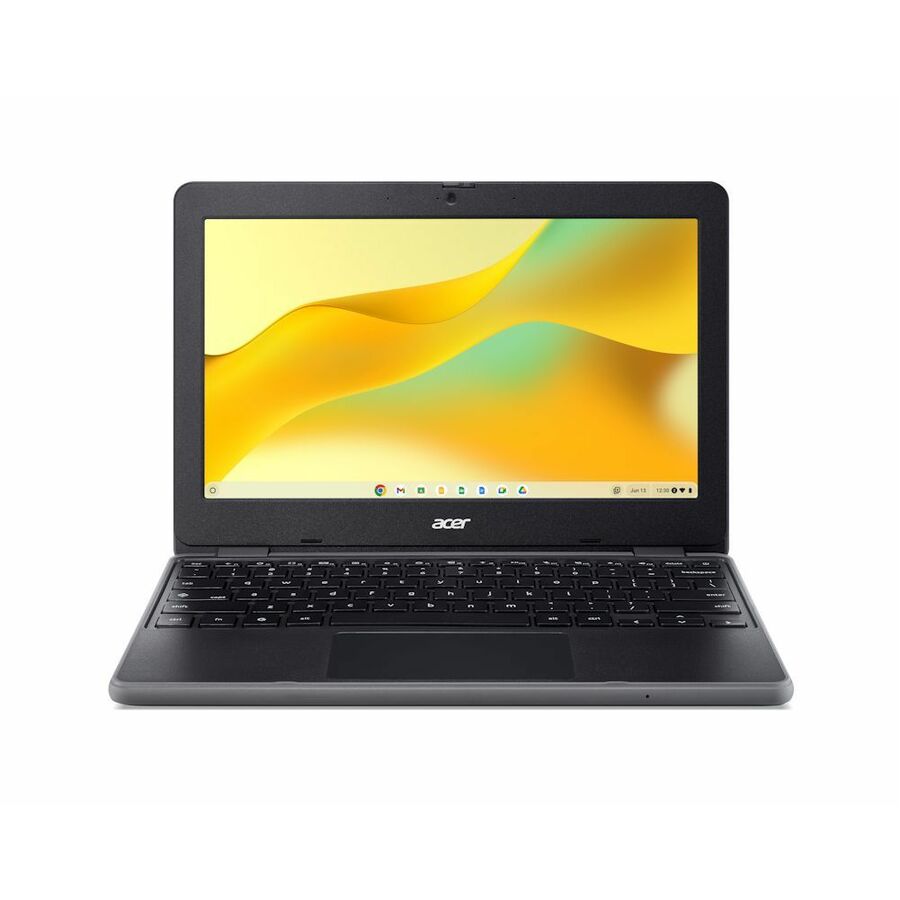
Acer Chromebook 311 C725 C725-813B 11.6" Rugged Clamshell Chromebook
NX.JW7AA.004
The Acer Chromebook 311 C725 is an 11.6" rugged clamshell (its title states the rugged build) — a hardened ChromeOS device for the hardest-use grade bands and shared carts where breakage is the recurring cost.
$596.03In stockSamsung Chromebook 4
Samsung
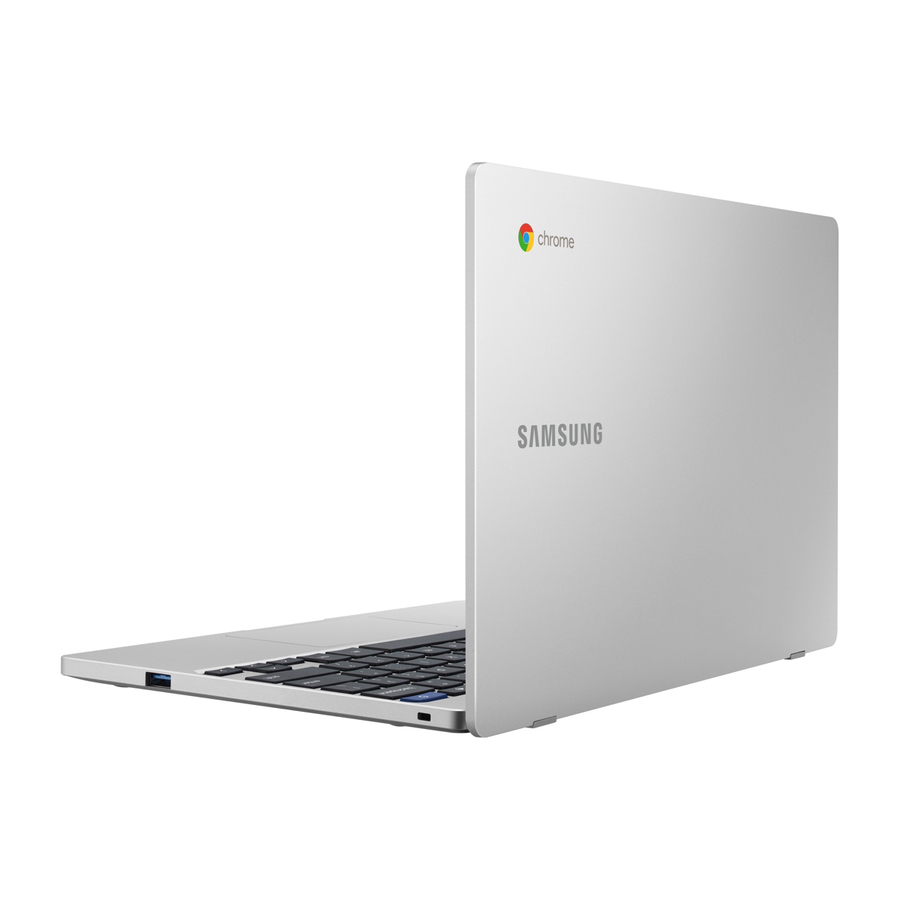
Samsung Chromebook 4 XE310XBA 11.6" Chromebook
XE310XBA-KB1US
The Samsung Chromebook 4 is an 11.6" ChromeOS clamshell — a compact, familiar-platform device for an elementary or middle-school class set alongside an Acer or Lenovo fleet.
$709.40In stockSamsung Plus V2
Samsung
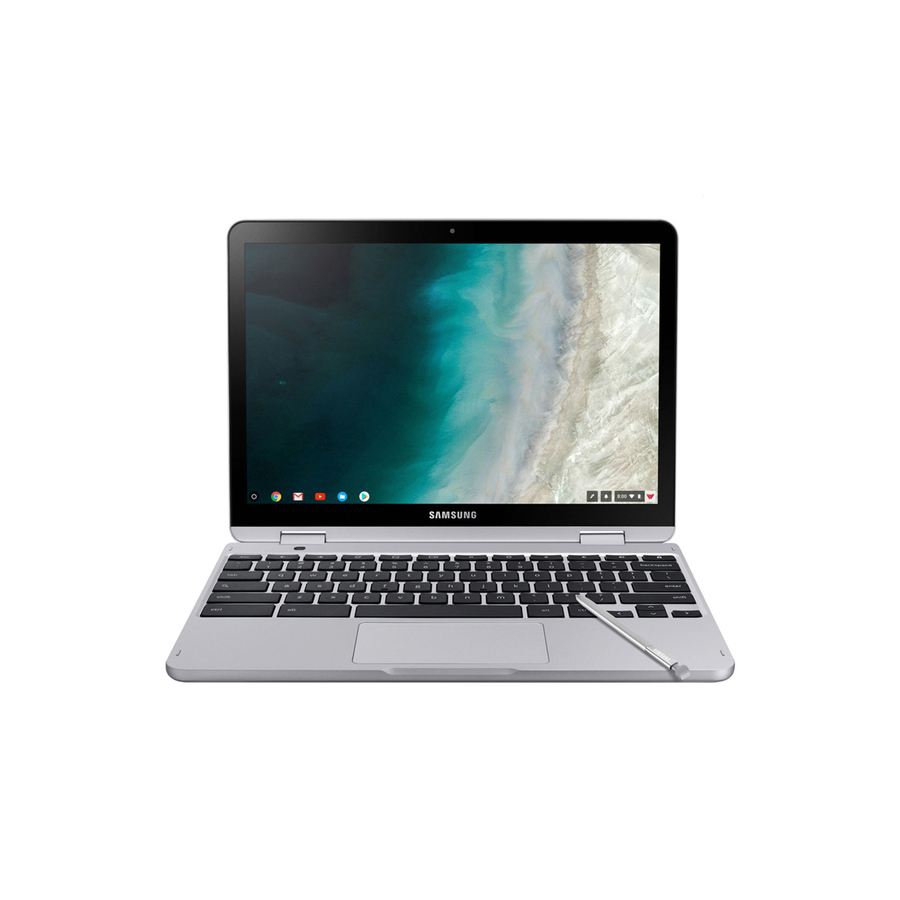
Samsung Chromebook Plus V2 XE520QAB-K03US 12.2" Touchscreen Convertible…
XE520QAB-K03US
The Samsung Chromebook Plus V2 is a 12.2" convertible 2-in-1 with a touchscreen — a fold-flat device for touch assessment and drawing where a Samsung education option is wanted in the convertible class.
$1,578.82Back-orderedSamsung 14"
Samsung
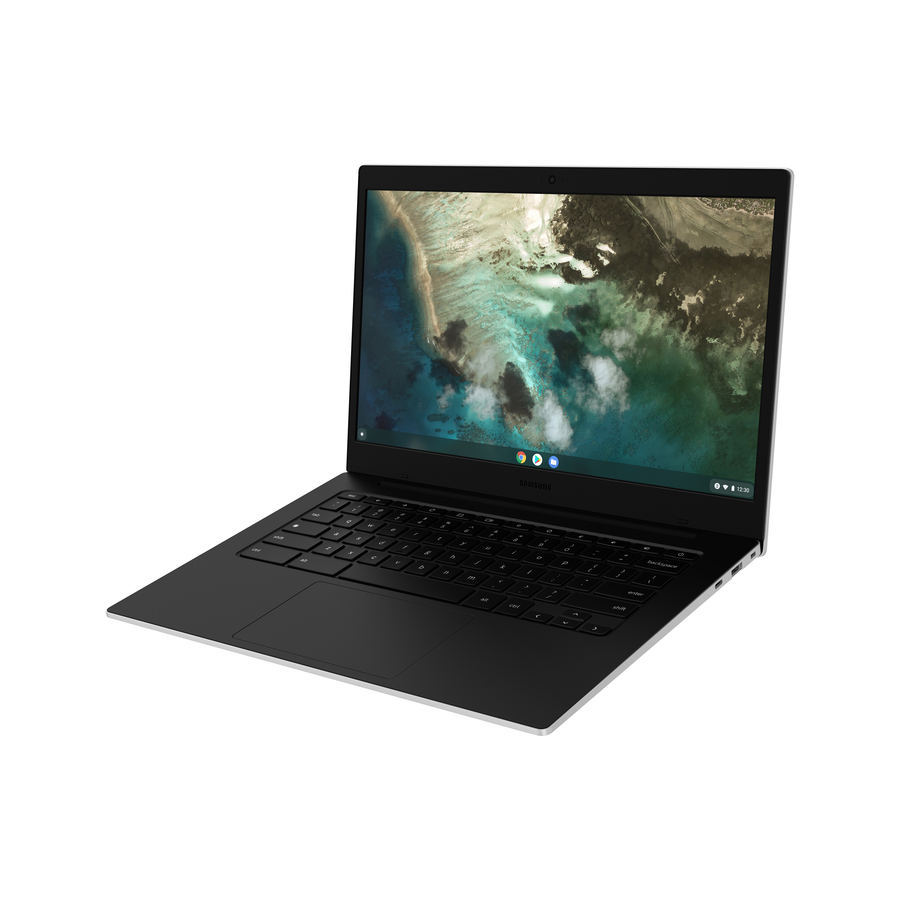
Samsung Galaxy Chromebook Go XE340XDA-KA2US 14" Chromebook
XE340XDA-KA2US
The Samsung Galaxy Chromebook Go is a 14" ChromeOS clamshell — a light, familiar-platform option for a district that wants a Samsung education device in the 14" class alongside its Acer and Lenovo fleet.
Request pricingCTL rugged 14"
CTL
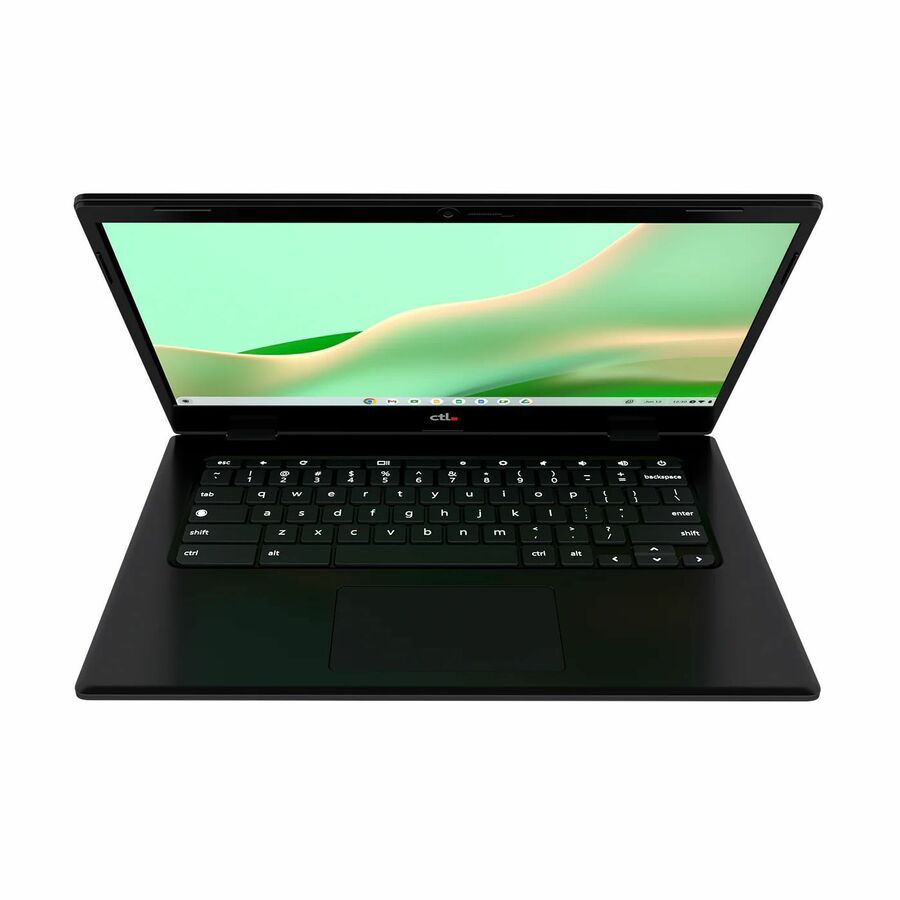
CTL Chromebook PX141E PX141EXT 14" Touchscreen Rugged Chromebook
CBUS1400012
The CTL PX141E is a 14" touchscreen rugged Chromebook with 8 GB of RAM — a hardened education device from a vendor that specializes in the 1:1 market, built for the hardest-use grade bands.
$726.85Back-orderedCTL Plus rugged
CTL
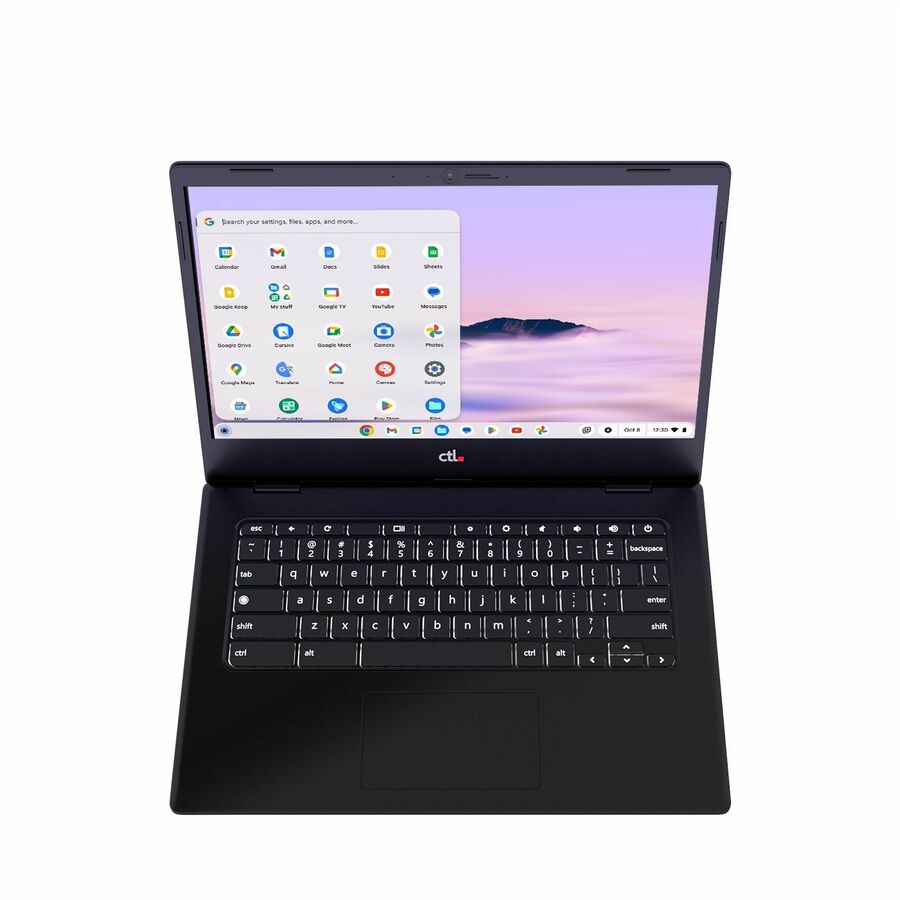
CTL Chromebook Plus PX141 PX141GXT 14" Touchscreen Rugged Clamshell…
CBUS1400015
The CTL Chromebook Plus PX141 is a 14" rugged clamshell on a Core i3 with 16 GB of RAM — the higher-performance rugged option for staff or upper grades that push a Chromebook harder than a class set does.
$807.40Back-orderedSamsung Plus 15.6"
Samsung
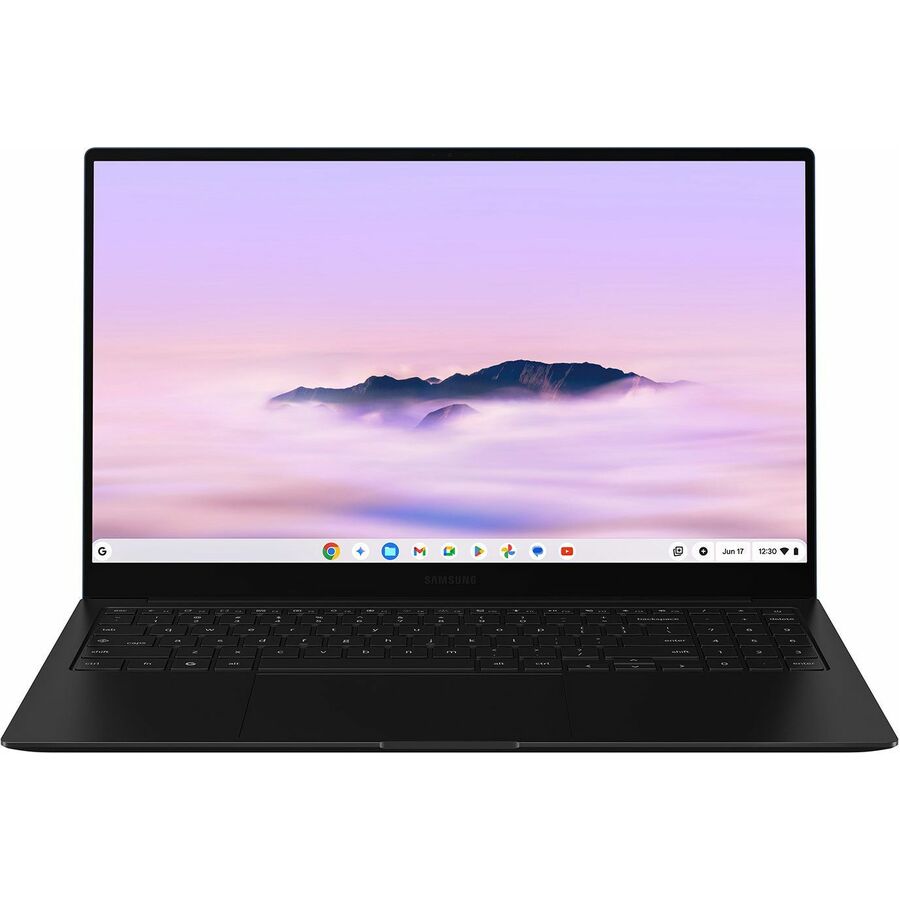
Samsung Chromebook Plus XE550XGA-KC1US 15.6" Chromebook
XE550XGA-KC1US
The Samsung Chromebook Plus is a 15.6" Full HD ChromeOS device with 8 GB of RAM and 256 GB of storage — the large-screen, higher-spec choice for upper grades and staff who keep more on the device.
$1,079.38Back-orderedMore notebooks in the Uniqcli catalog
See all 15,691 notebooksMore from across this category. In-stock lines lead, and a back-ordered line carries the same estimated availability its product page does — with live pricing throughout, NDAA §889 screening before checkout and TAA verified on request.
- LenovoLenovo Chromebook 500e Gen 5 M89 83TA0004US 12.2" Touchscreen Convertible 2 in 1 Chromebook - WUXGA - MediaTek - 8 GB - 64 GB Flash Memory - English (US) Keyboard - Luna Gray - MediaTek Kompanio 540 Chip - 1920 x 1200 - ChromeOS - ARM - Front Camera/Webcam - IEEE 802.11ax Wireless LAN Standard - Wi-Fi 6E83TA0004US
$634.00
$594.96
300 in stock - LenovoLenovo Chromebook 500e Gen 5 M89 83TA0003US 11.6" Touchscreen Convertible 2 in 1 Chromebook - HD - MediaTek - 8 GB - 64 GB Flash Memory - English (US) Keyboard - Luna Gray - MediaTek Kompanio 540 Chip - 1366 x 768 - ChromeOS - ARM - Front Camera/Webcam - IEEE 802.11ax Wireless LAN Standard - Wi-Fi 6E83TA0003US
$604.00
$567.04
8,218 in stock - AcerAcer Chromebook 315 CB315-4H CB315-4H-P8FZ 15.6" Chromebook - HD - Intel Pentium Silver N6000 - 4 GB - 128 GB Flash Memory - English (US) Keyboard - Pure Silver - Intel Chip - 1366 x 768 - ChromeOS - Intel UHD Graphics - ComfyView - Front Camera/Webcam - IEEE 802.11ax Wireless LAN StandardNX.AZ0AA.00A
$829.35
$795.18
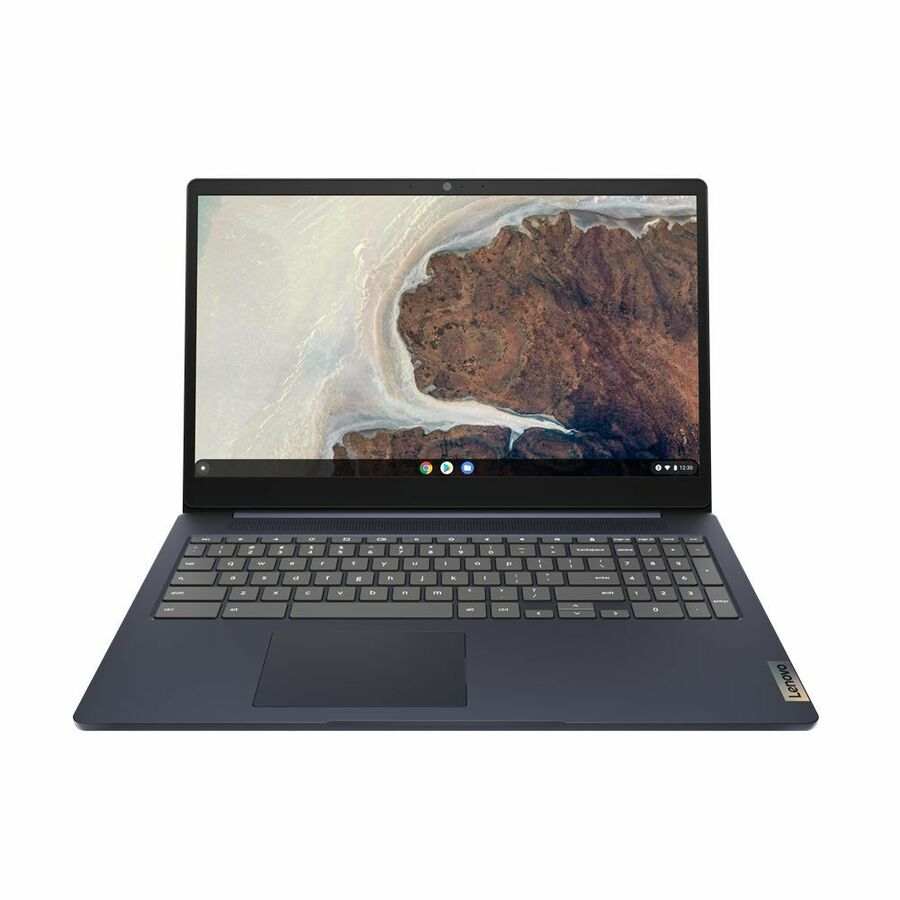
9 in stock - LENOVO DCG SOURCINGLENOVO DCG SOURCING IdeaPad 3 CB 15IJL6 82N4004NUS 15.6" Chromebook - Full HD - Intel Celeron N4500 - 4 GB - 64 GB Flash Memory - English Keyboard - Arctic Gray - Intel Chip - 1920 x 1080 - ChromeOS - Intel UHD Graphics - Twisted nematic (TN) - Front Camera/Webcam - IEEE 802.11ax Wireless LAN Standard82N4004NUS
$4,856.46
$4,195.33
Back-orderedBack-ordered — estimated OEM lead time 3–8 weeks (Nov 2 – Dec 7 if ordered today).
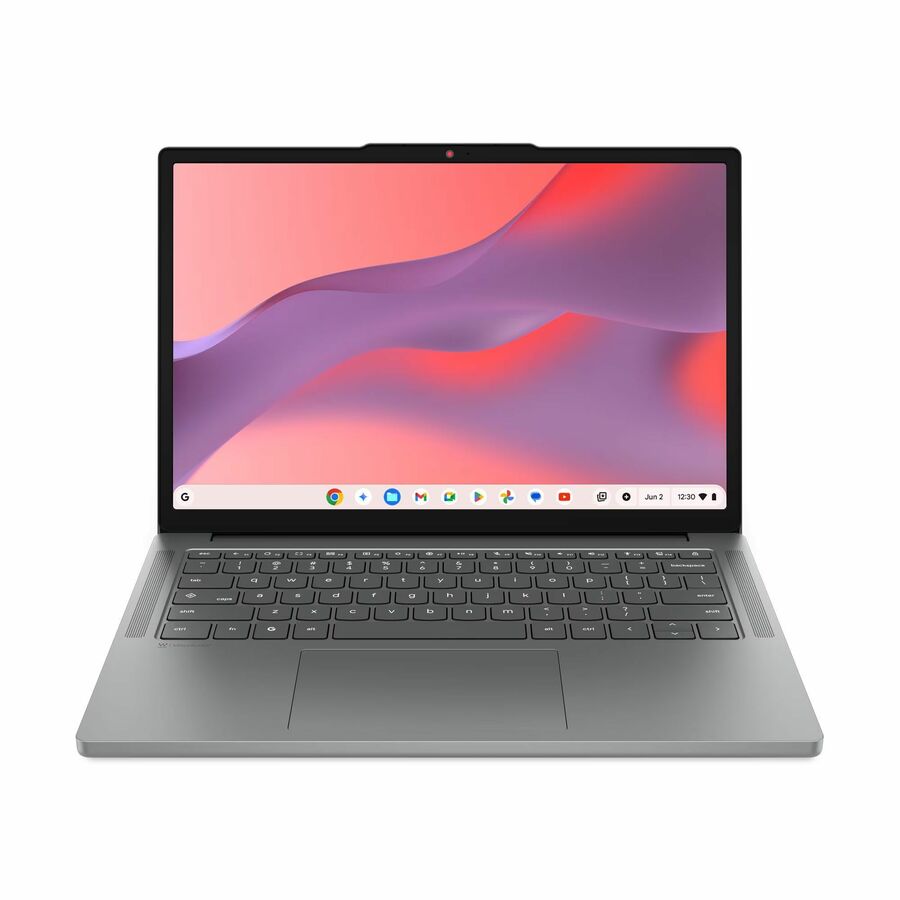
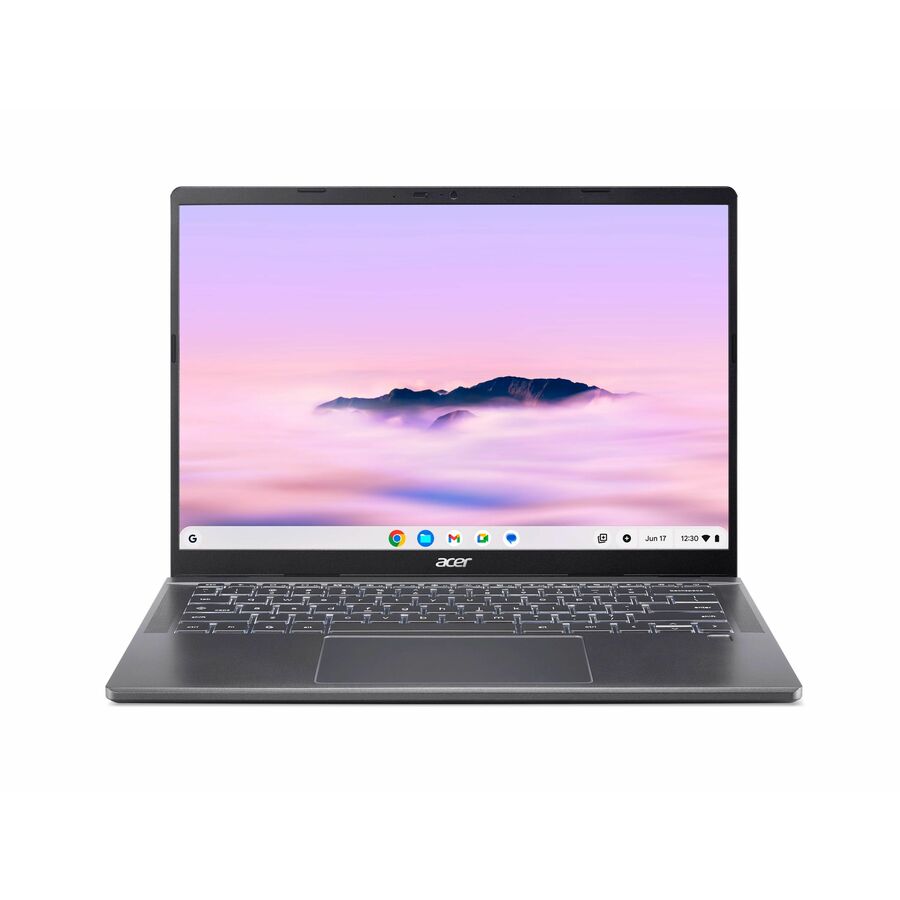
- AcerAcer Chromebook Plus 714 CBE794-1 CBE794-1-57T9 14" Chromebook - WUXGA - 120 Hz - Intel Core Ultra 5 115U - 16 GB - 256 GB SSD - English (US) Keyboard - Iron - Intel Chip - 1920 x 1200 - ChromeOS - Intel - ComfyView (Matte), In-plane Switching (IPS) Technology - Front Camera/Webcam - 11.50 Hours Battery Run Time - IEEE 802.11be Wireless LAN Standard - Wi-Fi 7NX.JM5AA.003
$1,499.99
$1,086.28
Back-orderedBack-ordered — estimated OEM lead time 3–8 weeks (Nov 2 – Dec 7 if ordered today).
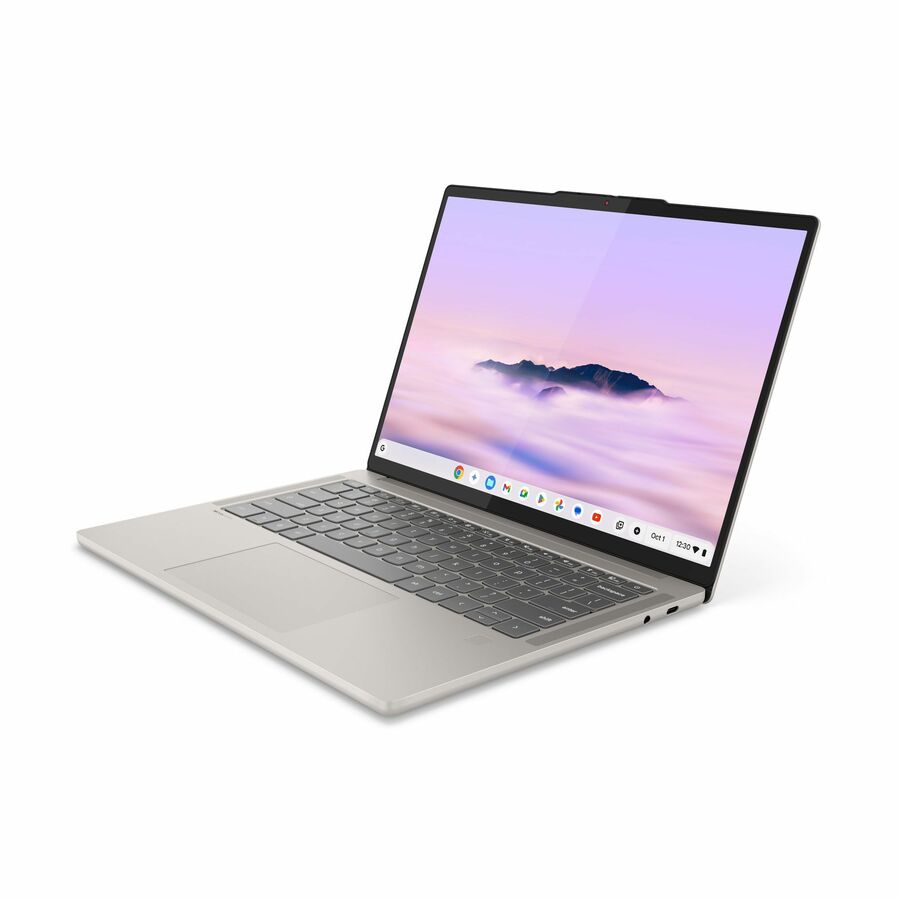
- AcerAcer Chromebook Plus 514 CBE594-2T CBE594-2T-76CA 14" Touchscreen Chromebook - WUXGA - 60 Hz - Intel Core 7 150U - 16 GB - 256 GB SSD - English (US) Keyboard - Iron - Intel Chip - 1920 x 1200 - ChromeOS - Intel - ComfyView (Matte), In-plane Switching (IPS) Technology - Front Camera/Webcam - 17 Hours Battery Run Time - IEEE 802.11be Wireless LAN StandardNX.JNWAA.003
$1,399.99
$1,061.25
Back-orderedBack-ordered — estimated OEM lead time 3–8 weeks (Nov 2 – Dec 7 if ordered today).
Need pricing on Chromebooks?
Tell us where to reach you and a Uniqcli specialist will follow up by email with current pricing, availability and lead time for the quantities you need — including parts that aren’t shown on this page.
Buying for an organization or for yourself — both work. No payment up front.
For a 1:1 program the deciding facts are management and lifespan rather than the spec sheet. ChromeOS devices enroll centrally through the Google Admin console under a Chrome Education Upgrade, a per-device license to budget alongside the hardware. Every model also carries an automatic-update expiration date — confirm that window covers the years the fleet has to run before standardizing on it.
A 1:1 program lives or dies on the total cost of keeping a device in every student's hands, and the Chromebook is the platform built for that math. ChromeOS manages centrally through the Google Admin console, so a district enrolls, locks down, updates and re-images a whole fleet without touching each machine; the devices boot in seconds, hold their state in the cloud, and hand a broken unit's user a loaner with their session intact. The Chromebooks below are the ChromeOS models the hub stocks for education, each carrying 'Chromebook' in its own product title so a fleet standardizes on the platform its management is built around.
The form-factor fork is set by grade level and use. A durable 11.6" clamshell is the workhorse of an elementary and middle-school program — small, light, hard to break and cheap enough to buy in a class set — while a convertible 2-in-1 with a touchscreen folds into a tablet for younger students, drawing and testing, and suits the flexible-seating classroom. Larger 14" and 15.6" Chromebooks give upper grades and staff the screen for real writing and research. Match the size and hinge to the age and the task, because the wrong form factor is a device that sits in the cart.
Durability and management are what actually separate an education Chromebook from a consumer one. Education-line devices from Acer, Lenovo and Samsung are built with reinforced hinges, spill-resistant keyboards, rubberized rails and mechanically anchored keys — the features that survive a hallway drop and a spilled water bottle over a multi-year deployment. Pair that hardware with a Chrome Education Upgrade license for management and the automatic-update guarantee, and confirm each model's auto-update expiration against your refresh horizon, so the fleet you buy is supported for the years you plan to run it.
Buyer's checklist
How to choose Chromebooks for a 1:1 program
- Match the form factor to the grade: a durable 11.6" clamshell for elementary and middle-school class sets, a convertible 2-in-1 touch model for younger students and flexible seating, and a 14" to 15.6" device for upper grades and staff.
- Prioritize education-grade durability: reinforced hinges, spill-resistant keyboards, rubberized bumpers and mechanically anchored keys are what survive a multi-year 1:1 deployment, and the education lines are built for it where consumer models are not.
- Check the auto-update expiration against your refresh cycle: ChromeOS devices carry an automatic-update horizon, so confirm each model's supported window covers the years you plan to run the fleet before you standardize on it.
- Plan the management license: a Chrome Education (or Enterprise) Upgrade is what lets the Admin console enroll, lock down, update and re-image the fleet centrally — budget it per device alongside the hardware.
- Decide clamshell vs. convertible by task: a clamshell is lighter and cheaper for typing-first work, while a 2-in-1 folds into a tablet for drawing, reading and touch-based assessment — buy the mix your curriculum actually uses.
- Standardize on one or two models across a grade band to simplify imaging, spares, cases and repair, and size the buy to the enrolled set plus a loaner pool so a broken device never idles a student.
Clamshell vs. convertible 2-in-1
The clamshell is the backbone of most 1:1 fleets because it optimizes the two things a district cares about most: cost and durability. A fixed 11.6" clamshell has fewer moving parts than a convertible, weighs less in a young student's bag, and comes at the lowest per-seat price — which, multiplied across a class set or a grade level, is where a program's budget is actually decided. For typing-first work in the middle grades and up, it is usually the right and the more economical device, and the education clamshells here are built to take the drops that come with that age.
A convertible 2-in-1 earns its premium where touch and flexibility matter. Folding the screen back into a tablet suits early-grade students who draw and tap before they type, supports touch-based assessments and reading apps, and fits the flexible-seating and station-rotation classroom where a device is used flat as often as open. The trade is a hinge — one more thing to break — and a higher price, so the honest approach is a mix: convertibles where the curriculum uses touch, clamshells where it does not, rather than paying for a 2-in-1 the class never folds.
Durability, auto-update and total cost
Education Chromebooks are engineered around the failure modes of a school: the drop from a desk, the spill from a water bottle, the key a student pries off. Reinforced corners, rubberized rails, spill-resistant keyboards and mechanically anchored or sealed keys are the specific features that turn a three-year deployment from a rolling repair queue into a manageable one, and they are the reason an education-line device outlives a consumer model of the same screen size. Ordering a matched case or sleeve in the same pass extends that protection to the transport that actually causes most breakage.
The number that decides a fleet's real cost is the auto-update expiration. Every ChromeOS device has a date after which it stops receiving automatic OS and security updates, and buying a model close to that date shortens the years the fleet is actually usable in a managed environment. Read each model's supported window against your refresh horizon, budget the Chrome Education Upgrade license that enables central management, and the total cost of the program — hardware, license, cases and the repairs the durable build avoids — is a number you can plan for the whole life of the deployment rather than discover mid-cycle.
FAQ
Common questions
- Should I buy clamshell or convertible Chromebooks for a 1:1 program?
- It depends on the grade and the curriculum. A durable 11.6" clamshell is lighter, cheaper and the workhorse for typing-first work in the middle grades and up. A convertible 2-in-1 folds into a tablet for younger students who draw and tap, for touch-based assessments, and for flexible-seating classrooms — at a higher price and with a hinge to maintain. The honest approach is usually a mix: convertibles where touch is used, clamshells where it is not.
- What is auto-update expiration and why does it matter?
- Every ChromeOS device has an automatic-update expiration date, after which it stops receiving OS and security updates. For a 1:1 fleet that must be centrally managed and secure for years, buying a model close to that date shortens how long the devices are actually usable. Check each model's supported window against your refresh cycle before you standardize on it, so the fleet you buy is supported for the years you plan to run it.
- Do these Chromebooks need a management license?
- For a 1:1 program, yes in practice. A Chrome Education (or Enterprise) Upgrade license is what lets the Google Admin console enroll devices, apply policy, push updates and re-image the fleet centrally — the management that makes a large deployment supportable. Budget it per device alongside the hardware, and we can quote the devices and the licenses together so the whole program is one line of accountability.
- Can Uniqcli supply these Chromebooks for a school district?
- Every line Uniqcli quotes is sourced through US distribution and screened for TAA country-of-origin and NDAA §889 status before checkout — with documentation tied to the specific part number, not a product family.
Need Chromebooks pricing?
Send a bill of materials or part numbers — we confirm stock and a below-market total, with TAA verified on request. No payment up front.