
Short answer
A modem terminates the carrier's access line and hands off Ethernet; a router builds the network behind it, assigns private addresses and forwards traffic between LAN and WAN. They sit on opposite sides of the demarcation point and are not interchangeable — a site needs both — and an ISP gateway is the two functions in one chassis.
Key facts
- A router hands out the private addresses reserved by RFC 1918 — 10.0.0.0/8, 172.16.0.0/12 and 192.168.0.0/16 — usually over DHCP.
- Network address translation, which lets those private hosts share one public address, is a router function (RFC 3022); a modem performs none of it.
- DOCSIS 3.1 is specified for downstream speeds up to 10 Gbit/s and upstream up to 1 Gbit/s — a ceiling set by the circuit and the modem, not the router.
- On fiber there is no modem: an Optical Network Terminal ends the GPON link of ITU-T G.984.1 and hands off Ethernet, and it is normally carrier-owned.
The modem-versus-router question rarely comes up as pure theory. It surfaces when a single ISP-supplied box stops keeping up and someone has to decide whether the bottleneck is the incoming circuit or the device sharing it out; when a new office needs its own equipment behind a carrier handoff instead of a rented all-in-one; or when a network team is asked why swapping the wireless box did nothing for a connection that was already provisioned at its ceiling. In each case the real task is separating two jobs that a consumer 'gateway' quietly bundles together — bringing the outside line into the building, and moving traffic around once it is inside.
A few things decide how you split those jobs. First is the access medium: coax, DSL, and fiber each terminate on different hardware, and fiber in particular arrives on an Optical Network Terminal rather than anything a customer swaps out. Second is where the local network begins and how much control you need over it — addressing, wired ports, wireless, and the boundary between inside and outside. Third, once past a business or agency handoff, is which security and forwarding functions have to live at that edge, because on a larger network the 'router' is rarely a bare packet-forwarder anymore. Settle those three and the device count answers itself.
At a glance
Side by side
| Factor | Modem | Router |
|---|---|---|
| Core job | Terminates the ISP access signal (coax, DSL, fiber) into Ethernet/IP | Directs IP packets between networks and builds the local LAN |
| Network layer | WAN-side signal conversion; no packet routing of its own | Layer 3 packet forwarding and routing decisions |
| Provides Wi-Fi? | No — a bare modem has no wireless or LAN switching | Yes — hosts Wi-Fi 6/6E/7 and wired LAN ports |
| IP addressing | Passes the single WAN address through; no NAT itself | Runs NAT and DHCP, handing out private RFC 1918 addresses |
| Sets your speed? | Bounded by the provisioned ISP circuit it terminates | Distributes that bandwidth; can't exceed the circuit |
| Fiber connections | Replaced by an ONT, typically carrier-owned and not swappable | Still required downstream of the ONT to build the LAN |
| Ownership | Often rented; DOCSIS models can be customer-bought if approved | Usually customer-chosen; enterprise units are customer-owned |
| Security role | None beyond passing traffic; no filtering | Enforces the inside/outside boundary; edge units add firewalling |
| Enterprise form | One demarcation device per circuit at the carrier handoff | Converges with firewall and SD-WAN functions at the WAN edge |
It's the modem (or ONT) side when
- Your connection drops entirely or won't sync, and even a directly cabled laptop pulls no IP — the fault is at WAN termination, ahead of any LAN gear.
- You're switching ISPs or moving to fiber, and the incoming line needs a matching terminator: a DOCSIS modem for coax, or a carrier ONT for fiber.
- The provider is swapping or upgrading the terminating device to unlock a faster plan tier, since no LAN-side change alone can raise the ceiling.
- You're documenting the demarcation point for a new site so the responsibility line between carrier and in-building network is unambiguous.
It's the router side when
- Devices connect but can't reach each other or the internet, addressing looks wrong, or Wi-Fi is the complaint — the LAN layer is where you look.
- You need segmentation, multiple SSIDs, VLANs, or more wired ports than a single bundled box exposes to isolate traffic on the local network.
- The provisioned circuit checks out but throughput to endpoints lags, pointing at the device sharing bandwidth rather than the line delivering it.
- You're standing up a business or agency edge where forwarding, firewalling, and secure access must be enforced behind the carrier handoff.
Bottom line
Treat them as two jobs, not two products competing for one slot. The modem — or, on fiber, the carrier's ONT — is fixed by your access medium and does exactly one thing: bring the outside line in. The router is where your decisions actually live, because it builds the LAN, handles addressing, and enforces the boundary between inside and outside. For a home or small office, one capable router behind the terminating device is enough, and no router upgrade will exceed the speed the circuit was provisioned to deliver. For a business or agency, the choice stops being 'modem or router' the moment you pass the demarcation point: the edge device downstream is where routing converges with firewalling, segmentation, and secure access — and where certifications and support lifecycle, not wireless branding, decide what belongs on the network.
Products for this decision
The modem side
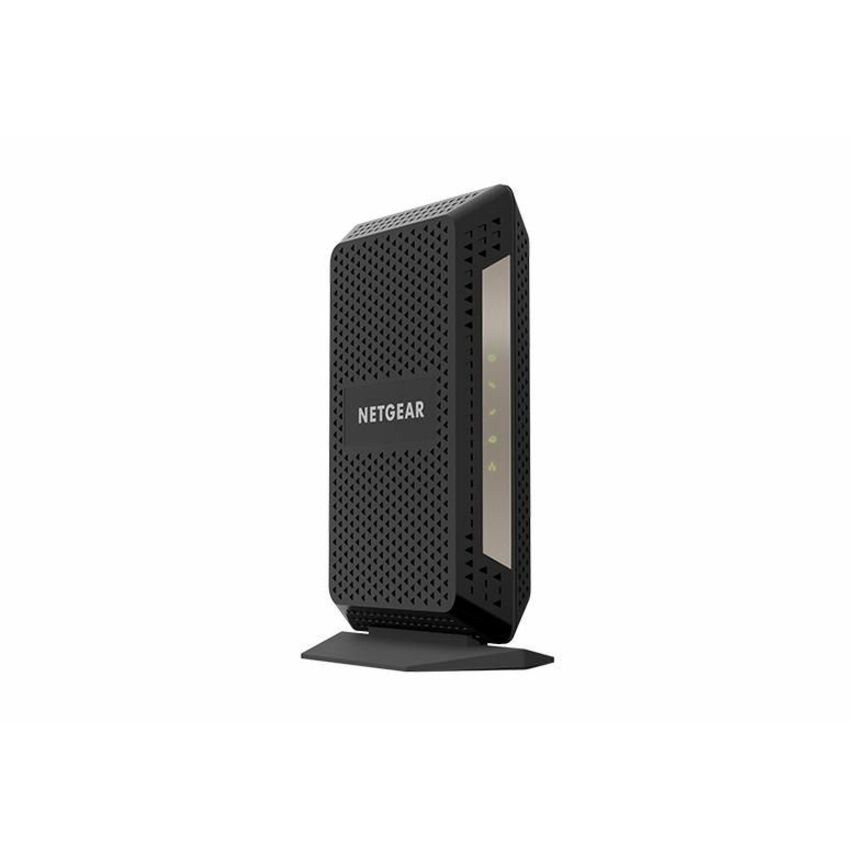
Netgear
Netgear DOCSIS 3.1 Ultra-High Speed Cable Modem
CM1000-100NAS
A DOCSIS 3.1 cable modem: it terminates a coax circuit and hands off one gigabit Ethernet port. No routing, no addressing, no radio.
Cable providers approve specific models — check the carrier's device list before ordering.
$242.52Back-orderedThe router side
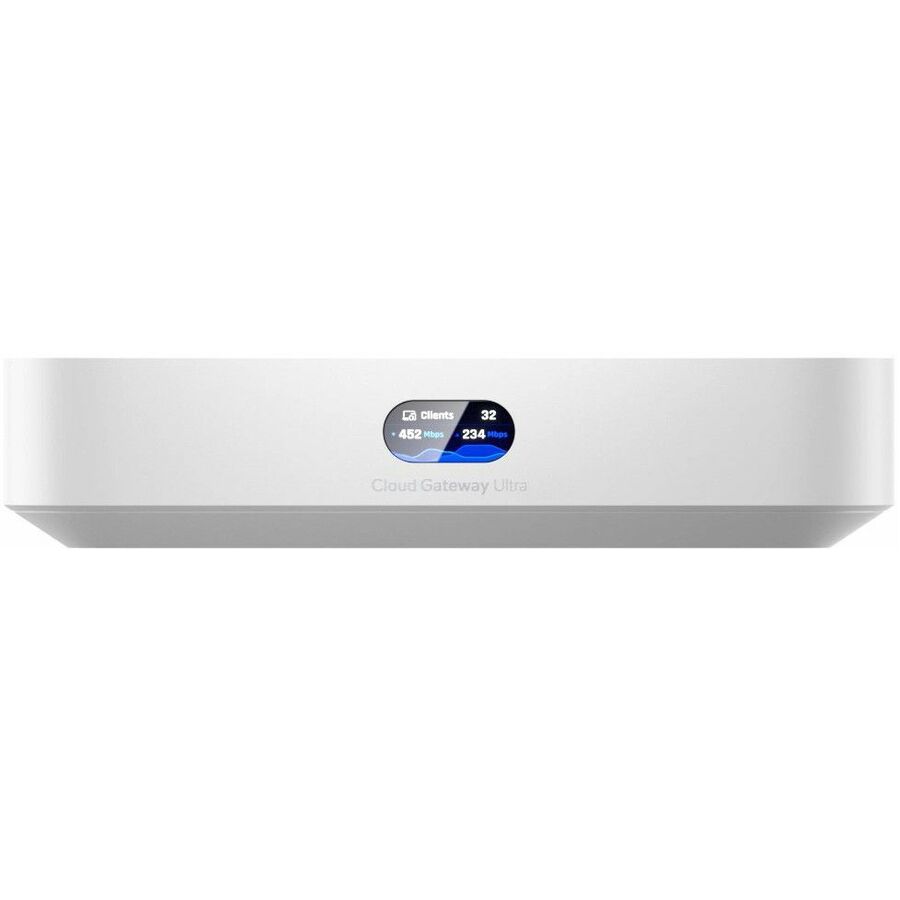
Ubiquiti
Ubiquiti Cloud Gateway Ultra Router
UCG-Ultra
A compact cloud-managed gateway for the network behind a modem or ONT — routing, DHCP, firewalling and a 2.5 GbE WAN port.
$167.59In stockTwo circuits
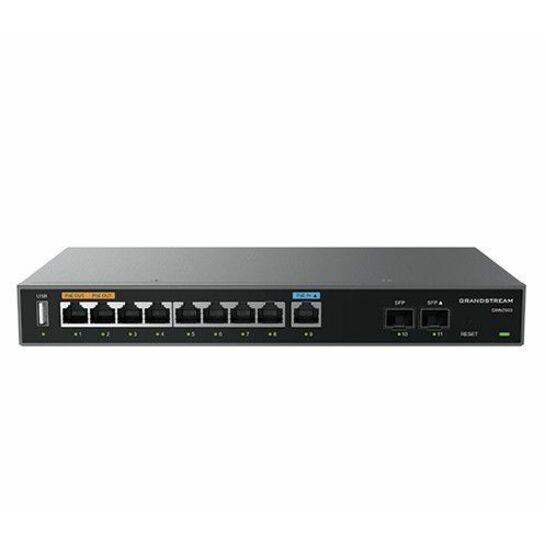
Grandstream Networks
Grandstream Multi-WAN Gigabit VPN Router
GWN7003
A multi-WAN VPN router for a site that terminates more than one carrier line and needs failover, VLANs and site-to-site VPN behind the handoff.
$95.76Back-orderedFAQ
Common questions
- Can I use my own router instead of the one my ISP gives me?
- Yes — in almost every case you can put your own router behind the ISP's equipment. The one piece you usually cannot replace is the device that terminates the incoming line: a DOCSIS cable modem can often be customer-bought if it is on the provider's approved list, but a fiber ONT is typically carrier-owned and stays in place. If your ISP supplied a combined gateway, you can normally set it to bridge or pass-through mode so it only terminates the circuit, then let your own router run the LAN, Wi-Fi, addressing, and any segmentation you need behind it.
- Do I need a modem at all with fiber internet, or just the ONT?
- With fiber you don't use a traditional modem at all — the Optical Network Terminal takes its place. The ONT converts the carrier's optical light signal into Ethernet and marks the fiber demarcation point, doing the WAN-side job a coax or DSL modem does on other media. It is a distinct device class from a DOCSIS cable modem and is generally carrier-owned, so you can't swap it the way you might a purchased cable modem. Downstream of the ONT you still need a router to build the local network, hand out addresses, and provide Wi-Fi; the ONT alone does none of that.
- Why is my Wi-Fi slow even though my modem's connection speed looks fine?
- Because the modem and the wireless network are two separate stages, and a healthy WAN sync only tells you the line into the building is fine. The modem or ONT delivers whatever the ISP circuit was provisioned for; everything past that is the router and its radios distributing that bandwidth. A slow link there usually points at the router — an older Wi-Fi generation, congested channels, distance, or client count — not the incoming line. Upgrading the wireless side can improve coverage and local throughput, but it can never push past the speed the circuit itself delivers, so match the fix to the stage that's actually limiting you.
- What kind of router or firewall does a business or agency need behind its fiber or cable circuit?
- For an organization, the device behind the demarcation point is usually not a bare router but an edge appliance that combines Layer 3 routing with firewalling, segmentation, and secure remote access — increasingly delivered as SD-WAN or a converged security platform. Selection turns on factors consumer gear ignores: whether the cryptographic module is FIPS 140-3 validated, whether the whole device is evaluated against Common Criteria's network-device protection profile, and how the boundary is designed so external connections route only through managed interfaces under a deny-by-default policy — the posture NIST SP 800-53's SC-7 control describes. Support lifecycle matters too, since edge devices past end-of-support become prime targets once patches stop.
- Do I need a router if I have a modem?
- Yes, unless the box your provider supplied is a combined gateway. A bare modem terminates the carrier line and presents a single Ethernet connection carrying one public address — no Wi-Fi radio, no LAN switch, no DHCP server — so exactly one wired device could use it. The router is what creates the local network, hands out private addresses, and shares the circuit across everything else.
- Is WiFi a modem or router?
- Wi-Fi is a router function. The 802.11 radio lives on the router or on a separate access point, never on a bare modem, which is why swapping the wireless box changes coverage but can never raise the speed of the incoming circuit. An ISP gateway carries both functions in one chassis, which is where most of the confusion comes from.
- How do I know if it's my modem or router?
- Cable a laptop straight into the modem or ONT and see what happens. If it pulls an address and reaches the internet, WAN termination is healthy and the fault is on the router or the network behind it; if it gets nothing, the problem is ahead of the router — the line, the terminating device, or the carrier. The sync and link lights on the modem narrow it the same way.
Sources
- 1.IETF RFC 1918 — Address Allocation for Private Internetsrfc-editor.org
- 2.IETF RFC 2131 — Dynamic Host Configuration Protocolrfc-editor.org
- 3.IETF RFC 3022 — Traditional IP Network Address Translatorrfc-editor.org
- 4.CableLabs — DOCSIS 3.1 technologycablelabs.com
- 5.ITU-T G.984.1 — Gigabit-capable passive optical networks (GPON): general characteristicsitu.int