
Best Wireless Keyboards for Business Deployments
RF 2.4 GHz and multi-device Bluetooth keyboards for offices and hot desks — full-size and compact, rechargeable and AA-powered, with the connectivity and layout a fleet needs.
Wireless keyboards in stock at Uniqcli
How to choose →A curated selection with live pricing — in-stock lines first, then back-ordered lines with a typical lead time. Every line is sourced through US distribution and screened for NDAA §889 status before checkout, with TAA verified on request.






Full-size RF
Kensington Computer Products
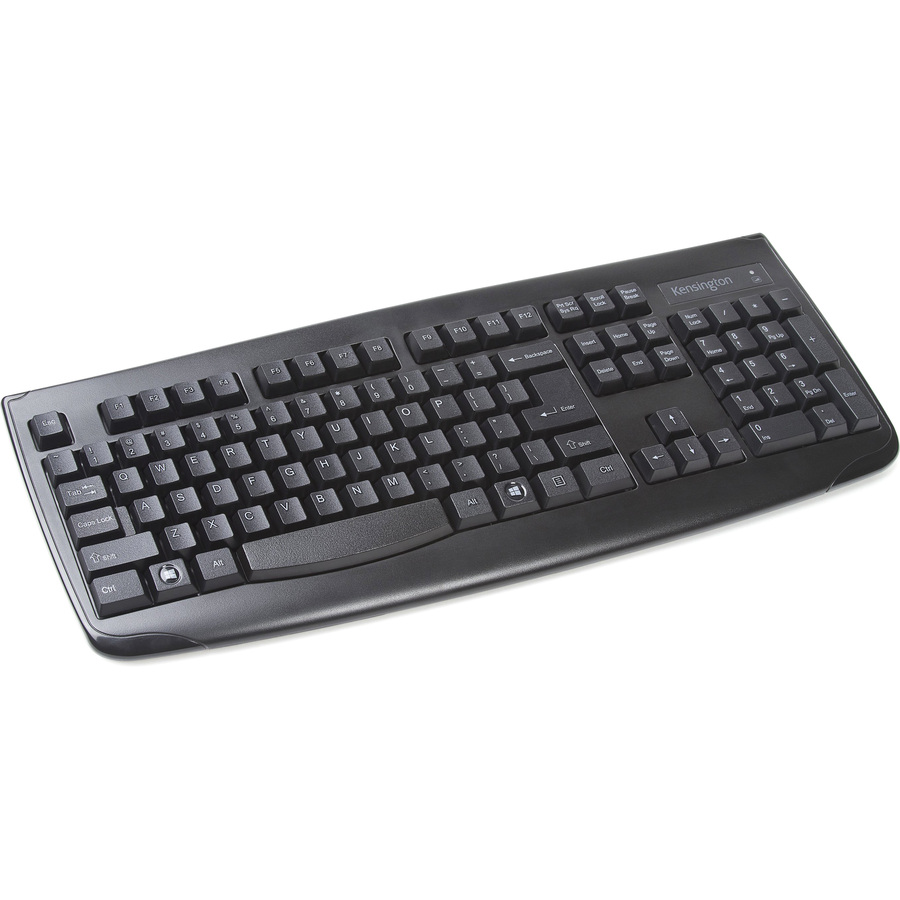
Kensington Pro Fit Wireless Keyboard
K72450USA
The Kensington Pro Fit Wireless is a full-size RF board with a spill-resistant build and a plug-and-go receiver — a durable, no-fuss keyboard for a desk that needs the number pad and a keyboard that survives a coffee.
$25.49In stockLenovo RF value
Lenovo
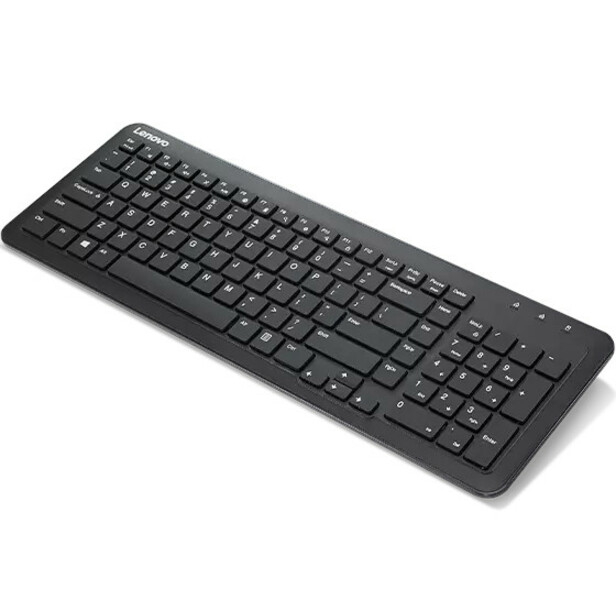
Lenovo 300 Wireless Keyboard
GY41C95749
The Lenovo 300 Wireless is a full-size 2.4 GHz RF board with a nano receiver — a low-cost, plug-and-go keyboard for a fixed desk that wants the number pad and nothing to pair.
$21.46Back-orderedAdesso BT mini
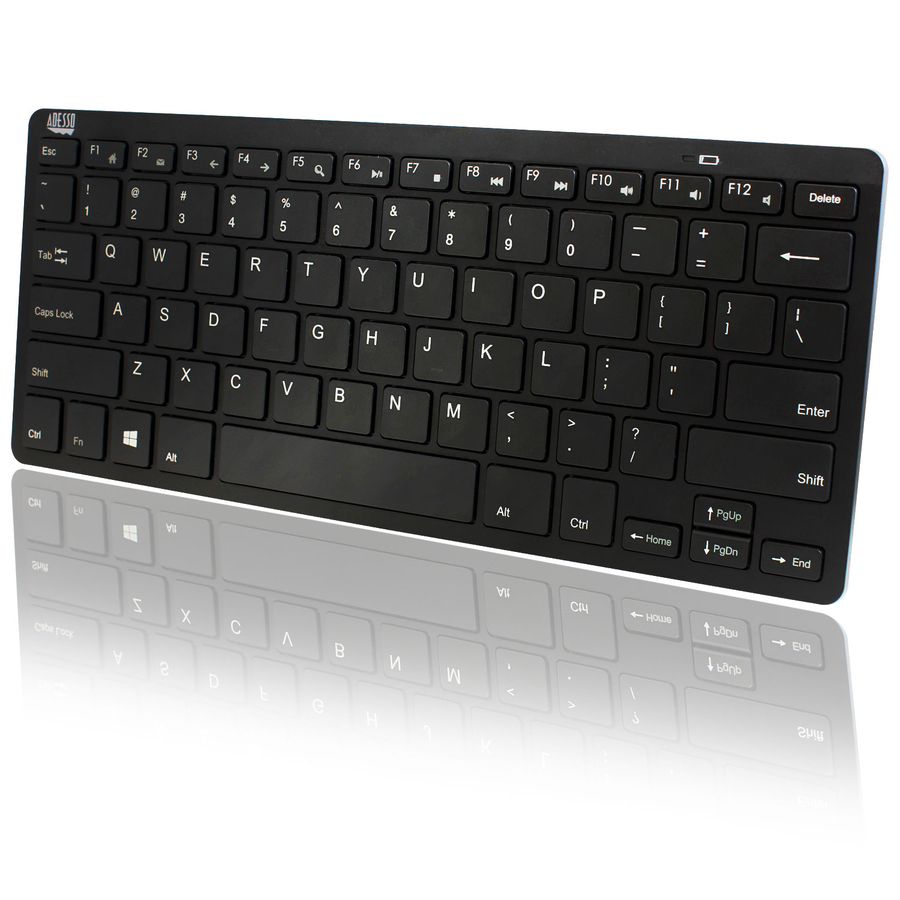
Adesso
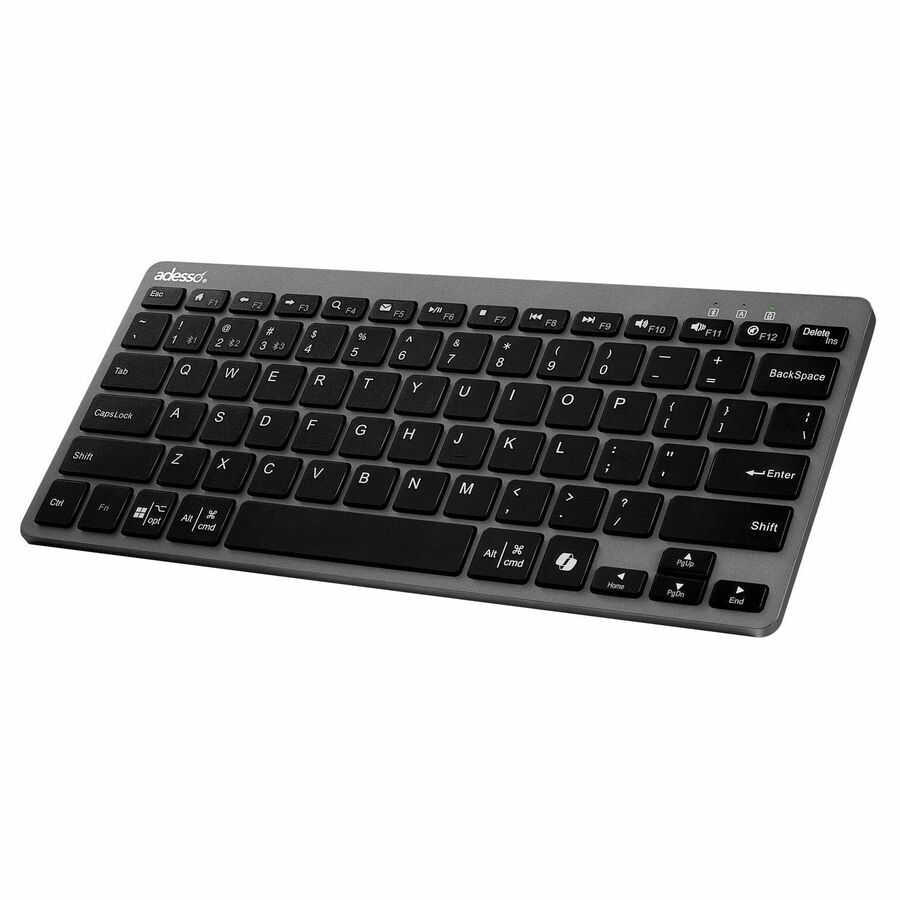
Adesso Bluetooth Wireless SlimTouch Mini Keyboard
WKB-1100BB
The Adesso SlimTouch Mini is a compact Bluetooth board with a low-profile scissor feel — a small wireless keyboard for a reception counter or a hot desk where footprint matters more than a number pad.
$33.90In stockRF fleet standard
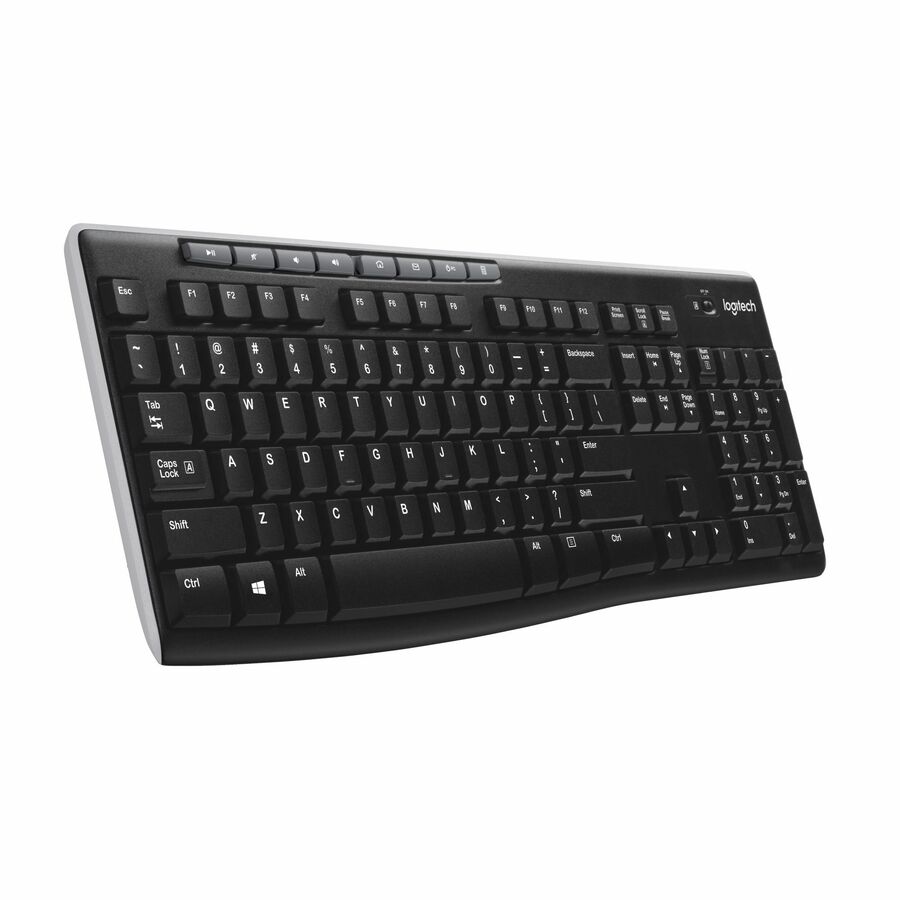
Logitech
Logitech K270 Wireless Keyboard for Windows, 2.4 GHz Wireless…
920-003051
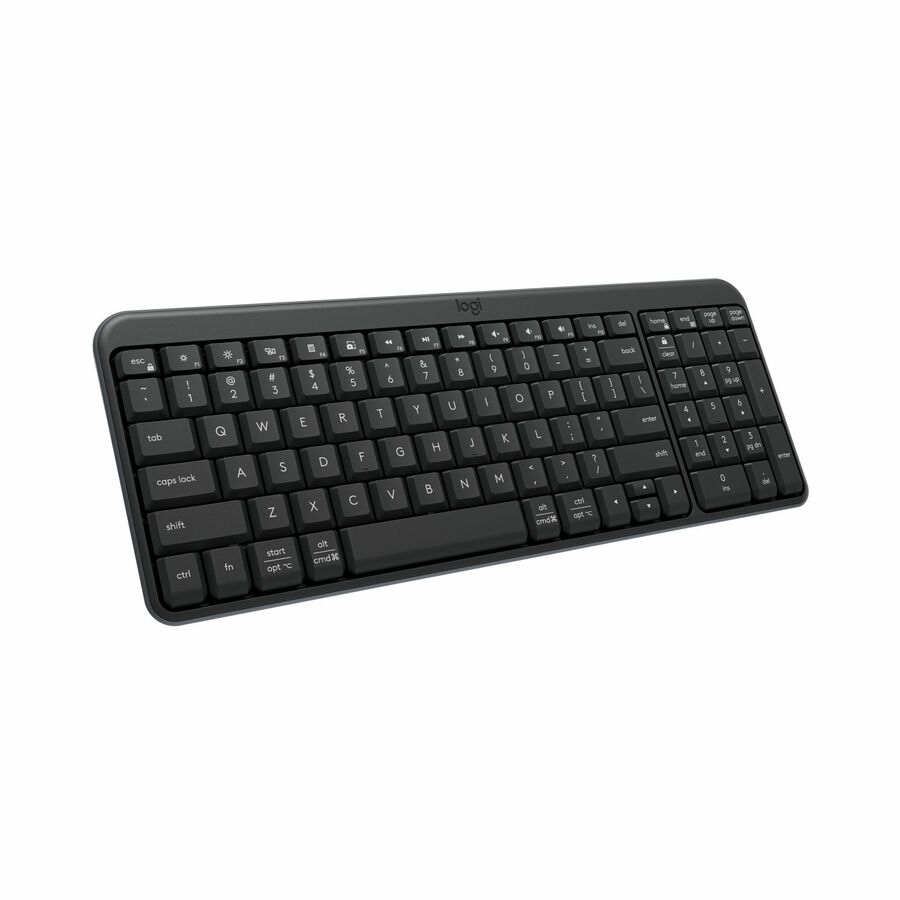
The Logitech K270 is the default 2.4 GHz full-size fleet board: a nano receiver, a number pad, months on a set of AAs and nothing to pair. It behaves like a wired keyboard from the BIOS up, which is exactly what a fixed desk wants at scale.
$29.98In stockMacally full RF
Mace
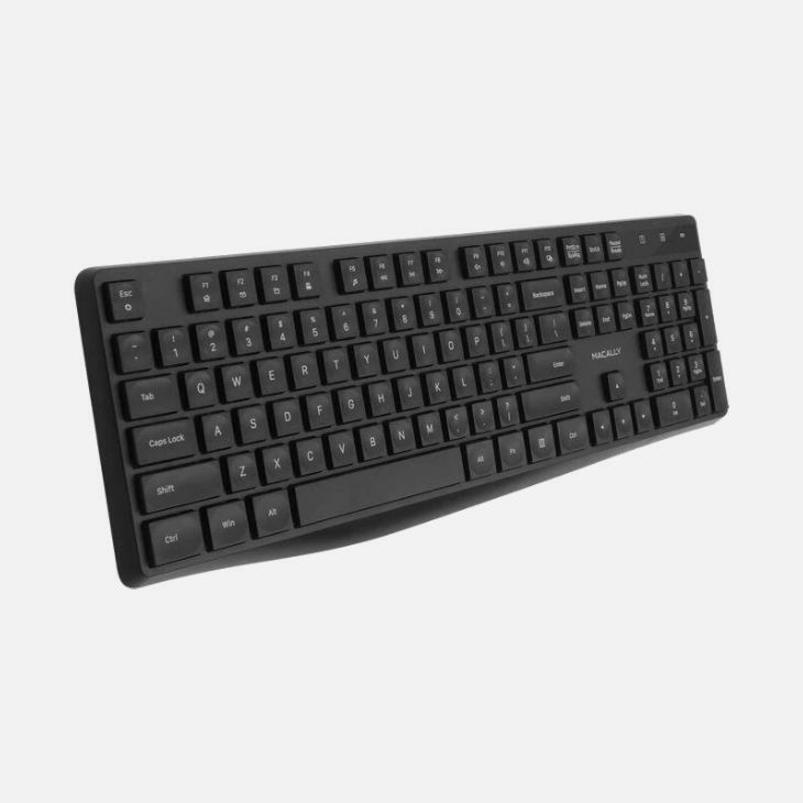
Macally Full Size Wireless RF Keyboard For Windows PC
RFJJKEY
The Macally full-size RF keyboard pairs to a USB receiver and keeps the number pad — a straightforward dongle-and-go board for a Windows desk that behaves like a wired keyboard from power-on.
$35.51Back-orderedDual-radio compact
Kensington Computer Products
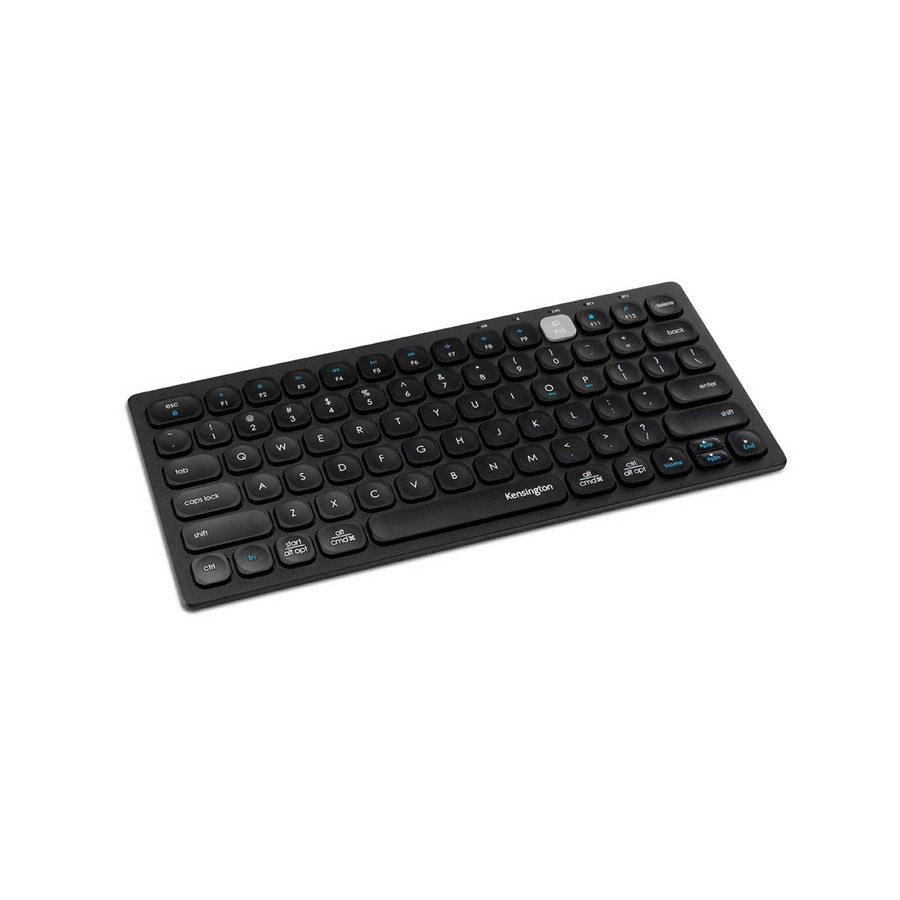
Kensington Multi-Device Dual Wireless Compact Keyboard
K75502US
The Kensington Multi-Device Dual Wireless keyboard pairs over both Bluetooth and a 2.4 GHz receiver and switches between hosts — a compact board for a shared desk that has to reach a docked PC and a tablet in the same shift.
$37.25In stockLenovo multi-device
Lenovo
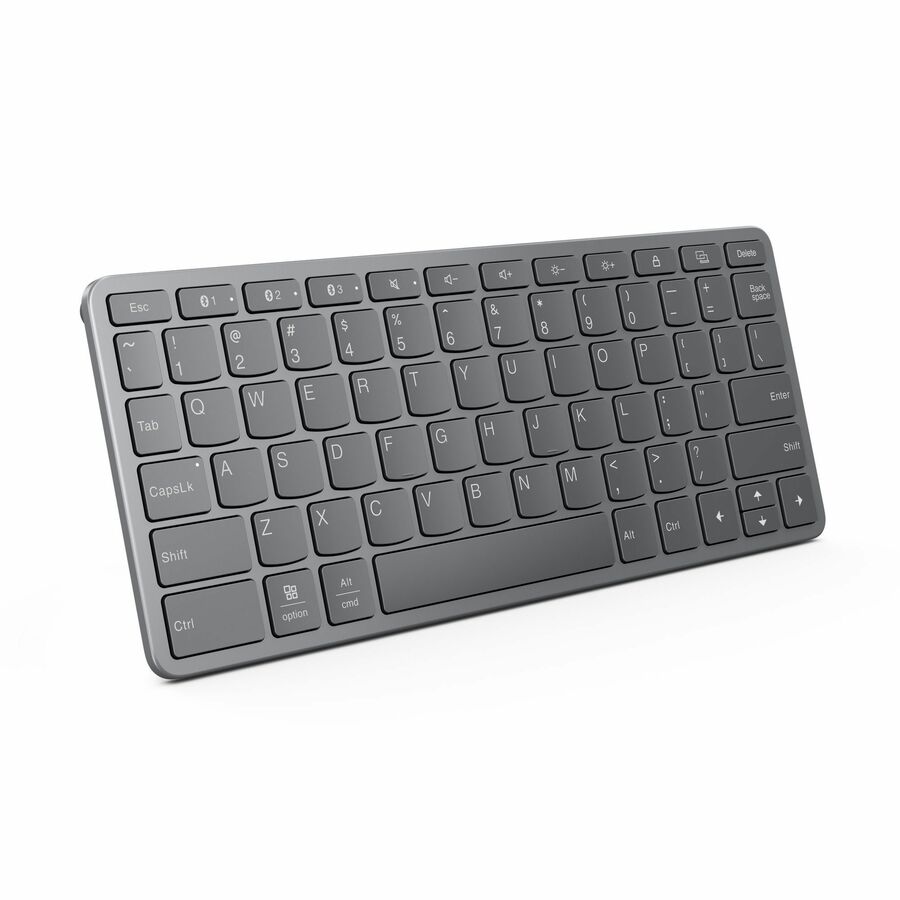
Lenovo Multi-Device Wireless Keyboard
ZG38C05810
The Lenovo Multi-Device Wireless keyboard switches between hosts over Bluetooth and a receiver — a board for a shared or hybrid desk that has to reach a docked PC and a tablet across one shift.
$29.74Back-orderedAntimicrobial board
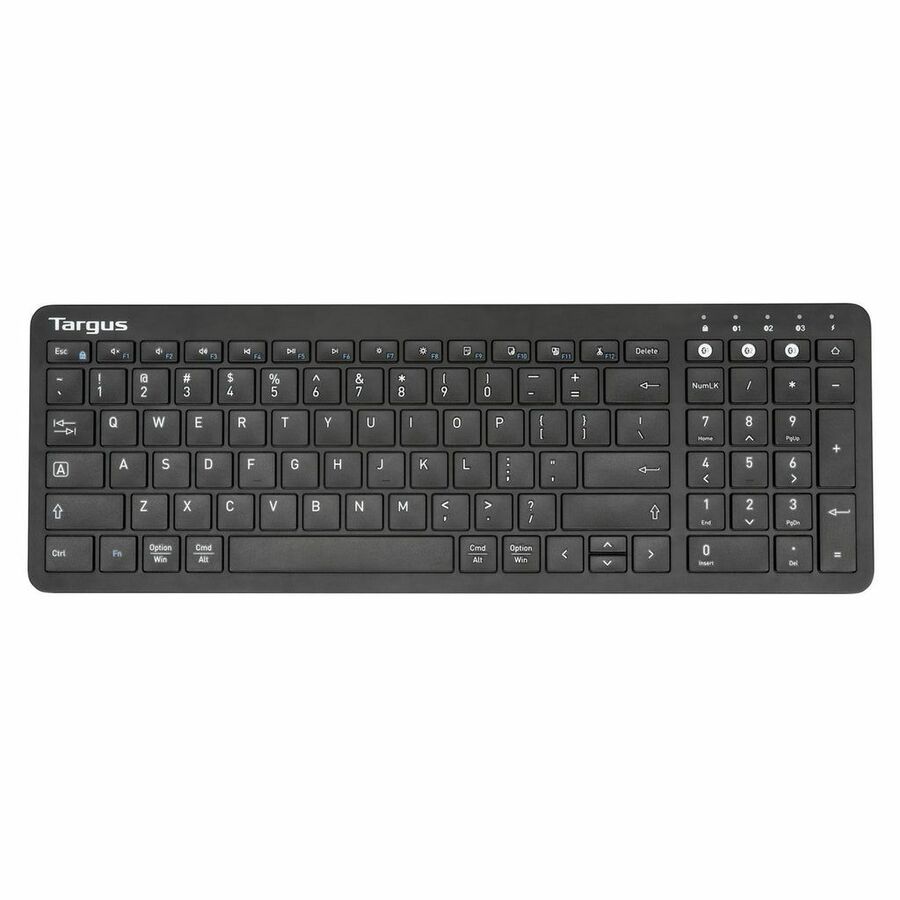
Targus Group International
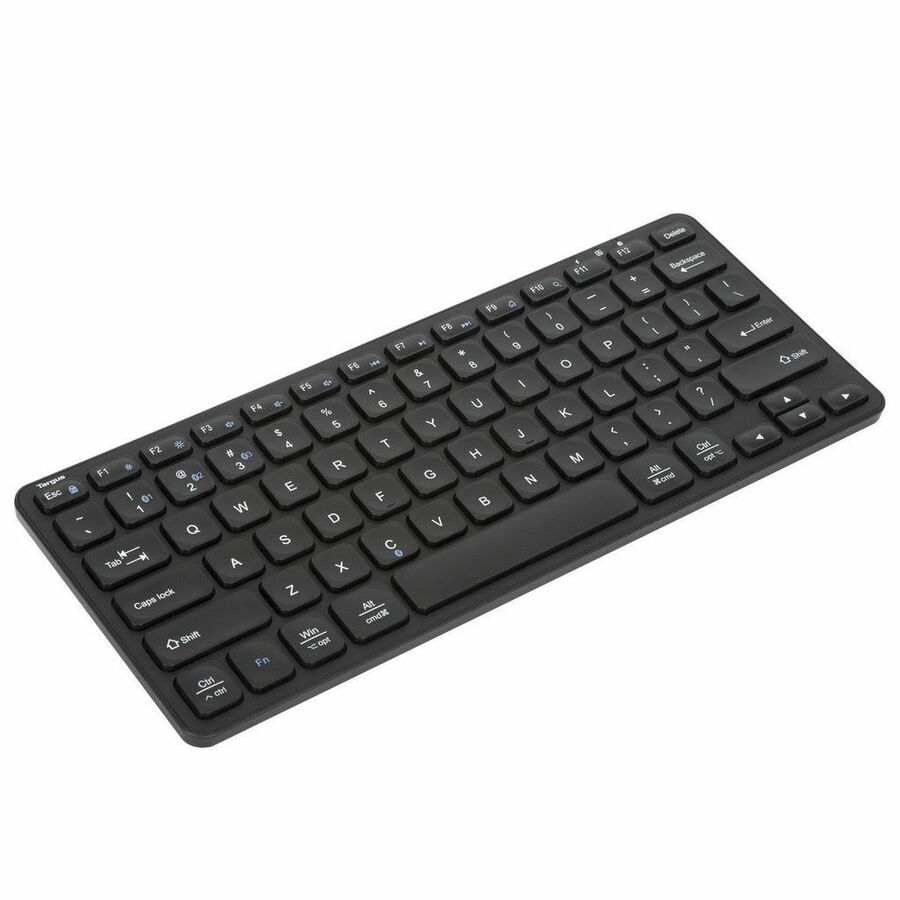
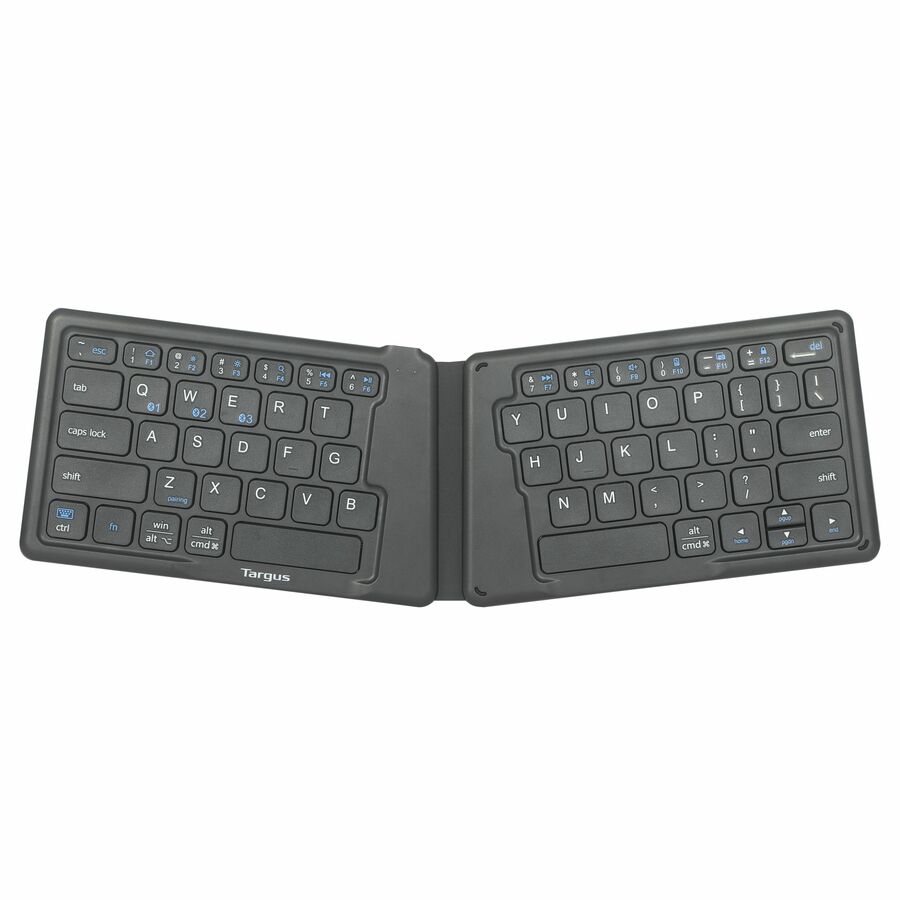
Targus Compact Multi-Device Bluetooth Antimicrobial Keyboard, Black
AKB862US
The Targus Compact Multi-Device Bluetooth Antimicrobial keyboard carries an antimicrobial surface (per its own title) and switches across three devices — a wipe-friendly board for shared, clinical and front-desk surfaces.
$29.09In stockTouchpad board
Adesso
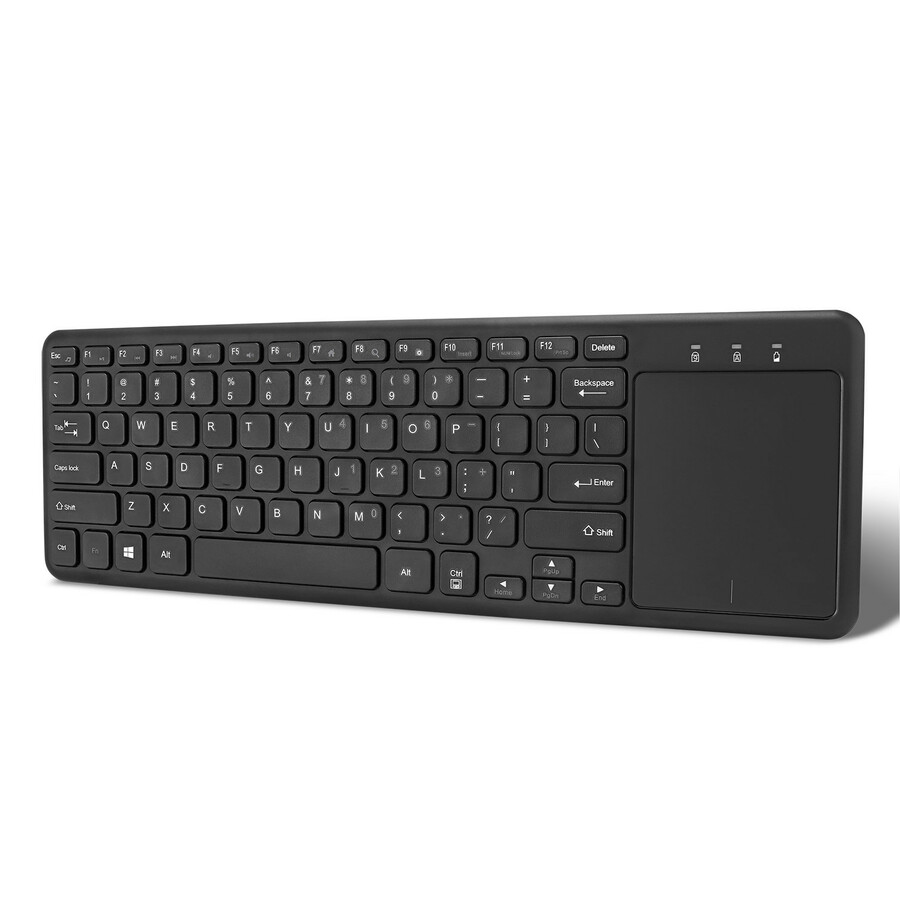
Adesso Wireless Keyboard with Built-in Touchpad
WKB-4050UB
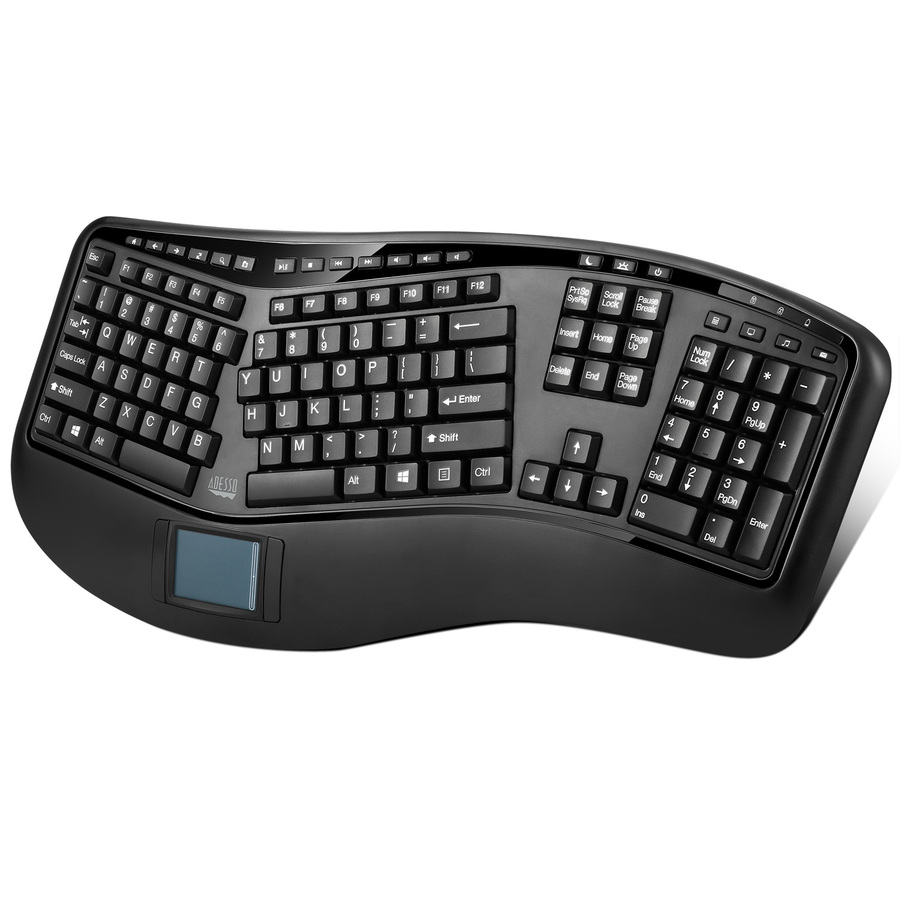
The Adesso Wireless Keyboard with a built-in touchpad puts the pointer on the board itself — the one-piece answer for a lectern, a media PC or a conference-room desk where a separate mouse has nowhere to sit.
$41.87In stockMulti-device compact
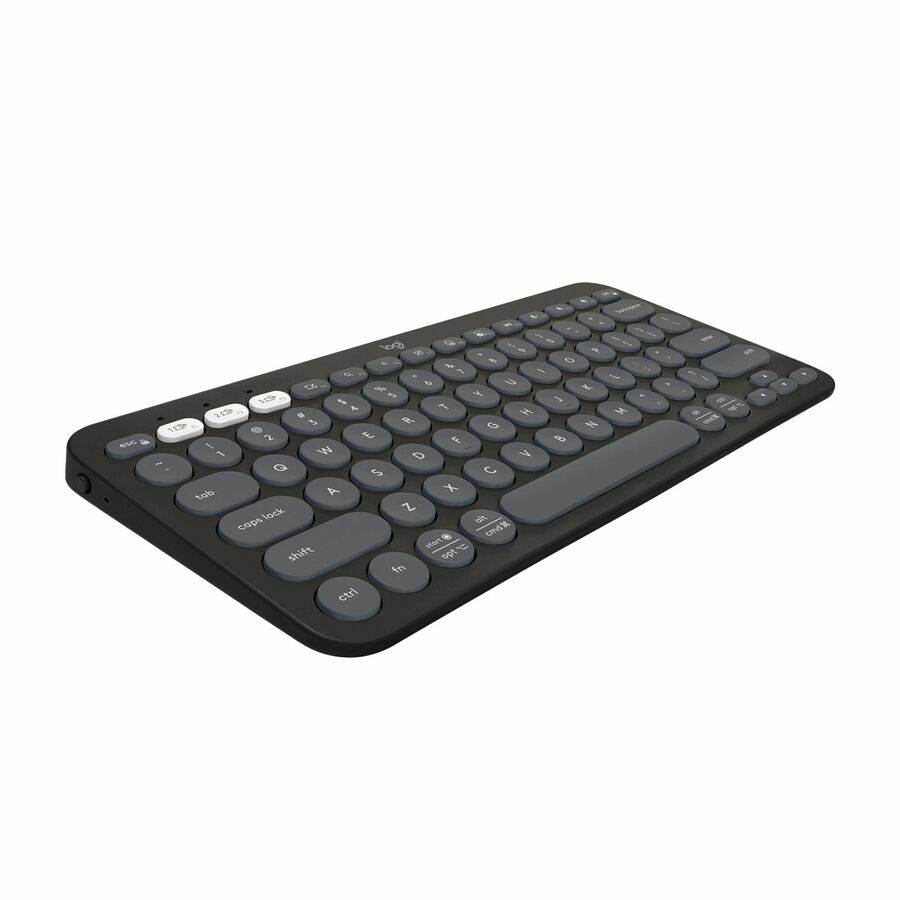
Logitech
Logitech Pebble Keys 2 K380s
920-011775
The Logitech Pebble Keys 2 K380s is a compact multi-device Bluetooth board that switches between a laptop, tablet and phone with a key. The right shape for a hot desk or a hybrid worker who carries their keyboard between hosts.
$47.78In stockRechargeable pro
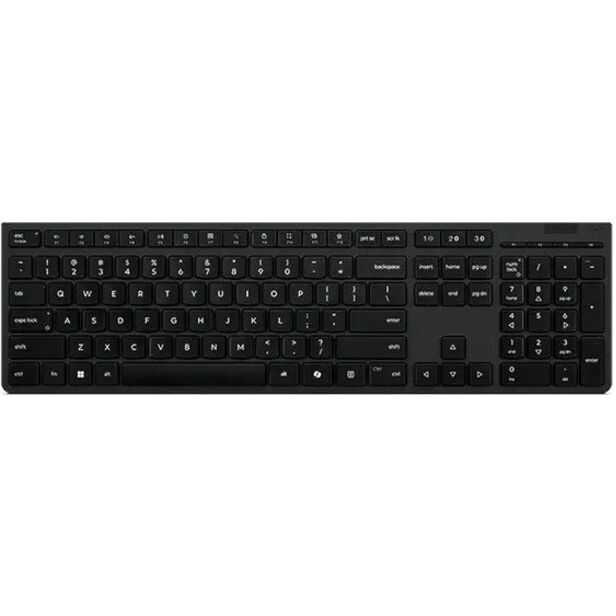
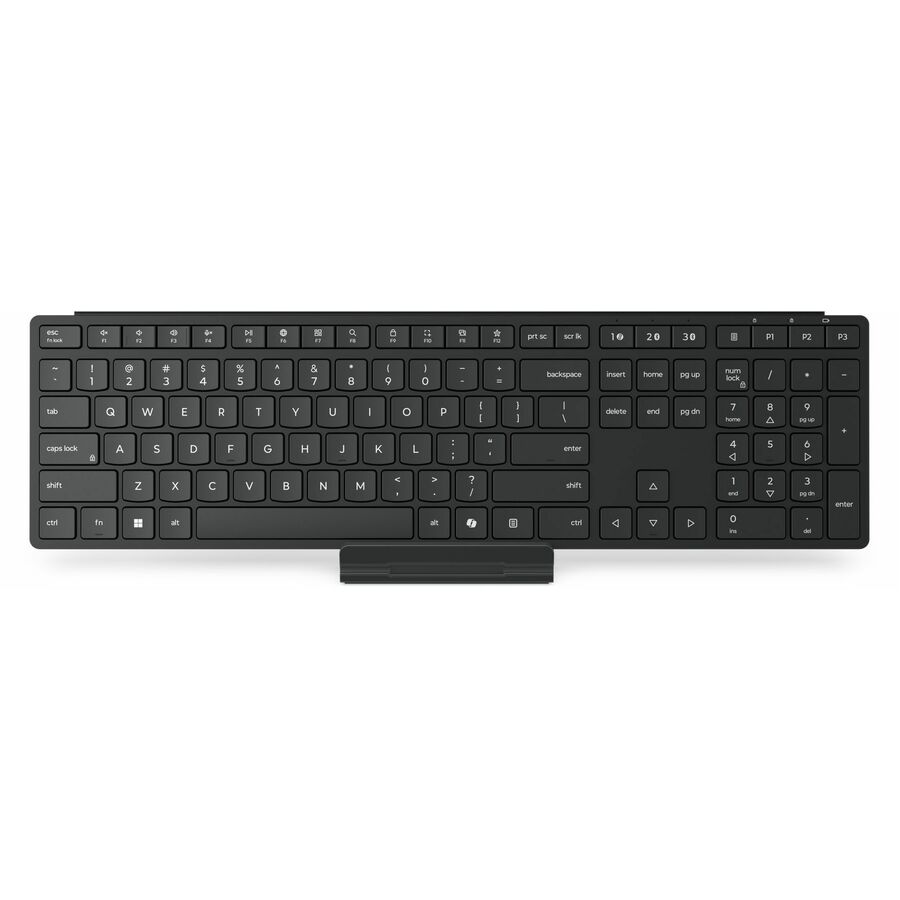
Lenovo
Lenovo Professional Wireless Rechargeable Keyboard-US English
4Y41R64505
The Lenovo Professional Wireless Rechargeable keyboard is a full-size board that collapses battery management into one charge cable — the pick for a fleet that would rather manage charge cycles than a spares box of AAs.
$51.42In stockFull-size eco BT
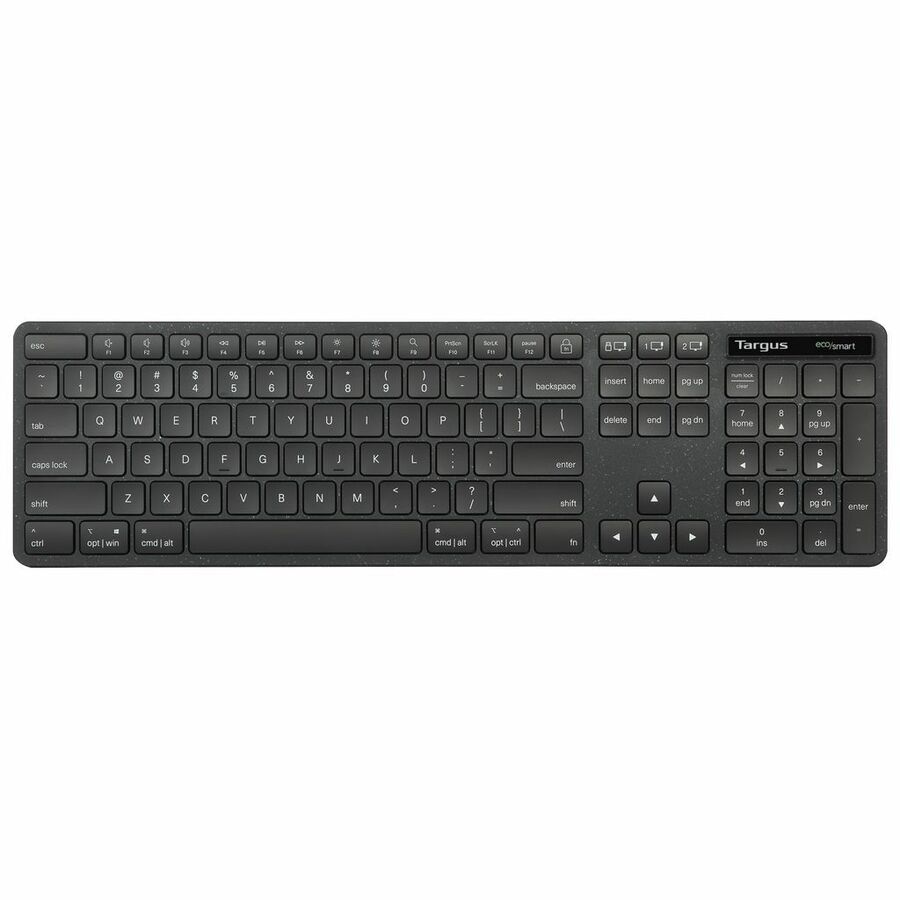
Targus Group International
Targus Full-Size Wireless EcoSmart Keyboard
AKB873US
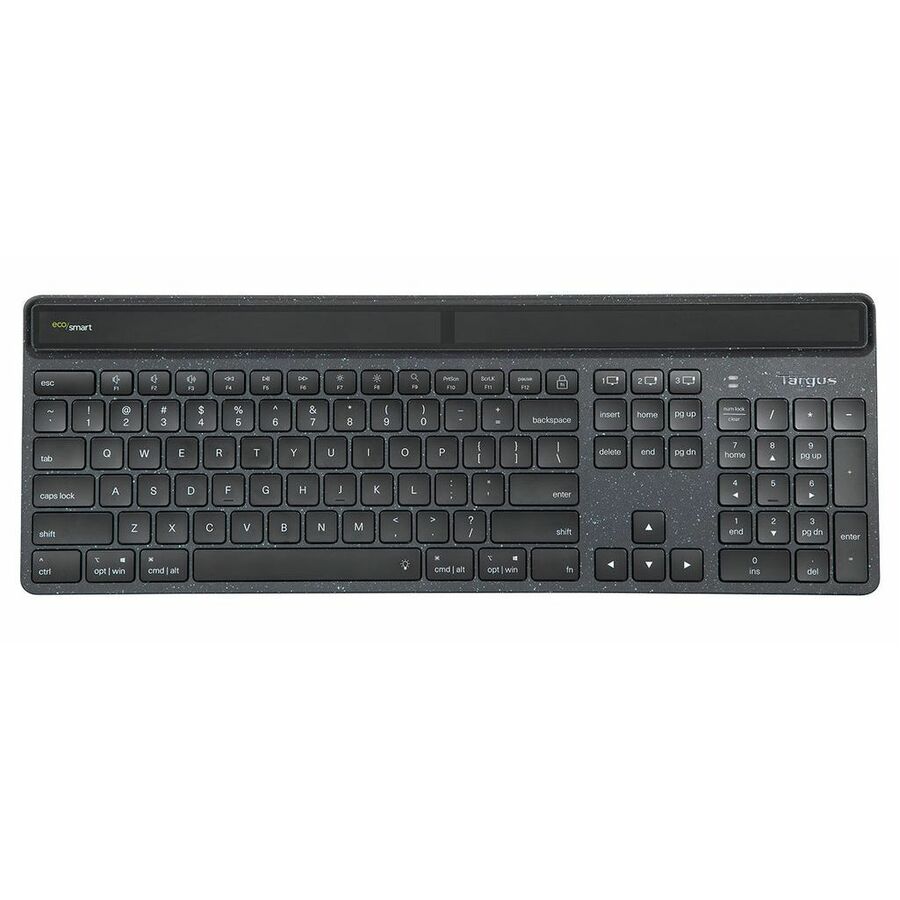
The Targus Full-Size Wireless EcoSmart keyboard keeps the number pad in a recycled-material build — a full-layout Bluetooth board for a finance or data-entry desk that wants the sustainability spec on the line item.
$65.95In stockTri-mode TKL
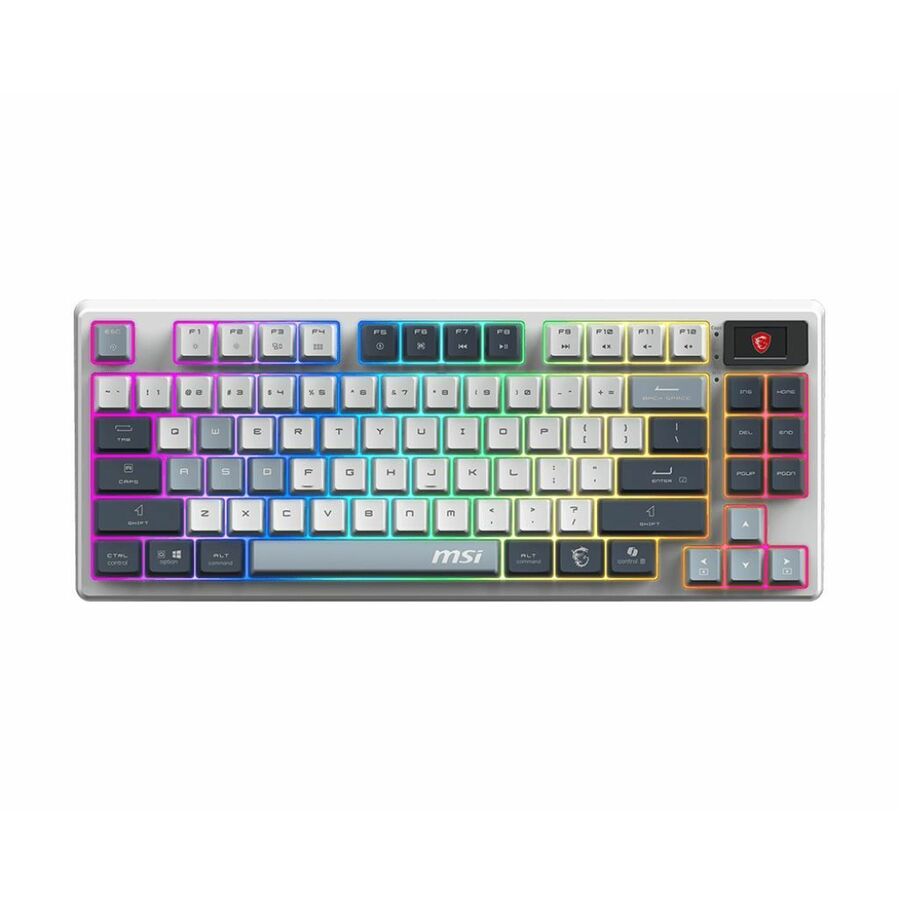
MSI
MSI FORGE GK600 TKL Tri-Mode Wireless Keyboard
FORGEGK600B
The MSI FORGE GK600 is a tenkeyless tri-mode board that connects over Bluetooth, a 2.4 GHz receiver or a cable — a compact keyboard for a desk that wants the mouse close and a choice of radio.
$90.27Back-orderedMac wireless
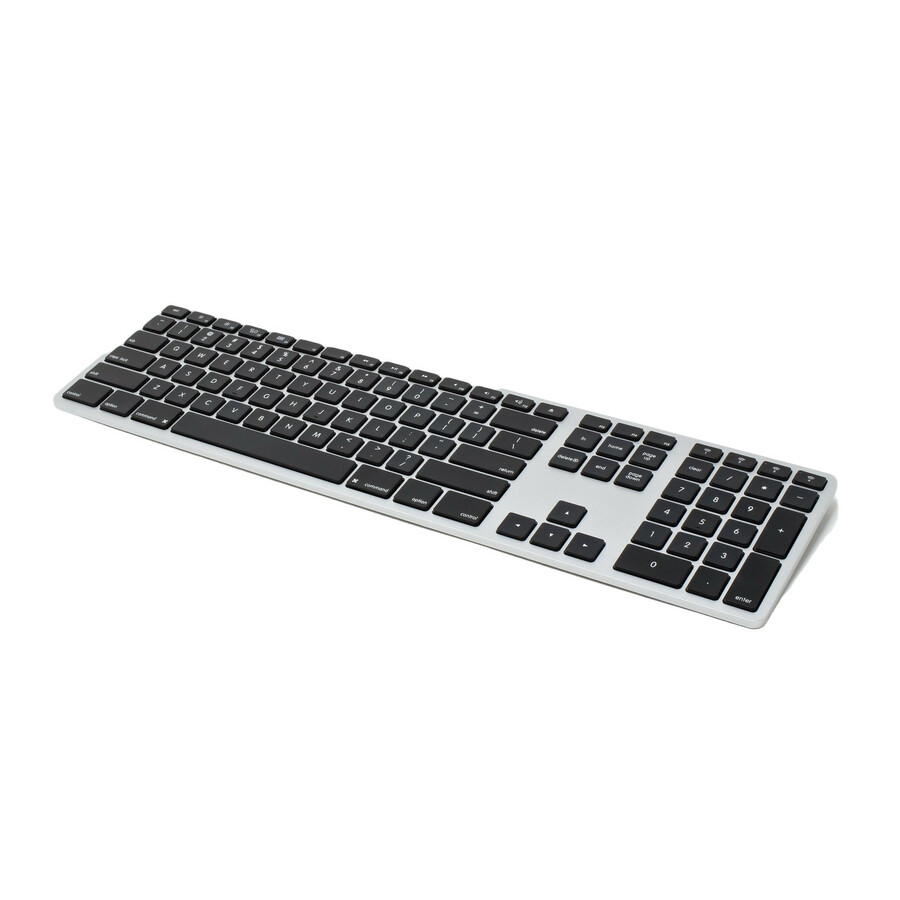
Ergoguys
Matias Wireless Multi-Pairing Keyboard For Mac
FK416BT
The Matias Wireless Multi-Pairing keyboard is a Mac-layout Bluetooth board that pairs several devices — the keyboard for a creative or executive Mac desk that wants the Apple layout and multi-device switching.
$70.52Back-orderedSurface premium
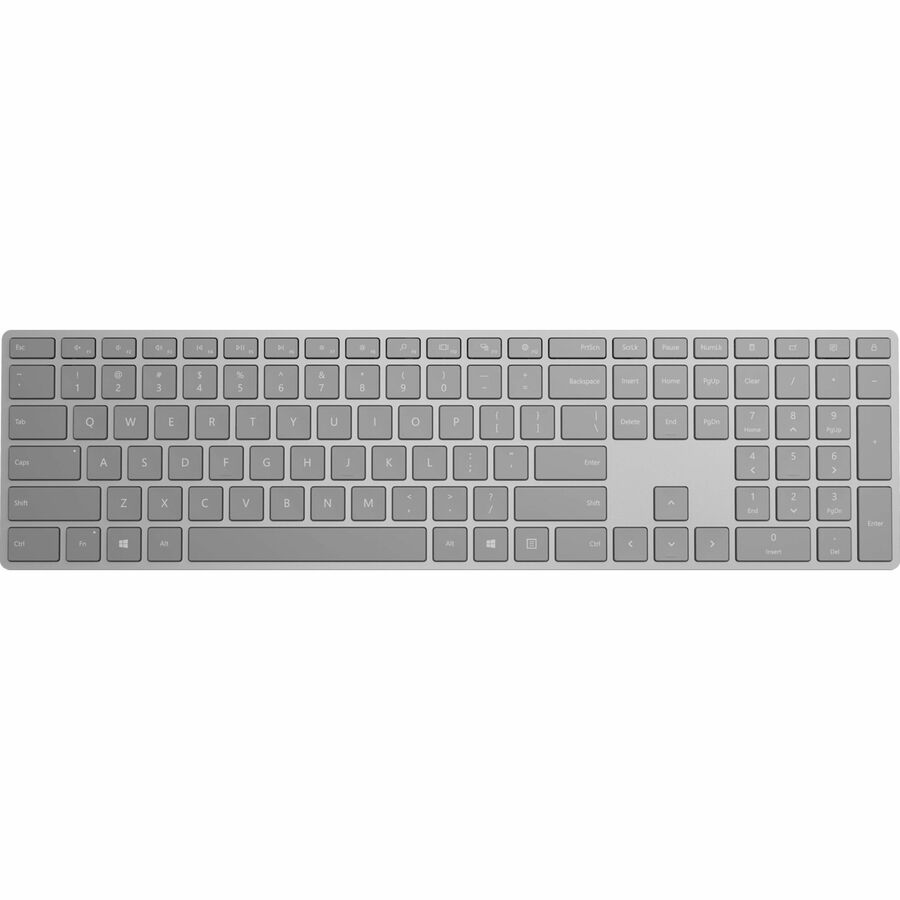
Microsoft
Microsoft Surface Keyboard
EP2-04165
The Microsoft Surface Keyboard is a slim full-size board over Bluetooth and RF — the premium desk keyboard for a Surface or Windows fleet that standardizes on the Microsoft peripheral look and feel.
$136.01Back-orderedMore keyboards and keypads in the Uniqcli catalog
See all 792 keyboards and keypadsMore from across this category. In-stock lines lead, and a back-ordered line carries the same estimated availability its product page does — with live pricing throughout, NDAA §889 screening before checkout and TAA verified on request.
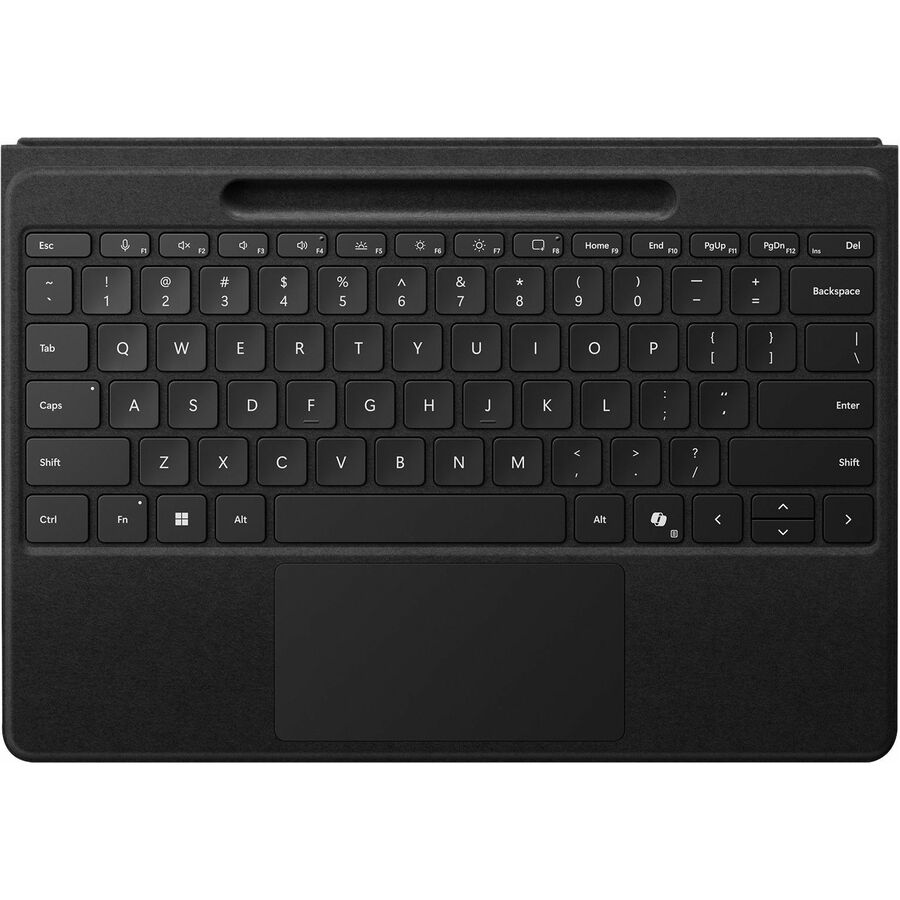
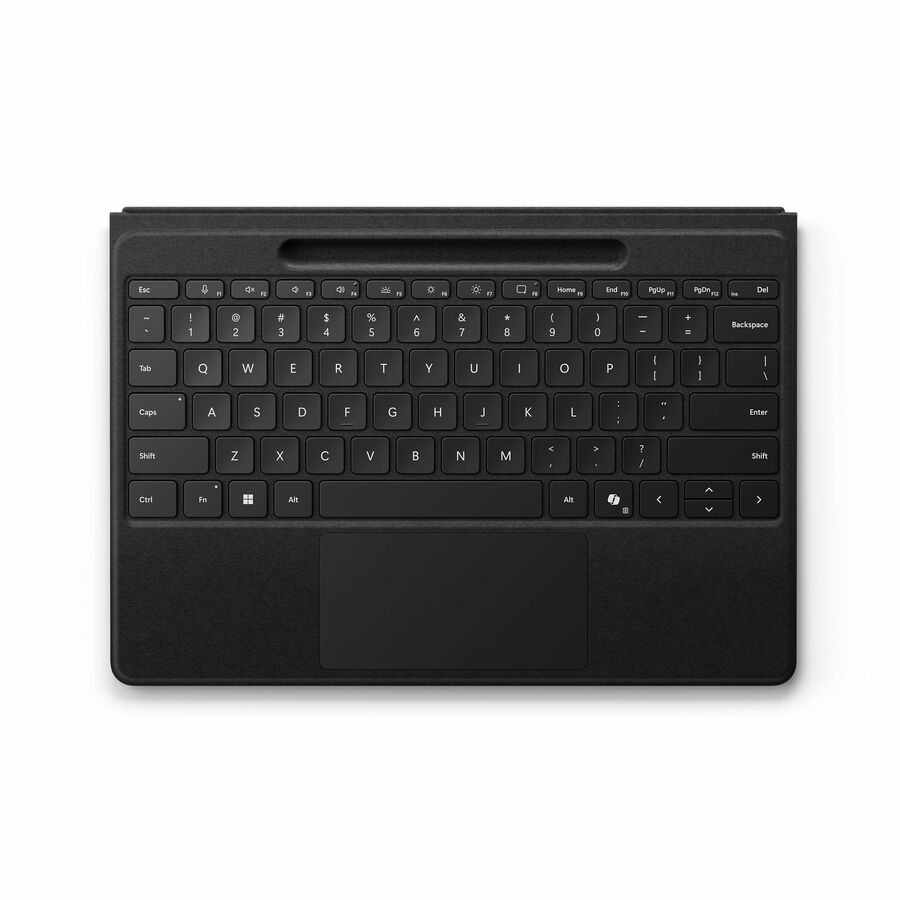
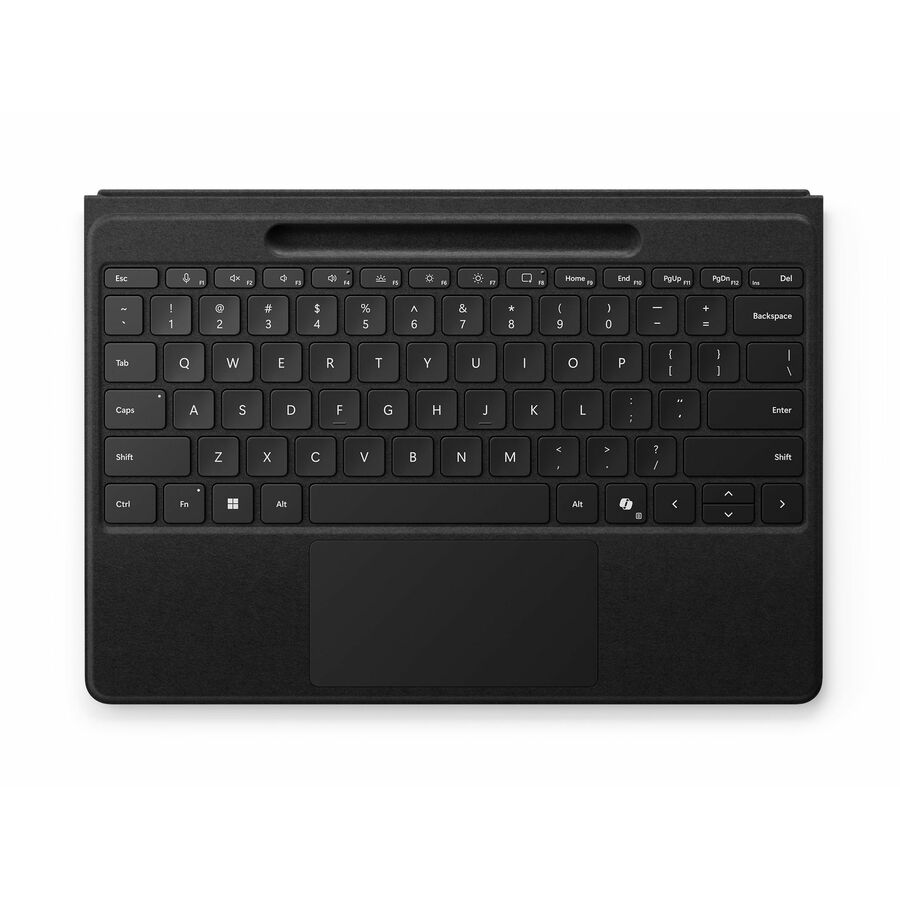
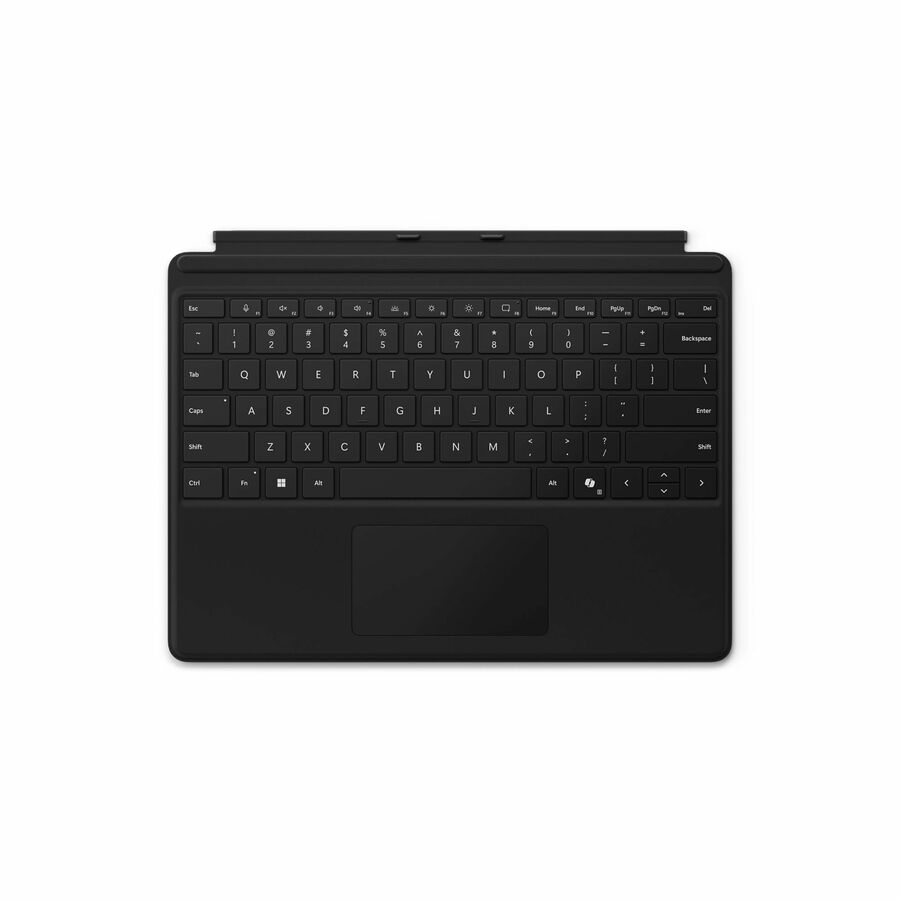
- MicrosoftMicrosoft Surface Pro Flex Keyboard with Pen Storage - Black - Wireless Connectivity - Bluetooth - 32.81 ft - CoPilot, Mute, Snipping, Screen Brightness, Media Control Hot Key(s) - Windows 11 - Notebook/Tablet - TouchPad - PC - Alcantara - Mechanical Keyswitch - BlackZRA-00001
$399.99
$362.21
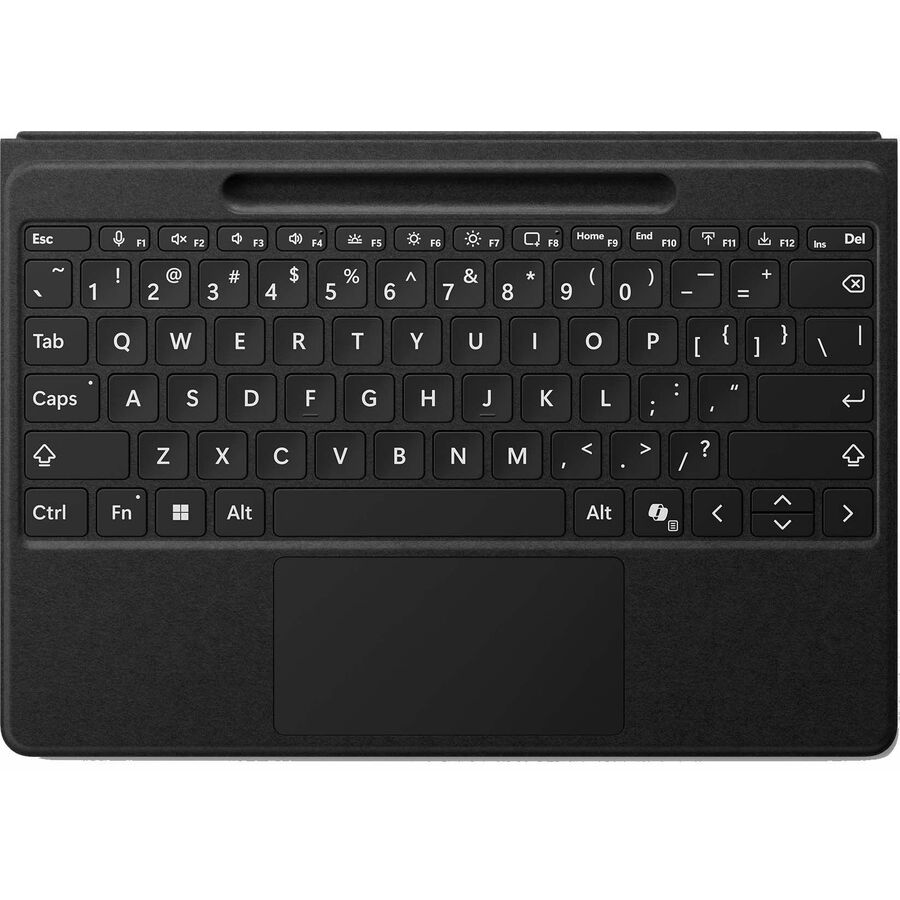
40 in stock - MicrosoftMicrosoft Surface Pro Flex Keyboard with Bold Keyset - Black - Wireless Connectivity - Bluetooth - 32.81 ft - CoPilot, Mute, Snipping, Screen Brightness, Media Player Hot Key(s) - Windows 11 - Notebook/Tablet - TouchPad - PC - Alcantara - Mechanical Keyswitch - BlackZRA-00023
$399.99
$362.30
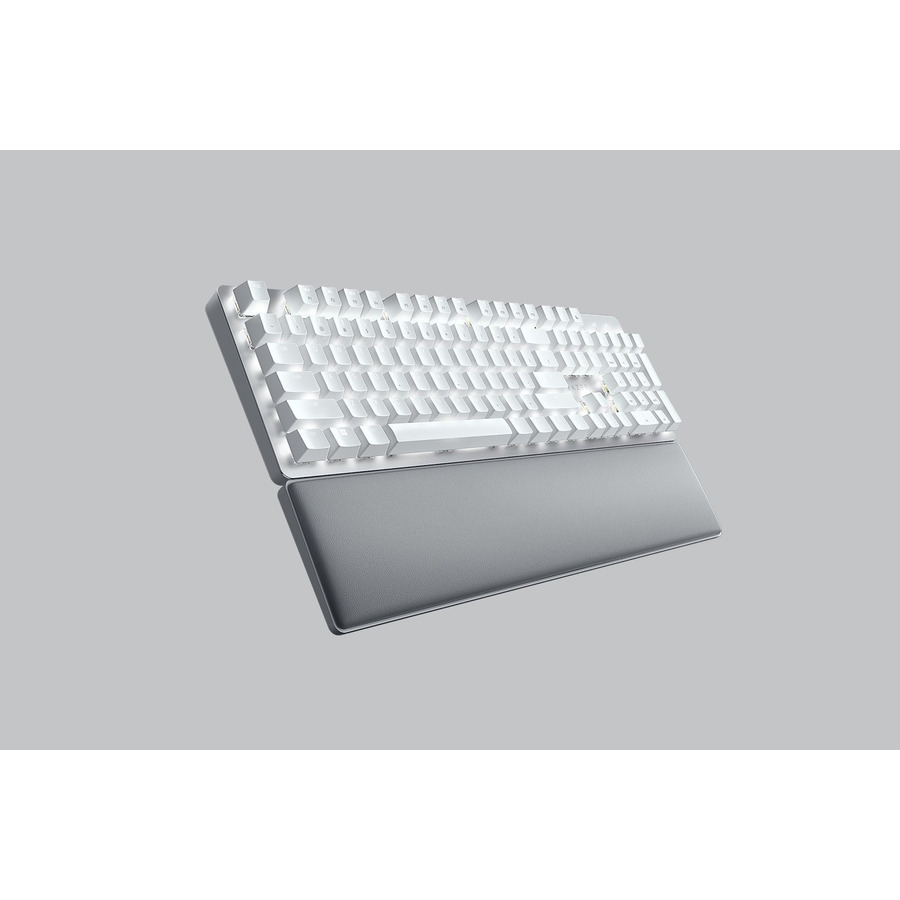
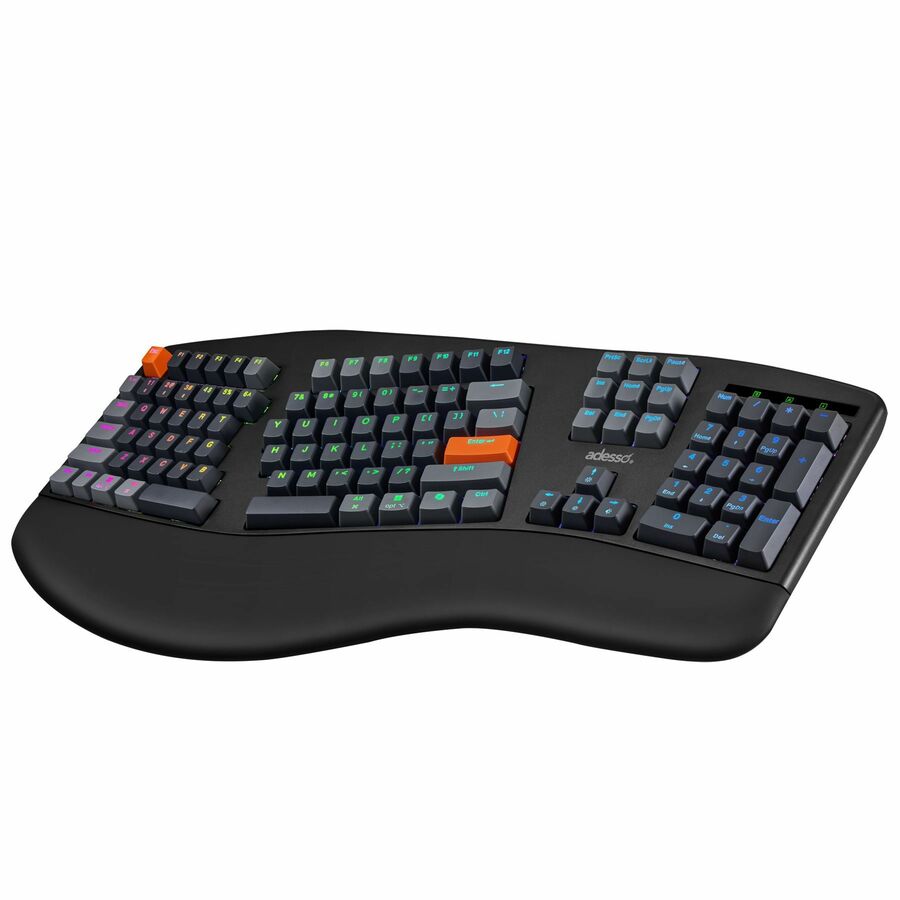
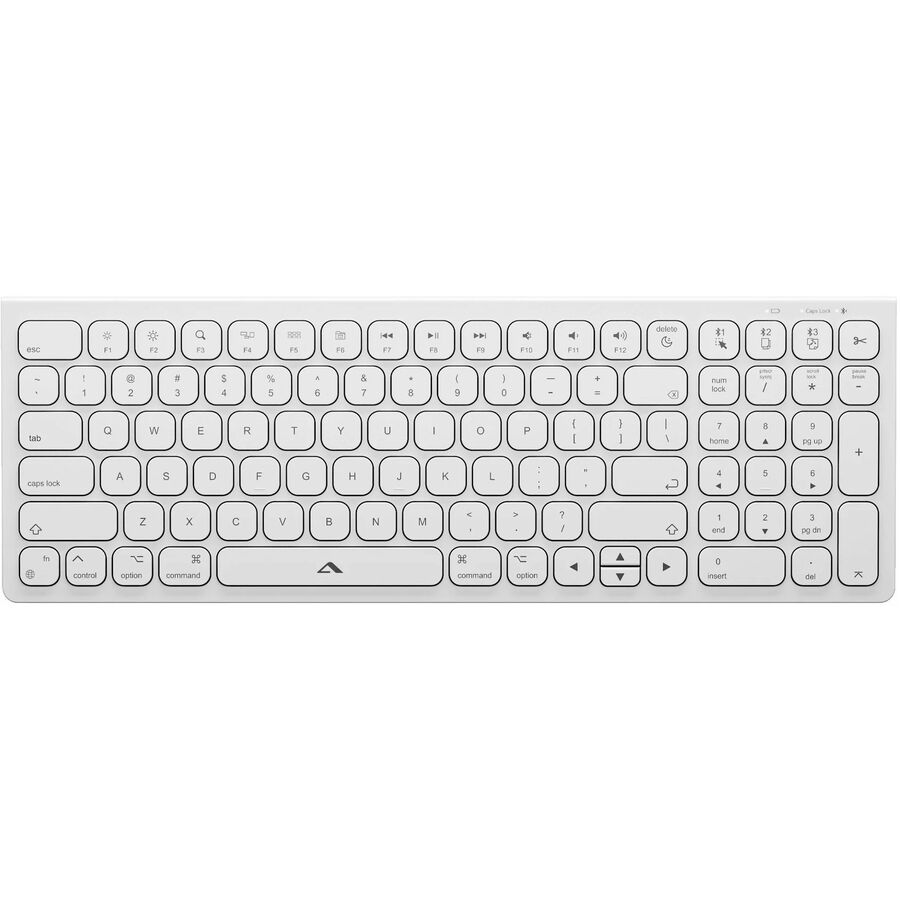
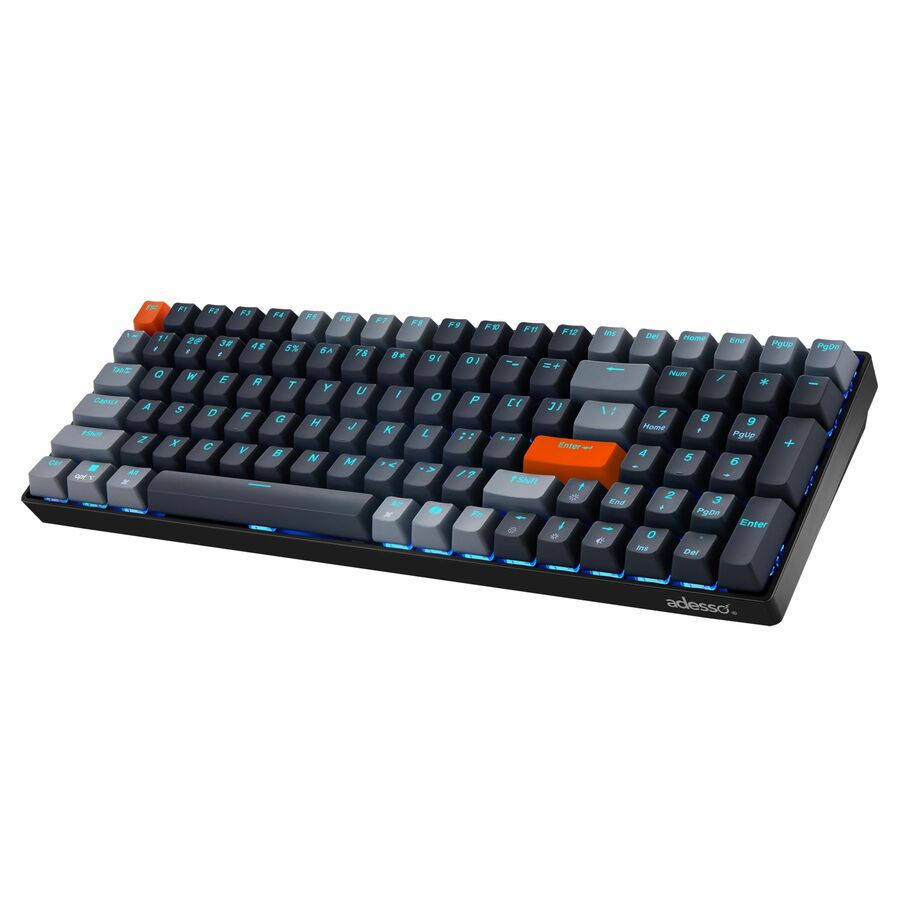
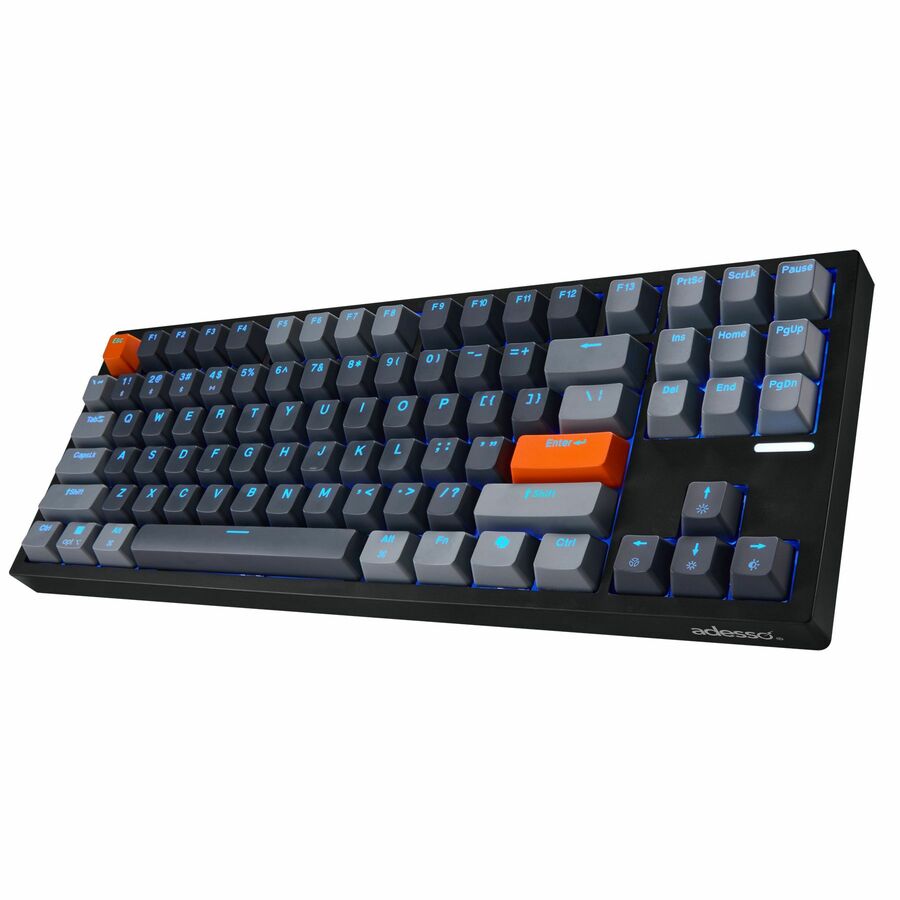
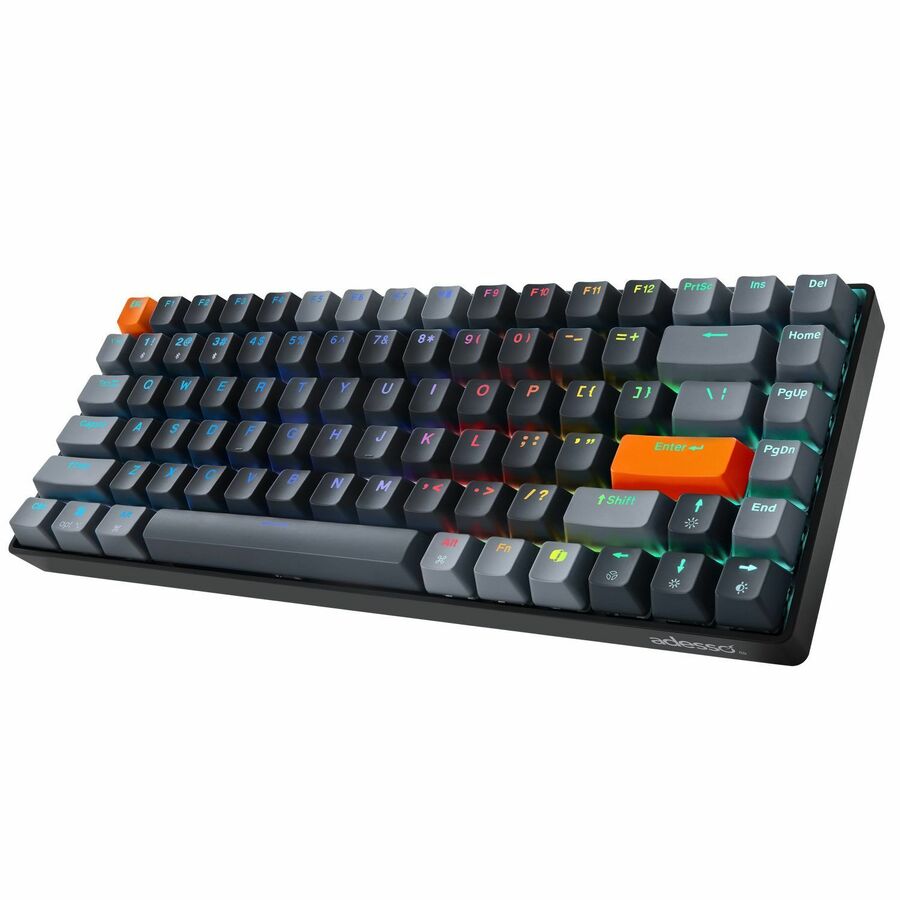
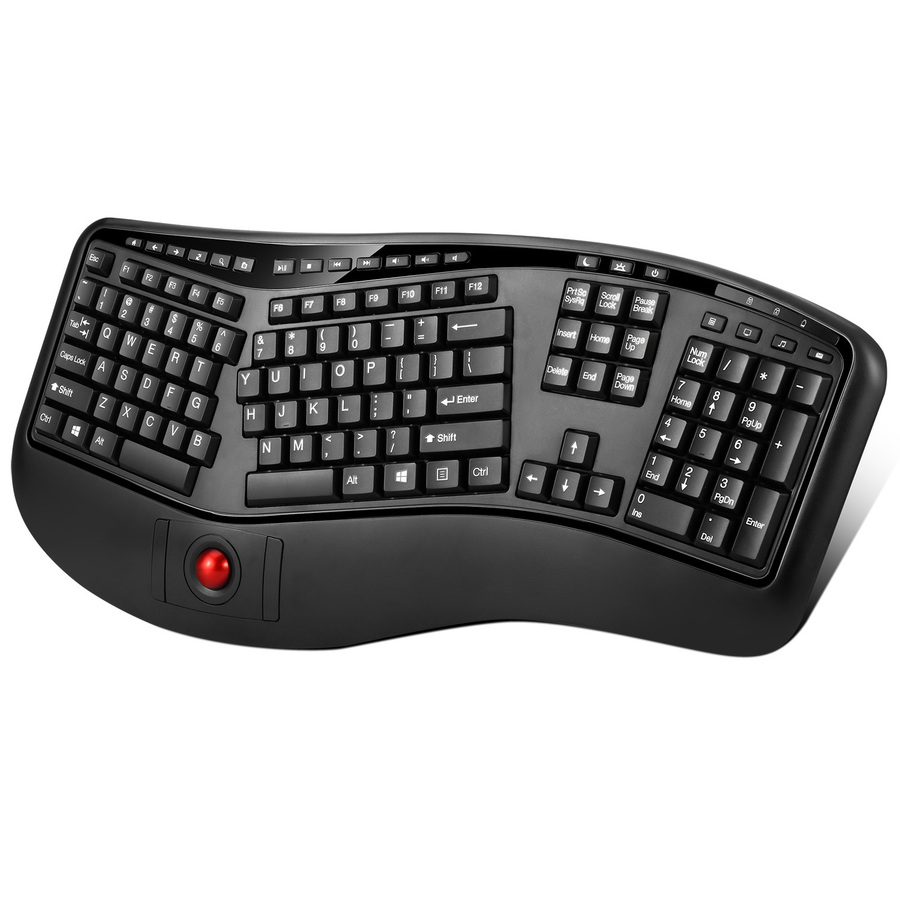
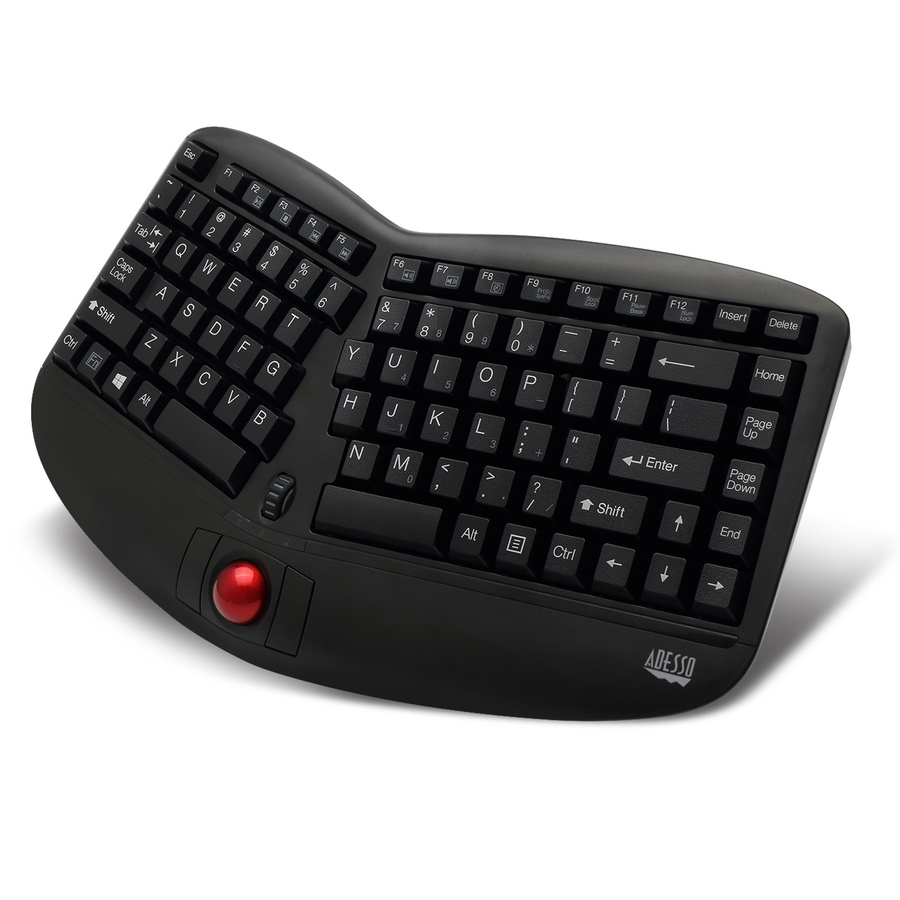
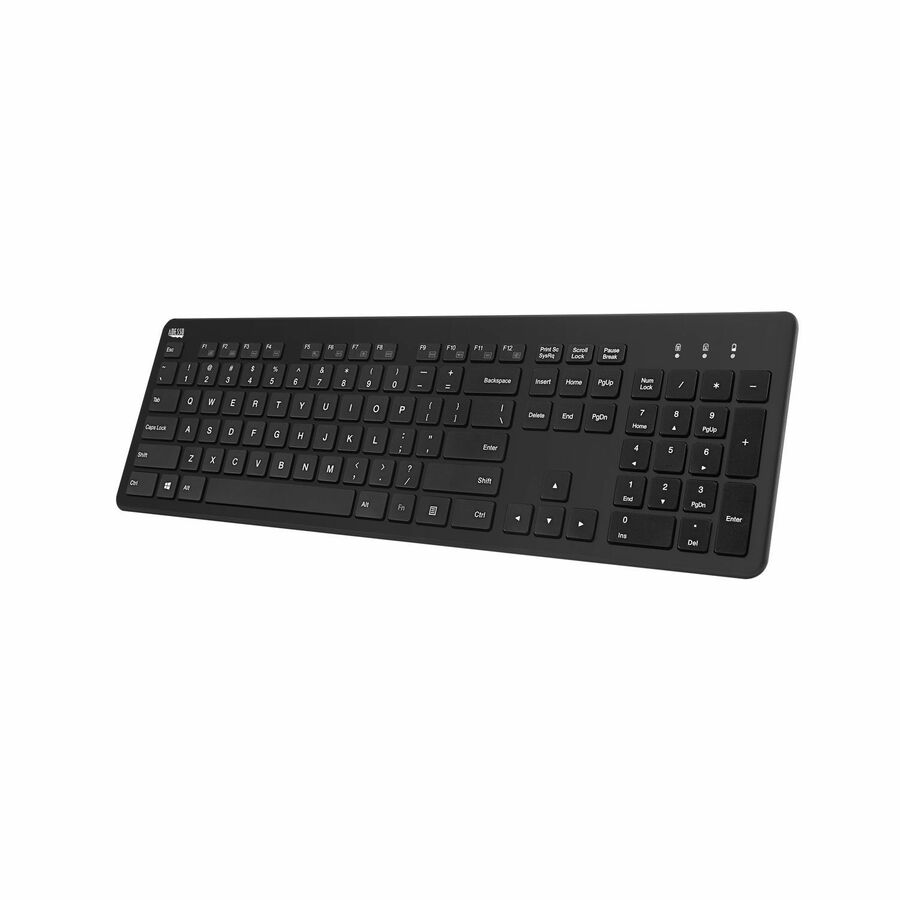
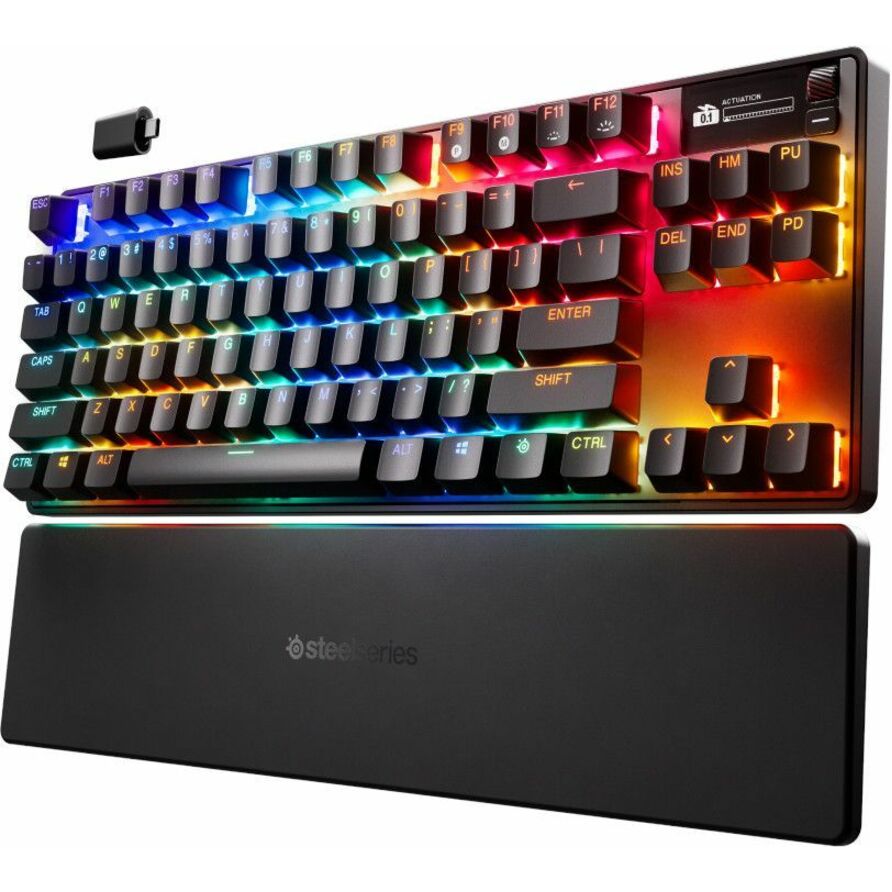
24 in stock - AdessoAdesso Easy Touch 1500 Ergonomic Mechanical Keyboard with Cherry MX Red Switch - Wired/Wireless Connectivity - Bluetooth/RF - 2.40 GHz - USB Type C Interface - RGB LED - 104 Key(s) - CoPilot, Windows Key Hot Key(s) - Windows, macOS, Android - English (US) - PC, Mac - Acrylonitrile Butadiene Styrene (ABS) - Red Switch KeyswitchEASYTOUCH 1500
$169.99
$161.53
311 in stock





Need pricing on wireless keyboards?
Tell us where to reach you and a Uniqcli specialist will follow up by email with current pricing, availability and lead time for the quantities you need — including parts that aren’t shown on this page.
Buying for an organization or for yourself — both work. No payment up front.
A wireless keyboard is a fleet-support decision before it is a comfort one. The choice that matters most is the radio: a 2.4 GHz RF keyboard pairs to a small USB receiver and behaves like a wired board — nothing to pair, works from the BIOS up, ideal for a fixed desk — while a Bluetooth keyboard needs no dongle and can switch between a laptop, a tablet and a phone, which suits hybrid and hot-desk staff. Several models here do both, keeping an RF receiver for the PC and Bluetooth channels for a second and third device. The keyboards below are the wireless models the hub stocks, each carrying its radio in its own product title so the connectivity you standardize on is the connectivity that ships.
Layout and power are the next two forks. Full-size boards keep the number pad for finance, data-entry and dispatch roles; compact and tenkeyless designs free desk space and sit closer to the mouse, which matters at a shared or a reception desk. Power splits between rechargeable models — one cable, no battery drawer to manage across a fleet — and AA/AAA designs that run for months and swap in seconds when they fade. Neither is wrong; the honest question is whether your help desk would rather manage charge cycles or a spares box of batteries.
The details that decide a rollout are the unglamorous ones. Spill-resistant and antimicrobial housings suit clinical, education and shared surfaces; multi-device switching cuts the clutter at a hot desk down to one board; and a small unifying receiver that pairs several peripherals to one USB port frees ports on a docked laptop. Standardize on one or two SKUs across the fleet and the recurring cost — imaging, spares and the 'my keyboard dropped' ticket — stays small.
Buyer's checklist
How to choose a wireless keyboard for a fleet
- Pick the radio for the seat: a 2.4 GHz RF board with a USB receiver behaves like a wired keyboard for a fixed desk, while multi-device Bluetooth suits staff who move between a laptop, tablet and phone — and several models here carry both.
- Decide full-size vs. compact by role: keep the number pad for finance, data-entry and dispatch, and go compact or tenkeyless at reception, huddle and hot desks where space and mouse reach matter more.
- Choose the power model deliberately: rechargeable keyboards mean one cable and no battery drawer, while AA/AAA models run for months and swap in seconds — pick the one your help desk would rather manage across a fleet.
- For shared or clinical surfaces, specify spill-resistant or antimicrobial housings where the title states them, so a wiped-down or splashed keyboard survives the environment it lives in.
- Use a unifying receiver where you can: pairing a keyboard and mouse to one small USB dongle frees a port on a docked laptop and keeps a single receiver as the spare to stock.
- Standardize on one or two SKUs across the fleet to simplify imaging, spares and help-desk support — a mixed bag of radios and layouts is a support cost, not a feature.
RF receiver vs. Bluetooth
The radio is the decision that follows a keyboard for its whole service life. A 2.4 GHz RF board ships with a nano USB receiver, pairs the moment the dongle is plugged in, and works from the firmware screen upward — no operating-system pairing, no drift, which is exactly what a fixed desk or a shared workstation wants. The trade is a used USB port and a receiver that has to travel with the keyboard; lose the dongle and the board is inert, so a unifying receiver that also carries the mouse is the pragmatic way to spend one port instead of two.
Bluetooth removes the dongle and adds mobility. A multi-device Bluetooth keyboard pairs to a laptop, a tablet and a phone and switches between them with a key, which is the right shape for hybrid staff and hot desks where one board serves several hosts through the day. The cost is a pairing step at setup and the occasional reconnect, and — on a locked-down fleet — a check that the endpoint policy allows Bluetooth HID at all. For a desk that never moves, RF is simpler; for a person who does, Bluetooth is the point.
Layout, power and the shared desk
Full-size boards earn their footprint wherever the number pad is used in anger — finance, data entry, dispatch and any role that lives in a spreadsheet. Compact and tenkeyless designs give that width back to the desk and let the mouse sit closer to the home row, which reduces reach at a reception counter or a hot desk and packs more workstations into the same bench. The layout is a role decision, not a preference, and buying both where roles differ is cheaper than fielding the complaints of the mismatch.
Power is the recurring-cost question. Rechargeable keyboards collapse battery management into a single cable and a charge routine, which suits a fleet that would rather not stock cells; AA and AAA models run for months on a set and swap in seconds, which suits a fleet that would rather not chase charge cycles. Spill-resistant and antimicrobial housings, where the product title states them, extend the same keyboard into clinical, classroom and shared-surface roles where a wipe-down or a splash would end an ordinary board — a durability choice that pays back over a multi-year fleet.
FAQ
Common questions
- Is a 2.4 GHz RF or a Bluetooth keyboard better for the office?
- It depends on the seat. A 2.4 GHz RF keyboard pairs to a small USB receiver and works like a wired board from the firmware up, which is ideal for a fixed desk or a shared workstation. Bluetooth needs no dongle and switches between a laptop, tablet and phone, which suits hybrid and hot-desk staff. Several models on this page carry both — an RF receiver for the PC and Bluetooth channels for other devices — so you can standardize one board across mixed roles.
- Should I buy full-size or compact keyboards for a fleet?
- Match the layout to the role. Keep full-size boards with a number pad for finance, data-entry and dispatch staff, and use compact or tenkeyless models at reception, huddle and hot desks where desk space and mouse reach matter more. Buying both where roles differ is cheaper than fielding the complaints that come from forcing one layout on everyone.
- Rechargeable or replaceable batteries — which is easier to support?
- Both work; the question is what your help desk would rather manage. Rechargeable keyboards mean one cable and no battery drawer, at the cost of tracking charge cycles. AA or AAA models run for months and swap in seconds, at the cost of stocking cells. For a large fleet, standardizing on one approach — not a mix — is what keeps the support overhead low.
- Can Uniqcli supply these keyboards for a government or education buyer?
- Every line Uniqcli quotes is sourced through US distribution and screened for TAA country-of-origin and NDAA §889 status before checkout — with documentation tied to the specific part number, not a product family.
Need wireless keyboards pricing?
Send a bill of materials or part numbers — we confirm stock and a below-market total, with TAA verified on request. No payment up front.