
Best Business Firewalls for Branch Sites, Offices and Racks
SonicWall and WatchGuard firewall appliances from desktop branch units to rackmount platforms.
Firewalls in stock at Uniqcli
How to choose →A curated selection with live pricing — in-stock lines first, then back-ordered lines with a typical lead time. Every line is sourced through US distribution and screened for NDAA §889 status before checkout, with TAA verified on request.
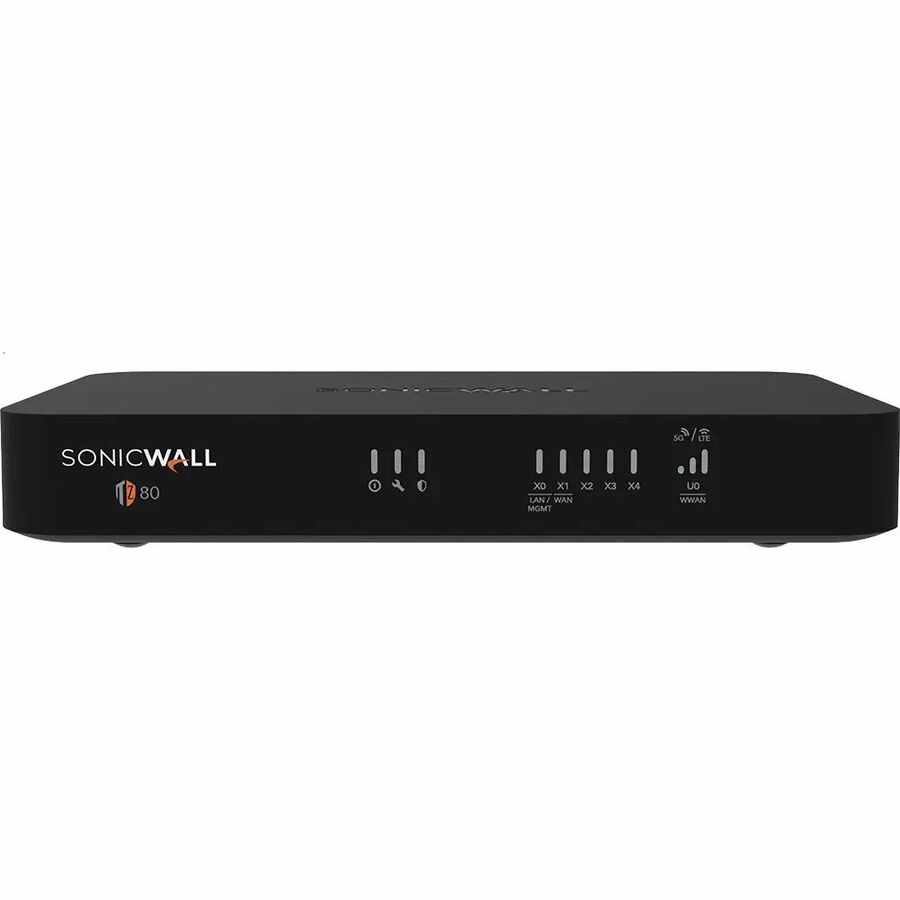
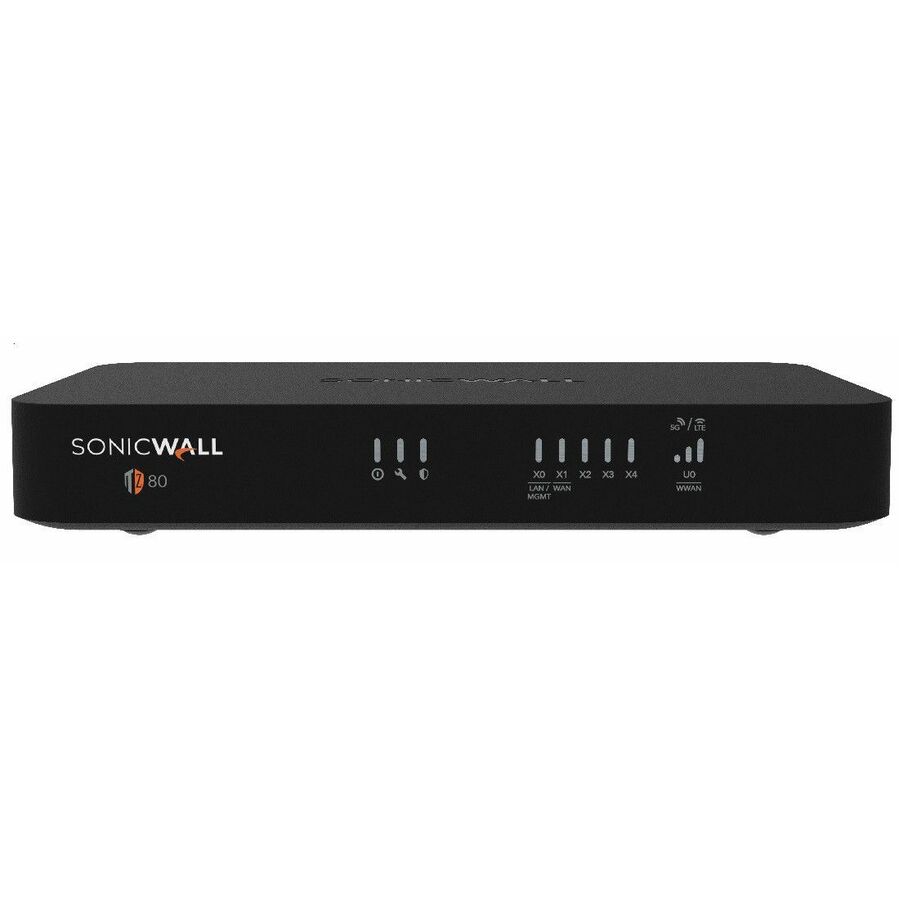
- SonicWallSonicWall TZ80 SECURE CONNECT 1YR - Wired - Intrusion Prevention - 4 Port - Gigabit Ethernet - 750 Mbit/s Firewall Throughput - DES, 3DES, MD5, SHA-1, AES (128-bit), AES (192-bit), AES (256-bit) - 5 VPN - 4 x RJ-45 - 1 Total Expansion Slots - 1 Year SECURE CONNECT - 50 Hz, 60 Hz - Desktop, Compact03-SSC-2841
$395.00
$380.70
3 in stock - SonicWallSonicWall TZ80 SECURE CONNECT LITE 5YR - Wired - Intrusion Prevention - 4 Port - Gigabit Ethernet - 750 Mbit/s Firewall Throughput - DES, 3DES, MD5, SHA-1, AES (128-bit), AES (192-bit), AES (256-bit) - 5 VPN - 4 x RJ-45 - 1 Total Expansion Slots - 5 Year SECURE CONNECT LITE - 50 Hz, 60 Hz - Desktop, Compact03-SSC-7526
$395.00
$380.70
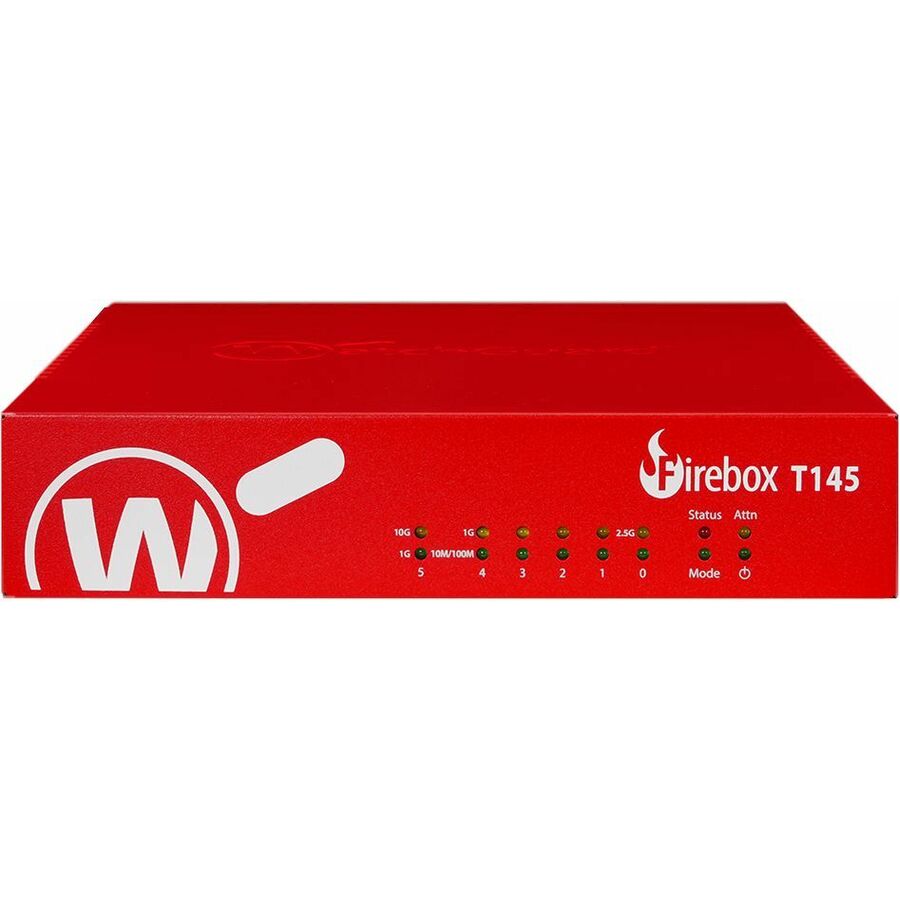
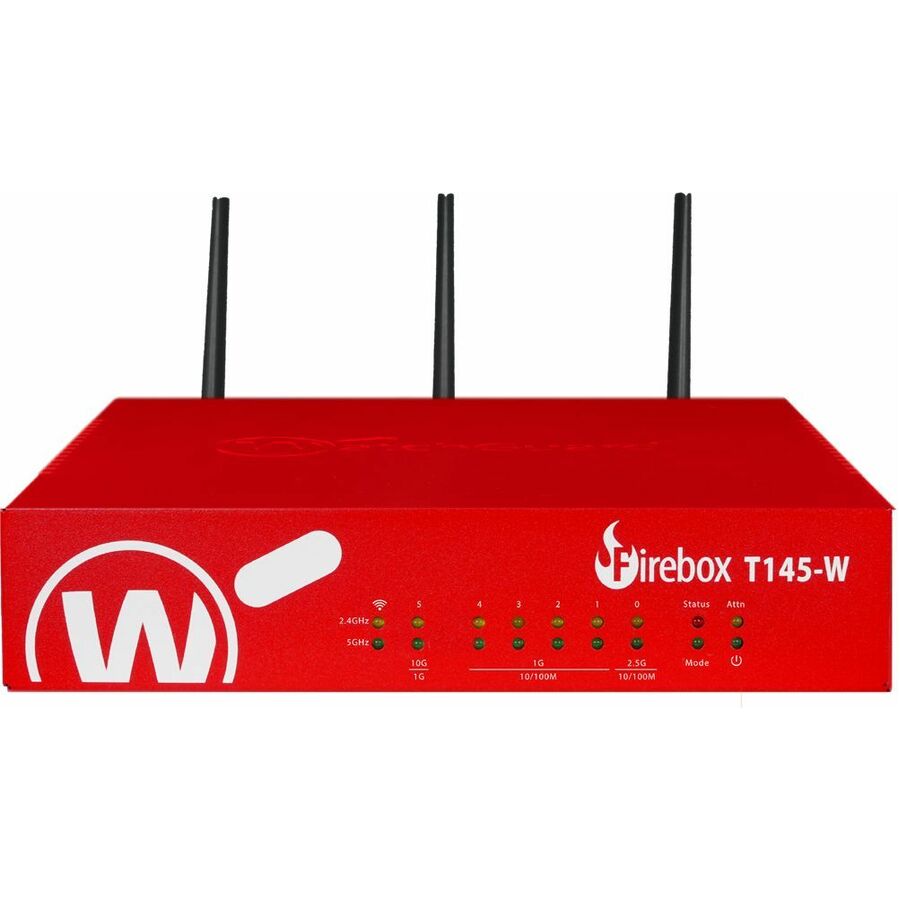
29 in stock - WatchGuard TechnologiesWatchGuard Firebox T145-W Appliance Only - Wired/Wireless - Centralized Management - 5 Port - 2.5 Gigabit Ethernet, Gigabit Ethernet - 3.90 Gbit/s Firewall Throughput - Wireless LAN IEEE 802.11be - TLS - 5 x RJ-45 - 1 Total Expansion Slots - Compact, TabletopWGT146000
$440.00
$410.66
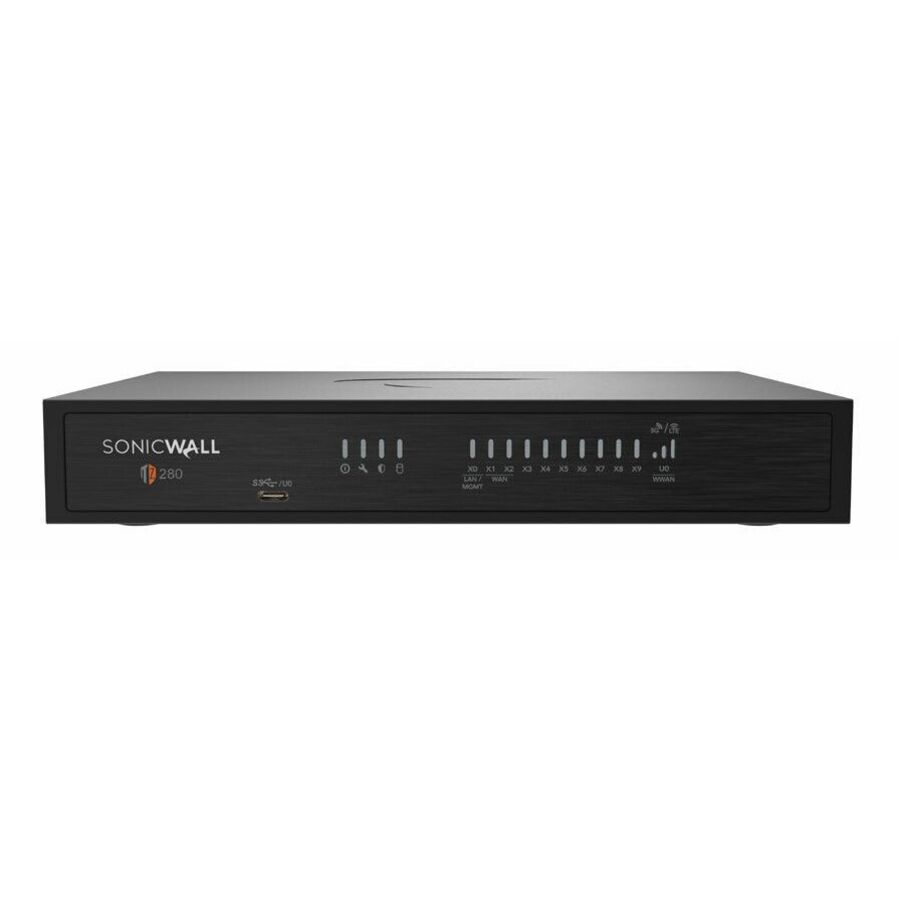
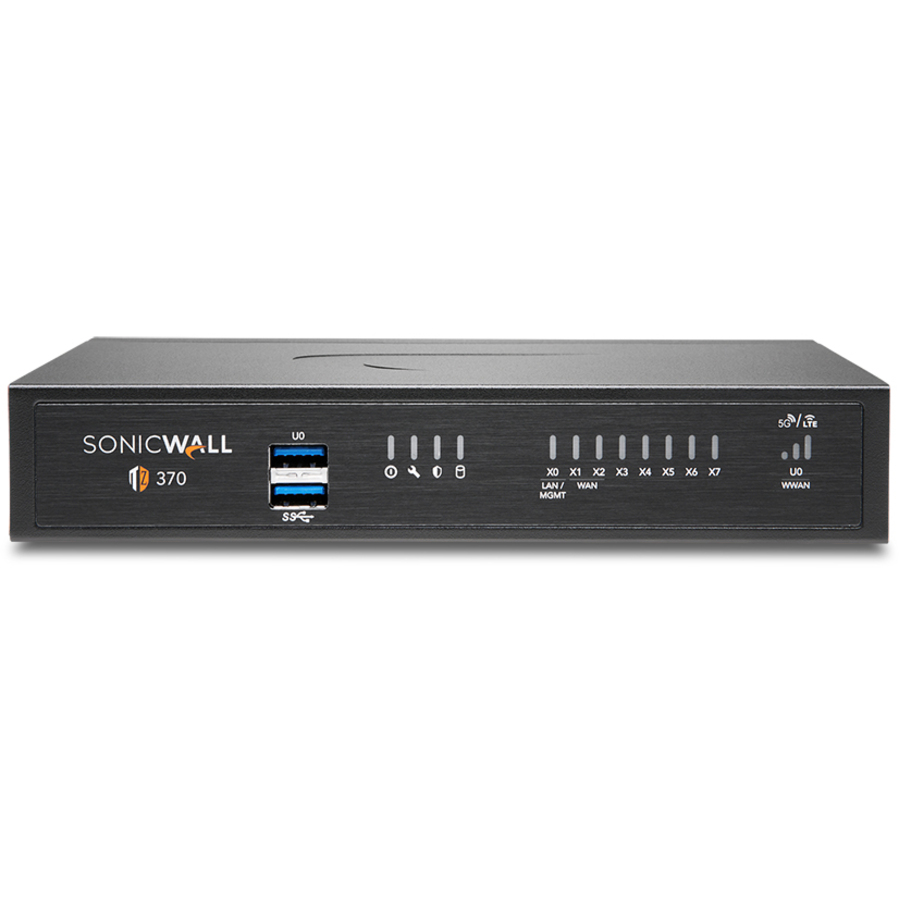
10 in stock - SonicWallSonicWall TZ280 HIGH AVAILABILITY - Wired - Intrusion Prevention - 8 Port - Gigabit Ethernet - 2.50 Gbit/s Firewall Throughput - MD5, AES (128-bit), AES (192-bit), AES (256-bit), SHA-256, SHA-384, TLS 1.3, SSL, TLS - 200 VPN - 8 x RJ-45 - 2 Total Expansion Slots - 50 Hz, 60 Hz - Desktop03-SSC-6936
$463.25
$446.48
9 in stock


More firewalls in the Uniqcli catalog
See all 4,264 firewallsMore from across this category. In-stock lines lead, and a back-ordered line carries the same estimated availability its product page does — with live pricing throughout, NDAA §889 screening before checkout and TAA verified on request.
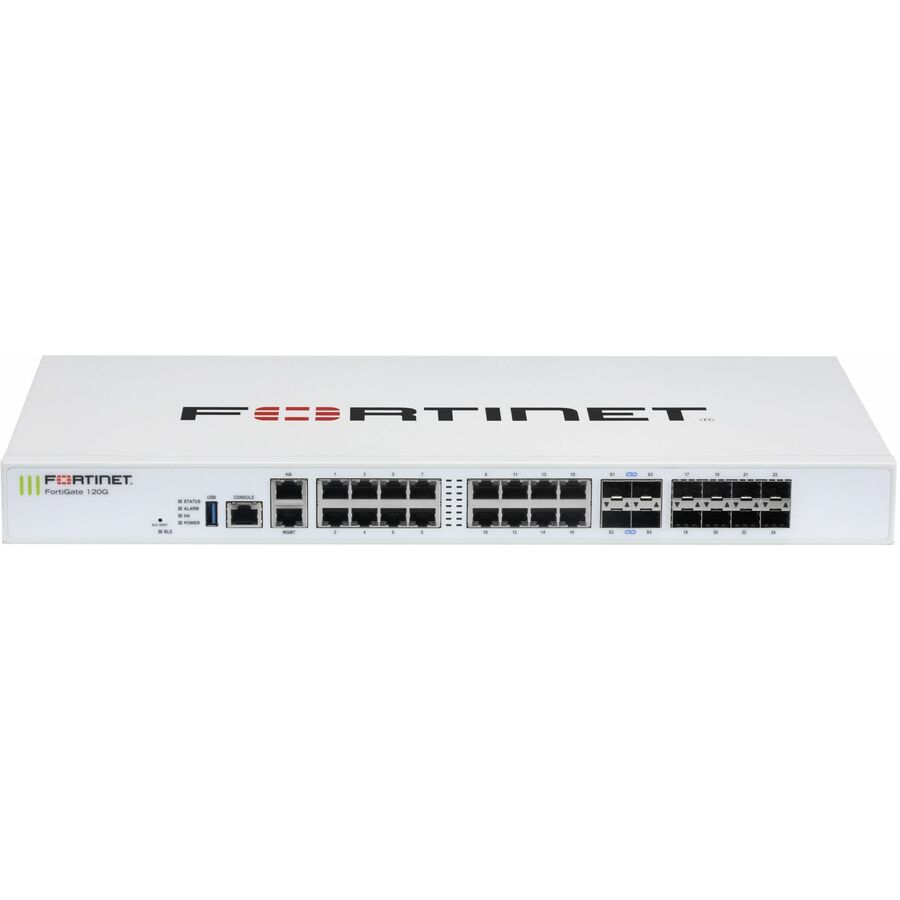
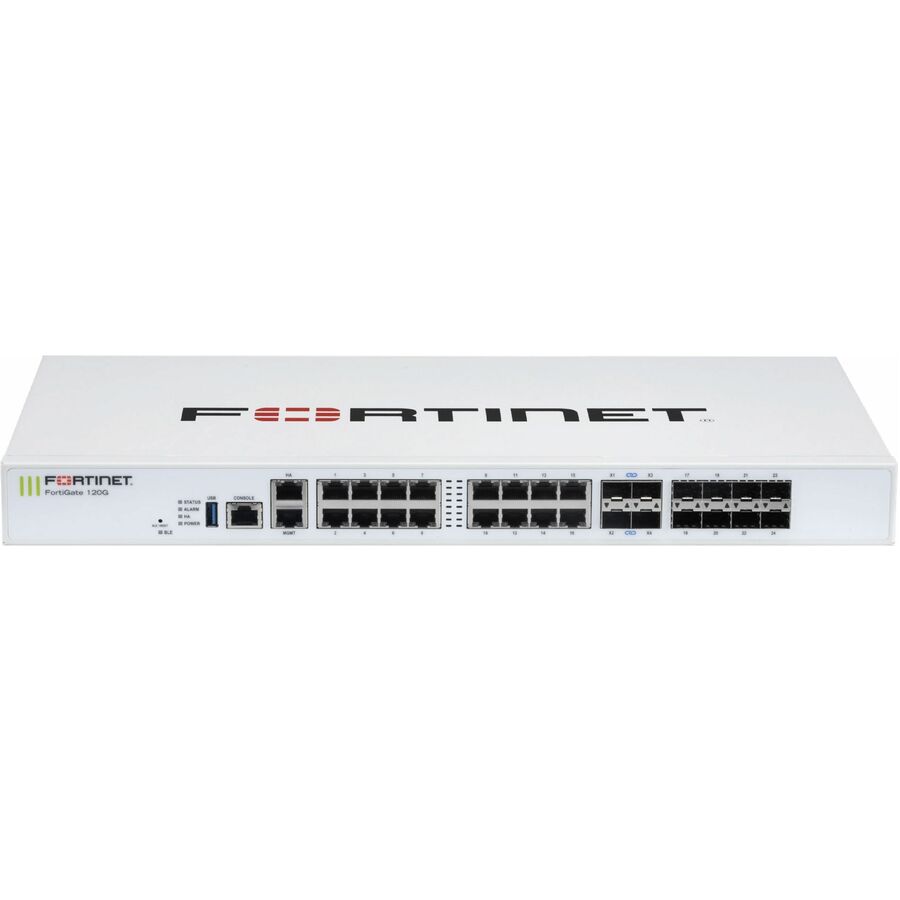
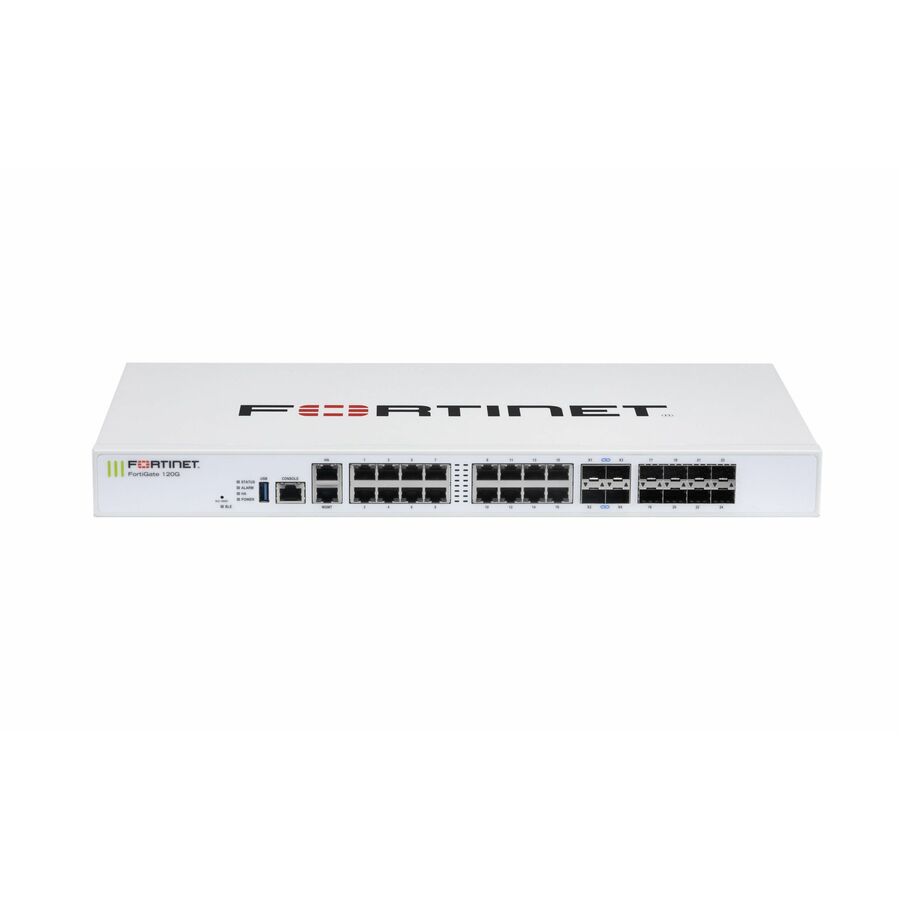
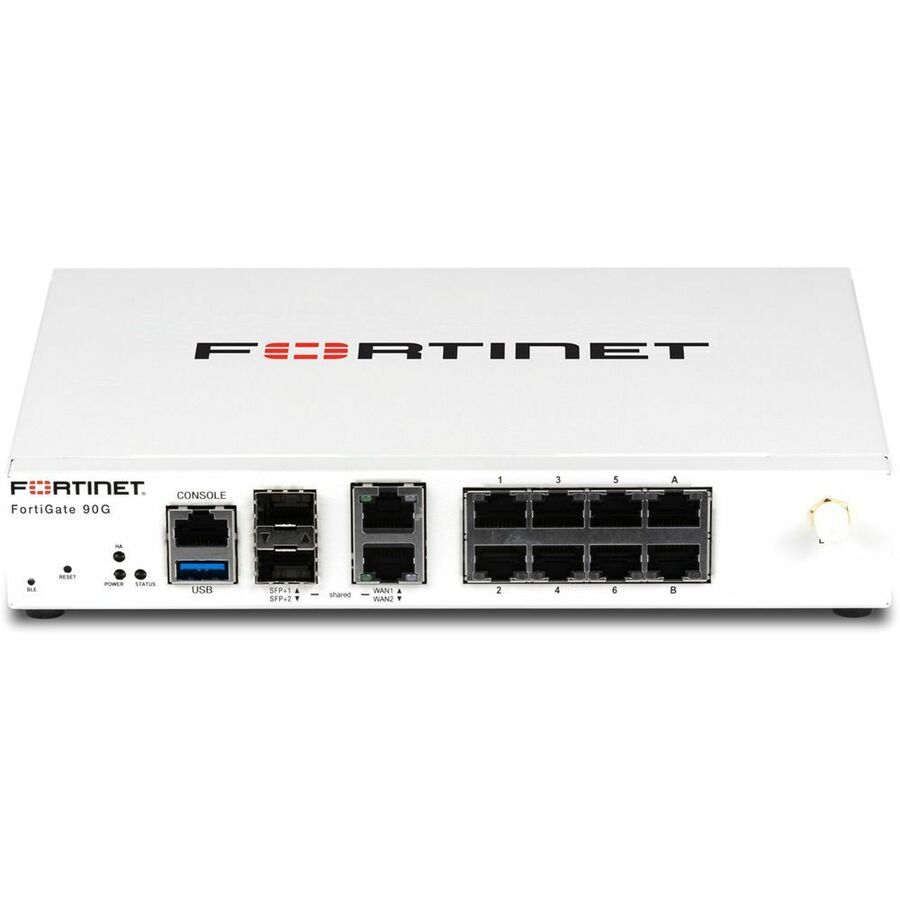
- FortinetFortinet FortiGate FG-120G Network Security/Firewall Appliance - Wired - AI/ML Security - 16 Port - 10/100/1000Base-T, 1000Base-X, 10GBase-X - 10 Gigabit Ethernet - 39 Gbit/s Firewall Throughput - AES (256-bit), SHA-256 - 500 VPN - 16 x RJ-45 - 12 Total Expansion Slots - 3 Year FortiCare Premium and FortiGuard Unified Threat Protection (UTP) - 50 Hz, 60 Hz - 1U - Rack-mountableFG-120G-BDL-950-36
$13,827.00
$11,890.53
20 in stock - FortinetFortinet FortiGate FG-121G Network Security/Firewall Appliance - Wired - AI/ML Security - 16 Port - 10/100/1000Base-T, 1000Base-X, 10GBase-X - 10 Gigabit Ethernet - 39 Gbit/s Firewall Throughput - AES (256-bit), SHA-256 - 500 VPN - 16 x RJ-45 - 12 Total Expansion Slots - 5 Year - 50 Hz, 60 Hz - 1U - Rack-mountableFG-121G
$6,337.00
$5,449.51
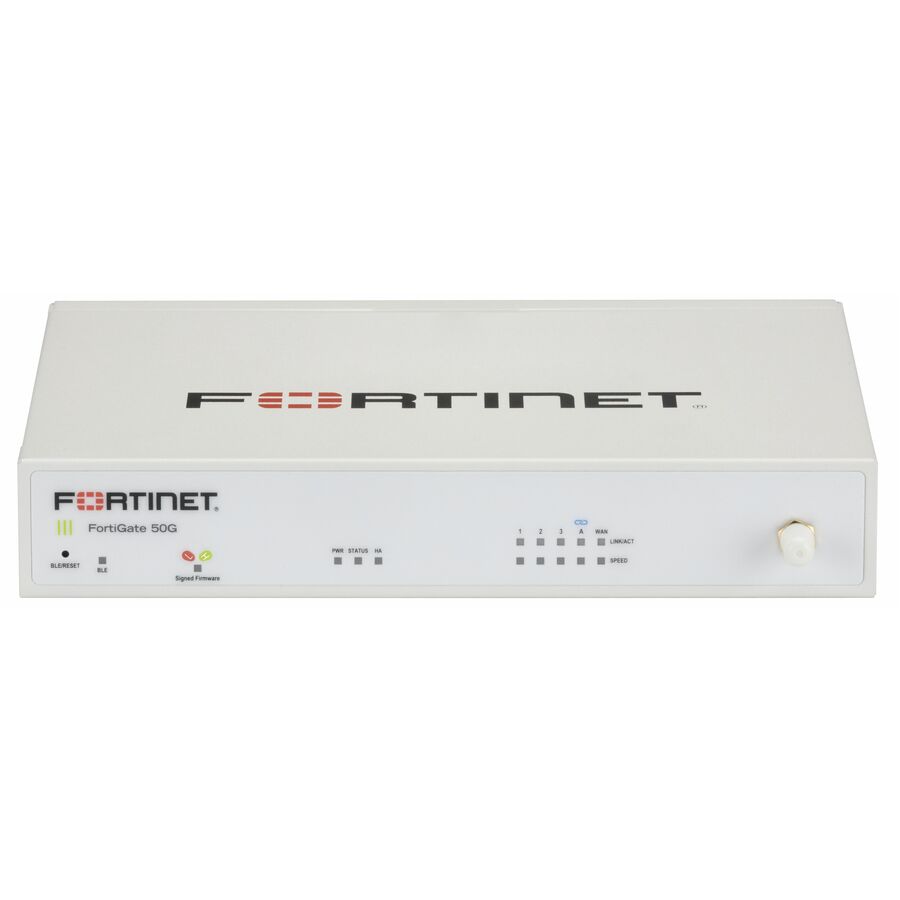
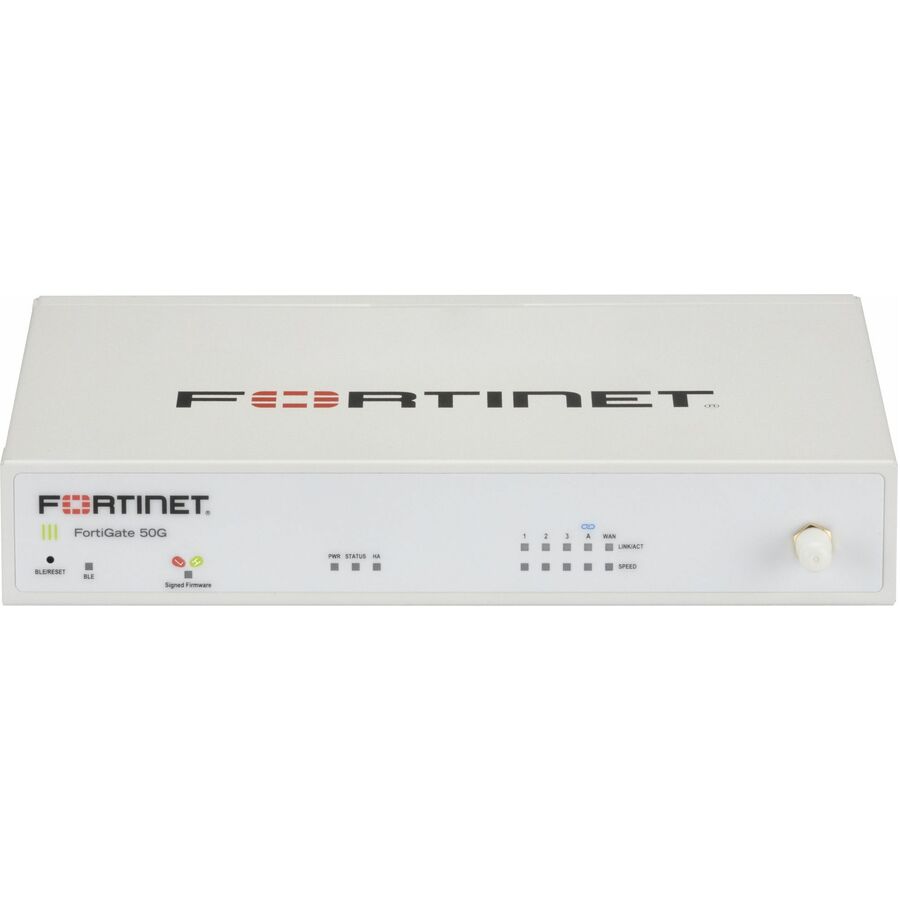
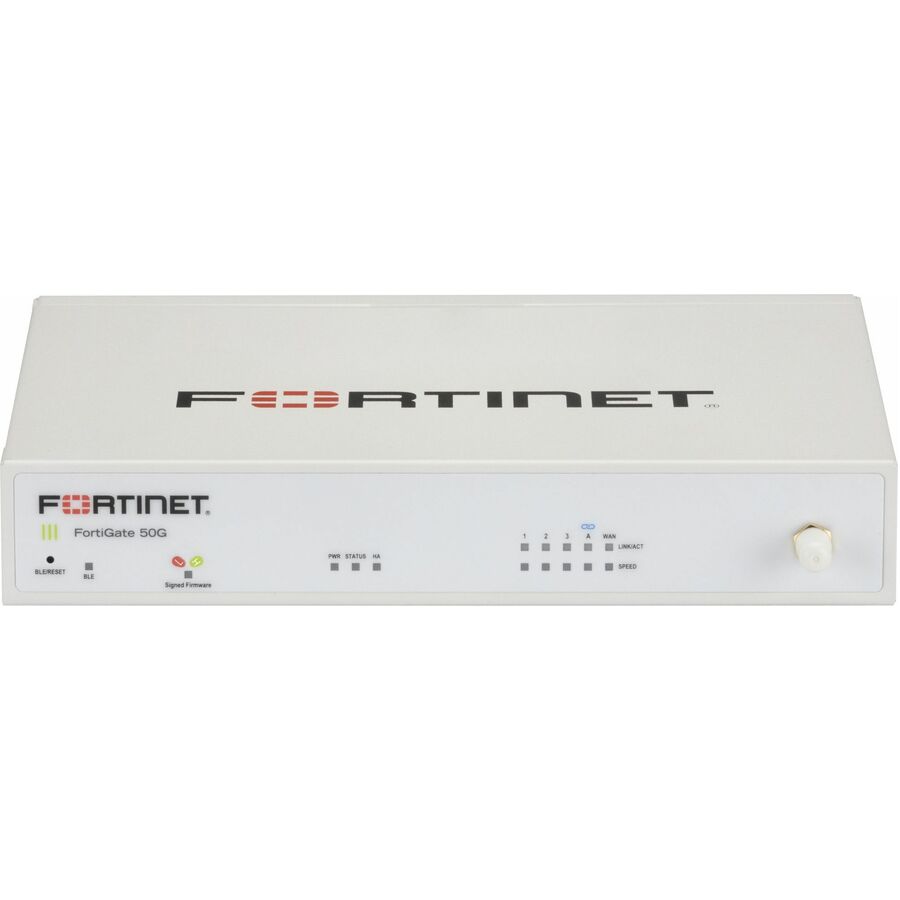
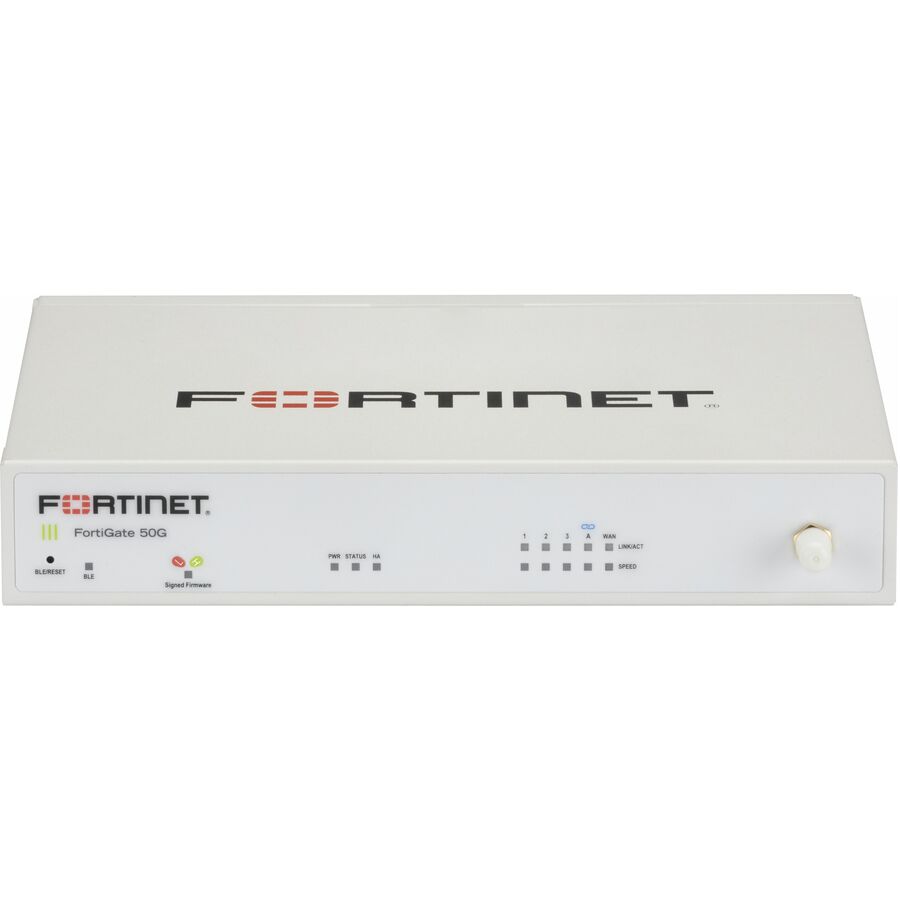
30 in stock - FortinetFortinet FortiGate FG-50G-5G Network Security/Firewall Appliance - Wired/Wireless - Intrusion Prevention - 5 Port - 1000Base-T - Gigabit Ethernet - 5 Gbit/s Firewall Throughput - AES (256-bit), SHA-256, SSL, TLS 1.3 - 5 x RJ-45 - 3 Year FortiCare Premium and FortiGuard Enterprise Protection - 50 Hz, 60 Hz - Desktop, Compact, Wall Mountable, Rack-mountableFG-50G-5G-BDL-809-36
$5,978.56
$5,141.25
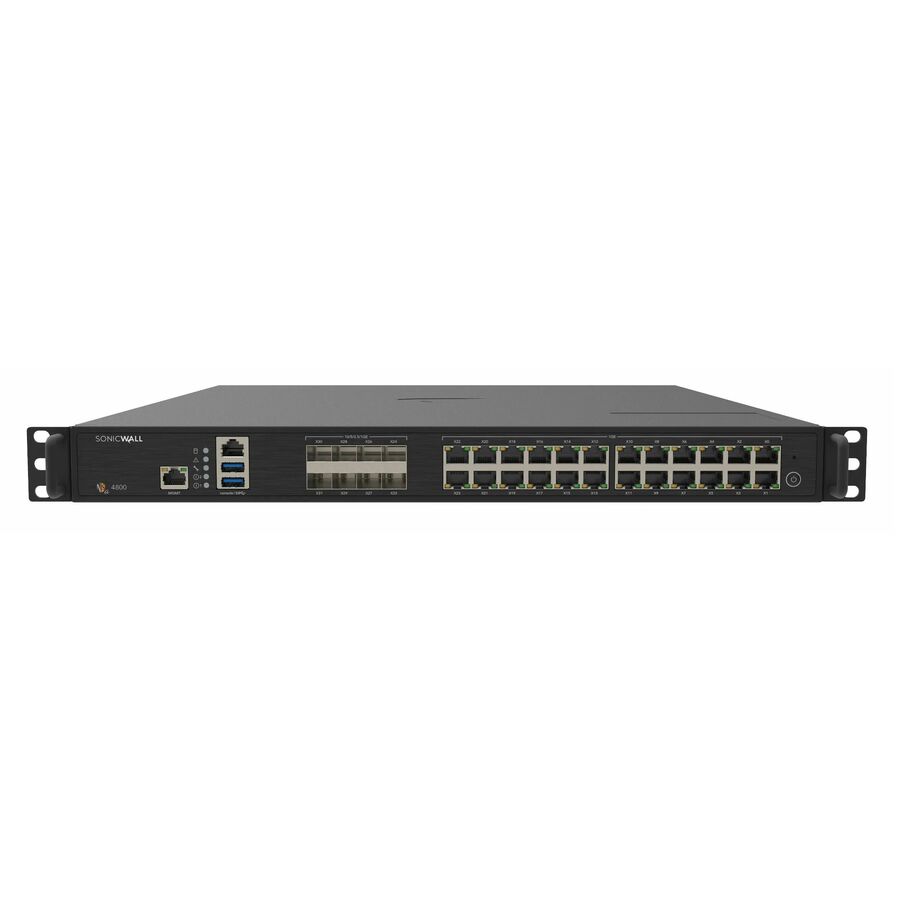
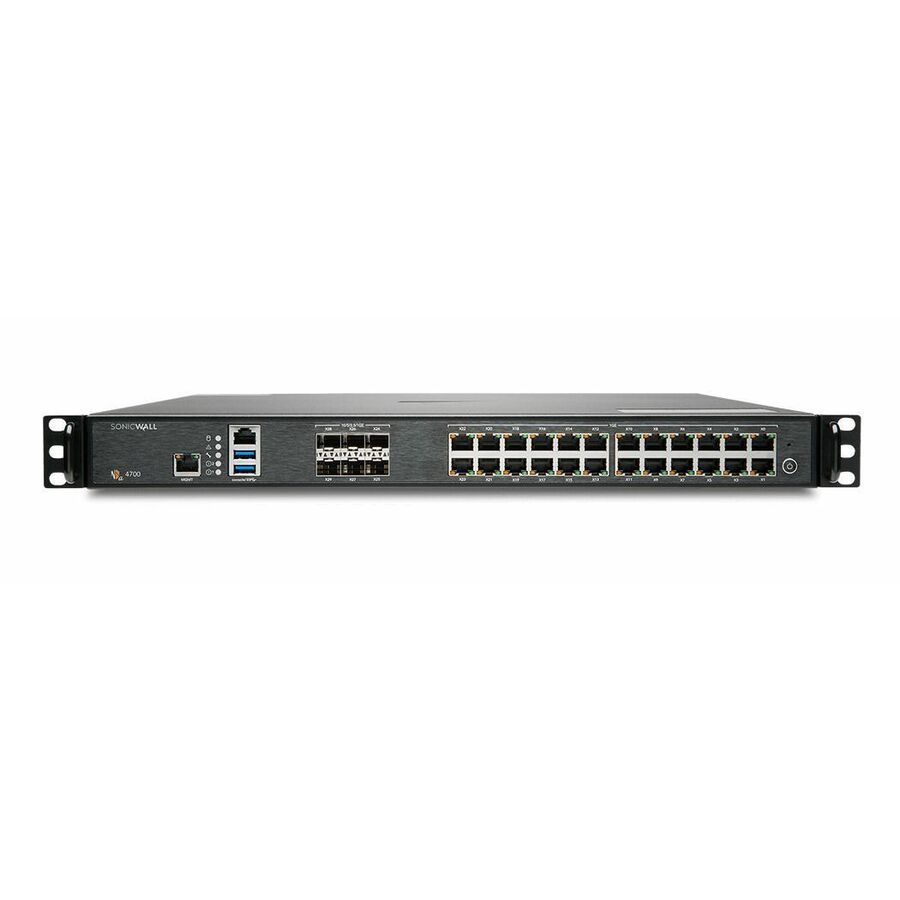
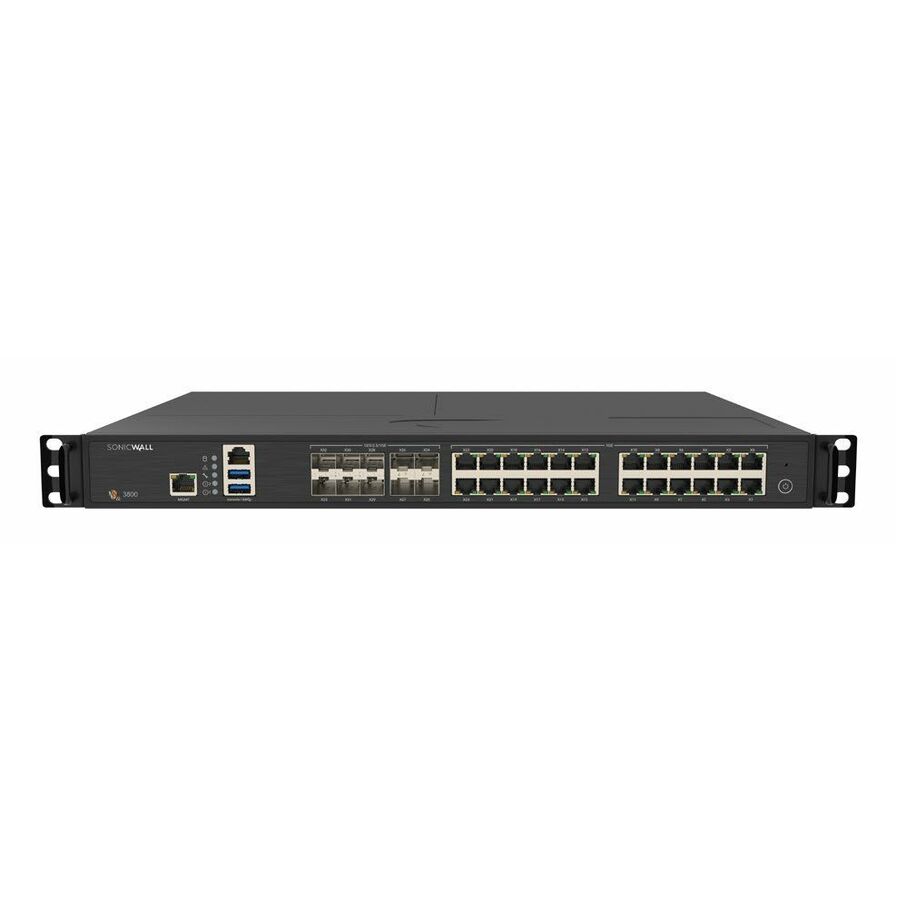
6 in stock - SonicWallSonicWall NSa 4700 Network Security/Firewall Appliance - Wired - Intrusion Prevention - 24 Port - 10GBase-X, 1000Base-T - 10 Gigabit Ethernet - 18 Gbit/s Firewall Throughput - DES, 3DES, AES (128-bit), AES (192-bit), AES (256-bit), MD5, SHA-1, TLS, TLS 1.3, SSL - 3000 VPN - 24 x RJ-45 - 6 Total Expansion Slots - 50 Hz, 60 Hz - 1U - Rack-mountable03-SSC-2981
$21,324.85
$20,552.89
1 in stock - FortinetFortinet FortiGate FG-120G Network Security/Firewall Appliance - Wired - AI/ML Security - 16 Port - 10/100/1000Base-T, 1000Base-X, 10GBase-X - 10 Gigabit Ethernet - 39 Gbit/s Firewall Throughput - AES (256-bit), SHA-256 - 500 VPN - 16 x RJ-45 - 12 Total Expansion Slots - 50 Hz, 60 Hz - 1U - Rack-mountableFG-120G
$5,511.00
$4,739.19
36 in stock - FortinetFortinet FortiGate FG-50G-5G Network Security/Firewall Appliance - Wired/Wireless - Intrusion Prevention - 5 Port - 1000Base-T - Gigabit Ethernet - 5 Gbit/s Firewall Throughput - AES (256-bit), SHA-256, SSL, TLS 1.3 - 5 x RJ-45 - 3 Year FortiCare Premium and FortiGuard Unified Threat Protection (UTP) - 50 Hz, 60 Hz - Desktop, Compact, Wall Mountable, Rack-mountableFG-50G-5G-BDL-950-36
$5,343.52
$4,595.16
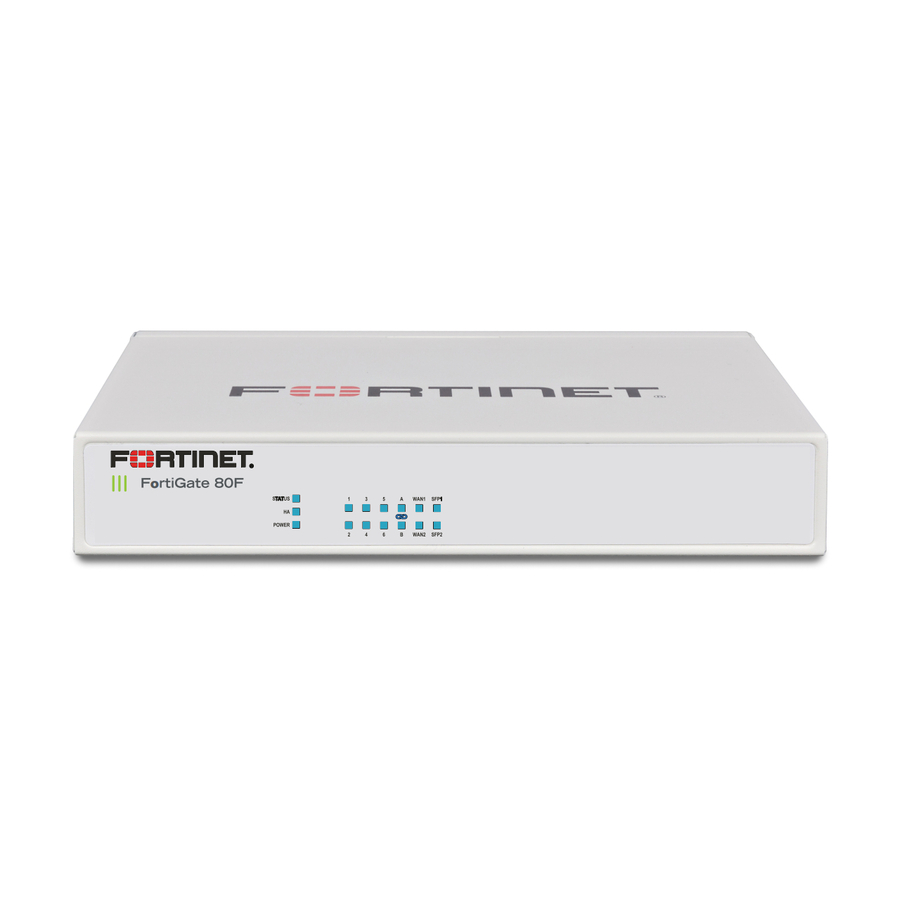
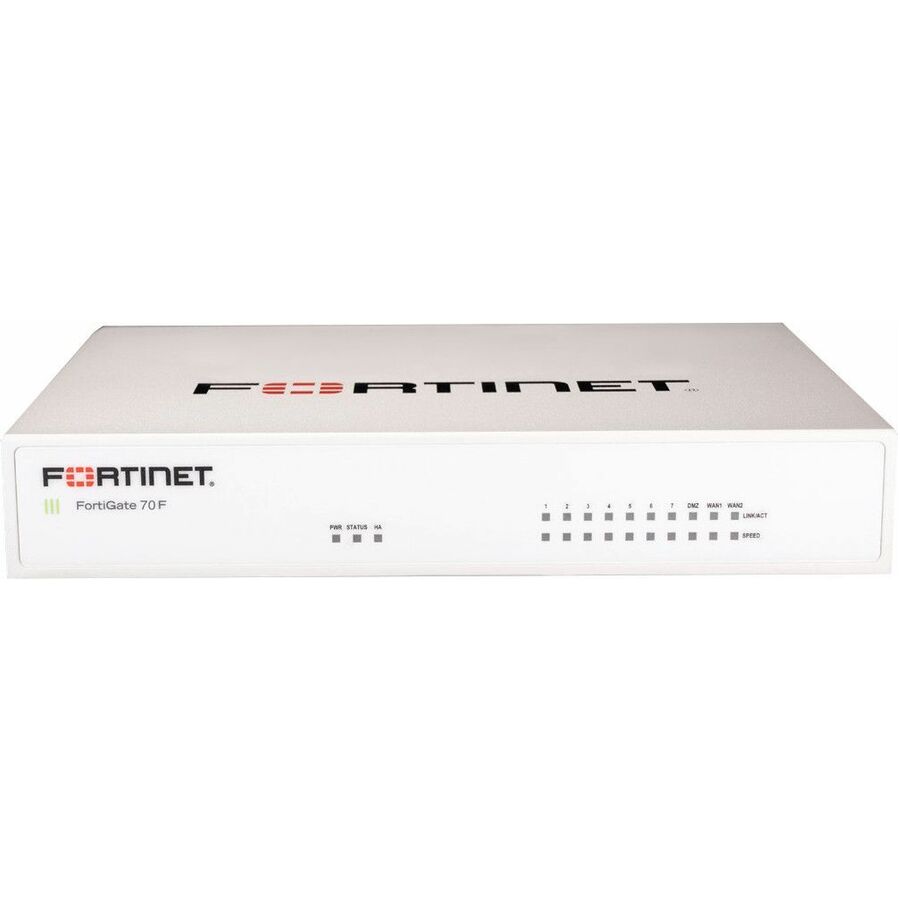
2 in stock - FortinetFortinet FortiGate 80F Network Security/Firewall Appliance - 10 Port - 1000Base-T, 1000Base-X - Gigabit Ethernet - AES (256-bit), SHA-256 - 200 VPN - 10 x RJ-45 - 2 Total Expansion Slots - 3 Year 24x7 FortiCare and FortiGuard Unified (UTM) - Desktop, Wall Mountable, Rack-mountableFG-80F-BDL-950-36
$5,032.87
$4,328.01
19 in stock - FortinetFortinet FortiGate FG-71G Network Security/Firewall Appliance - Wired - Intrusion Prevention - 10 Port - 1000Base-T - Gigabit Ethernet - 10 Gbit/s Firewall Throughput - AES (256-bit), SHA-256, TLS 1.3, SSL - 10 x RJ-45 - 3 Year FortiCare Premium and FortiGuard Unified Threat Protection (UTP) - 50 Hz, 60 Hz - Rack-mountable, Wall Mountable, DesktopFG-71G-BDL-950-36
$4,253.54
$3,657.85
8 in stock - FortinetFortinet FortiGate FG-71F Network Security/Firewall Appliance - Wired - 10 Port - 1000Base-T - Gigabit Ethernet - 10 Gbit/s Firewall Throughput - SHA-256, AES (256-bit), RSA 2048-bit, TLS 1.3, SSL - 200 VPN - 10 x RJ-45 - 50 Hz, 60 Hz - Desktop, Wall Mountable, Compact, Rack-mountableFG-71F-BDL-809-36
$4,159.38
$3,576.86
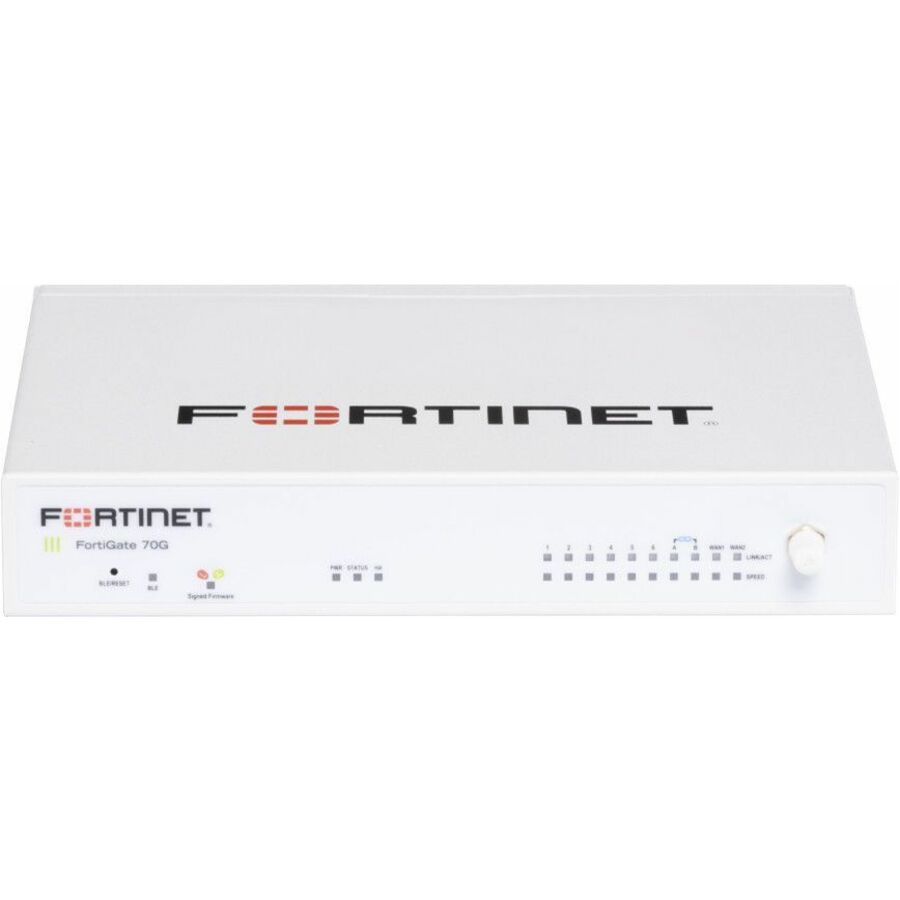
16 in stock - FortinetFortinet FortiGate FG-70G Network Security/Firewall Appliance - Wired - Intrusion Prevention - 10 Port - 1000Base-T - Gigabit Ethernet - 10 Gbit/s Firewall Throughput - AES (256-bit), SHA-256, TLS 1.3, SSL - 10 x RJ-45 - 3 Year FortiCare Premium and FortiGuard Enterprise Protection - 50 Hz, 60 Hz - Rack-mountable, Wall Mountable, DesktopFG-70G-BDL-809-36
$4,091.09
$3,518.14
4 in stock - FortinetFortinet FortiGate FG-50G-5G Network Security/Firewall Appliance - Wired/Wireless - Intrusion Prevention - 5 Port - 1000Base-T - Gigabit Ethernet - 5 Gbit/s Firewall Throughput - AES (256-bit), SHA-256, SSL, TLS 1.3 - 5 x RJ-45 - 1 Year FortiCare Premium and FortiGuard Enterprise Protection - 50 Hz, 60 Hz - Desktop, Compact, Wall Mountable, Rack-mountableFG-50G-5G-BDL-809-12
$3,712.80
$3,192.83
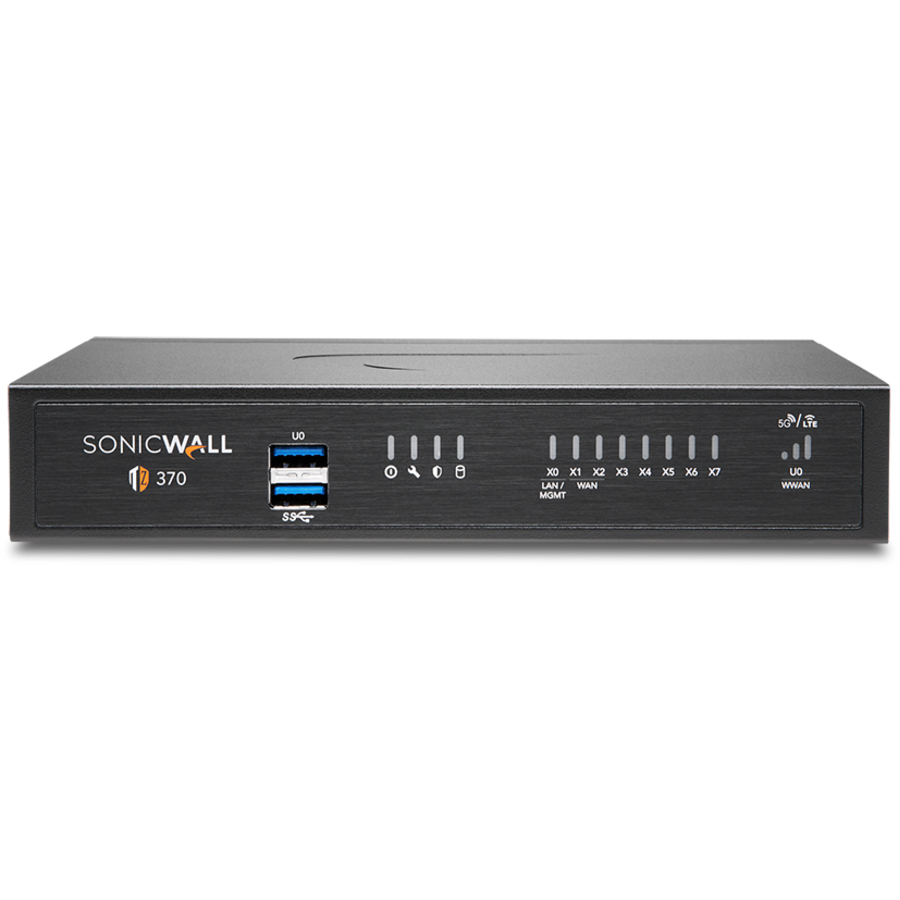
2 in stock - SonicWallSonicWall TZ370 Network Security/Firewall Appliance - 8 Port - 10/100/1000Base-T - Gigabit Ethernet - DES, 3DES, MD5, SHA-1, AES (128-bit), AES (192-bit), AES (256-bit) - 8 x RJ-45 - 1 Year TotalSecure Advanced Edition - 60 Hz - Desktop, Rack-mountable - TAA Compliant02-SSC-6819
$1,301.80
$800.99*
14 in stock - FortinetFortinet FortiGate FG-50G-5G Network Security/Firewall Appliance - Wired/Wireless - Intrusion Prevention - 5 Port - 1000Base-T - Gigabit Ethernet - 5 Gbit/s Firewall Throughput - AES (256-bit), SHA-256, SSL, TLS 1.3 - 5 x RJ-45 - 1 Year FortiCare Premium and FortiGuard Unified Threat Protection (UTP) - 50 Hz, 60 Hz - Desktop, Compact, Wall Mountable, Rack-mountableFG-50G-5G-BDL-950-12
$3,477.60
$2,990.56
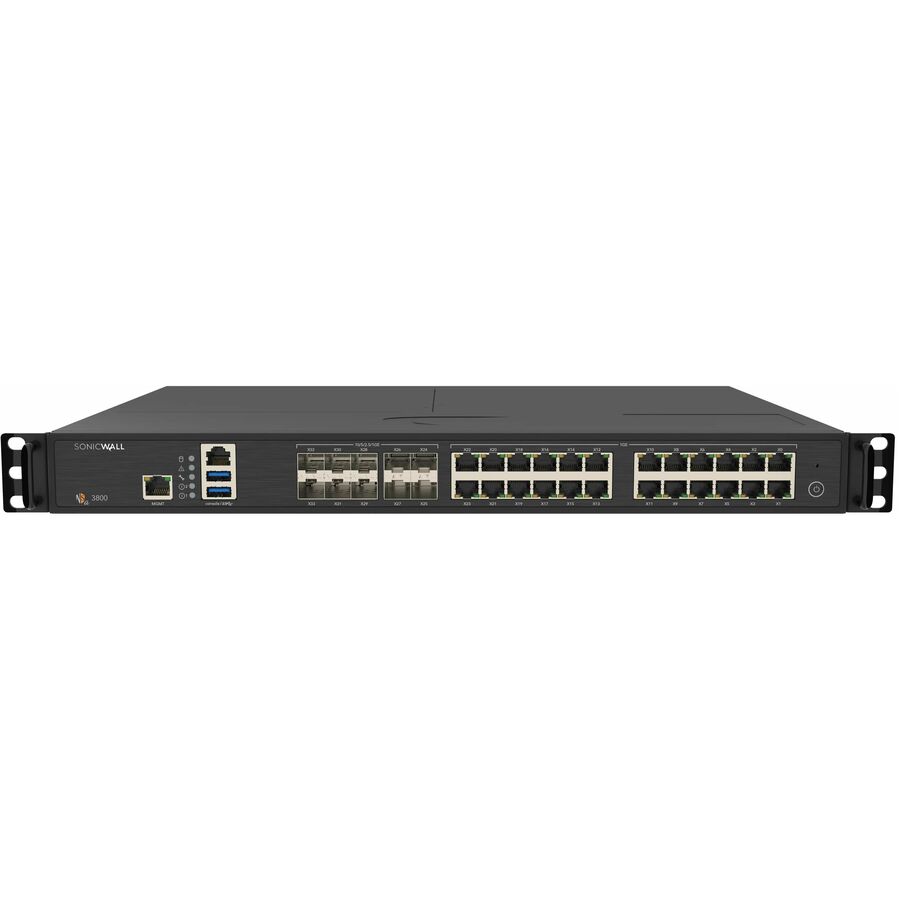
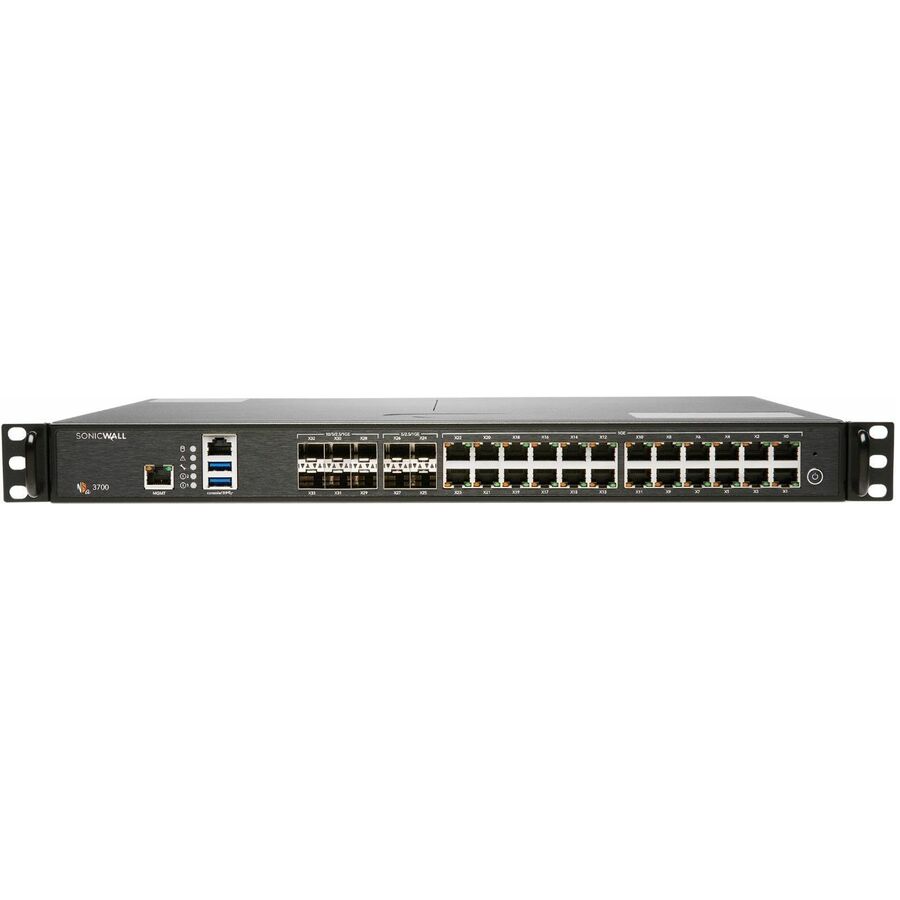
1 in stock - SonicWallSonicWall NSa 3700 Network Security/Firewall Appliance - Wired - Intrusion Prevention - 24 Port - 10GBase-X, 1000Base-T - 10 Gigabit Ethernet - 5.50 Gbit/s Firewall Throughput - DES, 3DES, AES (128-bit), AES (192-bit), AES (256-bit), MD5, SHA-1, TLS, TLS 1.3, SSL - 1000 VPN - 24 x RJ-45 - 10 Total Expansion Slots - 50 Hz, 60 Hz - 1U - Rack-mountable03-SSC-2978
$12,685.43
$12,226.22
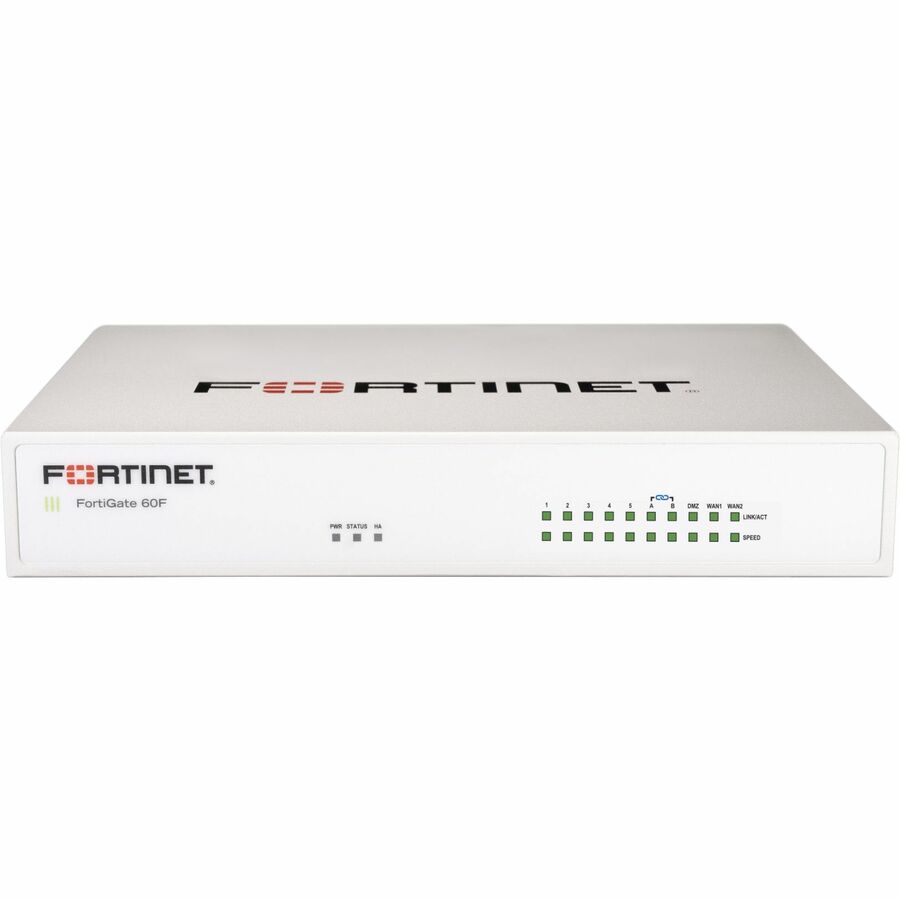
1 in stock - FortinetFortinet FortiGate FG-60F Network Security/Firewall Appliance - Wired - 10 Port - 1000Base-T - Gigabit Ethernet - 10 Gbit/s Firewall Throughput - SHA-256, AES (256-bit), TLS 1.3, SSL - 200 VPN - 10 x RJ-45 - 50 Hz, 60 Hz - Desktop, Wall Mountable, Rack-mountable, CompactFG-60F-BDL-809-36
$2,832.89
$2,436.15
7 in stock
Need pricing on firewalls?
Tell us where to reach you and a Uniqcli specialist will follow up by email with current pricing, availability and lead time for the quantities you need — including parts that aren’t shown on this page.
Buying for an organization or for yourself — both work. No payment up front.
Size a firewall on threat-inspection throughput, not on the headline firewall figure: the number in the title is raw packet forwarding with policy applied, and it falls well below that once deep inspection of encrypted traffic and intrusion prevention are running. Both figures are published on the manufacturer's own datasheet — size against the lower one.
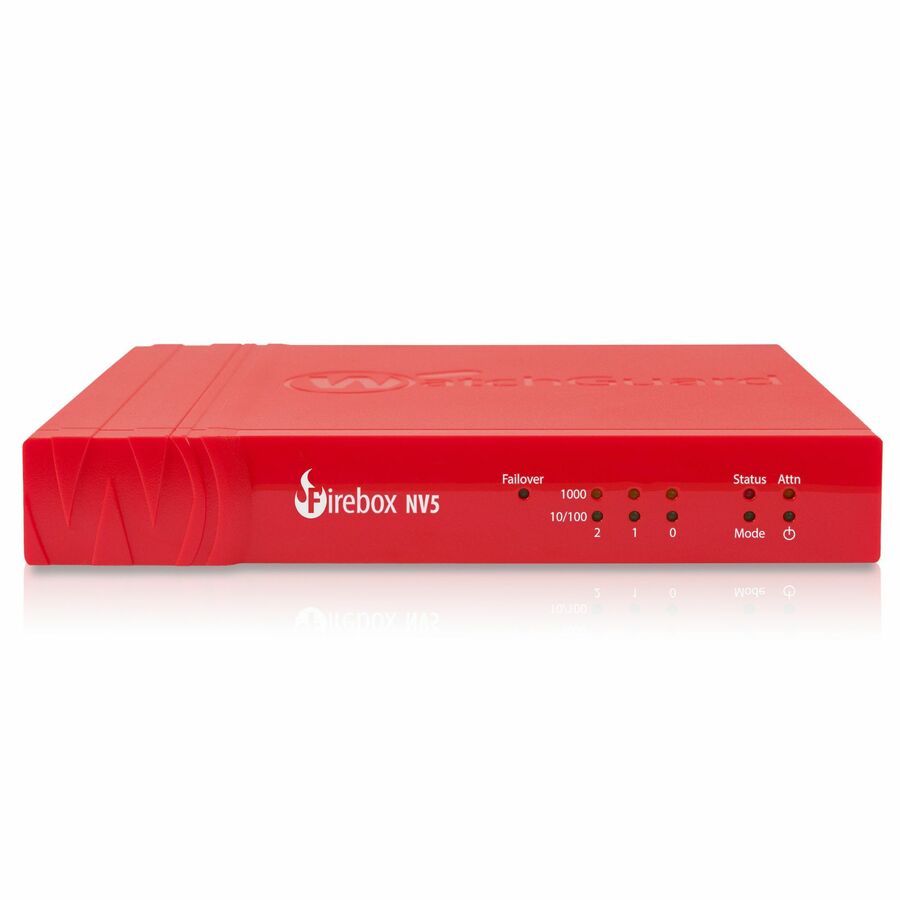
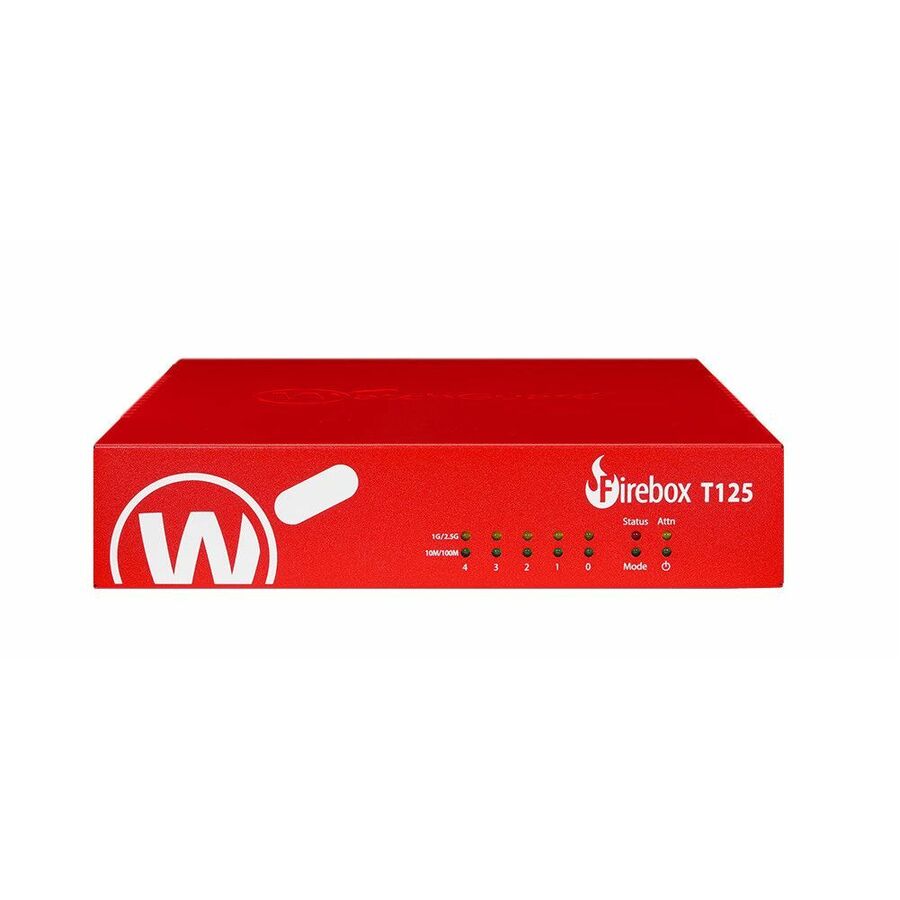
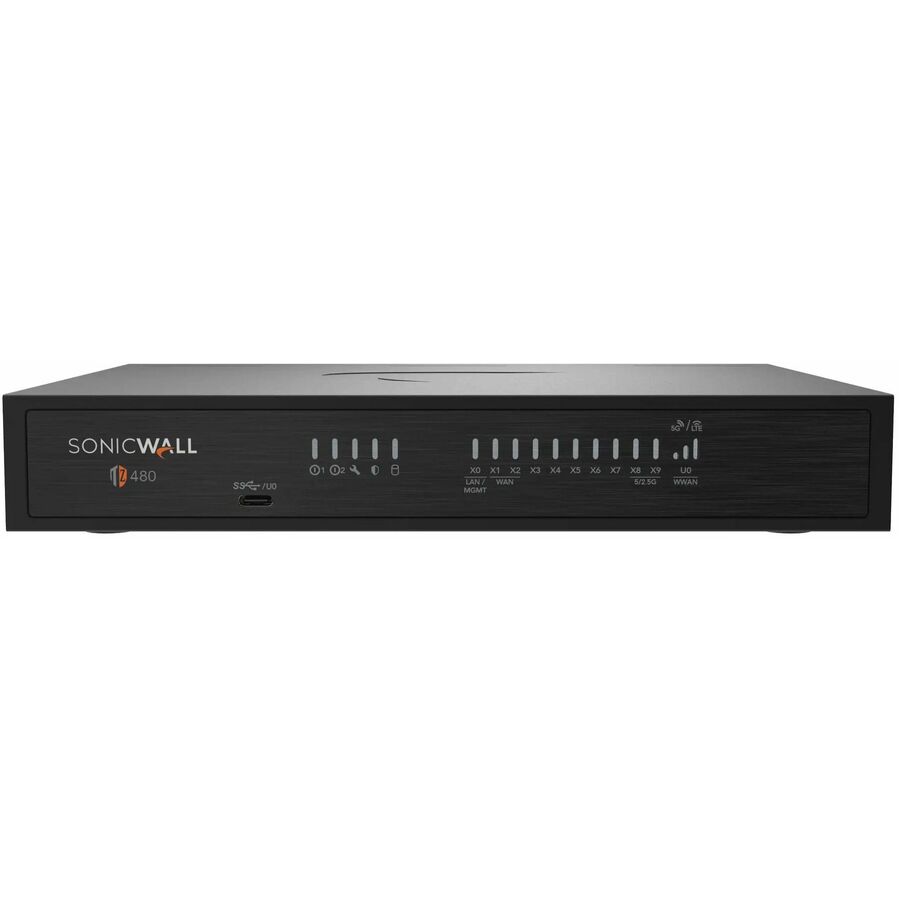
A firewall gets bought under one of two pressures: a site is being stood up and needs an edge device, or an aging appliance is running out of support window and has to be replaced before the subscriptions behind it lapse. Neither is a leisurely purchase, and the in-stock rows this grid leads with are hardware part numbers — appliances listed by the manufacturer as firewalls or network security devices. Two ranges cover it end to end. SonicWall spans the desktop TZ line up through the NSa line, which the titles list as rack-mountable across the range; WatchGuard spans the compact Firebox NV5 and Firebox T series up through the far higher-throughput Firebox M series, with the titles stating port count, ethernet speeds, form factor and the firewall-throughput figure published for that part number.
Read those titles carefully, because the throughput number in them is the headline firewall figure — raw packet forwarding with policy applied — and it is not the number that decides whether the box survives your traffic. Turn on deep inspection of encrypted traffic, intrusion prevention and the rest of the security services, and the usable figure drops well below the headline; on these product lines the manufacturers publish that lower inspection figure on their own datasheets rather than in the part title. Size against it, not against the title, and the appliance still has headroom in year three. The grid is sorted price-ascending, so it opens on the entry desktop appliances and climbs from there through the branch tiers into the rackmount families. This grid is drawn from the firewalls Uniqcli currently stocks, with live availability on each card.
Buyer's checklist
How to choose a business firewall
- Size on threat-inspection throughput, not the firewall-throughput figure in the title — inspecting encrypted traffic is the workload that exhausts an undersized appliance first.
- Match the form factor to where it lives: the desktop, compact and tabletop tiers (SonicWall TZ, WatchGuard Firebox NV5 and T series) suit branch closets and small offices, while the SonicWall NSa line — listed rack-mountable in every title — and the higher-throughput WatchGuard Firebox M series belong in a cabinet with proper airflow.
- Check the port sheet, not just the count — titles here distinguish gigabit, 2.5-gigabit and 10-gigabit ethernet, and several models list expansion slots for adding interfaces later.
- Decide bundle or bare metal before you compare prices: many rows are appliance-plus-service bundles (WatchGuard Basic and Total Security Suite, SonicWall TotalSecure and Secure Upgrade editions) while others are titled Appliance Only, which carries no security services at all.
- If the site cannot take an outage, buy the high-availability partner with the primary — both ranges list dedicated high-availability part numbers, and they are ordered as a pair, not found later.
- Replace before the support window closes rather than after: an appliance still passing traffic but out of support stops receiving the signature and firmware updates its security services depend on.
Sizing: the number in the title is not the number to buy on
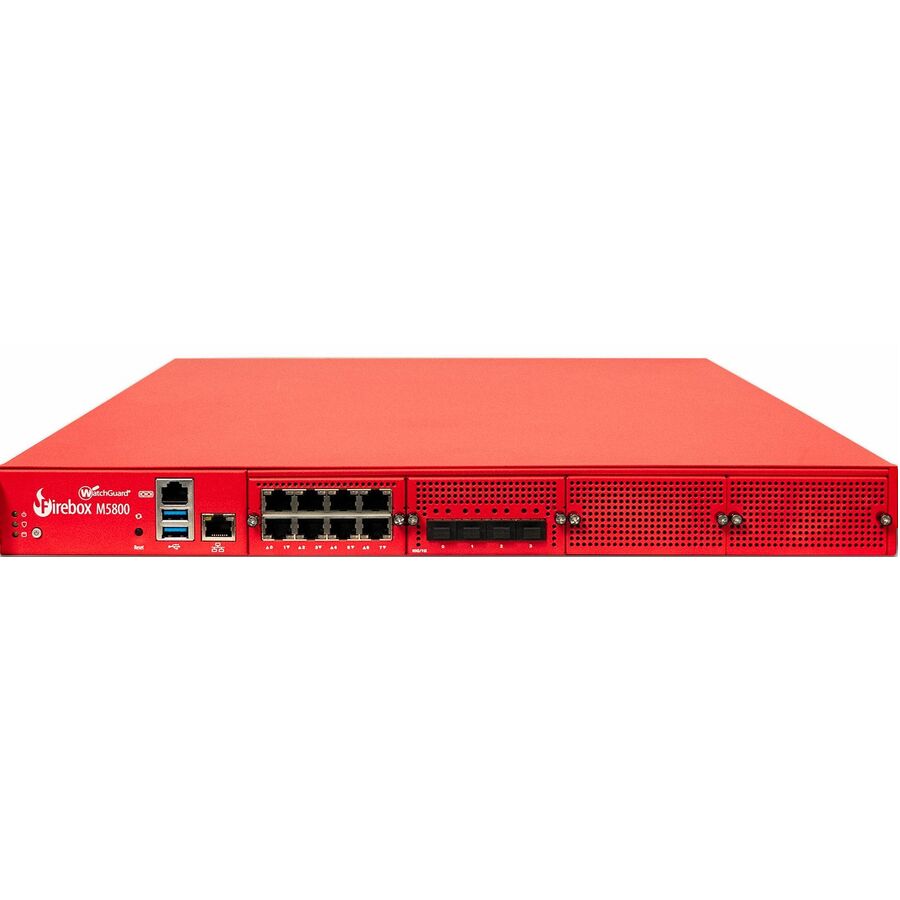
Every firewall in this category is quoted on firewall throughput, and most of the titles here state it — 410 Mbit/s at the entry Firebox NV5, single-digit gigabits across the SonicWall TZ and WatchGuard Firebox T tiers, then tens of gigabits at the top of the range, where the Firebox M5800 title states 87 Gbit/s. None of those titles state a threat-inspection figure, and that is the gap that catches buyers out: firewall throughput is measured with policy applied but the security services idle, while the number that matters in production is what the appliance sustains with intrusion prevention, antivirus and inspection of encrypted traffic all running. That second figure is a fraction of the first on every product line, and the manufacturers publish it on their own datasheets. The practical method is to take your real internet and inter-VLAN load, assume nearly all of it is encrypted and therefore needs inspecting, add the site's growth over the appliance's expected life, and then choose the model whose published inspection figure clears that total — rather than the model whose headline figure does.
Desktop or rack, bundled or bare, single or paired
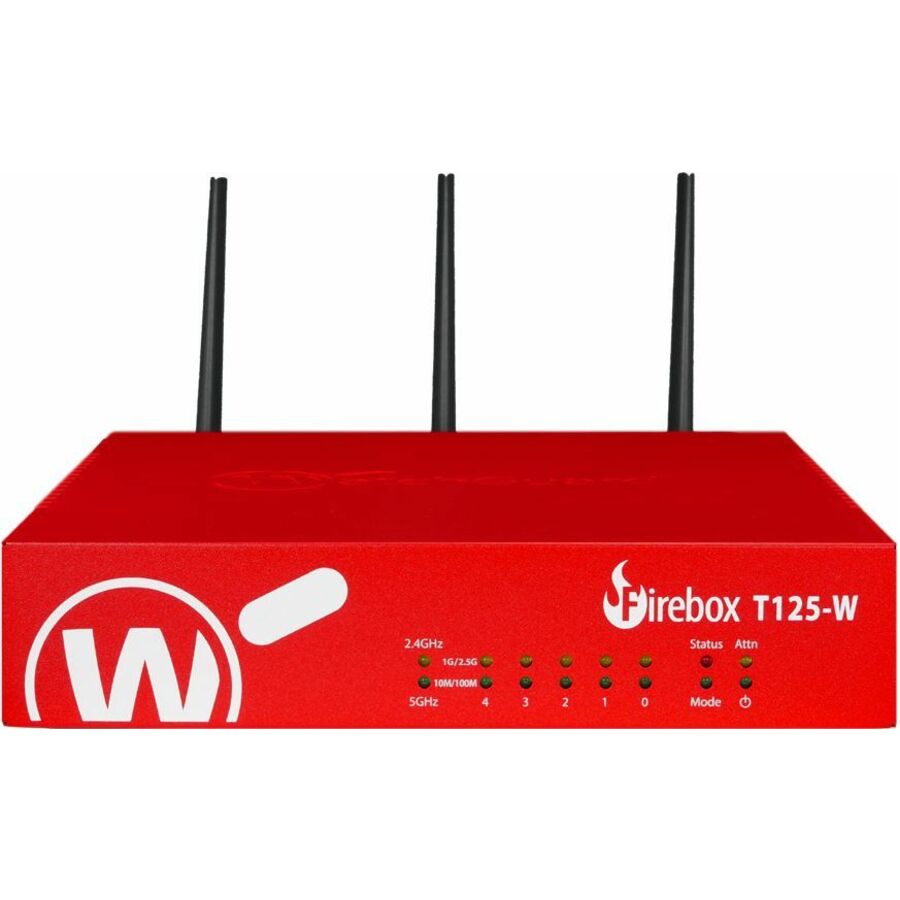
Three structural choices sit behind the model number. The first is form factor. The SonicWall TZ line comes up as a desktop build in the specifications, with part of the range also listed rack-mountable in the title, and the WatchGuard Firebox T series comes up compact or tabletop in the product data, with the NV5 at the small end of the range — that whole tier is the branch and small-office answer, shelf or wall placed, several with integrated wireless and a few with PoE ports. Above it, the SonicWall NSa line is listed rack-mountable in every title, and the WatchGuard Firebox M series sits at the same tier by throughput and expansion, with the M5800 title stating twelve RJ-45 ports across gigabit and 10-gigabit ethernet. That upper tier is where a headquarters, a data closet or a campus core belongs. The second choice is what comes in the box. Rows titled Appliance Only are exactly that, hardware with no security services attached, which is the right buy when an existing multi-year subscription is being moved onto replacement hardware; rows carrying WatchGuard's Basic or Total Security Suite, or SonicWall's TotalSecure and Secure Upgrade editions, bundle the term of services with the appliance and are usually the cleaner order for a new site. The third is redundancy — both ranges list dedicated high-availability part numbers designed to sit alongside a primary, and a pair bought together is far easier to license and stage than one retrofitted after an outage has already made the case. Send the site's bandwidth, user count and rack situation and we will size the appliance, the services term and any high-availability partner as one quote.
FAQ
Common questions
- How much firewall throughput does a business site actually need?
- Less than the headline figure suggests you are buying, and more than you would guess from bandwidth alone. The throughput printed in these product titles is firewall throughput — traffic forwarded with policy applied and the security services idle. Production traffic is almost entirely encrypted, so the appliance has to decrypt, inspect and re-encrypt it, and the sustained rate under that load is a fraction of the headline number on every product line in this category. Work from the manufacturer's published threat-inspection or deep-inspection figure for the specific model, size it against your real internet and inter-site load plus growth over the appliance's service life, and treat the title figure as a ceiling you will never see in practice.
- Should I buy the appliance on its own or with a security suite?
- It depends on whether you already own the services. Rows titled Appliance Only are hardware without security services — the correct order when a valid multi-year subscription is being transferred onto replacement hardware, or when a central management platform already licenses the site. For a new deployment, the bundled rows are usually cleaner: WatchGuard's Basic and Total Security Suite editions and SonicWall's TotalSecure and Secure Upgrade editions ship the appliance with a defined services term, so intrusion prevention, content filtering and the rest are live from day one rather than quoted afterwards. The trap is comparing a bundle price against a bare appliance price as if they were the same product — check what term of service each row includes before ranking them.
- Can business, government and education buyers order these?
- Every line Uniqcli quotes is sourced through US distribution and screened for TAA country-of-origin and NDAA §889 status before checkout — with documentation tied to the specific part number, not a product family.
Need firewalls pricing?
Send a bill of materials or part numbers — we confirm stock and a below-market total, with TAA verified on request. No payment up front.