
Field mobile printer acceptance: prove the ticket and the recovery
Test the complete route from mobile application to printed record, including reconnects, media changes, controlled reprints and charging handoff.
By Uniqcli Team · · 6 min read
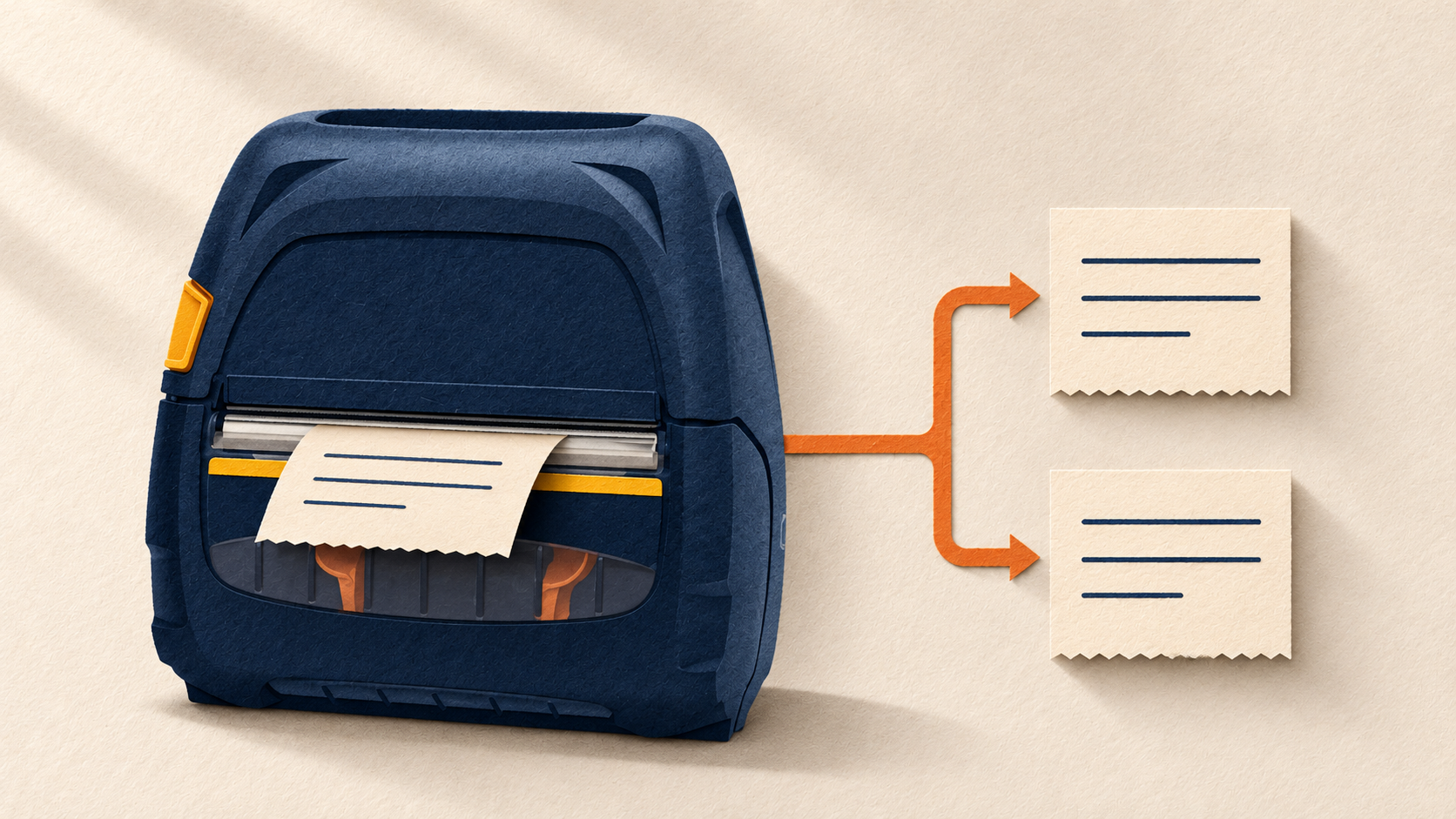
Key takeaways
- Approve the exact application, mobile device, printer and configuration together.
- Make interrupted jobs and controlled reprints part of the pilot, with one clear source of transaction truth.
- Size the charging and replacement process from an observed representative shift, not a battery-capacity slogan.
On this page
Define what a completed field print means
A mobile printer might work perfectly during a demonstration but still cause problems during a delivery or service visit. A ticket could print successfully while the application still shows the job as pending. A lost connection might trigger a duplicate print, or the printer might run out of battery before the shift ends. That's why it's important to test the complete process, not just whether the printer can print.
Begin with one business event: a service report, delivery ticket, asset label or customer receipt. Name the system that owns that record and the confirmation that proves it was saved. Define whether printing is required before the technician leaves, whether an electronic alternative is permitted, and who authorizes a reprint. Have the application owner decide these rules before comparing hardware.
This checklist evaluates a particular workflow. It does not assert that a newer printer works with an application that previously supported an older model. Shared branding, a similar case and Bluetooth capability are useful search clues, but they do not establish an application's supported printer language, connection method or version compatibility.
Record the complete pilot configuration
- Business workflow
- Document type, source application, required fields, transaction identifier, completion confirmation and approved fallback.
- Mobile host
- Exact phone/tablet/handheld, operating-system build, app version, management profile and relevant permissions.
- Printer
- Exact orderable SKU and radio options, firmware, print language, identifier and any vendor-approved app integration.
- Connection
- Supported Bluetooth or Wi-Fi method, pairing ownership, authentication policy and how the correct printer is selected.
- Media and layout
- Exact roll SKU and dimensions, sensing method, template revision, maximum legitimate content and expected printed record.
- Power and carrying
- Battery, charger, cradle, power adapter, region plug, mount and carrying accessory part numbers; accountable owner.
Ask the application and printer vendors to resolve unsupported or undocumented combinations before ordering a fleet.
Prove normal output before adding interruptions
Start with a controlled test account and non-production transactions. Print a short record, the longest legitimate record and fields containing the actual punctuation or character sets the workflow requires. Compare every required field with the saved application record. Check clipping, wrapping, barcode contents where used, tear position and whether the operator can separate the output without obscuring information.
Do the same work from the managed mobile device that will be issued. A vendor's demonstration app proves a different path from the production application. If the system uses a print service or SDK, record that dependency and who maintains it. Save the successful configuration and sample output so a later app or firmware change has a baseline.
Check model variants carefully. Zebra's ZQ511/ZQ521 documentation describes different radios and accessories, while its RFID variant has specific media requirements. A worksheet should therefore record the actual ordered option rather than treating every printer in a family as interchangeable. Use the manual for that unit when loading media and configuring sensing.
Test controlled interruptions
- Sleep and wake
- Let the supported devices enter their normal idle state. Record how printing resumes and whether the selected printer remains correct.
- Application restart
- Close and reopen the app using its supported process. Confirm saved work and pending-print status before issuing another job.
- Connection loss
- During a safe test, interrupt the supported link. Record whether a job is queued, rejected, partly printed or left uncertain.
- Media exhaustion
- Use test media and reload according to the manual. Identify which record needs completion and whether a partial output must be voided.
- Printer replacement
- Pair an approved spare using the managed procedure. Confirm the old pairing cannot accidentally receive the next job.
- Low battery or approved battery change
- Observe warnings and perform only the model-supported procedure. Check whether app and printer states remain understandable afterward.
Record expected and actual outcomes, job IDs and recovery steps. An unclear transaction state is an unresolved result, even when another print succeeds.
Make reprints deliberate
A print command being accepted is not always evidence that a complete paper record reached the user. Give technicians a way to identify the underlying transaction and determine whether it was saved before repeating an action. Separate “print this saved record again” from “create another transaction.” The implementation belongs to the application owner; the pilot verifies the behavior users will actually see.
Agree how duplicate paper copies are identified when required, who can authorize them, and what happens to a partial ticket. Avoid writing an automatic retry rule based only on a timeout. In the pilot, compare the application's transaction history with the physical outputs after each interruption. Retain screenshots with test data and label each printed copy by the scenario that produced it.
Zebra's Bluetooth support guidance includes model and operating-system-specific connection settings. Use the vendor's current instructions for the selected host, and test reconnection under the organization's device-management policy. Do not enable a convenient pairing setting across the fleet before the security and application owners confirm that it fits their supported configuration.
Build the shift charging handoff
Battery capacity alone does not establish a usable shift. Record representative job length, print frequency, idle time, connection behavior and the practical opportunities to charge. Observe a pilot shift with the intended media and application, noting starting charge, warnings, ending condition and any interruption. Treat the result as evidence for that workload and battery condition, not a lifetime guarantee.
Use the current manufacturer accessory guide to identify the approved battery, charger, cradle and regional power parts. Zebra's mobile-printer accessory guide separates these items and lists compatible families and power options. A cradle may require a separately ordered adapter; a battery eliminator is a different arrangement from a charger. Match the complete kit before issuing equipment.
For vehicle mounting or wired vehicle power, obtain the vendor's installation requirements and the vehicle owner's approval, with qualified installation where needed. Keep charging within the manufacturer's permitted conditions and inspect equipment according to its instructions. Environmental ratings do not authorize improvised water, drop or heat testing, and they do not establish hazardous-location approval.
Worked example: a service ticket with an uncertain retry
Hypothetical example: a service team pilots a mobile printer for customer completion tickets. A technician saves a test job and starts printing. The connection is interrupted after part of the ticket emerges. On reconnect, the app presents the same job as saved but gives no clear print outcome.
The operator uses the agreed recovery action to print the saved ticket again, marks the partial copy as void under the site's procedure, and verifies that there is still only one service transaction. The worksheet records the uncertain print state and the explicit recovery steps. If the app instead creates a second transaction, the pilot fails that requirement until its owner supplies a supported process or correction.
The same pilot includes a media reload and the planned end-of-shift charging handoff. These scenarios show what to observe; they do not certify a particular printer, application or number of jobs per charge.
Approve the field kit and its support record
- Keep the supported configuration, sample ticket, transaction checks and interruption results with a named owner and approval date.
- Issue the exact charger, media and carrying or mounting accessories tested, plus a clear replenishment and spare-device process.
- Give operators a short recovery card: identify the job, check saved state, resolve partial output, reprint only through the approved action, and escalate uncertainty.
- Repeat affected checks after app, OS, firmware, radio-policy, media or accessory changes; retain the previous baseline for comparison.
- Record limits and unresolved items before approving a rollout quantity.
Does Bluetooth support mean an app can print to the device?
No. Confirm the application's supported model, print language, connection method and host versions. Test the production path on the managed device.
Can a newer model replace a legacy mobile printer directly?
Only after the relevant vendors and pilot evidence support the exact combination. Check options, media, accessories and app behavior rather than inferring compatibility from the family name.
How many jobs should a shift test include?
Use a workload chosen by the operational owner that represents the intended route, including longer records and idle periods. Record the scope; there is no universal job count that proves every shift.
Sources
Check an exact mobile-printer configuration
Review a current ZQ521 catalog record as a candidate, then confirm the application, media and accessory requirements for your pilot.