Loading the product…
Loading the product…
Attention: Due to high order volume, orders may require an additional business day to process.
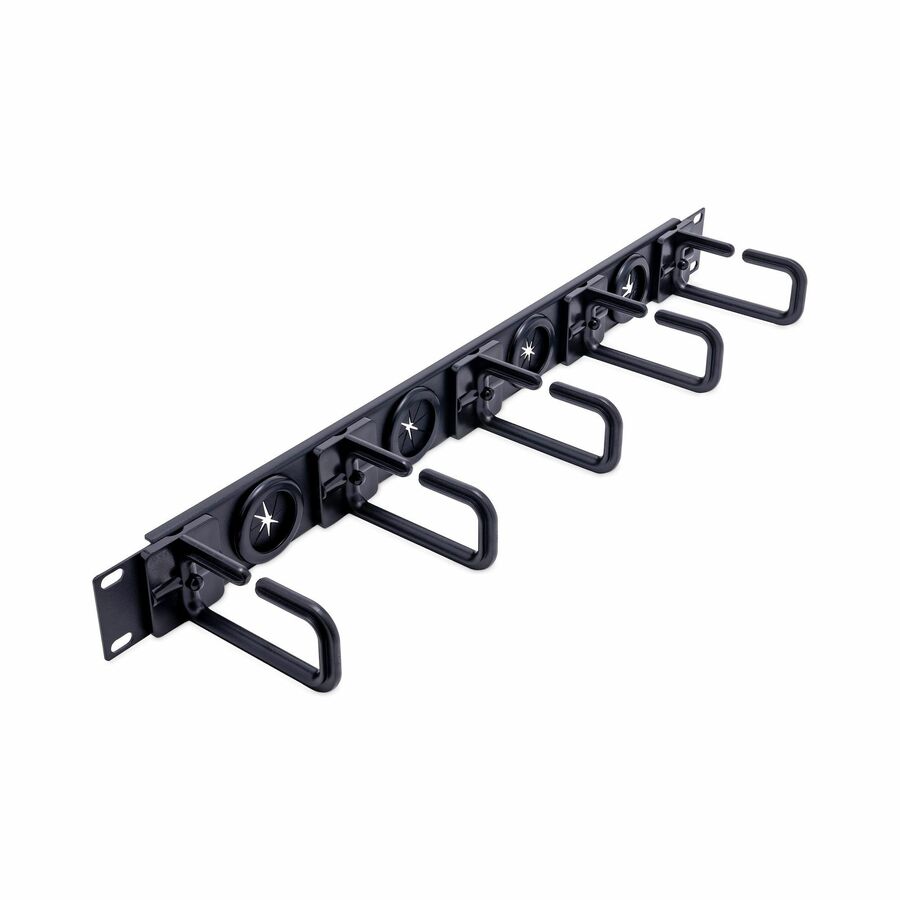
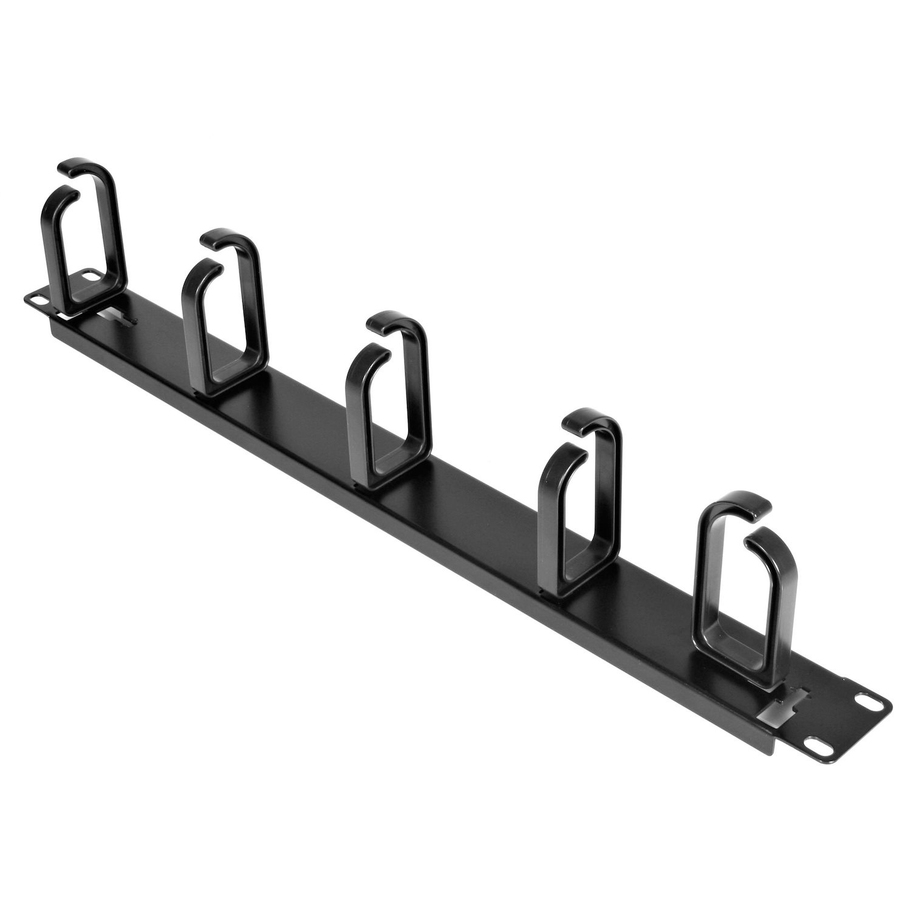
Vertical Cable Management Panel - Rack-Mount Cable Raceway - 20U - 3 ft.
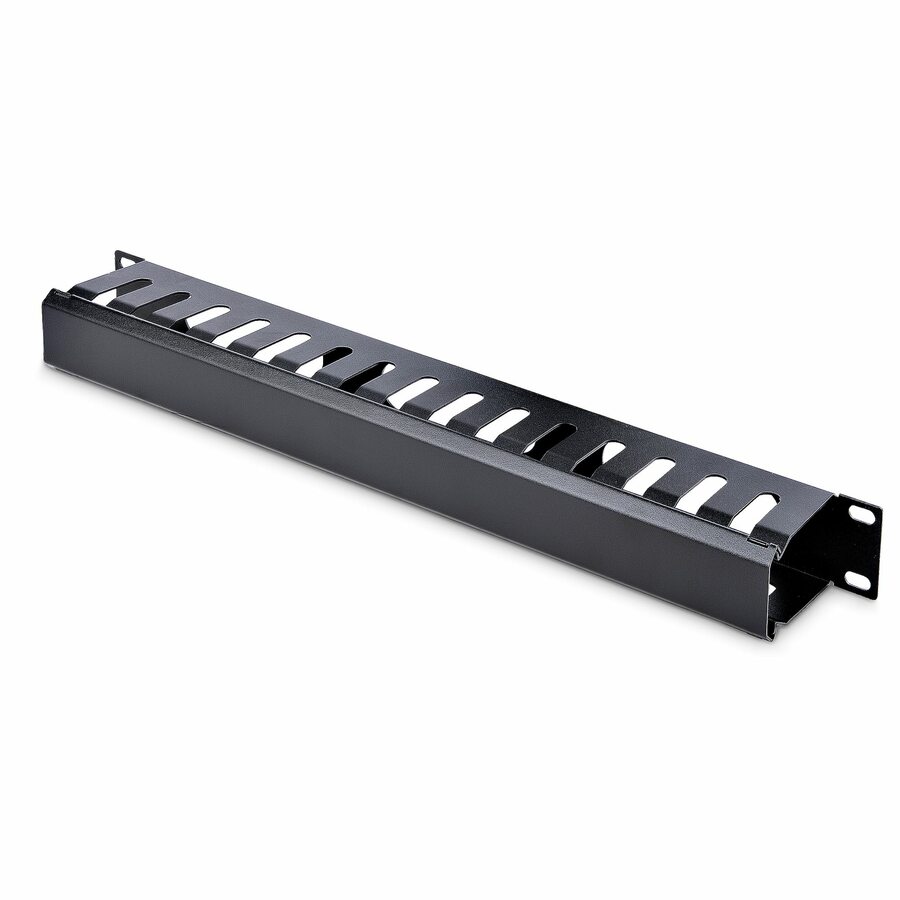
Eliminate cable stress in your rack while making equipment easier to access, with this 3 ft. vertical cable management panel - 20U Rack-Mount Cable Raceway - Rackmount cable manager - Vertical cable organizer - Cable management panel - Finger ducts
MSRP$75.84
$69.77
Save 8%In stock: 181
Genuine StarTech.com through authorized distribution — NDAA §889 screened before checkout.
Country of origin is manufacturer-reported and can vary by production lot. Where TAA applies to your purchase, we verify the shipping unit's origin on request.
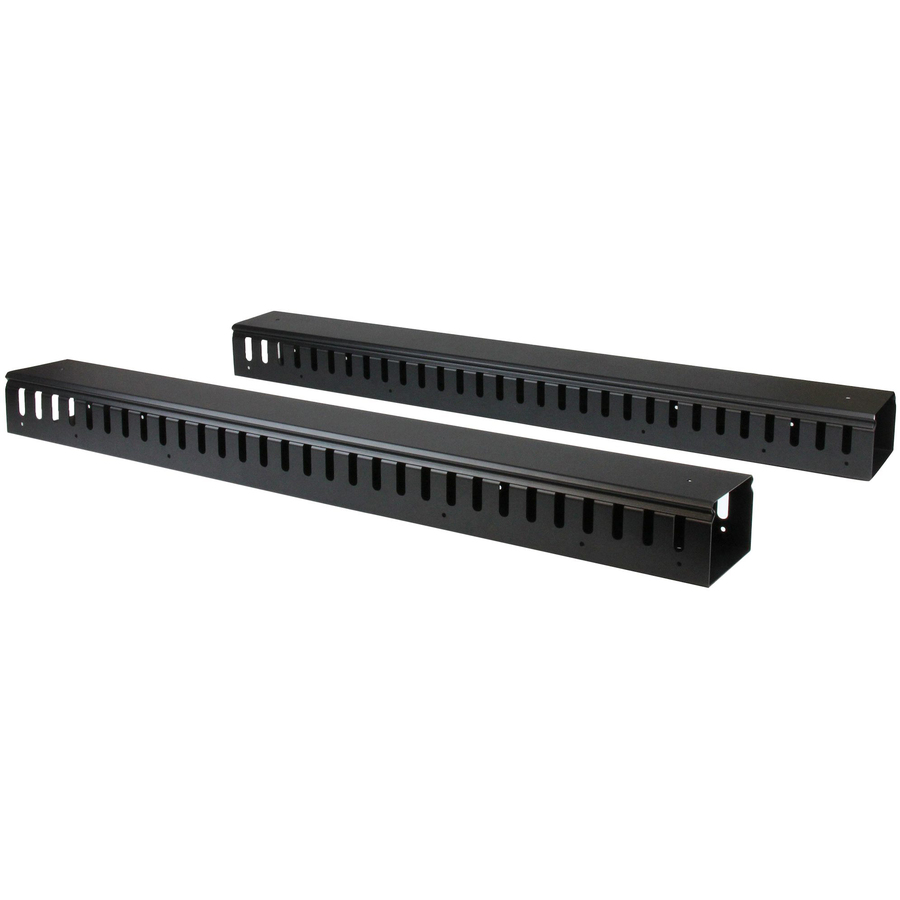
This 3-foot vertical cable manager gives you a simple and space-efficient way to organize the cables in your server rack. You can attach the cable manager vertically into your rack, to neatly guide cables between equipment that's mounted at different heights.The 0U cable manager offers versatile installation options and is compatible with most racks that are 20U or larger. The panel features a 0U design that doesn't take up any mounting space, and with simple tool-less installation, it's easy to attach or reposition as necessary.Improve the appearance and accessibility of your rackThe vertical cable manager uses a finger-duct method of cable management, which includes a cover panel that neatly conceals the cables that are running through it. The cable manager runs vertically along the side of your rack, to neatly guide cables between equipment that's mounted at different heights. This provides a tidy and well-organized way to run cables from devices mounted toward the bottom of your rack to other devices mounted near the top, without leaving a mess of cables hanging in between.Having neatly organized and routed cables not only improves the appearance and accessibility of your rack, it also makes it easier for you to install, access and maintain rack components. Hassle-free compatibility with your rackFor maximum compatibility with virtually any server rack, you can install the cable-management panel using mounting holes that are commonly found on most rack equipment. The tool-less mounting method attaches the cable management panel to the keyhole-shaped mounting holes that are built into your rack. The horizontal mounting rail method attaches the cable management panel to the horizontal mounting rails that run along the side of your rack. For racks that don't support these installation methods, you can also mount the cable management panel through other means, such as using the non-standardized holes found on your rack walls and enclosures, or the rack units on equipment mounting rails.Protect your equipmentRouting your cables through a panel reduces the tension that's often put on cables. This prevents cable damage or connection loss, and reduces strain on equipment ports, preventing damage to your expensive rack-mounted devices.Properly routing cables also improves airflow, which passively cools devices stored in your rack, helping to keep your equipment running at optimal temperatures to reduce the probability of damage caused by your rack overheating.The CMVER20UF is backed by a StarTech.com 2-year warranty and free lifetime technical support. More from the Manufacturer More from the Manufacturer
This 3-foot vertical cable manager gives you a simple and space-efficient way to organize the cables in your server rack. You can attach the cable manager vertically into your rack, to neatly guide cables between equipment thats mounted at different heights.
The 0U cable manager offers versatile installation options and is compatible with most racks that are 20U or larger. The panel features a 0U design that doesnt take up any mounting space, and with simple tool-less installation, it's easy to attach or reposition as necessary.
Improve the appearance and accessibility of your rack
The vertical cable manager uses a finger-duct method of cable management, which includes a cover panel that neatly conceals the cables that are running through it. The cable manager runs vertically along the side of your rack, to neatly guide cables between equipment thats mounted at different heights. This provides a tidy and well-organized way to run cables from devices mounted toward the bottom of your rack to other devices mounted near the top, without leaving a mess of cables hanging in between.
Having neatly organized and routed cables not only improves the appearance and accessibility of your rack, it also makes it easier for you to install, access and maintain rack components.
Hassle-free compatibility with your rack
For maximum compatibility with virtually any server rack, you can install the cable-management panel using mounting holes that are commonly found on most rack equipment. The tool-less mounting method attaches the cable management panel to the keyhole-shaped mounting holes that are built into your rack.
The horizontal mounting rail method attaches the cable management panel to the horizontal mounting rails that run along the side of your rack.
For racks that don't support these installation methods, you can also mount the cable management panel through other means, such as using the non-standardized holes found on your rack walls and enclosures, or the rack units on equipment mounting rails.
Protect your equipment
Routing your cables through a panel reduces the tension that's often put on cables. This prevents cable damage or connection loss, and reduces strain on equipment ports, preventing damage to your expensive rack-mounted devices.
Properly routing cables also improves airflow, which passively cools devices stored in your rack, helping to keep your equipment running at optimal temperatures to reduce the probability of damage caused by your rack overheating.
The CMVER20UF is backed by a StarTech.com 2-year warranty and free lifetime technical support.
Limited Warranty: 2 Year
The StarTech.com Advantage We simplify the lives of IT Professionals by making it easy to find the connectivity accessories and information they need and getting products to their project sites quickly. StarTech.com products are designed by IT pros, for IT pros, to meet their rigorous technical performance requirements. Who We Are While we may manufacture IT connectivity accessories, StarTech.com is truly in the business of making the lives of IT professionals easy. Founded in 1985 in London, Ontario, Canada by Paul Seed and Ken Kalopsis, StarTech.com has always been dedicated to solving technology problems faced by IT professionals. Originally known as StarTech Computer Accessories, the company had very humble beginnings as a “Visa Card” funded operation, manufacturing products like computer dust covers in the basement of a house. By focusing on the needs of our customers and continual innovation, StarTech.com has evolved into a global organization offering accessories that support over 200 different technologies, from legacy to the latest. StarTech.com Founder and CEO, Paul Seed’s dedication to making IT solutions easy to implement has not wavered, nor has his passion for the community. From individual contributions to organization wide campaigns, StarTech.com is committed to staying connected to the community and supporting non-profit organizations across the globe.
| General Information | |
|---|---|
| Manufacturer | StarTech.com |
| Manufacturer Part Number | CMVER20UF |
| Brand Name | StarTech.com |
| Product Name | Vertical Cable Organizer with Finger Ducts - 0U - 3 ft. |
| Packaged Quantity | 1 Each |
| Product Type | Cable Routing |
| Physical Characteristics | |
| Color Family | Black |
| Product Color | Black |
| Product Material | Steel, Plastic |
| Rack Height | 20U |
| Height | 2.90" |
| Width | 33.60" |
| Length | 3.90" |
| Weight (Approximate) | 5 lb |
| Product Information | |
| Cable Manager Type | Duct Panel |
| Warranty | |
| Limited Warranty | 2 Year |
| Miscellaneous | |
| Package Contents |
|
| Country of Origin | China |
| Environmentally Friendly | Yes |
| Environmental Compliance | Restriction of Hazardous Substances (RoHS), Registration, Evaluation, Authorization and Restriction of Chemicals (REACH) |
Matched on Cable Routing · China
Send a bill of materials or part numbers — we confirm stock and a below-market total, with TAA verified on request. No payment up front.