Loading the product…
Loading the product…
Attention: Due to high order volume, orders may require an additional business day to process.
Windows PC's
Compatible with Windows 11, 10, 8.1, 8, 7, Vista, XP, Bravura Easy Computer Sync Software Included
$58.89
In stock: 3,838
Genuine Plugable Technologies through authorized distribution — NDAA §889 screened before checkout.
Country of origin is manufacturer-reported and can vary by production lot. Where TAA applies to your purchase, we verify the shipping unit's origin on request.
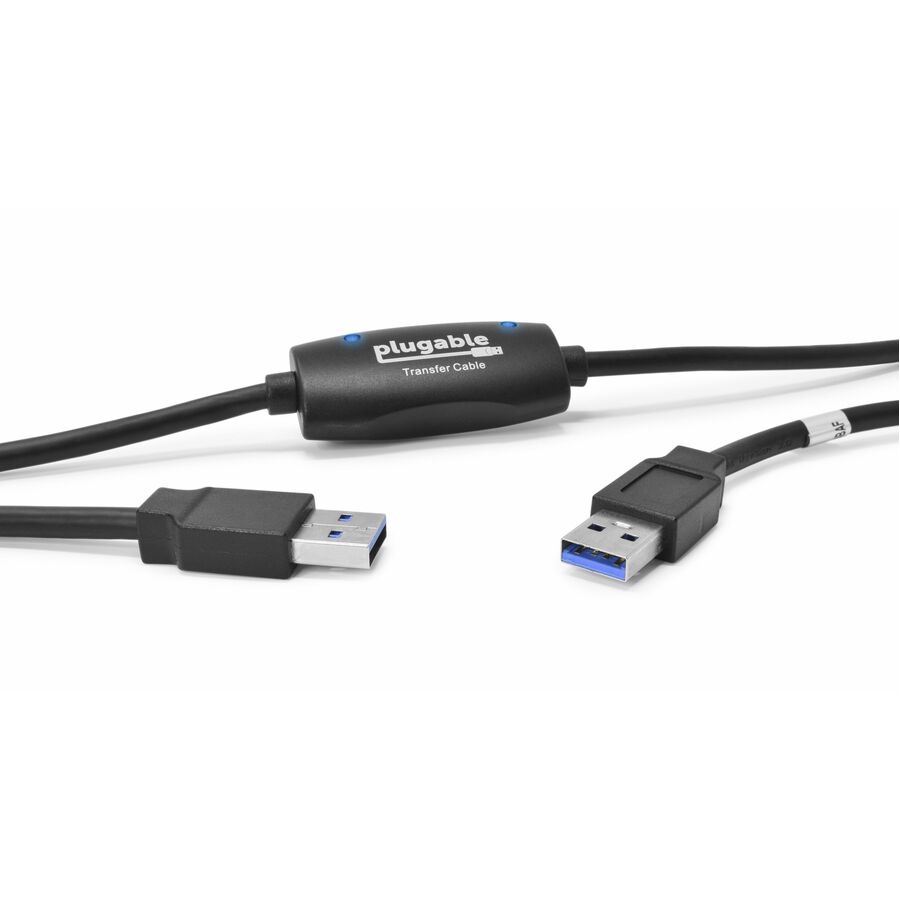
Transfer files between nearby Windows PCs with greater speed, plug-and-play ease, and point-to-point simplicity and security. The Plugable USB 2.0 Windows Transfer Cable works great for transferring files and folders when upgrading from an older Windows 11, 10, 8.1, 8, 7, Vista, or XP computer to a newer one, or for transferring data between two folders on a ongoing basis. (Note: Programs will not be transferred. They must be re-installed from the original disk or downloaded file.)
Software
The cable also includes a full license to Bravura's Easy Computer Sync software that can be found attached to the cable ($19.95 value). Created by one of the original developers of Windows Easy Transfer at Microsoft, the Bravura software manages the connection and transfer process for you and includes all needed drivers, making it easy to transfer your important documents and media files.
Compatibility
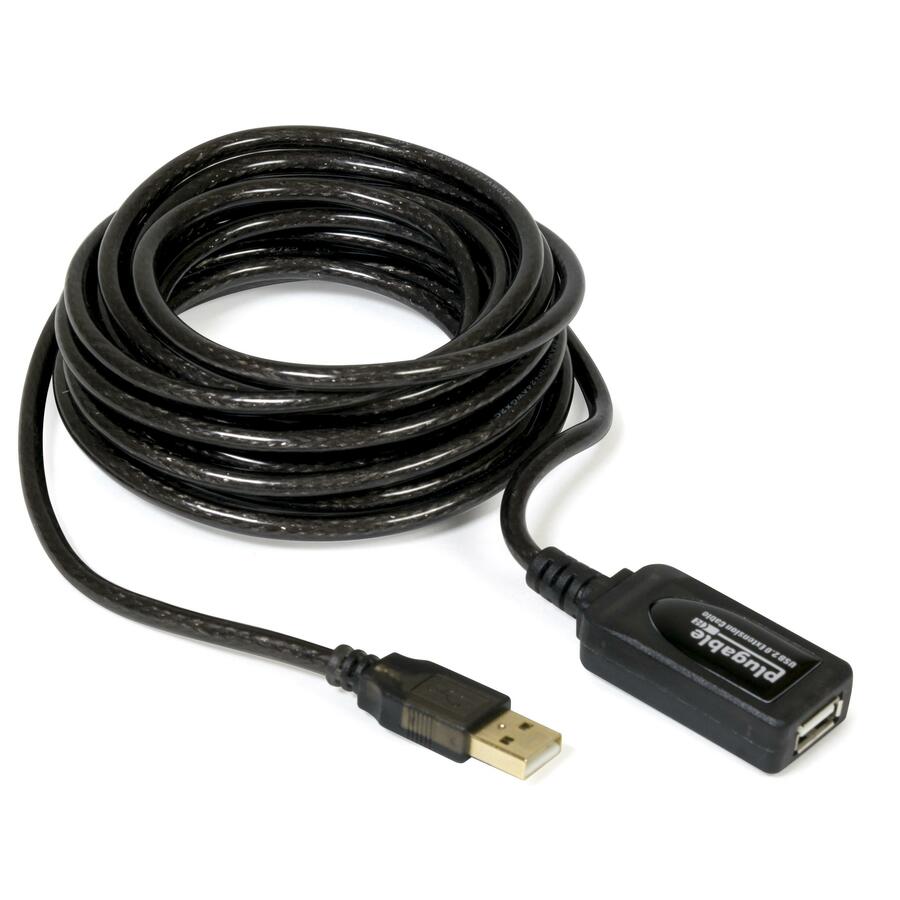
All needed drivers for Windows 11, 10, 8.1, 8, 7, Vista, and XP are included in the Bravura software. No support for Mac. Compatible with active and passive USB 2.0 extenders like the Plugable USB 2.0 10 meter extension cable (not included) for greater distances between PCs. Not compatible with ARM-based Windows (MS Surface RT).
In the box
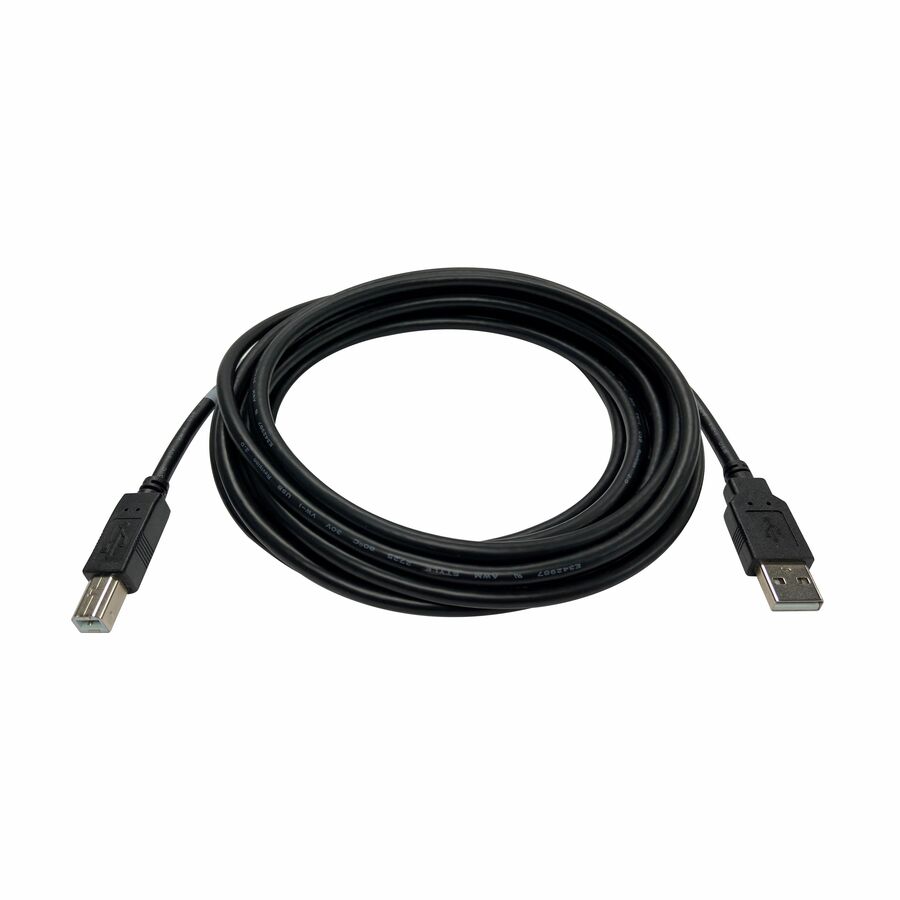
Six-foot (2-meter) USB 2.0 Easy Transfer Cable and quick installation guide. All software and drivers are available via download (CD included for convenience if needed). A product key for the Bravura Easy Computer Sync software is included with the Windows Transfer Cable, located on a tag attached to the cable.
More from the Manufacturer
Our USB 2.0 Transfer Cables (USB-EASY-TRAN) give you the power to transfer your important files and data between two Windows PCs at a time. With convenient data transfer over USB 2.0, plug-and-play ease, and point-to-point simplicity and security, you can transfer your important files and data with confidence.
Featuring USB 2.0 High Speed “Type A” on both ends, and a Prolific PL-25A1 chipset, our Transfer Cables provide transferring without the storage limitations you’d find by using discs or drives.
A great solution for transferring files and folders when upgrading from an older Windows computer to a newer one, or for regular transfers. Provides unlimited use to transfer what you need, when you need. (
Note: Programs cannot be transferred, and must be re-installed from the original discs or installation files.
Please note that our Seattle-based support team is happy to answer questions via email. We are posting answers to some of our most commonly received questions below.
The Bravura Easy Computer Sync software is asking me for a Product Key. Where do I find my Product Key?
The Product Key is a 16-character alphanumeric code unique to each order. Since 12/01/2017, Product Keys are printed on a tag which are tied to the Transfer Cable itself. If you purchased your Transfer Cable before 12/01/2017, you should have received an email containing the Product Key. Please reach out to us directly with your Amazon order number for help with your Product Key.
I purchased the cable from a local PC shop, ebay, or "Amazon Warehouse Deals". How do I get my Product Key?
The Product Key is uniquely tied to the original Amazon Order ID number of the purchase, so whomever originally purchased the cable was sent the product key before they resold the cable. If the cable is purchased used, from a third party seller, or on a site other than Amazon, we are unable to provide a product key. The Transfer Cable must be purchased new directly from Plugable on Amazon to receive this Product Key.
Does each computer need a monitor, keyboard, and mouse attached?
Yes, each PC will need a monitor, keyboard, and mouse so that you can launch and operate the transfer program.
Is the Plugable USB 2.0 Transfer Cable compatible with macOS?
No. Our Transfer Cables are not compatible with any macOS version.
How long will it take to complete the transfer?
Transfer time varies with the speed of the old “source” system (and hard drive in particular). The amount of data to be transferred will also affect transfer times, so some systems will transfer in minutes while others will take hours.
Should I install the software before plugging in the cable, or the other way around?
We recommend installing the transfer software first because it will copy the necessary driver files to your PC so they are ready to load when the cable is attached.
My old computer won't function properly. Can I use this to transfer content to my new computer?
No. Computers must be in full working order to install and run the Bravura Easy Computer Sync software to perform transfers. We would suggest finding a local and trusted technician to help.
Will this transfer my programs and games?
No. Programs and games must be installed using the original discs/installation files.
Is there a specific USB port that I should connect the cable to on either system?
Connecting to any open USB port will do. In situations where the transfer software cannot establish a connection between the two PCs, or is losing the connection mid-transfer, attaching the cable to a different port is a good troubleshooting step. On older PCs especially, we’ve found that trying the cable in another port (preferably on the rear of the computer) can help resolve various issues.
I’ve installed the Bravura Easy Computer Sync software on both systems, and instead of starting the transfer process both systems say “Waiting for Connection” indefinitely. What’s going on, and how can I get the connection to work?
Give each computer a restart. It's always a good practice to restart your computer after installing software to allow the installation and changes to complete
Try running the software as an Administrator. You can do this by right clicking the application, and choose, "run as administrator"
Certain antivirus/firewall/security software can block the connection between the two PCs. When a connection cannot be established, temporarily disabling any such software on both systems is often the solution
If there are multiple versions of transfer software open at once, they can interfere with each other. For example, sometimes Windows will automatically launch the “Windows Easy Transfer” software when a transfer cable is plugged in, even though the Bravura Easy Computer Sync software will be used for the transfer. Please make sure that only one transfer program is open on each system
If the drivers for the transfer cable have not been successfully installed on either of the two PCs, a connection between them will not be established. Windows 7, 8.1, and 10 should install the drivers automatically. XP and Vista systems need a driver installed which is included with the Bravura Easy Computer Sync software. If there are any errors with driver installation when plugging in the cable, please write them down exactly as these error messages can be helpful while troubleshooting the issue via email
Limited Warranty: 2 Year
About Plugable Plugable Technologies is a US-based electronics company that has been trusted by IT Professionals for over a decade. Plugable offers a wide range of universal products that are tested to fit any desk environment with guaranteed compatibility. Our local support team consists of the very engineers who design our products, and our industry-leading product information gives you the confidence you need to find the right solution for your business. Connect This With That .
Plugable USB 2.0 Windows Transfer Cable
| General Information | |
|---|---|
| Manufacturer | Plugable Technologies |
| Manufacturer Part Number | USB-EASY-TRAN |
| Brand Name | Plugable |
| Product Name | USB 2.0 Windows Transfer Cable |
| Packaged Quantity | 1 |
| Product Type | Data Transfer Cable |
| Technical Information | |
| Cable Type | USB |
| Cable Length | 6 ft |
| Connector Type on First End | USB 2.0 Type A - Male |
| Connector on First End Details | 1 x USB 2.0 Type A - Male |
| Connector Type on Second End | USB 2.0 Type A - Male |
| Connector on Second End Details | 1 x USB 2.0 Type A - Male |
| Device Supported | PC, Computer, MAC |
| Data Transfer Rate | 480 Mbit/s |
| Features | Plug & Play |
| Warranty | |
| Limited Warranty | 2 Year |
| Miscellaneous | |
| Package Contents |
|
| Country of Origin | China |
Matched on USB · 3–7 ft
Send a bill of materials or part numbers — we confirm stock and a below-market total, with TAA verified on request. No payment up front.