
Best Refurbished Desktops for Budget-Constrained Districts
Refurbished Dell OptiPlex, HP and Lenovo business desktops for computer labs, front offices and staff seats — condition stated plainly.
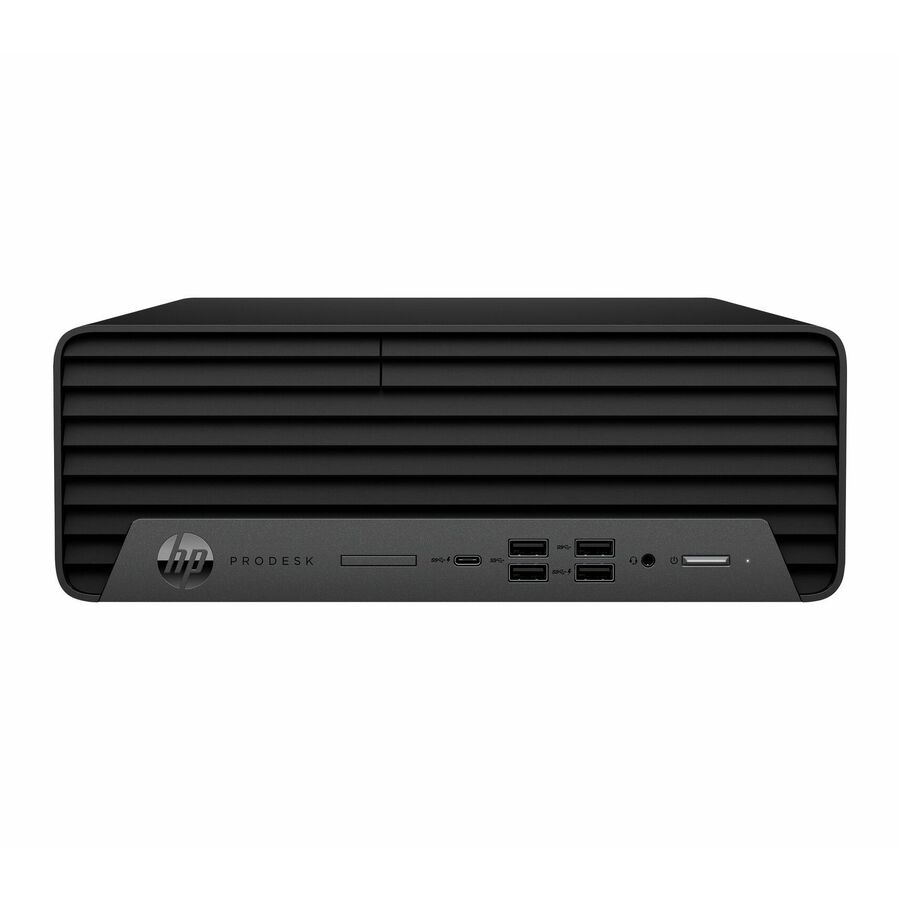
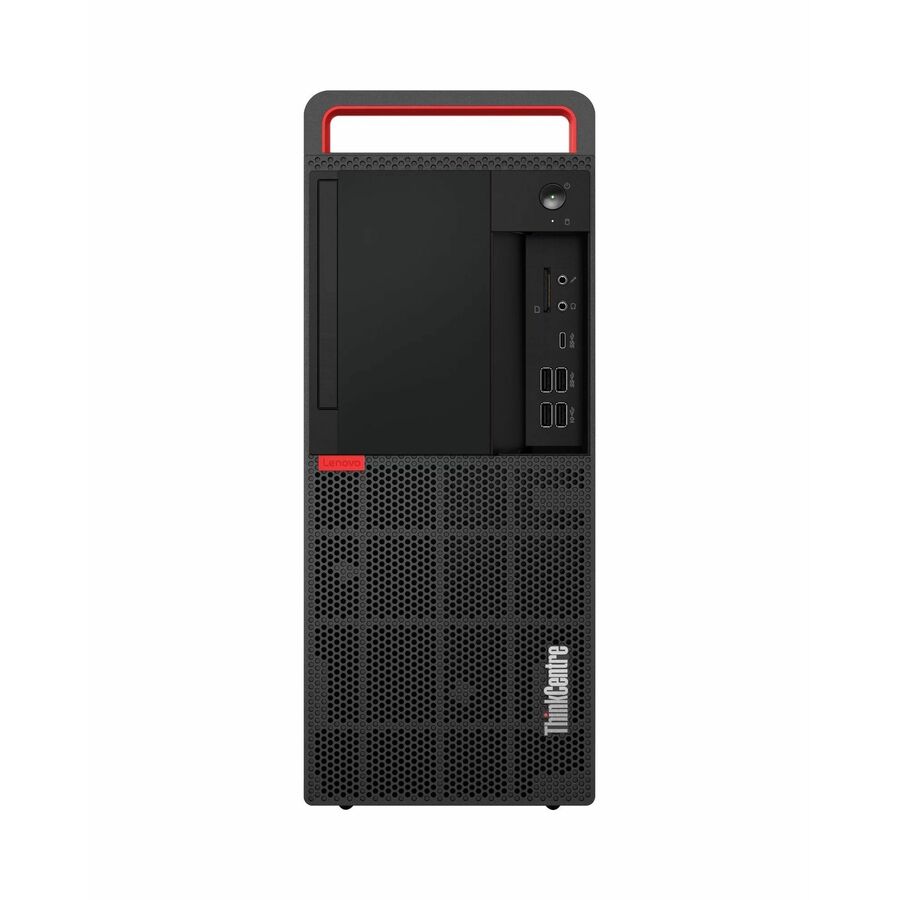
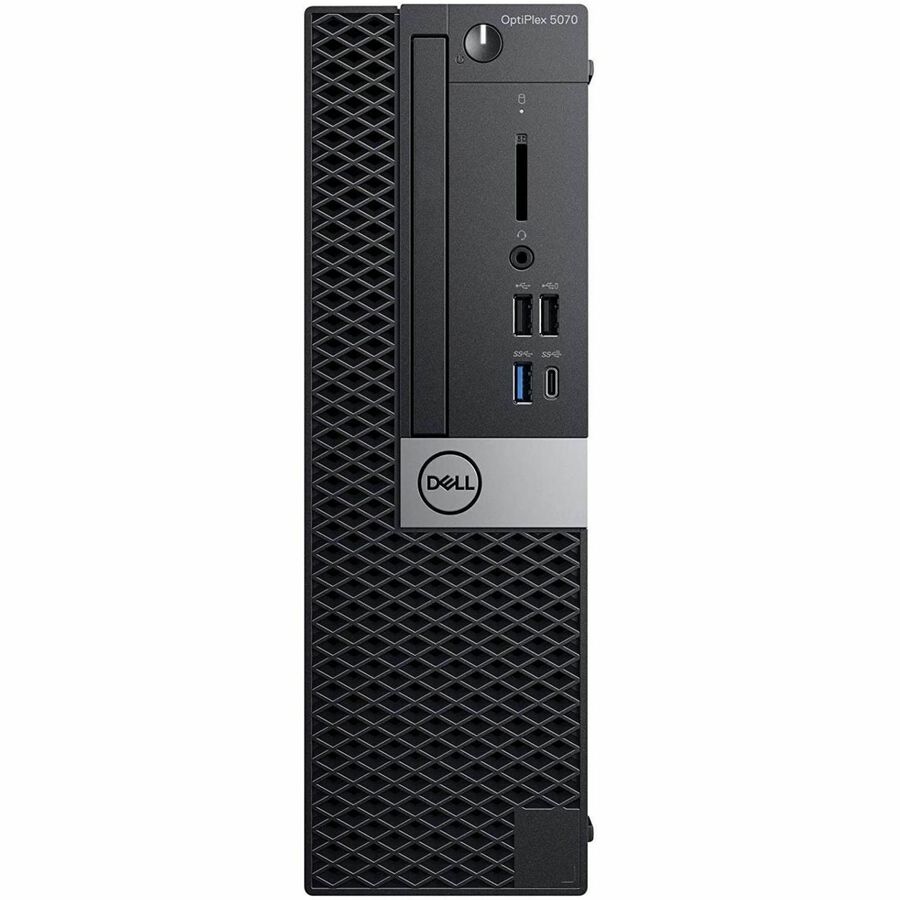
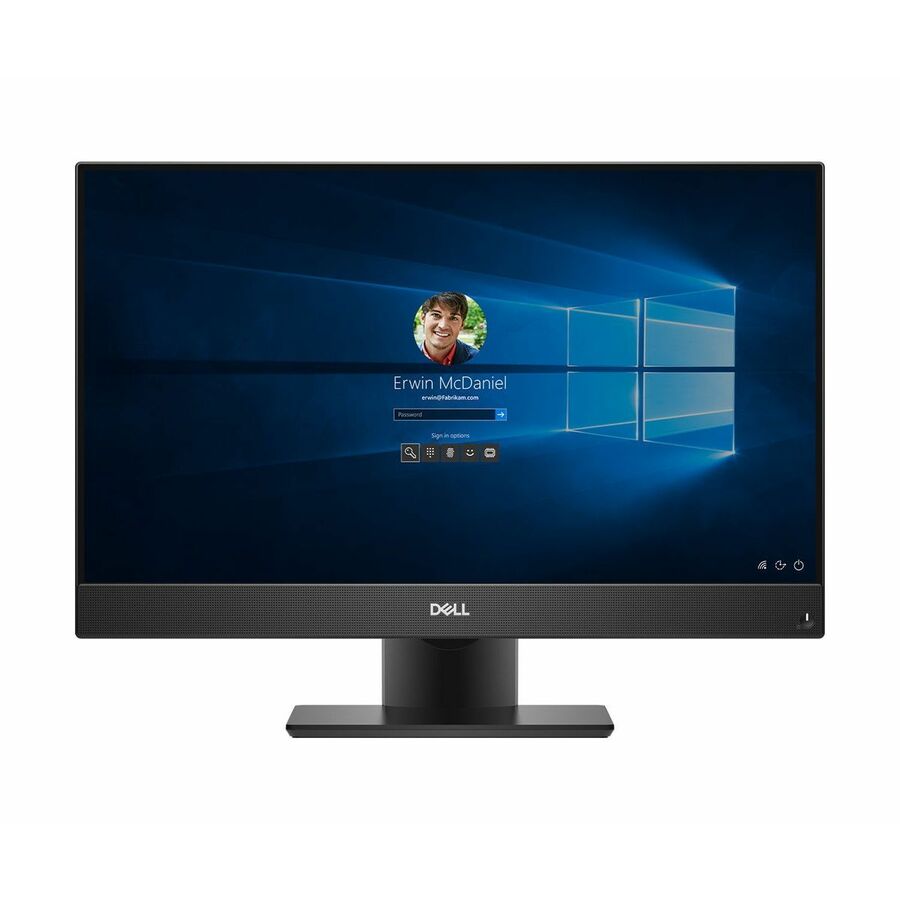
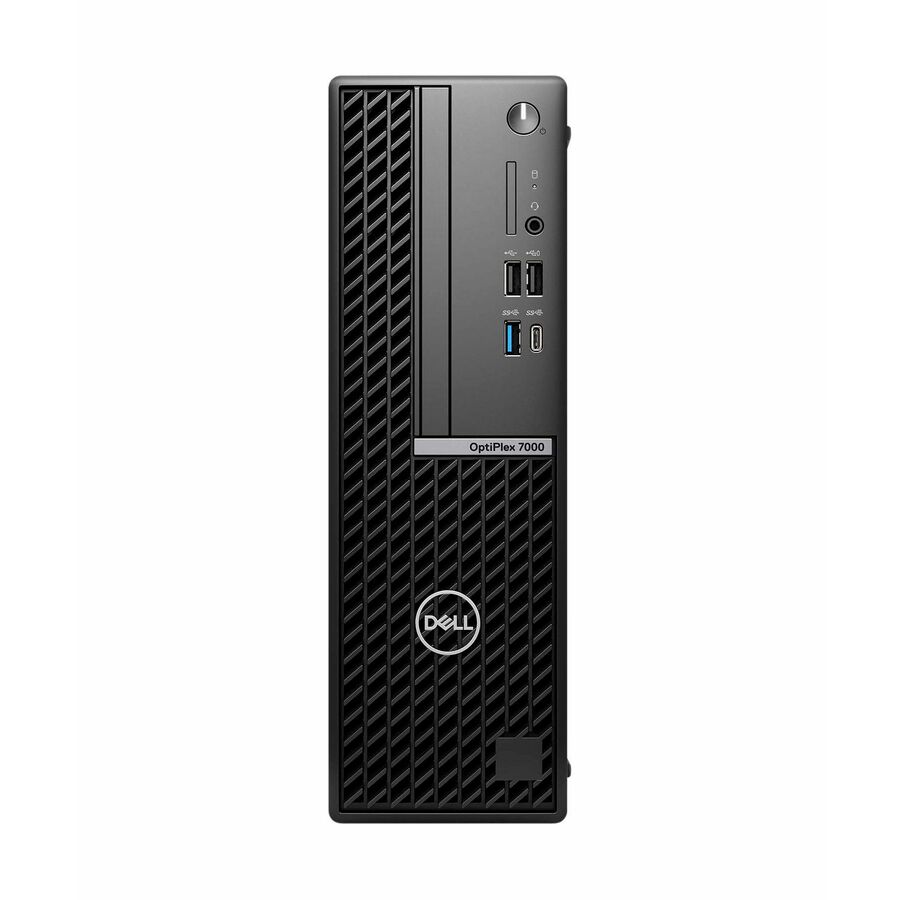
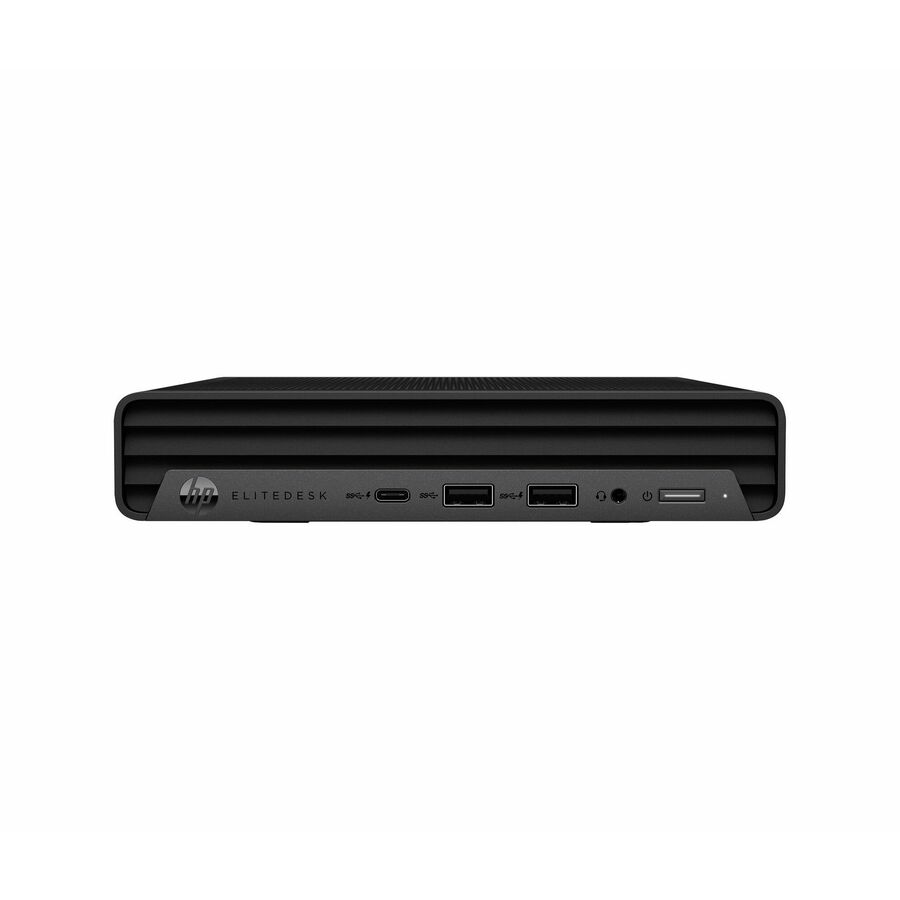
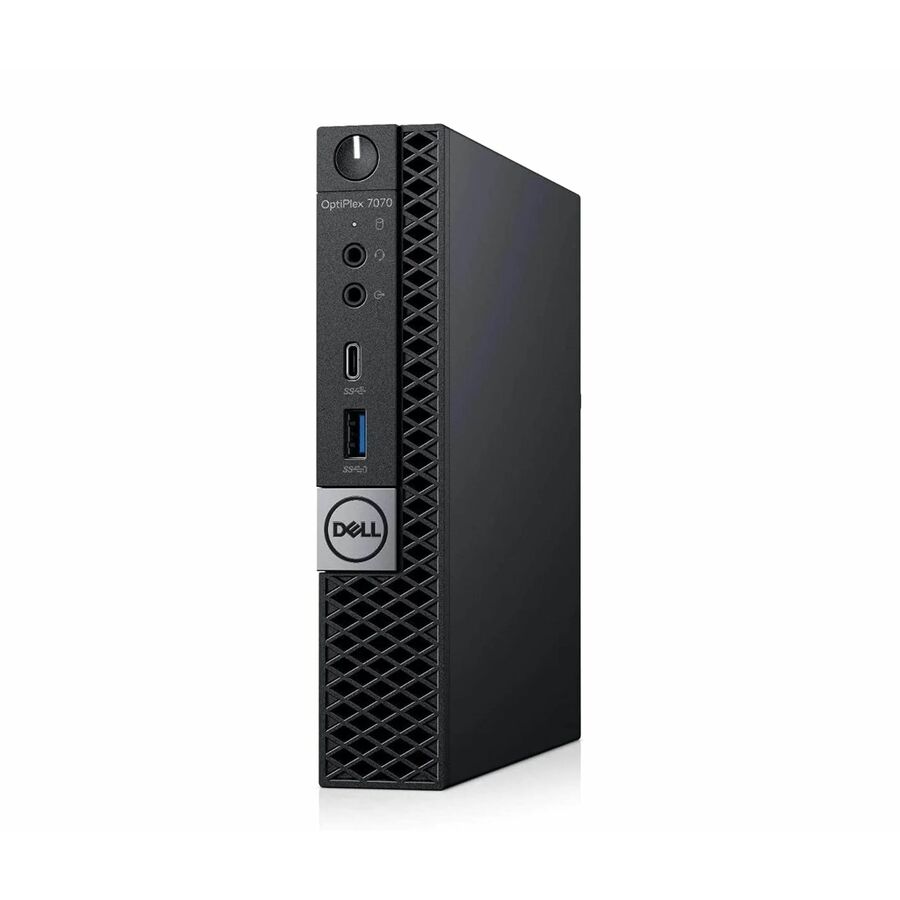
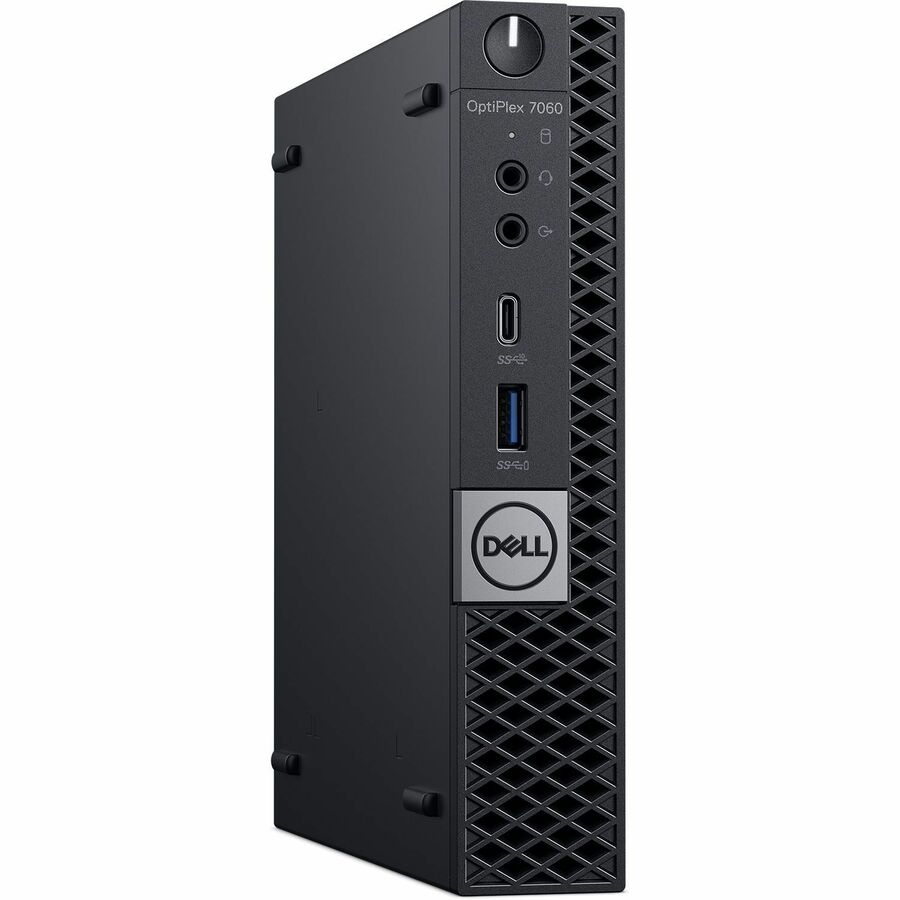
Joy Systems refurbished desktops in stock at Uniqcli
How to choose →A curated selection with live pricing — in-stock lines first, then back-ordered lines with a typical lead time. Every line is sourced through US distribution and screened for NDAA §889 status before checkout, with TAA verified on request.
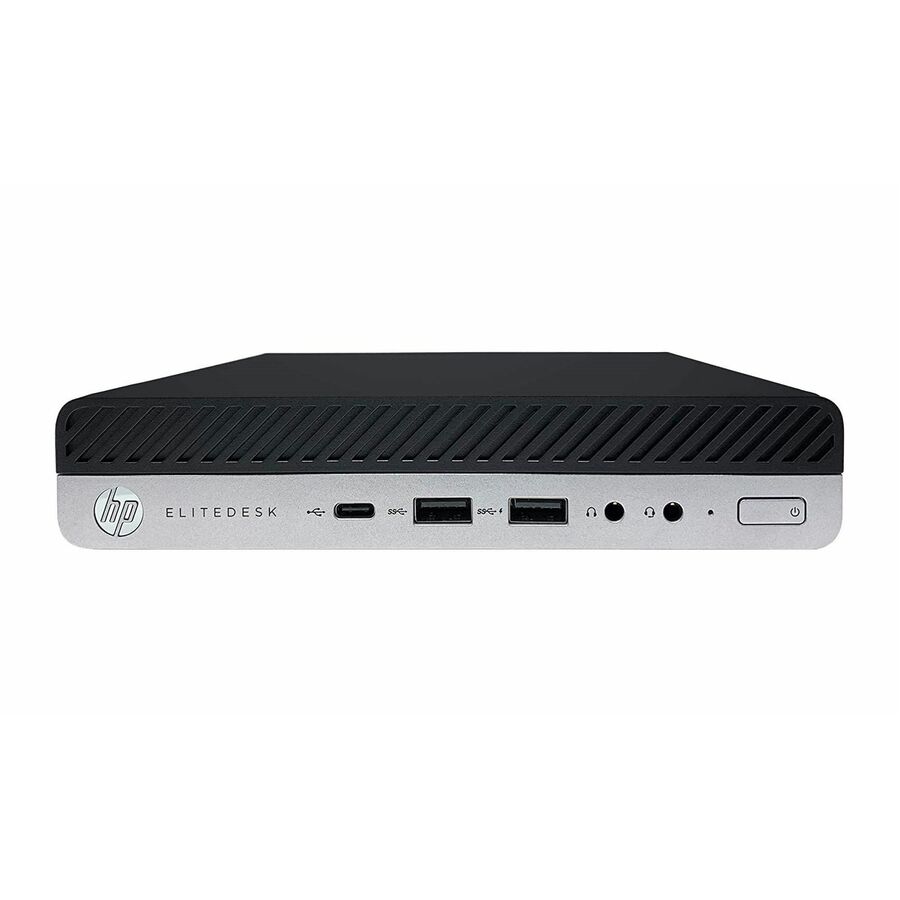

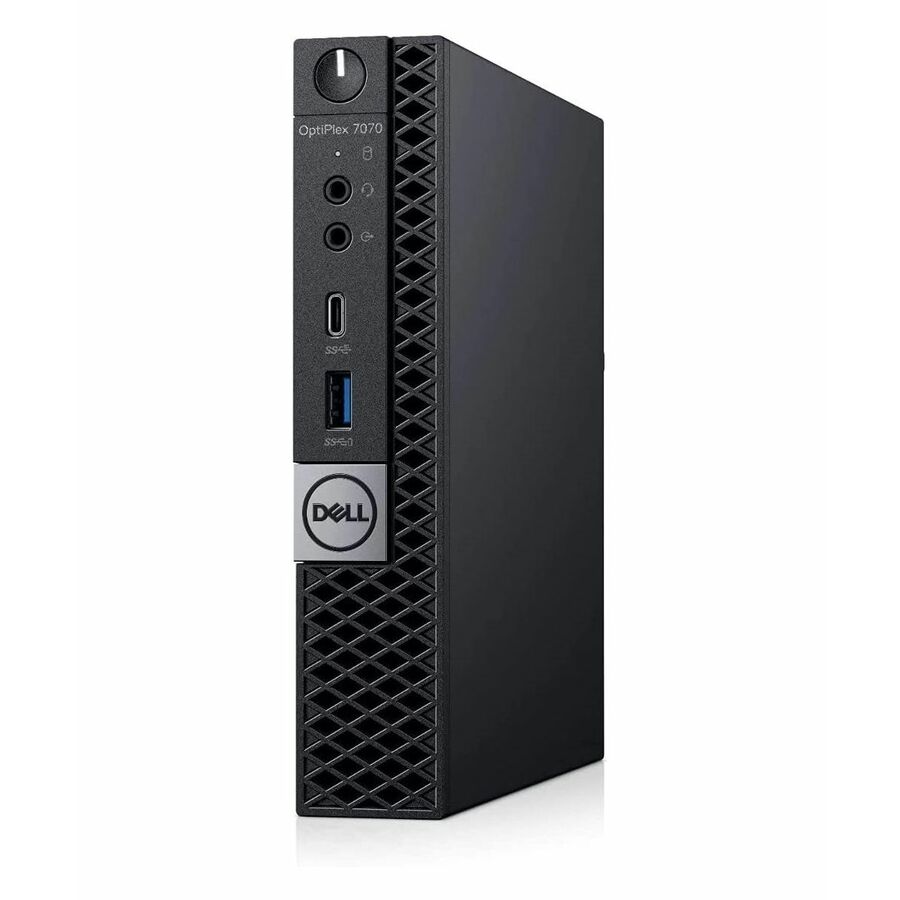
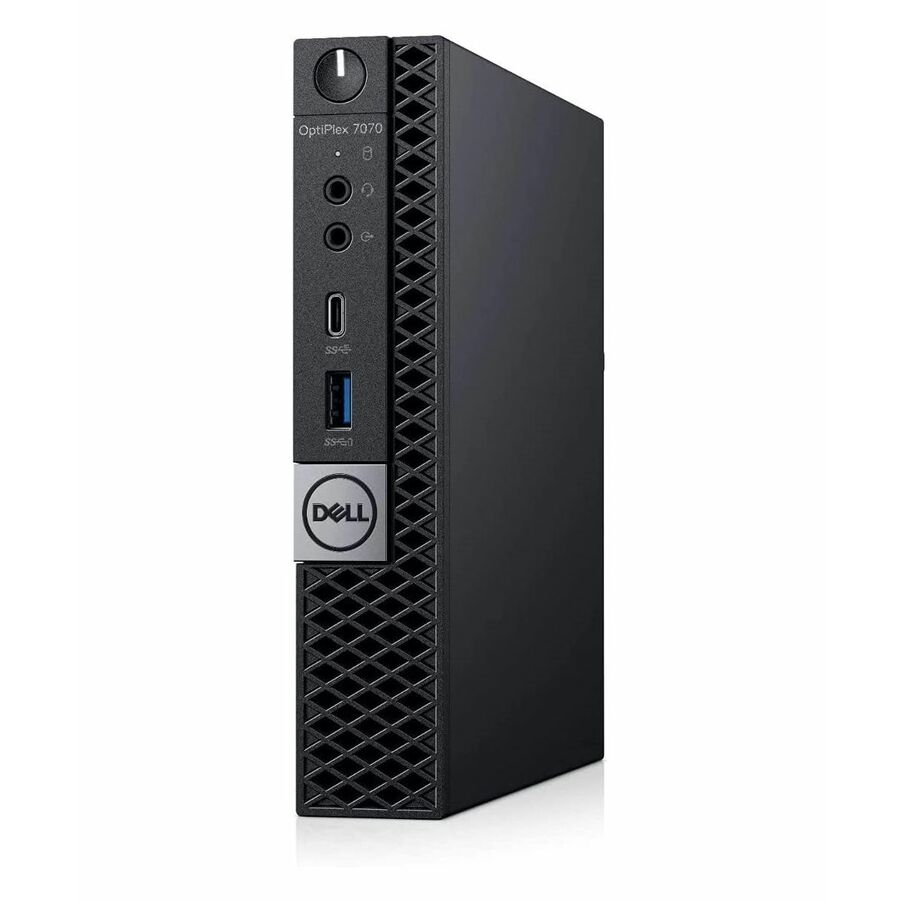
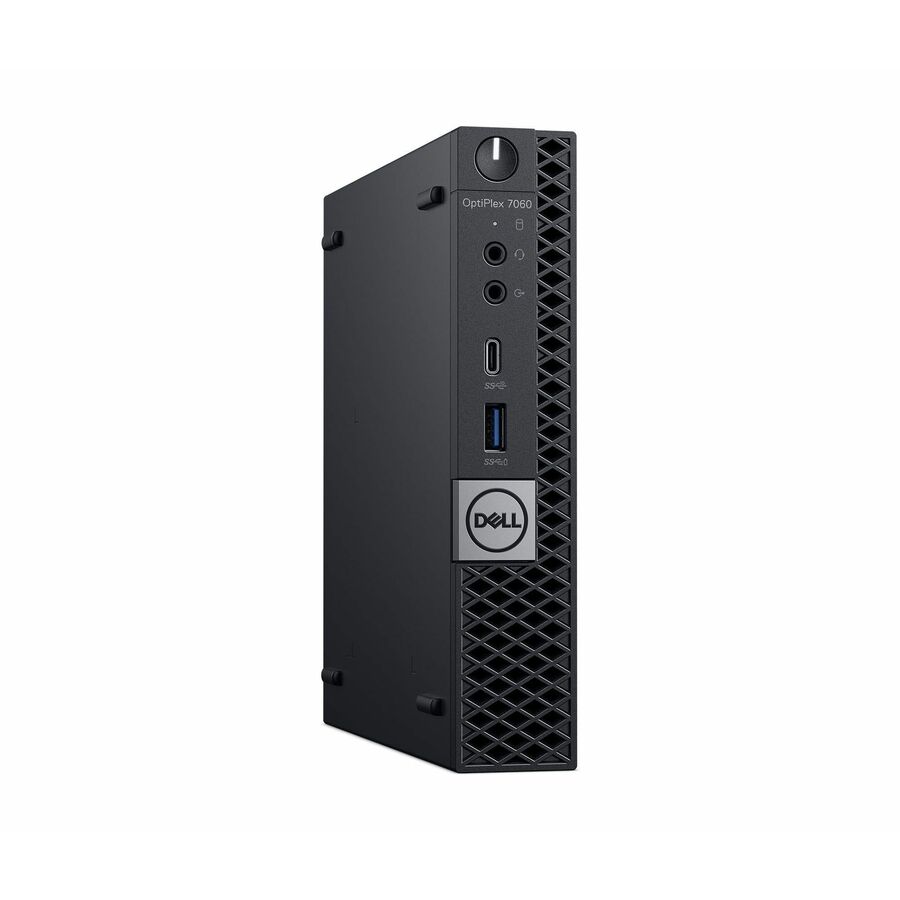
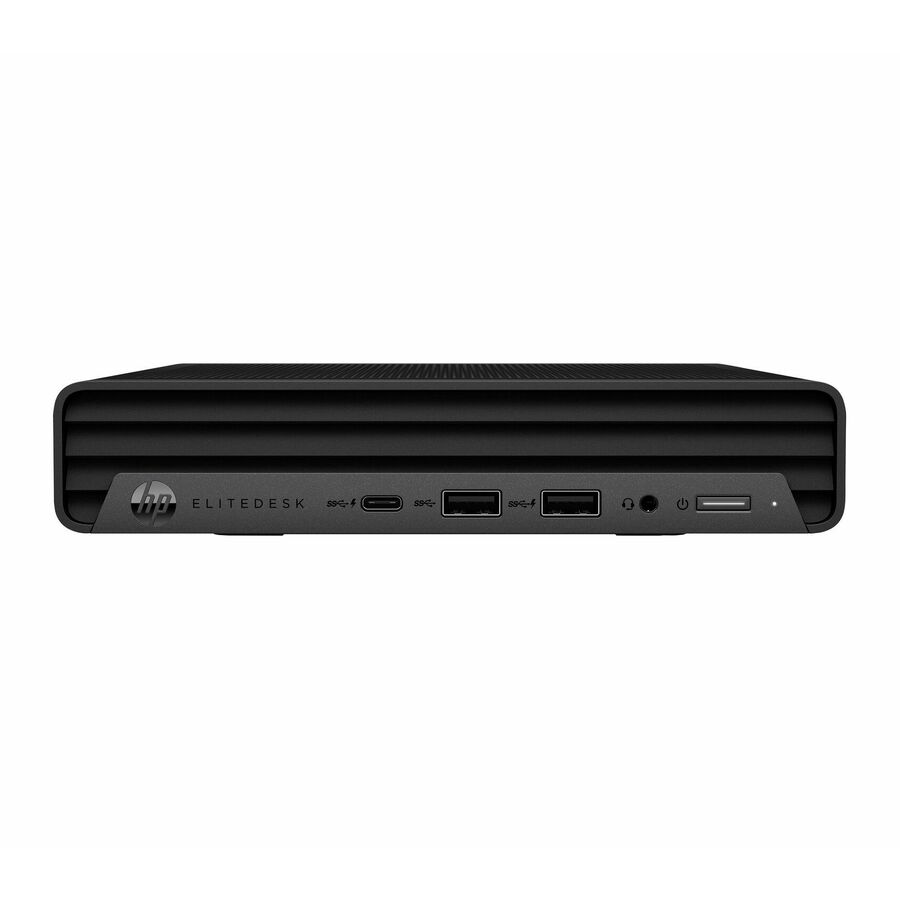
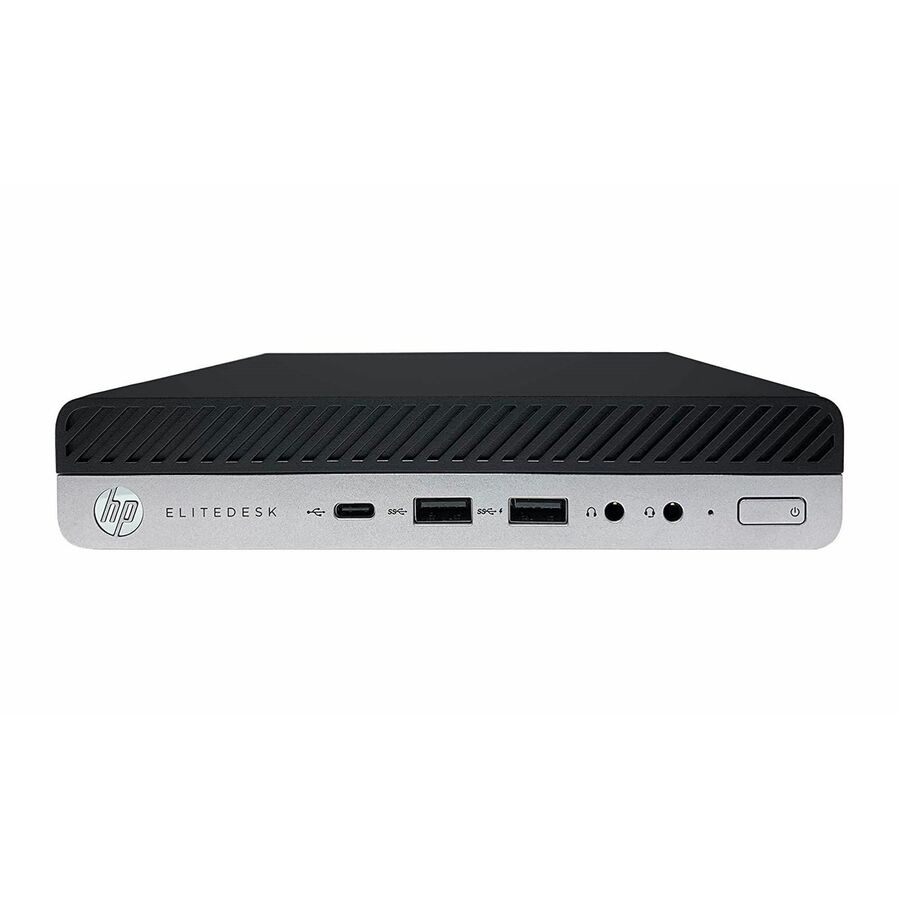
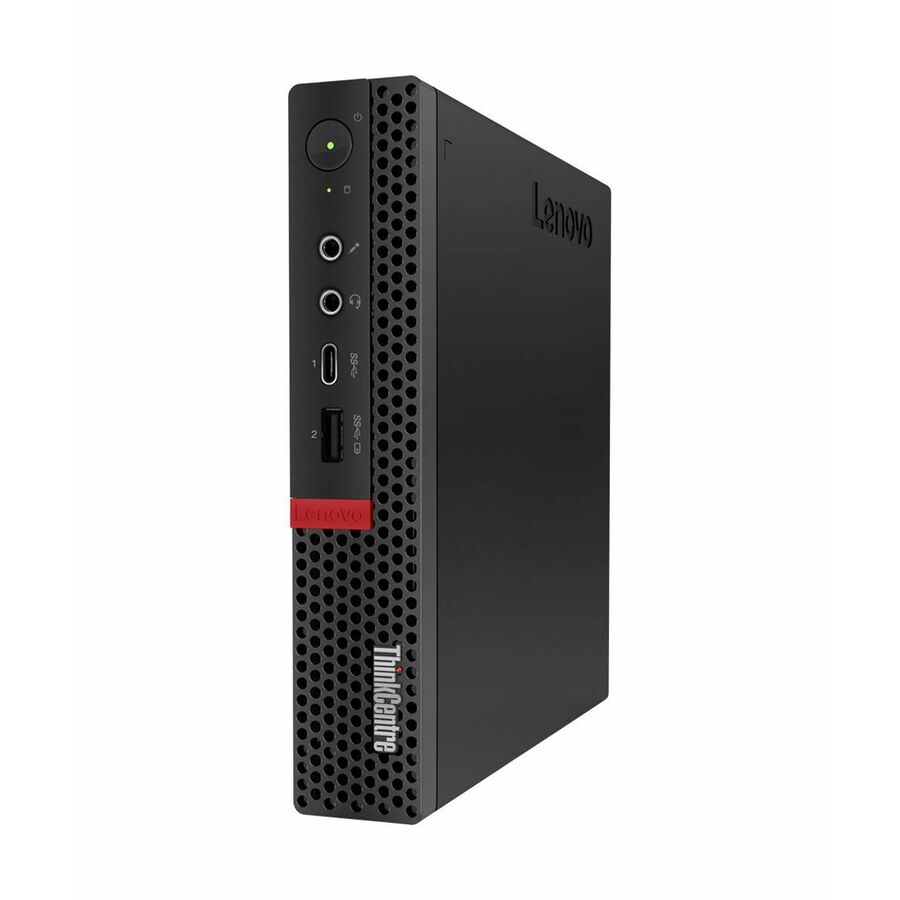
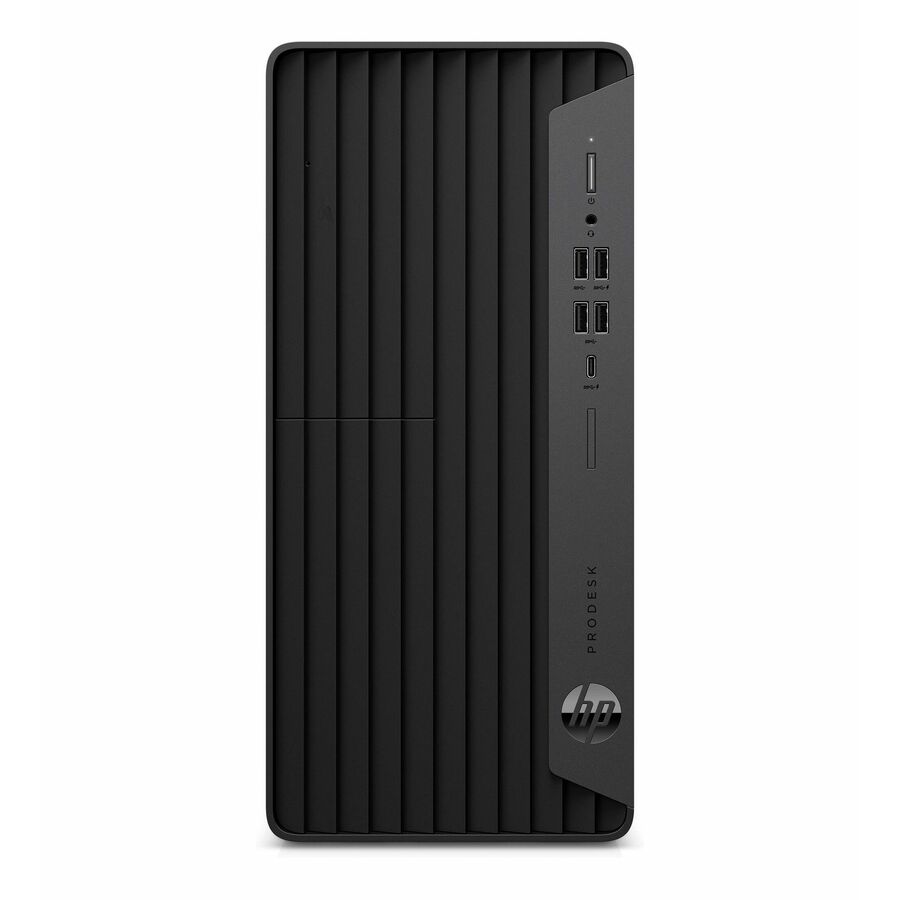
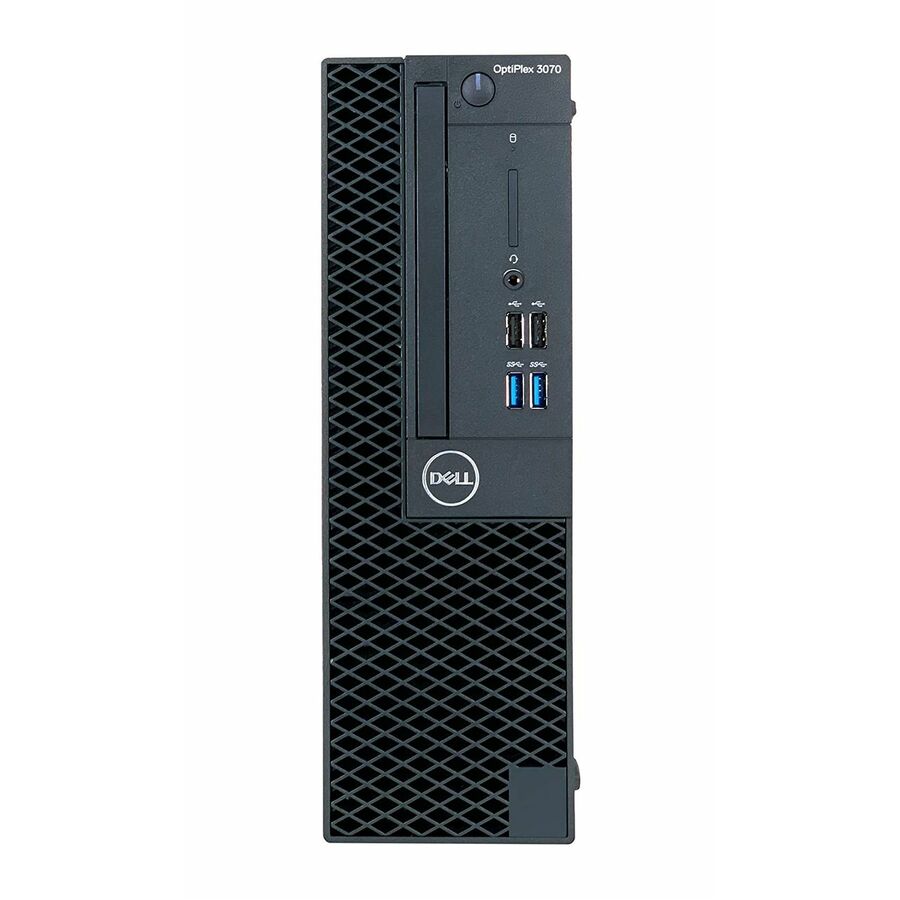
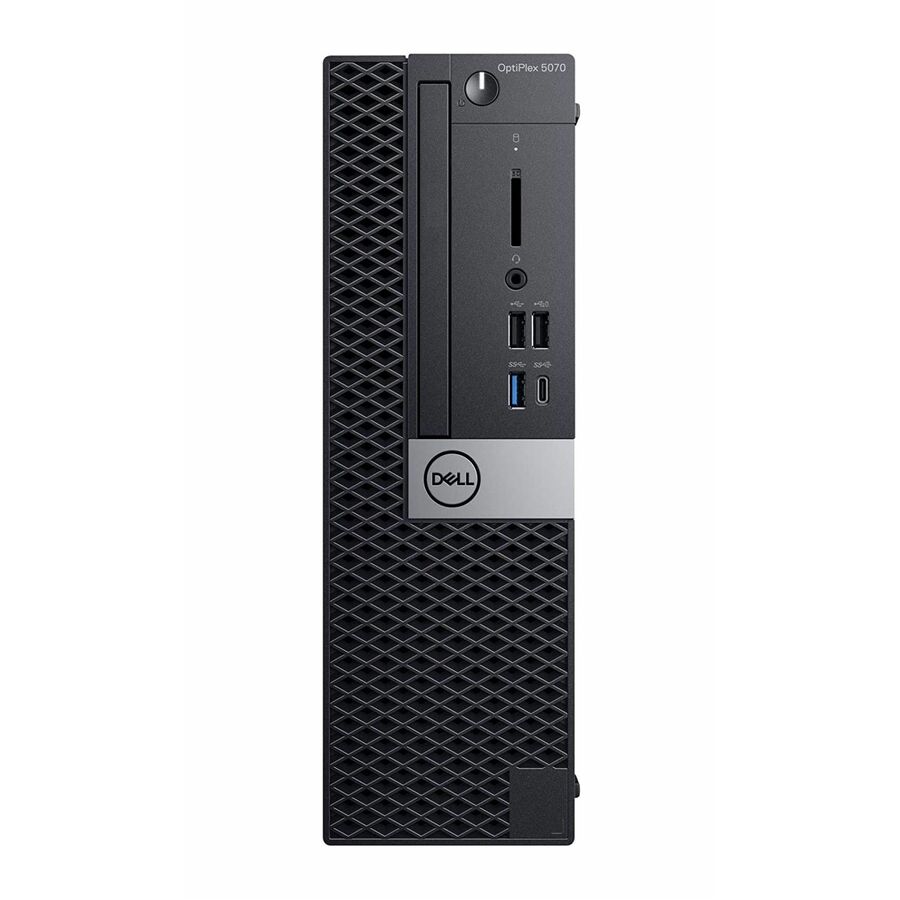
More desktops in the Uniqcli catalog
See all 4,766 desktopsMore Joy Systems first — closest to what you were just looking at; “See all desktops” above opens every other brand in the category. In-stock lines lead, and a back-ordered line carries the same estimated availability its product page does — with live pricing throughout, NDAA §889 screening before checkout and TAA verified on request.
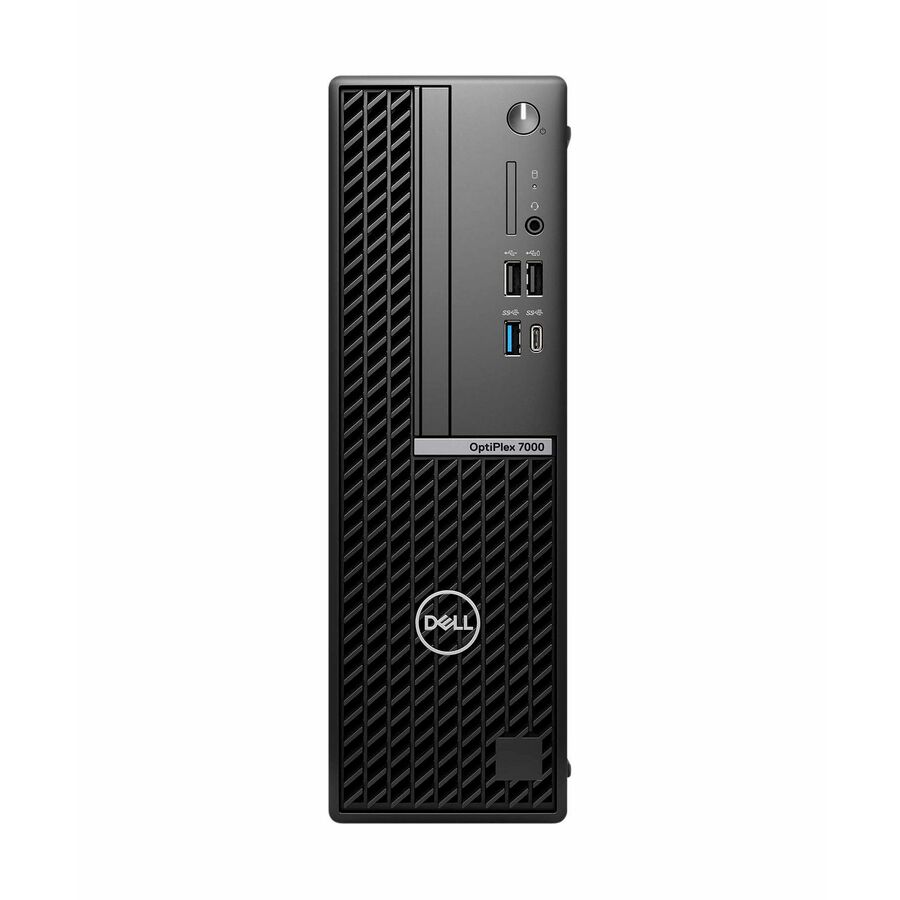
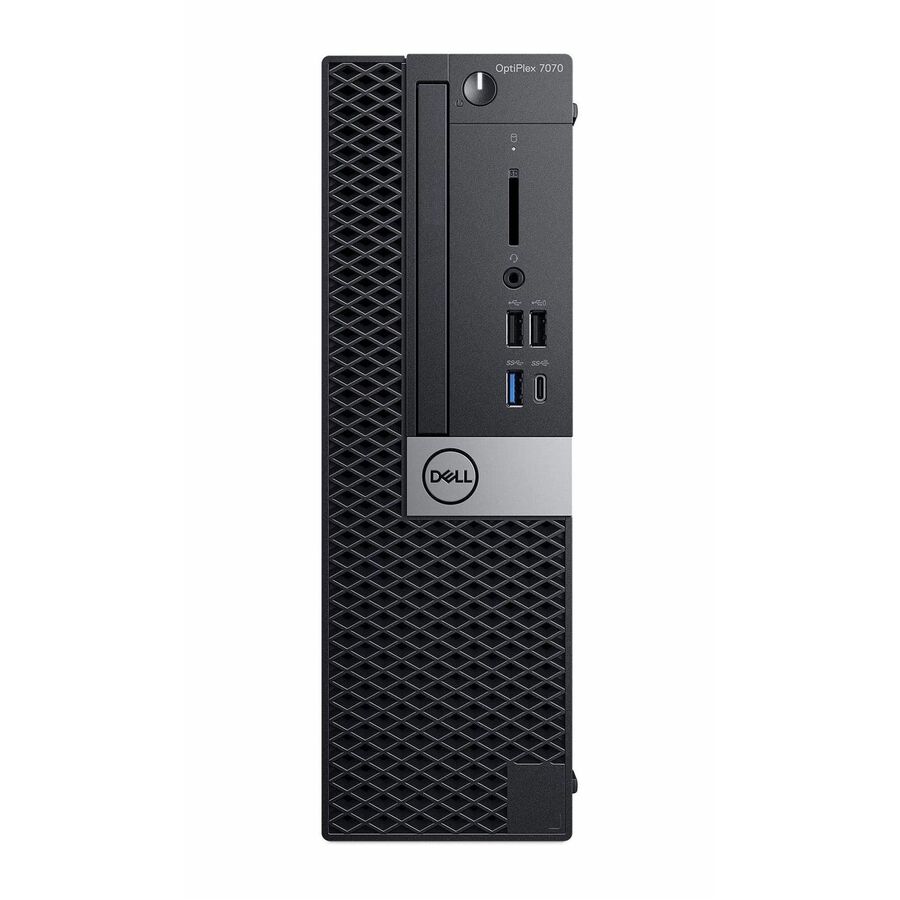

Need pricing on Joy Systems refurbished desktops?
Tell us where to reach you and a Uniqcli specialist will follow up by email with current pricing, availability and lead time for the quantities you need — including parts that aren’t shown on this page.
Buying for an organization or for yourself — both work. No payment up front.
Every desktop on this page is refurbished. That is not a footnote, it is the first thing a district buyer needs to know, and it is how each unit is described in its own catalog title, in the product data we publish, and on the quote. Joy Systems takes retired business-class desktops from Dell, HP and Lenovo, restores them to a working standard, and ships them with a licensed Windows 11 Pro install. What you are buying is a known enterprise chassis one to three generations back — not a factory-new machine, and we are not going to write it up as one.
The reason that trade is worth making is configuration. The units that surface first in the grid below are specified the way a lab supervisor would spec them if the budget were open: 32 GB of memory, 512 GB to 1 TB of NVMe storage, Core i5 and i7 silicon, Windows 11 Pro. Refurbished stock is where districts go when the specification a room needs and the money available for it do not meet in the new-equipment column. The useful question is not whether refurbished is as good as new — it is not — but whether a one-generation-back enterprise desktop with generous memory and storage does the job the room actually asks of it.
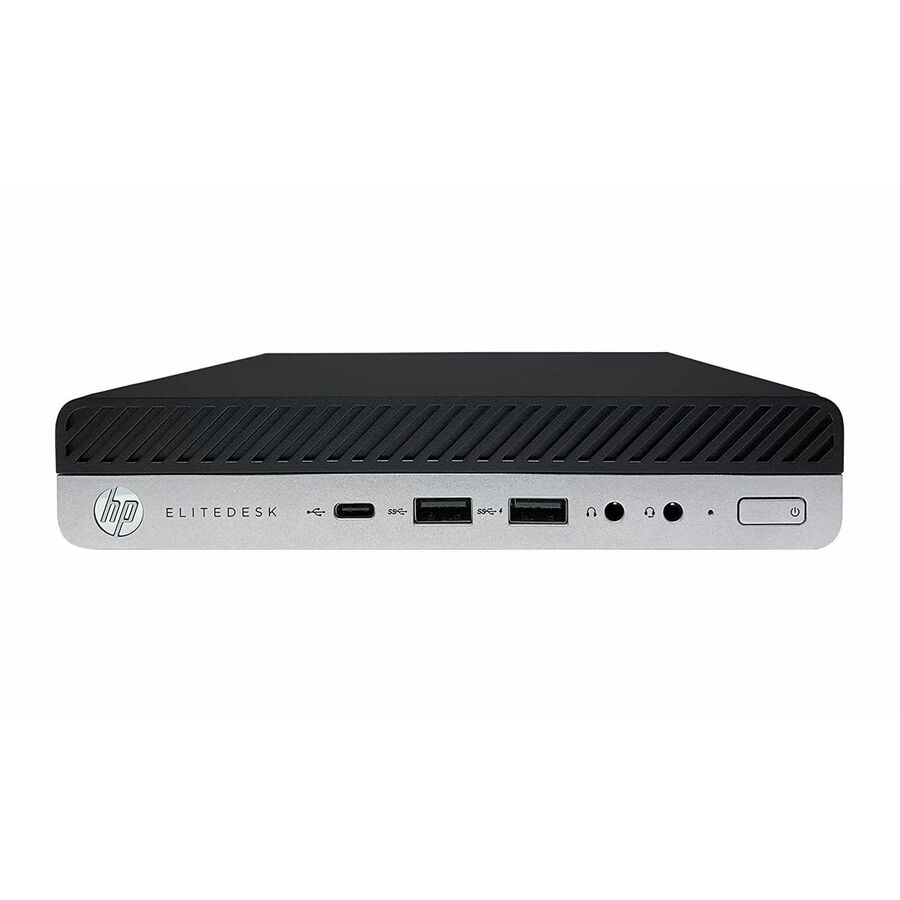
The bench is deep and mixed. At the time of writing it runs to roughly two hundred photographed, priced units, weighted heavily toward Dell OptiPlex small-form-factor and micro chassis, with a substantial run of HP EliteDesk, ProDesk and Pro units and a smaller set of Lenovo ThinkCentre machines. Priced rows span from under two hundred dollars for an older micro up to about sixteen hundred for a high-specification all-in-one. The grid is live: it shows what is genuinely in stock and what it genuinely costs right now, with available units sorted first.
Buyer's checklist
How to specify a refurbished desktop fleet for a district
- Put the word "Refurbished" in the requisition. Every unit here carries that condition in its product record; the paperwork should match it, so nobody at receiving, in asset management or in a future audit is surprised by what arrived.
- Pick one form factor per room and stay on it. Small-form-factor, micro and all-in-one chassis mount, cable and spare differently — mixing them inside a single lab is what turns a straightforward refresh into a standing support problem.
- Read the processor generation in the title, not the family name. An "EliteDesk 800" spans several generations in this bench. Confirm the silicon clears whatever floor your endpoint management, imaging and security tooling enforces before you standardize on a model.
- Budget the display separately for SFF and micro units. Only the all-in-ones include a panel. A 22- to 24-inch business monitor is frequently what decides which option is actually cheaper per seat.
- Get the warranty term in writing before the PO. Coverage on refurbished equipment is set by the refurbisher rather than the original manufacturer and varies by unit and lot — this is the most common gap in a refurbished purchase and the easiest one to close.
- Order spares in the same transaction. Refurbished inventory is finite and configuration-specific; the exact unit you standardize on today may be unavailable in six months, so buy the spare pool with the fleet rather than after it.
- Decide the imaging path before delivery. A clean Windows 11 Pro install is a starting point, not your image — settle whether units are imaged on arrival, imaged in advance, or enrolled at first boot.
- Match memory and storage to the room, not the spec sheet. A general-use lab does not need 32 GB. Paying for headroom nobody will use is the quickest way to spend away the budget advantage that brought you here.
What "refurbished" means on this page
Refurbished is a condition, not a marketing adjective, and it is worth being precise about. Every Joy Systems desktop in our catalog carries the word "Refurbished" in its own product title — not "renewed", not "recertified", not "like new". We surface the condition exactly as the record states it: on this page, in the product data we publish to shopping engines, and on the quote. A page that described these units as anything else would be inconsistent with the data behind it, and that inconsistency is something buyers and listing platforms both penalise, correctly.
In practical terms, a refurbished business desktop is a machine that was deployed somewhere else first. It was returned or retired, tested, cleaned, repaired or re-parted where needed, wiped, and reinstalled with a licensed operating system. Cosmetic condition varies. Component-level history varies. What is consistent is that the chassis, power supply and board design were enterprise-grade to begin with — these were bought by IT departments rather than consumers, which is why they are worth a second deployment at all.
None of that makes a refurbished unit equivalent to a new one. It has less remaining service life, a shorter and differently-backed warranty, and a supply pool that is finite rather than manufactured to order. Those are real costs. They are simply not always the deciding costs when the realistic alternative is fewer machines, or none.
Three form factors, three different rooms
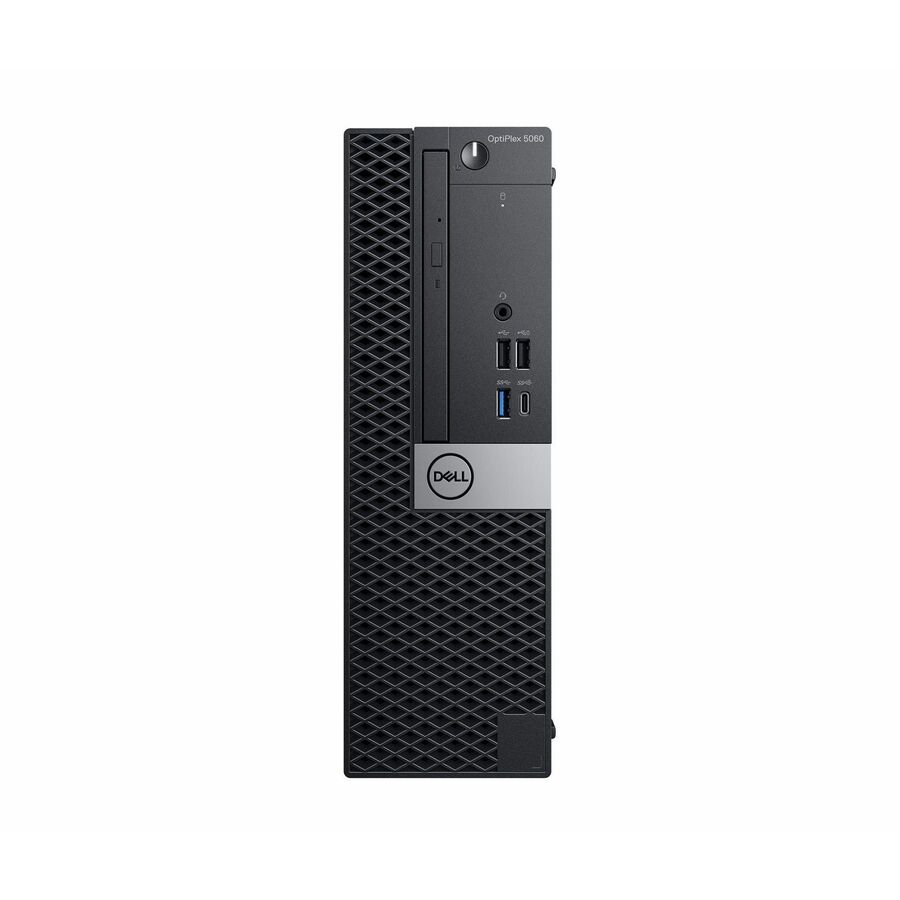
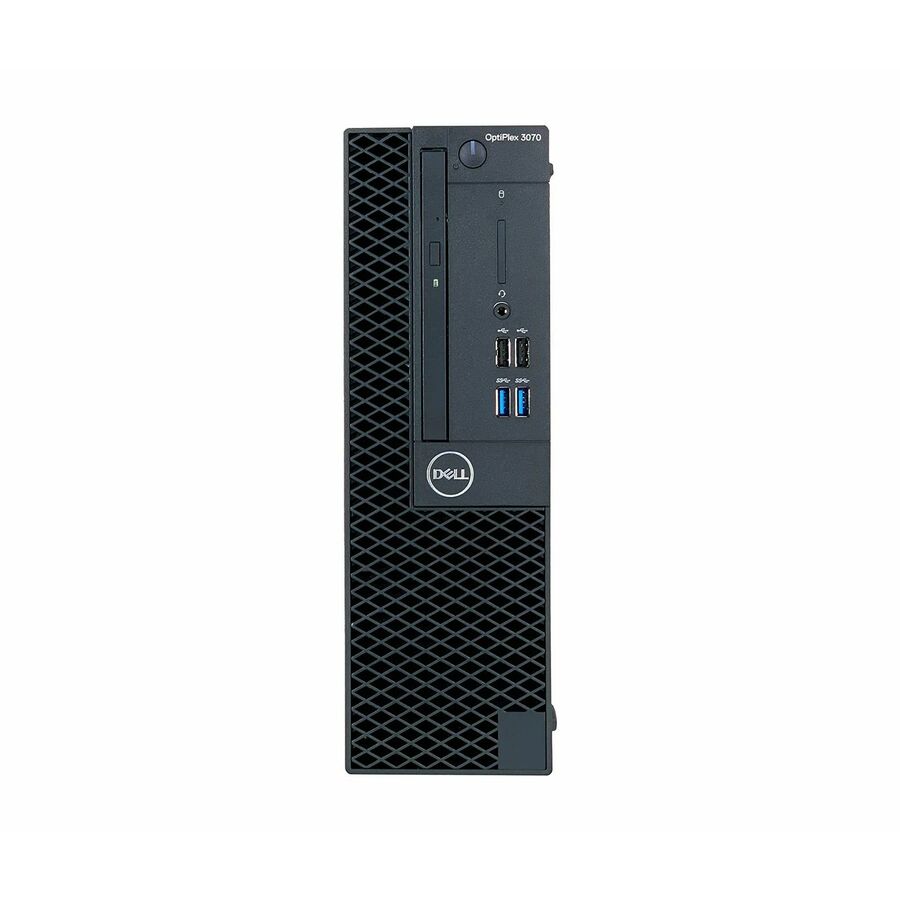
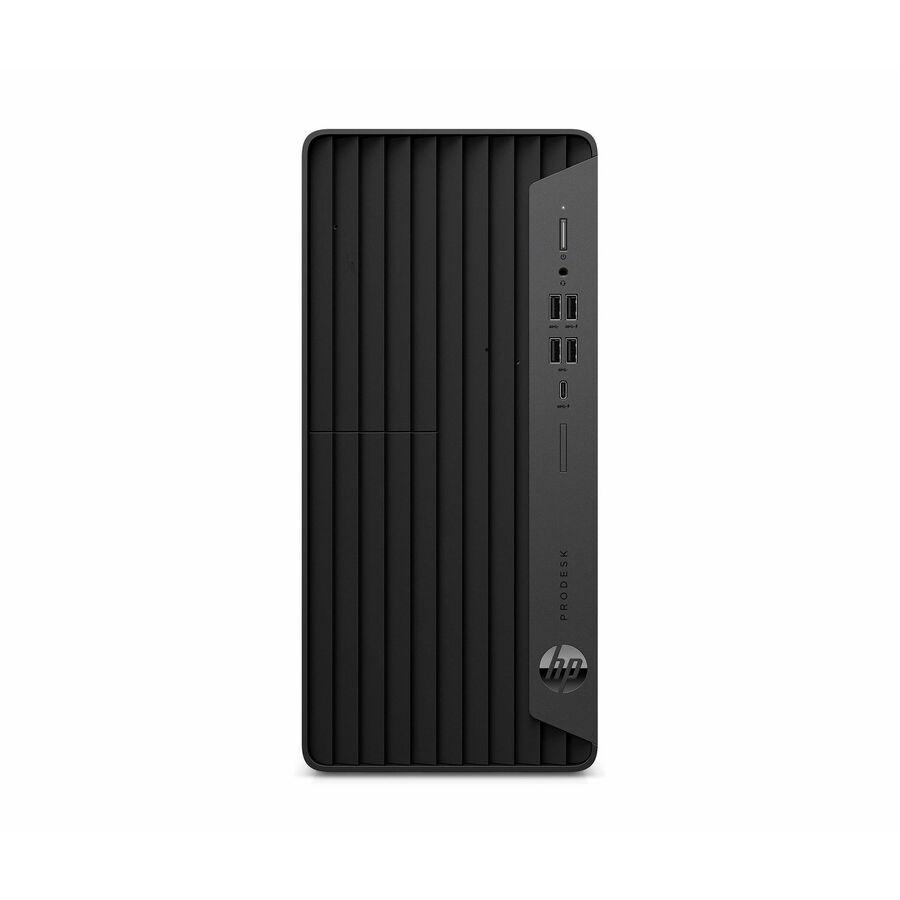
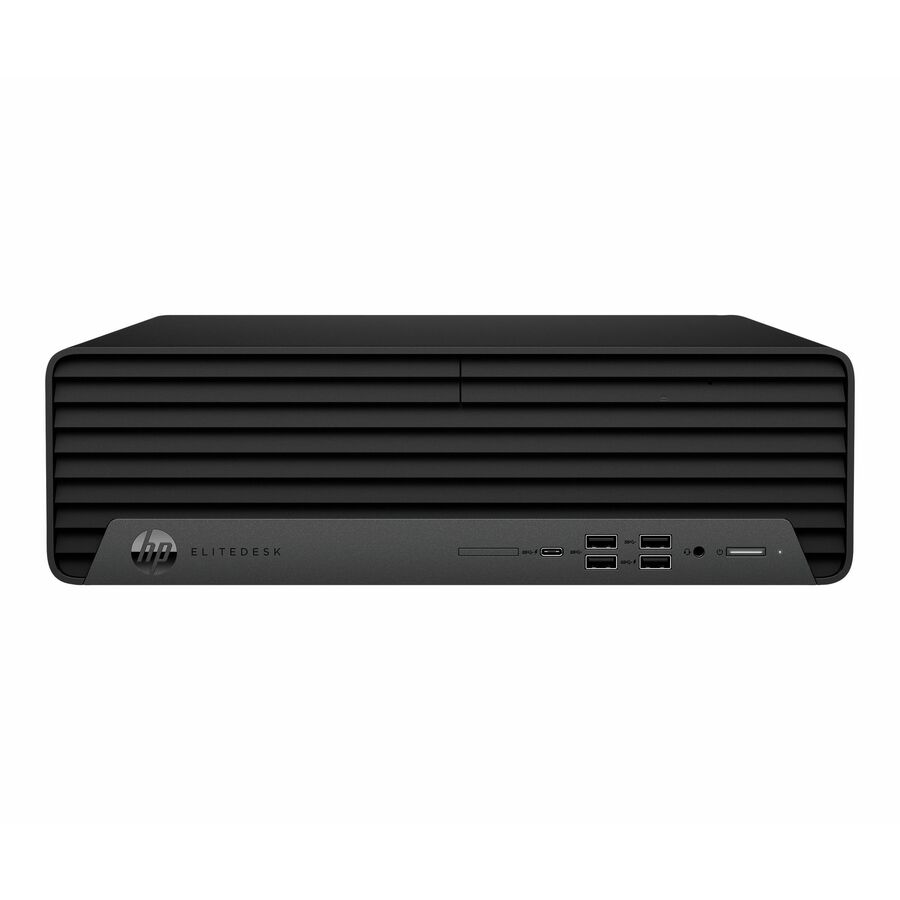
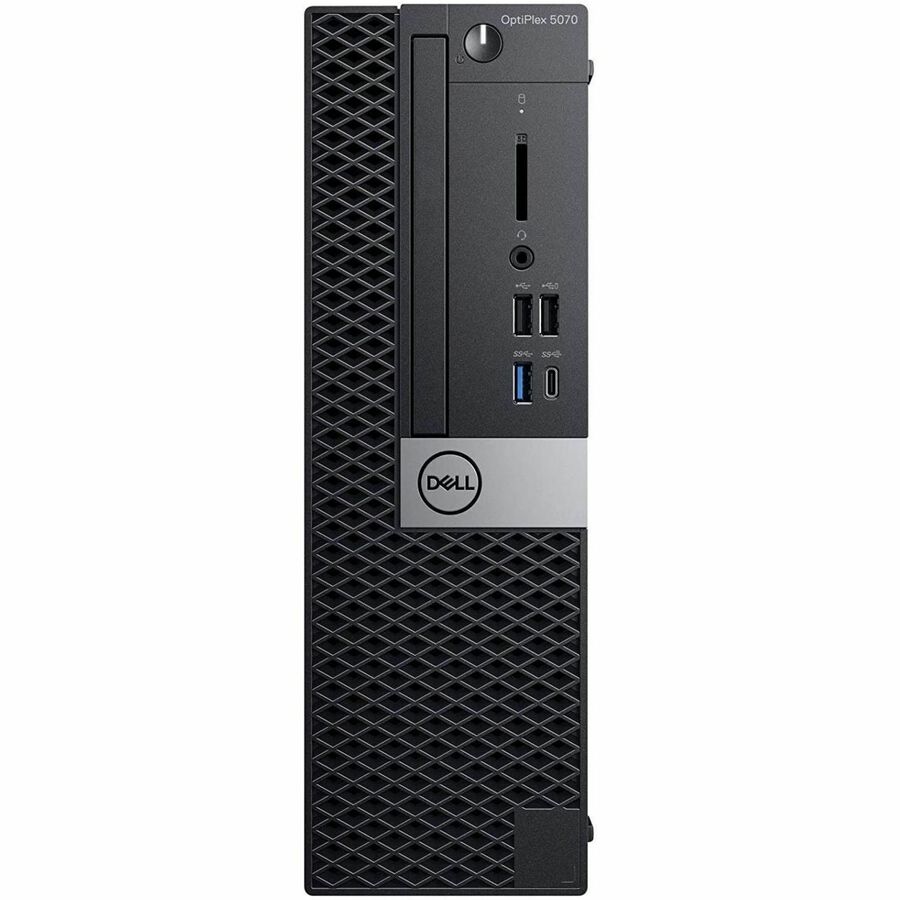
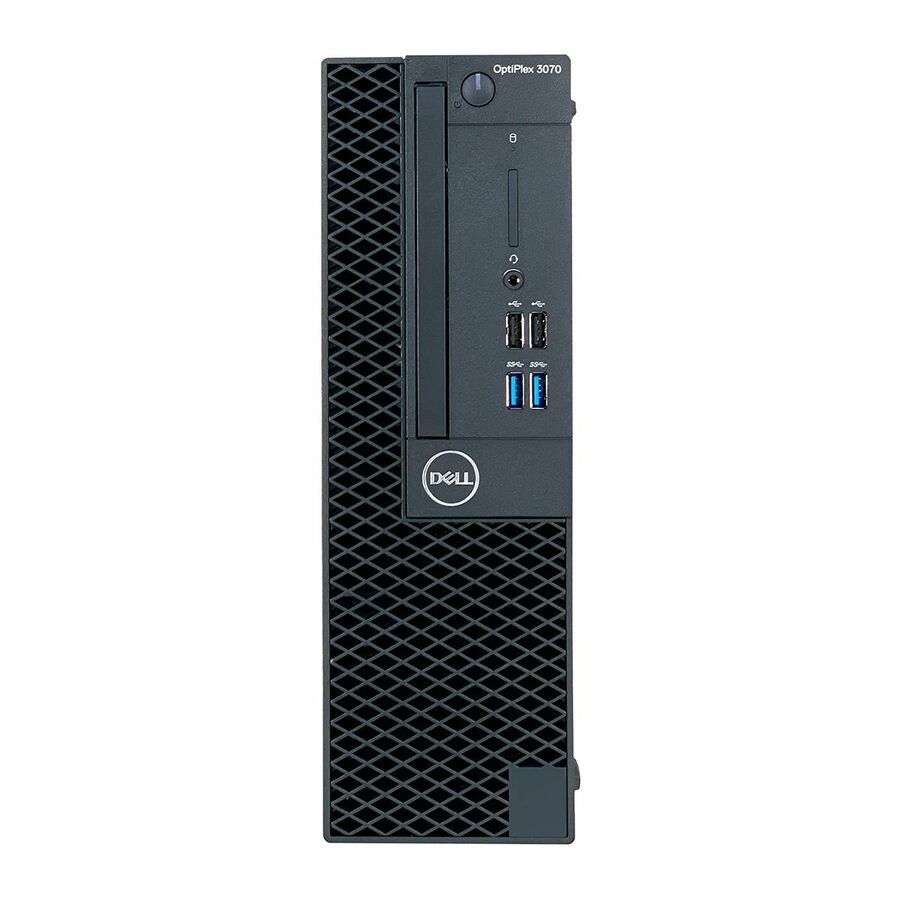
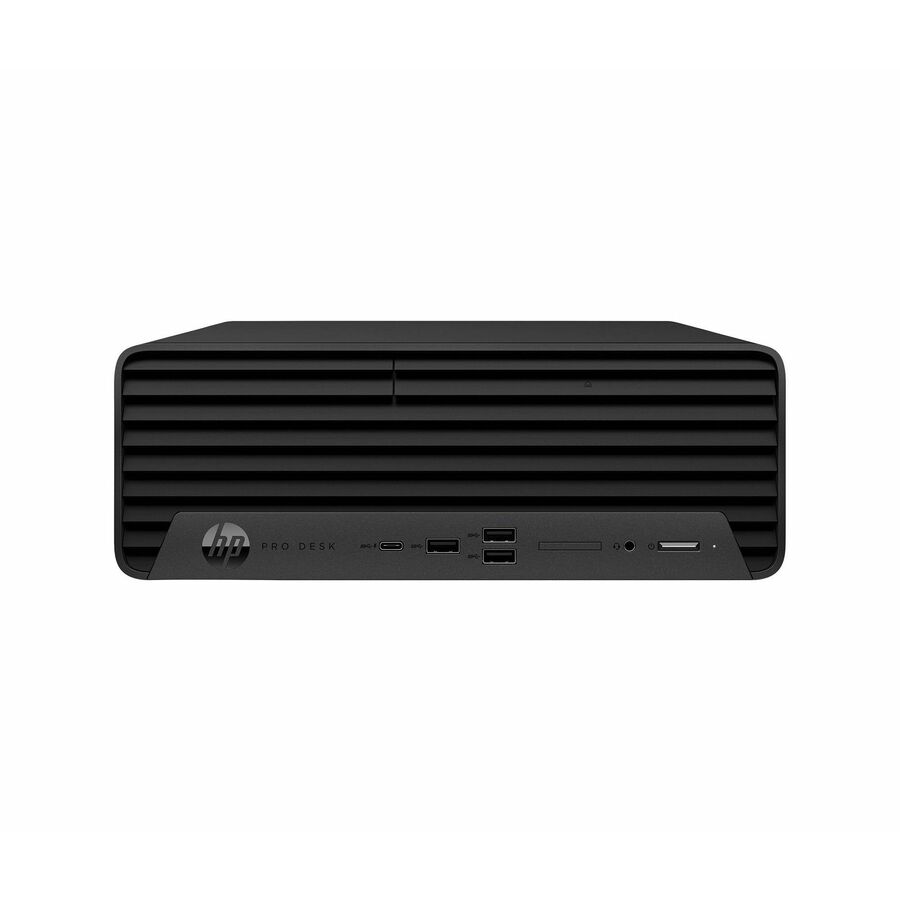
Small-form-factor units are the default lab chassis. They take a standard desktop board, have room for a low-profile expansion card and in some cases an optical drive, and sit under a desk or on a shelf without special mounting. The OptiPlex 3000, 5000 and 7000 SFF units, the HP Pro 400 G9, and the EliteDesk 800 and ProDesk 600 SFF machines are the workhorses here. Buy these when the room is a conventional computer lab and easy serviceability matters more than footprint.
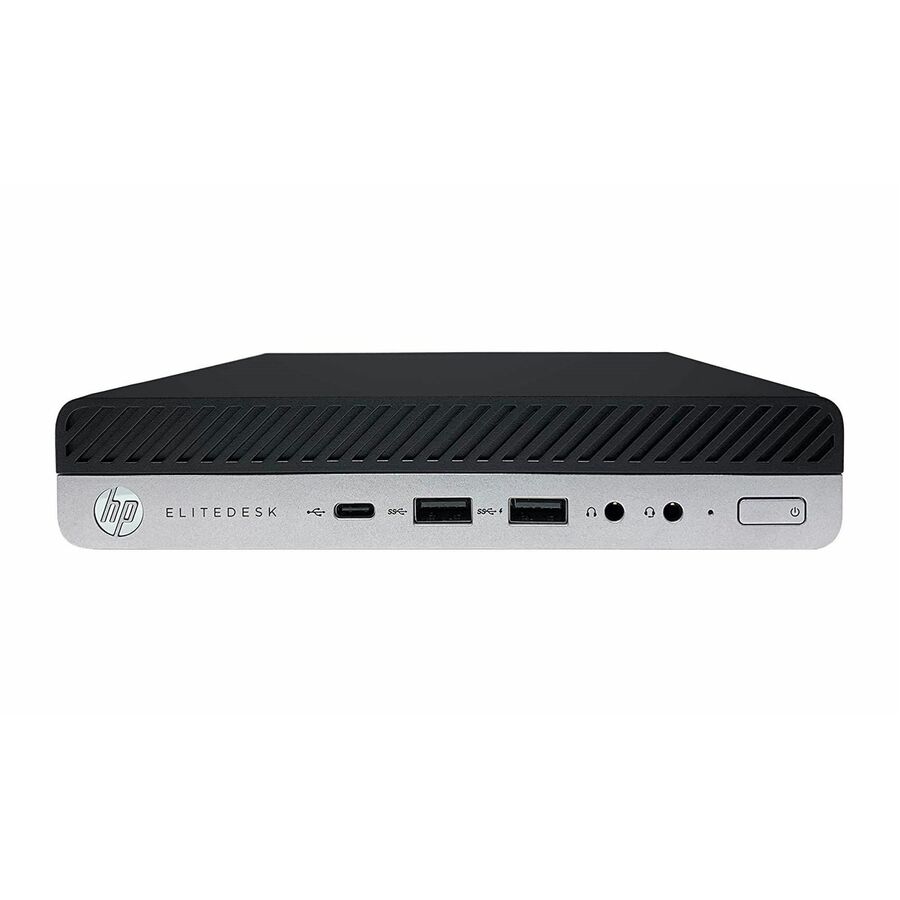
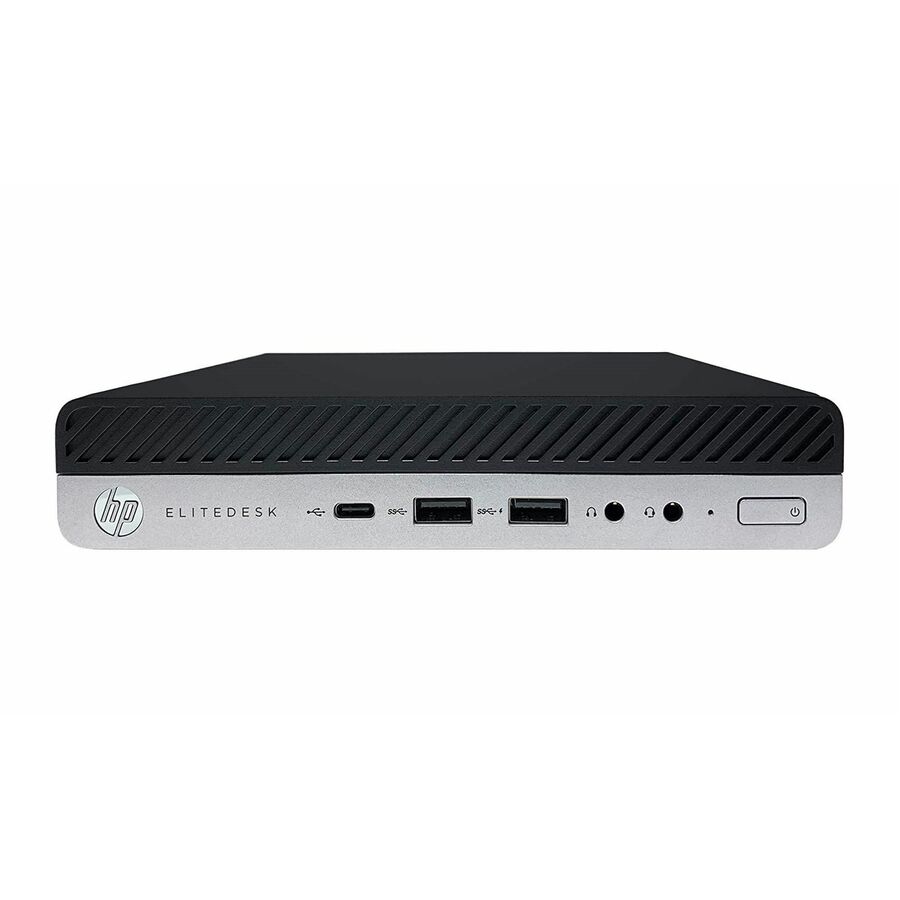
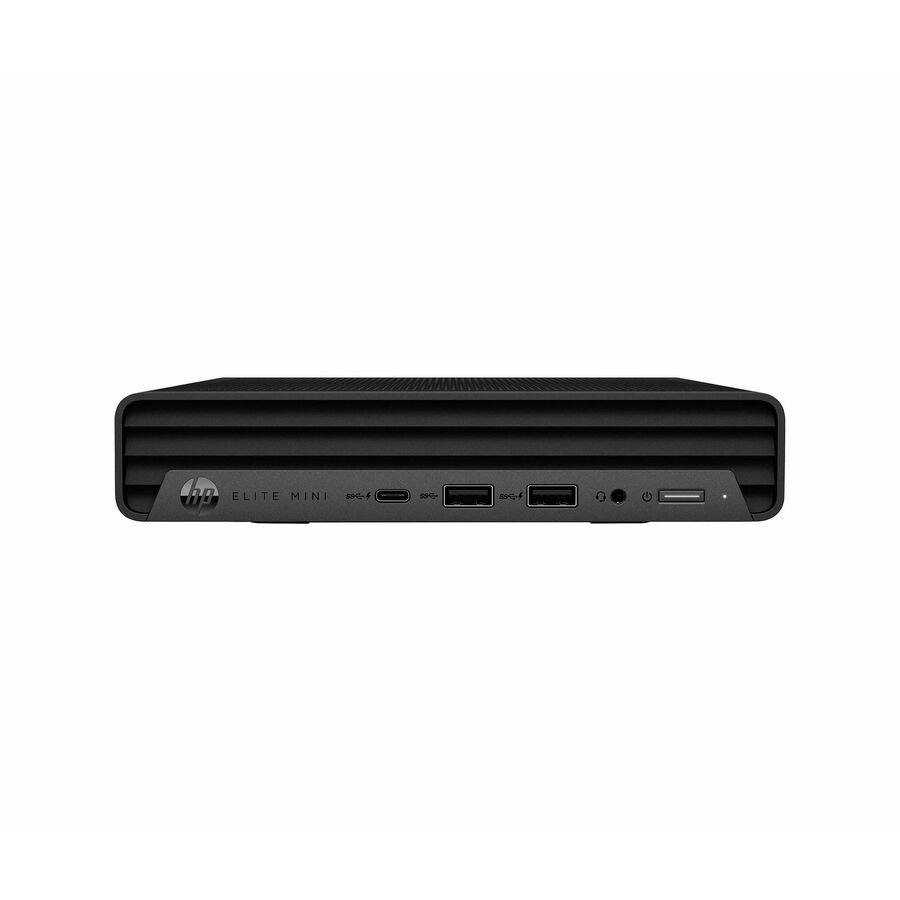
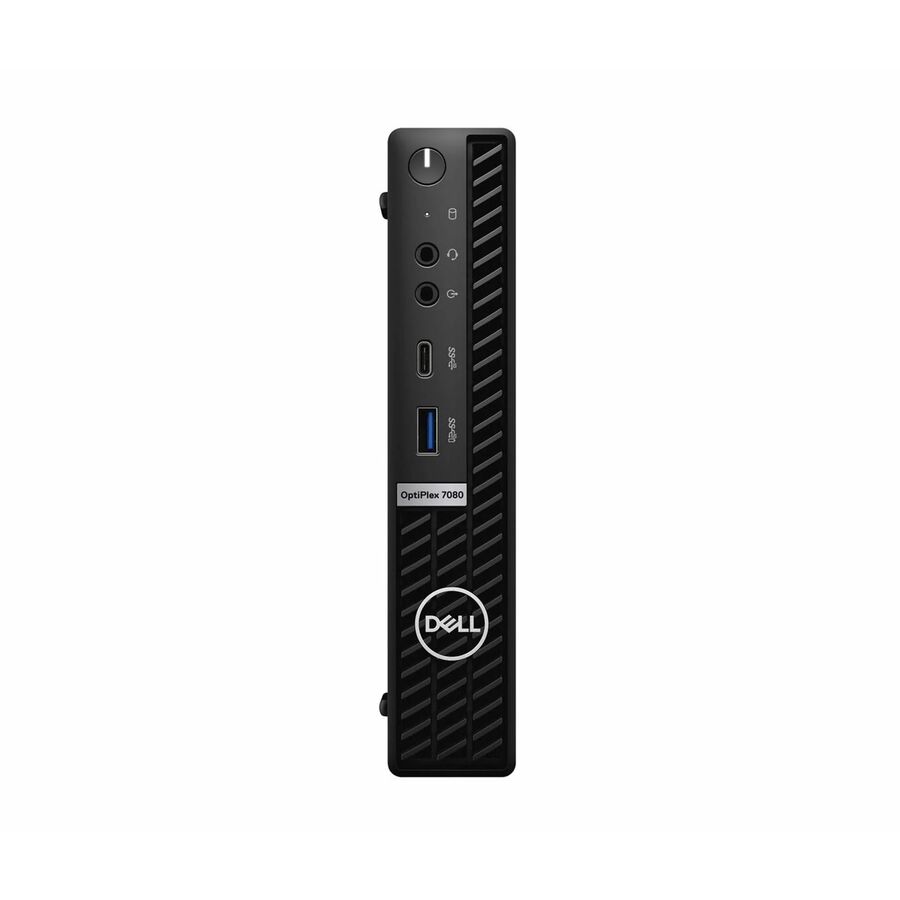
Micro and mini chassis — the OptiPlex micro line, HP Desktop Mini units, Lenovo ThinkCentre tiny machines — trade expansion for size. They mount behind a monitor or inside a cart, disappear from the desk, and draw noticeably less power: the 65 W and 90 W adapters on these units against the 180 W to 260 W supplies on the tower and SFF models tell that story directly. They are the right answer for front-office desks, library catalog stations, media-center kiosks and any space where cable management matters more than expandability.
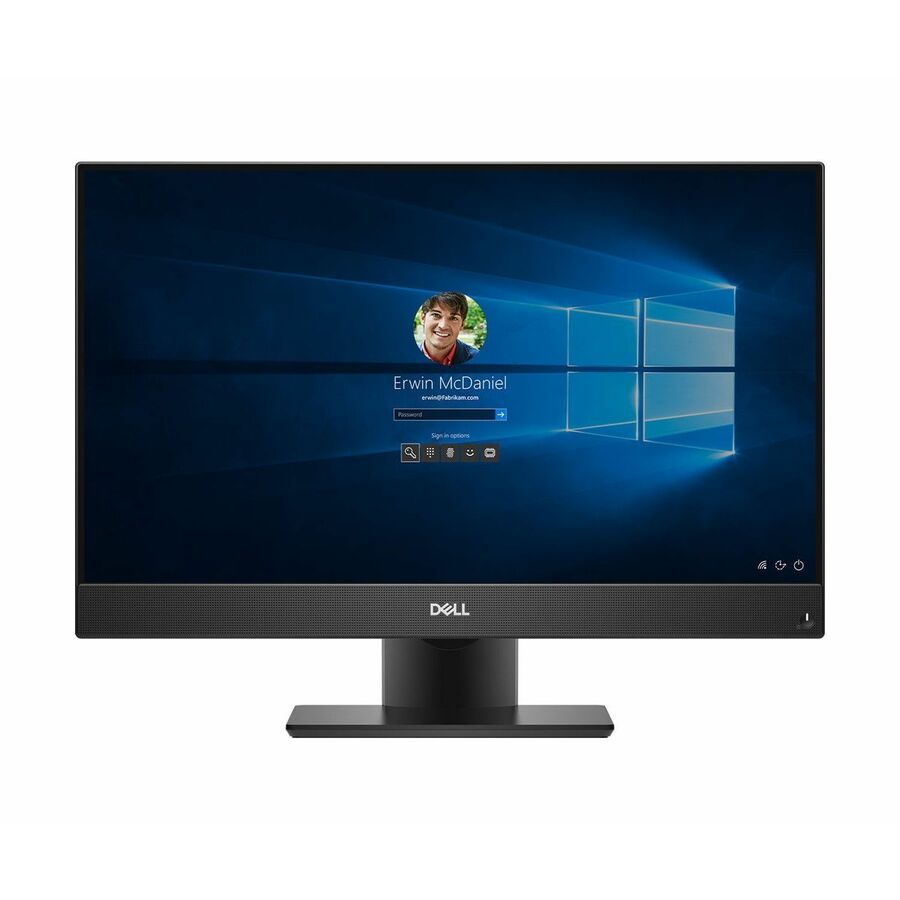
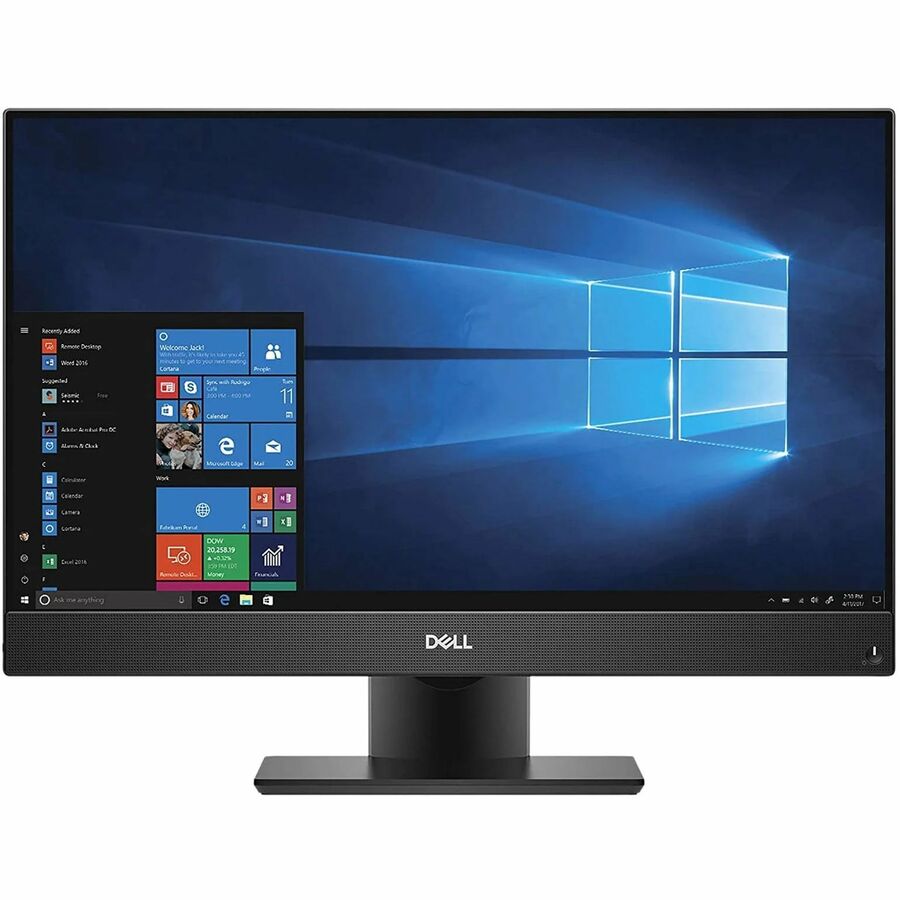
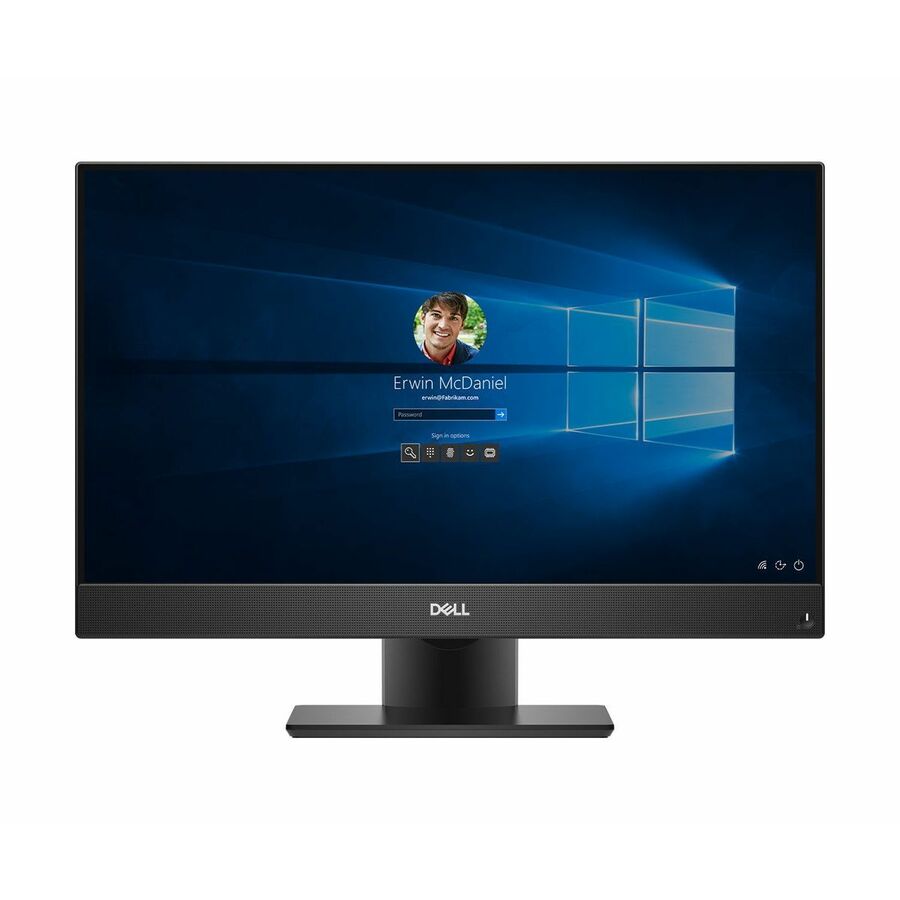
All-in-ones fold a 23.8-inch 1080p panel into the chassis. The OptiPlex 7460 and 7470 all-in-ones in this bench price higher than a comparable SFF unit, but they arrive as one box, one power cable and one asset tag. For a district short on install labor — and most are — that is not a small consideration. The counter-argument is repairability: when the panel fails you have lost the computer, and when the computer fails you have lost the panel.
Which refurbished chassis for which seat
A note on reading this list against the grid above. The grid sorts in-stock rows first and then by price, under a fixed card count, so a part number named here may not have a card on this page. Every one of them is a live hub row we can quote — send the part number and we will return price, availability and lead time.
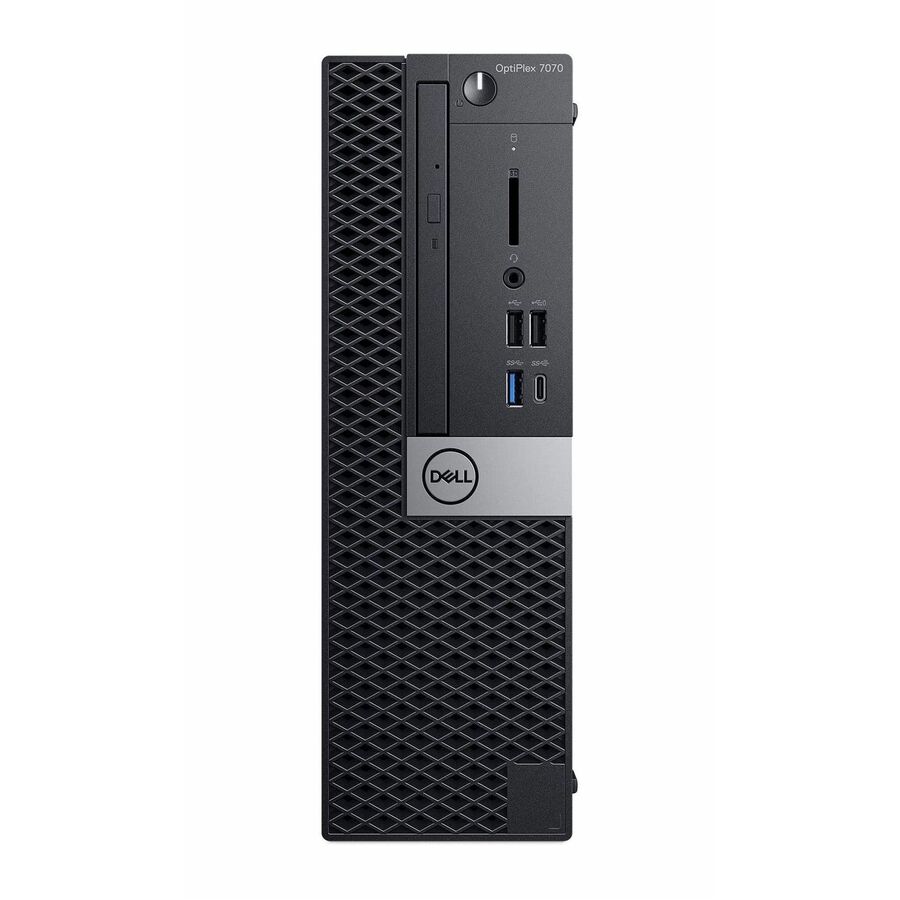
The OptiPlex 7000 small-form-factor units (J1-O7000SA01 at 16 GB, J1-O7000SA03 at 32 GB) are the most defensible general-purpose choice in the bench: 12th-generation Core i5-12500 silicon, NVMe storage, and a conventional serviceable chassis. Upside — this is the newest processor generation on the page, which buys the most runway against future operating-system and management requirements. Downside — it also sits near the top of the price band, so a forty-seat lab order will feel the difference.
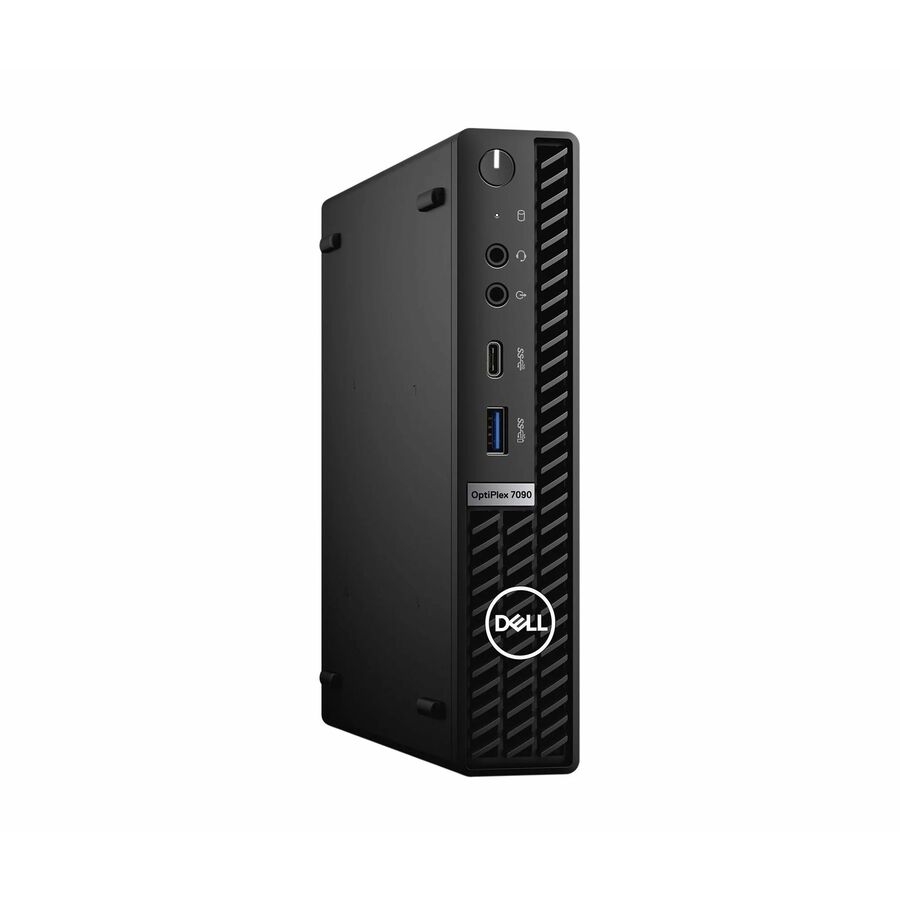
The OptiPlex 7090 and 7080 micro units (J1-7090MA09, J1-7080MA09) pair 10th-generation Core i5 silicon with 32 GB of memory and up to 1 TB of NVMe in a 90 W package. Upside — an unusual amount of memory and storage for the footprint, and they mount out of sight behind a panel. Downside — no expansion path at all, and the T-suffix processors are the low-power variants: fine for browser work, office applications and general coursework, less suited to sustained rendering or compilation.
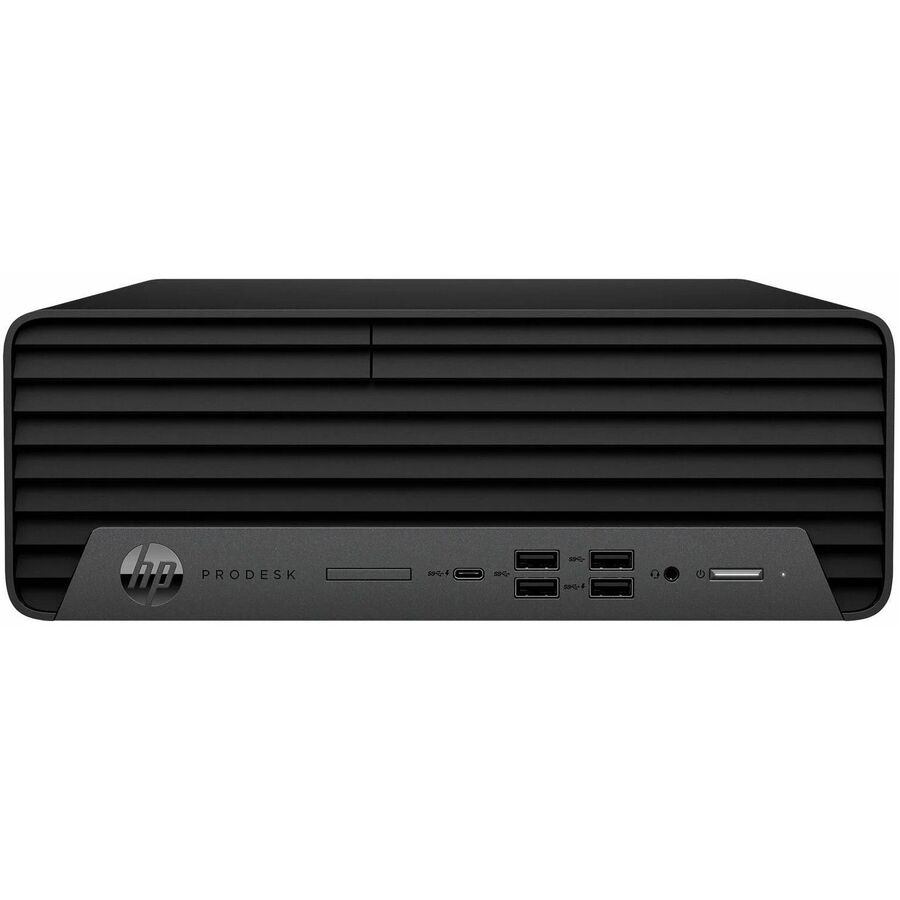
The HP EliteDesk 800 G6 and ProDesk 600 G6 small-form-factor machines (J1-800G6SA05, J1-600G6SA11) are the strongest option where a district has already standardized on HP management tooling. Upside — consistent HP firmware and management behavior alongside whatever new HP stock you buy. Downside — G4-generation units also appear in this bench at similar prices, so read the generation in the title rather than trusting the family name.
The OptiPlex 7470 all-in-ones (J1-7470AA02, J1-7470AA04) are the pick when install labor is the binding constraint: one box per seat, a 23.8-inch 1080p panel included, Core i7 with 16 GB. Downside — 9th-generation silicon, and the panel-and-PC coupling described above. If your bottleneck is a summer window and two technicians rather than the budget line itself, this is usually the honest recommendation.
Where refurbished is the wrong answer
Refurbished is a poor fit where the deployment has to be identical and repeatable for years. If you are building a rolling refresh that adds the same configuration every August for four years, the finite and shifting nature of refurbished supply works against you — you will not be able to buy the same unit next year, and a lab carrying four slightly different builds costs more to support than one carrying a single new build.
It is also the wrong answer where the specification is genuinely demanding. A CTE video-production, engineering or CAD room that needs discrete graphics, current-generation memory bandwidth and vendor-certified drivers should be quoted as new workstations. Refurbished business desktops are optimized for the general-purpose seat, and stretching them into specialist roles is how a saving turns into a support burden two terms later.
Finally, refurbished should not be the default anywhere the warranty position matters more than the price — an assessment lab that cannot be down during a state testing window, for example. In those rooms, buy new, buy the longer service coverage, and put the refurbished budget into the general-use spaces where a two-day outage on one seat is an inconvenience rather than an incident.
FAQ
Common questions
- Are these desktops new or used?
- Refurbished. Each unit was deployed somewhere previously, then tested, repaired where necessary, wiped and reinstalled with a licensed copy of Windows 11 Pro. Every product title in the grid above states "Refurbished" explicitly, and the same condition is published in our product data. We do not describe these as new, and they should not be written into a requisition as new.
- What warranty comes with a refurbished desktop?
- Warranty on refurbished equipment is set by the refurbisher rather than the original manufacturer, and the term varies by unit and by lot. Because it varies, we will not quote a blanket figure here. Ask for the warranty term in writing on the quote for the specific units you are buying and get it onto the purchase order — it is the most commonly overlooked part of a refurbished purchase.
- Can we buy fifty identical units?
- Sometimes, and that is the honest answer. Refurbished supply is finite and configuration-specific, so availability on a single exact configuration moves week to week. Send the quantity and specification you need and we will tell you what can actually be filled from one lot versus what would arrive as a near-match — before you commit, not after delivery.
- Do these desktops come with a monitor?
- The small-form-factor and micro units do not. The all-in-one units have a 23.8-inch display built in. If you are buying SFF or micro machines for a lab, budget the panels as a separate line item — once a 22- to 24-inch business monitor is added, the all-in-one option often lands closer than it first appears on total cost per seat.
- Is refurbished a reasonable way to spend one-time funding?
- It can be, and that is usually the case being made for it: a one-time allocation buys more seats in refurbished stock than in new. The caution is that one-time funding buys equipment but not the years of support behind it. Decide up front how the district will handle failures and replacements once the allocation is spent, because refurbished units reach that conversation sooner than new ones do.
- How do we get a quote on a quantity that is not shown?
- Send the configuration, the quantity and the delivery window through the quote form and we will check what a single lot can actually cover. We will also tell you where the quantity you want is not available in one configuration rather than silently substituting a near-match, because a mixed lab is a support cost that outlives the saving.
Need Joy Systems refurbished desktops pricing?
Send a bill of materials or part numbers — we confirm stock and a below-market total, with TAA verified on request. No payment up front.