Loading the product…
Loading the product…
Attention: Due to high order volume, orders may require an additional business day to process.
Compatible with Windows and Mac, Quad Adapter Supports 1920x1080@60Hz
Request pricing
Confirmed with stock before any payment.
Genuine Plugable Technologies through authorized distribution — NDAA §889 screened before checkout.
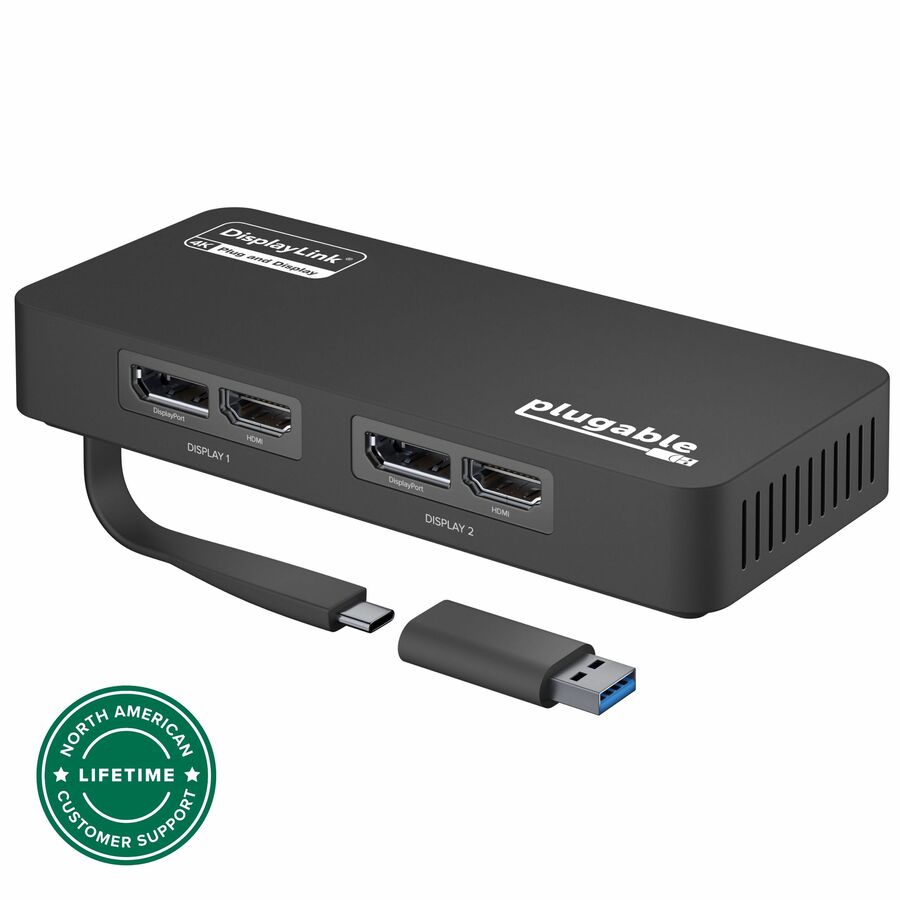
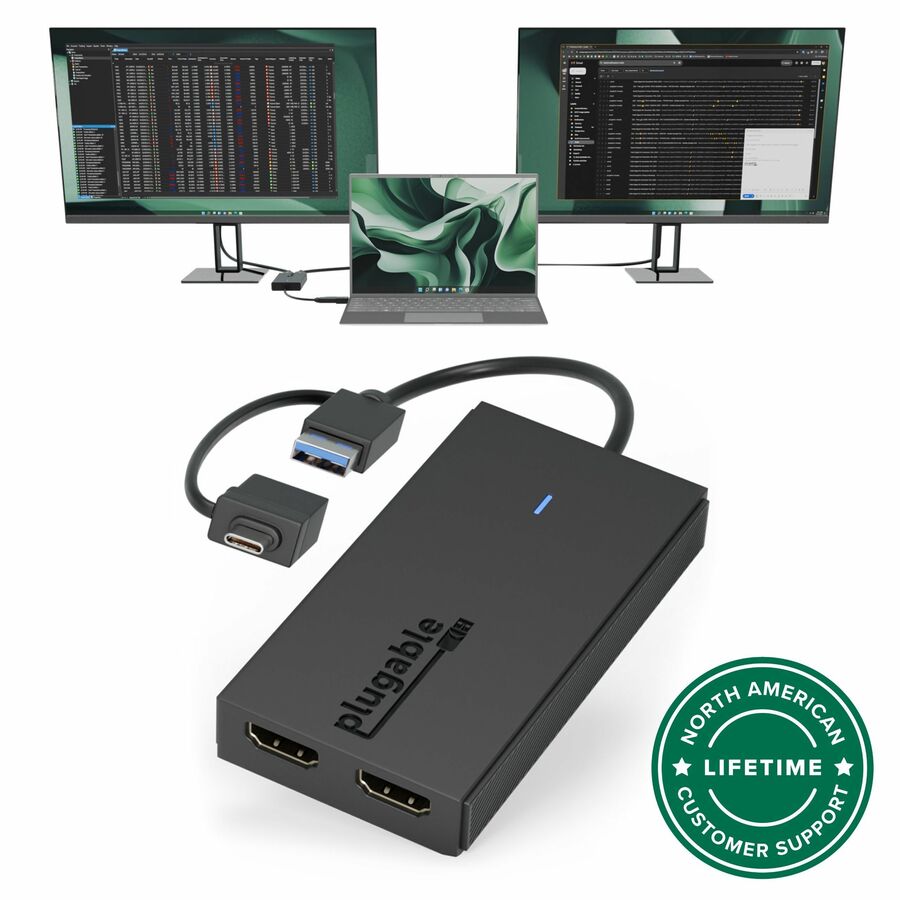
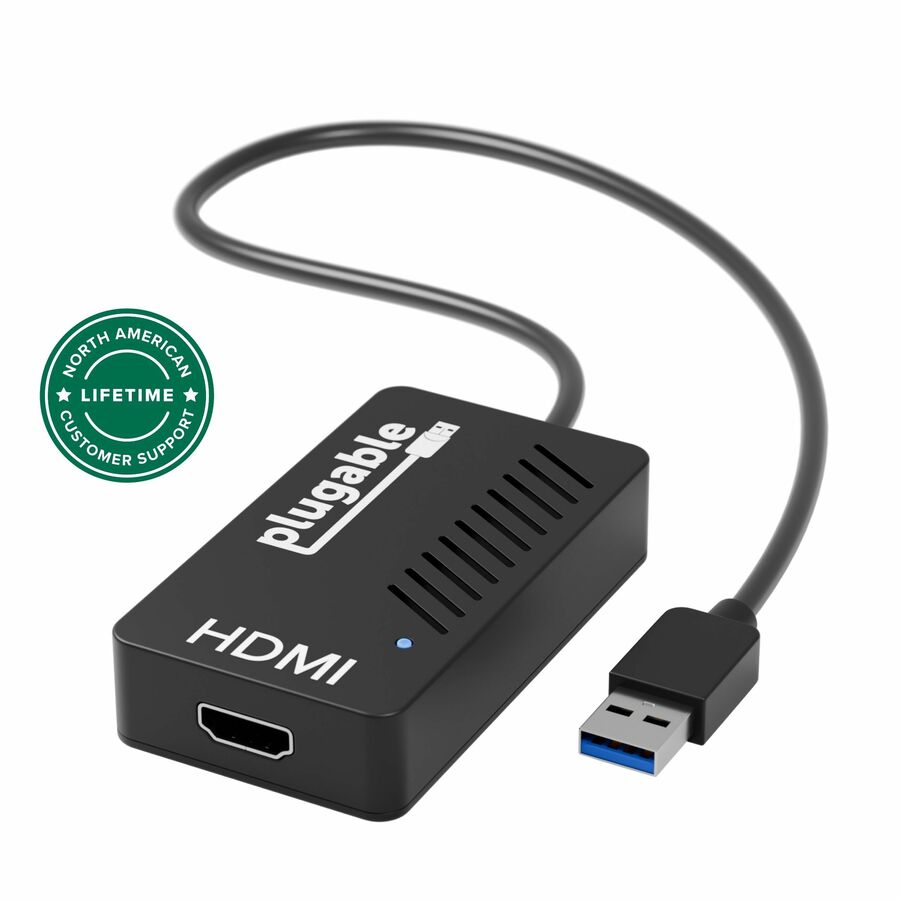
The USB-C or USB 3.0 to Quad HDMI Adapter (USBC-768H4) changes that. Now you can add four HDMI screens through a single USB-C or USB 3.0 port-all with a sharp 1920x1080@60Hz image, even on M1 / M2 / M3 Macs. This multiple monitor adapter still manages all of the heavy lifting involved with delivering your video signal across four monitors. But it's how the adapter handles the task of parceling the pixels across your screens that's interesting. A lot of adapters rely on USB-C features not available on all systems. The USBC-768H4 uses a Silicon Motion chipset and a software driver to accomplish the task. From a user perspective, there isn't much of a difference. Unless, of course, you happen to be on an M1 / M2 / M3 Mac. Those particular computers don't support more than 1 Alt Mode display so the standard approach wouldn't work. A driver download is required. On Windows machines, the update is automatic though we do recommend installing the driver manually. On a Mac, this is accomplished through the InstantView App. And remember, though they offer similar functionality, the DisplayLink driver won't work with this adapter. A USB to HDMI adapter for monitor expansion opens up new levels of productivity. Dedicate an entire screen to spreadsheets, email, stocks, or anything else you're working on. The USBC-768H4 adapts to your style of multitasking. Use it to expand to one, two, or three screens. It works just as well if you aren't tapping into all four ports. It doesn't have an external power source or an unwieldy cord to manage. What it does have is a flat cable that tucks into the bottom of the unit when not in use. More from the Manufacturer
You’re just trying to add screens to your computer. It shouldn’t be complicated. Sure, adding one screen—no problem. Adding two screens? Still not that hard, but now you have to consider your graphics card and how many external monitors your computer will natively support. A MacBook with an M1 / M2 / M3 chip, for instance, only supports one. And adding four external monitors? Your options are a high-end docking station, or a handful of dongles and adapters coming out of every open port on your machine.
The USB-C or USB 3.0 to Quad HDMI Adapter (USBC-768H4) changes that. Now you can add four HDMI screens through a single USB-C or USB 3.0 port—all with a sharp 1920x1080@60Hz image, even on M1 / M2 / M3 Macs.
Big Results
Smaller than you might expect for a quad display adapter, this multiple monitor adapter still manages all of the heavy lifting involved with delivering your video signal across four monitors. But it’s how the adapter handles the task of parceling the pixels across your screens that’s interesting.
A lot of adapters rely on USB-C features not available on all systems. The USBC-768H4 uses a Silicon Motion chipset and a software driver to accomplish the task. From a user perspective, there isn’t much of a difference. Unless, of course, you happen to be on an M1 / M2 / M3 Mac. Those particular computers don’t support more than 1 Alt Mode display so the standard approach wouldn’t work.
It is worth noting, a driver download is required. On Windows machines, the update is automatic though we do recommend installing the driver manually. On a Mac, however, this is accomplished through the InstantView App. And remember, though they offer similar functionality, the DisplayLink driver won’t work with this adapter.
4 Here, 4 There
A USB to HDMI adapter for monitor expansion opens up new levels of productivity.
Dedicate an entire screen to spreadsheets, email, stocks, or anything else you’re working on.
The USBC-768H4 adapts to your style of multitasking. Use it to expand to one, two, or three screens. It works just as well if you aren’t tapping into all four ports.
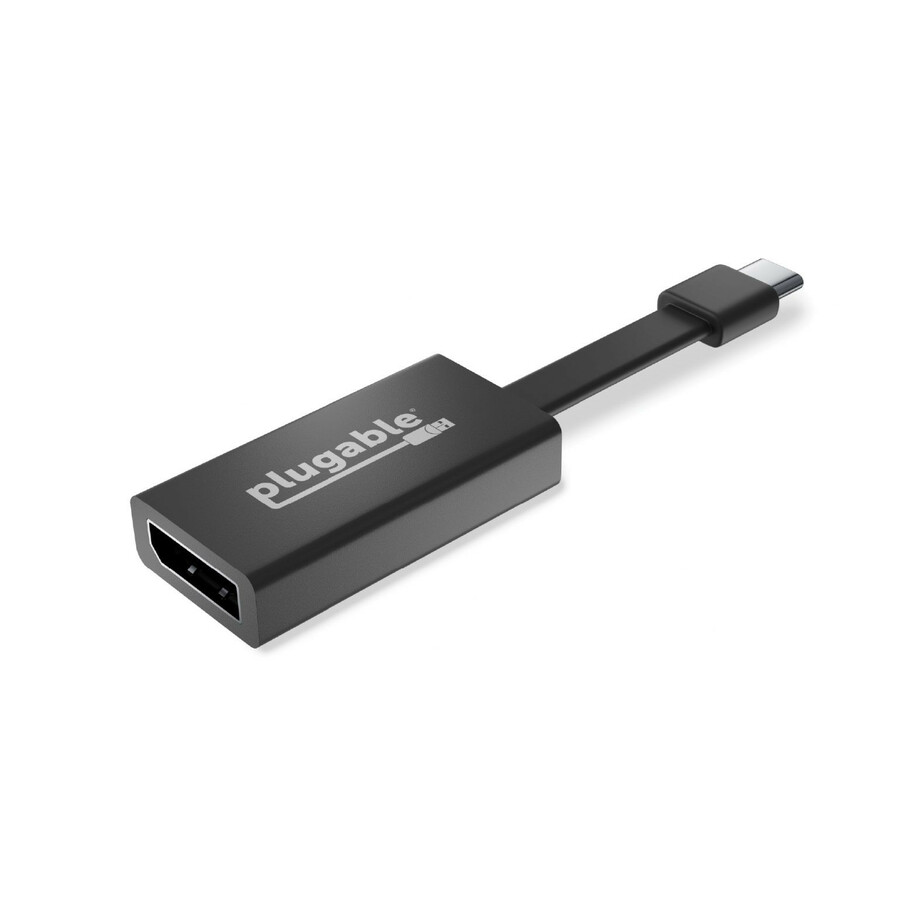
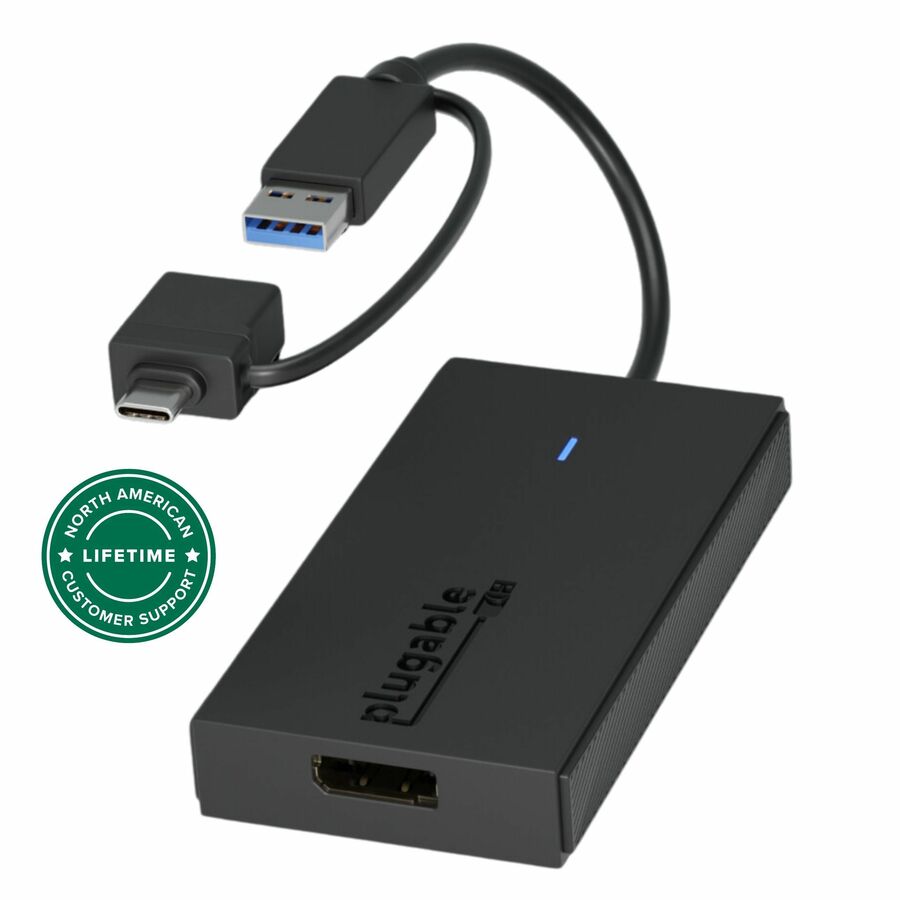
Now, let’s talk about what this multi HDMI adapter doesn’t have. It doesn’t have an external power source. It also doesn’t have an unwieldy cord to manage. What it does have is a flat cable that tucks into the bottom of the unit when not in use.
When you’re ready to expand your screen count, flip out the connector and plug it into an open USB-C or USB 3.0 port. Now you just have to connect your four HDMI monitors. That’s it. The adapter will get any required power from the host. And when you’re ready to go, disconnect and toss the adapter in your bag.
Compatibility
The USBC-768H4 is designed to work well with a wide variety of computers.
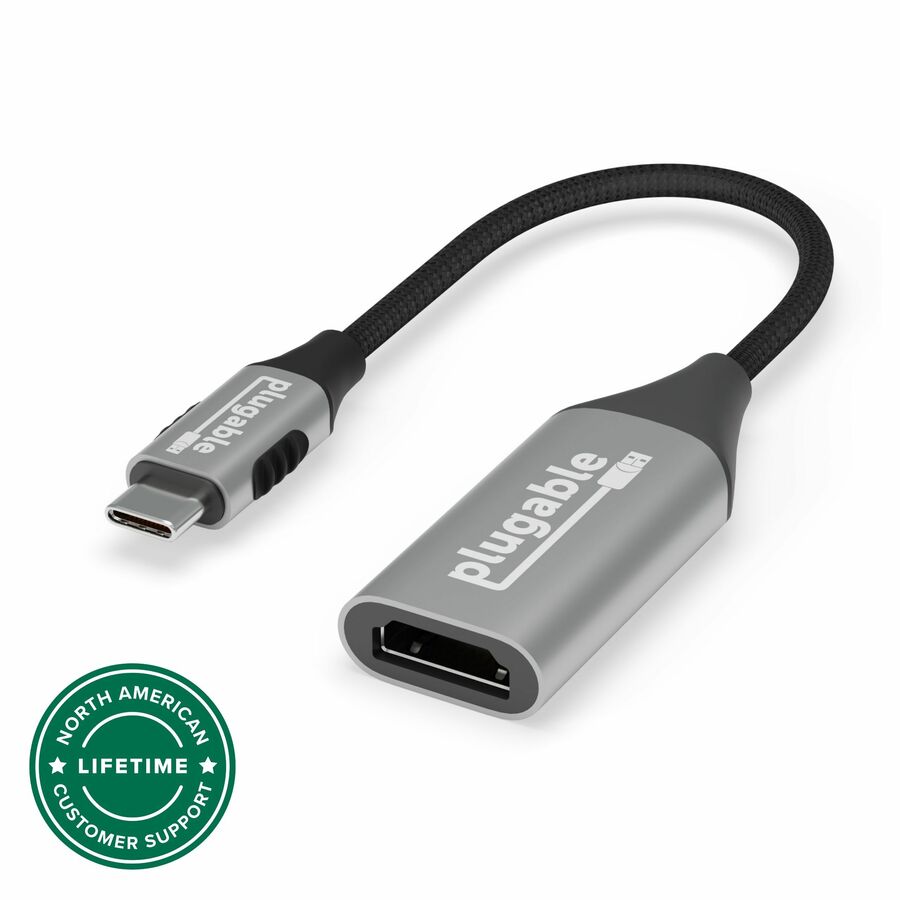
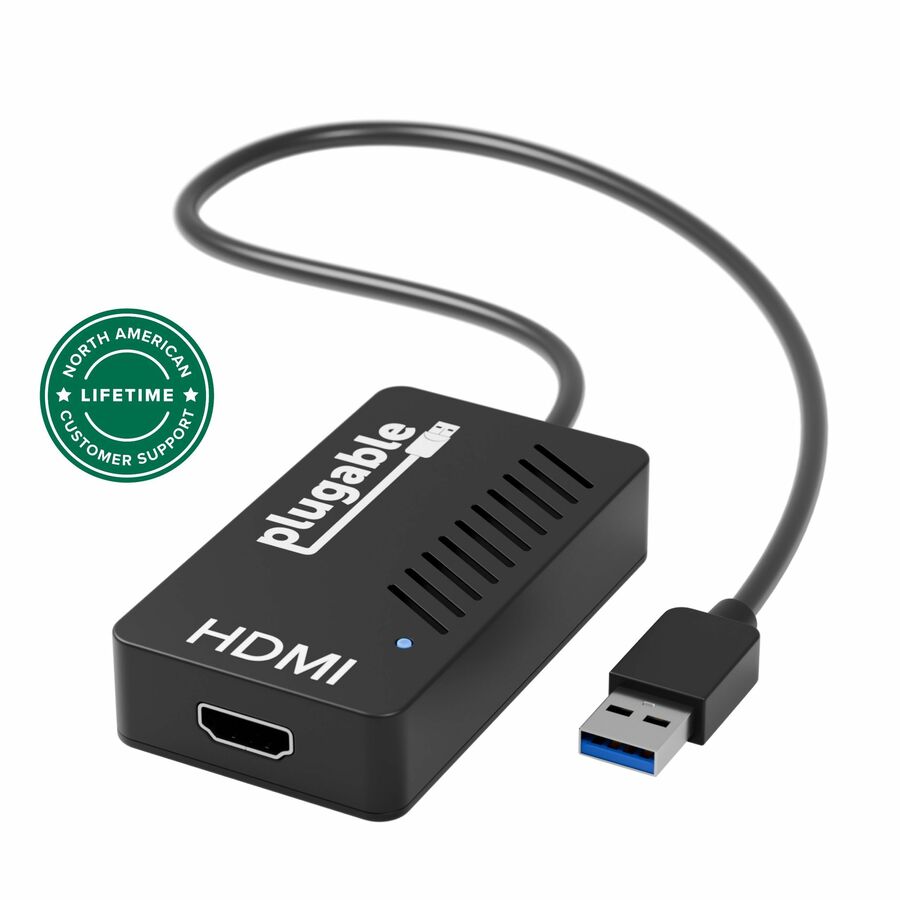
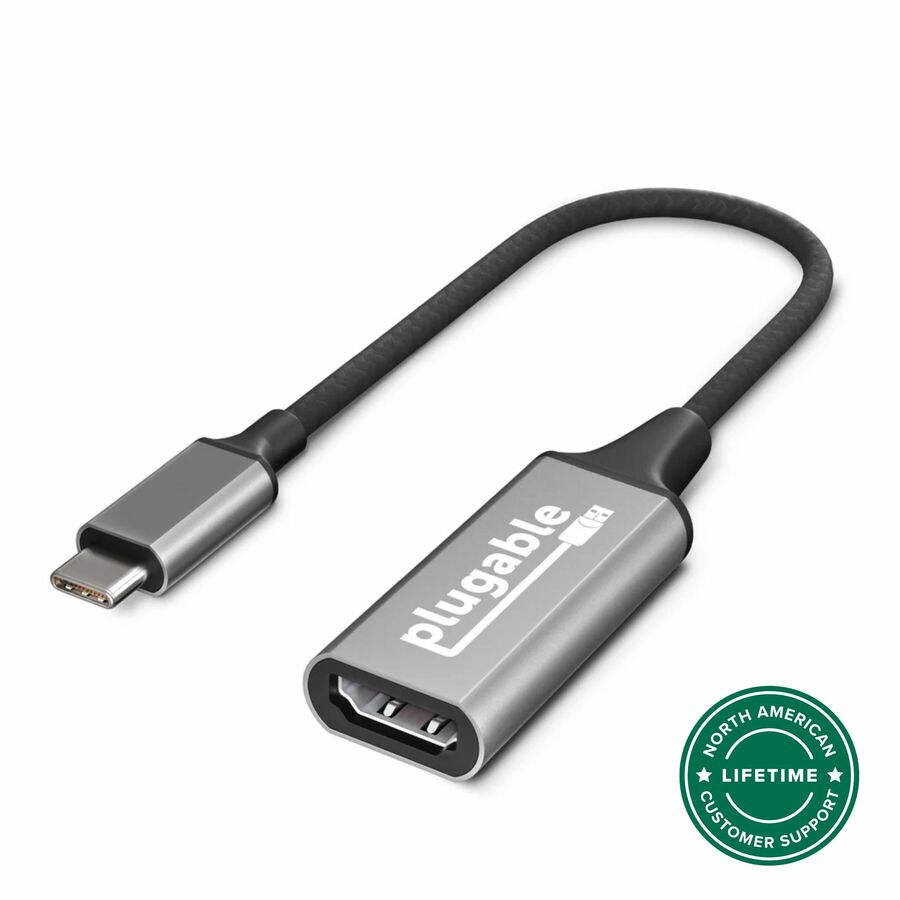
With the option to connect to the host computer through USB-C or USB 3.0 (USB-C to USB adapter included), you’ll never be left looking for an adapter.
Speaking of adaptability, the Plugable USB-C or USB 3.0 to Quad HDMI Adapter works with Windows 10 and newer, and macOS 11+. And that includes Macs with M1 / M2 / M3 chips that would otherwise only support one external monitor.
Not compatible with ChromeOS.
About Plugable Plugable Technologies is a US-based electronics company that has been trusted by IT Professionals for over a decade. Plugable offers a wide range of universal products that are tested to fit any desk environment with guaranteed compatibility. Our local support team consists of the very engineers who design our products, and our industry-leading product information gives you the confidence you need to find the right solution for your business. Connect This With That .
| General Information | |
|---|---|
| Manufacturer | Plugable Technologies |
| Manufacturer Part Number | USBC-768H4 |
| Brand Name | Plugable |
| Product Name | Audio/Video Adapter |
| Packaged Quantity | 1 |
| Product Type | A/V Adapter |
| Physical Characteristics | |
| Height | 0.8" |
| Width | 4.7" |
| Depth | 3.1" |
| Technical Information | |
| Adapter Type | HDMI/USB-C |
| Connector Type on First End | HDMI Digital Audio/Video - Female |
| Connector on First End Details | 2 x HDMI Digital Audio/Video - Female |
| Connector Type on Second End | USB Type C - Male |
| Connector on Second End Details | 1 x USB Type C - Male |
| Maximum Resolution Supported | 1920 x 1080 |
Matched on A/V Adapter
Send a bill of materials or part numbers — we confirm stock and a below-market total, with TAA verified on request. No payment up front.