Loading the product…
Loading the product…
Attention: Due to high order volume, orders may require an additional business day to process.
Dual-Band 2.4/5GHz
USB 2.0 for Windows 10/11, Driverless Plug and Play for Windows
MSRP$44.99
$43.03
Save 4%In stock: 16
Genuine Plugable Technologies through authorized distribution — NDAA §889 screened before checkout.
Country of origin is manufacturer-reported and can vary by production lot. Where TAA applies to your purchase, we verify the shipping unit's origin on request.
Compact Easy-to-Add WiFi
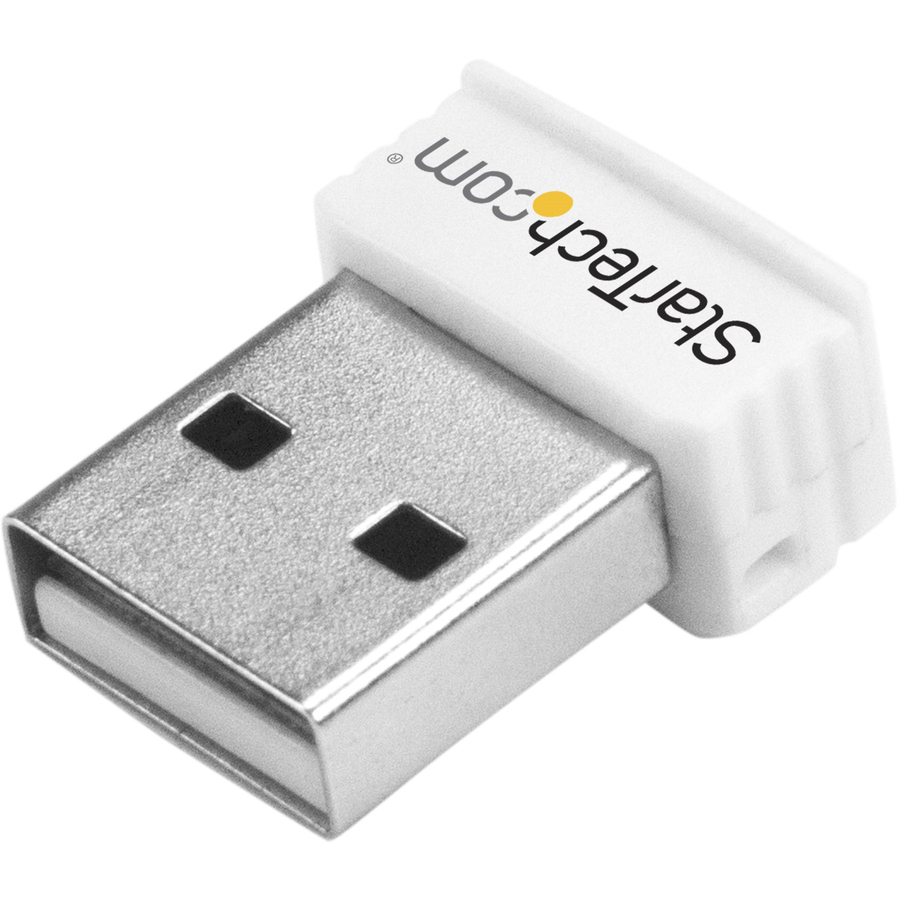
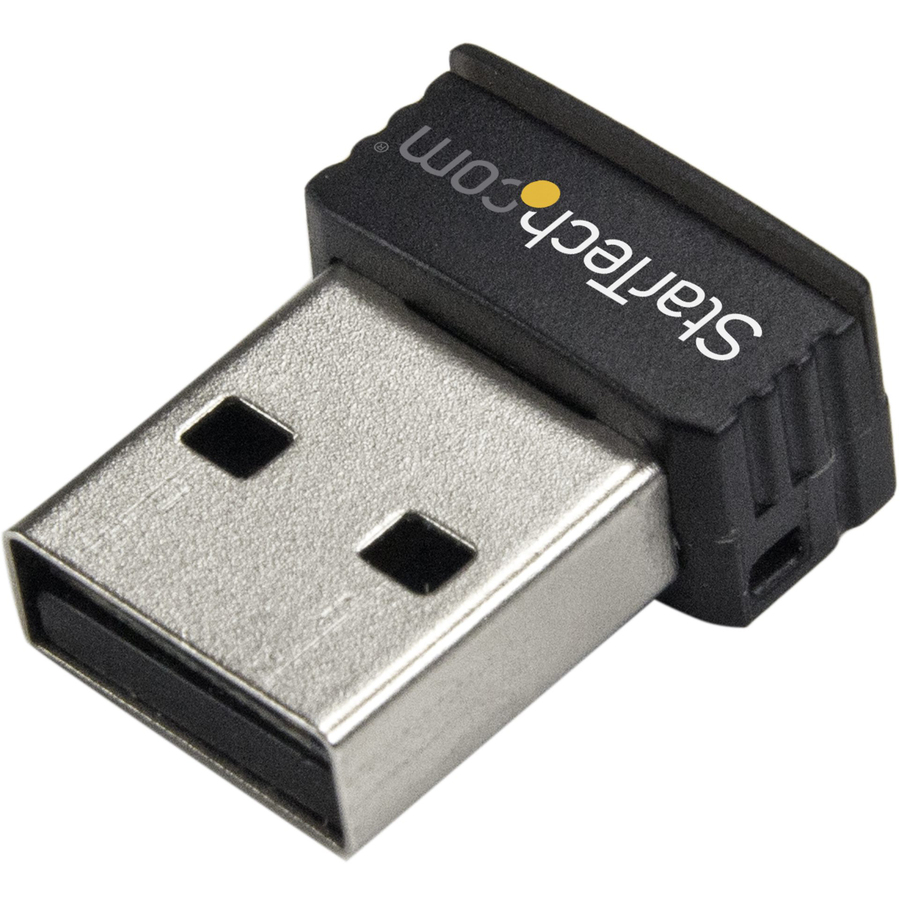
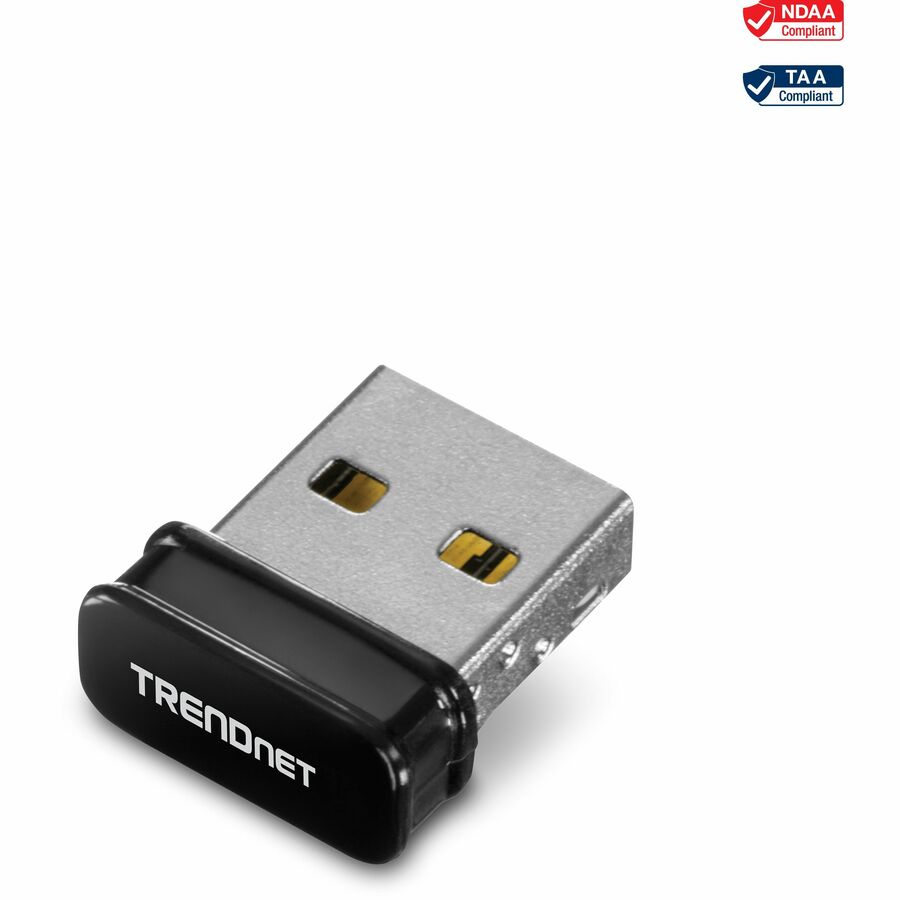
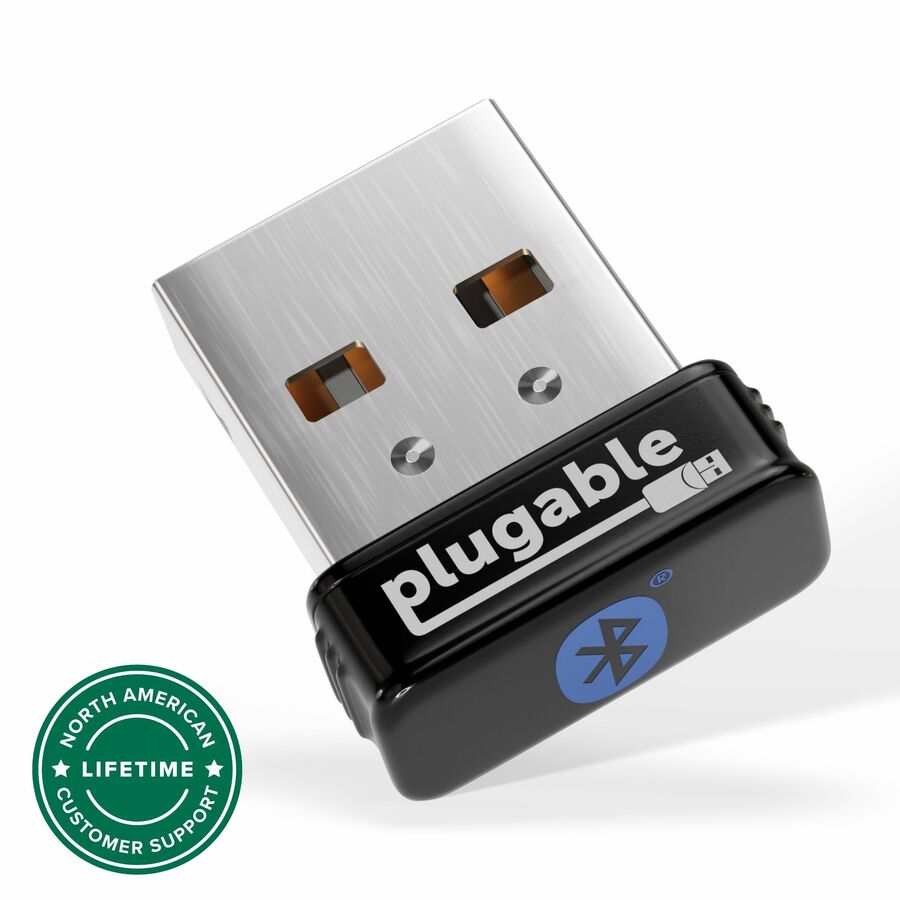
The Plugable Nano WiFi USB Adapter is a simple way to add WiFi to a desktop, or to keep plugged into a laptop whose built-in WiFi isn't working anymore.
Simple, sturdy, and compatible with Windows 10, 8.x, and 7. The adapter is ready to work on most devices out of the box, with drivers available separately for download (not included with the adapter).
Compliant to the Wi-Fi Alliance's Wi-Fi 4 specification, with backward compatibility to previous WiFi standards, this adapter can establish up to a 150Mbps link rate to a 2.4GHz wireless access point for a fast and stable connection.
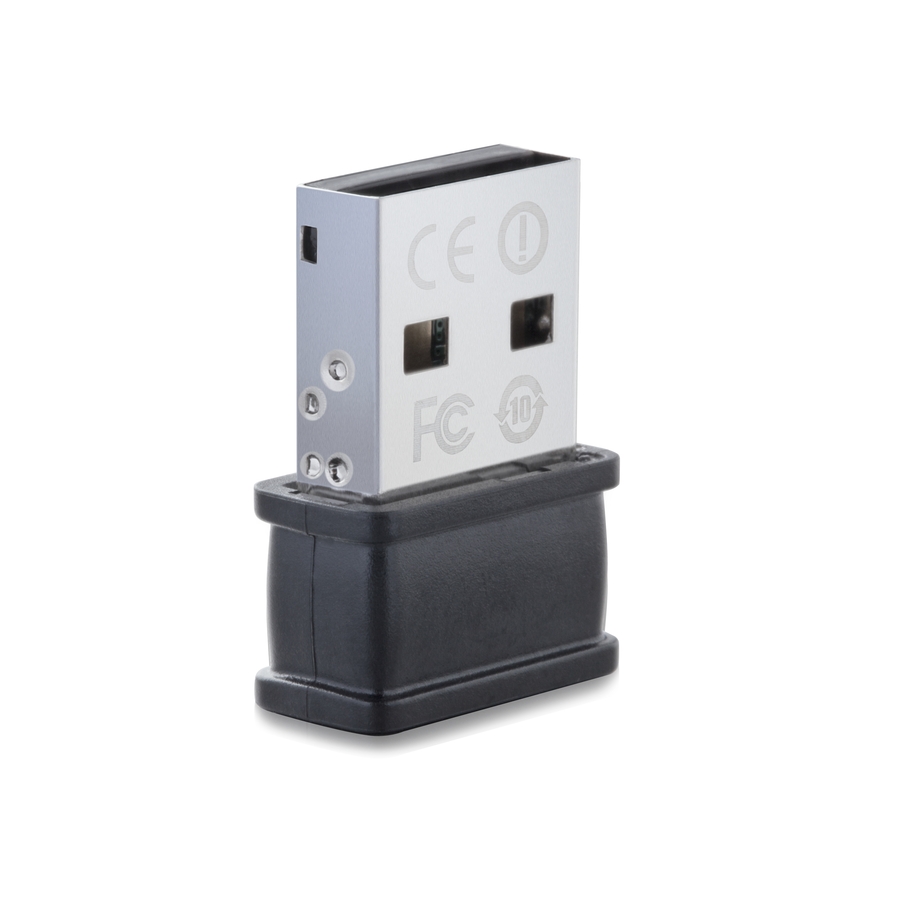
The adapter fits snugly against the side of your laptop or PC, reducing the likelihood of breakage and staying out of the way of your other devices. The unobtrusive red LED inside the adapter helps indicate wireless activity while keeping your focus on the task at hand.
Choose Better Connection Stability or Better Performance
WiFi relies on a harmony between your router, and the device connecting to it. In less populated areas be sure that your access point uses 40MHz channel widths (instead of 20MHz) to get the optimal performance from the adapter, otherwise performance will be halved. However, for more dense urban environments, it may be necessary to use 20MHz channel widths to compete with surrounding radio interference.
Due to being a single-band adapter, the adapter will only connect to 2.4GHz access points. 2.4GHz WiFi technology has the advantage of offering better range than those using 5GHz.
Configuring for the Best Connection While Avoiding Wireless Interference
To get the best performance, there are technical considerations to make. Be sure that the adapter is plugged into the front of your computer if using a tower-style PC, use a USB 2.0 port (instead of USB 3.0), and try to keep a clear line-of-sight between your WiFi adapter and the router. This will help to avoid common sources of 2.4GHz wireless interference in order to provide optimal range and performance.
More from the Manufacturer
Compact Easy-to-Add WiFi
The Plugable Nano WiFi USB Adapter is a simple way to add WiFi to a desktop, or to keep plugged into a laptop whose built-in WiFi isn't working anymore.
Simple, sturdy, and compatible with Windows 11, 10, 8.x, and 7. The adapter is ready to work on most devices out of the box, with drivers available separately for download (not included with the adapter).
Compliant to the Wi-Fi Alliance's Wi-Fi 4 specification, with backward compatibility to previous WiFi standards, this adapter can establish up to a 150Mbps link rate to a 2.4GHz wireless access point for a fast and stable connection.
The adapter fits snugly against the side of your laptop or PC, reducing the likelihood of breakage and staying out of the way of your other devices. The unobtrusive red LED inside the adapter helps indicate wireless activity while keeping your focus on the task at hand.
Choose Better Connection Stability or Better Performance
WiFi relies on a harmony between your router, and the device connecting to it. In less populated areas be sure that your access point uses 40MHz channel widths (instead of 20MHz) to get the optimal performance from the adapter, otherwise performance will be halved. However, for more dense urban environments, it may be necessary to use 20MHz channel widths to compete with surrounding radio interference.
Due to being a single-band adapter, the adapter will only connect to 2.4GHz access points. 2.4GHz WiFi technology has the advantage of offering better range than those using 5GHz.
Configuring for the Best Connection While Avoiding Wireless Interference
To get the best performance, there are technical considerations to make. Be sure that the adapter is plugged into the front of your computer if using a tower-style PC, use a USB 2.0 port (instead of USB 3.0), and try to keep a clear line-of-sight between your WiFi adapter and the router. This will help to avoid common sources of 2.4GHz wireless interference in order to provide optimal range and performance.
Limited Warranty: 2 Year
About Plugable Plugable Technologies is a US-based electronics company that has been trusted by IT Professionals for over a decade. Plugable offers a wide range of universal products that are tested to fit any desk environment with guaranteed compatibility. Our local support team consists of the very engineers who design our products, and our industry-leading product information gives you the confidence you need to find the right solution for your business. Connect This With That .
| General Information | |
|---|---|
| Manufacturer | Plugable Technologies |
| Manufacturer Part Number | USB-WIFINT |
| Brand Name | Plugable |
| Product Name | USB 2.0 802.11N Wireless Adapter |
| Packaged Quantity | 1 |
| Product Type | Wi-Fi Adapter |
| Interfaces/Ports | |
| Host Interface | USB 2.0 |
| Physical Characteristics | |
| Form Factor | External |
| Technical Information | |
| Wi-Fi Generation | Wi-Fi 4 |
| Wireless LAN Standard | IEEE 802.11n |
| ISM Band | Yes |
| UNII Band | No |
| ISM Maximum Frequency | 2.40 GHz |
| Wireless Transmission Speed | 150 Mbit/s |
| Warranty | |
| Limited Warranty | 2 Year |
| Miscellaneous | |
| Device Supported | Notebook |
| Country of Origin | China |
Matched on Wi-Fi 4
Send a bill of materials or part numbers — we confirm stock and a below-market total, with TAA verified on request. No payment up front.