Genuine Laplink Software through authorized distribution — NDAA §889 screened before checkout.
SKU
Category
Software
Overview
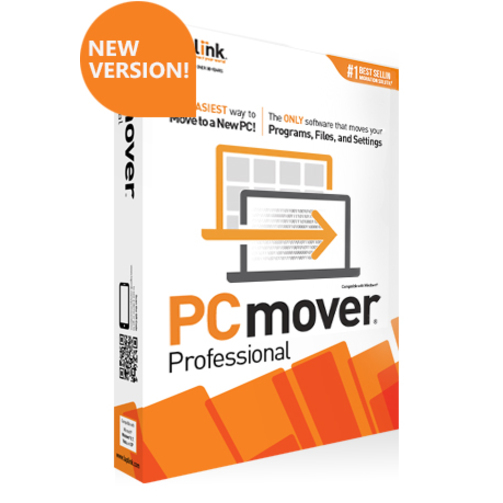
The Easiest Way to Move to a New PC
Install PCmover on both your old and new Windows computers and follow the easy-to-use wizard. When the transfer is complete, your new PC will have the personality and functionality of your old one. Most transferred applications are installed ready-to-use on the new PC, so there's usually no need for CDs, downloads, or license codes.
PCmover's advanced features also let you choose which applications, files, settings, and users to take with you when you move the data to your new PC. If your computer has multiple users, you have the option to transfer some or all of the users. Laplink's PCmover is the best-selling migration solution and the ONLY one Microsoft® recommends.
Multiple Connection Options and Optimized for Fastest Transfer
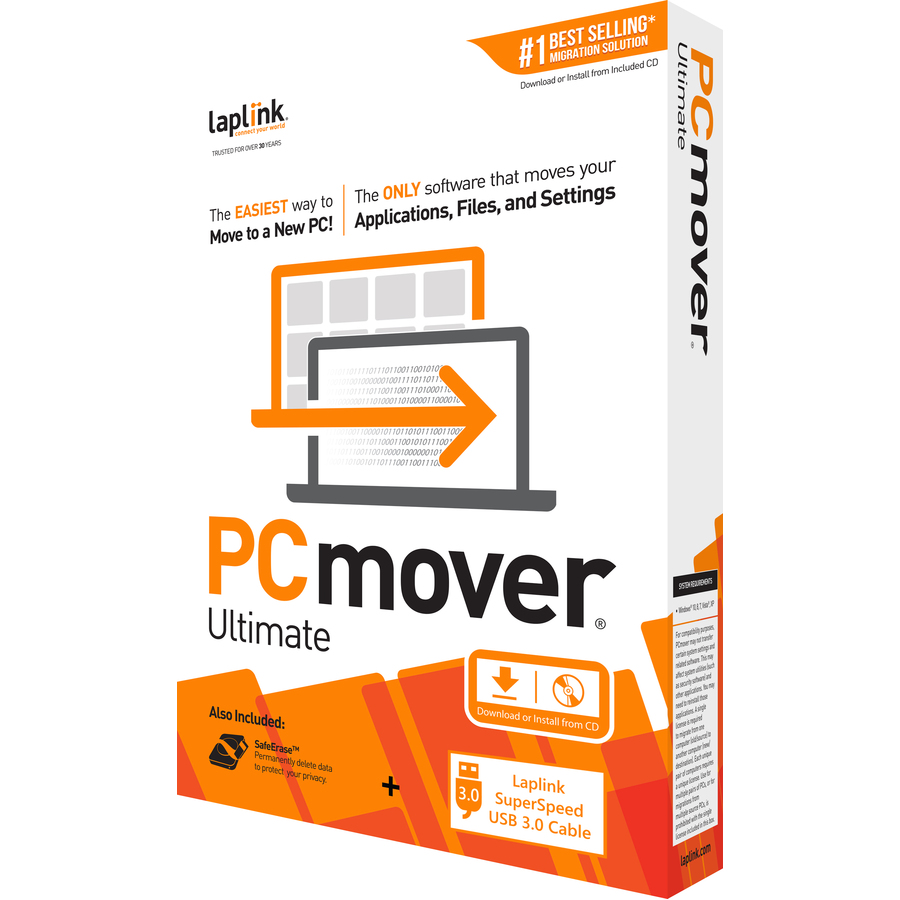
PCmover can transfer your PC's data across a network (Wi-Fi or wired) or a Laplink USB 3.0 Super-Speed Transfer cable (included). PCmover also supports a direct transfer from an image or an old hard drive. Lastly, a file based transfer using external media is even an option.
While PCmover completes the transfer as fast as possible, the transfer may take several hours depending on various factors: the size of the hard drive(s), the amount of data, the number and size of applications and files, and the connection speed.
24/7 FREE Transfer Assistance
Laplink offers all PCmover customers Free Transfer Assistance, 24 hours a day, 7 days a week. This service provides free access to a PC migration expert to assist you with installation, connection, and configuration - over the phone and through chat.
Highlights
Easy-to-Use - Install PCmover on both of your computers and follow the simple wizard to transfer everything you select to your new PC.
Set It and Forget It - You start the transfer and walk away. PCmover does the rest!
PCs Auto Connect - Discovers and connects PCs using the fastest method detected.
Optimized for Fastest Transfer - Provides maximum performance and time savings. You will quickly be using your new PC with everything ready to go.
Complete Selectivity - Automatically transfers all selected applications, files, folders, settings, and user profiles to your new PC.
Free Transfer Assistance - Simply set up the transfer to your new PC with the help of a certified PC migration expert, over the phone or remotely. Free, 24 hours a day, 7 days a week.
"Undo" Feature - Quickly reverse changes made to your new PC if you change your mind or want to re-do the transfer with different selections.
Microsoft's® recommended migration solution
Videos
Laplink PCmover v.11.0 Ultimate With Ethernet Cable
Specifications
General Information
Manufacturer
Laplink Software, Inc
Manufacturer Part Number
PAFGPCMP0B000PGRTPEN
Brand Name
Laplink
Product Name
PCmover v.11 Ultimate
Product Type
Software
License Information
License Quantity
1 Use
Product Information
Software Main Type
Utility
Software Sub Type
Utility
Software Name
PCmover v.11 Ultimate
Platform Supported
PC
Operating System Supported
Windows
Miscellaneous
Package Contents
Pcmover Professional insert (download instructions)
Laplink SafeErase insert (download instructions)
Laplink High-Speed Transfer Cable
System Requirements
Operating System: Operating System: Windows 11 /10 / 8.1 / 8 / 7 Hard Disk: 200 MB free space