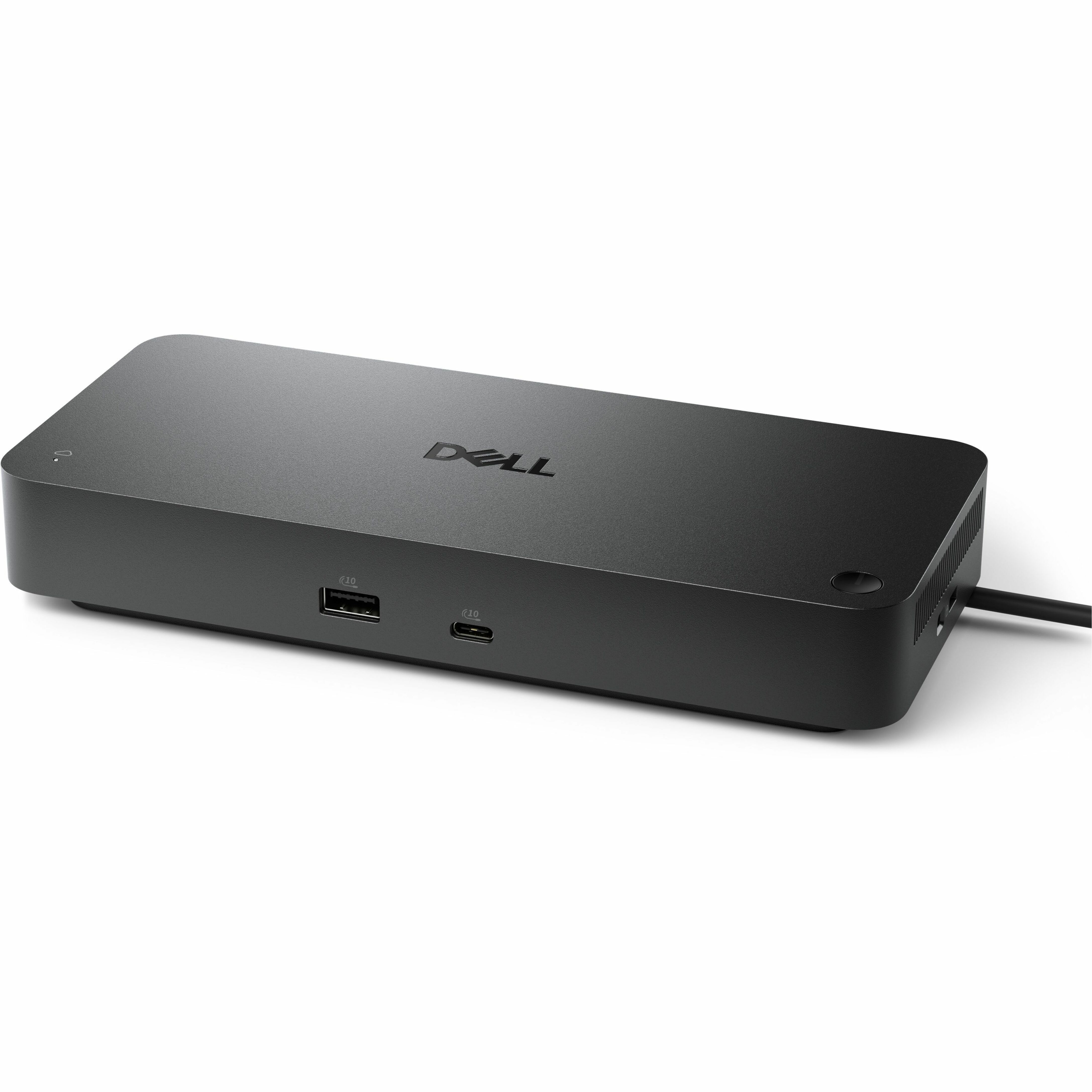
Dell Pro Smart Dock SD25
via dell.getuniqcli.com
- SKU
- DELL-SD25
- Category
- Transceivers & Cables
List$374.99
$293.40
Save 22%In stock
- Genuine Dell through authorized distribution
- TAA country-of-origin screening before checkout
- GPC, PO and net terms accepted
Buying 5+? Volume pricing on a formal quote.
- SKU
- DELL-SD25
- Category
- Transceivers & Cables
Overview
Dell Pro Smart Dock SD25 - for Desktop PC, Notebook - Charging Capability - 180 W - USB Type C - 4 Displays Supported - WQHD @ 60Hz, 5K @ 60Hz, 6K @ 60Hz, 4K @ 60Hz, QHD @ 60Hz, FHD @ 60Hz, SXGA - 3440 x 1440, 5120 x 2160, 6144 x 3456, 3840 x 2160, 2560 x 1440, 1920 x 1080, 1280 x 1024 - 6 x USB Ports - 4 x USB Type-A Ports - USB Type-A - 2 x USB Type-C Ports - USB Type-C - Network (RJ-45) - 1 x HDMI Ports - HDMI - 2 x DisplayPorts - DisplayPort - Wired - 2. 5 Gigabit Ethernet (part number DELL-SD25) is supplied by Uniqcli, an authorized Dell Technologies partner, in the Dell Docking Stations category. Connectivity Technology: Wired. Premium user experiences Work smarter and faster with modern upgrades including native support for up to 4 highres displays, faster network and USB speeds and more ports, including USB-A with PowerShare, to keep your devices charged without the need for PC power. Power the AI PC smart office Designed with enhanced compatibility and best in class power delivery, drive up to 130W to new Dell AI PCs (and 96W to non-Dell PCs). All-new built-in management capabilities make this dock the right solution to power the AI PC smart office. Most manageable dock Remotely manage your smart docks without end-user presence from the Dell Device Management Console - the industry's first holistic peripheral management solution that configures, deploys, and updates smart docks over secure Wi-Fi. A leader in sustainable innovation Built with at least 65% postconsumer recycled materials4 and packaged with 100% recycled or renewable packaging Thoughtful design Configure your workspace with an ambidextrous USB-C cable that can be routed left or right. Features a new robust USB-C connector, designed for enhanced durability Most secure smart dock Dell Pro Smart Docks are designed with robust security features to ensure the protection of data both in transit and at rest, going beyond the industry standard
Elevate IT efficiency
Simplify PC workspace management at scale | World's most manageable docks Multiply efficiency across your fleet. Manage your Dell Pro Smart Docks remotely from the Dell Device Management Console. No additional software or PC connection required completely reimagines IT efficiency. The industry's most holistic cloudbased PCs and peripheral management platform provides a unified experience managing Dell docks, displays and PC accessories - all in one place. Modernization made easy Secure sign-on (SSO) with Microsoft Intune makes it easy to bring the entire fleet into view, with no added complexity to the workday. Automating tedious tasks frees IT time and resources to innovate for the future. Uninterrupted productivity Reduce IT efforts by scheduling updates during off-hours, while ensuring fleetwide firmware compliance and eliminating end user interruptions. World's most secure smart docks Designed to keep users working confidently, Dell Pro Smart Docks feature enterprise-grade WPA-3 192-bit encryption for secure Wi-Fi communication, as well as tamper-resistant, hardware-based encryption to safeguard sensitive data. Layer on security with port disablement via the management console Designed for sustainability The new generation of Dell Pro Smart Docks reflect a commitment to sustainable design innovation to reduce their environmental impact Sustainably crafted Designed with up to 65% postconsumer recycled (PCR) plastic, with 2 types of recycled materials in the chassis and bumpers. Eco-conscious packaging Dell Pro Smart Docks are packaged with 100% recycled or renewable packaging to reduce packaging waste. Seamless transitions Asset Recovery Services help you responsibly and securely retire your legacy IT equipment, regardless of brand, while addressing your sustainability goals.
- Wired connectivity technology allows convenient and reliable connectivity for maximum efficiency
- Charging capability puts less strain on the charging port to allow prolonged usability
- USB Type C host interface allows quick transmission of data at a higher rate for your convenience
- Desktop PC device supported for your convenience and better usability
- 1. 25 GB/s maximum data transfer rate for convenient, quicker exchange of data and information
Key specifications
- Connectivity Technology
- Wired
- Charging Capability
- Yes
- Device Supported
- Desktop PC, Notebook
- Number of Displays Supported
- 4
- Supported Resolutions
- 3440 x 1440, 5120 x 2160, 6144 x 3456, 3840 x 2160, 2560 x 1440, 1920 x 1080, 1280 x 1024
- Screen Mode Supported
- WQHD @ 60Hz, 5K @ 60Hz, 6K @ 60Hz, 4K @ 60Hz, QHD @ 60Hz, FHD @ 60Hz, SXGA
- Management Features
- Port Disablement, Dell Command Update (DCU), MAC Address Pass-through, PXE Boot, Dock Power Button Sync, Wake-on-LAN, WLAN to LAN Switch, Kernel Direct Memory Access (DMA) Protection
- Operating System Supported
- Windows 10, Windows 11, ChromeOS 137, Ubuntu 24. 04, Red Hat Enterprise Linux 9. 6
Ask us about TA.
Specifications
Technical Information
| Connectivity Technology | Wired |
|---|---|
| Charging Capability | Yes |
| Device Supported | Desktop PC, Notebook |
| Number of Displays Supported | 4 |
| Supported Resolutions | 3440 x 1440, 5120 x 2160, 6144 x 3456, 3840 x 2160, 2560 x 1440, 1920 x 1080, 1280 x 1024 |
| Screen Mode Supported | WQHD @ 60Hz, 5K @ 60Hz, 6K @ 60Hz, 4K @ 60Hz, QHD @ 60Hz, FHD @ 60Hz, SXGA |
| Management Features | Port Disablement, Dell Command Update (DCU), MAC Address Pass-through, PXE Boot, Dock Power Button Sync, Wake-on-LAN, WLAN to LAN Switch, Kernel Direct Memory Access (DMA) Protection |
Software
| Operating System Supported | Windows 10, Windows 11, ChromeOS 137, Ubuntu 24.04, Red Hat Enterprise Linux 9.6 |
|---|
Interfaces/Ports
| Host Interface | USB Type C |
|---|---|
| HDMI | Yes |
| Number of HDMI Ports | 1 |
| Network (RJ-45) | Yes |
| DisplayPort | Yes |
| Total Number of USB Ports | 6 |
| Number of DisplayPorts | 2 |
| USB Type-C | Yes |
| USB Type-C Detail | 1 x USB-C 3.2 Gen 2 (15W), 1 x USB-C Multi-function DisplayPort (7.5W) |
| DisplayPort Version | 1.4 |
| Number of USB Type-C Ports | 2 |
| Number of USB Type-A Ports | 4 |
| Number of USB 3.2 Gen 2 Type-A Ports | 4 |
| USB Type-A | Yes |
Network & Communication
| Ethernet Technology | 2.5 Gigabit Ethernet |
|---|
Power Description
| Maximum Power Supply Wattage | 180 W W |
|---|
Miscellaneous
| Kensington Security Slot | Yes |
|---|
Physical Characteristics
| Weight (Approximate) | 1.24 lb g |
|---|---|
| Height | 8.07" mm |
| Width | 3.54" mm |
| Depth | 1.39" mm |
General Information
| Product Type | Docking Station |
|---|---|
| Product Model | SD25 |
Datasheet
Product datasheet (PDF)More Transceivers & Cables from Dell
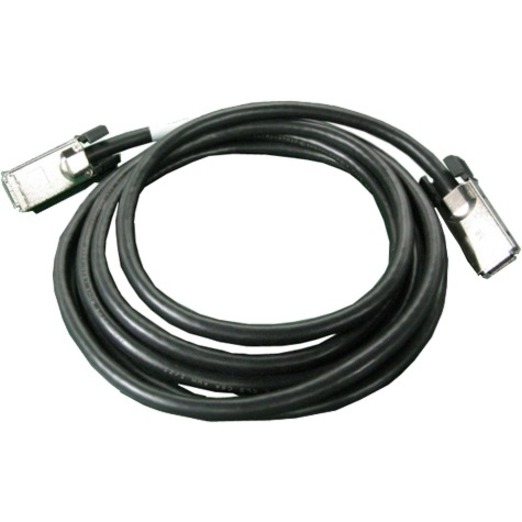
- DellDell 0.5m Stacking Cable - 1.64 ft Network Cable for Switch, Network Device - First End: 1 x Network - Second End: 1 x Network - Stacking Cable470-ABHB
via dell.getuniqcli.com
$38.13
Back ordered - DellDell 100GbE QSFP28 to QSFP28, Passive Copper Direct Attach Cable,5 Meter,Customer Kit - 16.40 ft Fiber Optic Network Cable for Network Device, Switch, Server, Desktop Computer - First End: 1 x QSFP28 Network - Second End: 1 x QSFP28 Network - 100 Gbit/s470-ABPU
via dell.getuniqcli.com
$159.88
Back ordered - DellDell 100Gigabit Ethernet Card - PCI Express - Intel E810 - 2 Port(s) - 2 - Optical Fiber - 100GBase-X - QSFP28540-BDDS
via dell.getuniqcli.com
$1,005.69
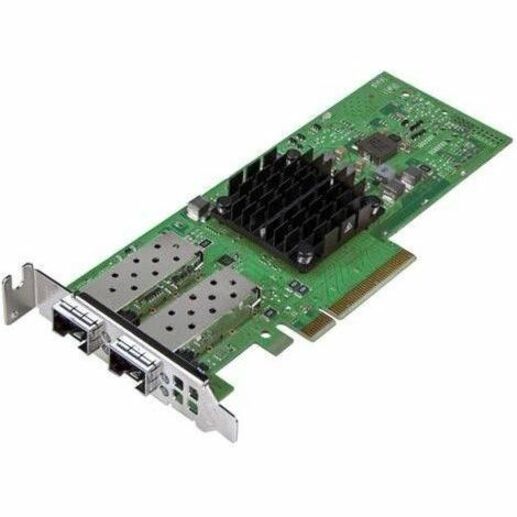
Back ordered - DellDell 25Gigabit Ethernet Card - PCI Express - 25 Gbit/s Data Transfer Rate - Broadcom 57414 - 2 Port(s) - Optical Fiber - Low Profile Bracket Height - 25GBase-X - SFP28 - Plug-in Card540-BDID
via dell.getuniqcli.com
$344.13
Back ordered - DellDell 25Gigabit Ethernet Card - PCI Express - Intel E810-DA4 - 4 Port(s) - Optical Fiber - Full Height Bracket Height - 25GBase-X - SFP28 - Plug-in Card540-BDDQ
via dell.getuniqcli.com
$942.99
Back ordered - DellDell Analog KVM Switch DAV2108 - TAA Compliant - 8 Computer(s) - 1 Local User(s) - 1600 x 1200 - Network (RJ-45) - USB - VGA - Rack-mountableDAV2108-G01
via dell.getuniqcli.com
$656.06
- DellDell Analog KVM Switch DAV2216 - TAA Compliant - 16 Computer(s) - 2 Local User(s) - 1600 x 1200 - Network (RJ-45) - USB - VGA - Rack-mountableDAV2216-G01
via dell.getuniqcli.com
$1,004.02
- DellDell Broadcom 25Gigabit Ethernet Card - PCI Express - Broadcom BCM57412 - 2 Port(s) - Optical Fiber - 25GBase-X - SFP28 - Plug-in Card540-BCOR
via dell.getuniqcli.com
$323.34
Back ordered